
Temp Email for Bumble Signup: There Is No Email Signup — Your Phone Number Is the Account
Every other post in this series starts with an email form and asks whether a disposable address can get through it. Bumble breaks the pattern, because there is no email form to get through. Open the app, tap create account, and the screen offers three buttons: Continue with Apple, Continue with Facebook, and Use mobile number. There is no fourth button. There is no field that says "email address." A temp email is a tool for receiving email, and Bumble's gate is a text message to a phone number. The tool and the gate never meet, and no choice of disposable domain changes that, because the problem was never which email you use. The problem is that email is not the thing being verified.
That is the honest answer, and it is worth saying plainly before the detail, because the search results will not say it plainly. Page after page of guides promise a way to sign up for Bumble without a phone number, and most of them are selling a method that Bumble closed years ago. Bumble's own support pages say that every active account must be associated with a phone number, including accounts created with Facebook or an Apple ID. The number is not a backup contact. It is the account.
The rest of this post is the proof: what the signup actually asks for, why the phone check is the whole identity system, the three narrow places where an email address does show up, what the 24-hour clock and the subscription bill do to a disposable inbox, and what happens when the number behind the account dies. If you came here for a yes-or-no, you have it: no, a temp email alone cannot create a Bumble account. If you came here because you want to keep your real number and your real inbox off a dating app, the useful part starts below, because there are honest ways to do that — they just do not start with a temp email.
Three buttons, no email field
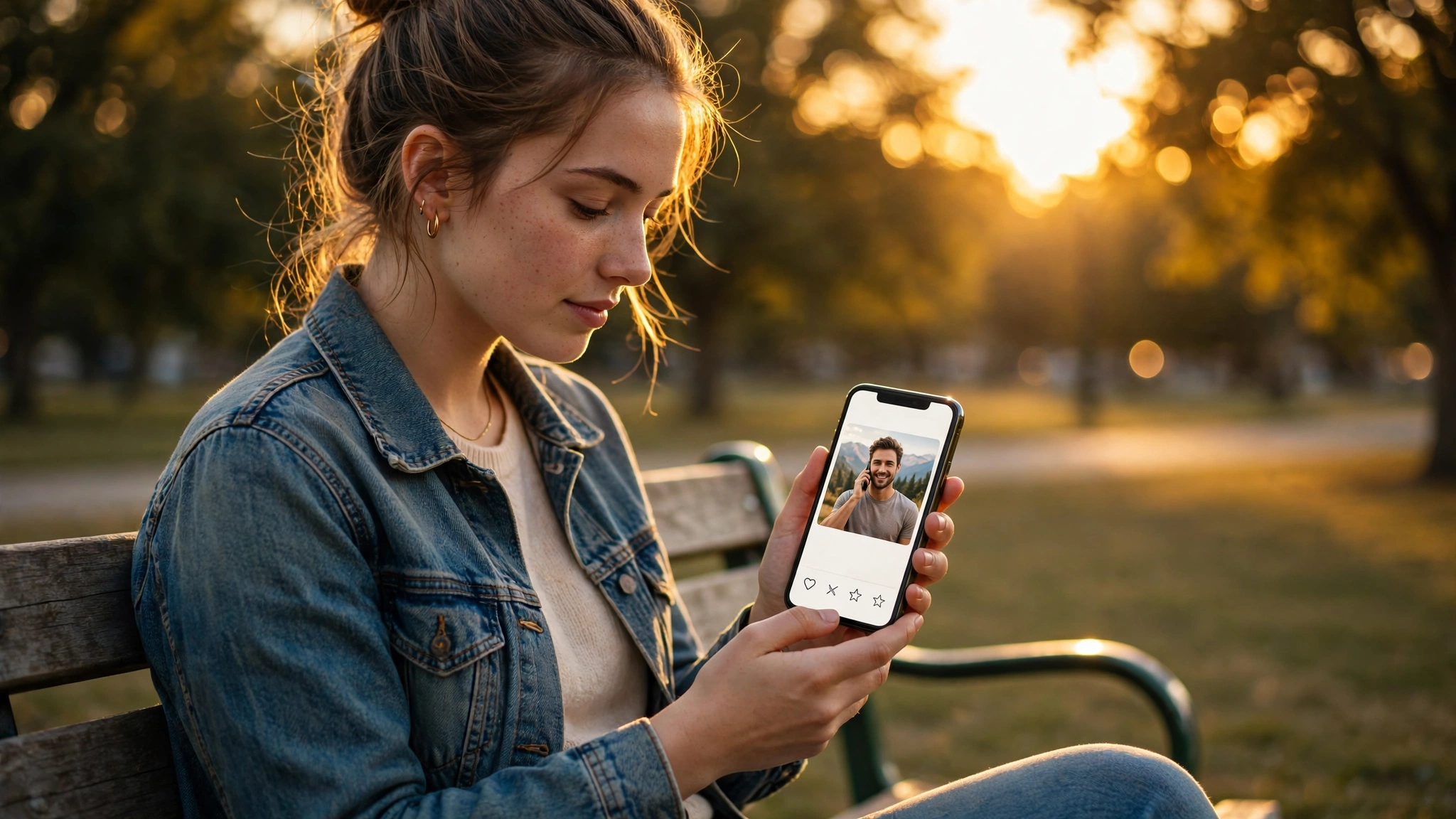
Bumble's signup is short, and its order is the argument. Tap "Use mobile number" and you type a number, receive a code, and type it back. Tap "Continue with Apple" and you can hide your real address behind Apple's relay, but Bumble still asks for the phone number right after — the relay address is not a substitute for the number, it is a mask for the email Bumble will ask for later. Tap "Continue with Facebook" and the same thing happens: Facebook-only login without a linked phone number has been phased out, and selecting Facebook still ends at mobile verification. Whichever button you choose, you arrive at the same screen, and that screen wants a number that can receive a text.
That design is deliberate, and it has been Bumble's design since the app moved away from Facebook-only registration after the Cambridge Analytica scandal. Bumble was founded in 2014 on a single idea — women message first — and the phone requirement is the unglamorous infrastructure underneath it. A dating app where anyone can mint fifty identities in an afternoon cannot keep its core promise, because the promise depends on the people behind the profiles being real, countable, and reachable. A phone number is the cheapest thing Bumble can demand that is still hard to fake at scale. An email address costs nothing and can be minted by the thousand.
There is one more detail that catches people who try the web route: Bumble has discontinued its web version, so signup happens in the app. There is no desktop signup page where an older, looser flow survives. The app is the whole front door, and the app asks for a number.
The pattern repeats across the whole dating category: the phone number is the identity anchor, the email is a secondary contact, and any guide that treats the two as interchangeable is selling a shortcut that ends at the second screen. Bumble is simply the most honest about it, because it does not even pretend the email is a signup step.
The phone check is the whole identity system
The verification itself is simple and hard to game at the same time. Bumble texts a code to the number you entered, and you type it back. In some countries, or when SMS is unavailable, Bumble calls instead and asks you to type the last six digits of the calling number — a neat trick, because it proves you can receive a call on that number without Bumble having to read anything back to you. Either way, the check proves one thing only: the person creating the account controls the number right now. Bumble does not check your name against the number. It checks that exactly one number stands behind exactly one profile, and that the number can receive a message.
That narrow check is why the obvious workarounds fail, and why they fail in a specific order. Free public SMS-receive websites — the pages that list shared numbers and show incoming texts to anyone — are blocked before the code ever arrives. Bumble runs a Home Location Register lookup on every number entered at signup, which tells it whether the number belongs to a real mobile carrier, and it blocks virtual VoIP numbers and numbers flagged as belonging to known abuse services. Google Voice numbers are flagged as VoIP and rejected. Most disposable number providers are blacklisted or flagged the same way. The occasional success story you read is an exception with a short shelf life: a number that works today can be blocked tomorrow, and the account it created is still tied to a number you do not control.
Paid rental numbers do better, because they are non-VoIP, carrier-backed numbers that Bumble has not seen before. You pay per verification, the code arrives, the account is created. But the rental has a limit that matters more than the price: the number receives the code once and is not kept for recovery. You verified the account with a number you rented for fifteen minutes, and now the account's recovery path runs through a number that no longer belongs to you. The next time Bumble asks for a code — a new device, a suspicious login, a re-verification after a long gap — there is no number to receive it.
Tinder runs the same playbook: the phone number is the gate, the email is an afterthought, and the account belongs to whoever holds the number. The difference is what the account is for, and Bumble's version is stricter in one way that matters — where Tinder historically offered email and social routes into the flow, Bumble's support pages now state the number requirement without qualification. If a code does not arrive, the fix is on the phone side, not the email side, and no disposable inbox in the world can resend a text message.
So what is the email for, then?
If there is no email signup, the natural question is what the email on a Bumble account actually does. The answer is that it shows up after the account exists, in settings, for notifications — and that timing is exactly why a temp email is the wrong tool for it.
After signup, Bumble lets you add an email address for account notifications and recovery. A temp email will receive the confirmation for that step, because the step is an email step. But this is the worst place in the whole flow to use a disposable address, and the reason is the recovery path. Bumble's own logic for account recovery runs through the phone number first and the email second, and the email is the fallback for the moments when the phone side fails — a new device, a lost SIM, a number you changed. If the email you attached is a temp inbox that expired, the fallback is dead, and the account is reachable only through the phone number. If that number was rented too, both channels are dead. Two disposable channels do not add up to one durable account. They add up to an account with no way back in.
Apple's Hide My Email is the one email trick that actually works here, and it works because it is the opposite of a temp email. When you sign in with Apple and choose Hide My Email, Apple creates a relay address ending in privaterelay.appleid.com that forwards into your real inbox for as long as you keep it. Bumble gets an address that is unique to Bumble, and you get mail that still reaches you next year. That is an alias, not a burner — it is durable, it forwards, and it has a kill switch. It is also the reason Apple users can keep their real address out of Bumble's database without touching a disposable inbox at all.
The marketing mail is the third place email shows up, and it is the only place where a temp email does its job cleanly. Bumble sends match notifications, weekly digests, premium promotions, and re-engagement nudges after a quiet week. Routing that stream to a disposable inbox keeps your main inbox clean, and losing those emails costs nothing, because they are the emails you could have turned off in settings anyway. But it is a strange trade to protect your real inbox from mail you can toggle off while risking the recovery channel that actually matters.
The 24-hour clock still runs through your inbox
Bumble's signature rule is that women send the first message, and they have 24 hours to do it. If nobody messages within a day, the match expires and vanishes. For same-gender matches, either person can message first, but the same 24-hour clock applies. Paid tiers sell time against that clock: Boost and Premium include unlimited Extends, which add 24 hours to a match before it expires, and Rematch, which revives an expired match.
That clock is why the inbox matters even on an app where email is an afterthought. The match notification, the "your match is about to expire" nudge, and the reminder that someone extended the conversation all arrive by email as well as by push. A temp inbox receives the first of those messages beautifully and then stops existing, right when the match you actually cared about is sitting at hour twenty-three. The account keeps working — you can still open the app and swipe — but the email safety net for the one mechanism that defines Bumble is gone.
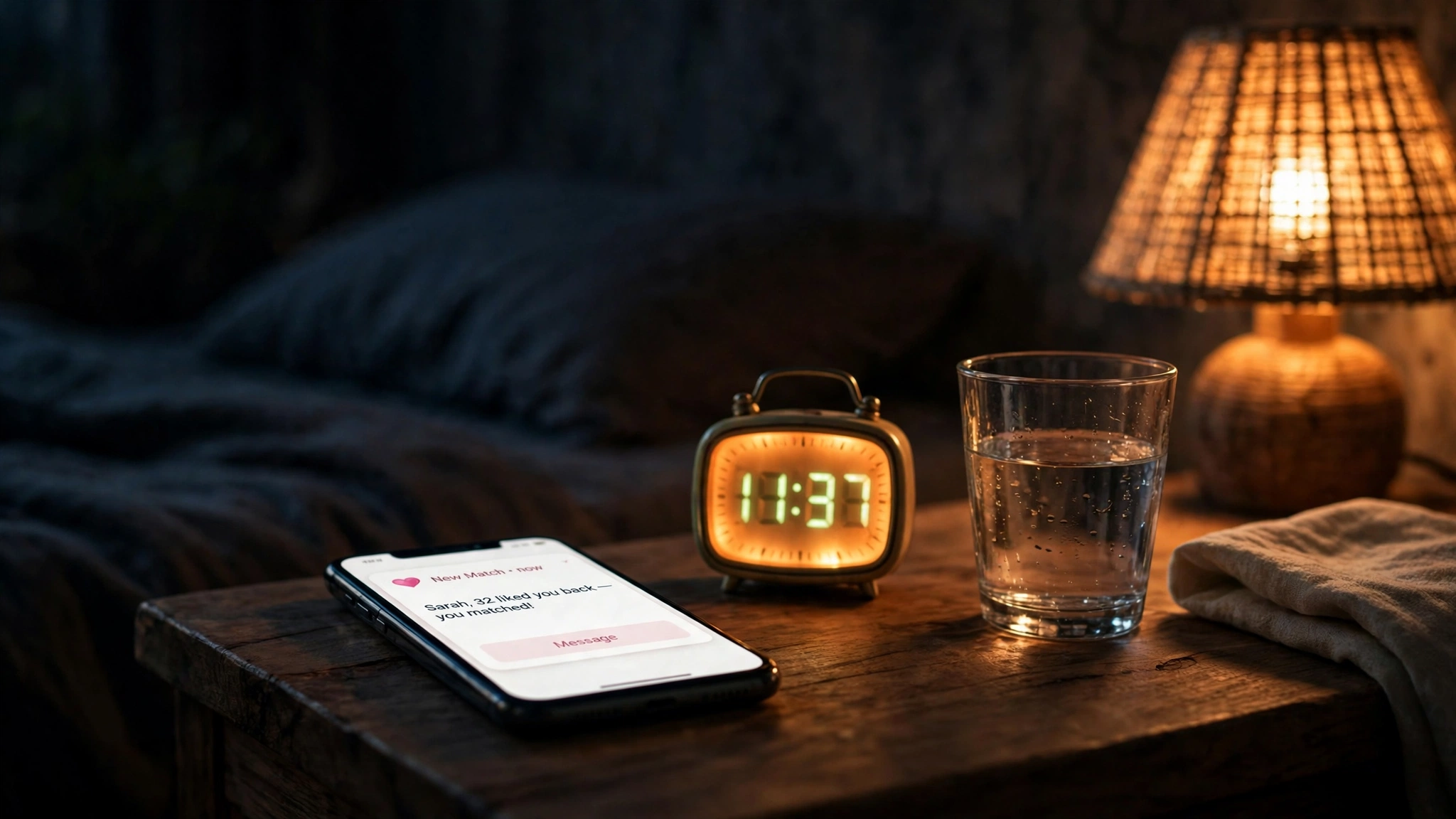
The clock also explains why Bumble is more sensitive to dead contact details than a shopping app. A store can wait for you to come back. A match cannot. Every hour your notification channel is broken is an hour a real conversation can expire silently, and there is no way to replay a match that timed out because the email went to an inbox that no longer exists.
Photo verification: the trust layer a temp email cannot buy
Bumble's other trust mechanism has nothing to do with email or phones. Photo verification asks you to take a live selfie in a pose the app shows you, and it compares that selfie against your profile photos. Pass, and your profile carries a verified badge. The check proves the photos are of the person behind the account, which is the one thing a dating app cannot verify any other way.
No inbox can satisfy that check, and that is the point. Bumble built its trust system out of things an email address cannot fake: a phone number you control right now, a face that matches the photos, and a location that puts you near the people you are matching with. The email field, where it exists at all, is the one piece of the system that asks nothing of you, which is why it is the one piece a disposable address can touch — and the one piece that matters least.
The subscription bill lands in an inbox anyway
Bumble's paid tiers are where the money enters the picture, and the money enters through a channel that has nothing to do with your email — subscriptions are billed through the Apple App Store or Google Play, not through an inbox. But the receipts, the renewal notices, the price-change alerts, and the cancellation confirmations all go to the address on the account, and that is where a disposable inbox turns from a privacy choice into a billing problem.
| Tier | What it adds | Reported monthly price |
|---|---|---|
| Free | Swiping, matching, messaging within 24 hours | $0 |
| Boost | Unlimited Extends, Backtrack, Rematch, unlimited swipes | About $17 to $20 |
| Premium | Everything in Boost, plus Beeline, advanced filters, Incognito mode, Travel mode | About $40 to $60 |
| Premium+ | Everything in Premium, plus the highest visibility perks | About $80 |
The prices in that table are ranges, not quotes, because Bumble uses dynamic pricing — what you pay depends on your age, your city, your device, and possibly your usage patterns. Independent 2026 pricing roundups consistently put Boost around $17 to $20 a month, Premium around $40 to $60, and Premium+ around $80, with iOS users commonly paying 15 to 30 percent more than Android users for the same tier. A 22-year-old in Kansas and a 38-year-old in Manhattan can be shown different prices for identical features, and neither of them is being lied to. That is the system working as designed.
The add-ons are priced separately and they add up fast. SuperSwipes cost about $4.99 for two, or $14.99 for a pack of six. Spotlights, which move your profile to the front of the queue for thirty minutes, cost about $4.99 each or $12.99 for three. A realistic annual cost for a Premium user who buys the occasional SuperSwipe or Spotlight lands somewhere between $600 and $850 a year.
A subscription you cannot see renewing is a subscription you cannot cancel on time, and the email is how Bumble tells you it renewed. Put a disposable address on a Premium account and the trial converts silently, the renewal bills silently, and the cancellation you thought you completed has no confirmation you can find.
Lose the number, lose the account
Lockout on Bumble has a shape that is different from the other apps in this series, and it is worth describing precisely, because people imagine it as one failure and it is actually two.
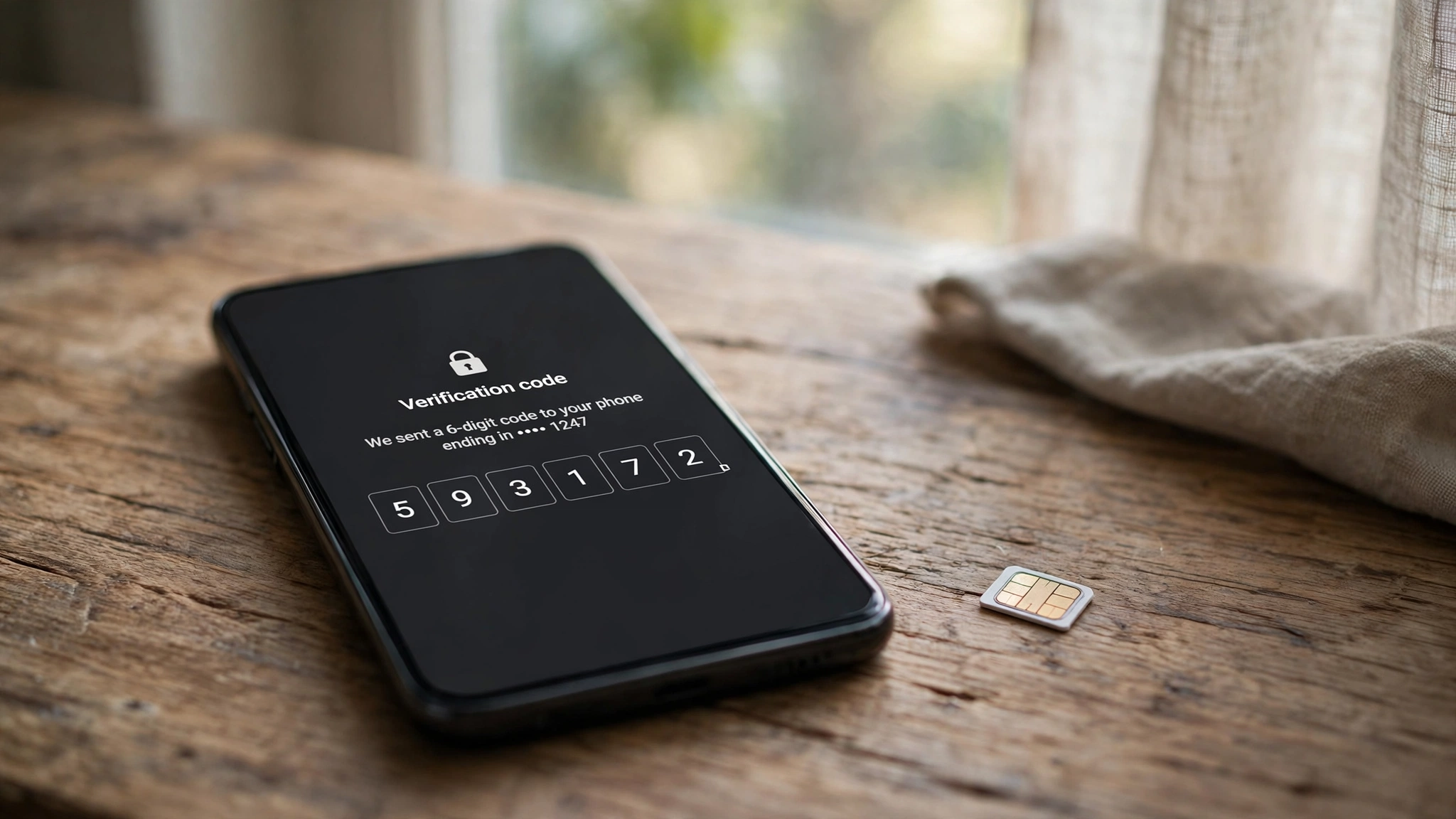
The first lockout is the number. You change SIMs, you lose the phone, the rental number expires — and the next time Bumble asks for a code, there is no number to receive it. Bumble sends the code to the number on the account, and only to that number. There is no alternate route that skips the SMS step, because the SMS step is the identity system. Support can sometimes help, but the help is slow and document-heavy, and it starts with proving you are the person behind a number you no longer control.
The second lockout is the email, and it is the one this post exists to warn about. You created the account with a rented number and attached a temp email for recovery, and now both channels are dead. The password reset goes nowhere. The new-sign-in alert goes nowhere. The notification that your account needs attention goes nowhere. You know the password, you remember the matches, and you cannot get in — not because Bumble is being difficult, but because you built the account on two addresses that were designed to disappear.
And then there is the part nobody thinks about until it happens: the matches. A dating account is not a list of files. It is conversations with real people, and those conversations have a 24-hour fuse on them. An account you cannot open is not an account on pause. It is matches expiring and conversations going cold while you file a support ticket.
The privacy setup that actually works on Bumble
So here is the setup I would actually recommend, stated as plainly as I can. Use a secondary SIM or eSIM — a real carrier number you control, even a cheap prepaid line — for the phone verification, so the number on the account is yours and stays yours. Use Apple's Hide My Email, or a forwarding alias from a service like SimpleLogin, for the email on the account, so Bumble gets an address that is unique to it but forwards into an inbox you still read next year. Keep your real phone number and your real primary email out of the account entirely. That split gives you separation without the lockout risk, and it is the single most useful sentence in this entire article.
Do not use a public SMS-receive site, because Bumble blocks those numbers before the code arrives. Do not use Google Voice, because Bumble flags it as VoIP. Do not use a paid rental number for the verification unless you are prepared to lose the account when the rental ends, because the number is the recovery path and a rental is not a path. Do not put password recovery on a disposable inbox.
The alias-versus-burner comparison is the frame that makes this click: temp mail for the one-off, aliases for the relationship, your real address for the vault. Bumble is a relationship — with matches, a subscription, and a recovery chain — so it belongs in the alias column, not the burner column. And Lyft treats the phone the same way: the number is the identity, the email is the mailbox, and the account belongs to whoever holds the number. The difference is that Lyft at least has an email field to put a disposable address in. Bumble does not even offer that.
Set a calendar reminder, not just for the date, but for the decision. When you stop using Bumble, delete the account first and let the alias go second. Deleting the account while the email still works is what lets confirmation emails arrive and lets you verify the deletion actually happened. Letting the inbox lapse first leaves you with an account you cannot confirm is gone. Order matters here in the same way it mattered at signup.
And if you are trying Bumble purely out of curiosity, treat the disposable inbox as the trial mechanism it is — for the marketing mail only, never for the account itself. Sign up with a number you control and an alias that forwards, look around, and decide within a few days whether the app earns a real address. That is the same test-drive logic that works for any new service, and it is worth applying consciously rather than drifting into a permanent account on a temporary address.
Frequently asked questions
Can I sign up for Bumble with only a temp email?
No. Bumble has no email-only signup path. Every new account on iOS, Android, and the app requires a verified mobile phone number, even if you start with Apple or Facebook. Email is added later in settings for notifications. A temp email cannot receive a text message, so it cannot complete the step Bumble actually checks.
Does Bumble accept Apple Hide My Email?
Yes, and it is the best email option on Bumble. When you sign in with Apple and choose Hide My Email, Apple creates a relay address ending in privaterelay.appleid.com that forwards into your real inbox. Bumble gets an address unique to Bumble, and you stay reachable. You still need to verify a phone number right after — the relay hides your email, not the phone requirement.
Does Bumble block VoIP and virtual numbers?
Yes. Bumble runs a carrier lookup on every number entered at signup and blocks virtual VoIP numbers and numbers flagged as belonging to known abuse services. Public SMS-receive websites are blocked, Google Voice numbers are flagged as VoIP and rejected, and most disposable number providers fail the same check. A dedicated non-VoIP number from a real carrier is what passes.
What happens if I lose the phone number on my Bumble account?
You lose the primary way back in. Bumble sends verification codes to the number on the account and only to that number. Recovery then depends on the email on the account and on support, which is slow and document-heavy. If the email on the account was a temp inbox that expired, both recovery channels are dead, and the account — with its matches and subscription — is effectively gone.
Can I use a temp email for Bumble Premium or Boost?
The email field will take it, but it is a bad idea. Boost costs about $17 to $20 a month and Premium about $40 to $60, billed through the App Store or Google Play, and the trial confirmation, renewal reminders, and cancellation confirmation all go to the email on the account. If that inbox expires, the subscription renews without a single notice reaching you, and you are paying for premium features on an account whose billing mail you cannot read.
Is Bumble web signup still available?
No. Bumble has discontinued its web version, so signup happens in the app. There is no desktop signup page with a different or older flow. The app is the whole front door, and the app asks for a phone number first, whichever sign-in button you tap.
Need a disposable temporary email?
Protect your real inbox from spam and promotional clutter instantly and free.
Received a suspicious email, text, or charge alert?
Verify whether the sender domain is disposable, spoofed, or unverified before clicking links.