
Amazon's $250 Ring Drone Camera Is Real — and Your Inbox Is Part of the Setup
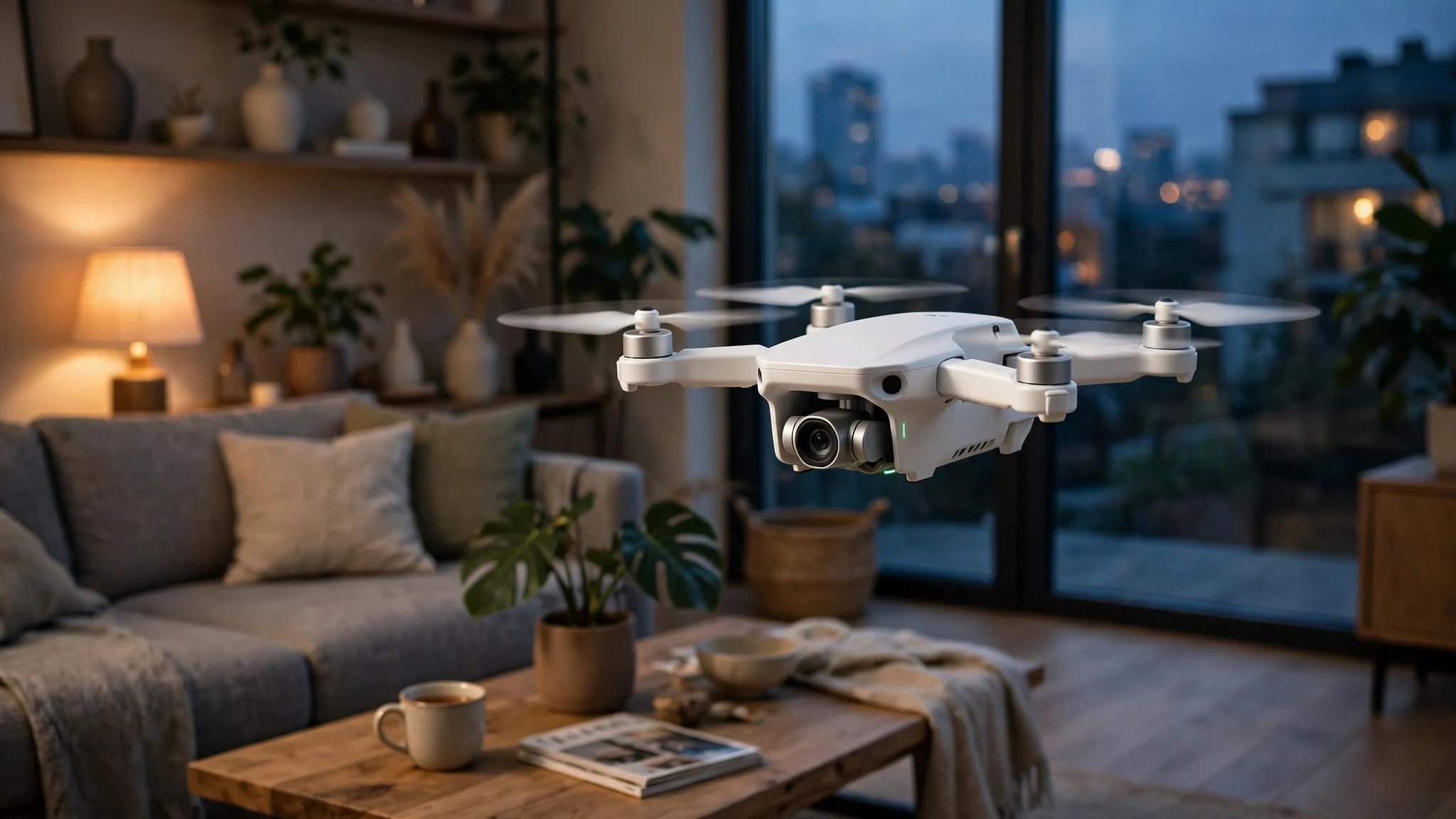
Amazon's Ring announced a flying security camera this morning, and for once the gadget blogs are not exaggerating: there is a drone in your hallway now, or there will be on January 27, 2027, for $249.99, assuming the Federal Communications Commission signs off. It weighs 165 grams, carries a 2K camera, and flies itself to wherever your alarm just went off.
I am not going to review a drone I have never flown. What I can do — and what nobody in the launch coverage is doing — is walk through the part of this product that lives in your email. Because a Ring Drone Cam is not a standalone gadget. It is an account, a subscription, a notification pipeline, and a new reason for strangers to email you. The drone is the headline. The inbox is the part you will actually live with, starting the minute you preorder.
What Amazon Actually Announced This Morning
The facts first, because launch day is when the rumor supply peaks and the official supply goes quiet.
Ring unveiled a new product line, Ring Robotics, on Tuesday, November 10, 2026, with two devices. The Ring Drone Cam is a $249.99 indoor flying camera for homes. The Ring Rover Cam is a $999.99 patrolling robot for businesses, built on Amazon's Astro platform. Preorders opened the same day. The Rover ships December 16, 2026. The Drone Cam ships in the United States on January 27, 2027 — pending FCC authorization, which Ring does not have yet. That last clause is doing a lot of work, and I will come back to it.
The Drone Cam sits in a dock until it is needed, then flies a preset route — through rooms, including upstairs — when an alarm or a connected sensor triggers it, or on demand when you ask it to check a room. It records in 2K from a front camera, with a 1080p camera underneath, LED lighting for night flights, and 360-degree rotation to take in a room. It flies for about five to ten minutes per charge before returning to its dock; the exact figure varies by source — Bloomberg reported five to eight minutes, Engadget eight to ten — so treat the flight time as a range until Ring publishes a final spec sheet. It is indoor-only. Ring CEO Jamie Siminoff was blunt about that: the drone cannot legally fly outdoors under US aviation rules, and he said the company has told customers not to try.
This is not a new idea, and Ring is not pretending otherwise. The company first showed the concept in 2020 as the Always Home Cam, then shelved it — twice, according to Engadget, with launches abandoned in 2021 and 2025 — while it reworked the design, sensors, and data processing. Six years is a long time to keep a product in the drawer. It is also, to be fair, the reason this version might actually work: the 2020 concept was a promise; the 2026 device has a price, a date, and a 165-gram spec sheet.
Both devices run on what Ring calls AI Pilot, a system that combines cameras, vision models, on-device sensors, and cloud processing to map a home, pick patrol points, and navigate around obstacles. Scheduled patrols and video review require a Ring Protect subscription — the $250 is the entry fee, not the full price. Check Ring's checkout page for the monthly cost before you preorder, because the subscription is where the ongoing money goes.
My honest read: the price is the story. At $249.99, a flying camera stops being a tech-demo curiosity and becomes something a normal household might actually buy — which is exactly why the account, privacy, and scam questions below matter now instead of someday.
A Flying Camera Has a Paper Trail
Here is the part of the launch nobody photographs: buying a Ring Drone Cam creates a chain of emails before the box ever arrives, and that chain is tied to one address — the one on your Ring account.
A Ring account is an email address with a password and two-factor authentication. Everything the drone does routes through it: the preorder confirmation, the payment receipt, the shipping notice, the delivery confirmation, the "your drone is ready to set up" email, the Ring Protect subscription receipts, and the verification codes that prove you are you when you sign in on a new phone. Lose access to that address and you lose the practical ability to manage the device. That is not a hypothetical: it is the same account-recovery math as every other smart-home product, except this one flies around your house.
So the first decision is not "should I buy the drone" but "which email address should own it." My rule for any device that watches the inside of a home: the account email should be an address you control long-term, with two-factor authentication turned on, and a password that exists nowhere else. A disposable address is the wrong tool for the account itself — the same way it is the wrong tool for any account you need to recover later. If you have read my earlier posts on when a temp email helps and when it costs you, this is the same line: throwaway for the trial, permanent for the thing you own.
But the preorder is a different story. Preordering means handing your address to a checkout flow, a marketing list, and whatever partner emails follow a launch. That is the moment a disposable address earns its keep: use it for the preorder confirmation and the marketing that trails it, then register the device itself under your real, secured address when it arrives in January. Two addresses, two jobs. The preorder inbox can be abandoned. The account inbox cannot.
One more piece of paper trail to plan for: the verification codes. Ring sign-ins and sensitive account changes use one-time codes, and those codes go to the address or phone on the account. If you preorder in November and set up in January, make sure you can still reach the code destination in January. A code sent to an inbox that expired in December is a locked account with a $250 drone sitting in a dock. The DoorDash signup post I wrote earlier this year makes the same point from the other direction — the code goes to your phone, not your inbox — and the lesson transfers exactly: know where your codes go before you need one.
What January 27 Does to Your Inbox
Now the part that will actually annoy you, six weeks after the novelty wears off: the alerts.
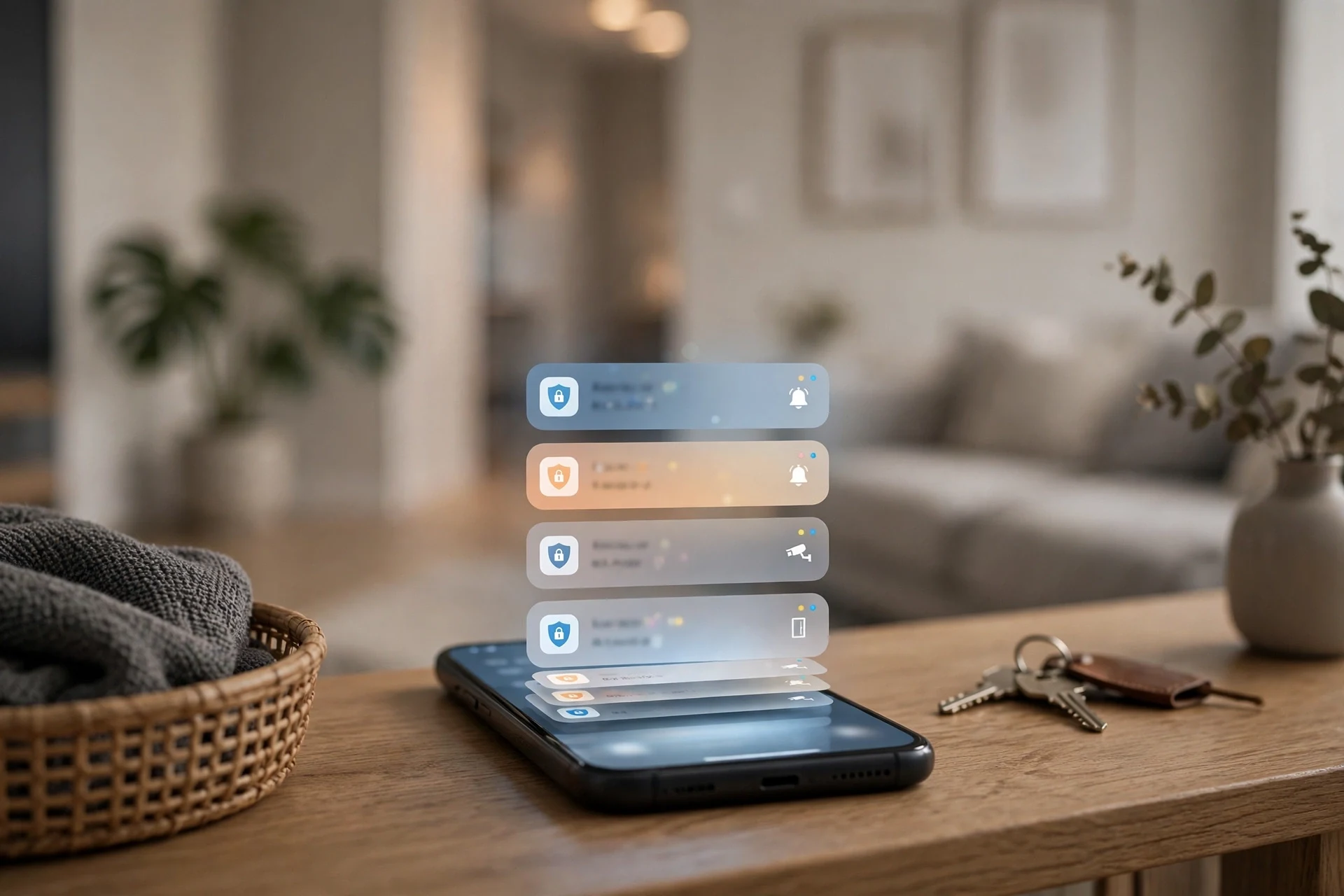
A fixed camera sends you a notification when it sees motion. A flying camera sends you a notification, then flies to the noise, then sends you another one about what it found. Every patrol, every sensor-triggered flight, every clip it records is an event, and events become notifications — push first, email for the ones that matter, and a video-history entry you can review later if you pay for Protect. The drone does not just watch your house. It narrates it.
I cannot tell you the exact notification volume yet, because no customer has lived with one. But the shape of it is predictable from every Ring camera that already exists: the first week is a flood, because the system is learning your house and you have not tuned anything yet. The cat becomes a patrol event. The dishwasher becomes a patrol event. The 2 a.m. heating cycle becomes a patrol event. Owners of Ring doorbells know this curve well — the first month is twenty notifications a day, and then you either tune it or you mute it and stop checking, which is worse.
Tune it on day one. Before the first flight, decide which events deserve an email and which get push-only, set up motion zones and schedules so the drone is not patrolling the living room while you are in it, and turn off the alert categories you will never act on. A security device you have trained yourself to ignore is decoration. The five minutes of notification settings on setup day is the difference between a device that tells you something useful and a device that cries wolf until you silence it.
And keep the receipts organized. The Protect subscription renews monthly or yearly, the drone's warranty clock starts at delivery, and the FCC-pending ship date means your January 27 delivery could slip. Save the order confirmation and the shipping email in a folder you can find in February, not in a disposable inbox that no longer exists. The preorder inbox can be throwaway. The proof of purchase cannot.
The Privacy Question Isn't the Camera. It's the Address.
Let us be honest about what makes people uneasy here, because it is not the propellers. A fixed camera watches one room from one angle. A flying camera watches every room it can reach, from angles you did not choose, and it does it with a vision system that maps your home and sends data to the cloud. Ring says AI Pilot combines on-device sensors with cloud processing. That means some of what the drone sees leaves the house.
I am not going to tell you that is automatically a dealbreaker — every cloud camera works this way, and Ring is not hiding it — but it changes what your email address means. Your Ring account email is the key to a map of your home, a schedule of when rooms are empty, and a video history of everything the drone investigated. That is a more sensitive account than a streaming login, and it deserves a more serious address: unique password, two-factor authentication on, no password reuse, and no sign-in from a shared or public computer.
It also deserves a hard look at what you agreed to. Before the drone ships in January, read the privacy settings in the Ring app, not the marketing page. Check what is stored, for how long, who can review it, and whether law-enforcement requests can reach it — Ring's history with police video requests is public record and worth five minutes of your time if you are putting a camera in your bedroom hallway. Decide in November, when you can still cancel the preorder. Not in January, when the drone is already docked in your living room.
And if you are buying one as a gift, think about the recipient's inbox too. A drone is not a toaster. It needs an account, a subscription decision, a Wi-Fi network, and a person willing to manage alerts. Gifting the hardware without the conversation is gifting someone a chore and a privacy decision they did not make.
The Scams Are Already Being Written
Every launch with a fixed date and a waitlist is a phishing opportunity, and this one has both: a $250 price, a January ship date that depends on the FCC, and a preorder window that opened today. Here is what to expect, because the pattern is the same on every launch — the GTA 6 pre-load this week proved it again, with fake "early access" emails already riding launch week.
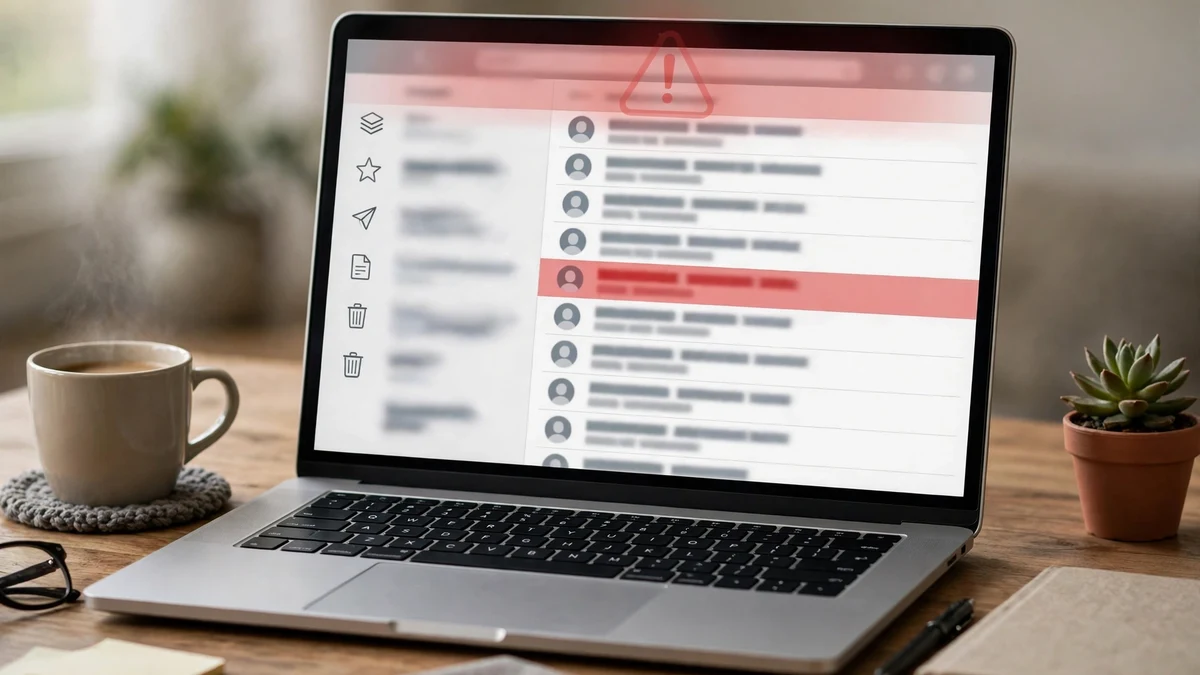
First, the fake preorder email. It will look like a Ring or Amazon order confirmation, with a plausible order number, a "complete your preorder" button, and a link to a page that is not ring.com or amazon.com. Real preorder confirmations come after you preorder, from the retailer you used, and they do not ask you to re-enter payment details by email. If an email asks for card details, it is fake.
Second, the FCC-delay email. The Drone Cam's ship date is genuinely pending FCC approval, which gives scammers a true fact to build on. Expect messages claiming your order is delayed, held, or cancelled unless you "confirm" something — a payment method, an address, an account. Ring will not email you to re-verify payment because of an FCC delay. A real delay notice tells you the new date and asks for nothing.
Third, the fake shipping notice. In January, as real deliveries start, expect "your Drone Cam has shipped" emails with tracking links that install malware or harvest logins. Check tracking numbers on the carrier's site or in your Amazon order page, never through a link in the email.
Fourth, the "free Drone Cam" giveaway. A $250 device that everyone is talking about is perfect giveaway bait — social posts and emails promising a free drone for completing a survey or paying a small shipping fee. Ring is not giving away its launch hardware through random emails. The Anthropic IPO scam wave earlier today ran the identical playbook with fake stock offers: a real event, a fake opportunity, a link that steals the account.
The defense is boring and it works: preorder only on ring.com or amazon.com, typed into the browser yourself. Never preorder from a link in an email, a text, or a social post. And if you used a disposable address for the preorder, remember which one — the scammers will email the same address, and the real confirmation is the one that matches what you actually did.
The Setup I Would Actually Run
If you are buying one, here is the whole plan, in order, no extra steps.
1. Preorder with a disposable address. Use a temp inbox for the checkout and the marketing that follows. Keep the order number somewhere permanent — a note, a screenshot, a forward to your real inbox. The address is disposable. The order number is not.
2. Set up the real account before January. Create or confirm your Ring account under your long-term address, with a unique password and two-factor authentication on. Test the recovery path now: sign out, sign back in, confirm the code arrives where you expect.
3. Decide on Protect before the drone arrives. Scheduled patrols and video review need the subscription. Price it, decide, and do not let the first month auto-renew by surprise.
4. Tune notifications on day one. Motion zones, schedules, push-only for routine events, email only for alarms. Do it before the first patrol, not after the fiftieth.
5. Keep the proof. Save the order confirmation, the shipping notice, and the Protect receipt in a real inbox folder. If the FCC date slips, that folder is where the new date will land.
6. Never click a preorder link in email. Type ring.com or amazon.com yourself. Every time.
None of this is complicated. It is just the unglamorous half of buying a flying camera — the half that decides whether the drone is a security device or a subscription, an alert flood, and a phishing target that happens to fly.
Quick Answers
How much is the Ring Drone Cam?
$249.99, announced November 10, 2026. Scheduled patrols and video review require a Ring Protect subscription on top of that.
When does the Ring Drone Cam ship?
January 27, 2027, in the US, pending FCC approval. The Rover Cam, the $999.99 business patrol robot, ships December 16, 2026.
How long can the Ring Drone Cam fly?
About five to ten minutes per charge, depending on the source — Bloomberg reported five to eight minutes, Engadget eight to ten. It returns to its dock to recharge. Ring has not published a final spec-sheet figure yet.
Is the Ring Drone Cam allowed to fly outside?
No. It is indoor-only under US aviation rules, and Ring has told customers not to fly it outdoors.
Do I need a Ring Protect subscription?
For scheduled patrols and video review, yes. Check Ring's checkout page for the current monthly cost before you preorder.
Can I use a temp email to buy one?
For the preorder and the marketing around it, yes — that is exactly what a disposable address is for. For the Ring account itself, no: use your long-term address with two-factor authentication, because that account holds the device, the video history, and the recovery path. If you are new to the distinction, this seven-test breakdown of what makes a temp-mail service worth using is the fastest way to get it right.
What is the biggest scam risk?
Fake preorder confirmations and fake FCC-delay emails, followed by fake shipping notices in January. Preorder only on ring.com or amazon.com, typed in yourself, and never re-enter payment details from an email link.
Need a disposable temporary email?
Protect your real inbox from spam and promotional clutter instantly and free.
Received a suspicious email, text, or charge alert?
Verify whether the sender domain is disposable, spoofed, or unverified before clicking links.