

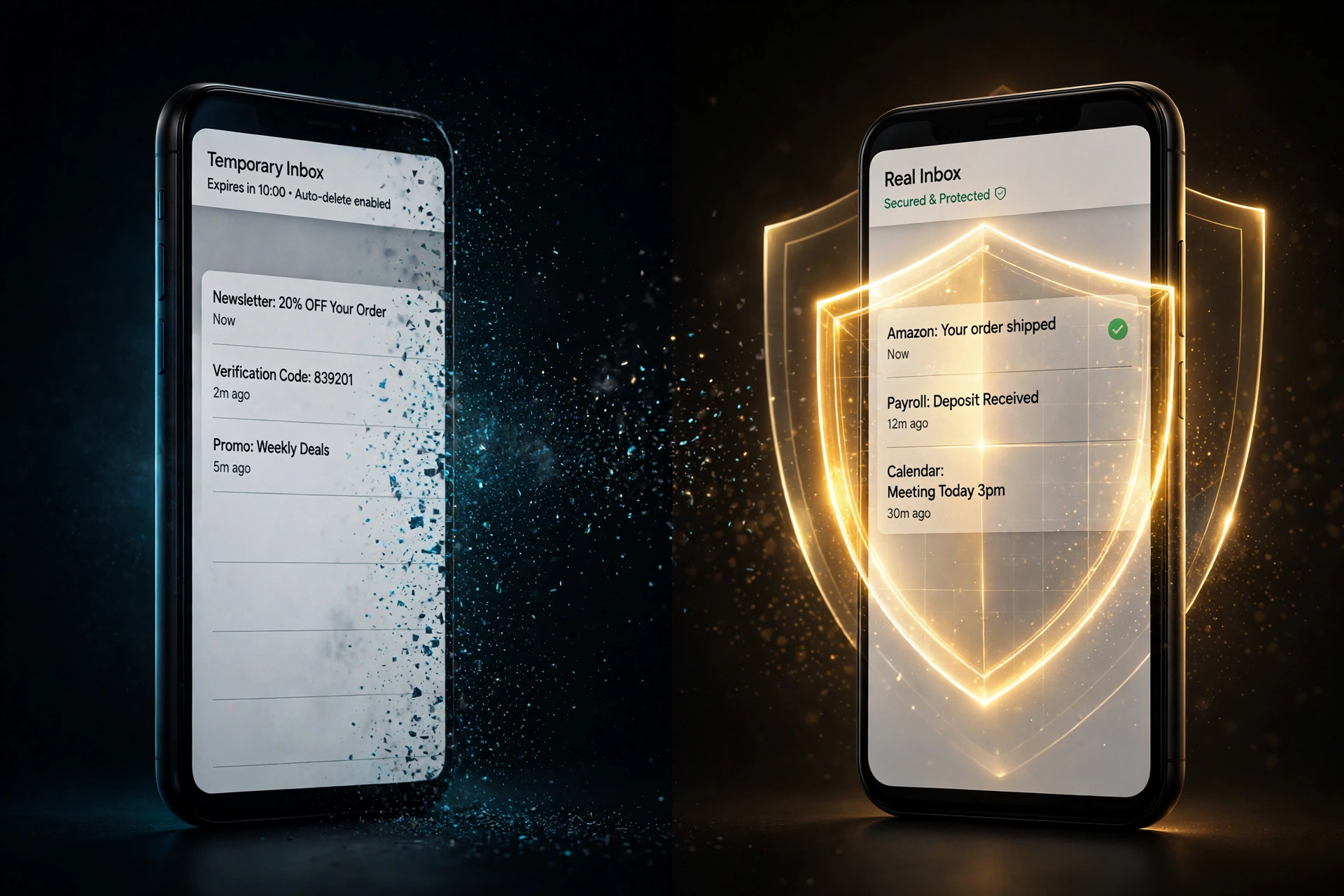
You are staring at a signup form. In one tab, a temp-mail site has already handed you an address — copied, ready, zero seconds of commitment. In another tab, an email alias service wants you to create an account first, verify it, then generate a masked address. The fast option is obviously the temp mail. You paste it, the code arrives, you are in.
Most of the time, that is the right call. But "most of the time" is doing quiet work in that sentence, because these two tools are not two flavors of the same thing. They are opposite designs that solve the same surface problem — keeping your real inbox out of a stranger's database — and they fail in opposite ways. Pick the wrong one and you feel it months later, usually at 11 PM, usually involving a password reset.
I run a temp mail service, so here is my bias, stated upfront: I want you to use temp mail where it wins. An alias is not the enemy of temp mail; it is the other half of a privacy setup. Pretending otherwise is how people end up locked out of accounts or drowning in spam they thought they had prevented. Five rounds — anonymity, acceptance, permanence, replies, cost — then a 30-second test that settles any signup in practice.
Two tools, one job, opposite DNA
Half the confusion online comes from people arguing about different things, so the definitions first.
Temp mail (disposable email) is a mailbox with no owner. No account, no password, no login. You visit a site, it hands you an address, mail appears in a web inbox for minutes or hours, then everything is deleted. Nothing forwards anywhere. The site you signed up on never learns your real address because there is no real address in the loop.
An email alias is a mask. You generate an address, hand it to the site, and mail sent to it forwards to your real inbox. Good services let you reply through the alias so your real address never leaks, and every alias has a kill switch — when one starts attracting junk, you disable it and the rest of your life is untouched. Aliases live as long as you keep them.
The DNA difference: temp mail gets privacy by having nothing to connect — no account, no forwarding, no history. An alias gets privacy by interposing a layer between the site and your real inbox — which means the alias provider necessarily knows the mapping. That asymmetry decides round one.
Round 1 — Anonymity: who learns less about you?
Winner: temp mail, and it is not close.
Hand a site a temp address and it receives a string with zero connection to your identity. No account behind it, no recovery email, no billing record. And the deeper point: if the temp mail provider itself is breached, the attacker gets a database of random inboxes and expiring messages. Your real identity was never in that database because you never gave it.
An alias cannot promise that. Forwarding requires the provider to know your real address — the entire mechanism is a mapping from alias to inbox, sitting on their servers. Apple, Mozilla, DuckDuckGo, Proton's SimpleLogin: all sit behind a login tied to you. You trust the alias provider with the most sensitive link in the chain, and a breach or legal order against them exposes the mapping.
The honesty tax on round one: anonymity from the site is not privacy of the mail. Most temp inboxes are public — no password, no lock, anyone who knows the address can read everything inside. We mapped that exposure provider by provider in Can Anyone Read Your Temp Inbox? The Public-Inbox Problem, Honestly Explained. Precise statement: temp mail is unlinkable to you, but the mail may be readable by strangers. An alias is linkable to you by the provider, but the mail is gated behind your login.
My take: if your threat is "this company will profile me, sell my data, or spam me forever," temp mail wins — there is no you in the record to profile. If your threat is "a stranger reading this specific email," use your real inbox. Neither tool is built for that.
Round 2 — Acceptance: will the signup form even take it?
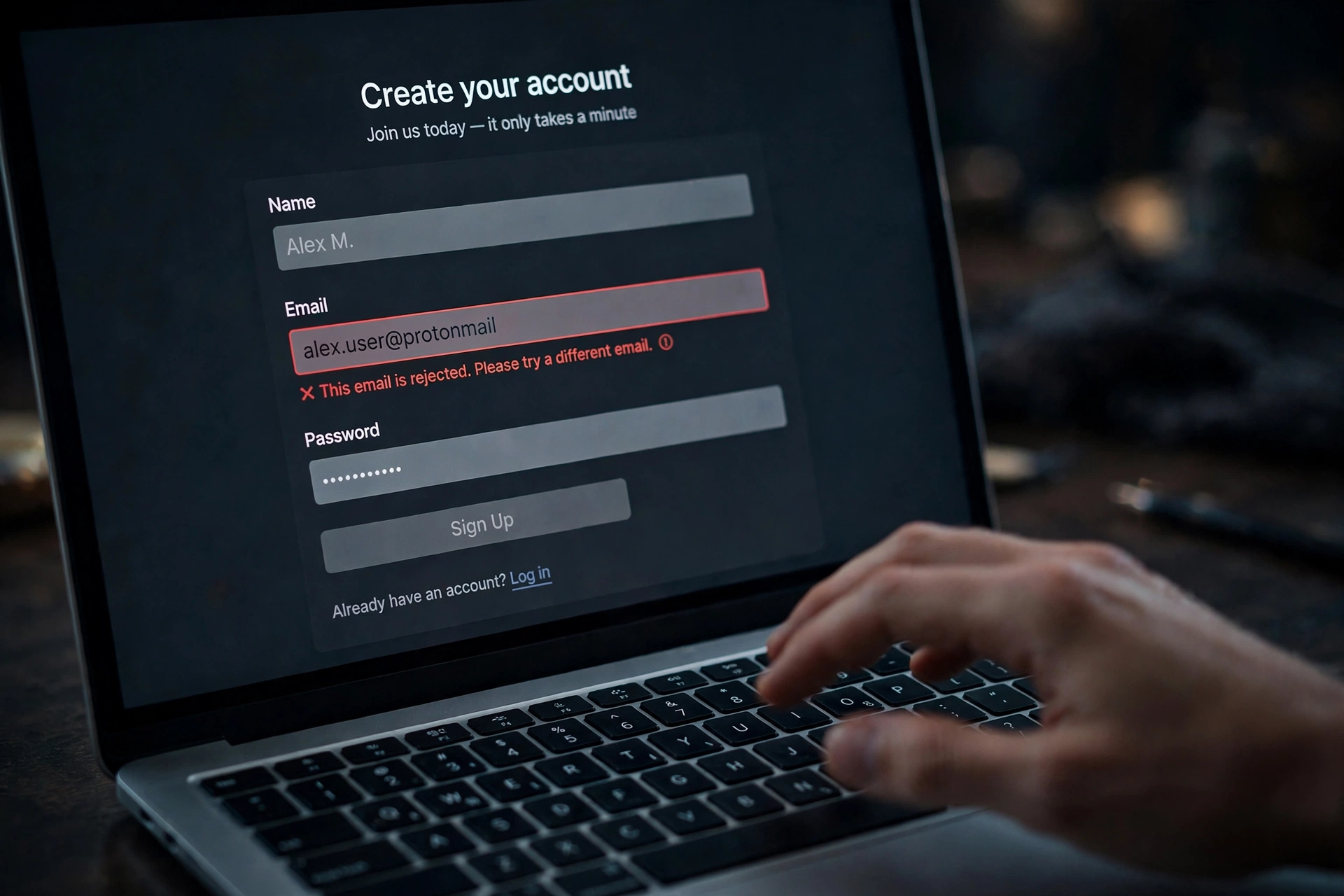
Winner: aliases, by a mile.
The round that decides most real-world choices, and it is not competitive. Disposable domains live on blocklists — the community disposable-email-domains list with roughly 4,000 curated domains, MailChecker's 55,000-plus, commercial validators on top. A fresh temp domain works for weeks, gets noticed, lands on the lists, dies. Usefulness is detectability. We mapped the whole machine in Why Websites Reject Your Temp Email: The Blocklist Machine, Explained.
Relay and alias domains are treated as a different species, deliberately. Detection vendors instruct customers to label relays separately from disposables and allow them through. The reasoning is commercial: a relay address forwards to a real, permanent inbox the person actually reads. The human on the other end is reachable and engaged — Apple Hide My Email users are literally paying subscribers. Blocking them costs sites real conversions to prevent a problem that does not exist. One widely-read detection guide puts it bluntly: a service that lumps Apple Hide My Email in with Mailinator is quietly turning away good customers.
So the alias walks through the front door while the burner bounces off it. Banks, SaaS trials, marketplaces, social platforms — the places with real fraud teams — accept relay addresses and reject disposable ones as policy. If the signup matters even slightly, round two ends the debate before the other rounds vote.
My take: acceptance is the most underrated axis in every "temp mail vs alias" argument. People compare privacy properties in the abstract while ignoring that one tool does not get past the form. A privacy tool you cannot use is not a privacy tool.
Round 3 — Permanence: can you get back in next year?
Winner: aliases, by knockout.
Temp inboxes expire — ten minutes, an hour, a day. The failure never happens on signup day. It happens six months later: a forgotten password, a new-device flag, a routine re-verification. The reset link goes to an inbox that no longer exists. No second path, because the temp inbox was the path. The money-account version of this trap is documented in Why Banks Block Temp Email — and the Money Accounts You Should Never Risk; the mechanism is identical everywhere else.
Aliases do not expire. The alias you generate today forwards to your inbox next year until you kill it. Resets arrive. Security alerts arrive. Kill one compromised alias and generate a fresh one without touching the account it guards.
Permanence is not a feature temp mail lacks by accident — it is the thing temp mail deliberately sacrifices. A tool designed to disappear cannot be one you rely on later. My take is blunt: the only question that matters is "will future-me need this account?" If yes, temp mail is disqualified before the match starts.
Round 4 — Replies and cost: the two practical rounds
Replies winner: aliases, comfortably. Almost no temp service lets you send mail — receive-only is the industry standard, because sending from disposable infrastructure is a spammer's dream. The consequence lands mid-conversation: the landlord asks for a reference, the seller asks a question, support needs "a quick reply to confirm" — and your address cannot answer.
Aliases are built for two-way traffic. Details vary, so check the provider's current page rather than trusting any guide, mine included — but when we checked: SimpleLogin allowed replies through the alias even on its free tier; DuckDuckGo Email Protection supported replies with limitations; addy.io reserved reply-through-alias for paid plans; Firefox Relay allowed replies on Premium within a window after receiving; Apple Hide My Email handled replies inside Apple's mail apps. Your real address never leaks into the thread.
Cost winner: temp mail on friction, aliases on value. Temp mail is free, instant, maintenance-free — no account, no password-manager entry, nothing to cancel. Aliases have real free tiers with caps that drift, so verify before committing. When we checked: SimpleLogin's free tier allowed 10 aliases; Firefox Relay's free tier allowed 5 masks; addy.io's free tier allowed unlimited aliases but metered bandwidth at 10 MB a month with one recipient; DuckDuckGo Email Protection was unlimited and free; Apple's Hide My Email required iCloud+, US plans from $0.99 a month. Setup takes minutes once; each alias after that is seconds.
My take: people overweight the five minutes of alias setup enormously. The first time a password-reset email arrives at an alias instead of a dead inbox, the tax is repaid with interest. And if a verification code does not arrive at a burner on some low-stakes signup, that is usually delivery timing, not policy — we covered the mechanics in OTP Code Not Arriving on Temp Email? Here's Why.
The 30-second decision test
Five rounds are interesting; you need an answer in five seconds at a signup form. Three questions, in order:
1. Will you need this account — or this thread — in six months? Yes: alias. Money, health, work, government, anything you would hate to lose: skip both tools, use a permanent address you control.
2. Is it a one-way, one-time grab from a sender you do not trust? Download gate, coupon popup, whitepaper, a forum you will visit once, a sketchy site with seventeen trackers: temp mail. No relationship, no recovery, no replies needed. This is the job disposable email was built for.
3. Does the site block disposable domains? You find out in one attempt. If the form rejects the burner, do not go domain-hunting — reach for an alias. It sails through the same gate for the structural reasons in round two.
One line: temp mail for the brochure, aliases for the relationship, your real address for the vault.
The setup most privacy-minded people actually run
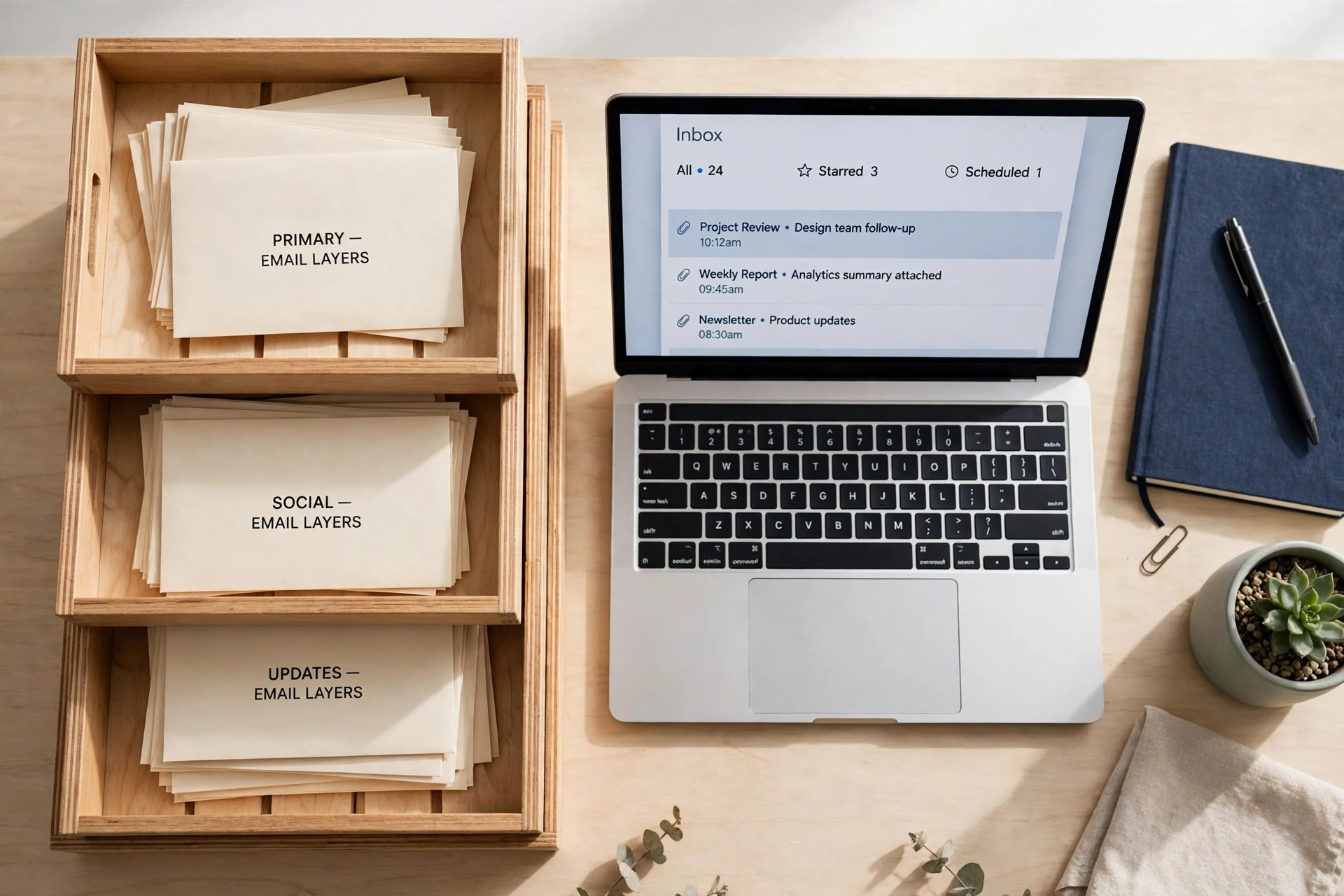
Nobody serious picks one tool. They run layers, because each layer does a job the others cannot:
Layer one — burners. Temp mail for one-offs: download gates, coupon popups, anything you will never touch again. No account, no trace, no maintenance.
Layer two — aliases. One alias per service for everything you keep: shopping, streaming, newsletters, forums. One leaks, you kill that alias, the rest of your life is untouched. A breach of one service exposes exactly one alias. This layer does the daily heavy lifting.
Layer three — the real address. Money, health, government, recovery chains. Boring, permanent, never typed into a marketing form. It is also the recovery address for layer two — so the alias account itself gets your strongest password and two-factor, because if it falls, every alias falls with it.
That is the whole system, and the only setup I recommend without hedging. Temp mail keeps strangers from knowing you. Aliases keep the services you use from knowing your real address while keeping you reachable. Your real address stays out of marketing databases entirely. The "versus" framing — mine included — is slightly wrong. They are not competitors. They are teammates with different positions.
Four mistakes people make switching sides
1. Putting an alias on a truly sketchy site. The alias forwards to your real inbox — phishing and malware now arrive in your real mail wearing a disguise. Sketchy gets a burner, always.
2. Using temp mail for anything with a recovery chain. The six-month lockout does not care that signup worked perfectly. If losing the inbox costs you the account, it was never a temp-mail job.
3. Treating Gmail plus-addressing as an alias. It is not. you+shopping@gmail.com is your real address with a tag, and spammers strip the +tag with a one-line script. A true alias reveals nothing about the underlying address. Plus-addressing is a filter label, not a mask.
4. Forgetting the alias provider is a single point of trust. SimpleLogin is run by Proton and open source; Mozilla, Apple, and DuckDuckGo have track records you can evaluate. Whoever you pick holds the mapping between your aliases and your identity. That account deserves a unique password and two-factor, and the provider deserves the scrutiny you would give any company holding your data.
FAQ
Is an email alias more private than temp mail?
Different privacy, not more. Temp mail gives stronger anonymity from the site — no account, no forwarding, nothing connecting the address to you. An alias gives stronger long-term hygiene — your real address stays out of databases, each service gets a kill-switchable identity, and you stay reachable. Temp mail wins the single encounter; aliases win the years-long war against your data accumulating everywhere.
Can websites detect that I am using an alias?
They can identify relay domains, but competent detection classifies relays separately from disposables and lets them through — a relay reaches a real, engaged human. The known failure mode is over-aggressive blocklists sweeping alias domains up by mistake. In practice, aliases are accepted far more widely than disposable addresses.
Do aliases stop spam?
They contain it, which is better. An alias does not prevent the first spam — it makes every spam source disposable. When one alias starts getting junk, disable it and the sender shouts into a void. Compare that with your real address on a spammer's list, where your options are filters and suffering.
Can I reply from a temp email?
Almost never — temp inboxes are receive-only on virtually every provider. If the signup could become a conversation (a seller, a landlord, support), generate an alias instead; most alias services let you reply through the alias without exposing your real address.
Are free email alias services safe to trust?
Evaluate them like any company holding sensitive data: business model, jurisdiction, track record, open code. Providers with paid tiers and public audits are structurally safer than free-only relays that could vanish or pivot. Whatever you choose, lock the alias account itself down hard.
Temp mail or alias for newsletters?
Alias, every time. A newsletter is a long relationship — you want the kill switch for the day it gets sold, and the archive searchable in your real inbox. Temp mail for newsletters is how you end up with dead subscriptions you cannot unsubscribe from.