

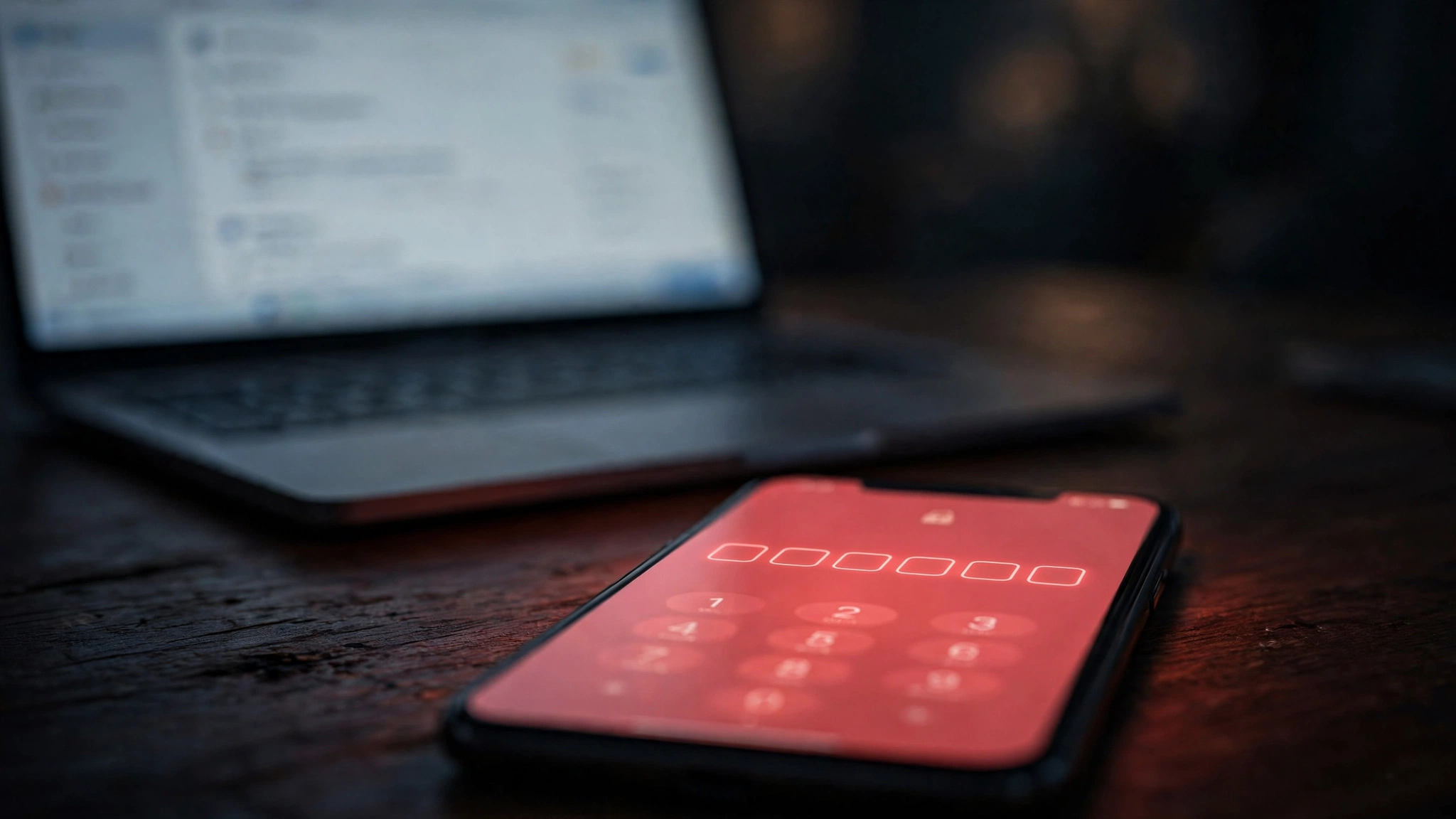
Your code is probably already dead — here's where it died
You request a verification code. You wait. You refresh. Nothing. You request another one, and the first one silently expires. Then you start wondering if the site blocked you.
Here's the truth: OTP delivery to temporary email is a race with six checkpoints, and the code can die at any of them. Most "fixes" you'll find online address exactly one checkpoint. This guide covers all six, in the order the code actually travels.

Gate 1: Your mailbox already expired
This is the most common cause, and the cruelest. Many temporary email services rotate addresses every 10–60 minutes. If your session expired, the code was delivered to an address that no longer exists — the mail server accepted it and discarded it.
Fix: Generate a fresh address on TempoMailUSA before requesting the code. Keep the tab open the entire time.
Gate 2: The sender throttled or blocked the domain
Big senders (banks, social networks, marketplaces) maintain reputation lists. If thousands of signups come from the same disposable domain, they throttle or silently drop codes to it. The code was sent — to a black hole.
Fix: Try a different domain from the dropdown. Premium or less-abused domains have dramatically better delivery rates for OTPs.
Gate 3: The code expired before you read it
We measured this. Verification codes from major services expire fast:
- Banking / fintech: 5 minutes
- Social networks: 10–15 minutes
- Marketplaces: 10 minutes
- Email providers: 15–30 minutes
If you requested the code, got distracted, and came back 12 minutes later, a banking OTP is already dead. And every "resend" request kills the previous code instantly.

Gate 4: The previous code invalidated the new one (or vice versa)
Requesting a code twice in a row doesn't give you two valid codes — it gives you zero. Almost every service invalidates the older code the moment a new one is generated. If the SMS/email with code #2 is delayed, you might be typing code #1 into the box. Dead on arrival.
Fix: Request once. Wait a full 90 seconds. Only then request again — and use only the newest code.
Gate 5: Inbox refresh lag
Some temp inboxes poll every 15–30 seconds; others need a manual refresh. The code may have arrived while you were staring at a stale inbox, and by the time you saw it, the window had closed.
Fix: Use the manual refresh button and watch the timestamp on the message, not just its presence.
Gate 6: You
Copy-paste errors kill more codes than any technical issue. Trailing spaces, missing digits, confusing 0/O and 1/l. Type it by hand if paste fails.
The 30-second diagnosis
Next time a code doesn't arrive, run this checklist in order:
- Is my temp address still active? (Regenerate if unsure.)
- Has it been more than 90 seconds? (Wait, then resend once.)
- Am I using the newest code only?
- Did I refresh the inbox manually?
- Try a different domain and resend.
Nine times out of ten, the answer is gate 1 or gate 3. The code didn't get lost — it died on schedule.
FAQ
Why do OTP codes expire so fast?
Short windows limit brute-force attacks. A 6-digit code has only a million combinations; a 5-minute window makes guessing infeasible.
Can I make codes last longer?
No — the expiry is set by the sender, not your inbox. Your only lever is speed: have the inbox open before you request the code.
Is it safe to receive OTPs on a temp email?
For low-stakes signups, yes. For banking or anything tied to money or identity, use a permanent address you control. Temp mail is a convenience tool, not a vault.