

Temp Mail for Miro: The Board Belongs to Everyone in the Room
Most signups ask for your email and then file it away. Miro does something else with it: your email becomes your name in the room. Every sticky note you place, every comment you leave, every board you are invited to is attached to that identity, and the board itself is a shared object — other people can see it, edit it, and keep working on it after you leave. That is why the disposable-address question lands differently here than it does on a single-player app. On a notes app, a dead inbox costs you your notes. On Miro, a dead inbox can cost you your seat in a room full of other people's work, and it can leave your name on a board you can no longer open.
The question is not really whether Miro accepts a disposable address at signup. As with most platforms, the answer depends on the domain, the day, and the filter list, and it changes without notice. The question that matters is what kind of Miro user you are about to become, because Miro has at least three kinds, and a throwaway address fits exactly one of them.
A Whiteboard Is Not a Document
A document belongs to its author. A whiteboard belongs to the meeting. That distinction explains nearly everything that follows.
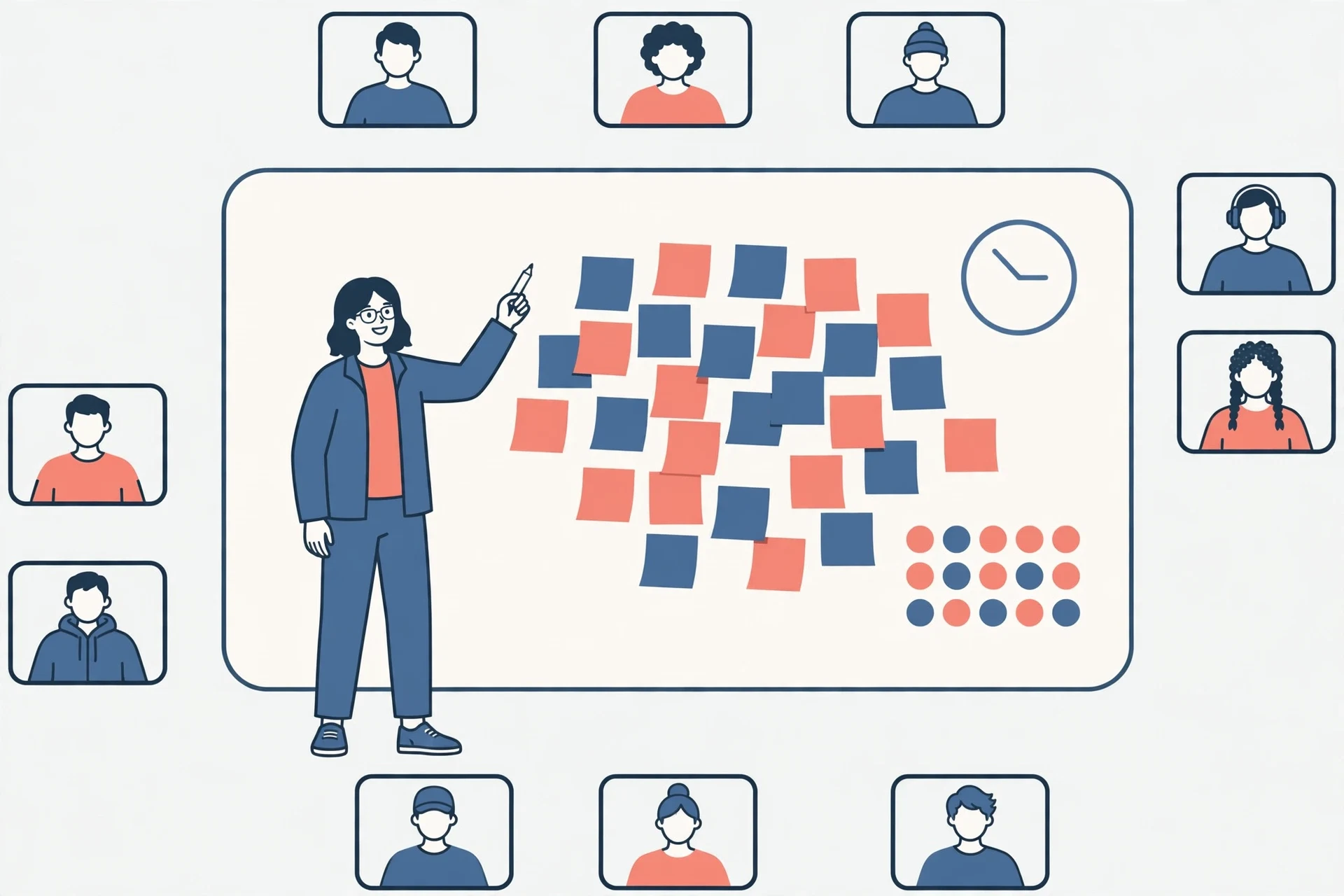
When you open a Miro board, you are not opening a file — you are entering a space where other people's cursors move in real time, where sticky notes carry author names, and where the board keeps living between sessions. On Miro's free plan, boards in a team are visible to the team by default; private boards are a paid-plan control. So the thing you create with a disposable address is not a private sketch in a drawer. It is a shared surface, visible to whoever shares the team, carrying your throwaway identity as its author.
That visibility cuts both ways. It means a disposable address does not buy you as much privacy on Miro as it does elsewhere, because your work is visible to collaborators by design, not hidden behind your inbox choice. And it means the expiry problem is social, not just technical: when your inbox dies, you do not merely lose a login, you lose your recognized self on boards that other people still use. A teammate looking for the person who wrote a cluster of notes finds a name that no longer answers.
There is a second difference from document tools. A document has a natural end — you finish it, you export it, you move on. A board does not end. Workshops produce boards that teams return to for months: the retro board becomes the reference for the next retro, the journey map becomes the roadmap's source of truth, the brainstorm becomes the backlog. Signing up with an address that expires in days to create an artifact that lives for months is a mismatch of lifespans, and the mismatch only reveals itself when someone reopens the board and you cannot.
The Three-Board Squeeze
Miro's free plan gives a team three editable boards. Multiple plan breakdowns updated in October 2026 agree on that number, and they agree on the consequence: once you are at the limit, older boards stop being editable — they become view-only, or, under the newest reported behaviour, you cannot add a new board at all until you delete one or upgrade. Starter, at $8 per member per month billed annually, removes the cap with unlimited boards.
Now put a disposable address next to that limit and watch the two constraints collide. Three boards is already a tight budget — a workshop board, a project plan, and a content calendar, and you are full. A throwaway account makes the squeeze worse in a specific way: you cannot simply pay to unlock the fourth board, because billing, upgrade confirmation, and account recovery all route through the signup email, and that email is the thing you planned to abandon. The free plan's limit is designed to convert free users into paying ones; a disposable address blocks the conversion path at exactly the moment you would want it.
This is also where the "just make another account" escape hatch fails. A second disposable account gets you three more boards, but it does not get you your old boards, your old identity on shared boards, or your old invitations. It gets you a stranger's blank canvas. People who churn through throwaway Miro accounts end up with a graveyard of boards authored by ghosts, none of which they can consolidate, export as one set, or hand over cleanly. The board limit is not a wall you can walk around by changing your name; it is a wall that counts per team, and every new identity starts from zero behind it.
My opinion, stated plainly: the three-board limit is the single best reason not to build anything you care about on a disposable Miro account. Not the spam, not the filtering, not the privacy policy — the arithmetic. Three boards fill up fast, and a throwaway identity has no good answer to "what happens at board four."
Visitors, Guests, and Members: Try the Front Door First
Before reaching for any signup trick, check whether you need an account at all. This is the step most temp-mail guides skip, and on Miro it is the most useful one.
Miro offers visitor-style access to boards shared with a link: a board owner can let collaborators view, and in some sharing configurations contribute to, a board without the collaborator creating a full account. The exact permissions depend on the board's sharing settings and the owner's plan — Starter's sharing includes one-click collaborator access for visitors on public boards without sign-in — so the honest phrasing is "ask the board owner what link they can send you," not "this always works." But when it works, it is strictly better than a disposable signup: no inbox, no password, no expiry timer, no identity to lose, because you never created one.
The hierarchy, roughly, is this: a visitor drops in through a link and leaves no account behind; a guest or member holds a seat on a team and an identity on its boards; an owner holds the billing and the keys. A disposable address buys you the middle seat with an expiry date attached. A visitor link gives you the lightest seat with no expiry date at all. If all you need is to attend one workshop, review one board, or leave comments on one retro, the visitor link is the right tool and the disposable address is the wrong one — heavier, riskier, and entirely unnecessary.
If the board owner cannot share a visitor link — the board is private, the plan does not allow it, or the team requires named members — then you are back to choosing an identity, and the rest of this guide applies. But do not skip the question. Half the people who search for a Miro temp-mail workaround would be better served by a link they never asked for.
The Workshop Problem: Your Notes Outlive Your Inbox
Workshops are Miro's home turf, and they are where disposable addresses fail most quietly.
Picture a two-hour workshop. You join with a throwaway address, you place thirty sticky notes, you vote, you comment, and the facilitator promises to share the cleaned-up board next week. Next week arrives. The follow-up goes to the signup address. The inbox is closed. You never see the cleaned-up board, the action items, or the invitation to the follow-up session, and the facilitator sees a participant who went silent. Nobody did anything wrong. The tool worked as designed, and the address expired as designed, and the gap between those two designs is where your contribution went.
The same pattern shows up in hiring, teaching, and client work. A candidate who whiteboards a case study on a disposable account cannot show that board in a later interview round. A student whose course board lives under a throwaway address loses it the week the course ends, which is exactly when revision starts. A freelancer who runs a client discovery session on a disposable account cannot return to that board when the client comes back three months later with a follow-up. In each case the board was the deliverable, or the record of the deliverable, and the address was treated as packaging. On Miro, the address is the signature on the work.
There is also a subtler cost: attribution. Sticky notes on Miro carry author names, and teams use them to follow up — "whose idea was this cluster, and what did they mean?" When the author is a dead address, the team cannot ask. The board stays, the context leaves. A visitor seat, by contrast, is honest about being temporary: nobody expects to follow up with a visitor next quarter. A disposable member seat pretends to be a real colleague and then vanishes, which is worse than never having been there.
What Breaks, and When: A Timeline
Failures on Miro do not arrive all at once. They arrive on a schedule, and knowing the schedule is what turns a vague worry into a usable decision.
Day one, everything works. Signup verification lands in the temporary inbox, the board opens, sticky notes stick, collaborators see your name. This is the day people test, and it is why so many reports say disposable addresses "work fine" with Miro. They are reporting day one accurately and extrapolating badly.
Week two, the first crack: an invitation to a second board, or a comment mention, arrives after you stopped checking the inbox. You miss it, and the sender assumes you ignored it. Nothing is technically broken — the message was delivered to an inbox nobody reads — but the social cost is real, and it compounds with every missed mention.
Month two or three, the second crack: you are signed out — a new device, a cleared browser, a session expiry — and the password reset goes to a dead inbox. At this point the account is not locked in the dramatic sense; it is simply unrecoverable by email, which amounts to the same thing. Any board you owned is now owned by an identity nobody can log into.
And at any point, the third crack, which has no schedule at all: the free plan's three-board limit. The day you need a fourth editable board is the day the disposable account's bargain ends, because the upgrade path runs through the signup email and the billing relationship. A real address upgrades in minutes. A dead address turns a pricing decision into a migration project: export what you can, recreate the boards under a new identity, re-invite everyone, and explain to collaborators why the author names changed.
Our blocked-sites directory explains why a rejection at the signup form is usually a verdict on the domain rather than on you, and the same logic applies here: if one disposable domain is refused at Miro's signup, switching domains once sometimes works. But a domain that passes the form has only passed day one. The timeline above is what you are actually signing up for.
The Handover, Done While the Board Is Still Yours
If a Miro workspace built on a disposable address has become worth keeping, the rescue has exactly one deadline: the temporary inbox must still be alive, and you must still be signed in. Everything below assumes both. If either is gone, skip to the FAQ, where the honest answer is shorter.
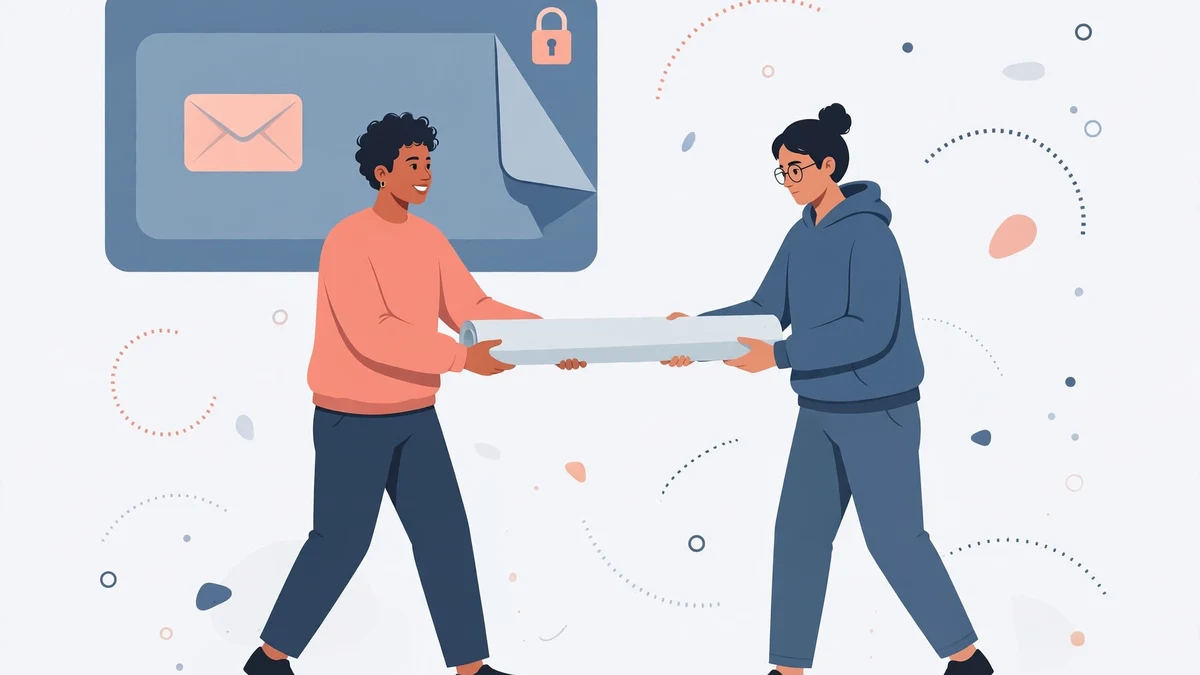
First, export. Before changing anything, export the boards that matter — as images, PDFs, or board backups in whatever format your plan allows — and store them somewhere owned by a real identity. An export is the only copy of a board that does not depend on the account surviving. Do this first, not last, because every later step risks a sign-out.
Second, change the email on the account from inside Miro's settings while signed in, and confirm the change from the temporary inbox the moment the message arrives, in one sitting. Do not let it wait. The same timing discipline applies to codes generally — our OTP guide covers why you request a message only when you are sitting ready to use it — and confirmation links are even less forgiving than codes, because an expired link cannot be re-read from a dead inbox.
Third, sign out and sign back in with the new address on every device, and request a password reset to the new address and complete it, so you know recovery works through the real address rather than trusting the settings page's say-so. Fourth, tell the humans: confirm with collaborators that they still see the same person on the boards, and re-check any board invitations sent to the old address. A handover that changes the email but loses the invitations has moved the account in name only. The same rebuild-then-verify logic shows up in our QA testing playbook, where test accounts are built to be deleted: the disposable workspace did its job, and the job is done when the real account can stand on its own without it.
One more step, specific to Miro: audit the three-board budget after the move. Decide which three boards stay editable, archive or export the rest, and delete the experiments. A rescued account that immediately hits the board limit again has only postponed the problem, not solved it.
Four Questions Before You Type Any Address
Forget rules of thumb. Answer these four questions honestly, and the right address picks itself.
One: will anyone else ever need to find you through this account? If the answer is yes — a facilitator, a client, a teammate, a future interviewer — use a real address. Follow-up is the whole product on Miro, and a disposable address is a promise to be unreachable.
Two: will this board still matter in a month? If yes, use a real address. Boards outlive workshops, and the month-later reopening is the moment disposable accounts fail.
Three: is there a visitor link? If the board owner can share one, take it and skip signup entirely. It is the lightest option and the only one with no expiry timer.
Four: is this genuinely a throwaway — a solo exploration, a template test, a one-afternoon look at the canvas with no collaborators and no deliverable? If all four answers point to "solo, short, nobody waiting," a disposable address is a fine tool. Our Figma guide makes a similar point about design files as filing cabinets, and our ClickUp guide makes it about workspaces that grow roots — but Miro's version is sharper, because the artifact is shared from the first sticky note. A solo board is the only board a throwaway address can safely hold.
Notice what this decision tree does: it does not ask whether Miro blocks disposable domains. That question is unanswerable in general — it varies by domain and month — and it is the wrong question anyway. A domain that passes the form today still fails the timeline. Decide by lifespan and by audience, not by whether the form accepted the address.
Frequently Asked Questions
Can I sign up for Miro with a temp mail address?
Sometimes, depending on the domain. Miro's signup asks for an email and sends a confirmation to it, and disposable domains that are not on its filter list complete that step normally. If your domain is rejected, switching to a different disposable domain sometimes works. But acceptance at the form only proves day one works; the timeline in this guide is what you are actually accepting.
Is there a way to use Miro without signing up at all?
Often, yes — ask the board owner for a visitor or shared link. Depending on the board's sharing settings and the owner's plan, visitors can view and sometimes contribute to a board without creating an account. If the board is private or the team requires named members, you will need an account, and then the four questions above decide which address to use.
Will I lose my Miro boards when the temp inbox expires?
You lose email-based recovery and any invitations sent after expiry, which in practice means you lose the account the first time you are signed out and cannot reset the password, or the first time someone invites you after the inbox dies. The boards themselves are not deleted on a schedule tied to your inbox, but boards owned by an identity nobody can log into are not meaningfully yours anymore.
What happens when I hit the three-board limit on the free plan?
Under the current free-plan rules, a team gets three editable boards; older boards become view-only, and recent reports indicate new boards may be blocked entirely until you delete one or upgrade. Starter, at $8 per member per month billed annually, removes the cap. A disposable account cannot take the upgrade path cleanly, because billing and recovery route through the signup email.
Can I change the email on my Miro account later?
Yes, from inside the account settings while you are signed in, with confirmation through the new address. The catch is timing: the change must be completed while you still control the old inbox and are still signed in, which is why the handover must happen before the temporary inbox closes, not after.
Is using temp mail for Miro against its rules?
Miro does not publish a headline ban on disposable addresses, and acceptance at signup is the practical test. The risk is not a ban notice; it is the quiet, unappealable loss of recovery and the board-limit trap described above. Treat it as a technical and social risk rather than a moral one, and manage it with the handover, not with arguments about fairness.
The Verdict
Use a visitor link when one is offered — it is lighter than any signup and has no expiry date. Use a disposable address only for a solo, short, nobody-waiting exploration of the canvas, and delete it when the afternoon ends. For anything shared, anything that will be reopened, or anything that might grow past three boards, use a real address from the start, because Miro's boards belong to everyone in the room, and the room keeps meeting after your inbox closes. The whiteboard remembers who was there. Make sure that person is still reachable.
Need a disposable temporary email?
Protect your real inbox from spam and promotional clutter instantly and free.
Received a suspicious email, text, or charge alert?
Verify whether the sender domain is disposable, spoofed, or unverified before clicking links.