
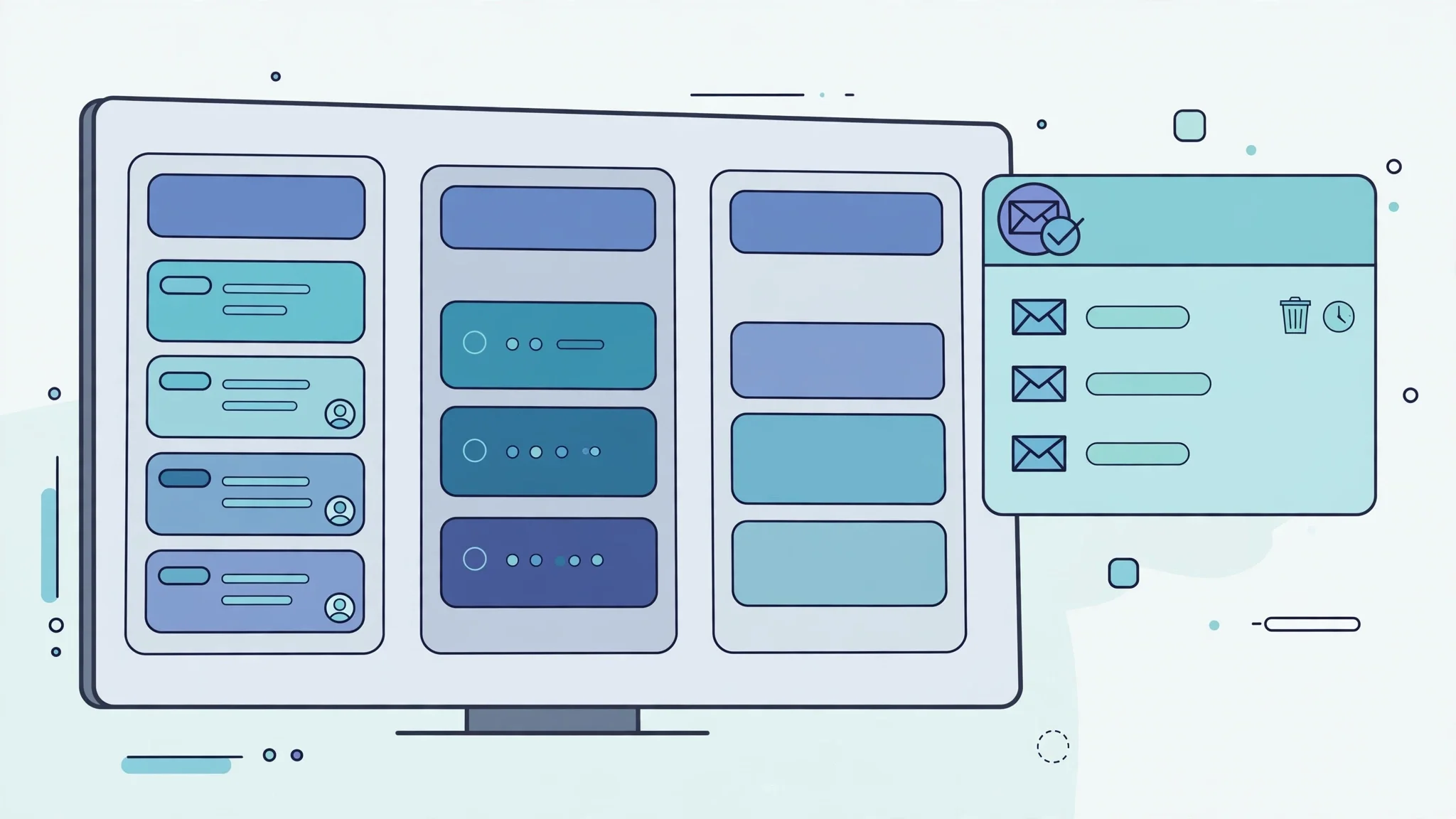
Temp Mail for ClickUp: The Everything App Remembers Your Email Longer Than You Do
# Temp Mail for ClickUp: The Everything App Remembers Your Email Longer Than You Do
Most tools ask for your email and then mostly leave you alone. ClickUp is not most tools. It wants to be the one place where your tasks, your documents, your goals, your time tracking, and your team chat all live, and it ties every one of those things to the address you typed on the signup form. That is exactly why a disposable address is both more useful and more dangerous here than it is on a single-purpose app. It keeps the trial clean, and it also becomes the single key to a system that grows roots fast. This guide is about using that key on purpose, and handing it over before it stops working.
The honest version of the question is not whether ClickUp accepts a disposable address. Sometimes it does, sometimes a domain is filtered, and that answer changes by domain and by month. The question that actually matters is what happens the week after signup, when the workspace you meant to throw away starts holding work you care about. If you decide that before you sign up, a temporary address is a good tool. If you decide it after, it is a lockout waiting for a date.
One Login, Five Jobs: What Your ClickUp Email Actually Carries
On a simple to-do app, your email is a username with a password reset attached. On ClickUp, it carries more weight, because the product is built around one identity spanning many jobs. The same login owns your workspace, your Spaces, your task assignments, your comments, your Docs, your Goals, and the notifications that tell you when someone mentions you or moves a deadline. When a colleague invites you to their workspace, that invitation goes to the same address. When you sign in on the mobile app, it is the same address again. There is no second, lighter identity for the casual parts of the product.
That concentration is the whole point of an everything app, and it is also the reason the disposable-address decision deserves more thought here than it does elsewhere. Losing access to a throwaway account on a notes app costs you some notes. Losing access to a ClickUp account costs you the map of who owes what to whom, the comments that explain why a task changed shape, and the invitations that let you back into other people's workspaces. None of that is stored anywhere else by default. So the rule for ClickUp is stricter than the rule for most signups: a disposable address is fine for looking around, and it is a bad foundation for anything you will still need in a month.
There is a second, quieter consequence. ClickUp sends a lot of mail to the signup address by design: assignment notifications, mentions, due-date reminders, comment digests, and invitation emails. On a real address, that stream is the product working as intended. On a disposable address, it is noise filling an inbox you never planned to read, and the one message that matters — a password reset, a workspace invitation, a security notice — drowns in it. People who use a temporary address for ClickUp usually do it to avoid exactly this stream, and that is a fair instinct, but it only works if you also accept that you will not be reachable through that address later. You cannot have both the silence and the safety net.
The Trial That Grows Roots
ClickUp's free plan is famously generous: unlimited tasks and unlimited members, with core views like List, Board, and Calendar included. That generosity is the trap, and I mean trap in the affectionate sense — it is a good product being good at its job. A trial on a stingy free plan ends by itself, because you hit a wall and either pay or leave. A trial on ClickUp's free plan has no natural ending. You add a second Space, then a third. You invite a collaborator, who invites another. You write a Doc that becomes the real spec, and a Goal that becomes the real target. Two weeks later, the thing you meant to evaluate is the place your work lives, and the address on the account is one whose inbox you can no longer open.

This is the pattern behind most disposable-address disasters on work tools, and it is worth naming plainly because it never feels like a disaster while it is happening. Nobody sits down and decides to build their team's system on a throwaway address. They decide to try something for an afternoon, and the afternoon turns into a quarter because the tool is good. The fix is not willpower. The fix is a decision made at signup: either this workspace is a sketch that will be deleted, or it is a candidate for becoming real, and if it is the second, the address changes before the first week is out. The same discipline applies to other project tools — our Asana guide states it as deciding the exit before you start — but ClickUp's generous free tier makes the decision more urgent, because nothing forces it for you.
If you are evaluating ClickUp against another tool, a disposable address is genuinely the right call. Sign up, build the same small project in both tools, invite one trusted colleague, and judge the real thing: how it feels to move a task, not how its marketing page reads. Just set a calendar reminder for the day the evaluation ends. When it rings, either delete the workspace or move it to a real address. An evaluation without an end date is not an evaluation; it is an adoption you did not agree to.
Five Doors, One Key
It helps to think of the signup email as a key that opens five different doors over the life of an account. A disposable address opens some of them fine and fails at others, and the failures arrive late, which is what makes them expensive.
| Door | Disposable address works? | What actually breaks |
|---|---|---|
| Signup verification | Usually, if the domain is not filtered | The confirmation link expires or the inbox closes before you click it, and the account sits unverified |
| Workspace invitations | Only while the inbox is alive | Invites sent after the inbox dies are unreachable, and you cannot accept them from anywhere else |
| Password reset | Only while the inbox is alive | A forgotten password with a dead inbox means the account is unrecoverable by email |
| Notification routing | Technically yes, practically no | Mentions and due-date alerts pile up in an inbox nobody reads, so the team thinks you were told |
| Mobile and desktop sign-in | Yes, until you are signed out | A fresh login on a new device needs the password you may have stored nowhere, plus email recovery if you forgot it |
The pattern in that table is the whole argument in miniature: everything works on day one, and the failures are all time-delayed. Verification is the only door that matters immediately, and it is the one people test, which is why so many reports say disposable addresses "work fine" with ClickUp. They worked fine on the day of the test. The password reset that fails six months later does not get written up as a follow-up, but it is the same account and the same decision.
One door deserves a special note: workspace invitations. ClickUp is a collaborative tool, so other people's invitations are a real part of the account's value. An invitation to a client's workspace that arrives after your temporary inbox has closed is not merely delayed; it is gone, and the client sees an invitee who never responded. If you are freelancing or contracting, that is a professional cost, not just a personal inconvenience. Our blocked-sites directory explains why a refusal at the form is usually a verdict on the domain rather than on you, and the same logic applies here: if one disposable domain is rejected at ClickUp's signup, try another domain before concluding the platform blocks all of them.
The Guest Seat Is the Honest Middle
There is a middle path that most guides skip, and for ClickUp it is often the best one: do not create a workspace at all. If someone else is already running the workspace — a client, an employer, a collaborator — ask to be invited as a guest to the specific tasks or lists you need, rather than signing up for your own workspace with a throwaway address to "check it out." A guest seat is honest about what it is: limited access, for a limited purpose, owned by someone else. It does not pretend to be your account, so it cannot strand your account later.
This also reverses the usual advice in a useful way. People reach for a disposable address because they do not want to commit. A guest seat is a smaller commitment than any signup, disposable or not, because there is nothing to delete afterward and nothing that can expire under you. The cost is that you see only what you were invited to, which is usually exactly what you need for a one-off collaboration. If the collaboration grows into something permanent, you sign up properly, with a real address, at the moment it becomes permanent — not three months earlier when you were only curious.
The same thinking applies to file attachments and integrations. ClickUp tasks often link out to files stored elsewhere, and if your task comments point at a Dropbox folder tied to a disposable address, the same expiry problem appears one layer down. Every disposable address in the chain is a timer, and timers are fine as long as someone is watching them. The guest seat removes one timer entirely, which is why it is the recommendation here rather than a footnote.
The Handover, Done While the Inbox Is Still Alive
If a ClickUp workspace built on a disposable address has become worth keeping, the handover is not complicated, but it has exactly one deadline: the temporary inbox must still be alive when you do it. Everything below assumes you can still open that inbox. If you cannot, skip to the FAQ, because the honest answer there is shorter and less comfortable.

First, change the email on the account from inside ClickUp's settings, while signed in, and confirm the change from the temporary inbox the moment the confirmation message arrives. Do not close the tab, do not walk away, do not let the message sit. Confirmation links are the one message class where delay is the same as loss, and our OTP guide covers the same timing discipline for codes generally: request the message only when you are sitting ready to use it, and complete the step in one sitting. Second, sign out and sign back in with the new address on every device you use, including the mobile app, so a stale session does not surprise you later. Third, request a password reset to the new address and complete it, so you know for certain that recovery works through the real address and not merely that the settings page says it should. A recovery path you have never tested is a hope, not a path.
Fourth, and most often skipped, tell the humans. If teammates have been mentioning the old address's account, confirm they still see the same person after the change, and re-check any workspace invitations that were sent to the old address. An account that changed its email but lost its invitations in the process has been handed over in name only. This step takes five minutes and it is the difference between a migration and a mess. The same rebuild-then-verify logic shows up in our QA testing playbook, where test accounts are treated as things built to be deleted: the disposable workspace did its job, and the job is done when the real account can stand on its own without it.
Three Times Disposable Is the Right Call, Three Times It Is Not
Disposable is the right call when you are comparing ClickUp against another tool and need a clean, unbiased workspace for each; when you are testing a template, a view, or an automation for a client and the workspace itself is the deliverable's draft, not the deliverable; and when you are joining a one-off collaboration that has a clear end date and no billing attached. In all three cases the workspace is a sketch, the end is known in advance, and losing it would cost an afternoon, not a quarter.
Disposable is the wrong call when the workspace is your team's permanent home, even if the team is just you and one collaborator; when anything with billing, a paid seat, or a connected integration touches the account, because billing disputes and integration reconnects both route through the signup email; and when you sign up with Google or another social login tied to the disposable address, because then the throwaway identity is load-bearing in two systems at once and expiring it breaks both. That last case is the sneakiest: signing up with a social account feels like less commitment than typing an email, but it is more, because the identity behind it is the thing that expires.
My opinion, stated plainly so it can be disagreed with: ClickUp is the work tool where I would least recommend a disposable address as a foundation, not because it blocks them aggressively, but because its free plan is too good. A bad free plan protects you from yourself by ending the trial. ClickUp's free plan never ends it, so you have to. If you take one rule from this guide, take that one: the generosity of the plan is the reason to set the exit date, not a reason to skip it.
What ClickUp Sees When You Sign Up Disposable
It is worth saying what happens on the platform's side, because it explains the inconsistent reports. ClickUp, like most large platforms, filters some disposable domains, and the list changes constantly. A domain that works today can be blocked next month, and a domain blocked on ClickUp can work fine elsewhere, because the filtering is per-domain and per-platform, not a universal verdict on disposable mail. That is why two people can report opposite experiences in the same week and both be telling the truth: they used different domains on different days.
There is nothing underhanded about this filtering, and there is nothing underhanded about using a disposable address where it is accepted. The platform is protecting itself from spam workspaces; you are protecting your real inbox from a stream you did not ask for. Both are legitimate. The practical consequence is the same advice given for every platform in this blog: if the form rejects your address, do not hammer it with rapid retries from the same device, because repeated rapid attempts are the fastest way to convert a domain rejection into a broader block. Switch domains once, and if that fails too, accept that this workspace wants a real address and decide whether the workspace is worth one.
Frequently Asked Questions
Can I sign up for ClickUp with a temp mail address?
Sometimes, depending on the domain. ClickUp's signup accepts an email address and sends a confirmation message, and disposable domains that are not on its filter list complete that step normally. If your domain is rejected, switching to a different disposable domain sometimes works, but a workspace you plan to keep should be moved to a real address promptly, for the reasons in the handover section above.
Will I lose my ClickUp workspace when the temp inbox expires?
You lose access to email-based recovery and to any invitations sent after expiry, which in practice means you lose the account the first time you are signed out and forget the password, or the first time someone invites you after the inbox dies. The workspace itself is not deleted on a schedule tied to your inbox, but an account you cannot recover is not meaningfully yours anymore.
Is using temp mail for ClickUp against its rules?
ClickUp does not publish a rule that says "disposable addresses are banned" as a headline policy, and acceptance at signup is the practical test. The risk is not a ban notice; it is the quiet, unappealable loss of recovery described above. Treat it as a technical risk rather than a moral one, and manage it with the handover, not with arguments about fairness.
Can I change the email on my ClickUp account later?
Yes, from inside the account settings while you are signed in, with confirmation through the new address. The catch is the timing: the change must be confirmed while you still control the old address's inbox if the flow asks for it, which is why the handover must happen before the temporary inbox closes, not after.
What about signing up with Google using a disposable Gmail-style address?
Do not stack throwaway identities. If the social account behind the signup is itself disposable or one you plan to abandon, expiring it breaks the ClickUp login and the social login together. Use a social login you intend to keep, or use email signup with an address you intend to keep, and keep the two decisions separate.
Is a guest seat really better than my own disposable workspace?
For a one-off collaboration, yes. A guest seat is limited by design, owned by the workspace that invited you, and carries no expiry timer of its own. Your own disposable workspace gives you more control for a shorter time, and then the timer runs out. Control you cannot keep is not control; it is a loan with a due date nobody told you about.
The Verdict
Use a disposable address to evaluate ClickUp, to test a template, or to join something with a clear end date, and set the exit date the day you sign up. Do not build the place your work lives on an address whose inbox you cannot open next month, because ClickUp's generous free plan will let that workspace grow roots long before it ever asks you to pay. The tool is good enough to become permanent by accident. Make the permanence a decision instead, and the disposable address stays what it should be: a clean way to look, not a slow way to lose everything you built while looking.
Need a disposable temporary email?
Protect your real inbox from spam and promotional clutter instantly and free.
Received a suspicious email, text, or charge alert?
Verify whether the sender domain is disposable, spoofed, or unverified before clicking links.