

Best Temp Mail for OTP Codes in 2026: Judged on Delivery, Not Marketing
Search for the best temp mail for OTP codes and you will find a strange thing: every result is written by a company selling you its own inbox. The "best" service is, coincidentally, always the one whose logo sits at the top of the page. That is not a review. That is an advertisement wearing a comparison table as a disguise.
This guide is the independent version. It does not end with a signup button for one service, because the honest answer to "which temp mail is best for OTPs" is not a brand name. It is a set of four tests. A service that passes all four is good for OTPs. A service that fails even one of them will cost you an account at the worst possible moment — usually when a code expires, a site rejects the domain, or a stranger reads your code first.
I am going to be blunt about one thing up front: temp mail is a mediocre tool for OTPs in general, and a good tool for OTPs in one specific situation. Knowing which situation you are in matters more than knowing which service has the prettiest inbox.
An OTP is a race against a clock, not a mailbox
Most people judge an inbox the way they judge email: does mail arrive, and can I read it? An OTP changes the job completely. A one-time code is a message with a fuse. Many codes expire in 30 seconds to 10 minutes, and the countdown usually starts when the sending site generates the code, not when you open your inbox. Every second the message spends in transit, in a queue, or waiting for you to refresh is a second you do not get back.
That is why the usual temp-mail selling points are almost irrelevant here. A beautiful interface does not deliver a code faster. Ten thousand available domains do not help if the one domain you picked is blocked by the site you are signing up for. And a generous inbox lifetime — "your address lasts 24 hours!" — is worthless if the code inside it expired nine minutes after it arrived.
Think of an OTP inbox as a relay baton, not a storage box. The only questions that matter are: does the baton arrive, does it arrive before the whistle, does the receiving site accept the runner, and does anyone else grab it on the way? Everything in this guide comes back to those four questions.
The four tests that decide whether a service is good for OTPs
Here is the scorecard I would use before trusting any service with a code, and the scorecard I wish the ranking pages used instead of their own feature lists.
Test 1: Delivery speed under real conditions. Not "instant" as a marketing word, but whether the inbox refreshes on its own, how often, and whether messages appear without you hammering a refresh button. A service that makes you manually refresh every 15 seconds is burning your code window on clicks.
Test 2: Domain acceptance breadth. This is the test most people skip and most services fail. Sites that block disposable email do not block "temp mail" as a concept. They block lists of domains — tens of thousands of them, updated constantly. A service with one famous domain is one blocklist entry away from useless. A service that rotates fresh domains, or lets you pick from many, survives longer. But breadth alone is not a guarantee: a brand-new domain can still be blocked within days if it gets abused hard enough.
Test 3: Inbox lifetime versus code lifetime. Your inbox needs to outlive the code, obviously — but it also needs to outlive the second code. Signups rarely go perfectly on the first try. You mistype, the first code expires, the site asks you to resend, or you need a password-reset code an hour later. An inbox that vanishes after ten minutes turns a resend into a restart with a new address, and some sites will not accept a second signup attempt from a different address gracefully.
Test 4: Code privacy. Who else can see the message? On a public temp-mail service, the answer is: everyone who opens the same inbox page. A six-digit code sitting in a public inbox is not a secret, and for OTP purposes that is not a footnote — it is a disqualification for anything you care about. I will come back to this, because it is the test that kills most "best for OTP" recommendations outright.
Run any service through those four tests with a throwaway signup before you trust it with a real one. The test costs you ten minutes. Skipping it can cost you an account.
Why nearly every "best" list for this keyword is selling you something
When we checked the top results for this keyword, the pattern was almost comical in its consistency: a self-promoting guide from one service, tool pages from two more, two OTP guides from the same large provider, and a listicle from another. Nobody in the top ten was an independent tester. Nobody had run the four tests above on more than their own product. Nobody mentioned a single failure case for their own service.
That is not an accident. "Best temp mail for OTP" is a commercial keyword. The sites ranking for it are not trying to inform you; they are trying to capture you at the exact moment you need an inbox. Their comparison tables compare their own strengths against competitors' weaknesses, their "cons" sections contain softballs like "interface could be prettier," and their verdicts never say "do not use temp mail for this account."
So treat every ranking page for this keyword as a shop window, not a review. The useful signal is not who they rank first. It is what they leave out: delivery delays, domain blocks, public-inbox exposure, and the accounts you should never verify this way. Those omissions are this guide's starting point.
The delayed-code problem: when the code arrives after the window closes
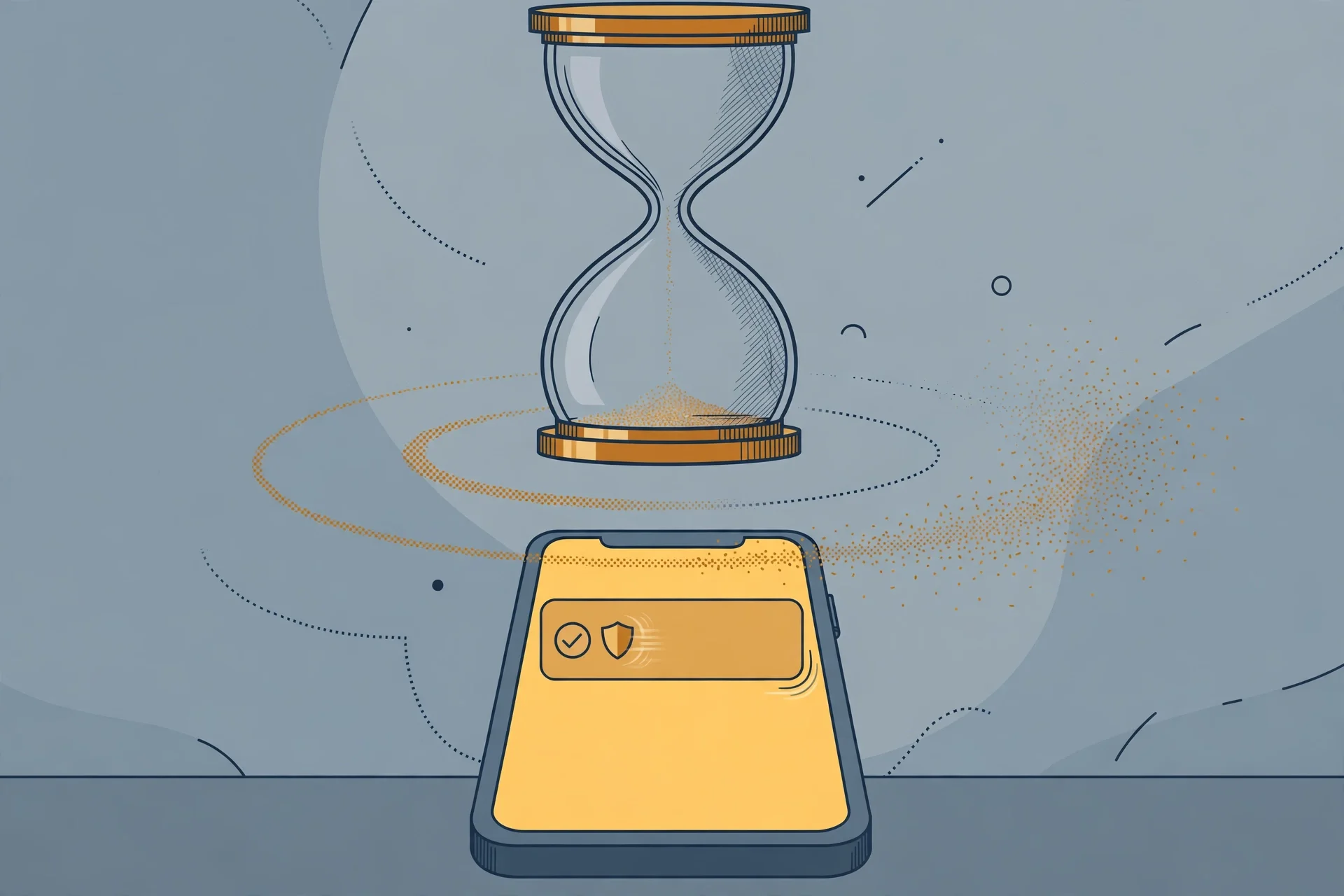
The most common OTP failure with temp mail has nothing to do with blocking. The code arrives — just too late.
Here is how it happens. You request a code. The sending site starts its countdown, often 60 seconds, sometimes 5 or 10 minutes. The message travels through the sender's mail system, across the internet, into the temp-mail provider's receiving system, and then into your browser. Each hop adds seconds. A provider that batches incoming mail, or whose inbox only updates when you refresh, can easily eat a third of a short window before you even see the message.
Then there is the human part. You switch tabs, copy the code, switch back, type it in — and on a 60-second code, a slow inbox plus slow fingers is enough to watch the timer hit zero. When people say "the code never arrived," what often happened is that it arrived, expired, and they were looking at an old message or a stale inbox view while the valid window closed.
Practical fixes, in order of value: first, pick an inbox that auto-refreshes, so you are not spending window time on refresh clicks. Second, keep the inbox tab and the signup tab side by side, not buried behind other windows. Third, request the code only when you are sitting ready to type it — not while you are still filling in the rest of the form. And fourth, if a code fails twice in a row, stop retrying the same inbox and switch domains or services; repeated failures on one address are rarely bad luck. They are usually a delivery or acceptance problem that a third attempt will not fix.
If codes are consistently late rather than missing, that is also worth diagnosing properly before you blame the service. The guide to an OTP code not arriving in a temp email walks through the difference between a blocked domain, a delayed message, and a code that went to the wrong address — three problems that look identical on screen and need different fixes.
Domain acceptance: the same inbox works on one site and fails on the next
Nothing confuses people more than this: the same temp-mail address that worked perfectly for one signup fails silently on the next site. No error, no warning — just a code that never comes, or a form that refuses the address outright.
The reason is that blocking is per-domain, not per-service, and every major platform keeps its own list. A domain that a forum accepts without a blink may be on a streaming service's blocklist, and a domain that works for a newsletter signup may be rejected by a financial service that checks disposable-email databases at the form level. This is also why "best" lists age so badly: a service's flagship domain can go from working to blocked in a week if it lands on enough lists, and the ranking page that praised it will not update to tell you.
What actually helps: services that offer many domains and let you switch without losing the inbox session, and the habit of testing the address on the target site with a low-stakes action before the real signup. If the site offers a "check availability" or newsletter step, use it. And if a site rejects a domain at the form — before you even request a code — do not fight it with the same service's other famous domain. That second domain is often on the same list. Try a lesser-known provider, or accept that this particular site has decided it does not want disposable addresses, and use a real email or an alias instead.
One more honest limit: no temp-mail service can promise acceptance everywhere, and any page that does is lying. Acceptance is a moving target set by the receiving site, not by the inbox provider. The best a provider can do is rotate domains fast and be honest about which sites block them. Almost none are honest about the second part, which is why your own ten-minute test beats any ranking page.
The public-inbox problem: your code is visible to strangers
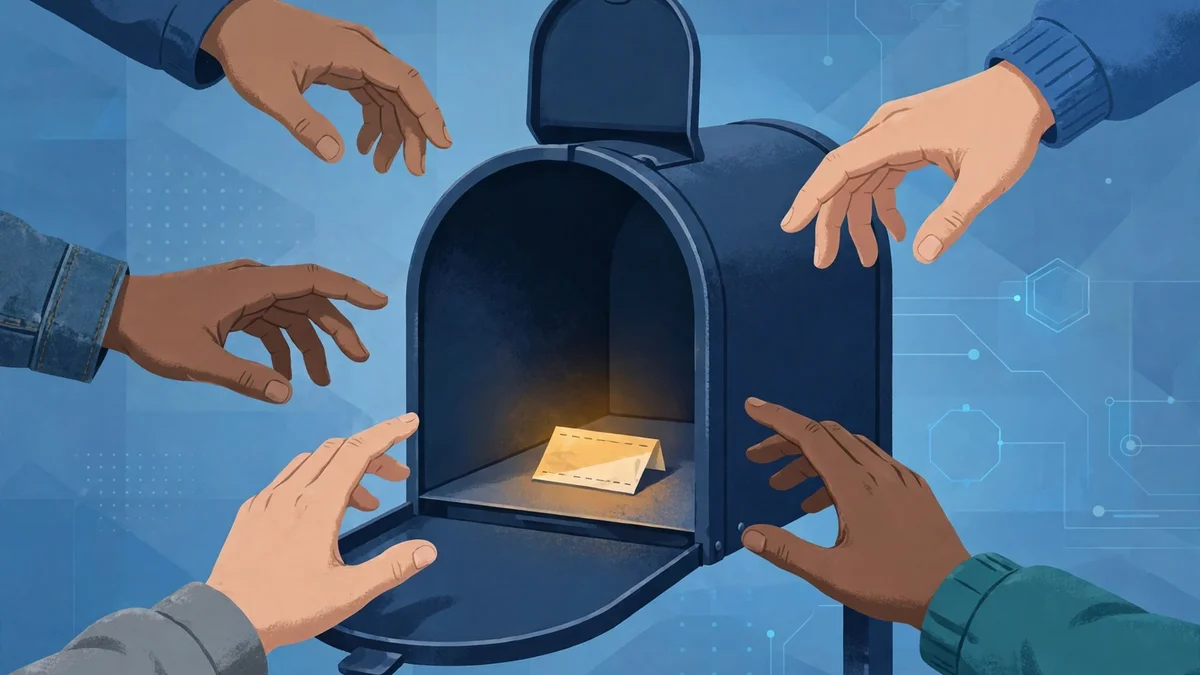
This is the test that should end the most arguments about which service is "best," because it disqualifies an entire category.
Many free temp-mail services use public inboxes: anyone who knows or guesses the address can open the same inbox and read the same messages. There is no password, no login, and no private view. For a newsletter signup, that is a privacy shrug. For an OTP, it is a security hole with a timer attached. A stranger who opens your inbox at the right moment sees the same six digits you do, and if they are faster — or if they are running a script that watches public inboxes — they can use your code before you do.
I am not saying this happens every time. For a low-value signup, the odds that a stranger is watching your specific address at the exact minute your code arrives are low. But "low odds" is not the same as "safe," and the stakes scale with the account. A code for a throwaway forum account is one thing. A code for an account tied to your money, your identity documents, or your work is another thing entirely, and a public inbox is the wrong place for it no matter how fast the service is.
The rule I use: if the service does not give you a private inbox — one that only you can open — it fails the OTP test for anything beyond a throwaway, regardless of its speed or domain count. Private-inbox services exist, and they are the only category worth comparing for codes that matter even slightly. A service can be the fastest inbox on the internet and still be the wrong answer if its inboxes are public.
Reusable address or fresh address? The second-code trap
Temp-mail services generally offer two models: a fresh random address per session, or a reusable address you can return to. For OTPs, this choice matters more than people expect, because signups almost never need just one code.
The fresh-address model is cleaner for privacy — nothing links your signups together — but it breaks the moment you need a second message. Password reset tomorrow, login verification next week, a "confirm this is still you" code in a month: all of those go to the address on the account, and if that address is gone, so is your access. People discover this trap weeks after signup, when the service they verified is asking for a code they can no longer receive.
The reusable-address model solves the second-code problem and creates a different one: the address becomes a long-term identifier, and everything sent to it over months is visible in one place. If it is a private inbox, that is manageable. If it is public, it is a growing exposure.
My working rule: for a signup you might ever need to log back into, use a reusable private address and keep it — bookmark it, save it in your password manager, treat it like a real credential. For a one-time verification you will never revisit, a fresh address is fine, but only if you are genuinely sure you will never need a reset code. Most people overestimate how sure they are. When in doubt, assume you will need the second code, because accounts have a way of asking for one at the worst time.
When temp mail is simply the wrong tool for an OTP
There is a category of accounts where the four tests do not matter, because the answer is already no.
Banking, payment apps, crypto exchanges, government services, and your primary email account all treat the verification address as a recovery channel, not just a signup step. Lose the channel and you lose the account, or at least your fastest path back into it. A temp-mail address — even a private, reusable one — is a channel you do not control through a provider you have a contract with. It can vanish, get recycled, or get blocked, and none of those events come with customer support that owes you anything.
The crypto guides on this site keep hitting this wall from different directions, because exchanges are where the theory becomes expensive. The Coinbase signup guide explains why an exchange that takes your money will not accept a disposable address as a serious identity, and the broader rule is worth stating plainly: if losing the account costs money, use an address you own. The same logic covers the other direction — when not to use a temporary email lists the account types where a throwaway contact is not a shortcut but a future lockout, and OTP-protected financial accounts sit at the top of that list.
There is also a subtler wrong-tool case: accounts where the OTP is not the real verification. Some platforms send an email code as a formality and then demand phone verification, ID verification, or a payment method before the account is useful. Passing the email step with temp mail and then hitting a wall you cannot pass wastes the whole signup. Check what the platform actually requires after the code before you start, not after.
The verdict: pick by the job, not by the list
So, what is the best temp mail for OTP codes? Here is my answer, by job — and notice that no brand name appears, because the brand is the least important part.
| Job | What to use | Why |
|---|---|---|
| A throwaway signup you will never revisit | Any fast private inbox, fresh address | Speed matters, privacy exposure is brief, second codes do not exist |
| A signup you might log back into | A reusable private address you save like a password | The second code is the real test, and only a kept address passes it |
| A code for a free trial or newsletter | Any auto-refreshing inbox, public or private | Stakes are low, speed is the whole job |
| A code for anything holding money or identity | Your real email, full stop | No disposable channel survives the recovery test |
| A code that keeps failing on one service | A different provider's lesser-known domain | The block is usually on the domain, not on you |
Three habits matter more than the choice of service. Test the address on the target site with a throwaway action before the real signup. Keep the inbox tab open and ready before you request the code, so the window is spent typing, not waiting. And save a reusable address the way you save a password, because the code you need in three months is the one that decides whether the signup was worth anything.
The ranking pages will keep crowning themselves. Ignore the crown. Run the four tests — speed, acceptance, lifetime, privacy — and let the service that passes them earn the job. That is a slower answer than "click here for the best inbox," but it is the only one that survives contact with a real signup, a real timer, and a real account you care about keeping. For the other failure modes — codes that vanish, inboxes that never fill — the temp mail not receiving OTP fix guide covers the step-by-step diagnosis, and the is temp mail safe guide explains what a disposable inbox can and cannot protect once the code has done its job.
Frequently asked questions
Which temp mail is actually best for OTP codes?
No single service wins for everyone, because the deciding factors are delivery speed, domain acceptance on your specific target site, inbox lifetime, and whether the inbox is private. A fast private inbox with many domains beats a famous public inbox on every test that matters. Test the service on your target site with a throwaway signup before trusting it with a real one.
Why is my OTP code not arriving in my temp inbox?
Usually one of three causes: the target site blocks the temp-mail domain, the message is delayed past the code window, or the code went to a different address than the one you are watching. Check whether the site rejected the domain at the form, whether the inbox auto-refreshes, and whether you are looking at the exact address you entered.
Can someone else use my OTP code from a public temp inbox?
Yes. Public inboxes are readable by anyone who opens them, so a stranger watching the same address can see and use your code. For throwaway signups the practical risk is low, but for any account you care about, use a private inbox only — or your real email.
How long do temp-mail OTP codes stay valid?
The code's lifetime is set by the sending site, commonly 30 seconds to 10 minutes, and the countdown usually starts when the code is generated, not when you open it. Your inbox must outlive the code and the likely resend, which is why ten-minute inboxes fail signups that need a second attempt.
Should I use a fresh temp address or a reusable one for OTPs?
Use a reusable private address for any signup you might log back into, because password resets and re-verifications go to the original address. Use a fresh address only for one-time signups you will genuinely never revisit. When in doubt, assume you will need the second code.
Is it safe to use temp mail for a bank or crypto OTP?
No. Financial accounts treat the verification address as a recovery channel, and a disposable address you do not control is a future lockout, not a shortcut. Use an email address you own for anything holding money, identity documents, or irreplaceable data.
Need a disposable temporary email?
Protect your real inbox from spam and promotional clutter instantly and free.
Received a suspicious email, text, or charge alert?
Verify whether the sender domain is disposable, spoofed, or unverified before clicking links.