
Which Sites Block Temp Mail? The Honest Directory (2026)
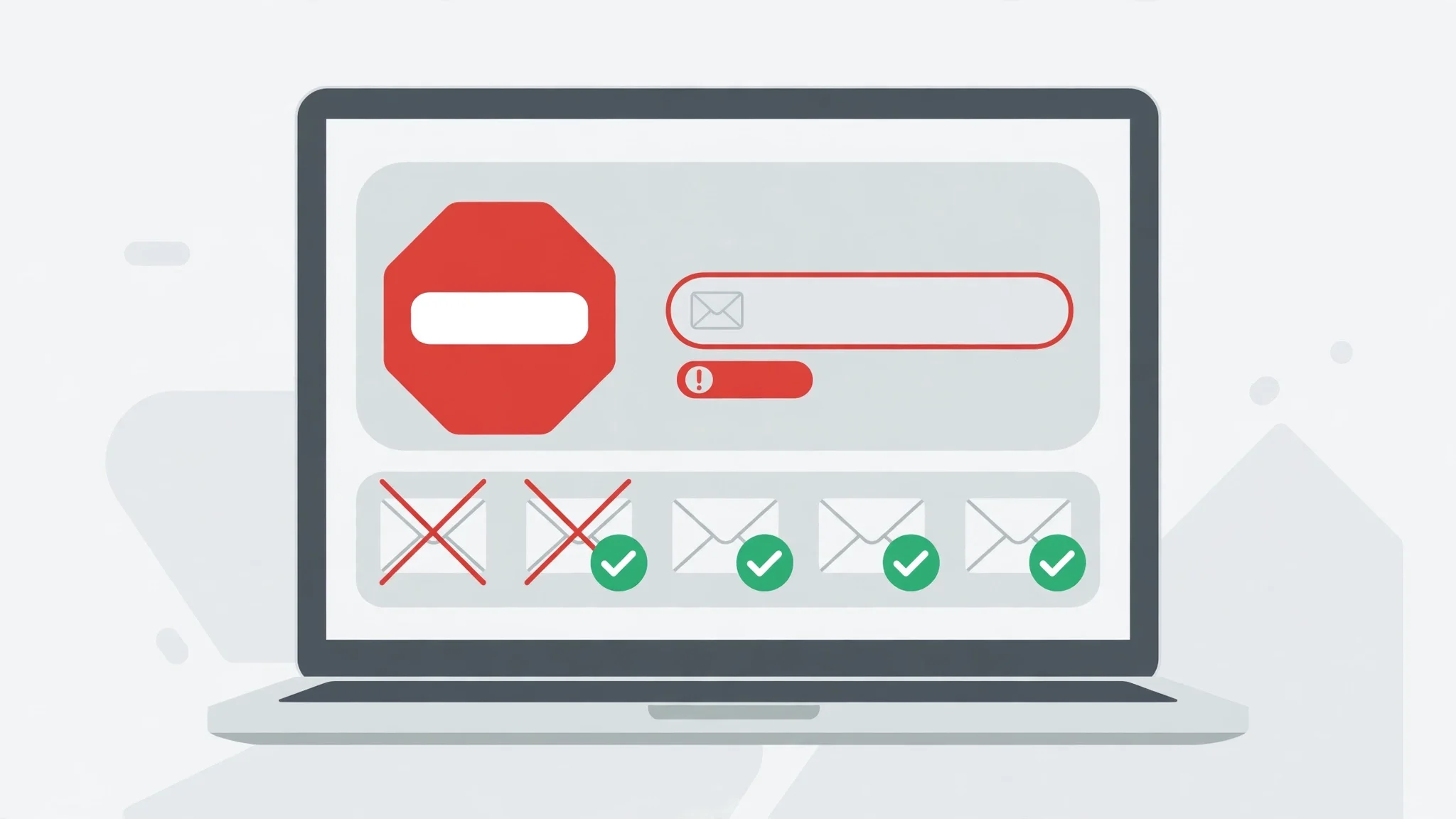
You paste a fresh disposable address into a signup form, hit continue, and get the red box: "This email address is not allowed." No code arrives, no second chance, no explanation of what tripped the filter. Ten minutes later the same address sails through a different site without a blink. Same inbox, same afternoon, opposite results — and that contradiction is the whole story of temp mail blocking. It is not one wall. It is dozens of different walls, built by different teams, for different reasons, at different heights.
This article is the directory I wanted the first time that red box appeared. Not a list of tricks to sneak past filters, and not a promise that any given site will accept your address — nobody honest can promise that, because the answer changes with the domain you happen to draw. What follows is a platform-by-platform map of where temp mail usually gets stopped, where it depends, and where it normally works, plus the reason your result can differ from someone else's using the same service on the same day.
One warning before the map: every status below is a pattern, not a guarantee. Blocking runs on domain reputation, and domains gain and lose reputation constantly. A domain that worked on a platform last month can be listed this month, and a freshly rotated domain can pass where a famous one fails. Read the statuses as "usually," and read the section on why results differ before you treat any single row as gospel.
How to read this directory
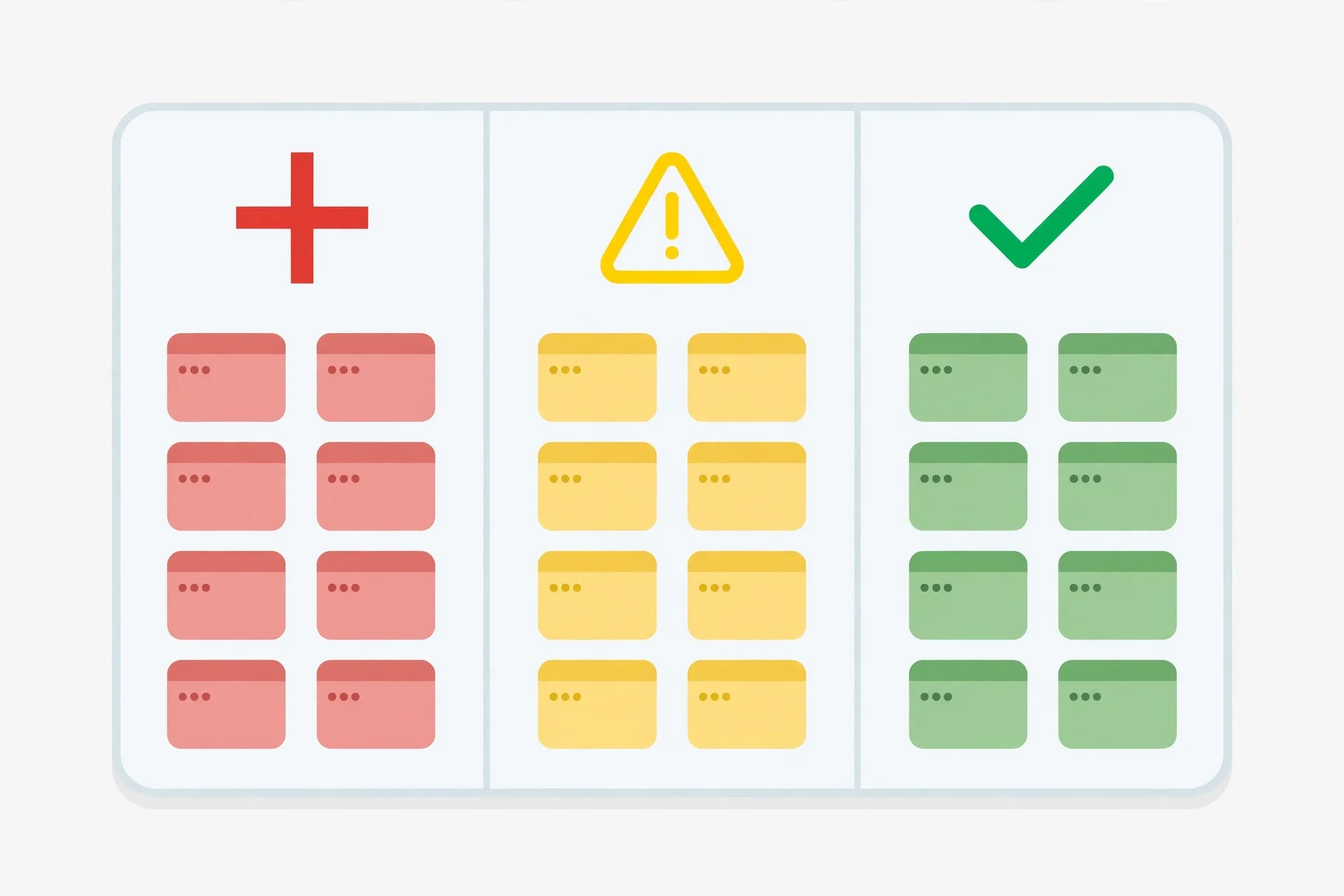
Each entry carries one of three statuses, and the difference between them matters more than any individual site name.
Blocked means the platform rejects disposable addresses as a matter of policy, across most or all known disposable domains. You will hit the red box before any code is sent. Trying another disposable domain sometimes helps for a day, but the policy itself does not change.
Varies means the platform checks the specific domain against a blocklist, or scores it alongside other signals. A well-known disposable domain gets stopped; a quieter one may pass. Your result depends on which domain you drew, and sometimes on the device, network, or behaviour around the signup.
Usually works means the platform either does not filter disposable domains at all, or filters only the most abused ones. Rejection here is the exception, and it usually means your particular domain has a bad week.
The second thing to understand is that the filter almost never judges you. It judges the domain — the part after the @. A disposable service with a hundred domains will have some that are listed everywhere and some that are listed nowhere, because blocklists are built domain by domain, not service by service. When people say "temp mail doesn't work on X," what they usually mean is "the domain I drew doesn't work on X." That distinction drives everything else in this article.
Blocked: the platforms that say no as policy
Start with the places where temp mail is, for practical purposes, a dead end. These platforms tie the email address to money, identity, or legal accountability, and they treat a throwaway address as a risk signal they are not willing to accept.
| Platform type | Examples | Why they block |
|---|---|---|
| Banks and payment apps | PayPal, Wise, Revolut-style fintech | Money movement plus anti-fraud and KYC rules; the address is part of the account's identity |
| Crypto exchanges | Binance, Coinbase | Regulated onboarding; disposable addresses fail KYC and raise laundering flags |
| Government and tax services | Tax portals, benefits sites, voter and licence services | Legal identity; a throwaway address cannot anchor a legal record |
| Credit and insurance | Loan applications, credit checks, insurers | Underwriting needs a reachable, durable contact; disposables signal synthetic identity |
| Apple ID and primary device accounts | Apple ID creation | The address becomes the recovery path for the whole device; Apple guards it accordingly |
The pattern is consistent: wherever losing access to the address would mean losing money, legal standing, or a device, disposable addresses are blocked by design. This is also where fighting the filter is worst advice. Even if a fresh domain slipped past today, an account built on an address that expires is an account you will lose at the first password reset, the first fraud check, or the first "confirm this is you" email. For these platforms, use a real address — ideally a dedicated secondary address you control, not your main inbox, but a real one that will still exist in a year.
Our guide to temp mail for Binance signup covers the exchange case in detail, and the logic transfers directly to the rest of this table: regulated onboarding and disposable addresses do not mix, and the block is the least of the problems — account recovery is the real one.
Varies: the big platforms where your domain decides
This is the largest and most frustrating category, because it contains the platforms most people actually try temp mail on. Social networks, streaming services, marketplaces, and gig apps mostly do not ban disposable addresses outright. They check the domain against shared blocklists — lists of known disposable domains that run into the hundreds of thousands of entries — and they combine that check with other signals like IP reputation and signup behaviour.
| Platform type | Examples | What usually happens |
|---|---|---|
| Social networks | Instagram, Facebook, X, TikTok | Famous disposable domains blocked; quieter domains often pass, then face phone verification later |
| Chat and community | Discord, Reddit, Telegram-adjacent signups | Domain-dependent; Discord is stricter than Reddit in most reports |
| Streaming and media | Netflix, Spotify, YouTube-adjacent accounts | Usually the payment step, not the email step, becomes the real gate |
| Marketplaces | Amazon, eBay, Etsy | Signup may pass; selling, payouts, or account recovery will demand a real address |
| Freelance and gig | Upwork-style platforms, delivery apps | Varies by domain; identity verification arrives sooner or later regardless |
The honest way to use this table is as a starting expectation, not a verdict. If you try Instagram with a famous disposable domain and get rejected, that tells you about that domain, not about Instagram's policy in general. Try a different domain from the same service and the result may flip — and if it does, you have learned something real about how the filter works: it is a list lookup, not a judgement on you.
There is a second trap in this category. Passing the email check is not the same as having a working account. Several of these platforms accept the address, then ask for a phone number at the next step, or silently limit the account — no posting, no messaging, no changes — until a phone or a real email is added. A signup that "worked" but produces a crippled account is not a win; it is a delayed rejection. Judge the attempt by what the account can actually do an hour later, not by whether the form accepted the address.
Usually works: where temp mail does its job
The other end of the map is where disposable addresses are genuinely the right tool. These are low-stakes, low-identity signups where the site wants an address for a download link, a coupon, or a newsletter — and where the site's own spam problem is small enough that filtering disposables would cost them more signups than it saves.
| Platform type | Examples | Why it usually works |
|---|---|---|
| Newsletters and blogs | Independent newsletters, niche blogs | The site wants readers; blocking addresses loses subscribers |
| Coupon and deal sites | Deal aggregators, discount codes | The address is a delivery channel for the coupon, nothing more |
| Free trials of small tools | Indie apps, browser extensions, small SaaS trials | Small teams rarely maintain blocklists; signup friction costs them users |
| Wi-Fi and event portals | Hotel Wi-Fi, conference signups, event RSVPs | The address verifies a human, not an identity; disposables pass that bar |
| Forums and hobby communities | Niche forums, fan communities, Q&A sites | Low fraud incentive; moderators handle abuse after the fact |
This is temp mail's home turf, and it is worth saying plainly: for a newsletter you may read once, a coupon you will use today, or a download link you need for ten minutes, a disposable address is not a hack. It is the proportionate choice. The site gets a working delivery address for exactly as long as it needs one, and your real inbox stays out of a marketing database you never asked to join. Our guide to temp mail for Coursera courses sits near this end of the map too — learning platforms vary, but a course signup is a far cry from a bank account, and the stakes of the address expiring are a lost course reminder, not a lost identity.
Why your result differs from your friend's
If two people try the same platform with the same disposable service and get different results, neither of them is lying. Four mechanisms explain nearly every disagreement, and understanding them will save you from chasing ghosts.
1. The domain lottery. Every disposable service rotates many domains, and blocklists list domains one at a time. You drew a listed domain; your friend drew an unlisted one. Same service, opposite outcomes, and the only fix is drawing again.
2. Blocklist lag. Lists update on their own schedules. A domain that passed everywhere last week can appear on a major list this week after a spam wave, and a domain that was blocked for months can fall off a list when it goes quiet. Blocking status has a shelf life, in both directions.
3. Behaviour signals on top of the list. Some platforms do not stop at the domain check. A signup from a VPN exit node, a device that created five accounts today, or a form filled in three seconds flat can trigger rejection even with a clean domain — and a calm, ordinary signup can pass with a domain that is technically listed. The email check is one input among several.
4. Silent filtering instead of loud rejection. Some platforms accept the address and then never deliver the code, or deliver it to a spam folder, or throttle it for hours. From your side this looks like "temp mail doesn't receive codes," but the mechanism is different: the platform accepted the address and then distrusted it downstream. Our guide to OTP delivery with temp mail walks through this failure mode, because it is the one people misdiagnose most — they blame the inbox when the sender quietly refused to send.
What to do when your address is blocked
Getting blocked is information, not a dead end. Work through it in this order, and stop at the first step that fits the stakes of the account.
First, try one different domain from the same service. If the block is a list lookup, a different domain is the cheapest fix, and it answers the diagnostic question at the same time: if the second domain passes, the first was listed; if it also fails, the platform likely blocks the service broadly or is scoring your behaviour too. Do not burn ten domains on one form — repeated rapid attempts look automated and can trigger exactly the behaviour filters described above.
Second, check whether the block is really about email. Some forms reject disposable addresses with a clear message; others reject the signup for a different reason — a VPN, a rate limit, a region mismatch — and the email field takes the blame because it is the field you were looking at. Try once from a normal network without a VPN before concluding the domain is the problem.
Third, match the address to the stakes. If the account holds money, identity, or work you cannot lose, stop fighting the filter and use a real secondary address. A dedicated alias or a second real mailbox costs minutes to set up and removes the entire category of failure: blocks, expiry, and lost recovery. Temp mail is for accounts you can afford to lose; the moment you cannot afford to lose it, it is the wrong tool.
Fourth, if the account is low-stakes and the platform keeps blocking, use the platform's own guest or social option. Many sites that block disposable addresses accept a Google or Apple sign-in, or a guest checkout, with no email typing at all. That route sidesteps the blocklist without touching a disposable domain — though it trades email privacy for account linkage, so weigh that before clicking.
Finally, on mobile, remember that switching apps does not change the domain. If your address is listed, opening a different temp mail app that serves the same popular domains will not help. What helps is a different domain, or a different approach from the list above. Our guide to temp mail apps on Android is useful for managing inboxes on the go, but no app can make a listed domain unlisted.
What not to do when blocked
Three shortcuts circulate whenever blocking comes up, and all three are worse than the block itself. Do not buy "verified" accounts or pre-verified addresses from sellers — those accounts are tied to someone else's identity or phone, they get reclaimed or banned, and you inherit whatever abuse history they carry. Do not use a real person's address, or an address at a domain you do not control, in the hope it passes the filter — that is someone else's inbox receiving your codes. And do not hammer the form: dozens of rapid attempts from one device is the fastest way to turn a domain block into a device or IP block that follows you to your real address too.
There is also a quieter mistake worth naming. Some people, blocked on a platform that matters, create the account with a disposable address that happens to pass, then build real work on it — a portfolio, a store, a community reputation — and discover months later that the inbox is gone and the account is unrecoverable. The block was trying to tell them something. If a platform matters enough to build on, it matters enough for a real address.
Frequently asked questions
Do all sites block temp mail?
No. Banks, payment apps, crypto exchanges, and government services block it almost always, because the address anchors money or legal identity. Social networks and marketplaces vary by domain. Newsletters, coupons, small-tool trials, and event signups usually accept it. The filter depends on what the address is for, not on a universal rule.
Why did temp mail work on a site last month but not today?
Because blocklists change. A domain can be added to a major list after a spam wave, or a platform can tighten its checks. Domain reputation has a shelf life in both directions, so a status from last month is a hint, not a promise. Drawing a different domain is the fastest test of whether the list changed or the platform did.
Does changing the temp mail app help when a site blocks me?
Only if the new app serves different domains. The filter checks the domain after the @, not the app you used to open the inbox. Switching apps while keeping the same popular domain changes nothing; switching domains is what changes the result.
Can a site tell I am using temp mail even if the domain is not listed?
Sometimes. Platforms combine the domain check with behaviour signals — VPN use, rapid repeat signups, device reputation — and some use private lists that public blocklists never see. A clean domain helps, but it is not a guarantee, especially on platforms that score the whole signup rather than just the address.
Is it safe to use temp mail where it works?
For low-stakes signups, yes: a newsletter, a coupon, a download link. The address exists to receive, and losing it costs you nothing. For anything holding money, identity, or work you cannot rebuild, no — use a real secondary address. The safety question is always about what the account holds, not about the tool.
What should I do if a site accepts temp mail but never sends the code?
First wait a few minutes and check the spam or promotions folder, since some senders throttle mail to disposable domains. Then try a different domain, because the sender may be silently filtering the first one downstream. If codes never arrive across domains, the platform is likely filtering at delivery rather than at signup — use a real address for that account.
The verdict: match the address to the account
The directory boils down to one rule, and it is the same rule that runs through every honest guide to disposable email. A throwaway address belongs on a throwaway account: the newsletter, the coupon, the one-time download. A real address belongs on anything you would be upset to lose: money, identity, work, a device. Blocking is not the enemy of temp mail; it is the market telling you which accounts are which. Use the directory to predict the red box before it appears, draw a different domain when the stakes are low, and stop fighting the filter the moment the stakes are high. That is not a trick. It is the whole strategy, and it works because it respects what the filter is actually protecting.
Need a disposable temporary email?
Protect your real inbox from spam and promotional clutter instantly and free.
Received a suspicious email, text, or charge alert?
Verify whether the sender domain is disposable, spoofed, or unverified before clicking links.