
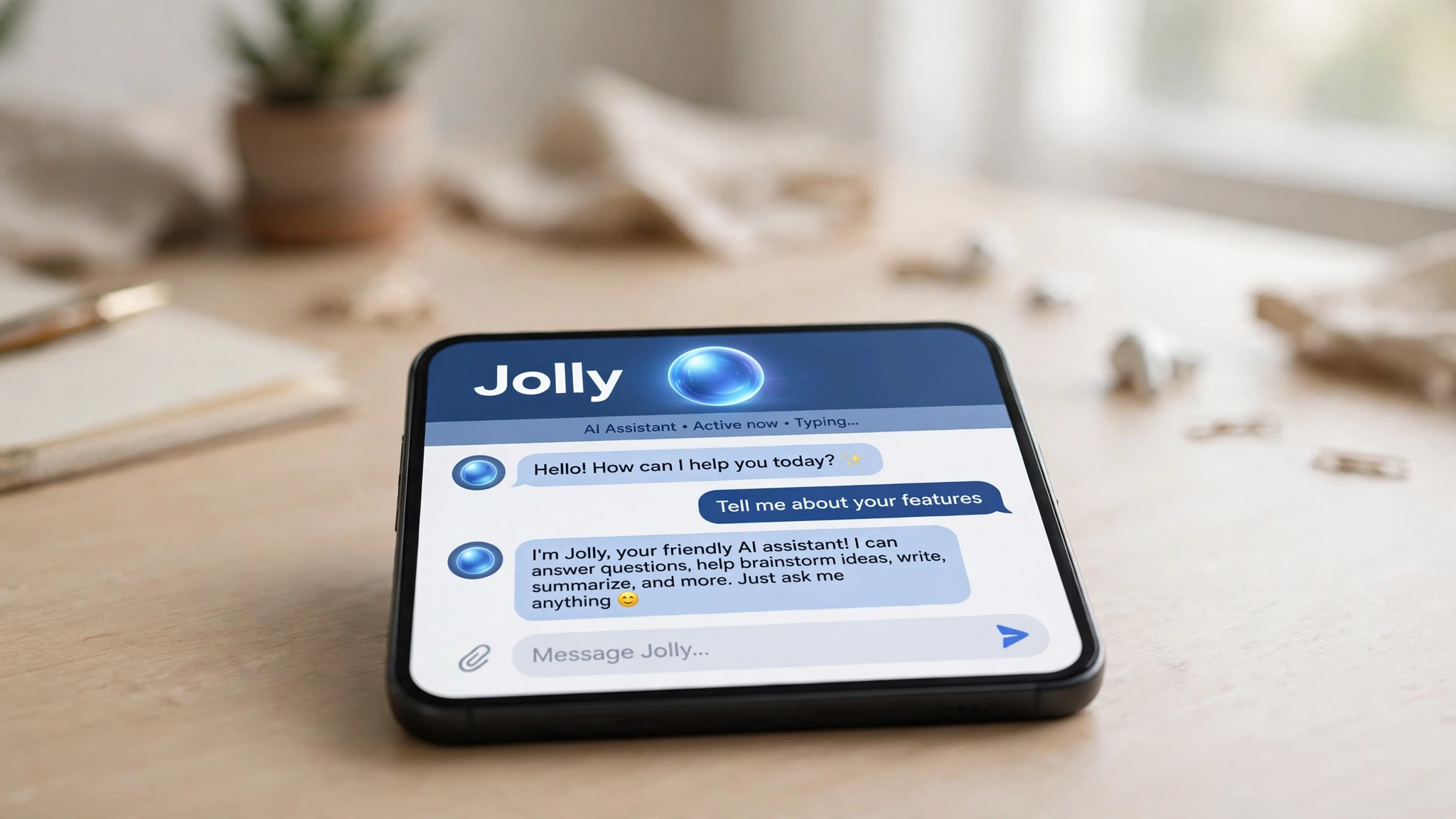
Temp Email for Meta AI Signup: The Door Opens With a Code — the Risk Is the Public Feed Behind It
A chatbot that comes with a stage
Every chatbot in this series has asked the same question at the door: what email address do you want to attach to this account? Meta AI asks that question too, and the answer matters more here than it did for almost any other app we have tested. Not because the signup is hard — it is one of the easiest in the series — but because Meta AI is the only chatbot we have covered that ships with a public stage attached to the chat window.
Meta launched the standalone Meta AI app on April 29, 2025, built on its Llama 4 models. The same assistant also lives inside WhatsApp, Instagram, and Facebook, but the app is the version that matters for this post: it is the one with the Discover feed, a scrolling timeline of other people's AI conversations, and the one that asks you to pick a Meta AI username before you can do anything. In November 2026 Meta added a second reason people are signing up: Muse, its new personal AI agent, which runs inside the same app.
The signup door itself is genuinely welcoming. You do not need Facebook. You do not need Instagram. A plain email address, a password, and a birthday will open a Meta account, and a six-digit code finishes the job. That puts Meta AI in the friendly half of this series, next to ChatGPT, which also takes an email and a code — and a long way from the apps that demand a phone number before they will talk to you.
But the door is the least interesting part of this story. The interesting part is what sits behind it: a feed where your chats can end up public, a training pipeline that reads what you type, and an account that becomes very hard to recover the moment the inbox behind it disappears. A disposable address helps with exactly one of those three things. This post is about which one, and what to do about the other two.
Getting in: the email door, step by step
There are three ways into Meta AI, and they are not equal. The fast ways are signing in with Facebook or Instagram. Both work in a tap, and both defeat the purpose if privacy is why you are reading this: they tie the new AI account to a social profile Meta already knows everything about, including your friends, your photos, and years of history. The third way is the one this post tests — creating a fresh Meta account with an email address — and it is the only door that keeps the experiment contained.
The flow, as documented in setup guides published through 2026, runs like this. Install the Meta AI app from the App Store or Google Play and tap "Get started with Meta AI" — not "Set up a device," which is the path for pairing glasses and can register the account under different conditions. Choose to create a new account with an email address. Enter the address, a date of birth, and a password of at least eight characters. Meta sends a six-digit verification code to that inbox; you type it back into the app. Then Meta AI asks for a username — this one is required, and it is the name other people will see if anything you do ever becomes public — and an optional display name. Tap Create Account and you are in.
Two details in that flow deserve attention. First, the age floor is 13 in most regions, and Meta says it may ask for ID verification in some cases — a government-issued photo ID, a student card, or a credit card — if it wants to confirm age or identity. A disposable inbox does nothing about that checkpoint; it is an identity check, not an email check. Second, the email verification is the whole gate in the standard flow. There is no phone-number step to create the account, no credit card, and no waiting list. Meta AI rolled out widely enough that the app had 6.5 million downloads by June 2025, according to Appfigures data cited by TechCrunch, and none of those downloads needed a phone number to get started.
That is the good news, and it is real. A temp email genuinely works for the signup step: Meta sends the code to whatever inbox you give it, the way Claude does for its email verification. The honest caveats start with the domain. Meta runs the same kind of disposable-domain blocklist as every other large platform, and the Facebook signup post in this series already showed how that plays out: a well-known temp-mail domain can be refused at the form, and the fix is a different provider or domain, not hammering resend. If the code never arrives, the domain was almost certainly declined, and no amount of waiting will change that.
The second caveat is the one people forget until it bites: the code expires. Have the inbox open before you request it, and type the six digits in immediately. Email OTP codes are short-lived by design, and Meta's is no exception.
June 2025: when private chats went public
Here is the part that makes Meta AI different from every other chatbot in this series, and the reason the temp-email question deserves a longer answer than "yes, the code arrives."
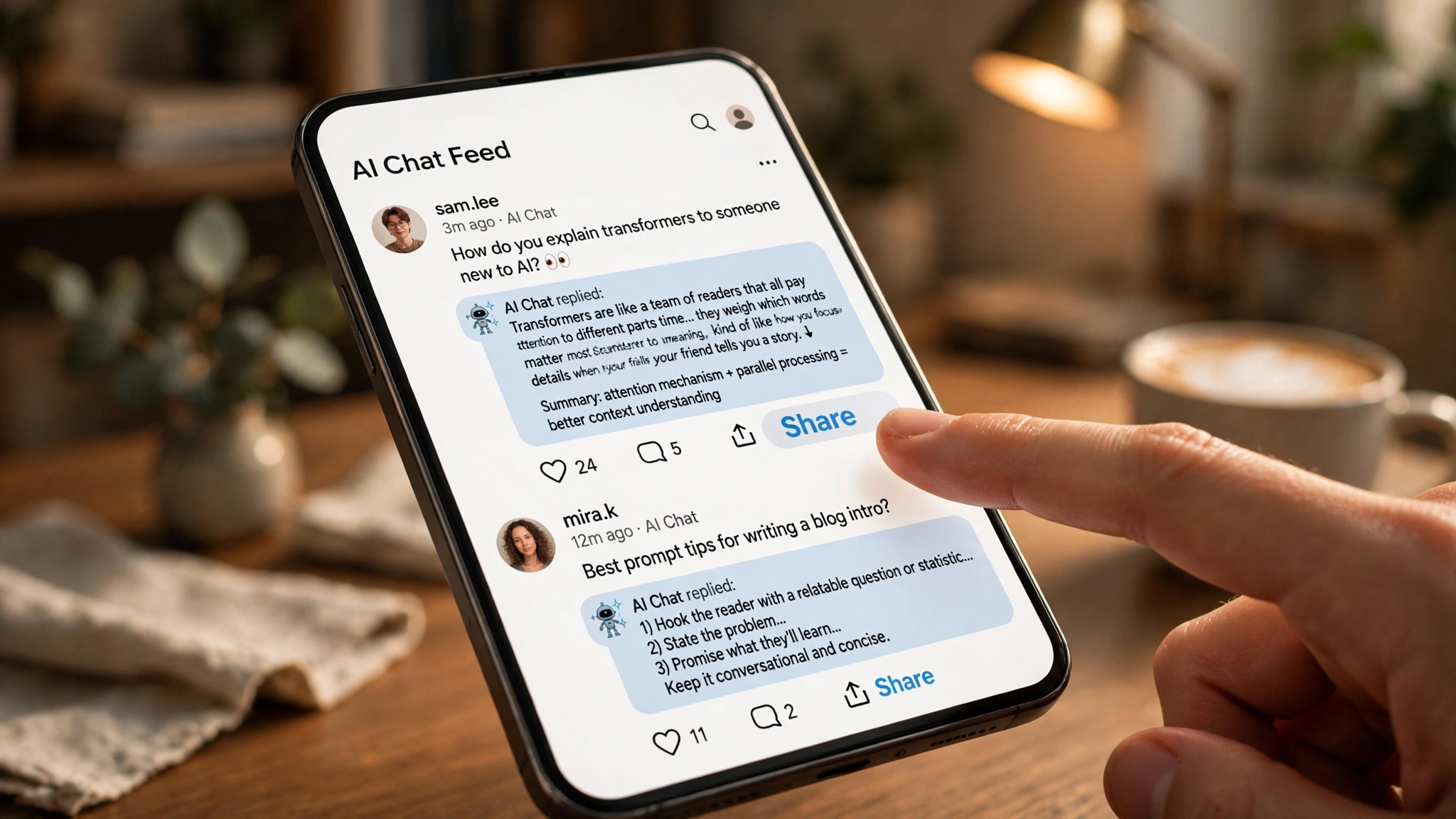
On June 12, 2025, TechCrunch reported that users of the Meta AI app were sharing their conversations publicly on the Discover feed — and that many of them clearly had no idea they were doing it. The examples in the reporting were not "write me a poem" prompts. They included medical questions, legal questions, relationship problems, and personal details like home addresses. The app had been downloaded 6.5 million times by then, and the feed was full of people who had tapped Share and then Post without understanding that "post" meant "publish to everyone using this app."
Meta's position, then and now, is that chats are private by default and nothing is shared unless the user chooses to share it. That is technically true and practically beside the point. The sharing flow asked users to tap a button that did not make the public destination clear, and the warning — "Prompts you post are public and visible to everyone. Avoid sharing personal or sensitive information." — was only added four days after the TechCrunch story ran. The MIT AI Risk Repository logged the incident as a case of personal conversations, including phone numbers, email addresses, and medical and legal queries, reaching a public feed through confusing interface design. The feed has since been rebranded — Meta now calls public posts "vibes" — but the mechanism is unchanged: anything you post is visible to everyone, and deleting your chats does not delete a post you already published.
Why a temp email does not fix the feed
This is the honest limit of the disposable-inbox trick, and it needs stating plainly: a temp email hides your real address from the account. It does not hide your chats from Meta, it does not hide them from the feed, and it does not hide them from anyone who reads a post you publish. The username you pick at signup is what appears on anything public, and if you pick a username that matches your Instagram handle or your real name, the separation the temp email bought you evaporates the moment you post.
There is a setting that actually helps, and it is worth changing before you type anything sensitive. In the Meta AI app, tap your profile picture, go to Data & privacy, then Manage your information, and choose "Make all public prompts visible to only you," then Apply to all. That pulls your already-shared prompts back to private. It does not un-publish anything already indexed elsewhere, and it does not stop Meta from reading your chats — it only controls who else can see them.
The training question nobody at Meta will dodge for you
Separate from the feed, there is the training question. Meta's privacy policy, effective July 23, 2026, lists AI interactions among the data it uses to improve its AI. Meta has said it does not use the content of private messages with friends and family to train its models unless someone chooses to share those messages with AI features — but a chat with Meta AI is, by definition, a message shared with an AI feature. Treat every Meta AI conversation as readable by Meta and usable to improve its systems. In May 2026 Meta announced Incognito Chat for WhatsApp and the Meta AI app, a mode that saves nothing; if you want a conversation Meta does not keep, that is the mode to use, not a disposable inbox.
What a disposable address actually shields — and what it never will
So what does the temp email actually buy you? One real thing: separation between this experiment and your permanent identity. The Meta account you create with a disposable address is not linked to the inbox where your bank statements, your work email, and your password resets live. If Meta's account database is ever breached, or if the account is ever flagged for something you did not do, the blast radius stops at an inbox that no longer exists. That is a genuine privacy win, and it is the same win a temp email delivers everywhere else in this series.
What it never buys you:
- **Anonymity from Meta.** Meta still sees your device, your IP address, your birthday, and everything you type. A disposable address is a mask over one field in a form, not invisibility. - **Protection from the feed.** The Discover feed publishes what you tap Post on, regardless of which email you signed up with. - **Freedom from training use.** Your chats are Meta AI interactions, and Meta's policy says those interactions improve its AI. - **A second account.** Meta's terms allow one personal account, under the name you use in everyday life. A disposable-email profile used to evade a suspension or run a second identity breaks those terms, and Meta can disable it.
The pattern across this series holds here too: a temp email is a tool for trying something, not for keeping something. Gemini's signup taught the same lesson in a different shape — the door opens easily, and the account still wants a permanent home the moment you decide to stay.
The account you can't get back
This is where the temp-email plan fails most often, and it fails quietly, weeks after signup, when there is nothing left to fix.
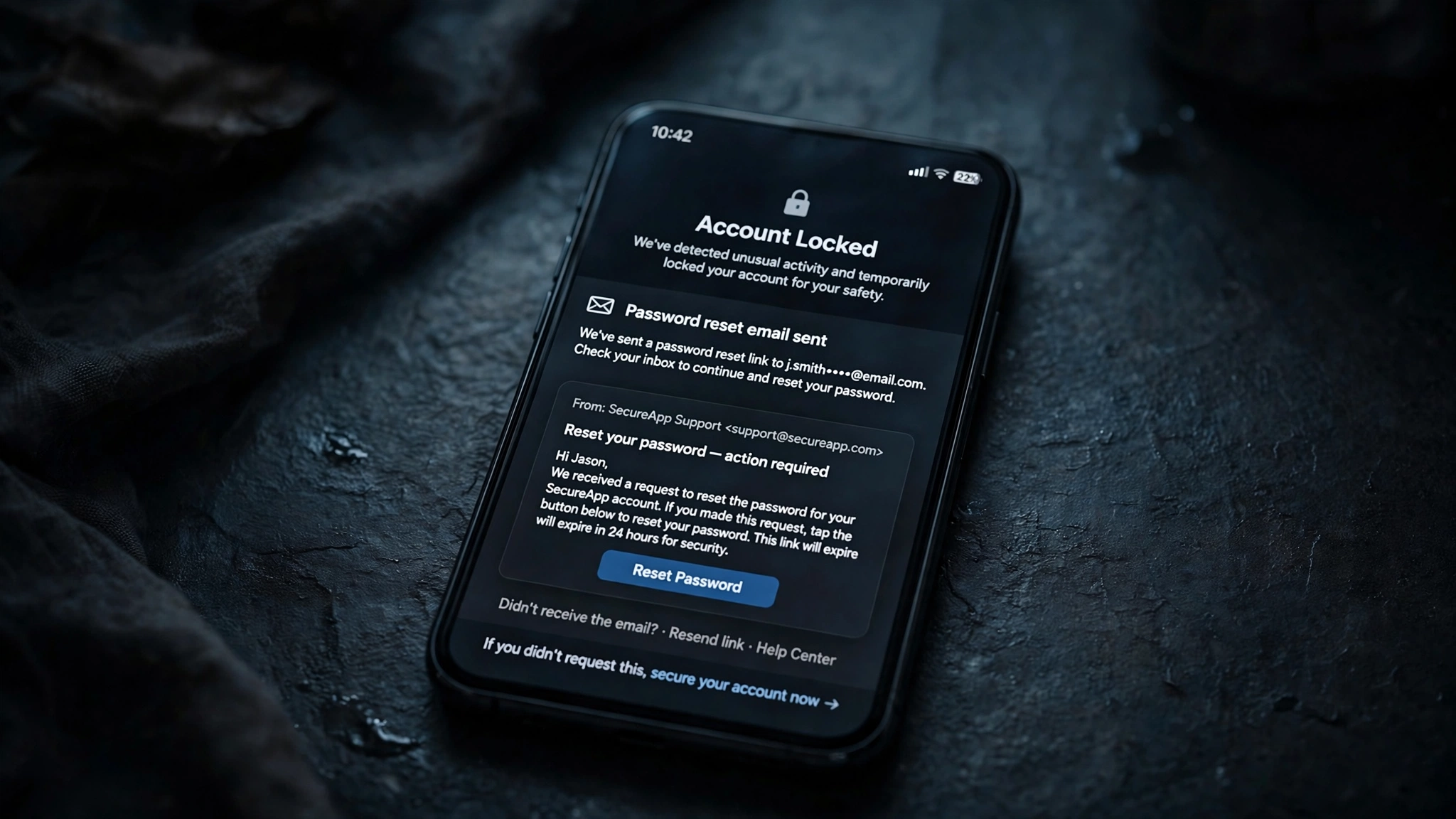
A Meta account is not a throwaway. It is the key to the Meta AI app, to any glasses you pair with it, to your chat history, and to every setting you changed. The email on file is the only way to reset the password, confirm a new device, or recover the account after a lockout. If that email belonged to a temporary inbox that expired after an hour or a day, there is no recovery path: nobody can restore an expired inbox, not you and not Meta. The account, and everything in it, is simply gone.
This is the same recovery trap the two-factor authentication post warned about in general terms, and Meta AI makes it concrete: the app asks for so little at signup that people forget how much depends on the address they typed in. A password reset email sent to a dead inbox is a dead end, and Meta's support will not hand an account to someone who cannot prove they own its email.
There is also the enforcement risk. Meta actively blocks known disposable domains — the same blocklist machinery that guards Facebook — and it can disable an account after creation if it later decides the email was disposable. The blocklist explainer covers how those lists work: a domain that passes today can land on the list tomorrow, and the account tied to it can be flagged with it. An account you care about should never sit on an address that can vanish.
Test drive or keeper: the honest call
The verdict splits cleanly, and it depends on one question: are you trying Meta AI, or are you moving in?
**Trying it.** A temp email is the right tool. Create the Meta account with a disposable address, verify the six-digit code, pick a username that is not your real name and does not match any social handle, flip the "Make all public prompts visible to only you" setting before your first chat, and use Incognito Chat for anything you would not want kept. Test the Llama models, test Muse, decide whether the app earns a place on your phone. If it does not, walk away — there is no permanent account trailing you, and nothing to clean up.
**Keeping it.** Switch the email. Before the temp inbox expires, change the account's email in Settings to a long-term address you control — an alias that forwards to your real inbox is the best compromise, since it keeps the privacy separation without the recovery risk. Then check the privacy settings once more: public prompts set to only-you, and a look at what Meta remembers about you. An account you plan to keep deserves an address that will still exist next year.
One more warning, because the Discover feed makes it necessary: never paste anything into Meta AI that you would not want a stranger to read. Not your address, not a medical question with your name in it, not a legal problem, not a photo of a document. The feed's history proves that the gap between "I chatted with an AI" and "I published that chat" is one careless tap, and no email trick closes it.
The short version
Meta AI's email signup works with a temp email: an address, a password, a birthday, and a six-digit code, with no phone number and no Facebook account required. The code arrives, the account opens, and the door is genuinely friendly. Everything after the door is where the caution belongs — a public feed that has already exposed people's private chats, a training pipeline that reads what you type, and an account that cannot be recovered once its inbox expires. Use the disposable address for the test drive. If Meta AI earns a permanent place, give it a permanent address.
Questions people actually ask
Can I sign up for Meta AI with a temp email?
Yes. Meta AI lets you create a Meta account with just an email address, a password, and a birthday — no Facebook or Instagram account is required. Meta sends a six-digit verification code to the address, and entering it completes signup. The catch is the domain: Meta blocks known disposable domains, so if the code never arrives, try a different temp-mail provider. And if you plan to keep the account, switch it to a long-term address before the temp inbox expires.
Does Meta AI require a phone number to sign up?
No. The standard email signup flow asks for an email address, a date of birth, and a password, then verifies the email with a six-digit code. There is no phone-number step to create the account. Meta may ask for ID verification in some cases to confirm age, but that is separate from phone verification.
Is Meta AI free?
Yes, the Meta AI app is free to download and use, with the Llama-based assistant included. Meta also sells AI glasses that pair with the app, and it introduced the Muse personal agent in November 2026, but the chat app itself has no signup fee and no subscription gate at the door.
Are my Meta AI chats private?
Chats are private by default, according to Meta — nothing is shared unless you choose to share it. But anything you post to the Discover feed becomes public and visible to everyone using the app, and deleting your chats does not delete a post you already published. In June 2025, TechCrunch reported users sharing medical, legal, and personal chats publicly, many apparently without realizing it. Check the setting under Data & privacy to make all public prompts visible to only you, and never tap Post on a sensitive chat.
Does Meta use my Meta AI chats to train its models?
Meta's privacy policy lists AI interactions among the data it uses to improve its AI, and a chat with Meta AI is an interaction with an AI feature. Meta says it does not use private messages with friends and family to train models unless those messages are shared with AI features. If you want a conversation Meta does not keep, use Incognito Chat, announced in May 2026 for WhatsApp and the Meta AI app.
Can I use Meta AI without a Facebook or Instagram account?
Yes. A Meta account can be created with just an email address — no Facebook or Instagram profile is needed. Signing in with Facebook or Instagram is offered as a shortcut, but it ties the AI account to a social profile, which defeats the privacy reason most people reach for a temp email in the first place.
What happens to my Meta AI account if my temp email expires?
You lose the only recovery path. Password resets, new-device confirmations, and lockout appeals all go to the email on file, and an expired inbox cannot receive them. If the account matters to you, change its email to a long-term address you control before the temp inbox expires. A forwarding alias keeps the separation without the lockout risk.
Need a disposable temporary email?
Protect your real inbox from spam and promotional clutter instantly and free.
Received a suspicious email, text, or charge alert?
Verify whether the sender domain is disposable, spoofed, or unverified before clicking links.