
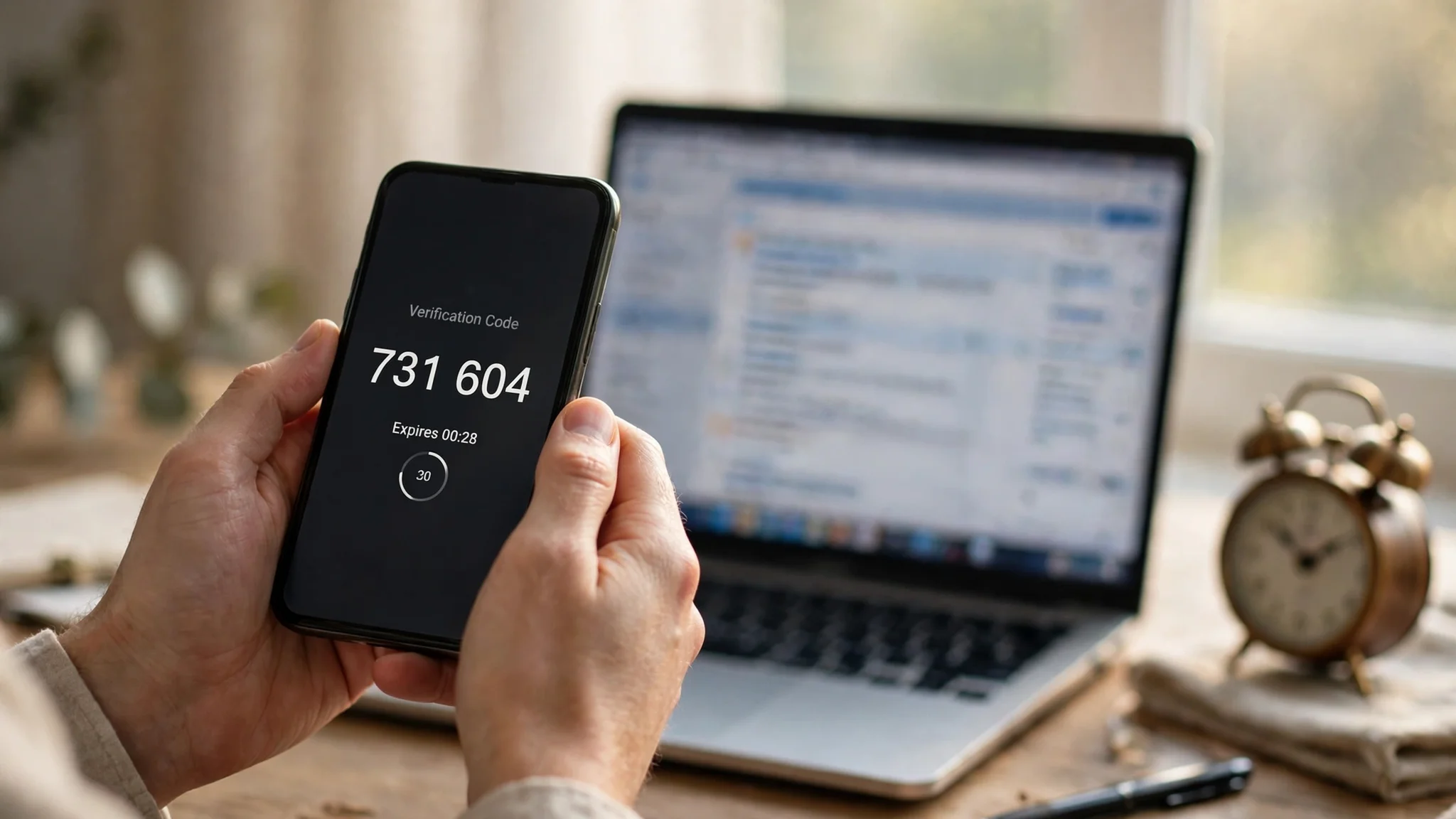
Temp Email and Two-Factor Authentication: The Second Factor That Dies With the Inbox
Your second factor is only as durable as the inbox behind it
Two-factor authentication is supposed to be the part of your security that saves you when the password fails. That is the whole pitch: something you know plus something you have, or something you are. But when the second factor is an email code, the "something you have" is not a device in your pocket. It is an inbox on somebody else's server, and if that inbox is temporary, your second factor has an expiry date that nobody prints on the screen.
I will state my position plainly, because the rest of this post is just the evidence for it: putting email-based two-factor authentication on a disposable address does not make an account more secure. It makes it more fragile in a specific, predictable way. The account gains a second lock, and the key to that lock is scheduled for deletion. For an account you will never need again, that trade is harmless. For anything you might log into next month, it is the worst deal in account security, because the failure does not show up at signup. It shows up on the worst possible day: a new phone, a forgotten password, a login from a city you have never visited, and a code sent to an address that no longer exists.
This is not an argument against two-factor authentication. Turn it on everywhere that matters. It is an argument about which second factor belongs on which kind of account, and about the quiet difference between a code you receive once and a recovery path you will need for years.
What email two-factor actually proves
Strip away the branding and email two-factor is a simple claim: whoever controls this inbox right now is probably the account owner. A site sends a six-digit code or a sign-in link to the address on file, you read it and type it back, and the site takes that as proof. The proof is only as strong as the control, and control over an email address is a weaker thing than most people imagine.
First, the code itself is short-lived. Most email codes expire within minutes, which is good: a stolen code from last week is useless. But the short life of the code distracts from the long life of the address. The site will keep sending codes, password resets, security alerts, and new-device confirmations to that same address for as long as the account exists. The code expires in minutes. The dependency lasts for years. People judge the system by the code timer because that is what they see. They should judge it by the address, because that is what the system actually trusts.
Second, email proves possession of an inbox, not identity. If the inbox is public, or guessable, or shared, then the proof belongs to whoever opens it first. Some disposable services run open inboxes by design: pick a name, read the mail, no password at all. YOPmail, for example, describes its own inboxes as unprotected by password, with messages kept for eight days. That is not a flaw in their product. It is the product. But it means an email code sent to such an address proves nothing about who you are, only that someone opened a page. Any stranger who guesses the address can read your code, click your reset link, and walk into the account before you do.
Third, email two-factor is only one of several second factors, and it is the one most tied to a third party's retention policy. An authenticator app generates its codes on your device, on a thirty-second cycle defined by an open standard, with no inbox and no server in between. A hardware security key or a passkey proves possession of a physical device or a biometric, and a well-designed passkey cannot be phished by a fake login page the way a typed code can. SMS codes arrive on a phone number, which has its own problems, including SIM-swap attacks, but a phone number is at least an account you usually keep paying for. Email codes sit at the bottom of this stack for one reason: they depend on an address you may not own, on a service you may not control, and on a retention window you did not set.
None of this makes email codes useless. For a low-value account, an email code is still far better than a password alone, because it stops the laziest attacks: someone who stole or guessed your password but cannot read your mail. The mistake is treating "better than a password alone" as "good enough for everything." It is good enough for accounts whose loss costs you nothing. It is not good enough for the accounts that hold your money, your work, or your identity, and a disposable address pushes it below even that bar.
The ranking nobody wants to argue with
Security advice usually hedges here, so let me not. For an account that matters, ranked from strongest to weakest second factor, the honest order is: a passkey or hardware key first, an authenticator app second, SMS third, and email last. Each step down trades away a little security for convenience, and email trades away the most, because it adds a whole second account — the inbox — that must itself stay secure and reachable forever.
Passkeys win because there is nothing to type and nothing to intercept. The private key never leaves your device, and a fake site cannot trick it into signing for the real one. Authenticator apps come next because the code is generated locally, works offline, and never crosses a network. Their weakness is the setup: lose the phone without saving the setup key or backup codes, and you are locked out by your own good security, which is why the backup step matters more than the app choice.
SMS is weaker than both, and the security community has said so for years. A phone number can be ported away by a convincing caller to a carrier support line, and then every SMS code goes to the attacker. That attack is rare for ordinary accounts and common enough for high-value ones that it should decide the choice for anything financial. But SMS at least ties the code to a number you keep, month after month, under a contract with a carrier that knows who you are.
Email sits last because it inherits every weakness of the inbox: password reuse on the mail account itself, phishing against the mail provider, a provider that deletes idle accounts, and, in the disposable case, an inbox that was built to vanish. A chain is only as strong as its weakest link, and when the second factor is email, the chain includes the mail provider's retention policy, its password policy, and its abuse defenses. You did not choose most of those. You inherited them when you typed the address.
There is one honest exception to the ranking, and it matters for this site's readers: for an account that is itself disposable, email is fine, because the ranking assumes you care about keeping the account. A test account for a single afternoon does not need a passkey. It needs a code that arrives once. The ranking applies to accounts you will still want in a year. Sorting your accounts into those two piles, before you choose a second factor, is the entire skill this post is trying to teach.
Three breaks, in the order you will meet them
If you do put email two-factor on a disposable address, the failure will arrive in one of three forms, usually in this order. Knowing the order helps, because each break has a different warning sign, and the third one has none at all.
The first break is expiry, and it is the most common. The inbox lives for hours, days, or a single browser session, depending on the provider, while the account lives for years. The mismatch is not subtle once you see it, but most people never look at the two lifespans side by side. You sign up on Monday, the inbox expires on Thursday, and nothing goes wrong until the following spring, when a new phone asks for a code. By then the provider has deleted the address, or recycled it, or simply stopped showing its messages. The code is sent, the code is never read, and the account is sealed. The gap between cause and effect — months, sometimes years — is why this failure feels unfair. It was predictable on day one. It just did not hurt on day one.
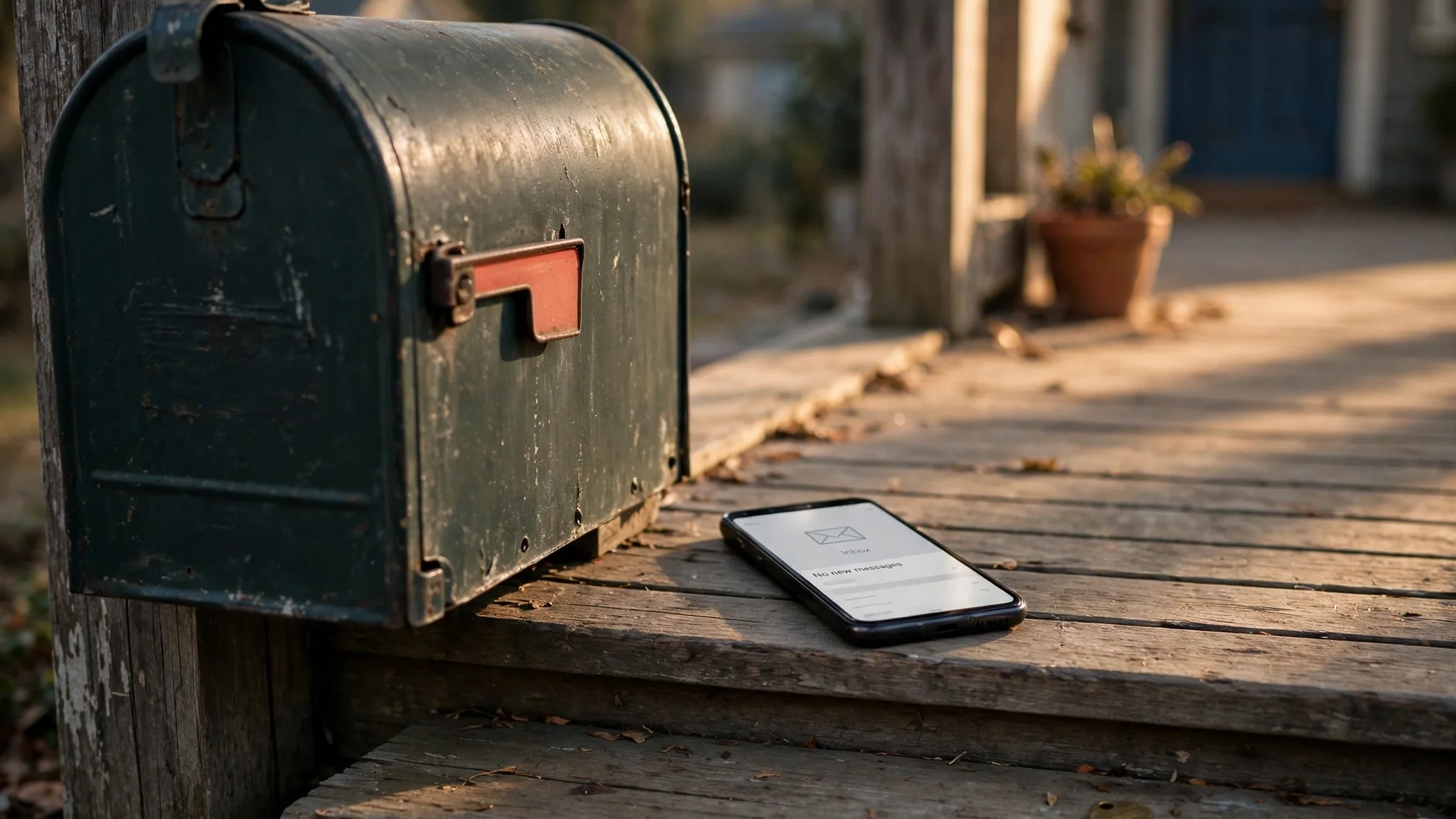
The second break is reuse, and it is the nastier one. A disposable address is not necessarily yours alone. On services with public or predictable inboxes, the same address can be opened by anyone who guesses or reuses it. Researchers studying this problem collected 2.3 million emails from seven popular disposable services over three months, sent by 210,000 domains, and concluded that accounts registered through disposable addresses can be hijacked easily, with information leakage and financial loss following. Read that finding for what it is: not a warning about one bad provider, but a measurement of a structural property. If the inbox is public, your password reset link is public too. The attacker does not need your password. They need your address, and on a public service, your address is the least secret thing about you.
The third break is the recovery-time block, and it is the one nobody plans for. A domain that accepted a signup code in January can be blocked by the same site in June, when its abuse filters update, or when that domain lands on a blocklist after a spam wave you had nothing to do with. Signup is not a promise of future delivery. The site checks the address at signup, and it may check again at recovery, under stricter rules, because recovery is exactly the moment an attacker would try. So the account can pass the easy test and fail the hard one, with the same address, on the same site, for reasons that have nothing to do with you. A failed reset to a blocked domain looks identical, from your side, to a failed reset to a dead inbox: nothing arrives, and there is no error message that explains why.
Expiry, reuse, and the recovery-time block are three different mechanisms with one shared lesson. An email address is not a permanent identifier unless somebody is committed to keeping it permanent. A disposable provider is committed to the opposite. Building a second factor on it is building on ground that is advertised as temporary.
The lockout, step by step
It helps to walk through the lockout once, concretely, because abstract warnings do not change behavior and a concrete afternoon does.
You made an account in 2025 with a throwaway address to try a service. The service turned out to be useful, so you kept using it, and by 2026 it holds things you care about: saved work, a purchase history, messages from people you know. You never changed the email, because changing it was one more chore and the account worked fine without it.
Then your phone breaks. The replacement phone is new, the service does not recognize it, and it asks for a verification code sent to the email on file. You open the temp-mail tab and the address is gone: the session expired, the provider purged it, or the browser profile that held it was wiped with the old phone. You request a password reset instead. Same address, same silence.
Now you contact support, and this is where the story usually ends. Support's first question, reasonably, is how you prove you own the account. The normal proof is access to the email on file. You do not have it. Secondary proof might be a purchase receipt, a phone number on file, or an ID check, and some services offer those paths. Many do not, or they offer them slowly, or they require exactly the details that only the account itself holds. Days pass. Sometimes the account comes back. Sometimes it does not, and the service is not being cruel. It is refusing to hand an account to a stranger who cannot prove ownership, and from the service's side of the screen, that is what you look like.
Compare that afternoon with the same afternoon on an account whose second factor is an authenticator app with printed backup codes in a drawer. The phone breaks, you open the authenticator on the replacement device from its encrypted backup, or you type a backup code, and you are in within minutes. The difference is not the technology. It is that the recovery path was stored somewhere that survives a broken phone and an expired inbox. A second factor is not a feature you enable. It is a recovery plan you can execute while stressed, on a new device, without the original inbox. If your plan fails that test, it is not a plan.
The same logic is why our earlier guides draw the line where they do. The crypto exchange guide explains that exchanges demand a reachable inbox before withdrawals, because money and recovery cannot be separated. The Snapchat guide shows the same lockout arriving through a new device check, where two-factor and recovery both route back to one dead address. And the general rule in our guide on when not to use a temp email is the short version of this whole post: the moment value attaches to an account, the email stops being disposable, and any second factor built on it stops being a second factor.
The one setup where a throwaway plus two-factor is honest
There is a narrow setup where combining a temporary email with two-factor authentication is defensible, and I want to describe it exactly, because the boundary is what makes it safe.
Use a throwaway address, turn on email two-factor if the service insists on it, and treat the account as a single-session experiment: you will test the service today, you will not store anything in it that you cannot lose, and you will abandon it deliberately when the session ends. Before you start, save the account's recovery codes somewhere that is not any inbox at all — a password manager, a printed sheet, a note in a place you control. If the service offers an authenticator app option, take that instead of email codes, because then the second factor lives on your phone, not in the expiring inbox, and the throwaway address becomes just a signup field rather than a load-bearing wall.
The test that keeps this honest is a question you ask before signup, not after: if this inbox vanished tonight, would I lose anything I cannot rebuild in ten minutes? If the answer is yes, the account is not a test anymore, and the setup is not honest anymore. Accounts have a way of graduating from tests to tools without asking permission. A weekend experiment becomes the account with your saved articles, your event tickets, your group chat. The moment that graduation happens, the email must graduate with it, from disposable to durable, before the inbox expires. Migration is a settings page while you are logged in and the inbox is alive. Afterward, it is a support ticket.
This narrow case is also the only case where email two-factor on a throwaway is better than no two-factor at all. During that single session, the email code does stop a password guesser who cannot read the inbox. It provides real protection for a short window. The error is not using it for a day. The error is letting the day stretch into a year without ever revisiting the choice.
The setup I would actually use
For anything you plan to keep, my recommendation is a three-part setup, in this order, because the order is the point.
First, give the account a durable secondary inbox: a real address you control, used only for signups and account mail, separate from your primary personal address and your banking address. You get nearly all the privacy benefit of a throwaway — the service never learns your main inbox — and you keep every recovery path working in a year. This is the middle tool we recommended for Discord accounts that might matter, and it holds here for the same reason: compartmentalization without fragility.
Second, set the second factor to an authenticator app, not email, wherever the service allows it. The codes are generated on your device, they rotate every thirty seconds, and they keep working when your inbox does not. If the service offers passkeys, take the passkey instead; it is stronger and, in daily use, easier than typing codes.
Third, save the recovery codes offline, on paper or in a password manager, the day you enable two-factor, not the day you need them. Recovery codes stored in the same inbox they are meant to rescue are not recovery codes. They are a note you wrote to an address you may not own when the crisis arrives. Test one recovery path before you trust the setup: log out, log back in with the second factor, and confirm the route works. A recovery plan you have never tested is a guess, and guesses fail on the worst days.

If you already have accounts sitting on disposable addresses with email two-factor enabled, do the migration now, while nothing is on fire. Open each account while you are still logged in, change the email to your durable secondary address, confirm the new address, switch the second factor to an authenticator app, and save the new recovery codes offline. Two minutes per account today beats a support ticket and a month of waiting later, and it beats them by a margin that is almost embarrassing. The accounts that matter most are usually the ones you made most casually, because those are the ones where a throwaway felt harmless at the time.
The broader lesson is simple enough to put on a card above your desk: a second factor is a promise about the future. It promises that a future version of you, on a future device, after a forgotten password or a broken phone, can still prove ownership. A temporary inbox cannot make that promise, because its entire design is a promise about the past: that the address will be gone soon. Match the promise to the account. Throwaway promises belong on throwaway accounts. Everything else deserves a second factor that will still be there when you need it.
FAQ
Can I use a temporary email for two-factor authentication?
Technically yes, in many cases: the service sends the code to whatever address is on file, and a working disposable inbox can receive it. The problem is not the first code. It is every code after the inbox expires, plus password resets and security alerts that route to the same dead address. For a single-session test, it works. For an account you will keep, it builds a lockout into the setup.
Is email two-factor better than no two-factor at all?
Yes, for the window in which the inbox works. An email code stops an attacker who has your password but cannot read your mail, which covers the most common account-takeover pattern. The honest comparison, though, is not email two-factor versus nothing. It is email two-factor versus an authenticator app or a passkey, both of which keep working when the inbox does not. Choose the stronger option for anything that matters.
What happens if my temp inbox expires while two-factor is on?
The account's email-based recovery path stops working. Password resets, new-device codes, and security confirmations go to an address you can no longer open. If you saved backup codes elsewhere, or set up an authenticator app before the inbox died, you can still get in through those routes. If email was your only second factor and your only recovery path, the account becomes a support case, and support may not be able to verify you.
Can someone else take over my account through a public temp inbox?
Yes, and this is the measured risk, not a hypothetical one. On services with open or predictable inboxes, anyone who opens the same address can read your verification codes and password reset links. Researchers who collected millions of messages from disposable services found that accounts registered this way can be hijacked. Never use a public inbox for an account that holds money, personal data, or anything you would miss.
Should I use SMS or email for two-factor if those are my only options?
For an account you will keep, SMS is usually the less fragile choice, because a phone number is an account you keep paying for and can usually recover through your carrier. SMS has its own weakness, SIM swapping, so it is not ideal for high-value accounts. Email on a durable address you control is also reasonable. The combination to avoid is email on an address you do not control for long: that is the one option whose recovery path is guaranteed to decay.
How do I move an existing account off a temporary email safely?
While you are still logged in and the temp inbox is still alive, change the account email to a durable secondary address and confirm it from that inbox. Then switch the second factor to an authenticator app or a passkey, and save the recovery codes offline, outside any inbox. Do not wait until you are logged out or the inbox has expired: at that point the change becomes a support request, and support's first question will be how you prove ownership through an address you cannot open.
Need a disposable temporary email?
Protect your real inbox from spam and promotional clutter instantly and free.
Received a suspicious email, text, or charge alert?
Verify whether the sender domain is disposable, spoofed, or unverified before clicking links.