
Email OTP: The Code in Your Inbox, the Journey It Takes, and Why It Sometimes Never Arrives
Email OTP: The Code in Your Inbox, the Journey It Takes, and Why It Sometimes Never Arrives
You type your email address into a box, click send, and then you wait. Somewhere a server invents six digits, puts them in an email, and fires that email across the internet toward an inbox you may or may not still control. Ten seconds later the code is there. Or it never comes at all, and you are left staring at a resend button, wondering which side of the transaction broke.
That waiting is the whole subject of this guide. An email OTP — one-time password delivered by email — is the most common second factor most people will ever meet, and also the one with the most places to fail. The code itself is trivial: six digits, usually, sometimes four or eight, occasionally letters mixed in. Everything interesting is the journey those digits take. I followed one code end to end this week, from the moment it was generated to the moment it appeared in a temporary inbox, and I tried to get a real service to send one to that same inbox. One test worked in under a minute. The other never got past the front door — and the reason it failed was not the one I expected.
The 30-second answer: a code that dies on purpose
An email OTP is a short code a service generates on its server, emails to the address on your account, and asks you to type back into the site or app. The code works exactly once, and it stops working after a short window — most services set that window somewhere between five and fifteen minutes, some as short as two. Use it, and it is dead. Let the clock run out, and it is dead. Ask for a new one, and the old one usually dies on the spot.
That is the entire definition, and the "one-time" part is doing all the work. A password is a secret you reuse, which means every copy of it is a liability: a breach, a phishing page, a keylogger, and the secret works forever until you change it. An email OTP flips the economics. The code is generated for one job, sent to one inbox, and its value expires with the job. Steal it five minutes late and you have stolen nothing. Steal it in time and you still need to be the person watching that inbox, in that minute, before the attempt limit locks the box.
The code proves one thing and one thing only: whoever is sitting at the keyboard right now can read mail sent to that address. It does not prove you are who you say you are in any deeper sense. That distinction matters, because everything that can go wrong with an email OTP is a story about the inbox — its address, its filters, its expiry — rather than about the code itself.
People meet email OTPs under half a dozen names, and the naming confusion is the first thing to clear up. "Verification code", "one-time passcode", "email verification code", "OTP email" — most of the time these are the same thing wearing different clothes. Our guide to what a verification code actually is sorts out the naming. The differences that matter are not the names. They are where the code is generated, how it reaches you, and how long it lives. An email OTP is generated on the server and delivered to you — which is what separates it from the code your authenticator app computes on your phone, which is never sent anywhere at all. The mechanics of that side live in our guide to one-time passwords.
The journey of a single code, hop by hop
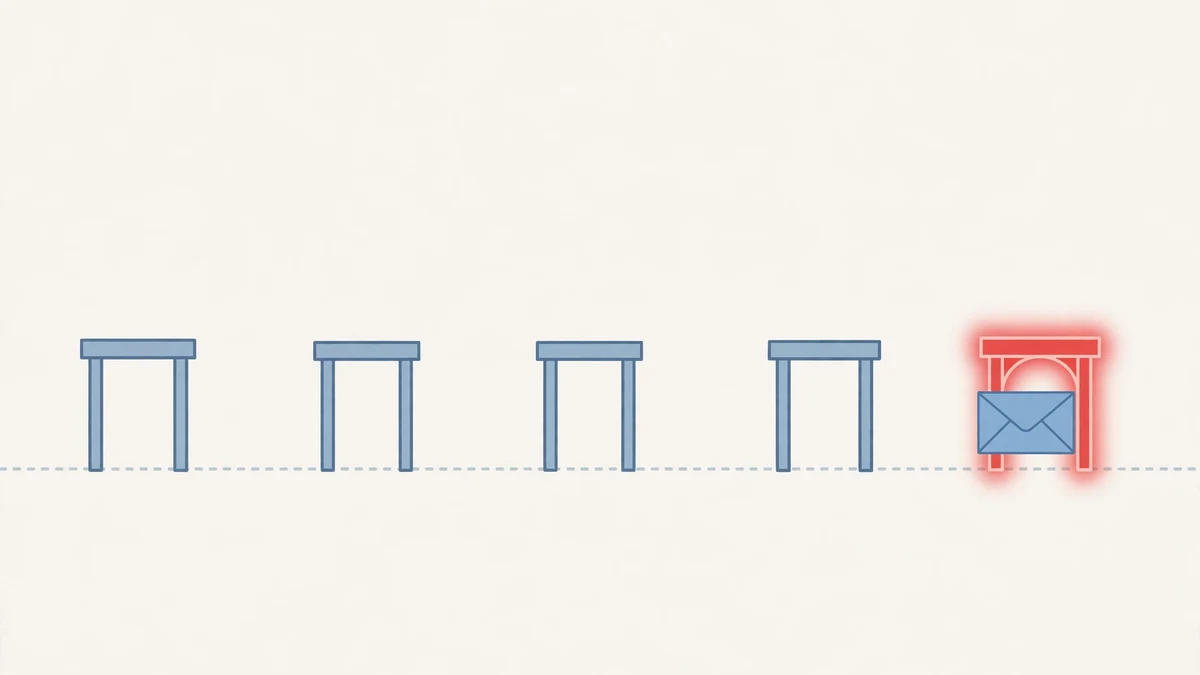
Stop thinking of an email OTP as a message and start thinking of it as a relay race with five handoffs, because a failure at any handoff looks identical from your side — no code — and the fix is different at each one.
Hop one: generation. You click "send code". The server picks random digits, stores them alongside your address, an expiry timestamp, and a count of how many times you have tried to guess them. Nothing has been sent yet. If this step breaks, no email will ever exist, and no amount of checking your spam folder will conjure one.
Hop two: sending. The server hands the message to its email provider, which accepts it and queues it for delivery. An API returning "accepted" means the provider took the message. It does not mean you received it. Delivery is a separate event, and this is the handoff where most "the code never arrived" stories actually begin: the provider accepted the mail, then dropped it, deferred it, or had it refused — and the page you are staring at never says so.
Hop three: the filters. Before the message reaches your inbox it passes through spam filters, blocklists, and authentication checks — SPF, DKIM, and DMARC, the records that prove a message really came from the domain it claims. A code sent from a shared IP with a bad reputation can be silently quarantined here. The inbox never sees it, the sender's dashboard may still say "delivered", and both sides are telling the truth about different things.
Hop four: the inbox. The message lands — in the inbox, in spam, in promotions, or in a folder you set up three years ago and forgot. The clock has been running since hop one. A code that took four minutes to arrive with a five-minute expiry gives you sixty seconds to notice it, open it, read it, and type it correctly.
Hop five: verification. You type the code, the server compares it with the stored digits, checks the expiry and the attempt count, and either lets you in or locks the box. A code typed correctly after expiry is the same as a wrong code: rejected, no explanation, try again. And "try again" usually means requesting a fresh code, which kills the one you are staring at.
Five hops, five different owners, one symptom when any of them fails. That is why "check your spam folder" is such unsatisfying advice: it only covers hop four, and the failure is usually at hop two or three.
I timed a real code to a temp inbox — and it took under a minute
Theories about delivery are cheap, so I measured the real thing. On the morning of November 22, 2026, I opened the tempomailusa.com homepage and let it generate a fresh temporary address: pcxog57@rover.info, a free inbox with about 29 days before expiry. One honest caveat from that first load: the address button briefly flickered a different address, odepp35@rover.info, while the address field still said "Loading", before settling on pcxog57@rover.info, which stayed stable for every check after. A flicker on first paint, not a bug that mattered — but the kind of thing you only notice when you are actually watching.
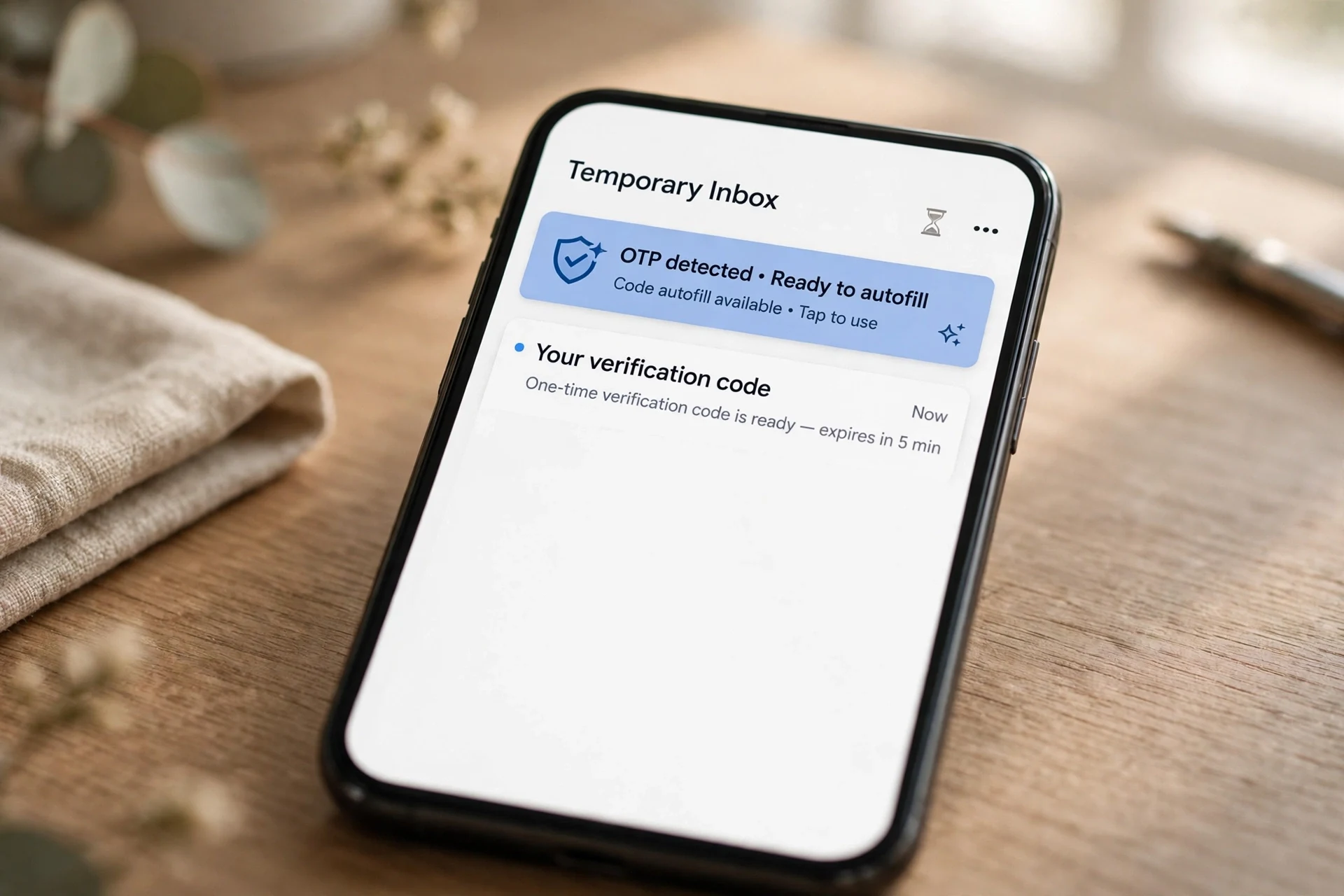
Then I sent a real six-digit verification code to that address from the site's own mailer — subject "Your verification code", from support@tempomailusa.com, with a ten-minute expiry stated in the body. The send completed at 20:09:58 IST. The message was already in the temp inbox by 20:10 IST: under sixty seconds, door to door. The timestamps I have only resolve to the minute, so the honest range is somewhere between roughly sixteen and sixty seconds. It landed in the main inbox list, not in any folder, with a "New" badge and the page title flipping to "New Message Received!". Opening it showed the code in plain text — and, more interestingly, the inbox itself had detected it: a "DETECTED VERIFICATION / OTP CODE" banner across the message, with the digits and a "Copy OTP Code" button. The inbox knew what the message was before I did.
That is the delivery half of the story, and it worked. The acceptance half went differently.
The Todoist attempt: the temp address was never the problem
With the same inbox open, I tried to create a free Todoist account using pcxog57@rover.info, to see whether a real service would send an email OTP to a temporary address at all. The signup form asks only for an email and a password. It never rejected the address — not once, in six attempts. No message about disposable domains, no phone number request, no complaint about rover.info. The address passed.
What stopped the signup was not the address. It was Cloudflare's invisible Turnstile check, which failed on every single submit with the same two messages, verbatim: "Captcha verification failed. Please try again." above the email field, and "Verification failed" on the Cloudflare badge. No visible puzzle, no checkbox, nothing to click. Six attempts across two browsers, a reload, a fresh browser on another route, and the home-page route instead of the deep link — the same failure every time. No account was created, no verification code was ever sent, and the inbox stayed empty.
Two things are worth saying plainly about that result. First, it proves nothing about Todoist and temporary email, in either direction: the bot check fired before the service ever had to decide whether to trust the address, so the acceptance question is still open for Todoist. Second, it is a useful reminder that the wall in front of a signup is often not the wall you expect. The guides that say "services block temp mail" are describing a real thing — plenty of services do — but the block I actually hit was a bot check rejecting an automated browser session. A human sitting at a real keyboard would very likely have sailed through the same form with the same address. If you are testing a signup flow, test it the way your users will actually arrive: a human browser, a human pace, and the patience to let the invisible checks run.
The five places a code dies
When a code does not arrive, work the hops in order instead of guessing. This is the diagnostic sequence, cheapest check first.
1. It was never sent. The most common cause, and the hardest to accept, because it looks identical to every other failure. The signup did not complete, the form errored silently, or the service decided — before sending anything — that your address was not acceptable. Our OTP test guide ran into exactly this: a registration that failed with a generic error, no verification email ever sent, and therefore nothing to time. Before blaming the inbox, confirm something was actually dispatched. An empty inbox is information, not a bug — it tells you the sender never sent.
2. It was filtered. The message was sent and then quarantined. Check spam first, then promotions and any custom folders, then search the whole mailbox for the sender's name rather than the word "code" — OTP emails often arrive from a no-reply address whose name you would not guess. If you run your own domain, this is where testing your spam setup earns its keep: a code that vanishes into a filter is a sender-reputation problem, and no amount of resending fixes that.
3. It expired before you saw it. A code with a five-minute life that took four minutes to arrive is a code you have sixty seconds to use. Slow delivery plus short expiry is the quietest failure mode, because everything worked — just too slowly. If codes from one service always arrive late, the fix is on the sender's side, and the workaround is to request the code only when you are already staring at the inbox.
4. The resend killed it. Requesting a new code almost always invalidates the previous one. So the sequence that traps people is: request a code, wait, get impatient, request another, then carefully type in the first code — which is now dead — and get rejected. Then they request a third, and type in the second. Our write-up of the resend OTP timer watched a real 60-second countdown and found the wait itself was the least of it. The rule is simple: after a resend, only the newest code counts, and the older ones are corpses. Always type the last code you received, never the first.
5. It went to the wrong inbox. The code arrived, promptly, in an inbox you are not watching: an old address on the account, a typo in the address you typed, a plus-addressed variant that routes somewhere unexpected. Confirm the address on the account is the address you are watching. This sounds too basic to write down, and it is the cause often enough that support teams check it first.
Email OTP vs SMS vs authenticator app: the honest ranking
Every comparison page ranks these three, and most of them rank them wrong, because they rank them on security alone. Security matters, but so does what happens when the channel itself is unavailable.
An authenticator app is the strongest of the three. The code is computed on your device from a shared secret and the time, so there is nothing to intercept in transit, nothing to delay, and nothing a filter can eat. Its weakness is setup: lose the secret and you are locked out until recovery, and a phone with the wrong clock generates codes for the wrong thirty-second window.
An email OTP is the most convenient of the three, and the weakest in one specific way: it is only as secure as the inbox it goes to. If someone owns your email account, they own every email OTP sent to it — password resets included. That is the real risk, and it is larger than the risk of someone intercepting the code in transit, which modern TLS makes unlikely. The defence is not a better OTP. It is a better-secured inbox: a strong unique password on the email account itself, and an authenticator app on the email account, so the thing that guards all your other codes is itself guarded.
An SMS OTP is the most fragile of the three. It depends on a phone number, a carrier, and a SIM — and SIM-swap attacks, where an attacker convinces a carrier to move your number to their SIM, turn the phone into the attacker's inbox. SMS codes also fail silently in dead zones, on foreign networks, and on numbers you no longer control. Email has its own failure modes, but "I changed my number" is not one of them.
My ranking, for a normal person rather than a security engineer: authenticator app for the accounts that matter, email OTP for everything else, SMS only when the service gives you no other choice. And whichever you use, the recovery path matters more than the code itself — a password reset sent to a dead inbox is a locked account, which is why a temporary address is for tests and throwaway signups, never for anything you must recover. The boundary is spelled out in our guide to what disposable email actually is — and is not.
Can a temp inbox receive an email OTP?
Yes — with the distinction this whole article is built on. A temporary inbox receives mail exactly like any other inbox, and my test this morning proved the delivery half in under a minute, code banner and all. What a temp inbox cannot do is make a service accept the address. Many services refuse to send verification codes to disposable addresses at all, checking the domain against a blocklist before the code is ever generated. That is a policy decision at hop one, not a delivery failure, and no inbox — temporary or permanent — can fix it.
So the honest answer has two halves. For testing — your own signup flow, a client's login, a QA pass — a temp inbox is the fastest receiver you can get: isolated, no filters, no folders, no prior reputation, and if the code does not arrive in a clean inbox, the problem is on the sender's side. For real accounts, do not do it. The inbox expires — thirty days for a free one on this site — and the day you need a password reset, the code goes to an address that no longer exists. The test inbox proved its point this morning; it is not where my accounts live.
When an email OTP is not enough
There are jobs an email OTP should never be asked to do alone. Authorising a large payment, changing the email address on an account, disabling two-factor authentication, exporting your data — these are the actions where a code in your inbox is one factor too few, because the inbox is the thing being attacked in the first place. Good services know this and ask for more: a second factor, a confirmation on a trusted device, a waiting period. If a service lets you drain an account with nothing but a code emailed to the same inbox that receives your password resets, the problem is the service's design, not your behaviour.
The other job it should never do is arrive as a code you are asked to read out to someone. No legitimate support agent, bank employee, or security team will ever ask you to tell them your OTP. The code is a secret between you and the server that generated it; the moment you speak it to a human, it has been phished, whether or not the person on the phone sounds official. The urgency in their voice is the attack. Hang up, open the app yourself, and see whether anything there actually needs you.
FAQ
Is an email OTP the same as a verification code?
Yes, in almost every case. "Verification code", "one-time passcode", "email OTP", and "OTP email" are different labels for the same mechanism: a short-lived, single-use code sent to your inbox that proves you can read mail sent to that address. The one exception is a magic link, which is a one-time URL instead of a code you type — same idea, different shape.
How long is an email OTP valid?
It depends on the service, and the service rarely tells you upfront. The common range is five to fifteen minutes, with some services as short as two minutes and a few as long as thirty. My test code this morning carried a ten-minute expiry stated in the message itself — which is more information than most services give you.
Why is my email OTP not arriving?
Work the five hops in order: the code may never have been sent, it may have been filtered into spam, it may have expired in transit, an earlier resend may have killed it, or it may have gone to an inbox you are not watching. Check spam and all folders first, confirm the address on the account, and only then request a resend — remembering that the resend invalidates the code you were waiting for.
Can I use a temporary email to receive an OTP?
For testing, yes — I timed a real code to a temp inbox this morning and it arrived in under a minute with an OTP detection banner. For real accounts, no: many services block disposable domains before sending, and the inbox expires, so a future password reset would go nowhere. Use a temp inbox to test delivery, never to hold an account you need to recover.
Is email OTP safe?
It is safe enough for everyday logins and signups, and not safe enough to be your only protection on anything valuable. The code itself is single-use and short-lived, which is good. The weakness is the channel: anyone who controls your inbox controls every code sent to it. Secure the inbox first — a unique password and an authenticator app on the email account itself — and the codes it receives become much harder to abuse.
What should I do if someone asks me for my OTP?
Do not give it to them, ever, under any circumstances. No legitimate company asks for your verification code by phone, chat, or email. A code you speak aloud is a code you have handed to an attacker, and the urgency in their voice is part of the attack. End the conversation, open the service yourself, and check whether anything there actually needs your attention.
Need a disposable temporary email?
Protect your real inbox from spam and promotional clutter instantly and free.
Received a suspicious email, text, or charge alert?
Verify whether the sender domain is disposable, spoofed, or unverified before clicking links.