
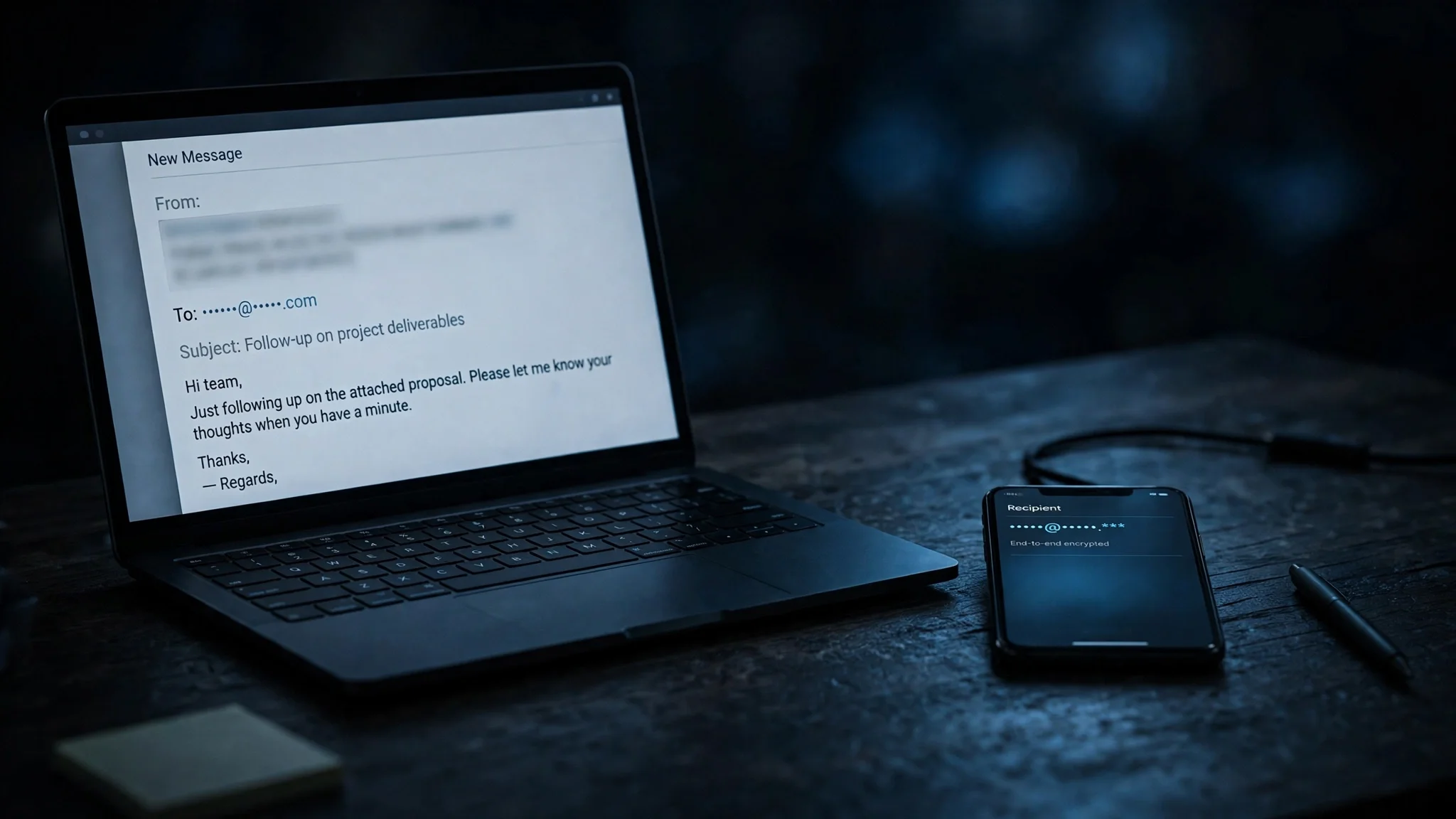
How to Send an Anonymous Email: What Actually Hides You, What Only Hides Your Address, and the Free Test We Ran
You want to send an email without your name on it. Maybe you are reporting something at work, contacting a journalist, or just tired of every signup tying back to the same inbox you have used since college. Whatever the reason, the guides ranking for this question mostly answer a different question than the one you asked — and the difference matters, because the method that hides your address from the recipient is not the same as the method that keeps anyone from tracing the message back to you.
This guide draws that line first, then walks through the four methods that actually work, in order of how much they hide. It also includes the test we ran on November 12, 2026: we tried to send an anonymous email from a free throwaway service to our own inbox, and checked what a free Proton Mail signup asks for. One of those tests failed in a way that tells you more than a success would have.
"Anonymous" means two different things — and most guides mix them up
There are two separate questions hiding inside "how to send an anonymous email," and every ranking guide I checked — Surfshark, NordVPN, VPNMentor, Clario — treats them as one.
Recipient-blind means the person who gets the email cannot see who you are. Your name is not in the From field, your usual address is nowhere in the message, and nothing in the body gives you away. That is what most people actually want, and it is easy. A separate account with a made-up name gets you there.
Untraceable means nobody — not the recipient, not the email provider, not someone with a court order and the provider's logs — can connect the message to you. That is a much harder bar, and no free email trick clears it on its own. It takes a clean account, a network connection that is not yours, and discipline about everything you attach and type. Even then, "untraceable" is a claim about effort and luck, not a guarantee. The honest guides say so in a footnote; the salesy ones leave it out because they are selling a VPN.
Keep that split in mind for the rest of this article. Every method below is labelled with which of the two it delivers. If a guide promises you full anonymity from a single tool, it is selling you something.
The live test: what we tried on November 12, 2026
Guides about anonymous email rarely test anything. We tried the most obvious free path end to end, in a live browser, and the result is the most useful part of this article.
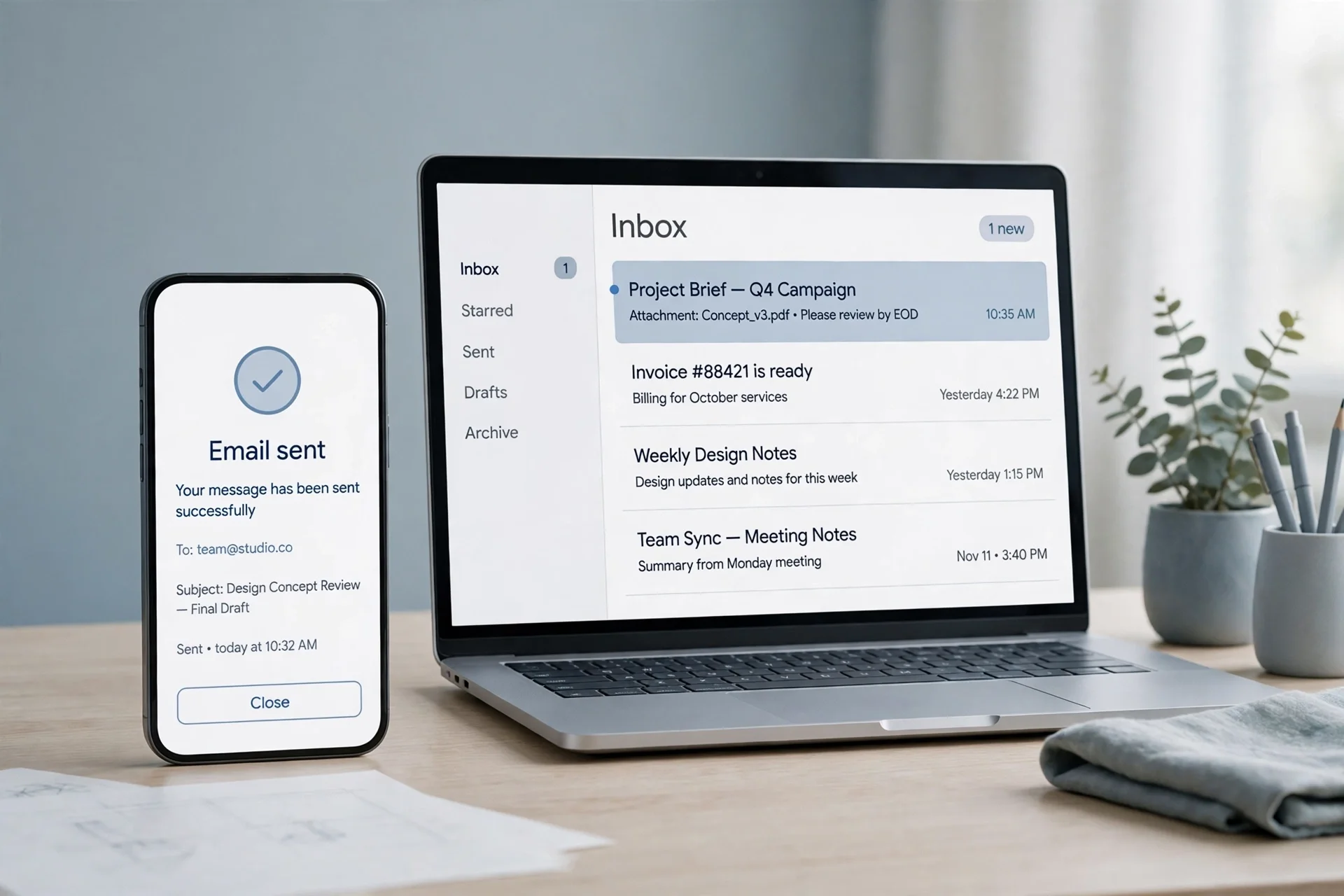
The plan was simple: open TempoMailUSA, generate a temporary address to receive with, then send it a message from Guerrilla Mail — a free service that issues a scrambled throwaway address and lets you send from it — and read what the recipient's side actually shows.
Step one worked. The inbox that came up was `xgtfa64@hta.2bd.net` — the same address our earlier verification-code test had generated, because the shared browser profile restored that session rather than minting a new one. The page showed the inbox empty, auto-refresh running, and no Send or Compose control anywhere: the only mailbox controls were Copy, Refresh, Delete, Change, History, QR Code, Restore, New Inbox, All Inboxes, and Create Custom. A search of the page for "Send" and "Compose" returned nothing. The homepage is a receiving tool, full stop — a fact that matters for this whole topic, and one I come back to below. The page also showed a Pro banner saying the first message is free to read and to go Pro to read every message, and a countdown showing Pro time remaining.
Step two is where the plan broke. Guerrilla Mail issued a temporary address with no captcha — base address `vxlcytxc@sharklasers.com`, with the Scramble Address option already checked, giving the scrambled address `zxqx6j+9aqc75p8ketxo@sharklasers.com`. But when we opened Compose, the page had no To, Subject, Body, or Send fields at all — only the heading "Sending email has been suspended for today." Reloading the compose page showed the same message again. The test email was never composed or sent.
So the recipient-side inspection we planned — what From address the inbox shows, what the headers reveal — could not run, and I am not going to invent it. What the failure does prove is worth more than the inspection would have been: the free send-capable throwaway services are unreliable by design. Their sending gets suspended, rate-limited, or abused into blocklists without warning, and you only discover that after you have already written the message. If your anonymous email has to go out today, do not build the plan around a service whose send button can vanish.
The third leg of the test did work, and it is good news. Proton Mail's free signup page, checked the same day, asks for a username and a password — nothing else on the form as displayed. No phone-number field, no recovery-email field, and no captcha or human-verification challenge visible before submission. The Free plan is listed as US$0, "free forever," with up to 1 GB of mail storage and one email address; the page defaults to the paid Proton Unlimited plan at US$9.99 a month, and selecting Free removes the checkout step entirely. One honest caveat: a captcha or extra verification could still appear after you submit the form, and we did not create an account, so that step is untested. But the front door, at least, asks for nothing that identifies you.
Method 1: A separate account with nothing tying it to you
This is the method I recommend to most people, because it is the best balance of privacy, reliability, and effort — and because it is the one that actually worked when we tested it.
Create a new account at an encrypted provider — Proton Mail is the one we verified — using a username and display name that contain nothing about you: no real name, no initials, no birth year, no handle you use anywhere else. Do it in a fresh browser profile or a private window, on a connection you do not mind being associated with the signup, and do not add a recovery email or phone number. Proton's free form asks for neither, which is exactly why it works for this.
Then send from that account and only that account. The recipient sees a real, working address with a name that means nothing. The message arrives from Proton's servers, not yours, and your personal inbox never appears in the chain.
What this hides: your identity from the recipient, completely, for ordinary purposes. What it does not hide: your IP address from Proton at signup and login, and the account's existence from anyone who can compel Proton's logs. That is the recipient-blind half of anonymity, done properly. If you want the second half too, combine this account with Method 4.
Two mistakes ruin this method, and both are common. The first is reusing anything — the same password as another account, the same recovery email, the same phone number for verification. Any shared detail is a thread someone can pull. Our guide to creating an email without a phone number walks through the signup traps that force a number out of you and how to avoid them. The second mistake is using the anonymous account for one non-anonymous thing — replying to a friend, signing up for a service tied to your name — and contaminating it forever. One account, one purpose.
Method 2: A send-capable throwaway address
Some temporary email services can send as well as receive. Guerrilla Mail is the best-known one: it hands you a scrambled address in seconds, no account, no signup, and offers a compose window to send from it. For a single message to a stranger, that is the fastest path to recipient-blind — when it works.
The problem is the "when it works." Our test on November 12 found sending suspended for the day, with no explanation and no ETA. That is not a one-off quirk; it is the structural weakness of the whole category. Free send-capable throwaways get abused for spam and phishing, providers throttle or suspend sending to protect their domains, and spam filters treat mail from those domains with suspicion. Your message may not send, or may send and land in the recipient's spam folder, where it is functionally the same as never sending.
Use this method only for low-stakes, one-off messages where failure is acceptable: a tip to a newsroom, a note to a seller, a message you can afford to have vanish. Never use it for anything time-sensitive, and never for a conversation — a throwaway address expires, and when it does, the reply chain dies with it. If you need the recipient to be able to write back, Method 1 is the right tool.
One more distinction that trips people up: most temp mail services, including TempoMailUSA, are receive-only. They give you an address that can accept mail — useful for signups, verification codes, and keeping your real inbox clean — but they cannot send anything. Confusing the two is the most common reason people search for this and end up stuck. If a service's homepage has no compose button, it is not a sending tool, and no settings change will make it one.
Method 3: Masked sending — your address stays hidden, you don't
The newest way to send without showing your address is a relay or masked address: the service gives you a stand-in address, and mail you send through it reaches the recipient showing only the mask.
Apple's Hide My Email, included with iCloud+, works this way — when composing in Apple Mail you can choose Hide My Email and the recipient sees a generated relay address instead of yours. DuckDuckGo's Email Protection offers a free Duck Address you can send from, and SimpleLogin and Fastmail's Masked Email do the same for their users. The mechanics are solid and the setup is the easiest of any method here.
But be clear about what you are buying. A relay hides your real address from the recipient. It does not hide you from the relay provider, which holds the mapping between your mask and your real inbox, and it does not hide your network trail. For the everyday case — emailing a company without handing it your personal address, replying to a seller without exposing your inbox — that is exactly the right trade. For anything where the recipient might try to trace you, it is not enough on its own.
The limits are also practical. Apple's version, at the time of writing, works for one recipient at a time when composing on iPhone and Mac. DuckDuckGo's sending requires an encoded destination for new conversations. SimpleLogin's full sending features sit behind a paid tier. None of these is a flaw; they are the cost of a service that has to keep its relay domains off spam blocklists. Pick the relay you already pay for or already use, and do not buy a new subscription just for this — Method 1 is free and hides more.
Method 4: Tor plus a clean account — the only setup that hides the network trail
If your threat is not the recipient but someone watching the network — an employer, an ISP, a government — then Methods 1 to 3 all leave the same gap: the provider sees the IP address you signed up and logged in from, and an IP address is a location and an account holder.
The fix is to put Tor Browser between you and the email provider. Create the Method 1 account — Proton Mail is reachable over Tor — while connected through Tor, and always log in through Tor afterwards. The provider then sees a Tor exit node's address, not yours, and the network observer sees encrypted Tor traffic, not an email login.
This is the only method in this guide that approaches the untraceable half of anonymity, and I want to be blunt about its cost. Tor is slow, and some providers flag Tor signups for extra verification. You must never once log in to the anonymous account from your normal browser or your home IP, because a single ordinary login links the account to you permanently. And Tor hides the network trail only — it does nothing about the content of your message, the files you attach, or the writing style that can identify you as surely as a name. Use this method only when you have a concrete reason to need it, and read the mistakes section below twice before you send anything.
What temp mail can and cannot do here
This is the section most guides get wrong, so let me state it plainly. A temporary email address is a receiving tool. You generate an address, give it to a service, and read whatever arrives — signup confirmations, verification codes, password resets — without exposing your real inbox. That is genuinely useful, and it is the whole job of a service like TempoMailUSA.
What it cannot do is send. There is no compose window, no From field to fill in, no way to originate a message from a temp address. If your goal is to send an anonymous email, temp mail is the wrong tool for the sending half — and any guide that lists "use a temp email" as a way to send anonymous mail is either confused or counting on you not to check.
Where temp mail does fit this topic is on the receiving side of an anonymous conversation. If you create a clean sending account under Method 1, you can use a temp address as its recovery contact or as the place replies land, so that even the reply chain never touches your real inbox. And if you only need to receive something anonymously — a verification code for a signup you do not want traced — a short-lived address is the right call; our guide to 10 minute mail covers the version that self-destructs minutes after the code arrives.
The five mistakes that unmask people
Most anonymous emails are not unmasked by clever forensics. They are unmasked by ordinary carelessness — five mistakes, all avoidable, all common.
1. The attachment gives you away. A photo carries EXIF data: the phone model, the date, and sometimes GPS coordinates. A Word document carries the author's name and the editing history. Strip metadata before attaching anything, or better, do not attach anything. If the file matters more than the message, you have chosen the wrong channel.
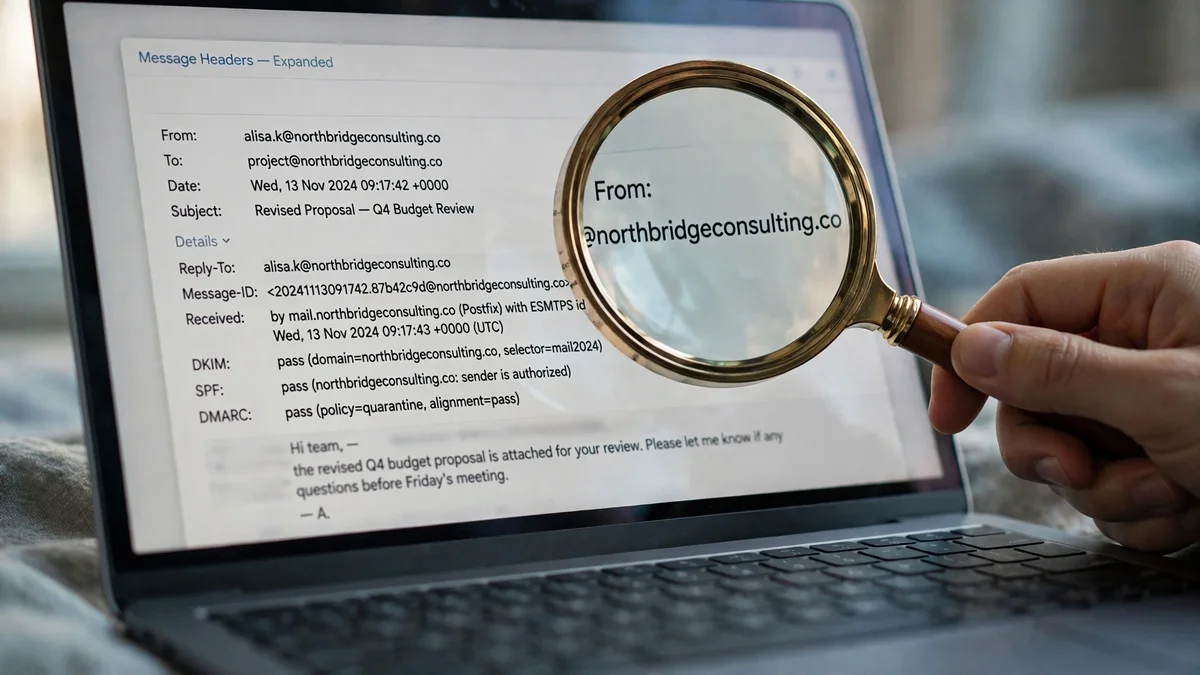
2. The headers tell the story. Every email carries headers the recipient can open: the sending server, the authentication results, the message ID. A recipient who knows how to read them learns which provider you used and when the message passed through it. That is why the provider you choose matters — Proton's servers say far less about you than your own ISP's mail server would.
3. You write like yourself. Stylometry — identifying someone from word choice, sentence length, and punctuation habits — is real, and it works on surprisingly short texts. If the recipient knows your writing, a single paragraph can be enough. Keep anonymous messages short, plain, and free of your pet phrases and signature sign-offs.
4. You reply from the wrong place. An anonymous first message followed by a reply from your real account, or a forward that includes the original thread, hands the recipient everything you just hid. Keep the anonymous account quarantined: never forward to it, never reply from it to a thread that started elsewhere, and never CC your real address "just to keep a copy."
5. You sign up with your real details, then forget. The clean account is only clean if it stays clean. One password reset to your real email, one phone verification, one login from your home IP without Tor — and the account is linked to you forever. Write down what the account must never touch, and check yourself before every login.
Is sending an anonymous email legal?
Yes — sending an anonymous email is legal in itself, in the United States and in most countries, when the message is lawful. Anonymous speech is protected speech, and there are legitimate reasons to send mail without a name on it: whistleblowing, reporting harassment, contacting a journalist, or simply keeping your personal address out of a stranger's hands.
What is not legal is what the message does. Threats, harassment, fraud, extortion, and impersonation are crimes whether or not your name is on them, and anonymity does not shield you from investigation — it only raises the cost of it. Providers keep logs, and a court order can reach them. The same is true of the tools: using a VPN or Tor is legal, but using them to commit a crime is still the crime.
The practical rule is simple and worth following exactly: if you would not send the message with your name on it because of what it says, do not send it anonymously either. Anonymity is a privacy tool, not a permission slip. And if your situation involves a safety risk — a threat, stalking, a workplace retaliation — talk to a lawyer or a relevant authority rather than relying on an email trick.
Which method for which job
Match the method to the job, not the other way around. Picking the strongest tool for a trivial message wastes your time; picking the weakest for a sensitive one wastes your safety.
A quick note to a stranger, failure acceptable: Method 2, a send-capable throwaway, when it is working. Check that sending is actually enabled before you write the message.
An ongoing anonymous conversation, or anything the recipient must be able to answer: Method 1, a separate encrypted account with no link to you. This is the default recommendation for almost everyone reading this guide.
Hiding your personal address from a company or a seller: Method 3, a relay or masked address. Easiest setup, and it keeps your real inbox out of marketing databases.
A sensitive disclosure where the network trail matters: Method 4, Tor plus a clean account — and only after reading the mistakes section twice.
Receiving something anonymously, not sending: a temp address on TempoMailUSA, which is built for exactly that and nothing else.
If you want the content of the message itself protected as well as the sender, that is a different job — encryption, not anonymity — and our guide to sending an encrypted email covers which methods actually encrypt and which only look like they do.
FAQ
Can you send an anonymous email?
Yes. Create a separate email account with no personal details — a free Proton Mail account asks only for a username and password — and send from that account. The recipient sees an address and a name that mean nothing. True untraceability needs Tor on top, and even then it is a matter of degree, not a guarantee.
Can I send an anonymous email from Gmail?
Not really. A Gmail account requires a phone number for verification in most cases, and Google ties the account to your recovery details, your devices, and your IP history. A "fake name" Gmail account hides your name from the recipient but not from Google, and Google will show the account's display name to recipients by default. Use a provider that does not ask for a phone number.
Where can I get an anonymous email address?
Proton Mail's free plan is the most reliable option we verified: username and password only, no phone or recovery email on the signup form as displayed in November 2026. Tuta offers a similar free tier. Apple Hide My Email and DuckDuckGo Email Protection give you masked relay addresses if you already use those services. Avoid any service that demands a phone number for a supposedly anonymous account.
Are there free anonymous email accounts?
Yes — Proton Mail Free (1 GB storage, one address) and Tuta's free tier both cost nothing, and DuckDuckGo's Email Protection is free. The catch with free anonymous services is not the price but the limits: storage caps, daily sending limits, and, on throwaway services like Guerrilla Mail, sending that can be suspended without notice, as we found in our November 2026 test.
Can I send anonymous mail without signing up?
Sometimes, through a send-capable throwaway service like Guerrilla Mail, which issues a scrambled address with no account. But it is unreliable — sending was suspended on the day we tested it — and the address expires, so nobody can reply. For anything that matters, a free account you control beats a no-signup service you do not.
Can an anonymous email be traced?
It depends on the method. A separate account hides you from the recipient but not from the provider, which sees your IP address unless you use Tor. Attachments, writing style, and headers can all leak identity. No method available to an ordinary user makes an email truly untraceable to a determined investigator with legal powers — the honest goal is to raise the cost of tracing, not to eliminate it.
Does a VPN make my email anonymous?
No, not on its own. A VPN hides your IP address from the email provider, which is useful, but it does nothing about the address you send from, the name on the account, or the provider's logs. A VPN plus a clean account is a reasonable combination; a VPN plus your personal Gmail account hides almost nothing, because the account itself identifies you.
How do I create an anonymous email account?
Pick a provider that does not ask for a phone number — Proton Mail Free is the one we verified. Open the signup page in a fresh browser profile, choose a username and display name with no link to you, set a unique password, and skip any optional recovery email or phone field. Do not use the account for anything tied to your real identity, and do not log in from a device or network you would not want linked to it.
The bottom line
Sending an anonymous email is easy. Sending one that stays anonymous is a matter of choosing the right method for the job and then not undoing it with a careless attachment, a reply from the wrong account, or a signup detail that links back to you.
For almost everyone, the answer is a separate free account with nothing tying it to you — Proton Mail's free signup asked only for a username and password when we checked — used for one purpose and never mixed with your real life. Add Tor if the network trail matters. Use a relay when you only need to hide your address from a company. And remember what temp mail is for: receiving anonymously, not sending. A temporary inbox keeps verification codes and signup spam out of your real life; it cannot originate the message you want to send.
The test we ran is the part to remember. The free throwaway that every guide recommends had its sending suspended on the day we tried it. The boring, reliable method — a clean account at a provider that asks for nothing — worked exactly as advertised. In anonymous email, boring and reliable beats clever and free.
Need a disposable temporary email?
Protect your real inbox from spam and promotional clutter instantly and free.
Received a suspicious email, text, or charge alert?
Verify whether the sender domain is disposable, spoofed, or unverified before clicking links.