
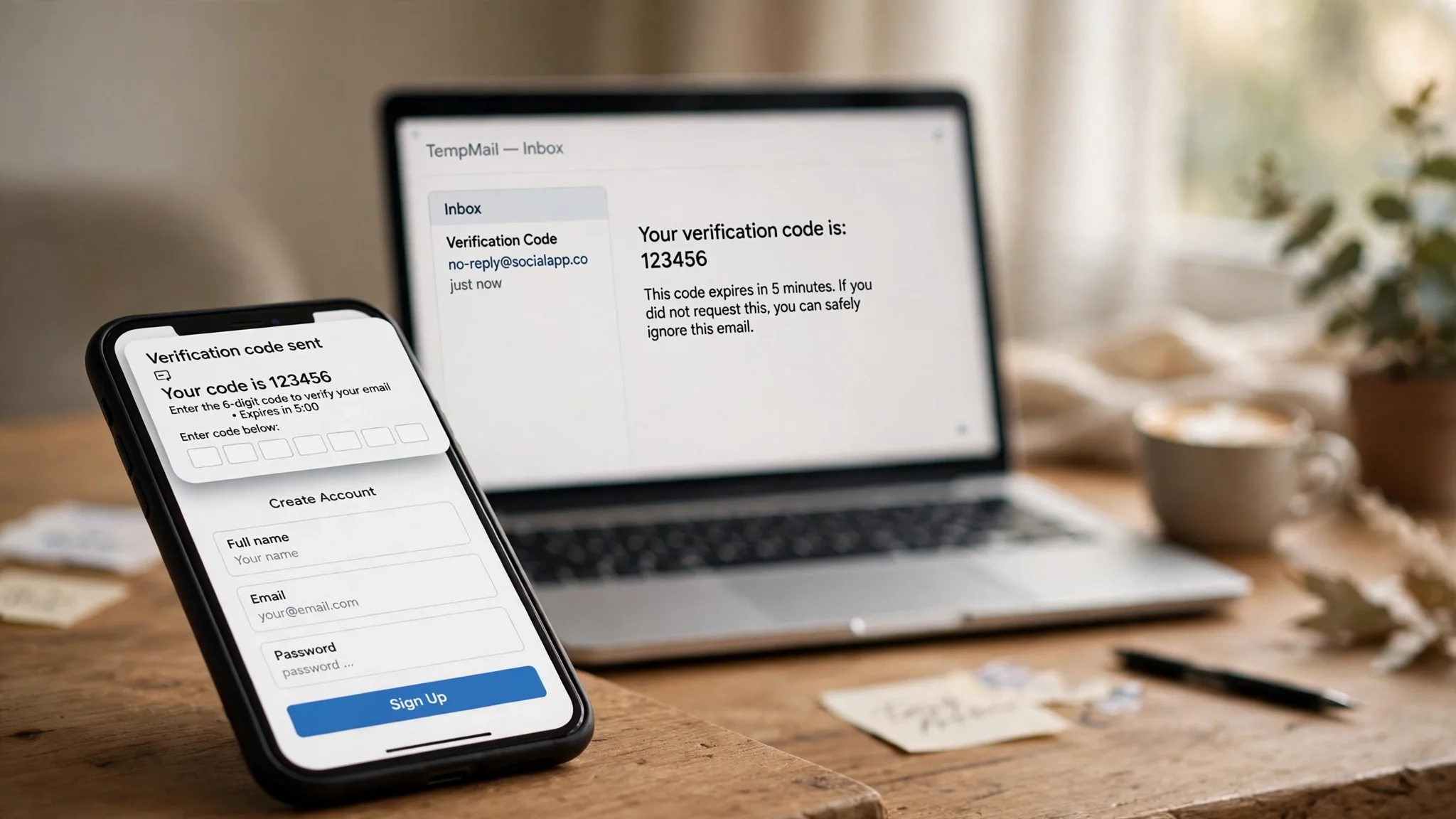
Best Temp Mail for Facebook: What Actually Decides Whether the Code Arrives
Search "best temp mail for Facebook" and you get five guides that all do the same thing: a table with a "Facebook success rate" column, and — surprise — the site's own service sitting at the top with "High". None of them says how the rate was measured. How many accounts did they create? On which domains? On what dates? They do not say, because they did not measure it.
Here is the honest version. There is no permanent "best temp mail for Facebook". Facebook keeps a blocklist of disposable domains, and that list changes constantly. A domain that sails through signup on Monday can be dead by Friday, once enough people have used it. So the right question is not "which brand is best" but "which service gives me the best odds today, and what do I do when the first domain fails". That is what this guide answers.
The one test that matters: the domain, not the brand
Facebook's signup form checks the domain of the address you enter against lists of known disposable providers. If your domain is on a list, one of two things happens: the form rejects it outright, or it accepts it and never sends the code. The second one is crueller, because you sit there refreshing an empty inbox and blaming the inbox.
This is why brand loyalty in temp mail is a mistake. The famous services — the ones every guide names — have the most widely listed domains, because they are the most widely used. A smaller or fresher domain pool has a better chance of not being listed yet. Freshness beats fame. That is also why "it worked last month" is worthless as evidence: the blocklist that mattered last month is not the blocklist running today.
The mechanism behind those rejections is worth five minutes of your time, because it explains why switching domains sometimes works and sometimes does not. The blocklist system behind those rejections decides most of what happens at the signup form, and once you understand it, the rest of this guide reads as common sense rather than a list of tricks.
What I actually checked, and what I did not
I am going to be specific about evidence, because this topic is full of guides that are not. On 13 November 2026 I opened tempomailusa.com and generated an address. It appeared instantly, with no registration, no card, and no email of my own handed over. The homepage lists 427+ domains to choose from, a recovery key that restores a closed inbox, and a Pro option with 365-day inboxes. All of that I verified with my own eyes, today.
What I did not do: create a Facebook account with a temp address. I did not run that test because it means creating a real Facebook account, and Facebook can ask for a phone number or photo ID halfway through — at which point the email address stops being the question. Any writer who tells you they tested five services against Facebook signup and gives you a neat percentage table should be able to show you five accounts, five domains, and five dates. If they cannot, the table is fiction, and you should read the rest of their guide accordingly.
So the service judgements below are built on facts you can check yourself in two minutes: domain count and rotation, inbox lifetime, a way back in, and no registration. Everything else is decoration.
The five things that decide whether a temp address works on Facebook
1. Domain freshness and rotation. The single biggest factor. A service with one famous domain will fail more often than a service with hundreds of rotating domains, because Facebook's blocklist is a list of domains. More domains means more chances that one of them is not listed yet. If the first address is rejected, the service should let you generate a new one on a different domain in one click — that retry is the whole game.
2. Inbox lifetime. Facebook's code expires in minutes, so ten minutes is enough for signup itself. But Facebook does not stop at signup. Weeks later it can ask you to verify again from a new device, and if the inbox is gone, the account is gone with it. A ten-minute inbox is fine for a throwaway. It is a trap for anything you might want back.
3. Code delivery speed. Codes from major platforms expire fast, and a slow inbox loses that race. You want the code visible the moment it lands, without refreshing. A real-time inbox — one that updates as messages arrive — is not a luxury here; it is the difference between entering a live code and entering a dead one. Keep the inbox tab open beside the signup form and verify in the same session. A code requested now and entered tonight is a dead code wearing a fresh timestamp, and the six gates a verification code passes on its way to you will tell you which gate killed yours if it never shows up.
4. A way back in. This is the factor every ranking page ignores, and it is the one that costs people real accounts. Can you recover the inbox after closing the tab? Is there a recovery key, a token, a saved session? If the answer is no, then every account you make with that service has a built-in expiry date.
5. No registration to get the address. The point of a temp address is not handing over personal details. A service that makes you create an account, confirm an email, or enter a phone number before it gives you a disposable address has missed the point. Instant, anonymous generation is the baseline, not a feature.
The services, judged against those five things
I am not going to give you a fake percentage table. I am going to tell you what each well-known service actually offers against the five tests above, and who each one suits. Check the current facts yourself before you commit to an account — domain counts and policies change.
TempoMailUSA — best odds for Facebook, best recovery. The service I tested today. An address generates instantly with no signup. The homepage lists 427+ domains, the largest rotating pool of the services here, and that matters more than anything else for Facebook: more domains means more unlisted ones. It also has the strongest answer to test four — a recovery key that restores a closed inbox, and Pro inboxes that last 365 days. That combination is what makes it the pick when the account might matter later: a test account for a group, a Marketplace browse, anything you would be annoyed to lose. The free tier reads your first message free on any domain, with Pro unlocking every message. My reservation: the free tier's first-message limit means the signup code should be your first message, not a welcome email.
Temp-Mail.org — fastest, but the most listed. The biggest name in disposable email, and the fastest inbox of the group — codes typically appear in seconds. It offers 10+ domains and mobile apps. The problem for Facebook specifically is its fame: its domains are the first ones on every blocklist, so the form rejects them more often than any other service here. Use it when speed matters and you have retries to spare. Do not use it as your only option for Facebook — have a second service ready for when the first domain dies.
Guerrilla Mail — the long inbox, the slow start. Guerrilla Mail's inbox lasts an hour or more, and it can send mail as well as receive it, which almost no disposable service offers. That long life helps with Facebook's later checks. Against it: only a handful of domains and heavy blocklisting. Pick it when you need to send a reply or keep an inbox open for a long session, not as your first attempt at the Facebook form.
10 Minute Mail — fine for one shot, useless for anything else. Ten minutes, one address, no recovery, no second chance. For a Facebook signup that needs exactly one code, ten minutes is enough — if the domain is not blocked, and if the code arrives quickly. The trouble is that it is a single-domain service, so when Facebook blocks that domain, the service has nothing else to offer you. Read the full picture on 10 minute mail before relying on it: it is a one-bullet gun, and Facebook is a moving target.
EmailOnDeck — the quiet middle option. A clean, simple service with a longer inbox life than 10 Minute Mail and less blocklist fame than Temp-Mail.org. It does not rotate many domains and it offers no recovery key, so it sits in the middle on every test. A reasonable second attempt when your first service's domain is rejected.
My opinion, without hedging: for Facebook specifically, start with TempoMailUSA, because the domain pool is the largest and the recovery key covers the delayed-lockout problem the others ignore. If the first domain is rejected, generate a fresh address on a different domain and try again before switching services — a rejected domain is a statement about that domain, not about the service. And if three fresh domains in a row are rejected, stop and wait a day rather than burning through every domain you have. Facebook also watches the IP address, the device, and how fast the form is completed, and hammering the form from the same setup is how accounts get frozen before they start.
The setup that gives you the best odds
The service is half the story. The other half is how you use it.
Generate the address and open the Facebook signup form in the same session, side by side. Enter the address, request the code, and watch the inbox tab — do not go and make coffee. Facebook codes expire in minutes, and the six gates a verification code passes explain exactly where a late code dies. Use a fresh domain rather than the default one if the service offers a choice; the default is the one everyone else is using, which is the one most likely to be listed. Do not use a VPN datacenter address for the signup if you can avoid it — Facebook treats those as a risk signal on their own, and a clean domain will not save a flagged IP.
If the account matters at all — a group you run, a page you manage, Marketplace messages you need — attach a phone number and turn on two-factor authentication as soon as you are in. I know that defeats some of the privacy purpose. It is still the right call, because the alternative is an account with no recovery channel at all, and Facebook will eventually ask for one. If you refuse to attach a phone, accept in advance that the account is temporary.
Where temp mail stops working on Facebook
This is the part the "best temp mail" listicles never write, and it is the most important part. Temp mail gets you through the email code. Facebook has four more checks after that: a phone number, the device and behaviour check, photo ID for flagged accounts, and friend confirmation. The email code is the cheapest check Facebook owns. Planning a Facebook account around it is like planning a house around the doormat.
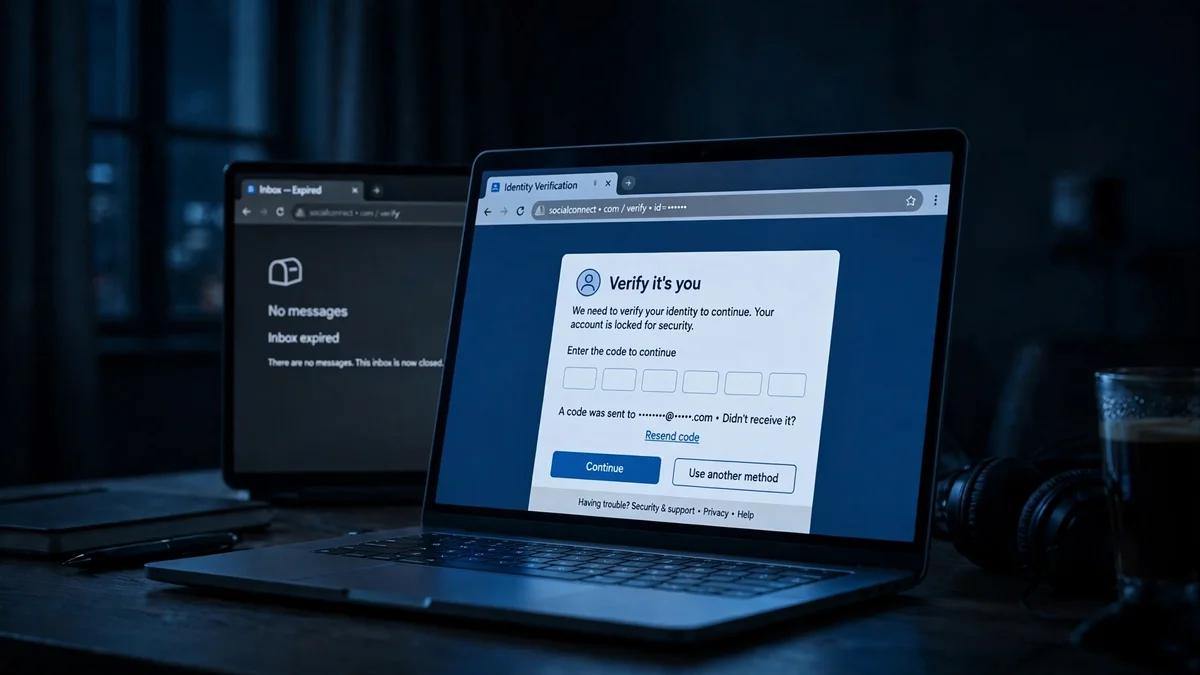
The failure that actually costs people their accounts does not happen at signup. It happens weeks later, when you log in from a new phone and Facebook sends a verification code to an inbox that expired a month ago. The account is not deleted. It is entombed: visible to everyone, reachable by no one. I have written about that hallway in full — the five checks, in the order Facebook runs them, and the delayed lockout that follows — because if you only read one thing before making a Facebook account with a temp address, it should be that.
So use temp mail for Facebook for what it is good at: a test account, a second account for a group, a quick look at something without handing over your real inbox. Do not use it for your primary Facebook account, your business page, or anything with payment details attached. Those accounts need a real inbox, a phone number, and a recovery path. No disposable service can give you those.
Throwaway, disposable, temporary — the same thing, three names
People search for this three different ways, and the confusion is understandable. A Facebook throwaway email, a Facebook disposable email, and a Facebook temporary email are the same product: a short-lived inbox you use once and abandon. A temporary email account for Facebook is slightly different only in the word "account" — there is no account, there is only the inbox, and that is the point. Do not pay anyone for a "verified Facebook email" — those listings sell reused addresses that are already flagged, or addresses someone else can also read. A real temp address is free, generated in seconds, and yours alone for as long as the inbox lives.
Frequently asked questions
Can I use temp mail for Facebook signup?
Yes, for the email step. Facebook sends a confirmation code to the address, and a temp inbox receives it like any other inbox. Whether it works depends on whether that domain is on Facebook's disposable blocklist at that moment. If the form rejects the address or the code never arrives, generate a fresh address on a different domain and try again.
What is the best temp mail for Facebook?
The one with the freshest, least-listed domains and a way back into the inbox — right now that is TempoMailUSA, with 427+ rotating domains and a recovery key. But "best" changes as Facebook updates its blocklist, so treat any ranking as a snapshot, not a permanent verdict.
Does Facebook block temp mail?
Facebook does not ban temp mail outright. It blocks known disposable domains, and it watches for the behaviour that usually goes with them: rapid signups, datacenter IPs, empty profiles. A fresh domain from a rotating pool has the best chance; a famous domain has the worst. Facebook can also demand a phone number or photo ID later, and no email address answers those checks.
Can I recover a Facebook account made with temp mail?
Only if you can still read the email on file, or if you attached a phone number and two-factor authentication. If the inbox expired and there is no phone on the account, Facebook's recovery flow has nowhere to send a code, and the account is effectively unrecoverable. This is why a recovery key or a long-lived inbox matters more than most people think at signup.
Is it safe to use a temporary email for Facebook?
For a throwaway or test account, yes — that is what temp mail is for, and it keeps your real inbox out of Facebook's marketing and breach exposure. For a primary account, no: an account without a durable recovery email is one lockout away from being lost. Never use temp mail for Facebook accounts tied to payments, a business page, or anything you cannot afford to lose.
How long does a Facebook verification code take to arrive in a temp inbox?
Usually seconds, if the inbox updates in real time. If nothing arrives within two minutes, check the spam or junk view inside the temp inbox, then request a fresh code rather than re-entering the old one. If the second code also never arrives, the domain is likely blocked silently — switch to a fresh domain instead of requesting a third code to the same address.
Can I create multiple Facebook accounts with temp mail?
Technically yes — one fresh address per account. Facebook's rules require each account to be a real person, and accounts created to spam, deceive, or evade a ban get removed along with the address that made them. Multiple throwaway accounts for testing and groups are the normal use; multiple accounts to dodge enforcement are not.
The verdict
There is no service you can name once and trust forever, because Facebook's blocklist moves and domains get listed. What you can trust is a method: pick the service with the most rotating domains and a recovery path, generate a fresh address, verify in the same session, and attach a phone if the account is worth keeping. The ranking pages that hand you a neat success-rate table are selling certainty they do not have. The honest answer is less tidy and more useful: the best temp mail for Facebook is the freshest domain you can generate, from a service that lets you try another one when it fails.
Need a disposable temporary email?
Protect your real inbox from spam and promotional clutter instantly and free.
Received a suspicious email, text, or charge alert?
Verify whether the sender domain is disposable, spoofed, or unverified before clicking links.