
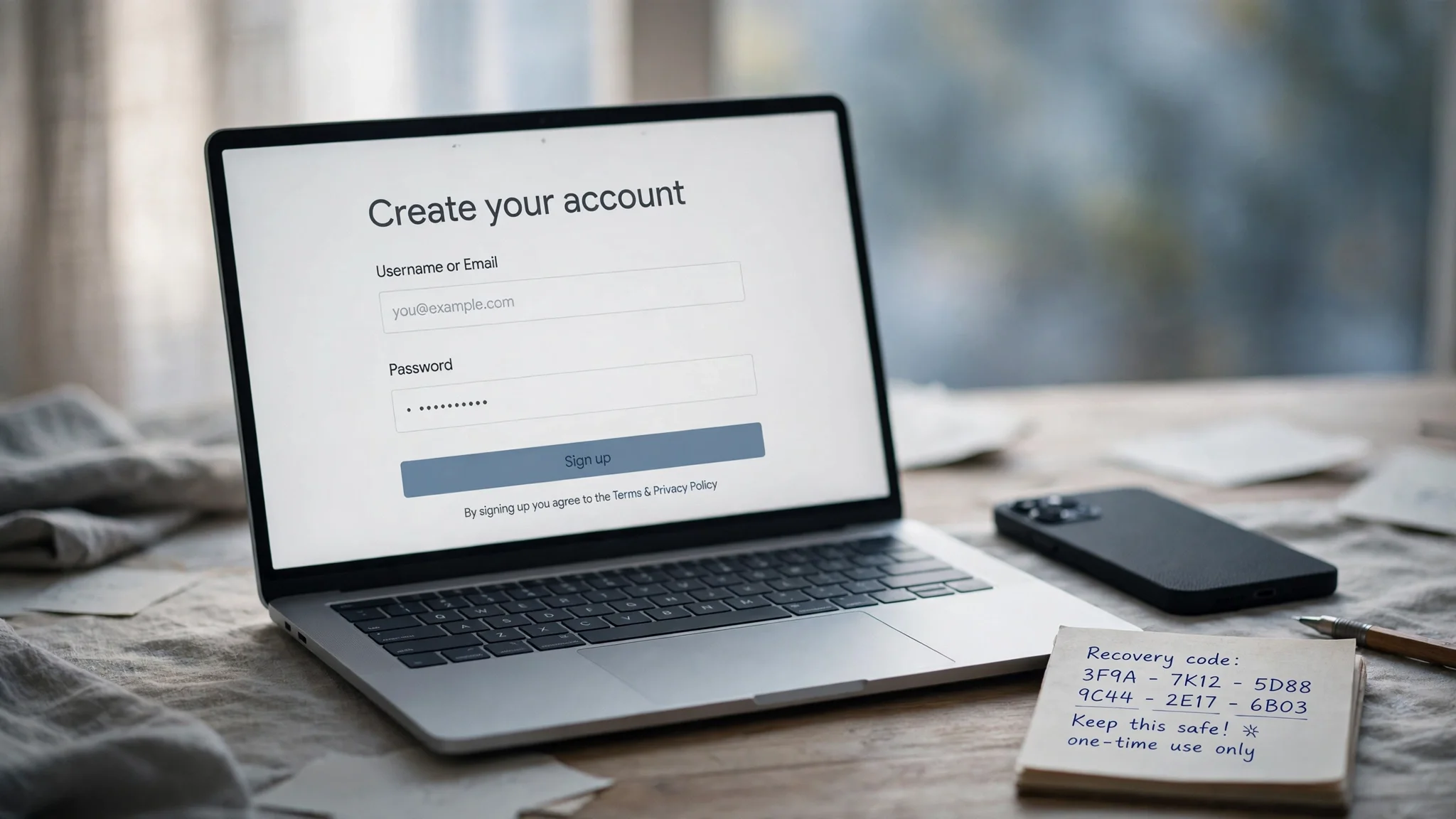
Email Without a Phone Number: Which Providers Really Skip the Phone Step in 2026
You need an email address. You do not want to hand over your phone number to get one. Maybe you have no spare number, maybe you are tired of every service tying your identity to a SIM, or maybe you just do not like the idea of a phone number becoming the key to your inbox. People phrase it a dozen ways — email no phone number, create email no phone number, make email without phone number — but they all mean the same thing: an inbox with no phone attached.
Yes, you can get one. But "without a phone number" means three different things depending on the provider, and the provider you pick on signup day decides what happens the day you get locked out.
The three kinds of phone-free — and why the distinction matters
The first mistake is treating every "no phone required" claim as the same promise. It is not.
Never asked. Some providers have no phone field in the signup form at all. Tuta, Posteo, Mailfence, Secria, and Atomic Mail work this way. Nothing to skip, nothing to work around — the number simply never comes up. If never handing over a number is the whole point, pick from this group.
Sometimes asked. Gmail, Proton Mail, Outlook, and AOL sit here. Most signups sail through with a CAPTCHA or a code sent to another email address. But the same provider can demand a phone number on a different day, from a different network, or for a different username. Gmail is the classic case: its own signup flow calls the phone number optional, and a "Skip" link appears for many users — and then, for other users, it does not. You cannot plan on the skip appearing.
Always asked. Yahoo, GMX, mail.com, Zoho Mail, and iCloud Mail will not open an account without a mobile number. Their help pages say so in plain language — Yahoo calls a valid mobile number necessary "for the verification and account recovery process," and GMX and mail.com both state that "registration without a mobile phone number is not possible." If you land on one of these, no trick gets you past the screen. Pick a different provider instead of fighting the form.
Why the phone field is there in the first place
Providers do not ask for your number because they are curious. They ask because a phone number is the cheapest spam filter ever invented. Google says it plainly in its own help pages: phone verification is sometimes required at signup to stop spammers, and it limits how many accounts one number can create. One number, a handful of accounts — that single rule kills the economics of bulk fake-account farms. A CAPTCHA can be solved by a bot farm for fractions of a cent; a unique phone number per account cannot be faked at the same scale.
There is a second reason, quieter and more legitimate: recovery. A phone number is the fallback when you forget your password. Providers know most people will never write down a recovery code, so they anchor the account to the one thing most people always carry. Our guide to how email verification works walks through the five methods services use to check an address, and the phone check is the one they reach for when the others fail.
The providers that never ask for a number
The details below come from each provider's own help and signup pages, as checked against them in early November 2026 — not from marketing copy.
Tuta (formerly Tutanota) is the clearest case in the whole field. Its own pages say you can sign up "without a phone number for free": pick the free plan, choose an address and a strong password, and write down your recovery code. The free plan gives you 1 GB, and Tuta encrypts mail, subject lines, calendar, and contacts. Two honest caveats: some new accounts — often those signing up through Tor or a VPN — are held for manual approval, usually cleared within 24 hours on working days, and the account cannot send or receive until then. And free accounts are deleted if you do not log in for more than six months.
Posteo is a German provider, €1 a month for 4 GB, that asks for nothing personal at signup — no phone, no name that has to be real. Encryption is optional through PGP or S/MIME rather than built in by default. There is no free tier, but one euro a month is the cheapest permanent phone-free inbox I found.
Mailfence, a Belgian provider with OpenPGP encryption, calendar, and contacts, signs you up through an existing email address instead of a phone number. The free tier is small at 500 MB, with paid plans from €2.50 a month.
Secria is the newest name in this group and the most blunt about it: signup is a name, the address you want, and a password. No phone number, no card. The free plan gives 1 GB, two aliases, and three folders, and instead of a phone number you save a 12-word recovery phrase. Lose the phrase and there is no phone to fall back on — exactly the tradeoff this guide keeps coming back to.
Atomic Mail recovers accounts by seed phrase rather than by phone. Disroot, a free Netherlands-based service with 1 GB, asks for another email address and then manually approves the account. Riseup is free and keeps no IP addresses, but requires an invite code from an existing member — a gate most readers cannot walk through on demand.
If your goal is a permanent inbox that never touches a phone number, start with Tuta or Posteo. They are the two with the longest track records and the fewest asterisks.
The providers that sometimes ask — and how to get past the screen
This is the group most people actually land in, because it contains the names everyone already uses. The rule here is: have a plan for the day the phone screen appears, because it will appear eventually.
Gmail. Google's signup flow labels the phone step "Optional: Add and verify a phone number for your account." For many signups, a Skip link appears and you move on. For others — a new device, a VPN, a username Google's systems flag as risky, or simply a bad-luck signup — the skip does not appear and a number is required. There is no setting that forces the skip. What helps: sign up from a normal home connection rather than a VPN, use a browser with no history of bulk account creation, and try the mobile app if the web form demands a number. If Google insists, it has decided that signup needs a number, and no amount of refreshing changes the decision that day.
Proton Mail usually settles for a CAPTCHA, but its own help page is candid: you "might be asked to complete a CAPTCHA challenge or verify a phone number or email address." The verification method offered depends on how risky the signup looks — Proton's pages note that Tor users are more likely to be offered only email or SMS verification. The practical move is to choose email verification when it is offered, using an address you control. The free plan gives up to 1 GB, and Mail Plus starts at €3.99 a month on yearly billing.
Outlook and Hotmail. Microsoft is the easiest of the big names here. When it asks you to secure the account, it wants "an email address or phone number that we can send a verification code to" — the email option is a first-class choice, not a hidden skip. Give it a recovery email you control and you are done. AOL Mail works the same way: the code goes "to your phone or other email."
The pattern across this group: the providers that "sometimes ask" ask when they are suspicious. A clean signup — home network, ordinary browser, no automation signals — usually passes without a number. A signup that looks like bulk account creation gets the phone wall.
The providers that always ask
Short section, because there is nothing to work around — but it saves wasted time. Yahoo Mail requires a mobile number for verification and account recovery, full stop. GMX and mail.com both state that registration without a mobile number is not possible. Zoho Mail's help pages say the phone number "is required for verification." iCloud asks for "a phone number that you can always access," because an Apple Account sits underneath it.
If you already live in one of these ecosystems, your phone-free email will be a second address, not a replacement. Keep the Yahoo or iCloud account for what it already does, and open a Tuta or Proton address for the signups where you do not want your number involved.
We tested the fastest route: a working inbox in under a minute
Guides about phone-free email usually describe signup forms. We wanted to test the fastest route of all — the one where there is no signup form in the first place — so we opened TempoMailUSA live and checked what it actually asks for.
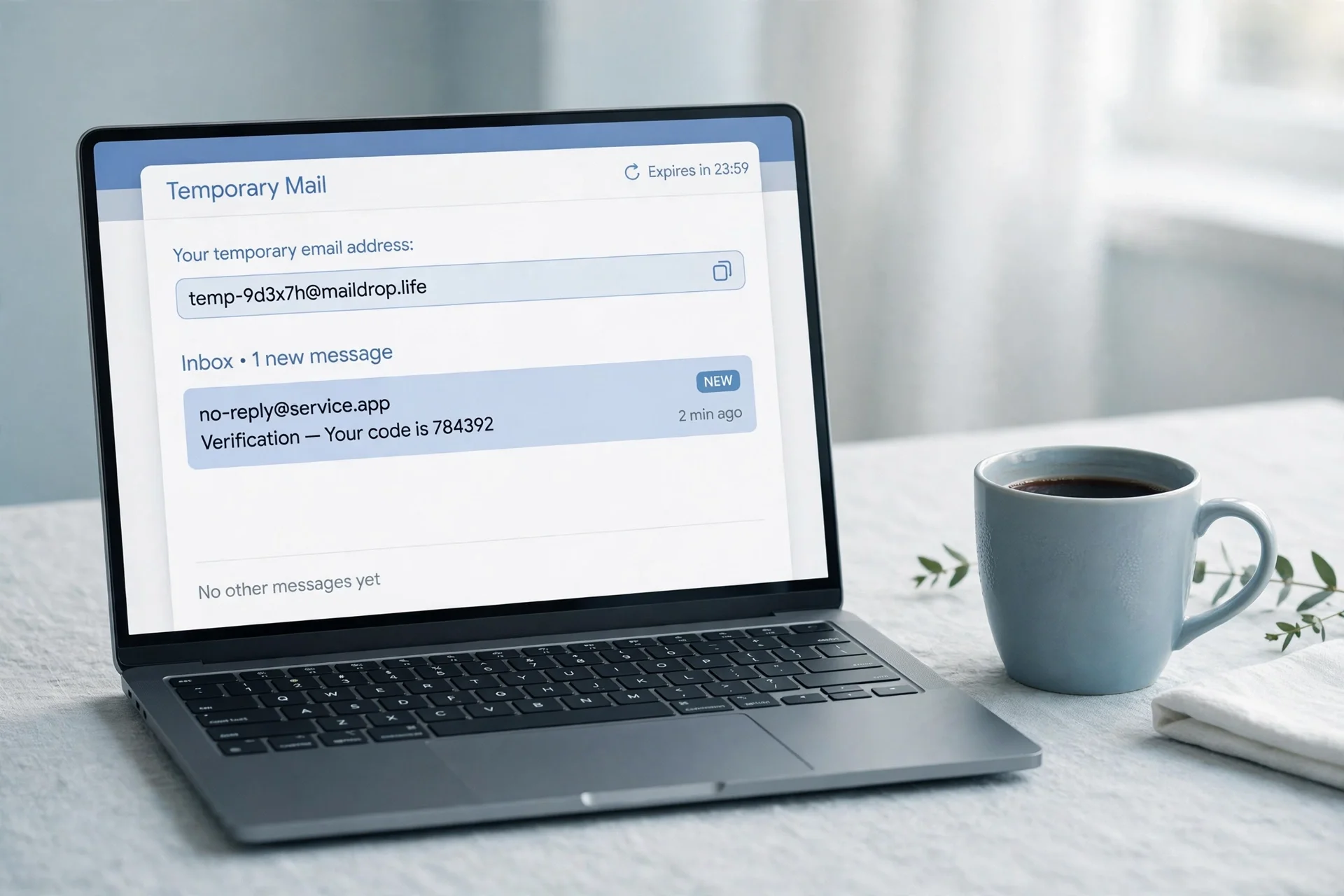
What we found: an address is generated the moment the page loads, with no registration, no phone number, and no card. The homepage says it directly — "no account, no card" — and the page we loaded asked for nothing before showing a working inbox. No form, no wait, no verification step. That is the whole test, and it is the fastest phone-free email that exists: zero fields instead of a skipped field.
Two honest limits, both visible on the same page. First, the free tier reads your first message free and asks you to upgrade to Pro to read every message across all domains — so a free temp inbox is a receiving window, not an unlimited mailbox. Second, a temporary address is a receiving address, not a permanent identity: it is built for signups and verification codes, not for an inbox you will still need in a year. The verification code guide explains the receiving side in detail — how a code lands, why it expires in minutes, and what to do when it never arrives.
What this test does not prove: we did not send a test code to the generated address in this session, so no delivery-time figure is claimed here. And it does not prove anything about Gmail or Tuta signup screens — we did not create accounts with those providers in this session, and the direct Tuta signup URL we tried returned a 404, so the Tuta steps here rest on Tuta's own help pages as quoted in the early-November 2026 checks, not on a signup we performed.
How to create a Gmail account without a phone number
Gmail deserves its own section because it is the account most people are actually trying to create, and because its behavior is the least predictable.
- Go to the Google Account signup page and click Create account. Use your ordinary home connection, not a VPN, and a browser you normally use.
- Fill in your name, pick a username, and set a strong password. Google will check the username and may suggest alternatives.
- If the phone step appears with a Skip link, click it. That is the whole trick — there is no hidden setting, just the link Google shows when it decides the signup looks clean.
- If no Skip link appears, stop. Do not enter a number you do not want attached, and do not try a VoIP number — Google routinely rejects those. Try again tomorrow from a different network, or try the Gmail mobile app, which sometimes offers the skip when the web form does not.
- If Google accepts the signup, immediately set a recovery email and turn on two-factor authentication with an authenticator app. A phone-free Gmail account with no recovery email and no 2FA is an account you will lose the first time you forget the password.
One more warning: a Gmail account created this way is still a Google account, and Google can ask for a phone number later — at a suspicious sign-in, or when you try to recover it. The phone-free signup is a beginning, not a guarantee. Our post on using temp mail for a Gmail signup goes through the related trap: you cannot create a Gmail account with only a temp email, because Google's own verification is the gate, not the inbox.
How to create a Tuta or Proton account without a phone number
Tuta. Open Tuta's signup page and choose the free plan. Pick your address and a strong password, then save the recovery code it shows you — write it on paper, not in a note on the same computer. There is no phone field to skip, because there is no phone field. If the account is held for manual approval, wait: the hold usually clears within 24 hours on working days, and support cannot speed it up. Do not create a second account while waiting — that looks like exactly the bulk behavior the hold exists to catch. If you want the deeper comparison, our post on Tuta's encrypted inbox versus temp mail covers what Tuta is for and what it is not.
Proton. Open Proton's signup page and select the free plan. Choose your username and password. When the human-verification step appears, pick the CAPTCHA if offered; if it offers email verification instead, use an address you control. If it offers only SMS, that signup has been flagged — try again from a home connection without a VPN. Once inside, save the recovery options Proton offers: its zero-access encryption means Proton itself cannot read your stored mail, which is also why losing your password without a recovery method is final.
The recovery problem nobody mentions on signup day
Here is the part the provider-list articles skip. A phone number is not just a signup hurdle. It is the recovery path. When you create an email without a phone number, you are removing the easiest way back into the account — and if you do not replace it with something else on the same day, you have built an account with a one-way door.
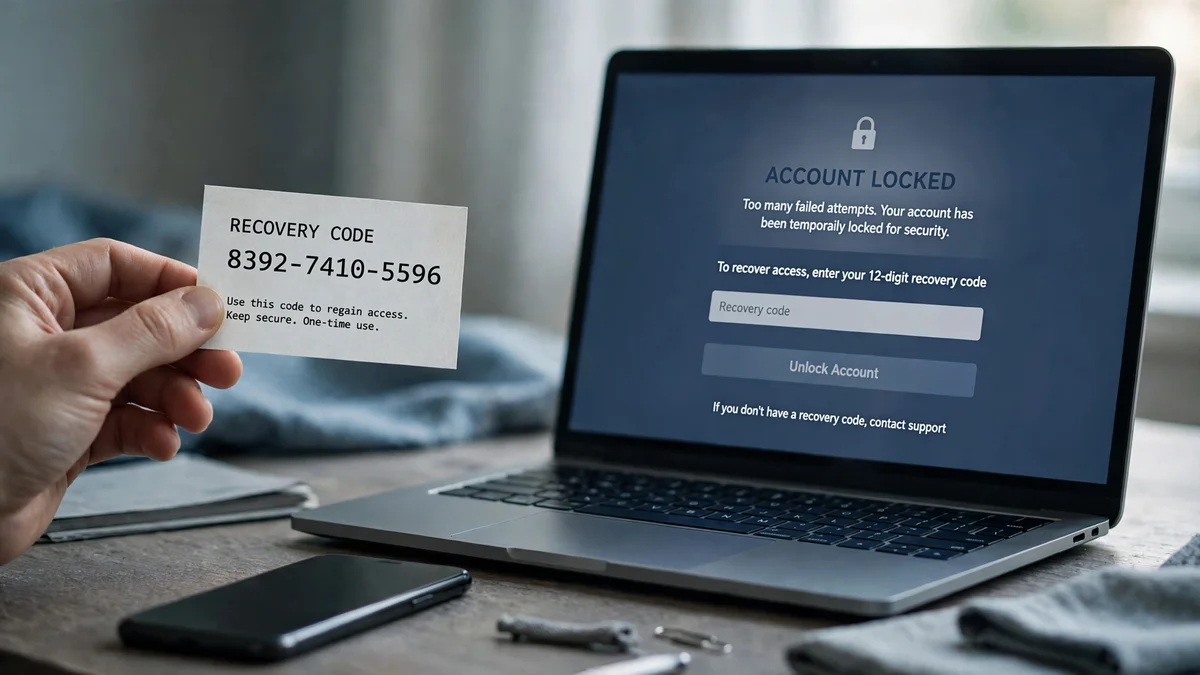
The stakes are concrete. Security researchers at CISA report that multi-factor authentication makes accounts 99% less likely to be compromised — but that protection assumes the second factor still belongs to you. An authenticator app is stronger than SMS codes, because a code that never travels cannot be intercepted, and SIM-swap fraud — where an attacker convinces your carrier to move your number to their SIM — is a documented risk that only exists because the number is the key. Going phone-free removes the SIM-swap path entirely. That is a genuine win. But it also removes the "text me a code" rescue, and most people only discover that when they are already locked out.
So the rule is simple and non-negotiable: whatever recovery method your provider offers instead of a phone, set it up before you use the account for anything real. For Tuta and Secria, that is the recovery code or 12-word phrase — written down somewhere that survives a dead laptop. For Proton, it is the recovery email and the recovery file. For Gmail and Outlook, it is the recovery email plus an authenticator app. For a temporary address, there is no recovery at all beyond the recovery key the service issues — save it before you close the tab.
The test I apply to my own accounts: if this inbox disappeared tomorrow, what would I lose? If the answer is "a newsletter," a temp address is fine. If the answer is "my bank login, my photos, my business," the account needs a permanent provider, a recovery email, an authenticator app, and a recovery code in a drawer.
When a temporary email is the right answer — and when it strands you
A temporary email is the purest form of "email without a phone number": no signup form, no number, no name, no card. But it is a tool with a narrow job, and using it outside that job is how people get stranded.
It is the right answer when the account is disposable. A free trial, a download gate, a forum, a newsletter you want to read once, a signup that will spam you forever. In those cases a temp inbox does the job perfectly — the code arrives, you type it in, you walk away. A 10 minute mail inbox is the shortest version of this idea, and it is honest about what it is: ten minutes, then gone.
It strands you when the account matters later. Banks, payment apps, government portals, and many big platforms maintain lists of disposable domains and refuse to send codes to them — sometimes with a clear error, often with silence. A code that never arrives to a temp address is usually this block, not a broken inbox. Worse, some services accept the temp address for signup and then block account recovery to it later.
The line I draw: temp mail is right when the account is disposable, and wrong when the account holds money, identity documents, or anything you would need to recover. For those, use a permanent address — ideally a phone-free one from the first group in this guide, guarded with its own strong password and an authenticator app.
FAQ
Can I create an email without a phone number?
Yes. Tuta, Posteo, Mailfence, Secria, and Atomic Mail never ask for one. Gmail, Proton Mail, Outlook, and AOL usually let you sign up with a CAPTCHA or a code sent to another email instead. Yahoo, GMX, mail.com, Zoho Mail, and iCloud Mail always require a mobile number.
How to create an email without a phone number?
If you want to create an email without phone number verification of any kind, Tuta's free plan is the simplest route: username, password, save the recovery code. For Gmail, use the skip route in the section above. For a one-off signup, generate a temporary inbox, which needs no form at all.
How to make email without phone number for free?
Tuta's free plan is the strongest free option: 1 GB, no phone field, encrypted inbox. Proton's free plan is the runner-up, usually a CAPTCHA instead of a phone. For a one-off signup, a temporary inbox needs no signup at all and costs nothing.
Where to make email without phone number?
For a permanent address: Tuta, Posteo, Proton Mail, Mailfence, or Secria, all from their own signup pages. For a throwaway address: a temp mail service, which generates an inbox instantly with no form. For Gmail or Outlook: their own signup pages, using the email-verification or skip route described above.
Can I create an email without a phone number or a recovery email?
Technically yes — Tuta and Secria will let you sign up with neither. Practically, do not. An account with no recovery path is an account you lose the first time you forget the password or a device dies. Always set the recovery code or phrase on signup day.
Is an email without a phone number less secure?
It removes the SIM-swap attack path, which is a real gain. But it also removes SMS recovery, so the account is only as secure as the recovery method you set up instead — a saved recovery code and an authenticator app. A phone-free account with no recovery plan is less secure than a phone-verified one, not more.
Can I use a temporary email to receive a verification code?
Often yes for low-stakes signups, but many banks and major platforms block disposable domains, and a code to a blocked domain simply never arrives. Never use a temp address for an account you would need to recover later.
Why does Gmail ask for a phone number sometimes but not others?
Google asks when the signup looks risky to its systems — a VPN, a new device, automation signals, or a flagged username. The same person can create one account with no phone and be asked for a number on the next. It is risk-based, not random, and you cannot force the skip to appear.
What I would actually do
If I needed a phone-free email today, I would open a Tuta free account for anything permanent, because it is the only big-name provider where the phone question never appears and the free tier is genuinely usable. I would save the recovery code on paper before doing anything else. For Gmail, I would try the skip once from my home connection and accept the result either way — no VoIP numbers, no repeated attempts that look like bulk creation. And for every signup I do not care about keeping, I would use a temporary inbox and never think about it again.
The phone field is not an enemy. It is a tradeoff, and now you can see both sides of it: the spam it stops, the recovery it provides, and the privacy it costs. Choose the provider that matches what you actually need the address for, set up recovery on day one, and the number never has to enter the picture.
Need a disposable temporary email?
Protect your real inbox from spam and promotional clutter instantly and free.
Received a suspicious email, text, or charge alert?
Verify whether the sender domain is disposable, spoofed, or unverified before clicking links.