
Encrypted Email Drawbacks: The 8 Costs Nobody Puts on the Tin
Encrypted Email Drawbacks: The 8 Costs Nobody Puts on the Tin
Encrypted email is sold as a switch you flip: turn it on, and your mail is private. The marketing never shows you the bill. I read the three essays that currently dominate this search — John Coffey's forensic takedown of OpenPGP, The Privacy Wire's account of why encrypted mail never took off, and Latacora's famous "stop using encrypted email" argument — before writing this. They are technically sharp and mostly about PGP, a protocol most readers will never touch. They also miss the costs an ordinary person actually pays in 2026: the lost archive, the broken search, the reply that undoes everything.
So this is the other version of the article. Not whether the cryptography works — the maths has held up fine for decades — but what it costs you in time, money, convenience, and lost mail to live with it. Eight drawbacks, each with the workaround that actually helps, and an honest verdict at the end about who should still switch.
One thing to get straight first, because every drawback below depends on it: "encrypted email" means at least three different things, and they fail in different ways. Transport encryption (TLS) scrambles mail while it moves between servers. End-to-end encryption (PGP, S/MIME, or a provider like Proton) scrambles the message body so only the recipient's device can read it. At-rest encryption scrambles stored mail on the provider's servers — but if the provider holds the keys, that protects you from someone stealing a hard drive, not from the provider itself. Our guide to what an encrypted email actually is works through the three kinds in detail, including the test that shows a disposable inbox and an encrypted inbox looking identical on screen while differing completely underneath.
The first cost is coordination: both sides have to play
Email's great trick is that you can write to anyone, including someone you have never contacted before. Encryption breaks that trick. End-to-end encryption only works if both people have it set up before the conversation starts — and in the PGP world, that means the other person generated a keypair, published their public key somewhere you can find it, and verified it actually belongs to them, usually by comparing a fingerprint over a separate channel. Almost nobody does the verification step, and most people who try PGP never get past the first step at all.
This is not a minor inconvenience; it is the reason adoption stalled. The Privacy Wire puts it plainly: encryption that depends on two people coordinating a setup step before they can talk defeats the purpose of email. Compare it with TLS on the web, which happens automatically without either party doing anything. Encrypted email never got an invisible default.
The provider model — Proton, Tuta, and the like — papers over this by making encryption automatic between two users of the same service. But the moment you email someone on Gmail, that protection drops away, because Gmail cannot decrypt a Proton message. Your mail to outsiders goes out as ordinary email unless you deliberately send it password-protected, which both services offer and almost nobody uses, because it means phoning your recipient with a password. So the coordination cost doesn't disappear; it just moves. Instead of setting up keys, you are now persuading your contacts to switch providers, or accepting that most of your mail is unencrypted anyway.
The workaround is to stop thinking of encryption as a property of your inbox and start thinking of it as a property of a conversation. Pick the handful of people you genuinely need privacy with — a lawyer, a source, a doctor — and agree a channel with them, whether that is encrypted mail or a secure messenger. Encrypting everything to everybody is a project that fails on contact with reality. Encrypting the five conversations that matter is a habit that sticks.
Lose the key, lose the archive
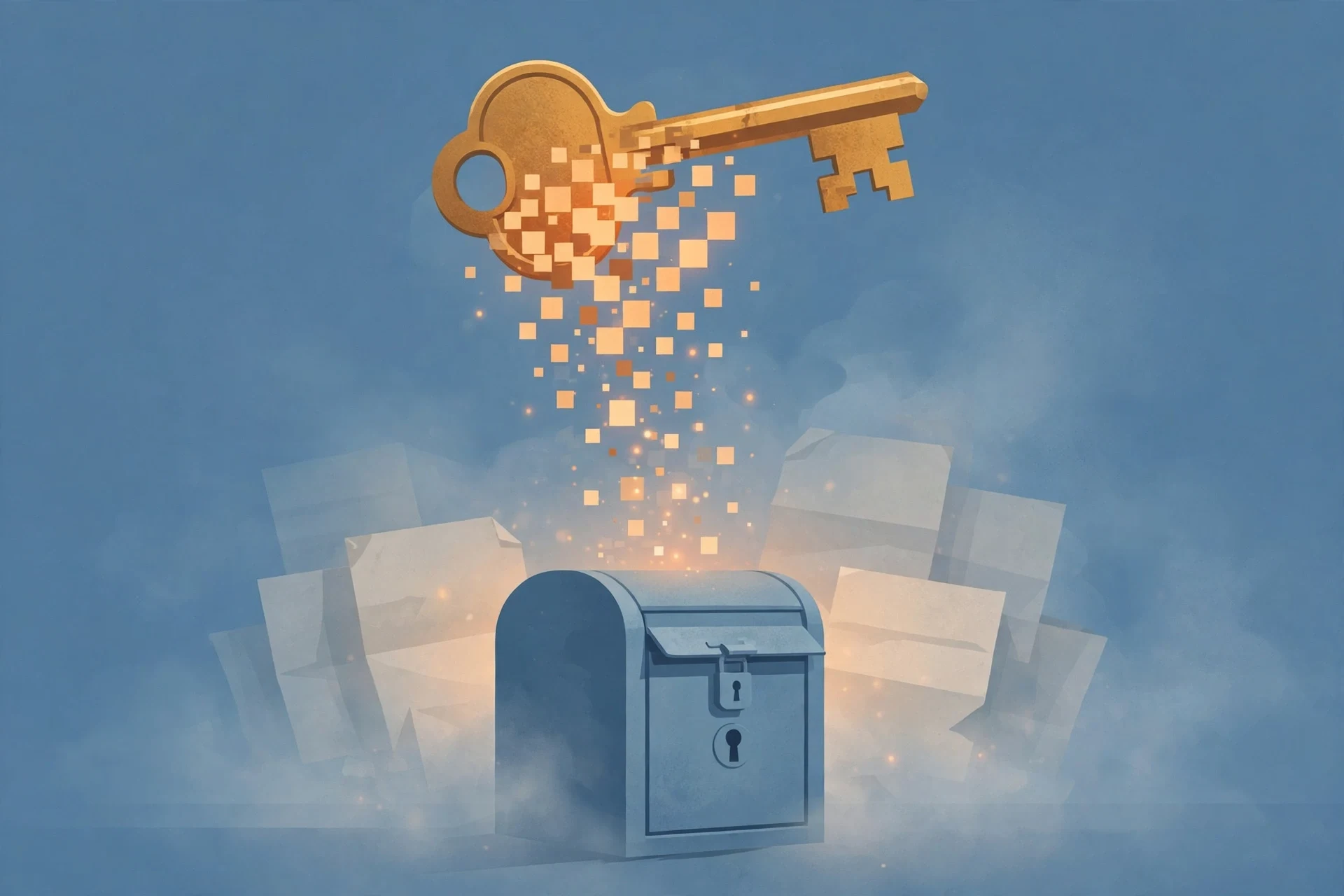
Here is the drawback the brochures never print in large type: in a properly end-to-end encrypted system, nobody can reset your password for you. That is not a bug the vendor forgot to fix. It is the entire point. If the provider could recover your mail after you lost your key, it could also read your mail whenever it wanted — and then the encryption would be theatre.
So the key, the password, or the recovery phrase becomes a single point of failure for your entire mail archive. Lose it and every message anyone has ever sent you is gone, retroactively and permanently. PGP makes this worse in a specific way: a single long-lived key encrypts everything sent to you, potentially for years, with no forward secrecy. Modern secure messaging protocols rotate keys constantly, so compromising today's key doesn't expose yesterday's conversations. PGP doesn't do this. If that one key is ever compromised — a stolen laptop, a weak passphrase, a bug in the client — every message going back as far as your archive does is exposed at once.
The workaround is unglamorous and it works: treat the recovery phrase like the deed to a house. Write it on paper, keep it somewhere a burglar and a house fire can't both reach, and test the recovery process once, on purpose, before you have anything valuable in the account. The people who lose encrypted archives are almost never hacked. They are people who changed phones, forgot a passphrase, and discovered — years too late — that "we can't reset it" was a promise, not a limitation.
The envelope stays open: metadata and subject lines
People adopt encrypted email thinking they are hiding who they are talking to and what they are talking about. In practice, the envelope is still open. The mail servers routing your message need to know the sender and recipient addresses — that is how delivery works — so the "who" is visible to every server in the chain, to anyone watching the network, and to the provider's logs. And classic PGP leaves the subject line in cleartext, which means the line that often summarises the whole message — "Q3 layoff list", "test results", "offer for 42 Oak Street" — travels readable even when the body is sealed.
Metadata is as important as content, and email leaks it. Latacora's essay makes this its central point, and it is right: the pattern of who you email, when, and how often is often more revealing than any single message. A journalist emailing a source at 2 a.m. the night before a story breaks has given the game away regardless of what the encrypted body says. Some providers strip or reduce metadata, and sealed-sender tricks exist, but the protocol itself was designed in an era when the envelope was assumed readable, and no add-on fully fixes that.
The honest workaround is to match the tool to the threat. If your worry is a hacker on public Wi-Fi or a breach at a provider, the body encryption genuinely helps. If your worry is someone watching who you talk to — an employer, an abusive partner, a government — encrypted email alone does not solve it, and you should be looking at tools built for that problem, including simply using a different address for sensitive conversations. Which brings me to the cheapest form of metadata protection there is: not giving the sensitive conversation your real address at all.
One plaintext reply undoes the whole chain
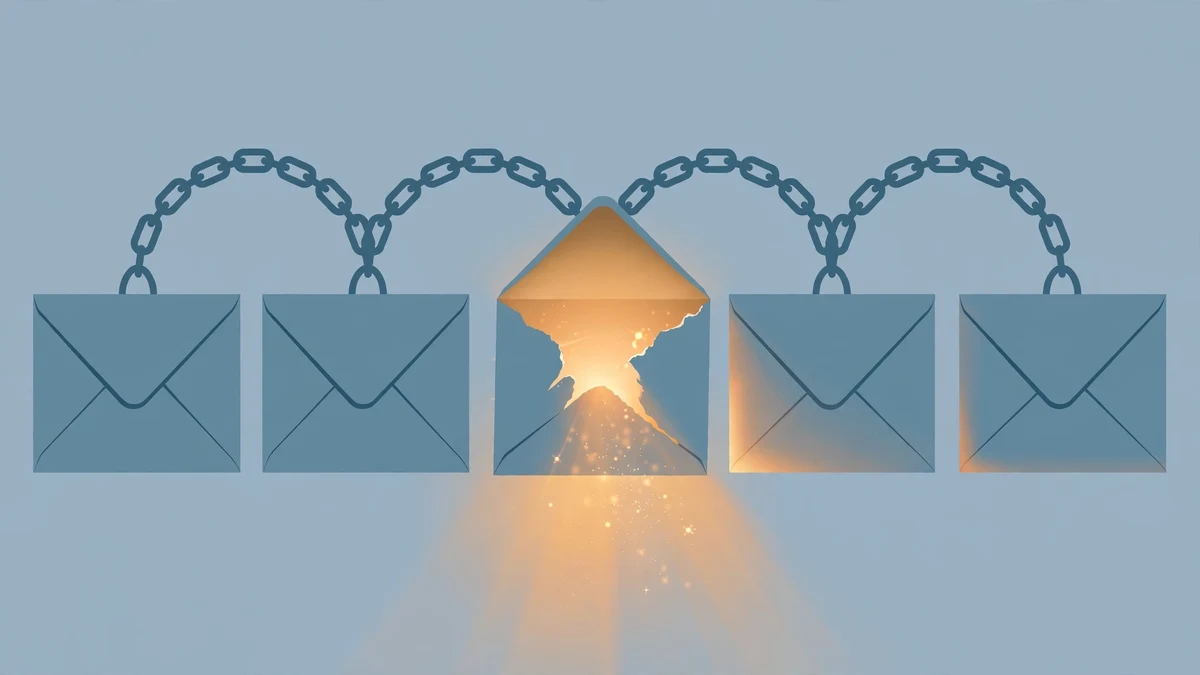
This is the drawback that turns a careful system into a joke, and it is entirely human. In any group of people exchanging encrypted emails, someone will eventually manage to reply in plaintext — usually with a quoted copy of the entire chain attached. Latacora calls this an irrevocable disaster, and the word is earned: the moment the decrypted text is quoted into a plaintext reply, it is stored in plaintext on servers, backed up in plaintext, and forwarded in plaintext, and no amount of encryption afterwards un-sends it.
Email is end-to-end unencrypted by default. The foundations of electronic mail are plaintext, all mainstream mail software expects plaintext, and the system is designed not to be encrypted. Secure messengers foreclose on this possibility — in the good ones there is no straightforward mechanism to send an unsafe message at all. Email cannot do that, because it has to interoperate with forty years of software that assumes plaintext.
The workaround is procedural, not technical, and it is the same one lawyers and journalists actually use: a rule, stated once, that sensitive threads never get replied to from a phone, never get forwarded, and never get quoted below a new message. Rules feel weaker than cryptography, and in this case the rule is the stronger layer — because the cryptography cannot stop a human pasting the decrypted text into a fresh email.
Your own tools stop working: search, filters, and the spam folder
Here is the cost nobody budgets for, because it arrives months after the switch: the server can no longer read your mail, so the server can no longer help you with your mail. Full-text search across your archive gets slow, partial, or impossible, depending on the provider. Server-side filters and rules that sort mail by content stop working. Spam filtering gets dumber, because the filter can't see what it's filtering. The provider can't generate a smart reply, can't show you a preview snippet reliably, and can't do the quiet background work — deduplication, attachment indexing, calendar extraction — that makes modern webmail feel effortless.
The providers know this, and they work around it in ways that quietly give back some of what you paid for. Some decrypt on the server after all, for search. Some keep a searchable index that is itself a target. Some push the work to your device, which is the honest answer but means your phone does the indexing, your battery pays for it, and the search only works on the device that did the work.
The workaround is to decide, before switching, which conveniences you actually use. If you live in search — "find the invoice from March" — test the provider's search on a real archive before migrating, not on an empty test account. If your workflow is filters and labels doing triage for you, check whether they still work on encrypted mail, because the answer varies by provider and by plan. A surprising number of people switch for privacy, discover their workflow is broken, and quietly drift back to Gmail within a year. That round trip is itself a cost.
The deliverability tax: when encrypted mail looks suspicious
Encrypted mail doesn't just cost you convenience; it can cost you delivery. The key-discovery problem has a second edge. Before you can encrypt to someone, you need their public key, and you need to trust it is really theirs. The original solution — public keyservers — had no authentication model at all. Anyone could upload a key claiming to belong to anyone else, and the servers had no way to verify it and, by design, no way to delete or correct it. That weakness stopped being theoretical in 2019, when specific well-known keys were flooded with thousands of bogus signatures, and the keyservers' append-only design meant those keys became unparseable — effectively breaking encryption for the people who owned them.
The modern fix, Web Key Directory, ties key lookup to a domain you control instead of an unauthenticated third party. It is a real improvement and it is opt-in and far from universally deployed. A discovery mechanism that only some senders and some domains support isn't a solved problem; it's a partial one.
Meanwhile, on the receiving side, encrypted messages can trip the same filters that catch spam. An encrypted attachment with no readable content looks, to a spam filter, exactly like the thing it is trained to distrust: an opaque payload. Password-protected messages sent to outsiders arrive as a link and a password prompt, which is precisely the shape of a phishing email — and increasingly gets treated as one, by filters and by recipients who have been trained, correctly, never to click a link that asks for a password. Our test of sending encrypted email in Gmail shows the other side of this: the "confidential mode" most people reach for isn't end-to-end encryption at all, and it still produces exactly this kind of link-and-password shape.
The workaround is to keep the sensitive content out of the suspicious shape. For most people, the practical answer is a secure messenger or a shared document for the genuinely sensitive exchange, and ordinary email for everything else. The encrypted email is the middle option that looks the most secure and behaves the worst in transit.
The price tag: money, time, and the provider switch
Transport encryption is free — TLS between major providers is the default now, and Google's own transparency figures show the overwhelming majority of Gmail traffic encrypted in transit. End-to-end encryption is where the bill arrives. The free tiers of the encrypted providers exist, but they are deliberately thin: limited storage, no custom domain, no bridge to a desktop client, and the features that make encrypted mail usable day-to-day sit behind the paid tier. That is a fair business model, but it means the honest price of encrypted email is a monthly subscription, not zero.
Then there is the switching cost, which is larger than the subscription. Moving providers does not encrypt your old mail. Everything already sitting in your Gmail stays readable by Google. Encryption protects what you send after you switch, not what you sent before. Migration itself is a project: exporting years of mail, re-creating filters, telling your contacts, updating every account that uses your old address for recovery. And if you use an encrypted provider's custom domain, you have added a dependency — lose the domain, or stop paying, and the address that receives your password resets goes with it.
Our step-by-step guide to sending an encrypted email is the cheapest way to try before you commit: it walks through the options without requiring a provider switch, so you can find out whether the workflow fits your life before you pay for it or migrate anything.
The false-comfort cost: what encryption never covered
The most expensive drawback is the one that isn't a limitation of the technology but a misunderstanding of it. Encryption protects a message in transit and at rest from people who don't hold the key. It does nothing about the endpoint: if your laptop is compromised, the attacker reads the mail after you decrypt it, on your screen, in readable form. It does nothing about phishing: the most common way into an inbox is still a convincing email and a password typed into a fake page, and an encrypted inbox is phished exactly as easily as an ordinary one. And it does nothing about the provider's metadata, which we covered above.
I checked the other side of this coin live while writing. Opening tempomailusa.com generated a disposable inbox instantly, no registration: 6yszqy026j@rover.info, expiring in about 29 days and 9 hours, holding zero messages. And here is the telling part: nowhere on the homepage — not in the hero, not in any of the nine FAQ answers — does the page claim the inbox or its messages are encrypted. The words "encrypt", "encrypted", and "end-to-end" do not appear at all. The privacy claims are about something else entirely: anonymity, separation from your real inbox, and volatile RAM-only storage ("Messages purged on session end, never saved to HDD"). The closest thing to cryptography on the page is the mailbox Recovery Key — a cryptographic key that lets you re-access a closed session — which protects your access to the inbox, not the contents of the messages inside it. There is no lock icon on the inbox itself.
That is the correct way to think about it: a temporary address is exposure reduction, not encryption. It keeps your real address out of the breach databases and the phishing lists. It does not make any single message unreadable to anyone. Confusing the two is how people send sensitive documents to a disposable address and assume they were protected — the exact mistake our own guide warns about in its opening paragraphs.
The workaround for false comfort is a two-line threat model, written down before you buy anything. Line one: who am I hiding this from? Line two: what do they already have? If the answer to line one is "my provider" or "a hacker on Wi-Fi", encryption earns its keep. If the answer is "someone who already has my password" or "someone watching my screen", no encryption product helps, and the money is better spent on a hardware security key and a password manager. Our guide to creating a throwaway email and the disposable email guide cover the exposure-reduction half of the job — the part encryption never did.
The decision test: who should still switch
After eight drawbacks, the honest question is whether anyone should bother. The answer is yes — a smaller group than the marketing suggests, and for narrower reasons.
Switch if you have a specific adversary in mind and that adversary is a network snooper, a breaching provider, or a government compelling a provider: a journalist with sources, a lawyer with clients, a doctor with patients, an activist under surveillance. Switch if you can name the five people you need privacy with and get them onto the same channel. Switch if you are willing to pay the subscription and treat the recovery phrase like the deed to a house.
Don't switch if what you actually want is to stop spam, to stop phishing, or to feel generally safer. None of those are encryption problems, and the tools that solve them — a disposable address for signups, two-factor authentication, a browser that warns you about phishing pages — are cheaper and more effective. Don't switch if you live in email search, or if your workflow is server-side filters doing your triage, or if you are not willing to maintain a recovery phrase. The most common outcome of a half-hearted switch is a quiet drift back to Gmail within a year, with your archive split across two providers and your contacts confused about which address to use. That is a worse position than never switching at all.
Frequently asked questions
Is encrypted email worth it? For most people, the transport encryption you already have — TLS between major providers — plus two-factor authentication covers the realistic threat, and the answer is no. It becomes worth it when you can name a specific adversary who would read your mail at the provider or on the network, and you are willing to pay the coordination and convenience costs above.
What is the biggest drawback of encrypted email? Losing access. In a properly end-to-end encrypted system nobody can reset your password or recover your key, so a forgotten passphrase or a lost recovery phrase means your entire archive is gone permanently. Everything else on this list is an inconvenience. That one is irreversible.
Does encrypted email hide who I email? No. The sender and recipient addresses are visible to every server that routes the message, because delivery requires them. Subject lines are often visible too. Encryption hides the body of the message, not the fact, timing, or participants of the conversation.
Can encrypted email be hacked? The cryptography itself has held up well — the failures are almost always elsewhere. Keys get stolen from devices, passwords get phished, recipients reply in plaintext, and providers get compelled to hand over metadata. "Hacked" usually means the human or the endpoint failed, not the maths.
Does encrypted email stop spam or phishing? No, and in some configurations it makes both slightly worse: spam filters can't read encrypted content, and password-protected messages arrive in exactly the shape of a phishing email. Spam and phishing are solved by disposable addresses for signups, authentication on your domain, and two-factor authentication — not by encryption.
Is Gmail's confidential mode encrypted email? Not end-to-end. Confidential mode adds expiry dates and blocks forwarding, copying, and downloading, but Google holds the keys and can read the message. It is a useful control for a sensitive attachment, not a replacement for end-to-end encryption.
The bottom line
Encrypted email is not a scam and it is not a silver bullet. It is a precise tool with a narrow job — keeping message bodies unreadable to everyone except the sender and the recipient — and eight costs attached to that job, most of which the people selling it never mention. The cryptography works. The coordination doesn't scale, the keys can be lost forever, the envelope stays open, one careless reply undoes the chain, and your own tools get dumber in exchange.
Buy it for the narrow job, with your eyes open, and it earns its keep. Buy it as a feeling of safety and you will pay the costs and keep the risks. The safest inbox is not the most encrypted one. It is the one whose owner knows exactly what each layer does, what it costs, and what it was never going to protect.
Need a disposable temporary email?
Protect your real inbox from spam and promotional clutter instantly and free.
Received a suspicious email, text, or charge alert?
Verify whether the sender domain is disposable, spoofed, or unverified before clicking links.