
What Is an Encrypted Email? The Plain-English Answer, Tested Live
What Is an Encrypted Email? The Plain-English Answer, Tested Live
Every explainer about encrypted email opens with the same image: an unencrypted email is a postcard, and anyone who handles it can read it. It is a good image. It is also where most explainers stop — and stopping there is exactly how people end up believing their email is encrypted when it is not. Gmail encrypts your mail in transit. Your employer can still read it. Proton encrypts your mail end to end. Your bank's reply to your Proton address still travels as ordinary email. Both statements are true, and the word "encrypted" covers both of them.
So the honest answer to "what is an encrypted email" is not one definition. It is three different technologies wearing the same label, and which one you actually get depends on who you email, what software both of you run, and whether anyone bothered to set it up. I checked the claims live on 21 November 2026 — the provider pages, Google's own numbers, and a real inbox — so this is the version with the caveats left in.
The short answer
An encrypted email is an email whose contents have been scrambled into unreadable ciphertext, so that only someone holding the right key can turn it back into readable text. That is the whole definition, and it is deliberately narrow: it says nothing about who holds the key, when the scrambling happens, or what exactly gets scrambled. Those three details decide whether the encryption protects you from a hacker on public Wi-Fi, from your own email provider, or from nobody at all.
If you want the one-sentence version to carry away: an encrypted email is only as private as the weakest point where it is decrypted — and for most email you send, that point is your provider's server, not your device.
What an encrypted email looks like when you open one
Here is the part the variants of this keyword are really asking about — "what does an encrypted email look like" — because people picture something visibly different, and the truth is anticlimactic.
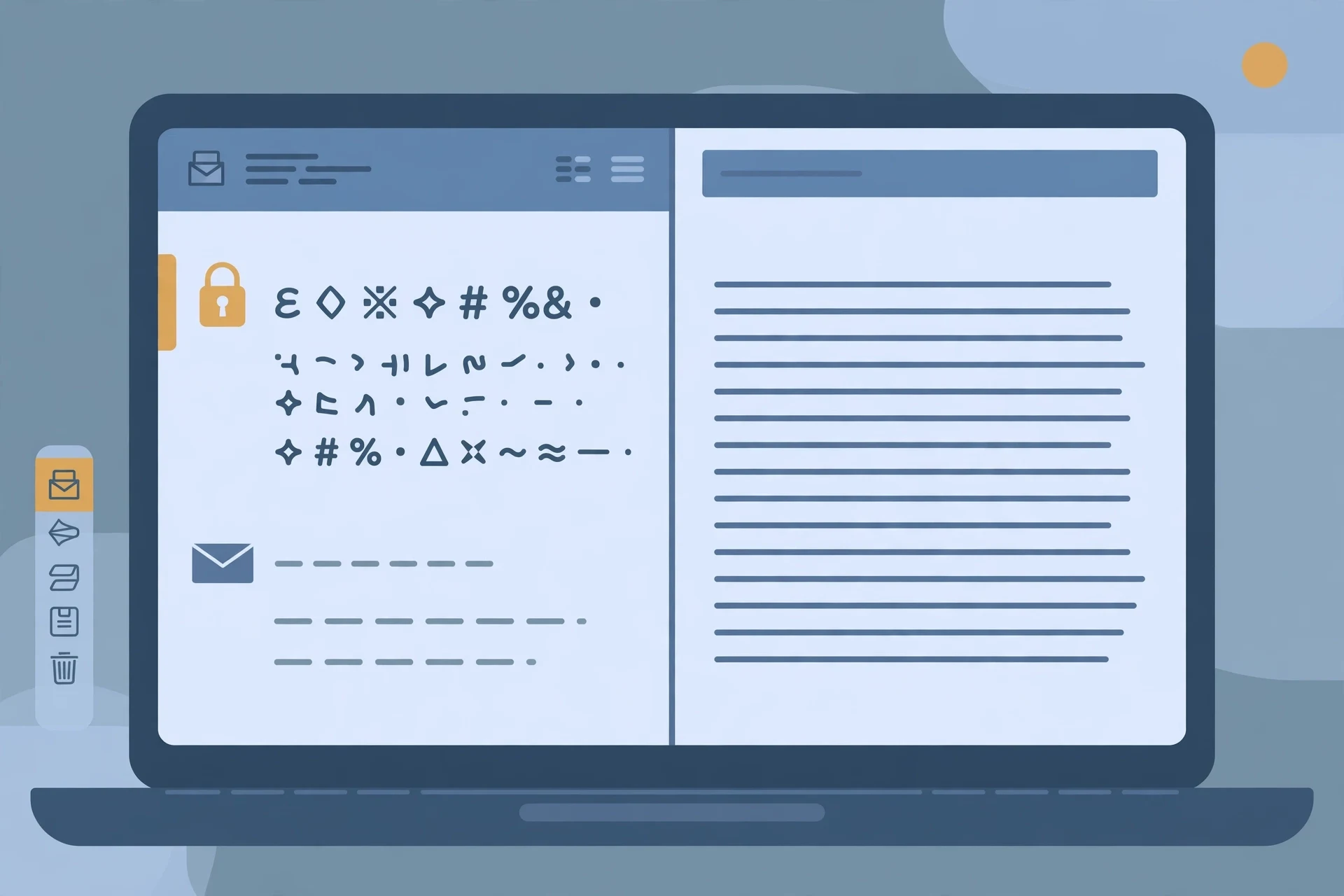
If the encryption is working properly and you are the intended recipient, an encrypted email looks exactly like a normal email. Same subject line, same body, same attachments. The scrambling and unscrambling happen before you ever see it. There is no green padlock stamped across the message body, no scrambled text you have to decode by hand. The only visible traces are small ones: in Gmail, opening a message's details shows a small lock icon and a line saying the message was encrypted with TLS; in Outlook, an encrypted message may arrive with a "view the message" link instead of the body, because Outlook hands you a web page to read it on rather than the content itself.
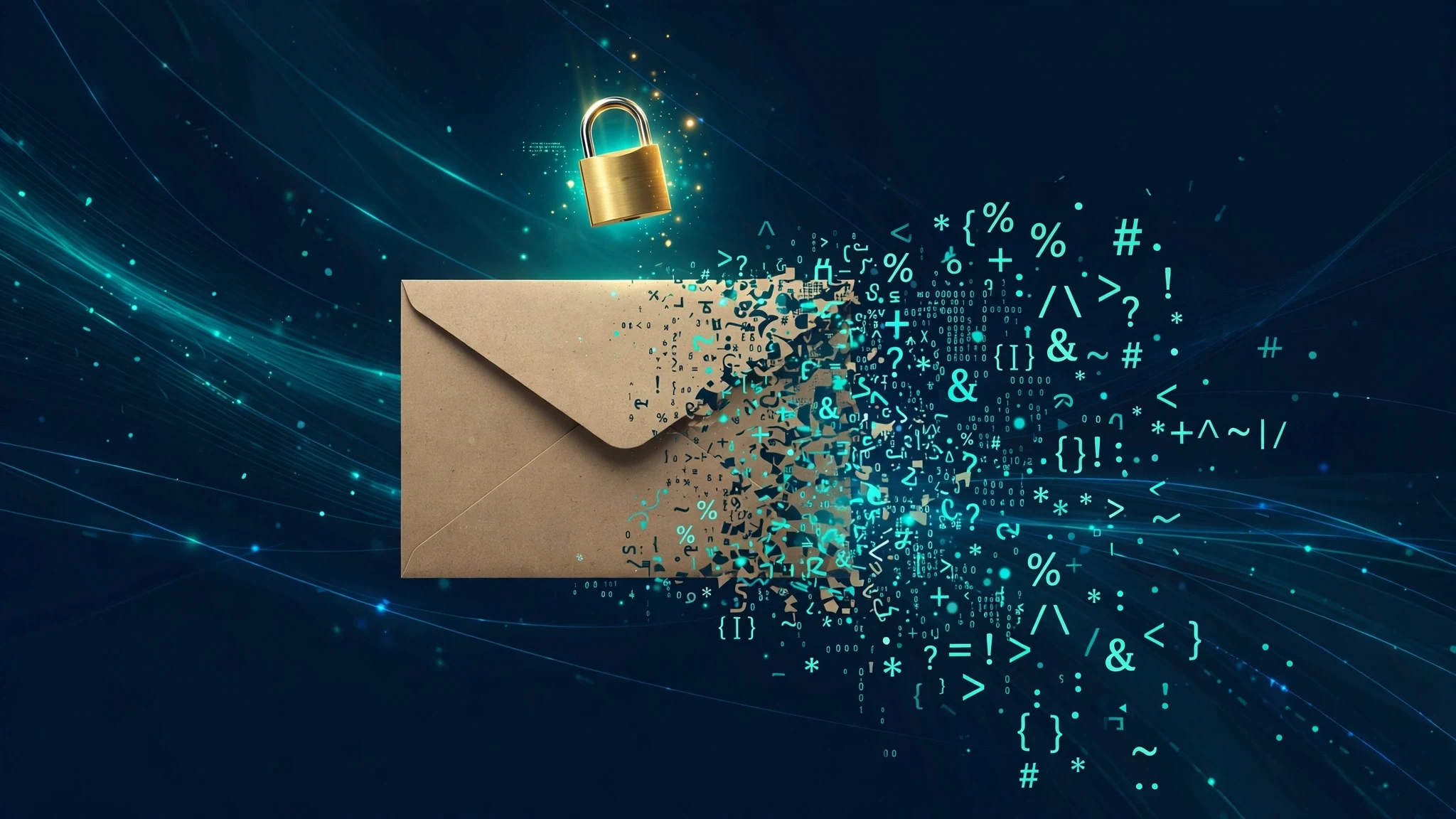
If you are not the intended recipient — say you intercept the message, or you open the raw file on a mail server — that is when it looks different. Instead of "Hi, here's the contract," you see a block of base64 text, or an attachment called `smime.p7m`, or a PGP block that starts with `-----BEGIN PGP MESSAGE-----` and continues for pages of characters that mean nothing without the private key. That block is the answer to "what does encrypted email look like" in the literal sense: unreadable by design, and useless to anyone who does not hold the key.
The practical takeaway is that you cannot tell whether an email was encrypted by looking at it in your inbox. You have to check how it was sent — which is why the next section matters more than the definition.
Three kinds of "encrypted", and only one of them is the real thing
Nearly every argument about email encryption is really an argument about which of these three people mean.
| Method | What it encrypts | Who can still read it | Who sets it up |
|---|---|---|---|
| TLS (transport encryption) | The connection between mail servers, while the message travels | Both email providers, anyone with server access | Nobody — automatic, when both servers support it |
| S/MIME | The message body and attachments, with a certificate | Nobody without the recipient's private key — but the subject line stays visible | Each user, with a certificate installed |
| PGP / OpenPGP | The message body and attachments, with a key pair | Nobody without the recipient's private key | Each user, with keys exchanged in advance |
TLS is the encryption you already have. When Gmail sends a message to Outlook, the two servers negotiate an encrypted connection and the message travels scrambled. Google's Transparency Report shows about 97% of outbound Gmail mail is encrypted in transit this way, and effectively all inbound mail. That is a genuine achievement — in 2014, when the report launched, only about 73% of outbound Gmail mail was encrypted. But TLS encrypts the road, not the letter. The message arrives at Google's servers and sits there in readable form. Google can scan it, a court order can compel it, a breach can expose it. TLS protects you from the person sitting on the same coffee-shop Wi-Fi. It protects you from nobody at the provider.
S/MIME is the encryption businesses actually use. It is an IETF standard, it works inside Outlook and Apple Mail, and it uses digital certificates — the same idea as the certificate that puts the padlock on a website. When you send an S/MIME message, your mail client encrypts the body with the recipient's public certificate, and only the recipient's private key opens it. It also signs the message, so the recipient knows it really came from you and was not altered. The catch is the setup: both sides need certificates, and the subject line is not encrypted — anyone handling the message can still read what it is about. Our walkthrough of the Outlook setup covers the clicks, because the certificate step is where most people give up: How to Send an Encrypted Email in Outlook.
PGP is the encryption purists use, and almost nobody else does. It has protected dissidents and journalists for thirty years, and it is also the reason encrypted email has a reputation for being unusable: you generate a key pair, you publish the public half, your correspondent has to do the same, and if either of you loses a private key, the mail is gone forever. It works. It just asks more of its users than most people will give, which is why the providers that built encryption in by default have quietly won the argument.
And then there is the fourth thing people mean, which is not a method at all: end-to-end encryption as a property of a service. When Proton or Tuta say your mail is end-to-end encrypted, they mean messages between two users of the same service are encrypted on the sender's device and decrypted only on the recipient's. The provider cannot read them. But — and this is the sentence the marketing pages rush past — the moment you email someone on Gmail, that protection drops away, because Gmail cannot decrypt a Proton message. Your mail to outsiders goes out as ordinary email unless you deliberately send it password-protected, which both services offer and almost nobody uses, because it means phoning your recipient with a password.
So when someone asks "what is a secure email service," this is the distinction they need: a secure email service encrypts your mail while it sits on their servers and while it travels inside their walls. It cannot encrypt mail that leaves those walls. No service can.
I opened a temp inbox and an encrypted one side by side
Definitions are cheap, so I tested the contrast live. On 21 November 2026 I opened TempMailUSA and generated a disposable address — svhuj35@rover.info, on the rover.info domain — with no signup, no password, and no payment. The address appeared in seconds. The inbox already held three messages from earlier tests today — a Punchbowl welcome, a Descript welcome, and a Descript login code — and all three opened as plain readable text. I opened the Punchbowl message and read it in full: an ordinary welcome email, addressed to the temp address, with no mention of encryption, no lock icon, no TLS note, nothing. The inbox page itself carries no encryption indicator at all; searching the homepage for "encrypted" finds the word only in a blog-card excerpt.
What the homepage does claim is different, and worth quoting accurately: the service describes itself as a zero-logs platform with "volatile RAM-only spooling" and "Zero-Disk Storage" — messages purged when the session ends, never written to disk — plus cryptographic mailbox recovery via a token, and HMAC SHA-256 signing for its developer API. None of that is message encryption, and the page does not claim it is. The inbox also told me two things about the free tier: it expires after 30 days, and "your first message is free to read; Pro reads every message." There is no compose button and no way to send mail from the inbox at all — it receives only.
The contrast is the lesson. That temp inbox and a Proton inbox look nearly identical on screen — a list of messages, a reading pane, a delete button. The difference is invisible and total: in one, the provider holds the keys and the mail sits readable on its servers; in the other, the provider cannot read the stored mail at all. You cannot judge an inbox's encryption by its interface. You judge it by who holds the keys, and the only way to know is to read the provider's own documentation — or to check whether the service ever asks you for a password, a key, or a recovery phrase. Temp mail asks for none of those, because it protects your identity, not your messages. If you need both, you need two different tools, and confusing them is how people send sensitive documents to a disposable address and assume they were protected.
For the signup-code job specifically, the disposable address is the right tool: the message is worthless five minutes after it arrives, and the thing you are protecting is your real address, not the code. That is what a disposable email is for, and it is a different question from encryption.
What encryption cannot do
Encryption is a lock on the envelope. It does nothing about the letter inside, the address on the outside, or the person who opens it. Five limits worth knowing before you trust it:
- Metadata stays visible. Encryption scrambles the body, not the envelope. Sender, recipient, time, and usually the subject line travel in the clear. Anyone watching the traffic — including your provider — knows who you emailed and when, just not what you said.
- The endpoints are the weak point. An encrypted email is decrypted on the recipient's device. If that device has malware, or the recipient forwards the message, or their account is compromised, the encryption never mattered. Most email breaches are account takeovers, not interceptions.
- It does not stop phishing. An encrypted phishing email is still a phishing email — arguably a more convincing one, because the padlock feels like a guarantee. Encryption proves the message was not altered in transit. It says nothing about whether the sender is who they claim to be. (S/MIME signing helps here; TLS does not.)
- Gmail's Confidential Mode is not encryption. Google lets you send messages that expire and cannot be forwarded — but Google still holds the keys and can read the content. It is access control dressed as privacy, and it only works when the recipient opens the message through Google's flow.
- Encryption does not make an address safe to reuse. An encrypted message sent to an address you have used for fifty signups still ties all fifty accounts to one identity. That is a different problem, and it is the one disposable addresses solve.
When you actually need encrypted email — and when you don't
You need end-to-end encryption when the content of a message would harm you if a third party read it: medical records, legal documents, financial details, trade secrets, anything you would not want your provider's employees, a hacker who breached your provider, or a government with a court order to see. If that describes your mail, a secure provider is not optional, and TLS alone is not enough. Our provider comparison from today tests the free plans, the encryption, and the fine print live: Most Secure Email.
You do not need it for most of what fills an inbox. Newsletters, order confirmations, signup codes, password resets — encrypting these buys nothing, because the information is low-value and the sender is a machine. What those messages need is separation: an address that cannot be traced back to your identity and cannot be used to reach you after the job is done. That is the temp-mail use case, and it is a privacy tool, not a security tool. The mistake is reaching for one when you need the other.
The rule I use: if losing the message would hurt you, encrypt it. If keeping the address would hurt you, dispose of it. Most people need both rules, for different mail, on different days.
The cheapest way to send an encrypted email today
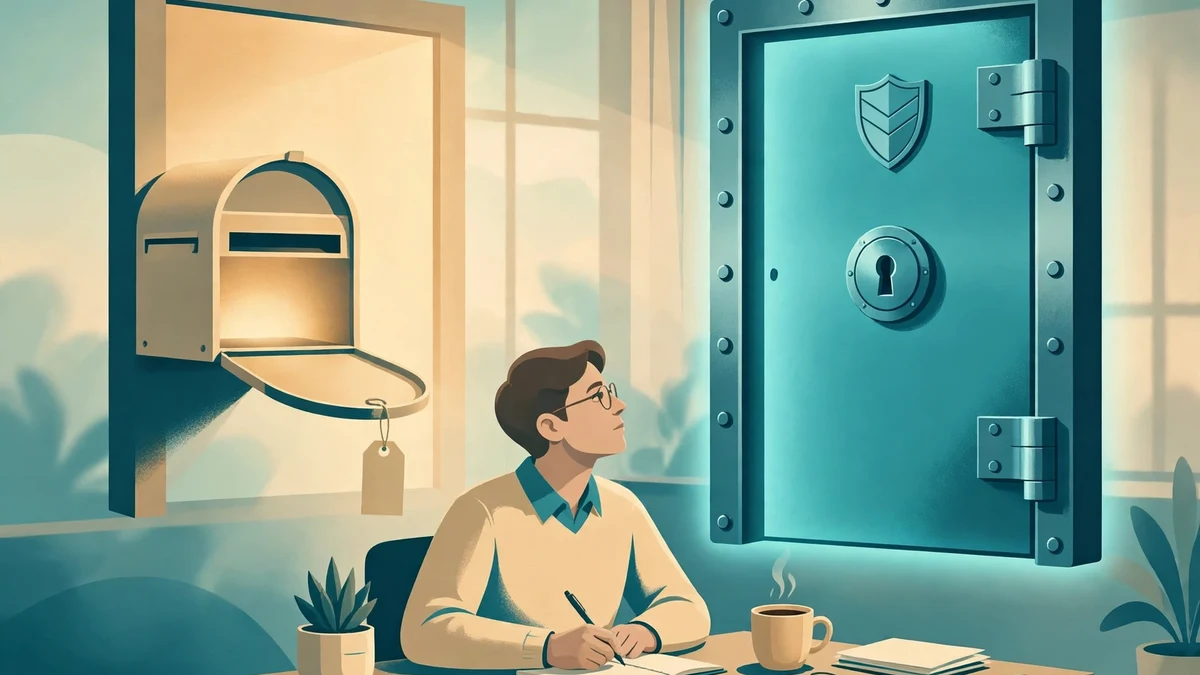
You do not need to pay, and you do not need to learn PGP. The free tier of a secure provider is the honest starting point: Proton Mail's free plan gives you 1 GB of storage and one email address with the same zero-access encryption as the paid plans, no credit card required, and mail between Proton users is end-to-end encrypted automatically. Tuta's free plan is comparable, and it encrypts subject lines too — the one thing Proton's free tier leaves visible to the provider. Either one takes about three minutes to set up, and either one is a real answer to "what is a secure email service" rather than a marketing claim.
If you would rather stay where you are, the fallback is per-message encryption in the client you already use — the Outlook walkthrough above covers the clicks, and the general guide covers the free certificate route and the password-protected option for outsiders: How to Send an Encrypted Email.
One warning before you switch: moving providers does not encrypt your old mail. Everything already sitting in your Gmail stays readable by Google. Encryption protects what you send after you switch, not what you sent before. If old messages worry you, delete them — or accept that the archive is the price of the years you spent there.
FAQ
What is an encrypted email, in simple terms?
An email whose contents have been scrambled so only the intended recipient can read it. The scrambling uses a key; without the key, the message is unreadable gibberish. The important detail is who holds the key — if your provider holds it, your provider can read your mail.
What does encrypted email mean, exactly?
It means the message body (and usually attachments) was converted to ciphertext before sending, and only the recipient's key can convert it back. "Encrypted email" on its own does not say which method was used — TLS, S/MIME, and PGP are all "encryption" with very different guarantees — so always ask which one.
What does an encrypted email look like?
To the intended recipient, exactly like a normal email — the decryption happens before you see it. To anyone else, it looks like a block of random characters, or an attachment named `smime.p7m`, or a PGP block starting with `-----BEGIN PGP MESSAGE-----`. In Gmail, the only visible sign is a small lock icon in the message details.
What is a secure email, and is it the same as an encrypted email?
Not quite. A secure email service is a provider that encrypts your stored mail with keys it does not hold (zero-access encryption) and encrypts mail end to end between its own users. "Encrypted email" usually means a single message that was encrypted. A secure service gives you encrypted email by default; an encrypted email can exist without a secure service, if you encrypt it yourself with S/MIME or PGP.
Is my email already encrypted?
Almost certainly in transit: about 97% of outbound Gmail mail travels over TLS, per Google's Transparency Report. But that is transport encryption, not end-to-end — your provider can still read the message once it arrives. If you want mail your provider cannot read, you need a secure provider or per-message encryption with S/MIME or PGP.
Can I send an encrypted email from Gmail?
Not true end-to-end encryption — Gmail does not offer it. You can use Confidential Mode for expiring, non-forwardable messages, but Google still holds the keys. For real end-to-end encryption from Gmail you would need a browser extension that adds PGP, or you switch the sensitive mail to a secure provider and keep Gmail for everything else.
The bottom line
An encrypted email is a message scrambled so only the recipient can read it. The definition is simple; the reality is a choice between three methods with different guarantees, and the one most people already have — TLS — protects the journey and not the destination. If your mail needs to be private from your provider as well as from strangers, you need end-to-end encryption, which means a secure provider or S/MIME or PGP — and it only works when both sides play along.
The postcard analogy survives, with one correction: most email is not a postcard. It is a postcard inside a sealed van, delivered to a warehouse where anyone with a key can open it. Encryption worth having seals the postcard itself. Everything else is the van.
Need a disposable temporary email?
Protect your real inbox from spam and promotional clutter instantly and free.
Received a suspicious email, text, or charge alert?
Verify whether the sender domain is disposable, spoofed, or unverified before clicking links.