
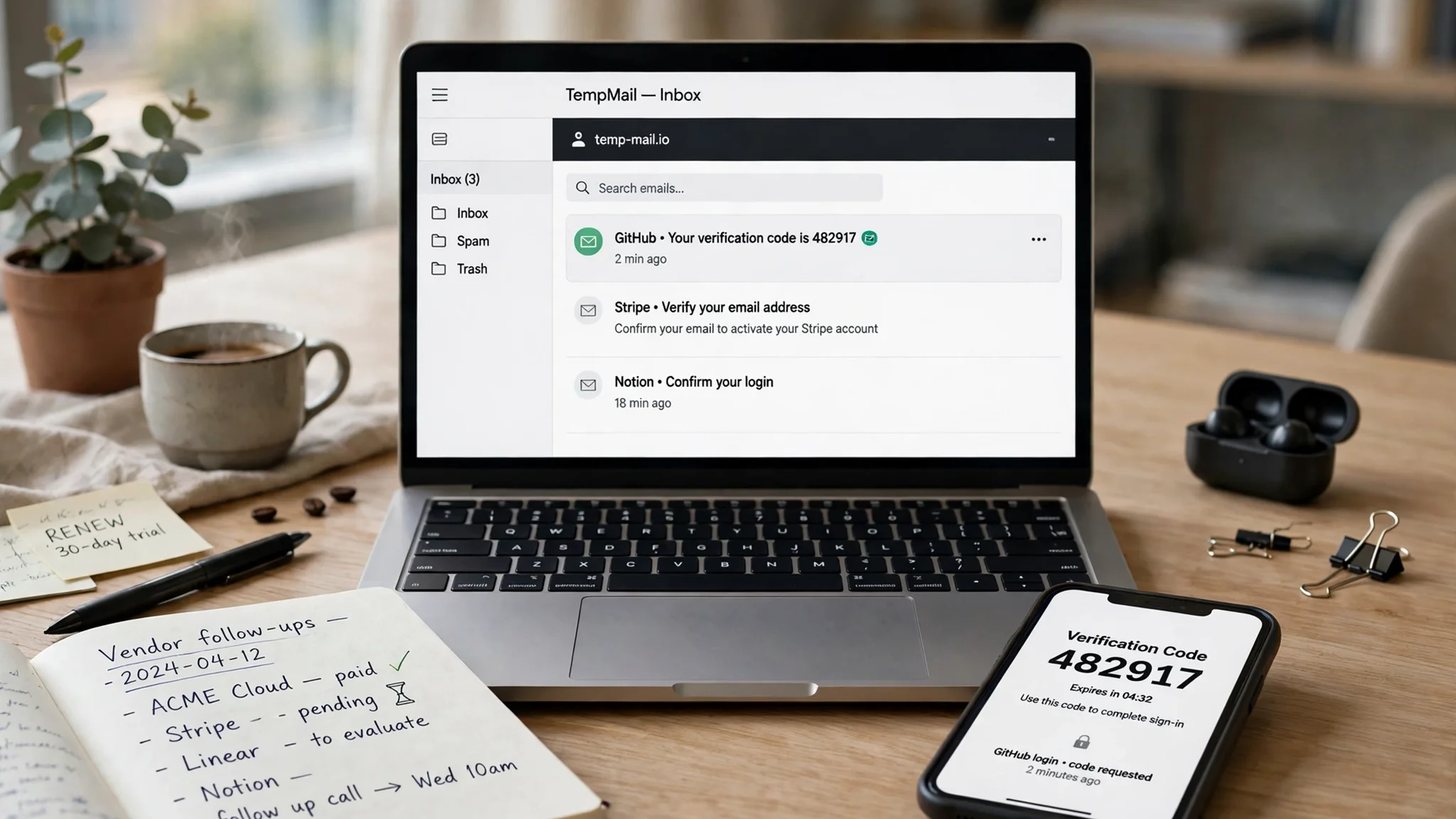
Company Temp Mail: What It Actually Means, When It Helps at Work, and When It Will Cost You

"Company temp mail" means two different things, and the advice flips depending on which one you mean. Some pages treat it as a disposable address you use for work — a vendor trial, a whitepaper download, a webinar signup. Others treat it as temp mail for a company, a tool a whole team uses for testing and staging. This guide sorts the two apart: the work jobs a disposable address genuinely handles, the five places it must never go, and a short playbook for using it without creating a mess someone else cleans up. The short version: a temp address is a receiving window, not an identity. Use it where the message matters and the address does not.
Two people search this phrase. They mean different things.
The first person is an employee. They need to start a 14-day trial or download a whitepaper, and the form wants a work email. They do not want that address on a marketing list for the next three years. For them, company temp mail is a shield: a disposable address that takes the signup and then disappears.
The second person is a tester or developer. They need twenty addresses to run a signup flow twenty times, or a clean inbox to check that a password-reset email actually arrives. For them, it is a tool: cheap, instant, built to be thrown away.
Same phrase, different risk. The employee risks a lost password reset if the trial turns into a real account. The tester risks nothing but a polluted test run if the inbox expires mid-test. The most common mistake with temp mail at work is using one person's tool for the other person's job.
One more distinction decides half the choices below. A temp address is not an alias and not a company mailbox. An alias (SimpleLogin, Firefox Relay, Apple's Hide My Email) forwards to your real inbox and stays under your control for years. A company mailbox (Google Workspace, Microsoft 365, Zoho) is a permanent address on a domain you own, with recovery, sending, and a reputation attached. A temp address is neither: it receives for a while, then it is gone, and there is no way back in. If you need the address to still exist next quarter, you do not need temp mail.
What a company temp address actually does — tested live
Guides about temp mail usually describe the idea. I opened tempomailusa.com live and checked what it actually does. No signup, no payment, no personal information — just the homepage, the domain picker, the FAQ, and the pricing table.
An address appeared the moment the page loaded, after a brief "Loading" state: xgtfa64@hta.2bd.net. The inbox was empty. You can change both halves of the address: a "Create your own" textbox for the name, a domain dropdown, and a "Create Custom" button. That matters at work, because a named address (acme-trial, qa-reset-03) is traceable and a random one is not.
The domain picker lists 427 domains — but exactly one of them, rover.info, is free. The other 426 sit behind Pro and carry a "VIP" badge. I searched the picker for "business" and got no matches. A few names sound conventional — corpmail.club, premieragents.net, emailawb.pro — but they are all Pro-only, and most of the list is playful or random. So the honest version is: on the free tier you get one domain, and an address that looks like it belongs to a business is a paid feature.
Two more things the live page made clear. First, there is no sign-in and no password. Access after closing the tab runs through a cryptographic Recovery Key you are told to save, entered later through a "Restore" button. The page calls the inbox private, but it never explains whether knowing the address alone opens it — so treat the address as semi-public and never let anything sensitive land in it. Second, the service is receive-only. There is no Compose, Send, or Reply button anywhere.
The page also disagrees with itself about how long an inbox lasts. The header says free inboxes last 30 days and Pro 365; the live countdown on the free inbox I generated read "Pro · 360d 21h 25m 6s left"; the FAQ says an address lasts "several minutes or a few hours"; the comparison table says messages are purged on session end and never saved to disk. I cannot reconcile those four claims, so I will not pretend one of them is the truth. The practical rule is the same either way: copy the message out the moment it arrives and never plan around any stated lifetime. The free tier's other limit is plain: your first message is free to read, and reading every message needs Pro — $4.19 a month, $34.99 a year, or a $41.30 one-time lifetime option. The site's own FAQ backs the caution in this guide, warning not to use a temporary address for account recovery or important messages.
One limit on this test: the inbox was empty, so I did not send a code to the generated address and I claim no delivery-time figure. What the test proves is the shape of the tool — instant, free, receive-only, one free domain, recovery by key — and that shape is what the rest of this guide is built on.
Seven work jobs where a disposable address earns its keep
Not every work signup deserves your real address. These seven are the ones where a temp inbox is the right call.
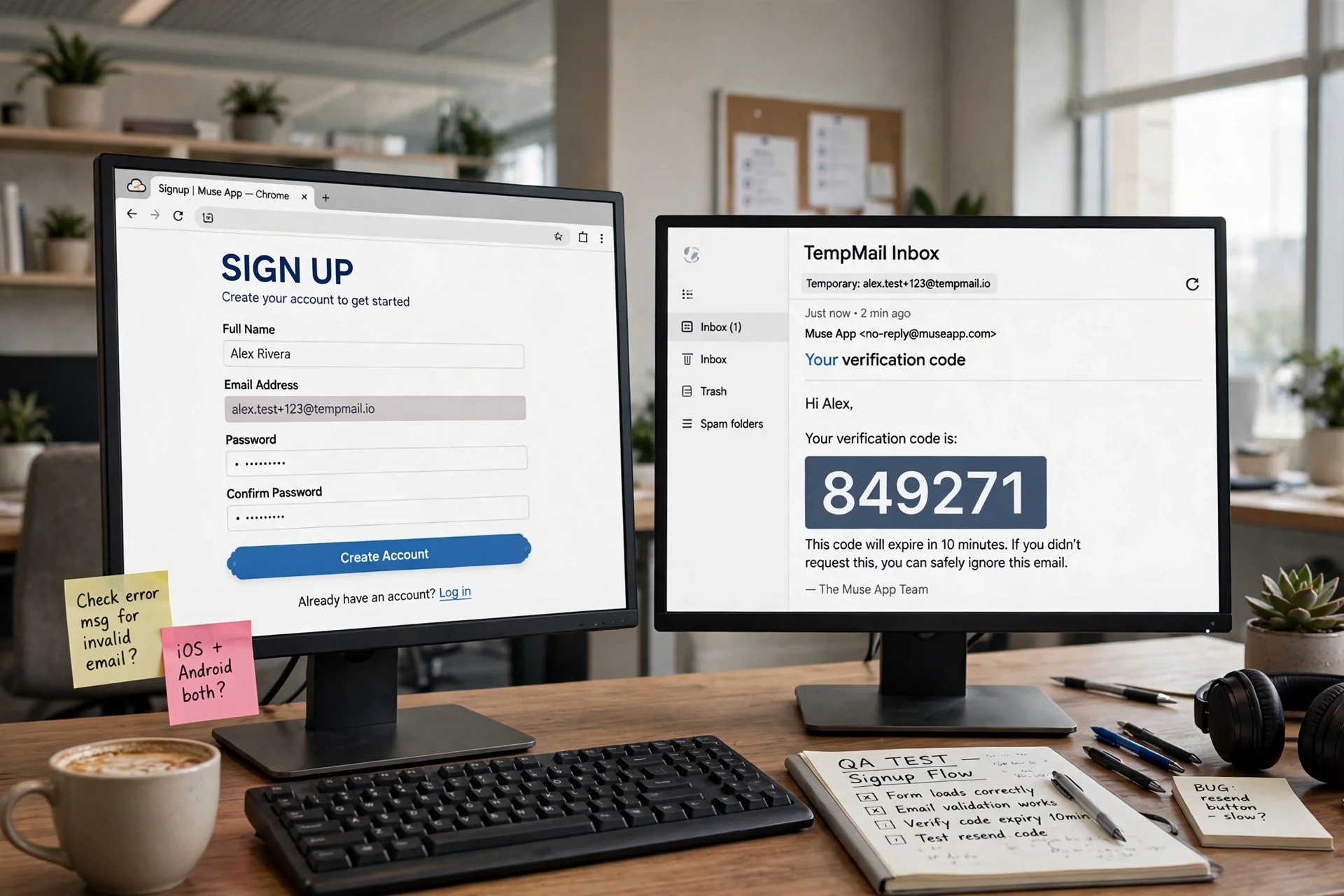
1. Vendor trials. A SaaS trial asks for a work email and then treats it as a lead for the next eighteen months. A temp address takes the trial link and the code, and when the trial ends, the follow-up sequence has nowhere to go. If the trial converts to a paid plan, change the account email to a real address the same day. A paid account tied to a dead inbox is a billing dispute waiting to happen.
2. Whitepapers, webinars, and gated downloads. They want a lead, you want the PDF. A temp address keeps the bargain proportionate: you get the download link, they get an address that will never open their newsletter, and your real inbox stays readable.
3. QA and staging signups. The cleanest use of temp mail in any company. Signup flows, email verification, password resets, onboarding sequences — each needs a fresh address, and a temp service generates one in seconds. Name it after the test (hubspot-trial, qa-reset-03) so the run is traceable. Our guide to 10 minute mail covers the timing question, including the jobs where ten minutes is too short and the code arrives after the inbox is gone.
4. Checking what a form does with your address. Suspect a partner is selling signups? Give them a unique temp address and watch what arrives. If loan offers and unrelated newsletters start landing in it, you have your answer. It is the same tracing trick as a plus alias on Gmail, except the address dies when you are done.
5. Conference and event registrations. Organisers share attendee lists with sponsors — that is the business model, disclosed in fine print nobody reads. A temp address takes the badge confirmation and the schedule, and the sponsor emails go nowhere. Copy the QR code or ticket out before the inbox expires.
6. Job applications on boards you do not trust. A board that demands an email before showing a single listing is a lead farm with a jobs skin. A temp address gets you past the gate. If a real employer replies, move to your real address immediately — a hiring manager who gets a bounce from a dead inbox moves on to the next candidate.
7. Newsletter and tool comparisons. Evaluating five CRMs? Five temp addresses, one per tool, and the comparison stays clean: which vendor spams, which one sends a useful onboarding sequence, which one sells the address within a week. You learn more from five inboxes than from five sales calls.
The thread through all seven: the address is a means to a message, and the message is the whole point. The moment you need the address to be something — an identity, a recovery path, a reputation — you have picked the wrong tool.
The line: five places a temp address must never go
This is the section the ranking pages soft-pedal, and it matters most. A temp address has no recovery, no sending reputation, and no owner. Put it in any of these five places and the failure is a matter of time, not possibility.

1. Anything with money attached. Payroll, banking, invoicing, expenses, payment processors. A password reset sent to an expired inbox is a locked account with money inside it. Banks also keep their own disposable-domain blocklists, so the signup may fail silently and cost you an afternoon. Use your real company address, with a plus alias if you want filtering.
2. Your domain registrar and DNS. The email on a domain registration is the recovery path for the domain itself. Lose access to it and you can lose the company's website. Registrar recovery sends codes to the address on file — a temp address on file means those codes go nowhere.
3. Client-facing communication. A client who replies to a temp address gets a bounce, or silence, and concludes the company is unreliable. Worse, some temp inboxes are public: anyone who guesses the address can read what was sent to it. Client mail in a public inbox is a breach, not a convenience.
4. Accounts you will need to recover. Every service eventually asks you to prove you own the account, and the proof is almost always an email to the address on file. A temp address on a tool your team now depends on is a time bomb with a fuse measured in months. The day someone clicks "forgot password" and the reset goes to an inbox that expired in February, the team learns this the expensive way.
5. Anything under a contract or compliance rule. Under HIPAA, GDPR data-handling duties, or a client contract that names how data is handled, a disposable address is outside the approved process until someone in charge says otherwise. Temp mail is a privacy tool for the individual, not a compliance tool for the organisation.
Unsure whether a signup falls on the safe side? Ask one question: will I need this address, or anything sent to it, after today? If the honest answer is yes, use a real address. If no, the temp inbox is the right tool.
Temp mail vs alias vs a real company inbox
The three options solve different problems, and the wrong pick is the most common mistake in this whole area.
| What you need | Best option | Why |
|---|---|---|
| A one-off signup, code, or download | Temp mail inbox | Free, instant, nothing to delete afterwards |
| A long-term signup you want to filter and trace | Email alias | Forwards to your real inbox, stays under your control |
| Client mail, recovery, or anything with your name on it | Real company mailbox | Permanent, recoverable, sends mail, carries your domain |
| A phone-free inbox for personal signups | A provider that never asks for a number | Permanent, and no phone attached |
The alias deserves a longer look, because it is the option most work users actually need and fewest know about. An alias gives you a distinct address per service, and all of it lands in your real inbox, where you can filter it, search it, and reply from it. When a vendor starts spamming, you kill that one alias and nothing else changes. Our guide to creating an email without a phone number covers the providers that never ask for a number — the other half of this decision for people who want a permanent inbox without handing over personal details.
The company mailbox is the expensive option and the correct one for anything that represents the business. Google Workspace and Microsoft 365 cost a few dollars per user per month, and for that you get sending, recovery, admin control, and an address clients trust. A temp address costs nothing and gives you none of that. You are not paying for an inbox; you are paying for the guarantee that the address will still exist when you need it.
A five-rule playbook for using temp mail at work
If your team uses disposable addresses — and many teams should, for the seven jobs above — write the rules down. Five cover nearly everything that goes wrong.
1. One address per job, named after the job. Never reuse one temp address across five vendors. Name it after the vendor or the test: acme-trial, qa-signup-04, webinar-march. When something leaks, the name tells you exactly who did it.
2. Save the message, not the address. The inbox will expire. Copy out the confirmation code, the download link, the ticket QR code — whatever you needed — the moment it arrives. A temp inbox is a receiving window, not a filing cabinet.
3. Set the expiry you actually need. A ten-minute inbox is fine for a code that arrives in seconds and useless for a webinar link that arrives tomorrow morning. Pick the lifetime to match the message. Our verification code guide covers the waiting period most people skip and the resend timing that actually works when a code is slow.
4. Never send from it, and never expect a reply to it. Most temp services are receive-only — I confirmed this on tempomailusa.com, where there is no Compose or Reply button — and the ones that can send do so from a domain with no reputation, so your message lands in spam or is refused. If the workflow needs a reply, it needs a real address. Plan around that before you start, not after the client has written back to an inbox that no longer exists.
5. Keep a list, and review it monthly. A shared note — vendor, address used, date, what it was for — takes thirty seconds per signup and saves hours when someone asks "who signed us up for this tool?" Once a month, move anything that converted to a paid plan onto a real address and delete the rest.
None of these rules is clever. That is the point. Temp mail fails at work when it is used casually, with no naming, no saving, and no list. Used deliberately, it is one of the cheapest privacy tools a team has.
FAQ
Can I use temp mail for my company email?
For one-off work signups, trials, and testing, yes — that is what it is for. For your actual company email — client communication, banking, domain registration, recovery — no. A temp address has no recovery path and no sending reputation, so anything that needs the address to still exist later needs a real mailbox on your domain.
Is company temp mail legal?
Using a disposable address for a signup is legal. Using it to deceive someone — impersonating a company, hiding your identity in a contract, or evading a service's terms — is a fraud problem, not a temp mail problem, and the address does not protect you.
Can my employer see temp mail I use at work?
Assume yes. A temp address hides your address from the vendor, not from your network. Your employer's network, device management, and mail filters can see the traffic. Do not use a temp address to hide work activity from your employer — use it to hide your address from vendors.
What happens if a verification code goes to an expired temp inbox?
It is gone. No recovery, no support ticket, no way to reopen the inbox. Match the expiry to the message: if the code might take twenty minutes and the inbox lives for ten, pick a longer-lived inbox. Our fake mail generator guide explains the difference between generators that can actually receive mail and ones that only invent addresses — a distinction that decides whether your code arrives at all.
Is a temp address safe for signing up for business software?
For a trial, yes, with one condition: if the trial becomes a paid account, move the account email to a real company address the same day. A paid account tied to a disposable inbox is a billing and recovery problem waiting for its first password reset.
How is company temp mail different from a burner email?
It is not, really. "Burner email," "disposable email," "temporary email," and "company temp mail" all describe the same mechanism: an address that receives for a while and then stops existing. The difference is the job, not the technology. If you want the security angle, our guide to sending an encrypted email covers the cases where the message itself needs protection, not just the address.
Need a disposable temporary email?
Protect your real inbox from spam and promotional clutter instantly and free.
Received a suspicious email, text, or charge alert?
Verify whether the sender domain is disposable, spoofed, or unverified before clicking links.