
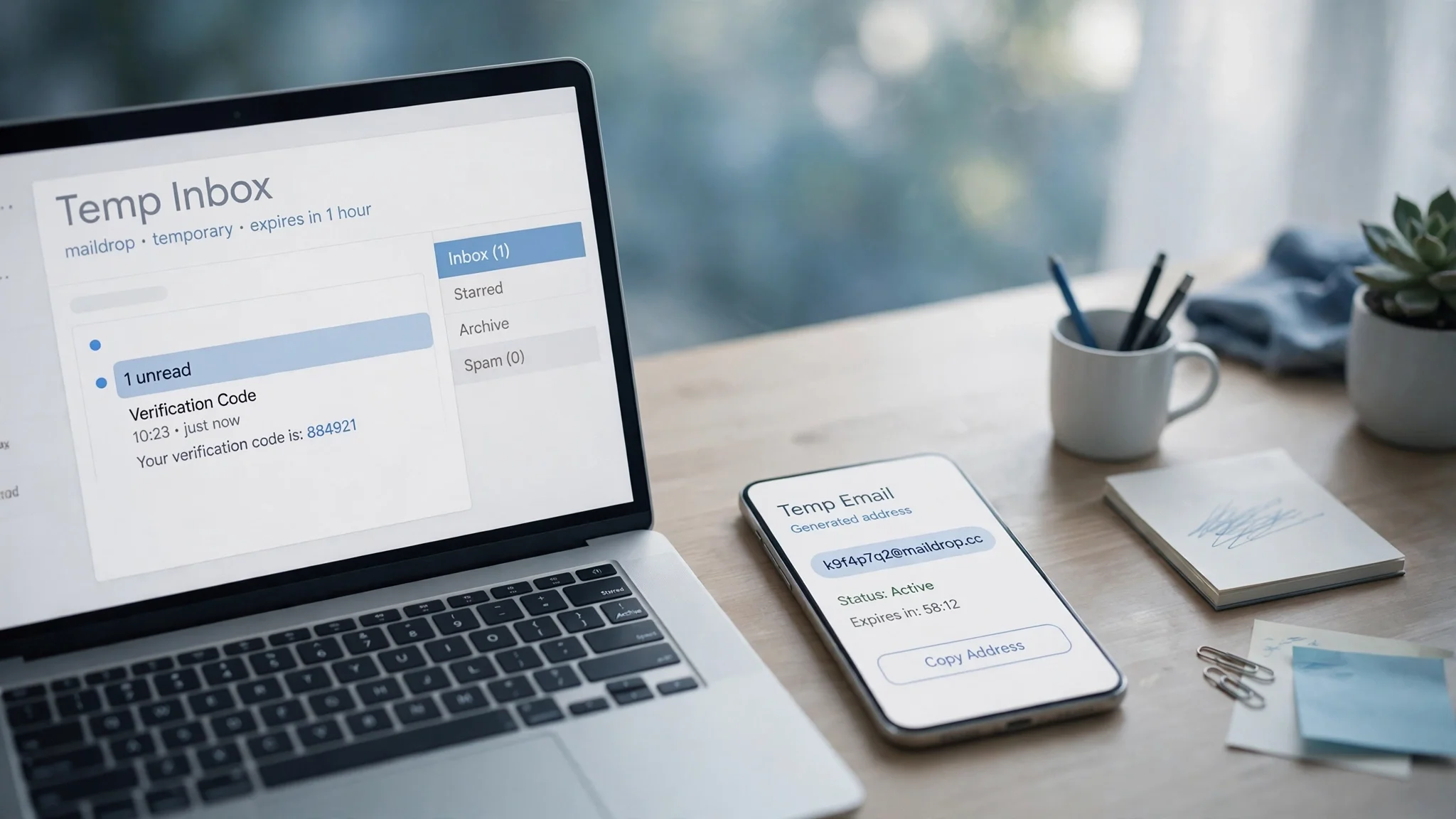
Fake Mail Generator: What It Really Creates, Which Ones Receive Mail, and How to Pick in 2026
Search for "fake mail generator" and you will find two completely different tools wearing the same name. One hands you a made-up address that exists only as text — useful for filling in a form, useless for receiving anything. The other hands you a real, working inbox that accepts mail for a while and then disappears. Both call themselves a fake mail generator. Only one of them can receive your verification code.
That confusion is the whole story of this keyword, and it is why most of the pages ranking for it are only half helpful. The top result right now is a twelve-tool roundup that reviews the tools without ever drawing the line clearly. The tool pages themselves are better: one of them states plainly that what it makes is a string with no inbox behind it. The blog posts ranking below them mostly repeat definitions. None of them, as far as I could find, actually generated an address on both kinds of tool and reported what happened. So that is what I did — on the morning of November 12, 2026, in a live browser, as a first-time visitor, no signup, no payment. What follows is what I found, and a way to pick the right kind in about a minute.
The 10-second test: string or inbox?
Before you trust any generator, answer one question: can the address it makes receive mail? Everything else — the design, the domain list, the price — is secondary, because the answer splits the whole category in two.
| | String-only maker | Disposable inbox | Gmail-style alias |
| --- | --- | --- | --- |
| What you get | An address as text, e.g. jane.doe482@gmail.com | A real address with a web inbox | A variant of your own Gmail address |
| Can it receive mail? | No | Yes, until it expires | Yes, in your Gmail inbox |
| What it is for | Test data, form placeholders, seed data for QA | Codes, confirmation links, throwaway signups | Reusing one service more than once |
| What it costs | Free, usually no signup | Free for the basics, paid tiers for longer life | Free, needs a Google account |
| Lifetime | Nothing to expire — there is no inbox | Minutes to 30 days, depending on the service | As long as your Gmail account |
| Privacy risk | Low — nothing is sent anywhere | Medium — anyone who guesses the address may read the inbox | Low — it is still your inbox |
The test itself takes ten seconds. Generate an address, then look for an inbox: a message list, a refresh control, a timer. If the page shows you a list of addresses and a copy button and nothing else, you are looking at a string maker. If it shows you an empty inbox waiting for mail, you have the real thing. If a signup form is asking for your email before it will generate anything, close the tab — a tool that demands your real address before giving you a fake one has the transaction backwards.
One more distinction worth making early, because the search results mix it in: a fake mail generator is not an AI email generator. The AI tool writes emails for you; the fake mail generator gives you an address to receive them with. Different job, different tool, similar name. If you landed here looking for something that drafts your follow-ups, that is the other post.
I generated addresses on both kinds — here is what actually happened
I started with the string-only kind, on XConvert's fake email generator, because it is the clearest example of the species and it says so itself. On first load the page showed a "Generated Emails" box reading 0 emails, with controls for provider, domain, and how many addresses to make — default ten, default provider "random mix". No inbox, no refresh button, no timer, no message list anywhere on the page. I clicked Regenerate and, after a brief loading state, a plain list of ten addresses appeared, spread across gmail.com, hotmail.com, and yahoo.com. Still no inbox. The page explains the deal in its own words: what it makes is just a string with no inbox behind it, and the addresses it generates are not real addresses. It also says the whole thing runs in your browser with no API call and no logging, which is the one genuine privacy advantage of the string-only kind: nothing leaves your machine, because there is nothing to send.
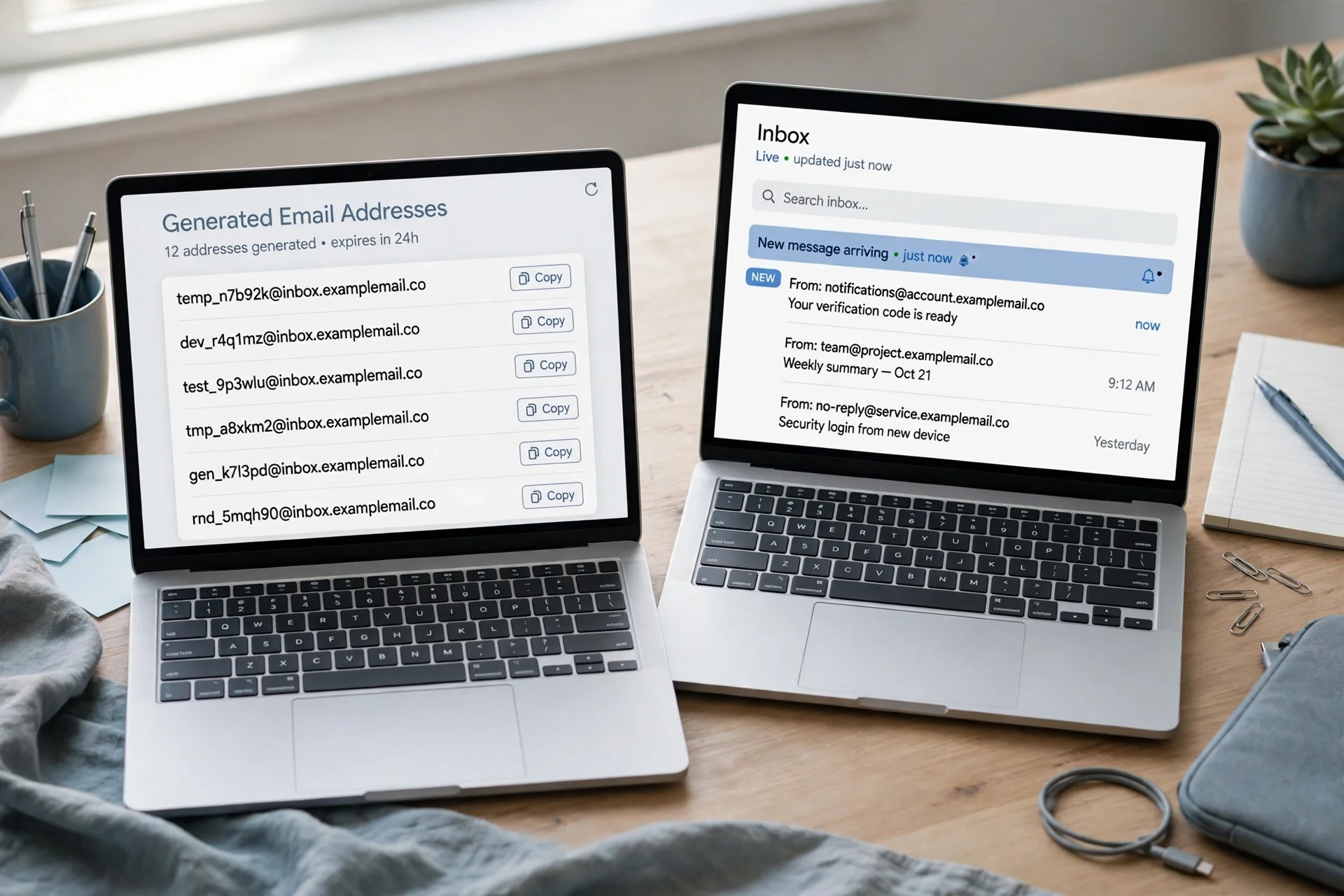
Then I opened TempoMailUSA and did the same thing as a first-time visitor. The contrast was immediate. After a brief loading state, an address was generated for me automatically — on the domain hta.2bd.net — with no registration, no phone number, no payment form, and no email of my own requested at any point. The page says so directly: a free temporary address in seconds with no registration, a full working inbox with no account and no card. Below the address sat an empty inbox: zero messages, auto-refresh on, and the text "Your inbox is empty" with "Waiting for incoming emails. Any message sent to your temporary address will appear here automatically."
Two details from that visit are worth reporting exactly, because one of them is a wrinkle. First, the free limits are stated everywhere on the page in the same words: try any of the 427 domains free, your first message is free to read, and you upgrade to Pro to read every message. The free tier is listed at $0 forever. Second, the countdown timer on my free, unregistered visit read "Pro · 361d 15h 26m 26s left" and ticked down live while I watched — even though I was not a Pro user and had not signed in. The tooltip beside it says Pro inboxes last 365 days and free inboxes last 30 days. One of those two readings is wrong for a free visit, and I cannot tell you which one the server believes. Plan around the 30-day figure, not the 361-day one, until that display is fixed.
One more thing the visit confirmed: a recovery key is offered. A Restore button opens a session-recovery dialog showing a current inbox recovery key, with the warning to save it securely because anyone holding it can restore full access to the inbox session. That is a real feature and a real responsibility in the same box, and it matters more than it looks — see the privacy section below.
What this test proves: a string maker produces text and nothing else, and a disposable inbox produces a working address with nothing to configure. What it does not prove is delivery speed. I generated the address and watched the inbox, but no mailbox is connected in this test environment, so I could not send a test message to the address and time its arrival — and I will not invent a delivery figure. The honest summary is that the inbox works as advertised at the generation step, and whether a particular service's code arrives depends on that service and on whether it accepts disposable domains.
Three questions to ask before you trust any generator
The table above is the map. These three questions are the compass — ask them about any generator before you hand its address to a real service.
1. Does it receive mail, and for how long? A string maker receives nothing, ever. A disposable inbox receives mail until its timer runs out — ten minutes on the shortest services, hours on most, 30 days on TempoMailUSA's free tier. Match the lifetime to the job: a code that arrives in seconds needs minutes; an order confirmation that comes tomorrow needs days. Our guide to 10 minute mail covers the shortest version of this idea in detail, including the exact moment a ten-minute inbox strands you.
2. Who else can read the inbox? Most free disposable inboxes are public by design. If someone guesses the address, they can open the inbox and read the messages. That is acceptable for a newsletter confirmation and unacceptable for anything tied to your identity or money. Assume every free temp inbox is readable by strangers unless the service says otherwise, and never let a code for a bank, a payment app, or a password reset land in one.
3. What does it ask for in return? The legitimate answer is nothing — no email, no phone, no account. A generator that wants your real address before it gives you a disposable one is collecting data, not providing a service. A generator that wants a phone number has missed the point entirely. The only thing a good service may offer, not demand, is an optional account for longer inboxes or a recovery key so you can get back into an inbox after closing the tab.
Where a fake mail generator works — and the five places it fails
A fake mail generator is the right tool when the account is disposable. A free trial, a download gate, a forum you will visit once, a newsletter you want to read a single issue of, a signup form that will sell your address the moment you submit it. In those cases a temp inbox does the job perfectly: the code arrives, you type it in, you walk away, and the spam that follows has nowhere to reach you. That is the entire point of the tool, and it is a good one.
It fails in five places, and the failures are all the same shape: the address dies, or the service refuses it, at the exact moment you need it most.
Banking, payments, and anything holding money. A disposable address cannot pass identity checks, cannot receive a recovery code a year later, and will get the account flagged. Use your real address, with an authenticator app, for anything financial. No exceptions, no clever workarounds.
Password recovery. If you forget the password and the reset link goes to a dead inbox, the account is gone. That is not a theoretical risk; it is the single most common way people lose accounts they created with temp mail.
Services that block disposable domains. Many registration systems reject known temporary domains outright, and a correctly entered address still gets no code. Entering it correctly does not guarantee delivery. If the code never arrives, try a different domain from the same service before assuming the service is broken — a block is often per-domain, not per-service — and if the service still refuses, that is your answer: use a real address or skip the signup. Our guide to how to verify an email address explains the checks services run, which is why some of them reject temp mail and others do not.
Accounts that re-verify. Some services ask you to confirm your email again when you change a setting, add a payment method, or log in from a new device. If the disposable address is dead, you are locked out of your own account at the worst possible moment.
Anything with a slow second email. Order confirmations, shipping notifications, support replies — anything where the service emails you hours or days after signup. A ten-minute inbox is dead before the first of those arrives. If the flow involves more than one message, or any message after today, you need a longer-lived disposable address.
The rule I use is simple. Temp mail for verification codes is right when the account is disposable: trials, one-off downloads, accounts you will abandon. It is wrong when the account holds money, identity documents, or anything you would need to recover. Match the address to the account, and the tool never betrays you.
The privacy fine print nobody reads
Three things in the fine print decide whether a generator protects you or exposes you, and none of them are on the front page.
First, public inboxes. On most free services, the inbox is addressed by a URL or an address anyone can guess, and there is no password. Treat every message in a temp inbox as public. Never let a password reset, a login link, or a message containing personal details land in one. If the service offers a private inbox or a recovery key, use it — and understand that the recovery key is itself a password. TempoMailUSA's dialog says it plainly: anyone with the key can restore full access to the inbox session. Save the key like a password, not like a bookmark.
Second, the first-message-free limit. On TempoMailUSA's free tier, your first message on any domain is free to read; reading every message needs Pro. That is a fair trade, but it means a free inbox is a receiving window, not an unlimited mailbox. If you are testing a signup flow that sends three emails — welcome, confirm, receipt — the free tier shows you the first and asks you to upgrade for the rest. Know that before you start, not after the second email arrives.
Third, the data the generator itself keeps. A string-only generator that runs entirely in your browser keeps nothing, because nothing leaves your machine. A disposable inbox service keeps your messages at least until they expire, and its privacy policy is the only honest answer to how long and who can see them. A service that says "zero logs" and also shows you a public inbox is making two claims that sit uneasily together; read the policy, not the headline.
Pick one in 60 seconds
Stop comparing brand names and choose by the job instead. The right generator is the one whose limits match what you are about to do, and the choice takes a minute.

- Filling in a test form, seeding a database, or checking validation? Use a string-only maker. You need plausible addresses, not a mailbox. XConvert's generator does this in the browser with nothing sent anywhere, which is the correct privacy shape for the job.
- Receiving a signup code or a confirmation link right now? Use a disposable inbox with a lifetime longer than the wait. Ten minutes is enough for a code; it is not enough for anything else. Generate the address, paste it, and watch the inbox — if the code does not arrive in two minutes, switch domains before you blame the service.
- A trial or a download that will email you again tomorrow? Use a longer-lived disposable inbox — days, not minutes — and save the recovery key the moment it is offered. The key is the only way back in if the tab closes.
- An account you will still need in a year? Do not use a fake mail generator at all. Use a real address, ideally one with an authenticator app of its own. A disposable address is a tool for disposable accounts, and using it for a permanent one is how people lose access to their own data.
- Unsure which kind a page is offering? Run the 10-second test from the start of this guide: generate, then look for an inbox. A message list means a real inbox. A copy button and nothing else means strings.
Frequently asked questions
What is a fake mail generator?
A tool that creates a temporary or made-up email address in seconds. The phrase covers two different things: a string-only maker that produces address text with no inbox, and a disposable inbox service that gives you a real address that can receive mail for a limited time. Which one you get decides whether a verification code can reach you.
Is a fake mail generator the same as a fake email generator?
Yes, for practical purposes. "Fake mail generator", "fake email generator", and "fake email address generator" are the same search with different words, and the tools ranking for them are the same tools. The useful distinction is not between those phrases — it is between string-only makers and real disposable inboxes, which is covered in the table above.
Can a fake mail generator receive mail?
Only the disposable-inbox kind. A string-only generator produces text with no inbox behind it, so mail sent to its addresses has nowhere to land. If you need to receive a code or a confirmation link, you need a disposable inbox, not a string maker — generate the address, then check that an inbox actually appears.
Is it legal to use a fake mail generator?
Generating a temporary address for a signup, a trial, or a test is legal in the usual sense: you are not impersonating anyone, and the address belongs to the generator service. Using one to pretend to be someone else, evade a ban, commit fraud, or send spam is not. The tool is neutral; the use is what counts. Most services also state in their terms that disposable addresses may be blocked, which is their right.
Can I use a fake mail generator for Gmail verification?
No, not in the way people usually mean. You cannot create a Gmail account with only a temp email, because Google's own verification is the gate: it wants a phone number or another verification method, not just an inbox. A temp address can receive a code from a service that sends one to it, but it cannot stand in for a phone number, and it cannot receive mail addressed to a Gmail account you do not own.
Why did my verification code never arrive?
The most common causes, in order: the service blocks disposable domains; you used a string-only generator with no inbox; the inbox expired before the message arrived; the message landed in a different domain's inbox than the one you generated; or the service is simply slow. Try a different domain from the same service first, then check whether the service accepts disposable addresses at all. If the address was string-only, no retry will help — generate a real inbox instead.
The bottom line
A fake mail generator is two tools sharing one name, and the name is the trap. The string-only kind is honest, useful test data — and useless for receiving mail. The disposable inbox kind is a real address with a real inbox and a real expiry date — and dangerous for anything you will need to recover. The ten-second test tells them apart: generate, then look for an inbox.
Use the string maker when you need text. Use the disposable inbox when you need a code, a link, or a throwaway signup — and match the lifetime to the job, save the recovery key, and never let anything financial or irreplaceable touch an address that is designed to die. The generator is not the decision. The decision is what the address is for, and that one is yours.
Need a disposable temporary email?
Protect your real inbox from spam and promotional clutter instantly and free.
Received a suspicious email, text, or charge alert?
Verify whether the sender domain is disposable, spoofed, or unverified before clicking links.