
Types of Spam Mail: The 11 Kinds in Your Inbox and the Right Response to Each
Types of Spam Mail: The 11 Kinds in Your Inbox and the Right Response to Each
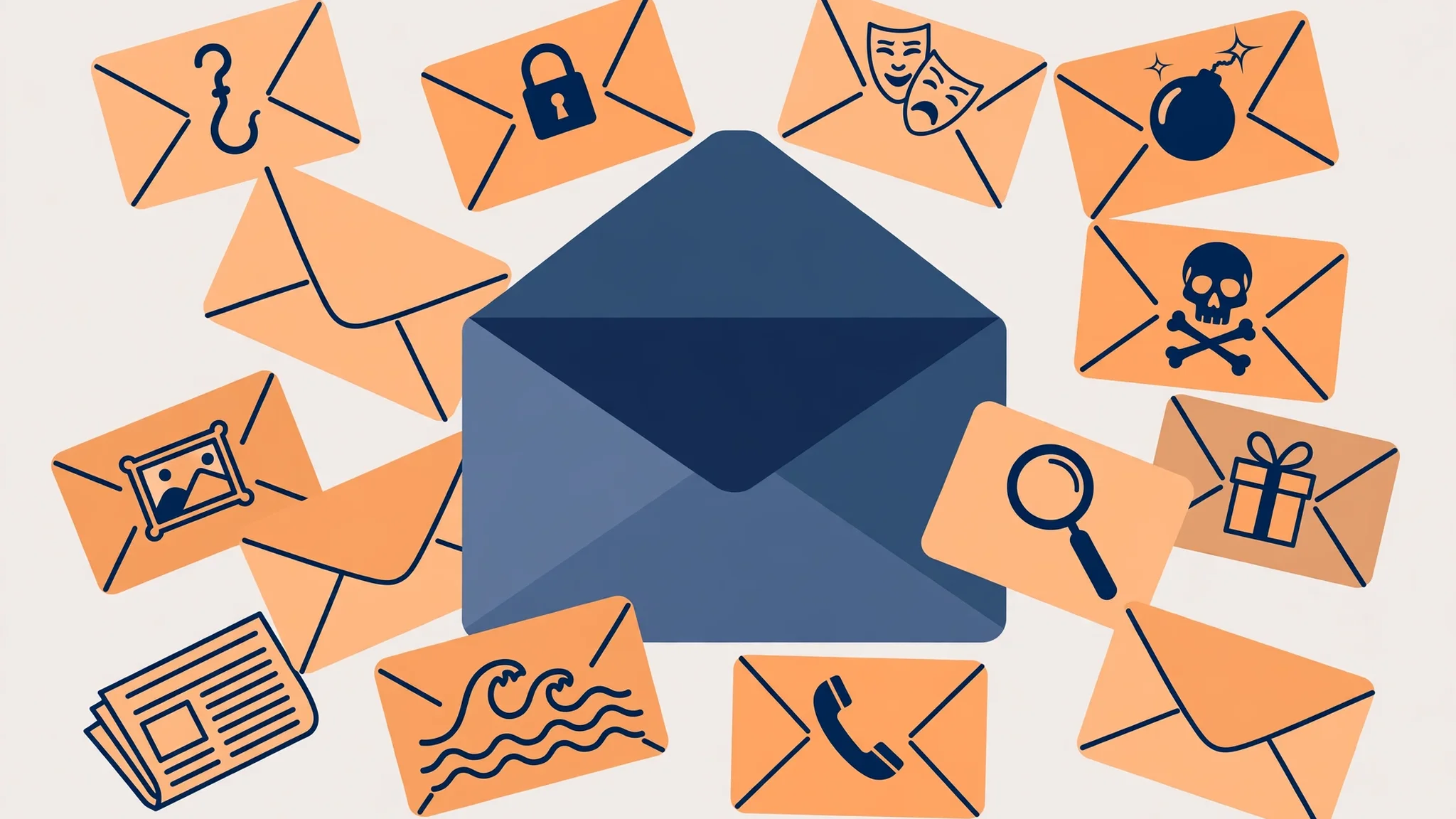
Open your inbox and count the messages that have no business being there. The miracle cure, the parcel you never ordered, the invoice from a company you have never heard of, the warning that your cloud storage is about to be deleted. Most people delete them one by one, feel briefly virtuous, and find the pile back again by Wednesday. The reason deleting never works is that the word "spam" is doing too much work. It covers eleven different kinds of mail, sent by different people, for different reasons — and the right response to one kind is the wrong response to another. Click unsubscribe on a newsletter you joined and the mail stops. Click it on bulk spam from a stranger and you have just confirmed your address is live, and it gets sold onward.
The scale is hard to overstate. Kaspersky's 2025 telemetry put spam at 44.99% of all email sent worldwide — nearly half of everything that moves through the world's mail servers. Your filters catch most of it before you see it, which is why your inbox looks manageable and your spam folder looks like a landfill. But the filters are a dam, not a cure, and the water keeps rising: generative AI lets anyone write thousands of convincing messages in minutes, and every breach, broker and careless signup hands the senders fresh addresses to aim at.
The page currently ranking first for this keyword, Malwarebytes' spam guide, lists seven types and stops at "don't click". That is correct and it is not enough. This guide goes further: every type below gets its tell, its motive, and its response — the exact thing to do and the exact thing never to do. And because advice about spam is cheap, I tested the defence at the end of this article on a live disposable inbox this morning, including the part where the test produced a result I did not expect.
The sorting rule: three questions before you call it spam
Before the catalogue, a sorting rule, because half the confusion about spam comes from calling four different things by one name. Ask three questions about any message you are unsure of.
Did I ask for it? If you signed up for it — a newsletter, a receipt, a shipping update — it is not spam, even if you no longer want it. That is graymail, and it gets a different response. Spam, by the definition the US Federal Trade Commission and the anti-spam community use, is unsolicited and bulk: you never asked, and it went to thousands of people at once.
Does it want something from me? Most spam wants a click, a sale, or a confirmation that your address is alive. A smaller, nastier subset wants your password, your card, or a payment. That second group is phishing and fraud, and it is the only kind that can cost you money the same day. The response is different because the stakes are different.
Would a real sender behave this way? Real companies do not ask you to verify an account by clicking a link in an unsolicited email. They do not threaten to close your account in twelve hours. They do not send invoices as password-protected ZIP files. If the message's behaviour would be strange from a real sender, treat the sender as fake first and ask questions later.
Keep those three questions in your head. Now the catalogue.
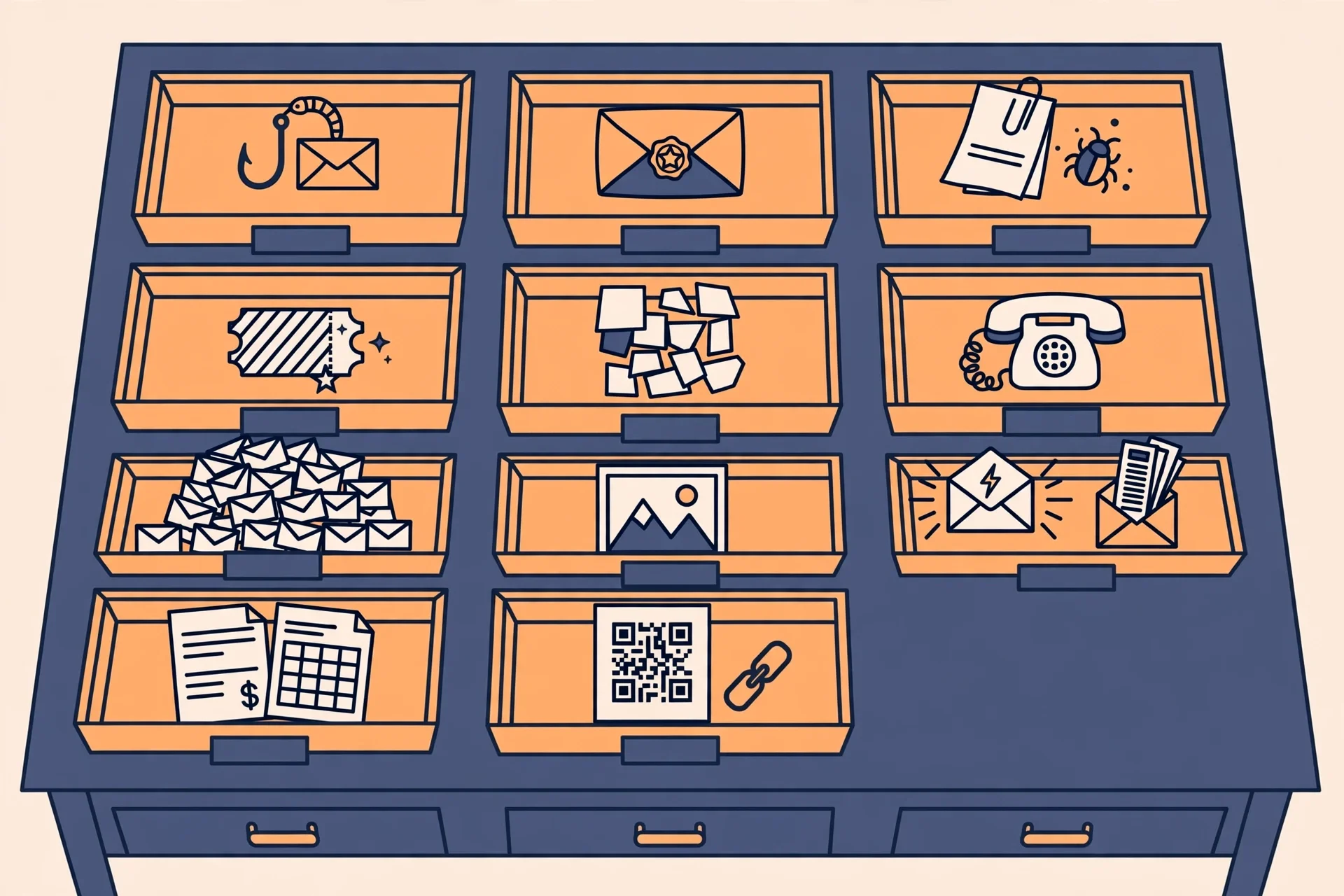
The catalogue: eleven kinds of spam mail
1. Commercial bulk spam
This is the original spam and still the most common: unrequested advertising sent to millions of addresses at once. Pills, loans, SEO services, crypto schemes, replica watches, "guest post" offers. The tell is a generic greeting — "Dear customer", "Hello friend" — and a pitch that could have been sent to anyone, because it was. The sender is often a real business cutting corners, or an affiliate promoting someone else's product for a commission.
What it wants is a click, a sale, or simply proof that your address is live. An opened message, a clicked link, a replied "remove me" — each one tells the sender a human reads mail at this address, and a live address is worth more than a dead one on the lists that get bought and sold. The response is the dull one: report it as spam, then delete it. Do not click the unsubscribe link in mail you never signed up for. CISA has warned that unsubscribe options in spam are frequently just a way to collect working addresses, and Yahoo advises never replying to ask to be removed. Silence is the correct answer to a stranger.
2. Graymail: the almost-spam
Graymail is legitimate mail you no longer want — the retailer whose 10%-off popup you accepted in 2022, the blog whose free guide you downloaded, the airline that emails you twice a week. The sender is real, the unsubscribe link works, and the mail is legal. It is not spam by any honest definition, but it is the largest share of what most people call spam, and it clogs inboxes exactly the same way.
The response is the opposite of bulk spam: unsubscribe, and it will stop, because reputable senders honour it — in most jurisdictions they are legally required to. Or set up a filter that files it away. What you should not do is report it as spam. Mass-reporting a legitimate sender damages its reputation with the big providers, and it trains your own filter to treat wanted mail as junk, which is how real messages — a password reset, a delivery notice — end up in the spam folder later. If you are drowning in graymail, the fix is not a better filter. It is a second address for signups, which is where the disposable inbox at the end of this article comes in.
3. Phishing
Phishing is spam with a target: your credentials, your one-time code, or your money. The message pretends to be your bank, a delivery company, a cloud provider, or your own employer, and asks you to log in, verify, or pay. The tell is almost always urgency dressed as routine — your account will close, your parcel is held, your payment failed, unusual sign-in detected — plus a link to a page that looks right and is not. The FBI's Internet Crime Complaint Center has counted phishing and spoofing as its most-reported crime type, with 191,561 complaints in its latest annual tally. That is not a niche threat. It is the most common cybercrime complaint in the country.
The response is: report it as phishing, click nothing, and go to the real site yourself by typing its address. If the message says your bank account needs attention, open your banking app — never the link. And if you want the ninety-second routine for checking any suspicious message, our guide to identifying AI-generated phishing emails covers the tells that still work and the ones that stopped working once AI started writing the lures.
4. Spoofed mail: the forged sender
Spoofing is not a message type so much as a disguise that makes every other type more convincing. The "From" line is forged: the message claims to be from your own address, your boss, a supplier, or a company you trust. The display name is right and the actual address is wrong — a swapped letter, an extra word, a look-alike domain. The reply-to address often differs from the sender, which is the single most reliable tell in the whole catalogue: a real sender's reply-to matches its from.
The most unnerving version is the self-spoof, mail apparently from your own address, which convinces people their account has been hacked. It almost certainly has not. Email's original design never verified who a sender was, and anyone can put your address in the From line. The response is to verify through an independent channel — call the person, open the app — and report the message. Never trust a payment or password instruction that arrives only by email, and never trust it because the name looks right.
5. Malspam: the infected attachment
Malspam, short for malware spam, is the delivery van for ransomware, password stealers and remote-access tools. The message is usually a fake invoice, a shipping notice, a voicemail alert, or a "scanned document" — something that gives you a reason to open the attachment or click the link. The attachment is a Word document asking you to enable macros, a PDF with an embedded link, a ZIP file, or an HTML file that looks like an invoice and behaves like a program.
The tell is the mismatch: an attachment you were not expecting, from a sender you do not do business with, about a transaction you do not recognise. The response is absolute: do not open it, do not enable macros, do not click through. Report it and delete it. Opening the message itself is not the danger — the danger is the attachment and the link. If the message claims to be an invoice from a company you actually use, log into that company's site directly and check. A real invoice is also visible there. A fake one is not.
6. Advance-fee and lottery scams
The oldest type in the catalogue and the easiest to recognise once you know the shape: you have won something, inherited something, or been chosen for something — and there is a small fee, tax, or processing charge standing between you and a large sum. The lottery you never entered. The inheritance from a distant relative you never met. The crypto investment that doubles your money. The stranded traveller, the foreign official, the "business proposal" from a stranger with a title.
The tell is the economics. No legitimate windfall arrives by unsolicited email, and no legitimate payment ever requires you to pay a fee to release it. The fee is the product. Pay it once and there will be another — a tax, a courier charge, a legal document — until you stop paying or run out of money. The response is to delete it and nothing else. There is no one to report who will be caught, because the sender's address is disposable and the next wave comes from a different one. The only defence that works is recognising the shape the first time.
7. Extortion and sextortion
This type arrives as a threat: the sender claims to have hacked your device, recorded you through your webcam, or obtained compromising material, and demands payment in cryptocurrency. The proof offered is usually an old password — one that really was yours, from a breach years ago. That is what makes it frightening, and it is also what gives it away. The password came from a breach list, not from your device. The sender has never seen your webcam. They sent the same message to thousands of people, and the password is the only personal thing in it.
The response is: do not pay, ever. Paying marks you as someone who pays, and the demands continue. Change the password that was quoted — it is genuinely compromised, just not by this sender — and turn on two-factor authentication on the accounts that matter. If the message names a real account, check that account's login history from the provider's own site. Then delete the message. Extortion spam is profitable because a small fraction of recipients panic. Refusing to be that fraction is the whole defence.
8. Tech-support scams
The message — or a fake pop-up in your browser — says your computer is infected, your licence has expired, or your account has been compromised, and tells you to call a phone number or click a link for help. The "technician" who answers wants remote access to your computer, or a payment for a service you do not need, or both. Some versions install real malware while pretending to remove fake malware.
The tell is the phone number and the remote-access request. No legitimate company diagnoses your computer by email and asks you to call a number in the message. Microsoft, Apple and Google do not send unsolicited warnings about your device. The response is to close the pop-up, never call the number, and never grant remote access to someone who contacted you first. If you are genuinely worried about your device, run your own antivirus scan and check for updates — actions you take yourself, not actions a stranger in your inbox suggested.
9. Subscription bombing
This is the type most people have never heard of, and it is the one with the cruellest purpose. Thousands of newsletter signups, account confirmations and welcome emails arrive at once, flooding your inbox. It looks like a glitch. It is not. The flood is camouflage: buried somewhere in it is a real message — a bank fraud alert, a password-reset confirmation, a purchase receipt for something you did not buy — and the attacker wants you to miss it while you delete the noise.
The tell is the suddenness. One minute your inbox is normal, the next it holds hundreds of confirmations from services you never touched. The response is not to unsubscribe one by one — that would take days, and it is exactly the distraction the flood is designed to create. Instead, search your inbox for the messages that matter: your bank's name, "password reset", "receipt", "order confirmation", "verification code". Deal with those first. Then report the flood as spam in bulk. If your inbox was hit by a sudden surge, our 20-minute triage for a sudden flood walks through the six causes and which one hit you.
10. Image spam
Image spam is the type that exists because filters got good. The pitch is baked into an image — a PNG or JPEG with the text rendered as pixels — while the message body is nearly empty. A text filter reads nothing, finds nothing to object to, and lets it through. The image usually advertises the same things bulk spam does: pills, loans, stock tips, crypto. Sometimes it is a fake invoice rendered as a picture, so even the amount cannot be searched.
The tell is the empty body. A legitimate business email has text you can select, copy and search. A message that is one big image and nothing else is hiding its words from your filter, and there is no honest reason for a business to do that. The response is to report it as spam and delete it — and to keep images off by default for unknown senders, since some spam images also carry tracking pixels that confirm your address is live the moment they load.
11. Current-event scams
The last type rides the news cycle. A natural disaster and a fake charity appeal within hours. Tax season and a fake refund notice. A major data breach and a fake "check if you were affected" page. A parcel-delivery surge at Christmas and a wave of fake delivery notices. We dissected one of these in detail recently: the Total Drive storage-warning scam, where a real product's real checkout was wrapped in a fake urgency email — the subscription was genuine, the email that sent you there was not.
The tell is timing plus urgency. The message arrives while the event is in the headlines, and it demands action now. The response is to verify on the official site, never through the link: check your subscription in the app, check the charity on a regulator's register, check the delivery on the courier's own tracking page. A real warning is also visible somewhere other than your inbox. A fake one exists only in the email.
What I found in a disposable inbox this morning
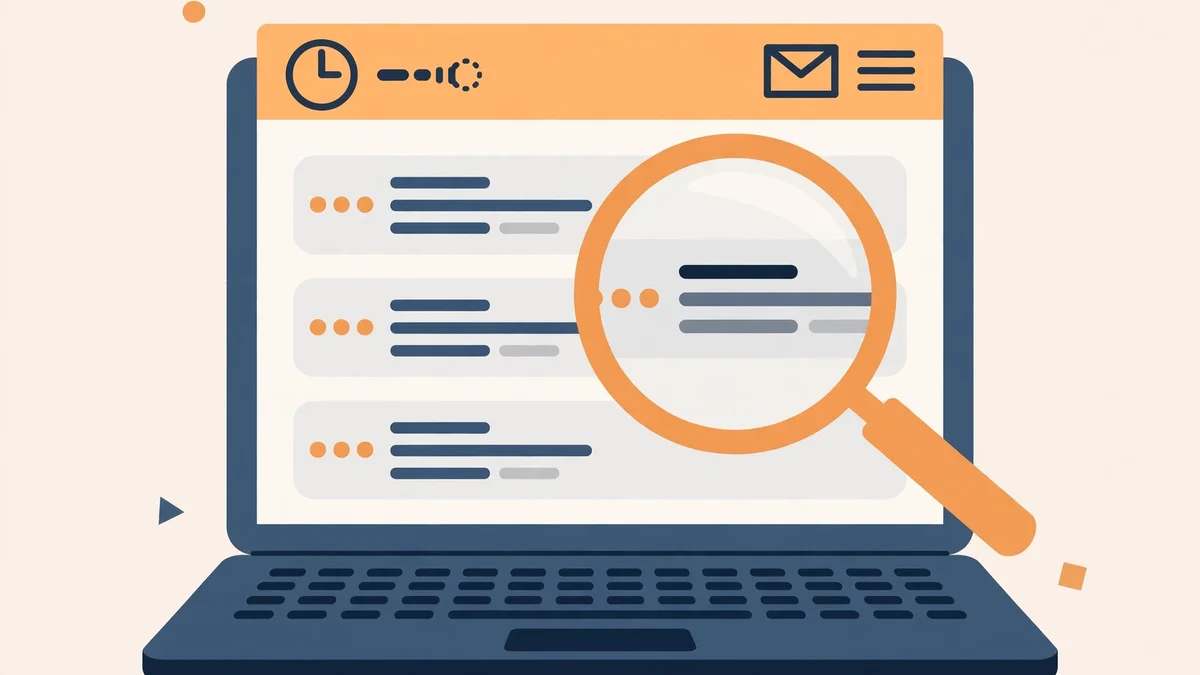
Advice about spam is cheap, so I tested the defence this article ends on — a disposable address — on the live site this morning, 28 November 2026, at about 05:00 IST. I opened TempMailUSA and a temporary address was already on screen when the page loaded: yuysc98@rover.info. No signup, no form, no wait. The inbox showed an expiry of 29 days, 13 hours and 32 minutes, ticking down second by second, and the page states free inboxes last 30 days while Pro inboxes last 365. That part worked exactly as advertised: a working disposable address in the time it takes a page to load.
The inbox itself produced the result I did not expect. It loaded empty, marked "Auto-refreshing", showing "Your inbox is empty" and "Waiting for new emails…". Within about a minute it was no longer empty: three unread messages had appeared, including a welcome email from notify@r.groupon.com — "Welcome! We're so glad you're here…" — timestamped 01:41 AM today, and a sign-up discount from noreply@r.groupon.com at 01:38 AM. I had not signed up for anything. I did not open them. They were mail for a previous holder of this address, still sitting in an inbox that had been handed to me as new.
That is the honest version of the test, and it is worth more than a tidy one. A disposable address is genuinely instant and free, and it genuinely keeps your real address off the lists. But the address pool recycles, and a recycled address can arrive pre-loaded with someone else's mail. That makes a temp inbox exactly right for what it is for — verification codes, one-off signups, the free trial you do not trust — and exactly wrong for anything private. A code in a temp inbox is fine. A password reset for your bank is not, and neither is anything you would mind a stranger reading. Use the tool for the job it does.
The response card: one line per kind
| Kind | Do this | Never do this |
|---|---|---|
| Commercial bulk spam | Report as spam, delete | Click unsubscribe or reply "remove me" |
| Graymail | Unsubscribe, or filter it away | Report it as spam |
| Phishing | Report as phishing, go to the real site yourself | Click the link or enter a code |
| Spoofed mail | Verify through another channel, report | Trust a payment instruction from email alone |
| Malspam | Report, delete, do not open attachments | Enable macros or open an unexpected file |
| Advance-fee / lottery | Delete | Pay any "release fee" |
| Extortion / sextortion | Change the quoted password, enable 2FA, delete | Pay the Bitcoin demand |
| Tech-support scam | Close it, run your own scan | Call the number or grant remote access |
| Subscription bombing | Search for the real alert first (bank, reset, receipt) | Unsubscribe one by one |
| Image spam | Report as spam, keep images off for strangers | Click through to the pictured offer |
| Current-event scam | Verify on the official site or app | Act through the email's link |
Why some types slip past the filter
If you have ever wondered why your spam filter catches the obvious junk and misses the dangerous mail, the catalogue explains it. Filters are pattern matchers, and each type defeats a different pattern. Image spam defeats text analysis by having no text. Snowshoe spam — bulk mail spread thinly across many sending addresses and domains — defeats reputation scoring, because no single sender sends enough to look bad. Spoofing defeats sender checks by wearing a trusted name. Graymail defeats every filter by design, because it is legitimate mail from a real sender. And AI-generated phishing defeats the old tells — bad grammar, strange phrasing — because the text now reads clean.
That is why a filter is a dam and not a cure, and why the response card above matters more than any setting. A spam email blocker can add a second layer in front of your inbox, and the routine that actually stops spam covers the reporting, blocking and filtering habits in full — but no filter will ever be smart enough to make the decisions for you. The decisions are simple, once you know which kind of mail you are looking at. That is the whole point of the catalogue.
Frequently asked questions
Is spam mail the same as phishing? No. Phishing is one type of spam — type 3 in the catalogue above. All phishing is unwanted, but not all spam is phishing. Most spam is advertising nobody asked for. Phishing is a fraud that tries to steal your password, your code, or your money. The distinction matters because the response is different: spam gets reported and deleted, phishing gets reported as phishing and, if you clicked anything, followed by a password change.
Can spam mail infect my computer just by opening it? Opening a message is very rarely enough on its own. The risk is in what you do next: the attachment you open, the link you click, the macro you enable. One quieter risk is the tracking pixel — an invisible image that tells the sender the message was opened, which confirms your address is live. That is why keeping images off for unknown senders is worth doing, and why "just opening it" is not the catastrophe some guides claim, while clicking through absolutely can be.
Why am I getting spam from my own email address? You are not. Your address is being spoofed — the sender forged it in the From line. It does not mean your account was hacked, and changing your password will not stop it, because the sender never had your password. The fix is the same as for any spoofed mail: report it, delete it, and verify anything important through another channel.
Is it safe to click unsubscribe? Only in mail from a sender you recognise and chose. In a newsletter you joined, the unsubscribe link is the fastest way to stop the mail, and reputable senders honour it. In bulk spam from a stranger, the link is often a trap that confirms your address is live. If you did not sign up for it, do not click anything in it — report it as spam instead.
Will a disposable email address stop spam? It will stop your real address reaching the lists, which is the single most effective change I have tested. Every signup, free trial, coupon and "free guide" is a small trade — your inbox for their offer — and each one is a new sender with your real address, able to share it onward. Give those signups a disposable address instead and the spam goes to an inbox you can abandon. Our guide to what disposable email is explains how the address works and when to use it.
The habit that shrinks the whole catalogue
Eleven types sounds like a lot to remember, and it is — until you notice that ten of them need your address to reach you, and only one of them, graymail, is mail you invited. The habit that shrinks the whole catalogue is a two-address rule: your real address goes only to services you actually trust — your email provider, your bank, and almost nothing else — and everything else gets a disposable address that dies on its own. The signup that matters is the one you control. Learn the tells in the catalogue above, keep the response card somewhere you can find it, and give the spammers an address you do not mind losing. That is not paranoia. It is the same principle as the rest of this article: do not hand a reusable credential to a party you have not vetted.
Need a disposable temporary email?
Protect your real inbox from spam and promotional clutter instantly and free.
Received a suspicious email, text, or charge alert?
Verify whether the sender domain is disposable, spoofed, or unverified before clicking links.