
Suddenly Getting Tons of Spam Email? The 20-Minute Triage That Finds the Cause
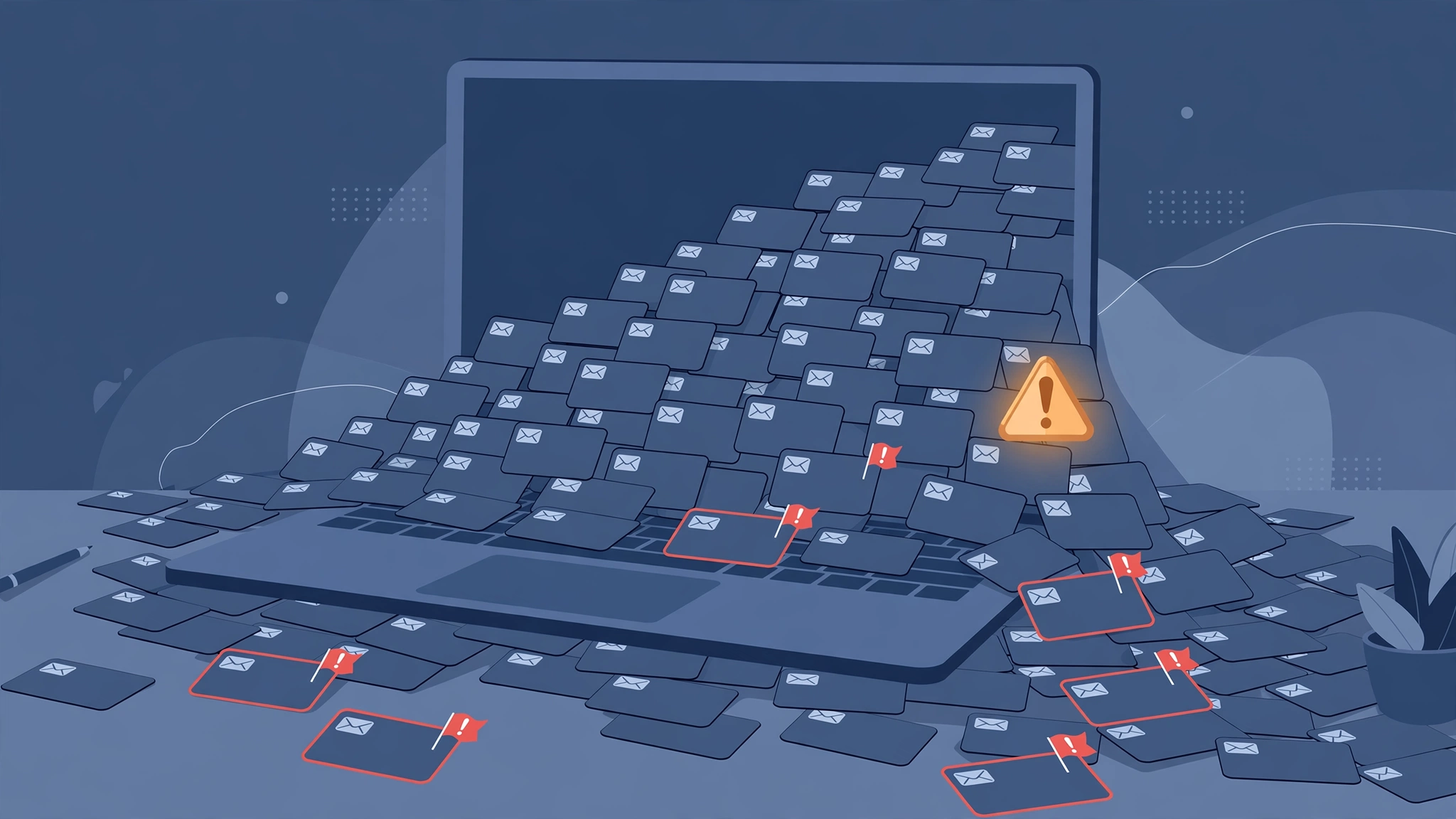
Your inbox was fine on Tuesday. On Wednesday there are forty new messages, and by Thursday the count has tripled. The senders are strangers, the subjects are nonsense, and the whole thing feels random. It isn't. Spam does not ramp up for no reason. A sudden surge means something specific changed — your address went somewhere it had not been before, or someone started using it in a new way — and the fix depends entirely on which one of those things happened.
That is the part most advice skips. The usual guides hand you a generic list — unsubscribe, report, use a filter — and treat every flood the same. But deleting your way out of a subscription-bombing attack is different from cleaning up after a data breach, and the wrong first move can make things worse. Unsubscribing from a phishing email confirms your address is live. Deleting everything before you look can bury the one message that matters.
So this is not another "how to stop spam" list. It is a triage: twenty minutes, in order, to find the cause first and then stop the flood at the source. I ran the checks in it myself this morning, with a fresh disposable inbox and the live breach database, so what follows is what actually happened — including the one test that failed.
Before you delete a single message, check for the smokescreen
This is the step to do before anything else, and it takes ninety seconds.
A sudden flood of newsletters and junk can be a deliberate distraction. Attackers feed your address into hundreds of signup forms at once — a trick called subscription bombing, or email bombing — and the flood hides one email they do not want you to see: an order confirmation on a stolen card, a password reset you did not request, a sign-in alert from your bank. The junk is the noise. The real message is buried under it.
So before you select all and delete, search your whole inbox — Spam and Trash included — for four words: order, receipt, password, and sign-in. If anything shows up that you did not trigger, deal with that first: change the password on that account from a device you trust, check the order, call the bank if money moved. The spam can wait. A purchase you did not make cannot.
If the search comes back clean, you have ruled out the worst case, and you can triage the flood itself. If it doesn't, you just caught the attack the flood was built to hide — which is exactly why this step comes first.
Read the flood like a crime scene: what the mail itself tells you
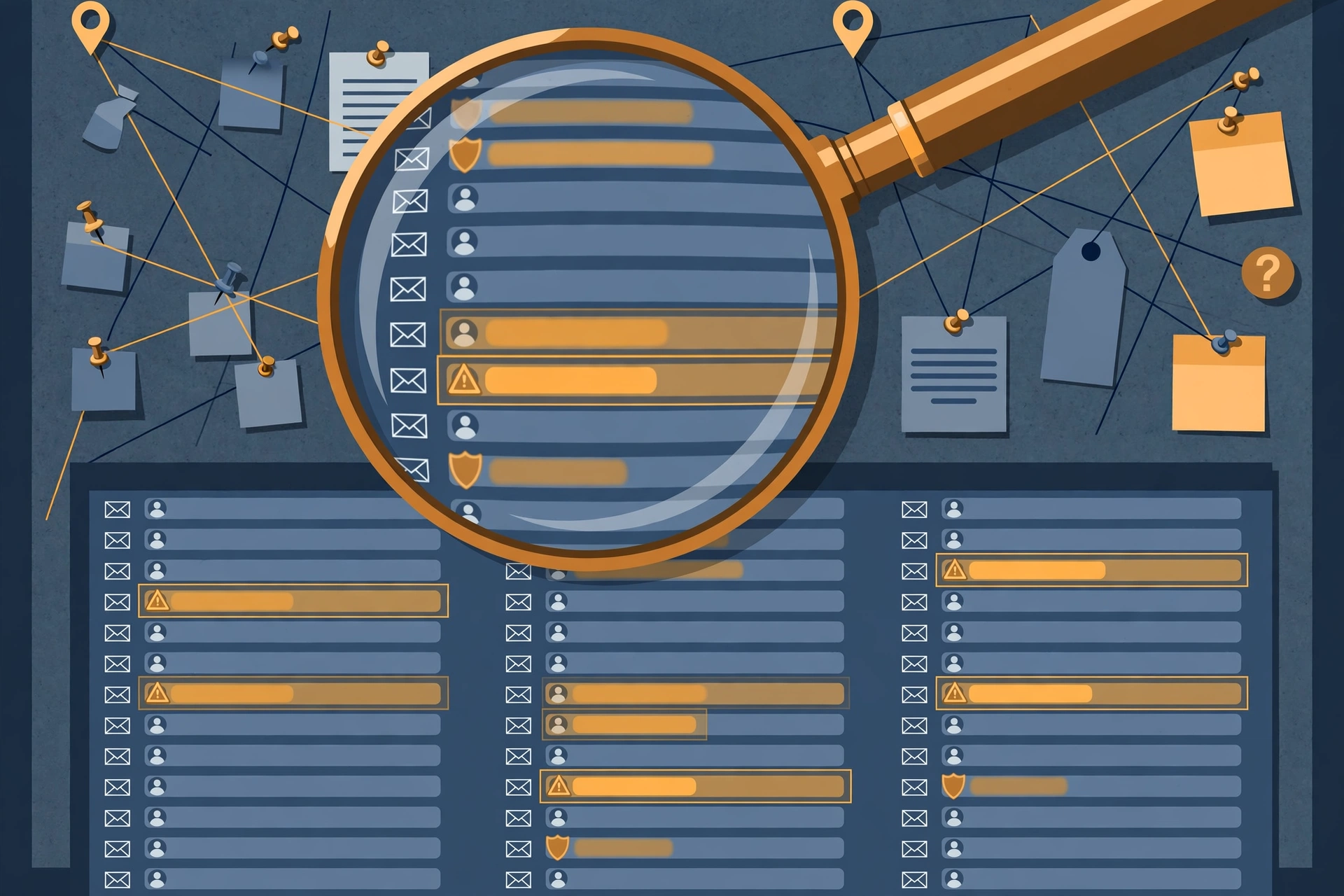
You do not need a tool to diagnose a spam surge. The mail is the evidence, and different causes leave different fingerprints. Open ten of the new messages and look at three things: who they claim to be from, what they want, and whether you ever asked for them.
Hundreds of "confirm your subscription" and "welcome" emails from real companies. That is subscription bombing. The senders are legitimate newsletters and shops — the attacker used real signup forms, so the mail is real mail. The giveaway is volume and timing: dozens of confirmations landing within minutes of each other, from services you never touched. Check the timestamps. A bombing run usually arrives in one tight burst.
Brand impersonation — your bank, a delivery company, a cloud storage service — with urgent language and a link. That is a breach list in circulation. Someone bought or stole a batch of addresses and is working through it with phishing lures. The messages will cluster around a few familiar brands, and the links will go somewhere that is not the brand's real domain. If you want the anatomy of one of these, I dissected three real ones line by line in what happens if you open a spam email — but do not click anything in the flood to find out.
Marketing that is weirdly well-targeted — the right city, the right income bracket, products adjacent to your actual life — from companies you have never heard of. That is a data broker sale. Brokers assemble profiles from loyalty programmes, warranty cards, sweepstakes entries and public records, then sell them on. The spam knows too much about you to be a guess and too little to be a company you actually dealt with.
One sender, or a handful of senders, repeating the same offer with slightly different subject lines. That is usually a single list being worked hard, or a spammer who bought your address from one source and is milking it. Block and report these — they are the easiest to kill.
Gibberish subjects, random strings, and senders from domains you cannot pronounce. That is often a dictionary attack: the spammer guessed your address by trying common name combinations at a big provider. It happens most to short, common addresses at Gmail, Outlook and Yahoo.
You now have a hypothesis. The next section proves or kills it in about two minutes per cause.
The six causes, and the two-minute test that proves each one
There are six usual suspects, and each has a test. Run them in this order, because the first one is both the most common and the fastest to check.
1. A data breach you never heard about. This is the leading suspect, because breaches surface in batches: one customer database gets traded, several spam operators buy it, and within weeks each runs their own campaigns. One breach turns into months of rising junk from different directions. The test is Have I Been Pwned, the free breach lookup. I checked its homepage this morning, 25 November 2026: it now indexes 1,055 breached websites and 17,863,315,853 pwned addresses. Enter your address there and note the dates. A breach dated within the last few months is your leading suspect — and if the breach is recent, change that password everywhere you reused it, because the same lists feed credential-stuffing attacks too.
2. A company sold or shared your address. If Have I Been Pwned comes back clean, the next suspect is the broker market. The test here is memory, not a tool: did you enter a giveaway, claim a coupon, download a free PDF, or sign up for a "free" tool in the last few weeks? Free services monetise their user lists — that is often the entire business model. If the flood started a week or two after one of those, you have your answer, and the fix is a filter on the sender domains, not a password change.
3. A signup you forgot about. The boring cause, and the one people miss most. One newsletter signup with a pre-ticked "share with partners" box can put you on a dozen lists. The test: search your inbox for the oldest message in the flood and check its date against anything you signed up for. The flood's start date is usually the signup date plus a few days.
4. Your address is public. If your address sits on a website, a LinkedIn profile, a forum post or a GitHub profile, bots scraped it in seconds. The test: search for your own address in quotes on Google. If it shows up on a public page, that page is a permanent spam source until you remove it — and no amount of unsubscribing will fix a public address. This is also why short, guessable addresses get more spam than long, odd ones.
5. You interacted with one spam email. Opening a message with a tracking pixel, clicking a link, or replying — even to say "stop" — tells the sender the address is live. A confirmed-live address is worth several times more than an unverified one, and it gets sold onward as premium inventory. The test is honest self-assessment: did you click anything in the last month, even out of curiosity? If yes, the surge that followed was the market reacting. From now on, never engage — report and delete, and let the filter learn.
6. Someone signup-bombed you on purpose. The test is the burst pattern from the previous section: dozens of legitimate confirmations in a tight window, none of which you requested. If that is what you see, the bombing itself is not the attack — it is the cover. Go back to the smokescreen check at the top and search for the hidden order or reset email. Then report the bombing to your provider: Gmail has a "report spam" path that also feeds its filters, and a filter that auto-deletes the confirmation flood will keep your inbox usable while the run burns itself out.
One of these six will fit. Usually it is the first — a breach — and the HIBP date will line up with the day the flood started. That match is the diagnosis, and it tells you what to fix.
The test I ran this morning
Advice about spam is usually written by people who never watched an address go on a list. I wanted to see the mechanics with my own eyes, so this morning I created a brand-new disposable inbox — one request to GuerrillaMail's public API, no account, no key — and got back vwpseotc@guerrillamailblock.com. The inbox was seconds old and already had mail in it: GuerrillaMail's own welcome message, sitting there before I had done anything at all. That is the whole lesson in miniature. An address starts receiving mail the moment it exists.
Then I tried to subscribe that fresh address to a real newsletter, to watch the first outside mail arrive and time it. That part failed, honestly: Substack's subscribe endpoint refused a direct request and returned an error page — it wants a browser session, not a script. So I cannot tell you how many minutes the first newsletter took, because I did not get to run that leg. What I can tell you, because I checked it myself today, is the scale of the lists your address can end up on: Have I Been Pwned's homepage this morning showed 1,055 breached sites and 17,863,315,853 pwned addresses — up from 1,039 sites and about 17.84 billion addresses a few weeks ago. The lists are not shrinking. Every breach adds fresh inventory, and your address is one row in a file that gets resold.
That is also why the fix at the end of this post is structural, not cosmetic. You cannot unsubscribe your way out of a market that trades your address by the billion.
Stop the flood, in the order that works
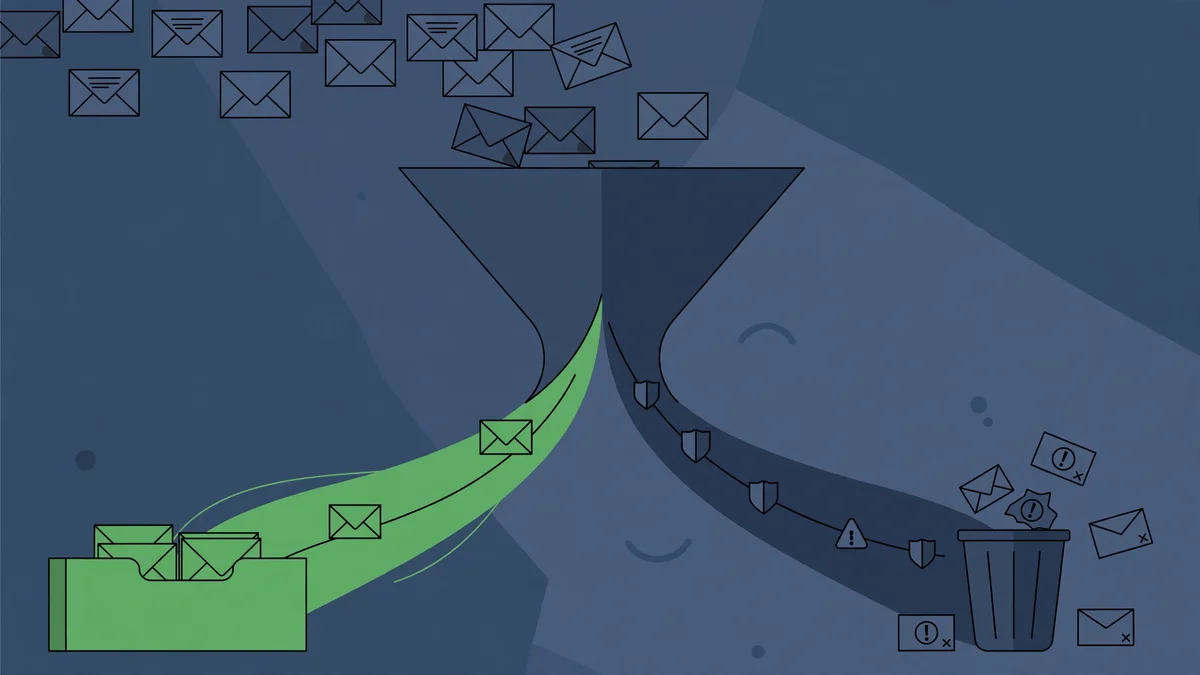
Once you know the cause, work in this order. Skipping ahead is how people spend an afternoon unsubscribing from phishing.
Secure the account first. If a breach is involved, change the password on the affected service, and anywhere you reused it. Turn on two-factor authentication on your email account itself — the email account is the key to every password reset you own, so it gets protected before anything else. If the flood included anything financial, check your bank and card statements for the last two weeks.
Report, don't just delete. In Gmail, Outlook and Yahoo, "Report spam" does something deleting never does: it teaches the provider's filters, and it tells the provider the sender is a spammer. Deleting a message just removes your copy. Reporting removes it from the next thousand inboxes too. Do this for the phishing and scam messages especially.
Block the repeat offenders, filter the rest. A block stops one sender. A filter stops a pattern: same sending domain, same subject fragment, same bulk-mail header. Set the filter to skip the inbox and delete, or to label and archive if you are cautious. The general routine — report, block, filter, and when to use each — is covered in full in Spam Emails: What They Are, How They Find You, and the Routine That Actually Stops Them, which is the companion to this post: that one is the routine, this one is the diagnosis.
Unsubscribe only from the legitimate ones. The unsubscribe link is safe on a newsletter you actually signed up for, from a company you recognise. It is a trap on anything else — clicking it confirms you are real. Rule of thumb: if you cannot remember giving them your address, do not unsubscribe. Report it instead. The free options for keeping junk out, and which of them are actually blockers rather than filters with a marketing name, are tested in Spam Email Blocker: I Tested the Free Options.
Check the sender domains before you trust anything. A flood is also a good moment to learn what spam domains look like. Most Common Spam Email Domains in 2026 lists the two lists everyone confuses — the domains spammers send from, and the domains they impersonate — and which one actually matters when you are deciding whether a message is real.
Make the next surge impossible: one address per signup
Here is the uncomfortable truth the triage leads to: once your real address is on a list, you cannot get it off. Breach data is copied, resold and re-traded. Unsubscribing removes you from one sender's list, not from the file that produced it. The flood will fade as filters learn, but the address is permanently warmer than it was.
The fix is to stop giving your real address to things that do not need it. One address per signup: a disposable address for every newsletter, free trial, coupon form and download gate. When one of those addresses starts flooding, you delete the address — not your inbox. The flood dies with it, because the address was the only copy the list ever had.
That is what a temporary email address is for. Generate one on TempoMailUSA, use it for the signup, and keep your real inbox for people and services you actually trust. The four ways to do this — from a thirty-second disposable inbox to a permanent alias system — are laid out in How to Create a Throwaway Email. My own rule, after years of watching inboxes: if a form would not exist without your email address — the free PDF, the coupon, the "see your result" quiz — it gets a disposable address, every time, no exceptions. The real address is for your bank, your work, and your family. Everything else is a rental.
If you are on Gmail specifically, the surge may also be a good moment to tighten the account itself — check the filters and forwarding settings for rules you did not create, and look at recent account activity. A flood that starts the same week as an unfamiliar filter is not a coincidence.
Frequently asked questions
Why am I suddenly getting junk email all of a sudden? Something specific changed: most often your address appeared in a recent data breach, or a company you gave it to sold or shared it. Check Have I Been Pwned first and match the breach date to the day the flood started. If the flood is dozens of legitimate "confirm your subscription" emails in one burst, that is subscription bombing — search your inbox for an order, receipt or password-reset email before you delete anything, because the flood may be hiding one.
Why am I suddenly getting lots of spam emails on Gmail? Gmail's filters are strong, which makes a sudden Gmail flood more informative, not less: it usually means your address landed on a fresh list, often from a breach, or that you interacted with a spam message and confirmed the address is live. Report the messages as spam rather than deleting them — that retrains Gmail's filters — and check Settings for forwarding rules or filters you did not create.
Can a sudden spam surge mean my email was hacked? A surge alone usually means your address was leaked or sold, not that someone is inside your account. The distinction matters: a leaked address gets spam; a hacked account sends spam from you, changes your settings, and locks you out. Check your sent folder and account activity. If you see mail you did not send, or a forwarding rule you did not create, change the password immediately and turn on two-factor authentication.
What is subscription bombing, and what do I do about it? Someone feeds your address into hundreds of newsletter signup forms at once, so your inbox fills with legitimate confirmation emails. The flood itself is usually a smokescreen for one hidden message — an order, a password reset, a sign-in alert. Search for those first. Then set a filter to archive the confirmation flood, report the bombing to your provider, and wait it out: the run burns itself out in a day or two, and the confirmations stop once the forms are exhausted.
Does unsubscribing from spam make it worse? Unsubscribing from a legitimate newsletter you signed up for is fine. Unsubscribing from spam is not — the link confirms your address is live and monitored, which makes it more valuable to spammers. If you do not recognise the sender, report the message as spam instead of unsubscribing.
Will changing my email address stop the spam? It stops the flood on that address, because the lists hold the old address, not you. But if you hand the new address to the same sites and forms, the cycle repeats. The durable fix is not a new address — it is a system: one disposable address per signup, so no single leak can ever flood your real inbox again.
The one rule
A gradual trickle of spam is the background noise of having an email address. A sudden surge is a signal. Something moved your address — a breach, a sale, a signup, a click, a bombing run — and the twenty minutes you spend finding out which one decides whether the fix lasts a week or a year. Check for the smokescreen first, match the breach date second, and then stop giving the lists your real address. The flood is not bad luck. It is a supply chain, and you just found where your address entered it.
Need a disposable temporary email?
Protect your real inbox from spam and promotional clutter instantly and free.
Received a suspicious email, text, or charge alert?
Verify whether the sender domain is disposable, spoofed, or unverified before clicking links.