
Spam Emails: What They Are, How They Find You, and the Routine That Actually Stops Them
Spam Emails: What They Are, How They Find You, and the Routine That Actually Stops Them
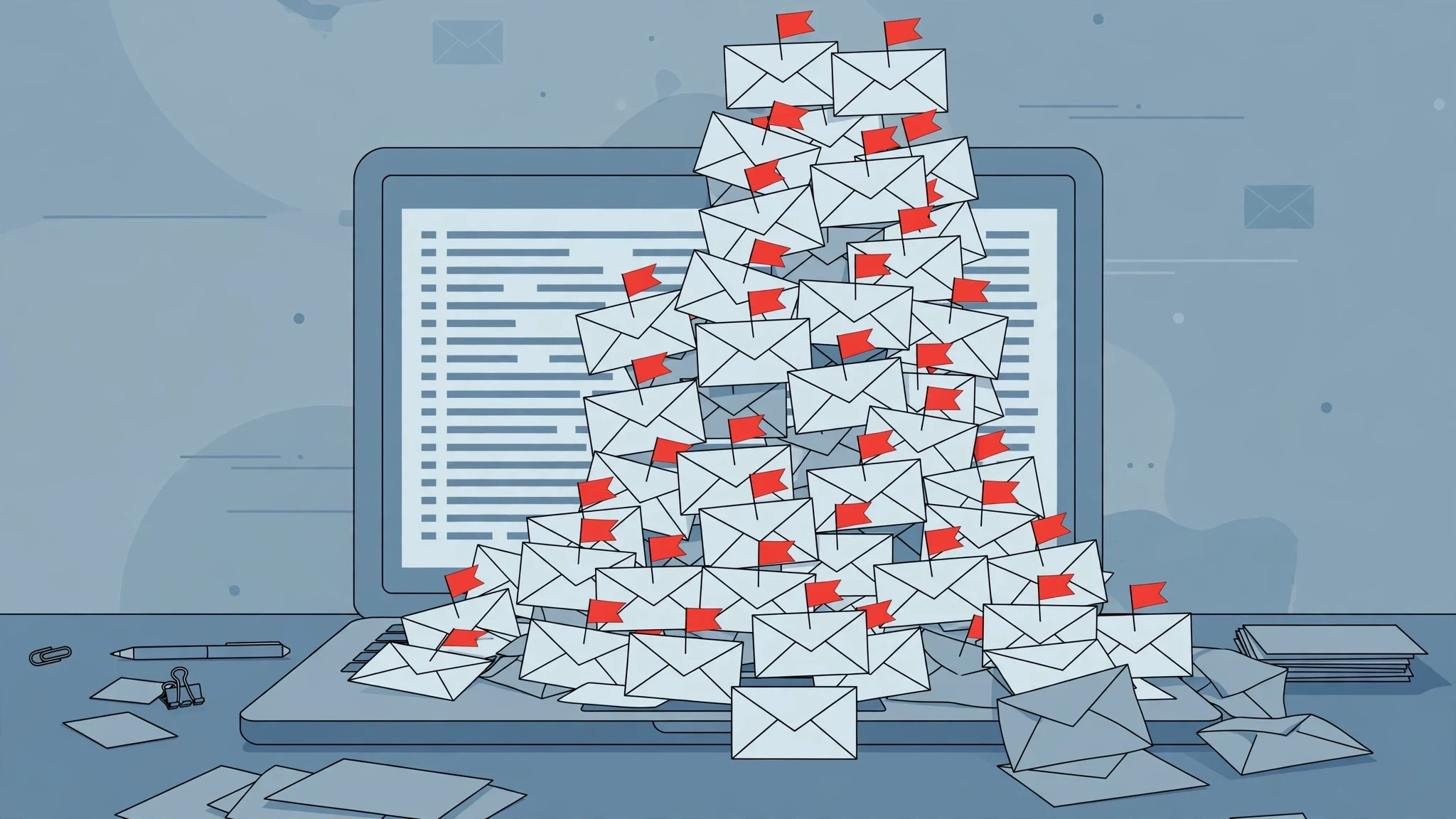
Open your inbox on a Monday morning and count. Not the unread badge — the actual messages that have no business being there. The miracle cure, the parcel you never ordered, the invoice from a company you have never heard of, the newsletter you do not remember joining. Most people delete them one by one, feel briefly virtuous, and find the pile back again by Wednesday. That is because deleting spam treats a symptom. Spam is not a pile of bad mail. It is a supply chain, and your email address is the product moving through it.
The scale is hard to overstate. Kaspersky's 2025 telemetry, cited by SaneBox, put spam at 44.99% of all global email traffic in 2025 — nearly half of everything sent. That number is worth sitting with. For every real message you receive, the internet's mail servers moved roughly one message nobody asked for. The filters on Gmail, Outlook and Yahoo catch most of it before you ever see it, which is why your inbox looks manageable and your spam folder looks like a landfill. But the filters are a dam, not a cure, and the water keeps rising: generative AI lets anyone write thousands of convincing messages in minutes, and every breach, broker and careless signup hands the senders fresh addresses to aim at.
This guide does three things the usual "5 ways to stop spam" list does not. It sorts spam into the three kinds that actually exist, because each one needs a different response and the wrong response makes things worse. It traces how your address gets onto the lists in the first place. And it gives you a routine — report, block, filter, and stop handing out your real address — that I tested live on a disposable inbox at half past midnight, including the part where the test itself went sideways.
Spam is not one thing. Treat the wrong kind and you make it worse
Almost every guide starts with "what is spam" and stops there. That is the first mistake, because the word covers three different animals, and the fix for one is poison for another.
| What lands in your inbox | How to recognise it | What to do |
|---|---|---|
| A newsletter or promotion you signed up for | A company you know, usually after a purchase, a free trial or a download | Unsubscribe — the link is safe here |
| Bulk spam | An unknown sender, bulk ads, offers you never asked for | Report as spam, then block if it repeats |
| Phishing or a scam | Asks you to log in, pay, confirm details, or open an attachment | Report as phishing, click nothing, delete |
The distinction matters because the unsubscribe link is the hinge. In a newsletter you actually joined, unsubscribing works — it is a legal requirement in most jurisdictions, and reputable senders honour it. In bulk spam from a sender you do not recognise, that same link is often a trap. CISA has warned that unsubscribe options in spam are frequently just a way to collect working addresses, and Yahoo advises never replying to ask to be removed. Clicking tells the sender one valuable fact: a human opened this, and this address is alive. A live address is worth more than a dead one, and it gets sold onward. The same logic applies to replying "remove me" or "stop". Silence is the correct answer to a stranger. Noise is the correct answer to a company you chose.
Phishing is the third kind and the only one that can cost you money the same day. It does not want your attention; it wants your password, your card, or a payment. The tell is almost always a request dressed as urgency: your account will close, your parcel is held, your payment failed, your boss needs gift cards. Real companies do not ask you to verify an account by clicking a link in an unsolicited email. If the message asks for anything, treat it as phishing first and ask questions later.
How your address ends up on the list
Nobody sits down and decides to become a spam recipient. Addresses arrive on spam lists through a small number of well-worn routes, and most of them involve a choice you made years ago and forgot.
The first route is the breach. A site you signed up for in 2019 gets hacked, its user table leaks, and your address joins a list that is bought and sold for pennies. You cannot prevent this one — you were not the one who got hacked — but you can limit the blast radius by never reusing the same address everywhere, which is exactly the habit this guide ends on.
The second route is the broker. Some companies collect contact details as a business and resell them. Your address can travel a long way from the place you first typed it in, through data-sharing agreements you never read, into lists you never consented to join.
The third route is the one you chose: the signup. Every giveaway, coupon, "free guide" and 10%-off popup is a small trade — your inbox for their offer. Each one is harmless alone. Ten of them a year, over five years, is fifty senders with your real address, and every one of them can share it onward. This is also the route you have the most control over, and the one most guides skip past because it requires admitting that the freebie was never free.
The fourth route is scraping. Addresses posted publicly — on forums, in comments, on a contact page, in a GitHub commit, in a PDF — get harvested by bots that crawl the web looking for the @ sign. And the fifth is guessing: spammers generate common name combinations at big providers and send to all of them, keeping the ones that do not bounce. Your address does not need to have been leaked to be found. It only needs to be plausible.
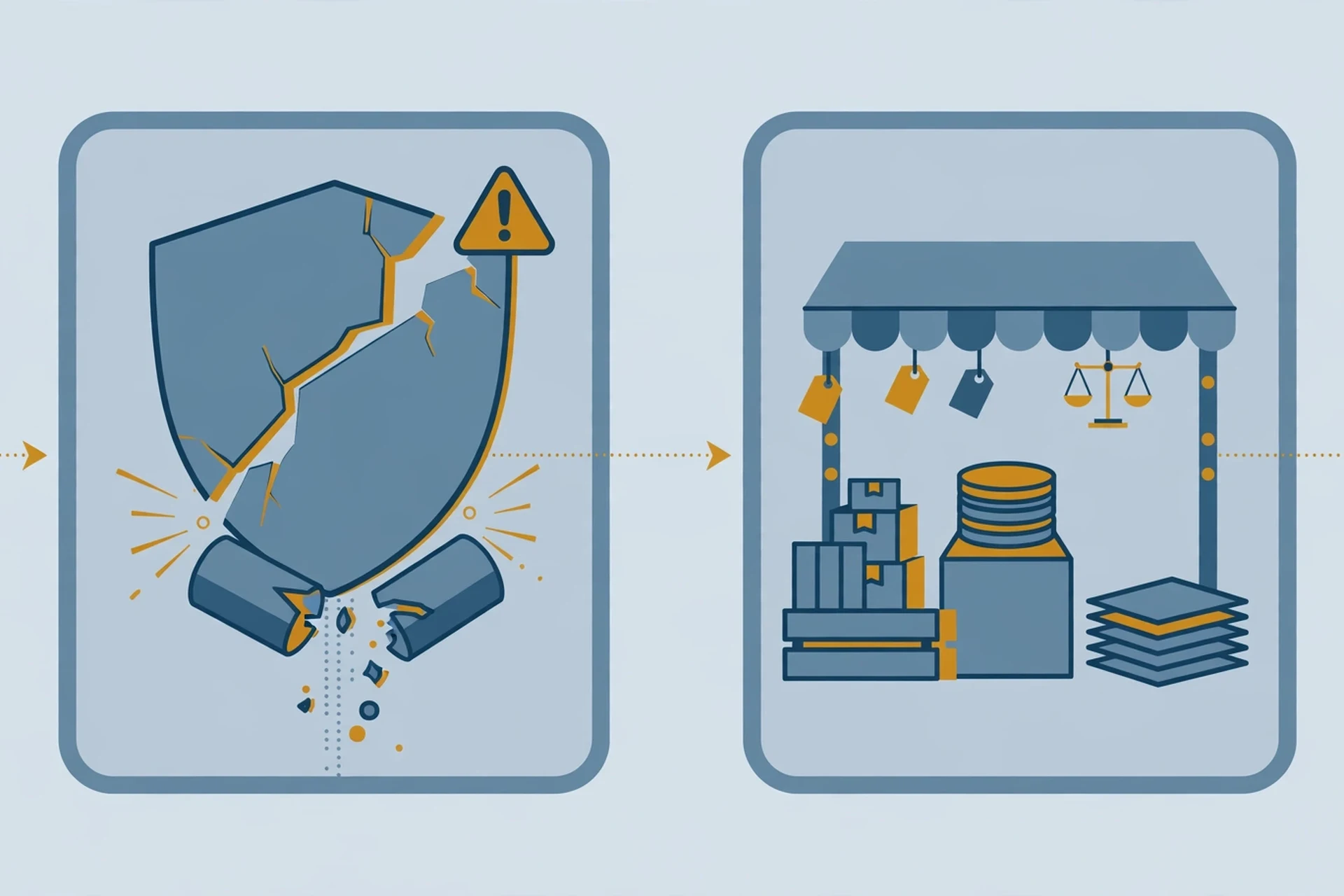
That is why "I never signed up for anything" is almost never a complete defence. You did not have to. Somewhere between a breach you never heard about, a broker you never met, and a form you filled in for a discount code in 2021, your address entered circulation. The question is not how to become invisible — you cannot — but how to make your real address expensive to reach and your disposable ones cheap to burn.
The test I ran at half past midnight
Advice about spam is cheap, so I tested the core claim of this article live before writing it: that a disposable address takes seconds to create and costs you nothing, and that the signup that matters is the one you control.
At 12:32 AM IST on November 21, I opened tempomailusa.com and a temporary address — svhuj35@rover.info — was already on screen when the page loaded. No signup, no wait, no form. The inbox showed empty, auto-refreshing, with an expiry of about 30 days. The same address was still there eight minutes later. That part of the test worked exactly as advertised: a working disposable address in the time it takes a page to load.
The second half of the test did not work, and the reason is worth reporting honestly rather than smoothing over. I planned to use that address to sign up for the Morning Brew newsletter — a real, well-known free newsletter — and watch the welcome email land in the temp inbox. Morning Brew never loaded. Its Cloudflare security check spun for six minutes across two attempts, resetting under a new Ray ID on every try, and never presented the homepage or the signup form. No address was entered, no signup was submitted, and no welcome email could arrive. I checked the temp inbox at 12:40 AM: still empty, exactly as expected, because nothing had ever been sent to it. The fallback — a newsletter signup on Canary Mail's own spam guide — did not exist either; that page has no email signup form at all, only download links and a chat widget.
So this run cannot tell you whether Morning Brew accepts or rejects temporary addresses. What it can tell you is narrower and more useful. First, the disposable address itself is genuinely instant and free — that is the part you control, and it worked. Second, the modern web now puts a bot check between you and a simple newsletter signup, which is a reminder that the spam problem and the anti-spam defences are the same arms race seen from opposite sides. And third, the honest version of a test is worth more than a tidy one: if a guide tells you a signup "worked perfectly" without showing you the inbox, ask what it actually measured. Mine measured the address generation, and that is what I am claiming — nothing more.
Stop it at the source: report, block, filter
Here is the routine that actually reduces spam over weeks rather than minutes. It has three moves, and the order matters: report first, block second, filter third. Deleting is not on the list. Deleting teaches the filter nothing.
Report, don't just delete. Every major provider trains its filter on your reports. In Gmail, select the messages and click Report spam; on the phone app, open the message, tap the three dots, and tap Report spam. Google says that as you report more spam, Gmail gets better at catching similar mail — and in my experience that is the single highest-leverage habit in this whole guide. In Outlook and Outlook.com, select the message and choose Report, then Report junk or Report phishing. In Yahoo Mail, select it and click Mark as spam. In Apple Mail on the Mac, the junk filter sits on top of your provider's own filter — check that Junk is enabled and use the Junk button rather than deleting. The point is the same everywhere: the report is a vote, and the filter counts votes.
Block the repeat offenders. Reporting handles the pattern; blocking handles the sender. When the same address or domain keeps coming back after you report it, block it. In Gmail, open the message, click the three dots next to Reply, and choose Block. In Outlook, go to Settings, then Mail, then Junk email, and add the sender or the whole domain. Blocking a domain is stronger than blocking one address, because spammers rotate addresses inside a domain far more often than they rotate domains.
Filter what the filter misses. If a particular phrase, subject pattern or sender keeps slipping through, build a rule. In Gmail, click the sliders icon in the search bar, enter the sender or a phrase the spam keeps using, click Create filter, then tick Delete it. In Outlook, the same idea lives under Rules. A filter is a scalpel where reporting is a vote: use it for the one stubborn pattern, not for everything.
One more habit belongs here, and it is the one people resist: stop images loading automatically in mail from unknown senders. Spammers embed a tiny tracking pixel in the message; when your mail app loads it, their server learns that your address is live and that you opened the message. Gmail proxies images, which blunts this, but Outlook, Yahoo and Apple Mail all let you disable automatic image loading for unknown senders. Turn it off. A message that cannot phone home cannot confirm you exist.
The unsubscribe button is a loaded question
By now the rule should be clear, but it is worth stating once as a rule: unsubscribe only from senders you recognise and chose. A newsletter from a shop you bought from, a publication you subscribed to, a service you use — click unsubscribe with confidence, and if the mail keeps coming after ten days, report it as spam, because a sender that ignores unsubscribes has forfeited the benefit of the doubt.
Never unsubscribe from mail you did not ask for. Never reply to it. Never click "remove me" in a message from a stranger, and never open its attachments to see what it is. The safest interaction with a message from an unknown sender is none at all: report it, and let the filter do the rest.
There is a grey zone — the company you vaguely remember, the trial you might have started, the list you might have joined at a conference. The test is simple: can you name the moment you gave them your address? If you cannot, treat them as a stranger. Report, do not unsubscribe. If they were legitimate, losing one recipient costs them nothing; if they were not, you just refused to confirm your address is live.
The disposable-address method, used properly
Everything so far is defence. This is the offence: stop giving your real address to strangers' forms in the first place.
A temporary or disposable address is a real inbox that exists for a short time, receives the confirmation code or the download link you actually want, and then expires — taking the future marketing mail with it. The signup that triggers a week of promotional email sends that week to an address you will never check again. Your real inbox never learns the sender exists. This is the single most effective spam prevention measure I know, because it works before the spam exists rather than after it arrives.
It works best exactly where the stakes are lowest: free trials, one-off downloads, giveaways, coupon popups, newsletter signups from sites you are sampling, and any form that demands an email before showing you the thing you came for. These are the signups that generate the most future mail and the least future value, and they are the ones that deserve a burnable address. If you want the mechanics, what a disposable email actually is is the short version, and a list of free disposable email addresses will get you started without installing anything.
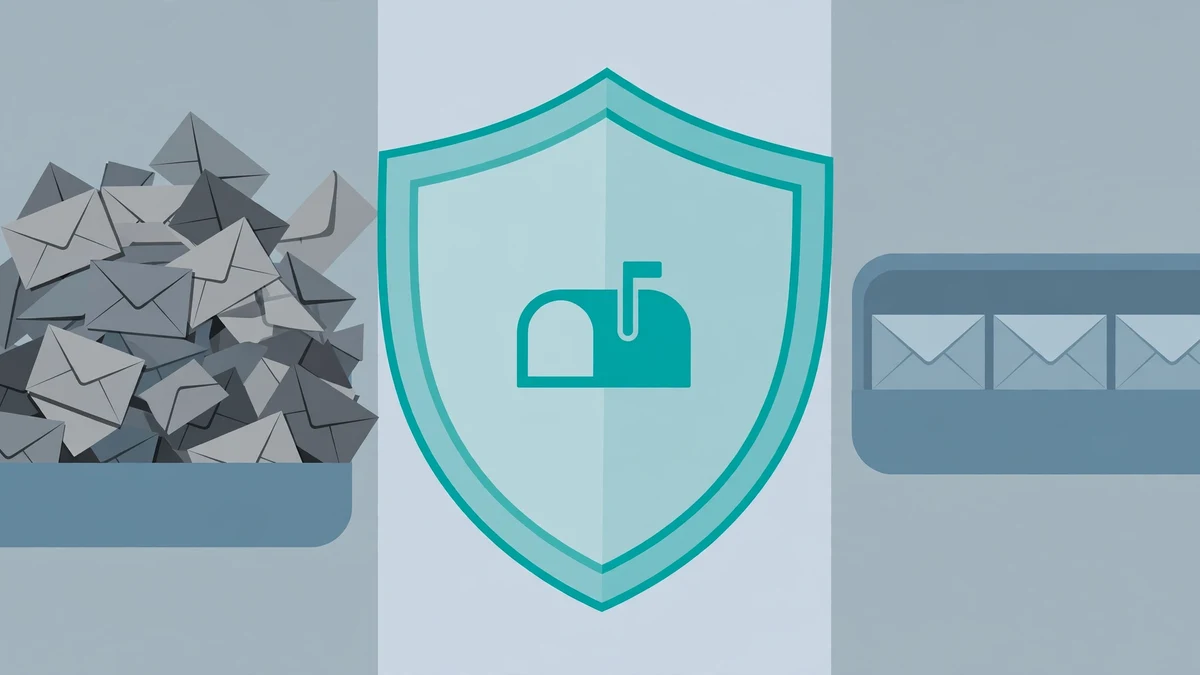
Where it does not work matters just as much. Never use a disposable address for anything you will need to recover: your bank, your primary email, your password resets, a store where your order history lives, or any account whose tickets, receipts or reservations are emailed to you. A disposable address that expires takes your account recovery with it. The rule is simple: if losing access to the inbox would cost you money or lock you out of something you own, use your real address. If the worst outcome is missing a coupon, use the disposable one.
The other failure mode is the signup form itself. Some services reject disposable domains outright — they check the domain against a blocklist before accepting the address. That is their right, and it is a useful signal: a service that blocks disposable addresses is telling you it intends to keep emailing you. Decide whether the thing is worth your real address, and if it is not, walk away. There is almost always an alternative that does not demand it.
And one more honest note, from the same test that opened this section: signing up for things is getting harder for everyone, not just for disposable addresses. Bot checks, captchas and verification walls now sit in front of ordinary newsletter forms. A disposable address does not bypass those. It only controls what happens after you get through them.
When spam is actually a scam
Most spam is noise. Some of it is a crime in progress, and the difference is usually visible in the first three seconds if you know what to look for.
The red flags, in the order I check them: urgency that bypasses thought ("act now", "account closing today", "payment failed"); a sender address that almost matches a real company but does not (support@amaz0n-mail.com is not Amazon); a greeting that knows your email but not your name; a link whose destination, on hover, goes somewhere the text does not name; an attachment you did not ask for, especially a document or archive; and a request for a password, a code, or a payment. One flag is a warning. Two is a verdict.
If a message trips the verdict, report it as phishing rather than spam — Gmail, Outlook and Yahoo all have a separate Report phishing option, and it feeds a different system that can take the sender down faster. Then delete it. If you already clicked, do not panic and do not continue: close the page, change the password for the account involved from the real site (typed into the address bar, never reached through the email), turn on two-factor authentication, and check your sent mail and account activity for anything you did not do. If you entered card details, call your bank. Speed matters more than embarrassment here — the people running these campaigns count on the delay.
There is also a specific trap worth naming because it is trending alongside every big settlement and refund story: the scam that rides real news. A data-breach settlement, a bank outage, a refund deadline — within hours, lookalike emails appear offering to "claim" your payment. I covered one of these waves in the Medicare scam email guide, and the pattern is always the same: real event, fake email, urgent link. If a settlement or refund email asks you to click to claim, go to the official site yourself instead. The real claim process will still be there.
Frequently asked questions
Why am I suddenly getting so many spam emails? Usually one of three things happened: an old signup started sharing your address, a breach put it on a fresh list, or a spammer's guessing campaign found it. Check whether you signed up for anything new in the last few weeks, and check whether your address appears in a known breach. Then report the new arrivals rather than deleting them — the filter needs the signal that something changed.
Can spam emails give my computer a virus? The email itself cannot. The attachment or the link can. Modern mail apps do not run code from a message body, so reading a spam email is safe. Opening an attachment or clicking through to a malicious site is where the risk lives. That is why the rule is never to open attachments from unknown senders, however boring they look.
Is it safe to open a spam email? Reading it is safe; interacting with it is not. Do not click its links, do not load its images if your app lets you block them, do not reply, and do not unsubscribe from a sender you do not recognise. Report it and move on.
Why do my own emails land in other people's spam folders? The mirror image of this whole problem. If you send mail — a newsletter, order confirmations, anything bulk — the receiving filter judges your domain, your authentication records, and how recipients treat your mail. If your mail lands in spam, the fix is on the sending side: proper SPF, DKIM and DMARC records, a clean list, and content that does not read like spam. I wrote a separate walkthrough on testing whether your email lands in spam that covers the 20-minute check.
Do spam blockers and filters actually work? Yes, with a limit. Provider filters catch the overwhelming majority before you see it, and reporting makes them better. What they cannot do is stop the supply: as long as your real address keeps entering circulation through signups, breaches and brokers, new spam will keep arriving. Filters manage the flood; only controlling where your address goes reduces it.
Should I change my email address to escape spam? Almost never. Changing your address is enormously disruptive — every account, every contact, every recovery path — and the new address will enter circulation the same way the old one did. The better fix is the one in this guide: keep the real address for the accounts that matter, and stop giving it to everyone else. If your address is truly unusable, a new address plus the disposable-address habit is the combination that actually holds.
What is the difference between spam and a newsletter I forgot I joined? Consent. A newsletter is mail you agreed to, even if you forgot agreeing; spam is mail you never agreed to. The practical test: can you name the moment you gave them your address? If yes, unsubscribe. If no, report.
The one rule
Spam will not go to zero. Anyone who promises that is selling something. The filters will keep catching most of it, the spammers will keep finding new addresses, and the volume will keep growing — 44.99% of global traffic and climbing is not a problem that gets solved, it is a condition that gets managed.
But managed is a big improvement over drowned, and the management is not complicated. Report instead of deleting. Block the repeat offenders. Filter the stubborn pattern. Never unsubscribe from a stranger. Never click what a stranger sends. And above all, stop handing your real address to forms that have not earned it — a disposable address costs seconds to create, and every signup that goes to it is a sender your real inbox will never meet. That is the whole routine. It takes twenty minutes to set up, it holds for months, and the only part that requires willpower is the first time you reach for your real address out of habit and choose the disposable one instead.
Need a disposable temporary email?
Protect your real inbox from spam and promotional clutter instantly and free.
Received a suspicious email, text, or charge alert?
Verify whether the sender domain is disposable, spoofed, or unverified before clicking links.