

Temp Mail for Canva: I Tried Signing Up With One — Canva Rejected It Before the Code Arrived
Short answer first: on November 14, 2026, I generated a fresh temporary email address, walked it through Canva's signup flow, and Canva stopped me cold. It flagged the address as unusable, showed an error, and never sent the verification code. No account was created. If you came here hoping for a clean yes-or-no, there it is — for the domain I tested, the answer is no, and Canva told me so in plain language.
That is not the answer most of the guides ranking for this keyword give you. Several of them describe signing up for Canva with a disposable address as a smooth four-step process, as if the only question is which temp-mail provider to pick. My test says the reality is messier, and the mess starts before you ever reach the inbox. This post is the full record of what happened, why it happened, what it means for the different ways people actually use Canva, and what to use instead when a throwaway address is not going to cut it.
What happened when I tried it
I ran the test at about 06:29 IST on November 14, 2026, and I kept the whole thing as ordinary as a real user would do it. First I opened TempoMailUSA and generated an address — no registration, no form, the inbox appeared instantly. The address was omabk41@aidesign.work.gd. Then I opened Canva, clicked Sign up, chose "Continue with email," and pasted it in.
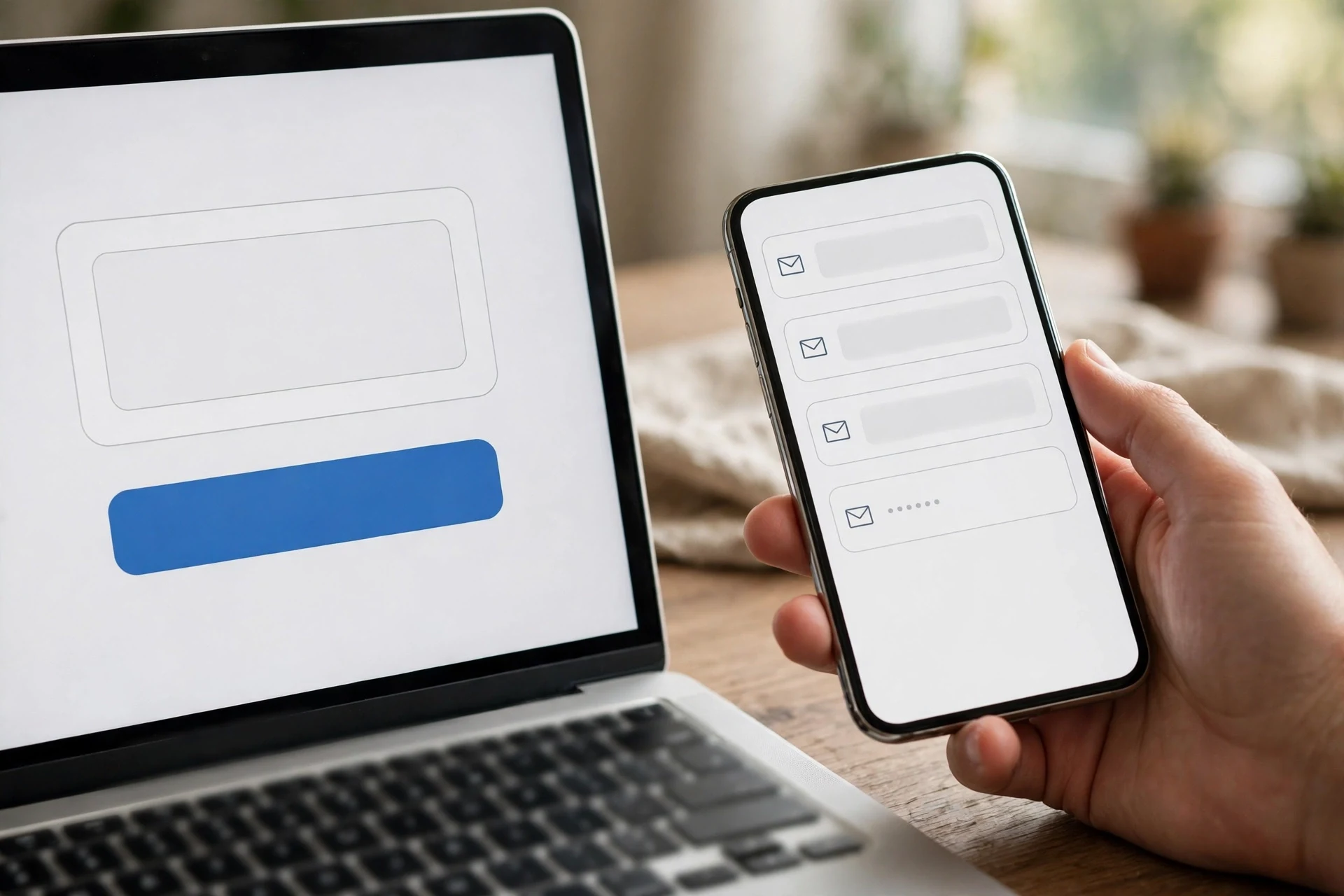
Canva did not object at first. It accepted the address on the email screen and moved on to ask my name — and here is a small detail that tells you something about how much Canva reads into an address: it had auto-filled the name field with "Omabk41," taken straight from the local part of the email. I changed it to "Test User" and continued. Canva never asked for a password. Instead it went straight to a code screen headed "You're almost signed up," with the line: "Enter the code we sent to omabk41@aidesign.work.gd to finish signing up."
And on that same screen, in a pink error box, was the verdict:
"This email can't be used on Canva. Please use a different email or contact us with the error code RRS-a5a212d20e80709c to get help."
Below the code field it said, "Didn't get the code? Resend in 59 seconds."
So I waited. The inbox on TempoMailUSA stayed at zero messages — "Your inbox is empty" — after the initial send, after a manual refresh, and after a full 60 seconds. I clicked "Resend code" once; the timer restarted at 59 seconds and the error code changed to RRS-a5a215aa0933709c, but nothing arrived. After another 60-second wait and a final refresh — about three minutes in total — the inbox was still empty. There was no code to enter, so there was nothing left to do. No account was created, no plan screen appeared, and Canva never asked for a captcha, a phone number, or payment details.
Two things are worth separating here, because they are different failures. First, Canva's system flagged the address itself as unusable — that is the pink error box, and it appeared before any code was involved. Second, no verification email was ever delivered to the inbox. Either one alone would have ended the signup; together they leave no ambiguity about the outcome for this domain on this day.
Why Canva blocks disposable addresses
Canva is not being arbitrary. Its own help documentation states that temporary and disposable email addresses are not allowed, and the rule applies twice: when you first create an account, and again if you try to change the email on an existing account later. That is the policy layer. Underneath it sits a practical one: disposable domains are cheap to burn, and platforms that let anyone mint unlimited accounts from them end up paying for the spam, the fake accounts, and the support tickets those accounts generate.
How the block works in practice is domain reputation. When you type an address into Canva's signup form, the domain is checked against lists of known disposable providers. aidesign.work.gd is a public temp-mail domain, and Canva recognized it. That is also why my test ended at the code screen rather than at the email field: Canva let the address through the first step, then flagged it when it came time to actually verify it. The error code — the RRS- prefix, in my case RRS-a5a212d20e80709c — is Canva's own reference for the block, the thing its support team would ask for if you contacted them about it.
There is a number that puts the scale of this in context. Email verification company ZeroBounce has said it found more than 5 million disposable email addresses in the data it checked in 2025, out of more than 11 billion addresses processed. Platforms are not guessing about this traffic; they are measuring it, and the blocklists reflect it.
What the other guides get wrong
The guides currently ranking for "temp mail for Canva" split into two camps, and both are worth reading skeptically. One camp says it works fine and walks you through the four steps — generate, paste, read the code, start designing — as if the code always arrives. The other camp says Canva's own rules forbid it and recommends an alias or a secondary inbox instead. My test lands squarely with the second camp, but with a caveat the second camp usually skips: the outcome can depend on the domain.
A newer or less common disposable domain that has not been flagged yet can sometimes slip past the check. That is not a secret workaround; it is a race between blocklists and new domains, and it is a race the blocklists win most of the time. If your plan is "try domains until one works," you are building an account on an address Canva has already decided it does not want — and that is a bad foundation for anything you care about keeping.
The honest version of the claim, then, is narrower than either camp states it. Canva's policy is no. Canva's enforcement caught the public temp-mail domain I tested, immediately and explicitly. A different domain on a different day might get further, but "might get further" is not a signup strategy, and it is certainly not something to promise a reader.
When temp mail still makes sense around Canva
None of this means temporary email is useless for design work. It means the signup itself is the wrong place to use it. There are Canva-adjacent jobs where a throwaway inbox is exactly the right tool, because no account is at stake.
Downloading a free template that asks for an email to send the file is one. Joining a mailing list to get a freebie pack is another. Testing whether a design tool's email notifications are worth subscribing to is a third. In each case the inbox is doing what temporary email is built for: absorbing one message, or a short burst of them, and then disappearing. If you want to understand how that side of it works, how to create a temp email address walks through the mechanics — the address appears instantly, nothing is registered, and the inbox lives only as long as you need it.
The dividing line is simple: if the email address becomes the key to something you will return to, it should not be temporary. If it is just a doorway to a one-off download, temporary is fine.
The recovery trap nobody mentions until it is too late
Suppose the signup does slip through — a domain Canva has not flagged yet, a code that does arrive. You now own a Canva account whose only recovery route is an inbox that expires. Canva stores your designs in the account, and the account's password resets, login codes, team invitations, share notifications, and paid-plan receipts all go to the registered address. The designs stay put while you are logged in. The moment you log out on a new device, or forget the password, or get logged out by a session expiry, there is no reset link coming, because the inbox that would receive it no longer exists.
This is the part the four-step guides never price in. The cost of a failed signup is thirty seconds of your time. The cost of a successful signup on a disposable address is every design in that account, the first time you need to prove you own it. Download finished work immediately, before the mailbox goes — and if the account starts holding anything you would miss, move it to a permanent address while you still can. Canva does allow changing the email on an account from settings, confirmed through the new address, but note the catch: the same disposable-domain rule applies to the change, so you cannot swap one temp address for another. The new address has to be one Canva accepts. That is also why changing a temp mail address matters as a concept — the address you sign up with is rarely the address you want to keep, and the switch needs planning, not improvisation.
What to use instead
If the goal is privacy — keeping Canva's marketing mail out of your main inbox — you do not need a disposable address. You need an address you control that Canva accepts. Three options cover nearly everyone:
A secondary permanent email. A free Gmail or Outlook account used only for signups like this one. It takes two minutes to create, Canva accepts it without complaint, and the recovery route stays open forever. This is the option I would pick for anyone who plans to use Canva more than once.
An email alias. Gmail's plus addressing (yourname+canva@gmail.com) routes mail to your real inbox while letting you filter and identify it. Outlook offers proper aliases too. The address is permanent, the filtering is yours, and nothing expires. Apple's Hide My Email does the same job on iPhone and Mac, generating a random forwarding address tied to your Apple ID.
A dedicated signup inbox. Some people keep one permanent address purely for accounts and trials, and never give it out socially. It is the lowest-effort version of the secondary-email option, and it works because the address is stable.
What none of these do is hide you from Canva — and that is the point. Canva is not the adversary here. The adversary is the marketing list your address lands on afterwards, and an alias or a secondary inbox handles that without putting your designs at risk.
Can a temp mail unlock Canva for Education?
No, and this one is not even close. Canva for Education is free for eligible K–12 teachers and their students, and access runs through teacher verification and institutional routes — Canva for Campus for higher education — not through owning an address that looks educational. A temporary inbox, edu-flavoured or otherwise, certifies nothing about enrollment, age, or a teaching role, and it cannot stand in for the verification Canva actually asks for. If you are a student chasing free Canva Pro, the real route is your institution, not a disposable address. The broader question of what edu-flavoured temp mail can and cannot do is covered in our post on temp mail edu — the short version is that it is fine for low-risk signups and testing, and useless as proof of student status.
The verification code, explained
One detail from my test deserves its own note, because it confuses people. Canva's flow never asked me for a password — it went straight to a six-digit-style code screen. That is increasingly normal: the code is the credential for the first session, and the password comes later or never. It also means the entire signup hinges on one email arriving. When the address is flagged, as mine was, there is no fallback — no "send it another way," no phone option offered at that step, no way to proceed. If you have ever stared at an inbox waiting for a code that never comes, the mechanics of verification codes — why they expire, why resends are throttled to 60 seconds, why a code sent to a dead address is simply gone — explain most of what you saw. In my test, the resend timer restarted at 59 seconds and the error code changed, but the inbox stayed empty through all of it.
Bottom line
I went into this test expecting either a clean success or a clean failure, and I got the clean failure — plus an error code to prove it. Temp mail for Canva, on the public domain I tested on November 14, 2026, does not work: Canva flags the address, shows an explicit error, and never sends the code. The policy behind that is public, the enforcement is real, and the occasional domain that slips through is not a strategy, it is a gap in a blocklist.
Use temporary email for what it is good at — one-off downloads, throwaway signups on services that accept it, keeping your real inbox clean. For Canva itself, use an address you will still control next month: a secondary inbox, an alias, or a dedicated signup address. Your designs will still be there when you come back for them, and that is the whole point of having an account in the first place.
Frequently asked questions
Does Canva accept temp mail?
No — not as a matter of policy, and not in my test. Canva's help documentation says temporary and disposable email addresses are not allowed, for signup and for changing your email later. When I tried it on November 14, 2026, with a TempoMailUSA address on the aidesign.work.gd domain, Canva showed "This email can't be used on Canva" and never sent the verification code.
Can I sign up for Canva with a temporary email address?
You can try, and some people report that a less-known disposable domain slips through. But the domain I tested was blocked outright, no account was created, and there is no reliable way to know in advance whether a given domain is flagged. An account created this way also has no recovery route once the inbox expires.
What happens if Canva rejects my email?
You see an error on the verification-code screen telling you the email can't be used, with an error code starting RRS-, and no verification email arrives. Resending the code restarts the timer but does not fix the block — in my test the inbox stayed empty for about three minutes across an initial send and one resend.
What email should I use for Canva instead?
A secondary permanent email (a free Gmail or Outlook account used only for signups), a Gmail plus-address alias, an Outlook alias, or Apple Hide My Email. All of them keep Canva's mail out of your main inbox while leaving account recovery working.
Can temp mail get me Canva for Education or Canva Pro free?
No. Canva for Education requires eligible K–12 teacher verification or an institutional Canva for Campus route; a temporary address proves nothing about enrollment. Canva Pro's free trial is a separate offer that asks for payment details, and it is tied to the same account-recovery rules as everything else.
I already made a Canva account with a temp email. What should I do?
Download every design you care about right now, while you are still logged in. Then change the account email in settings to a permanent address you control, and confirm it through the new inbox. Do not wait for a logout or a forgotten password to force the issue — after that, there is no way back in.
Is using temp mail for Canva against the rules?
Canva's own documentation says disposable addresses are not allowed. Using one is not illegal, but it violates the service's stated account rules, and the practical consequence — a blocked signup or an unrecoverable account — is the one that matters.
Need a disposable temporary email?
Protect your real inbox from spam and promotional clutter instantly and free.
Received a suspicious email, text, or charge alert?
Verify whether the sender domain is disposable, spoofed, or unverified before clicking links.