

Temp Mail Address Change: How to Swap Your Disposable Address Without Losing the Mail That Matters
"Temp mail address change" is one of those phrases that means two completely different things depending on who is typing it. Half the people searching it want to move their physical mail when they move house. The other half — the half this guide is for — have a disposable email address open in a tab and want a different one. Maybe the current address got rejected by a signup form. Maybe it is drowning in spam. Maybe they just typed it into the wrong place and want a clean slate.
I changed my own address on TempMailUSA this morning to see exactly what happens — the button, the warnings, whether the old inbox survives, and whether you can get it back. The answers were more forgiving than I expected, with one exception that matters. Here is the whole picture, including the cases where changing is the worst thing you can do.
First, what "change" actually means on a temp mail service
On a normal email account, changing your address means editing a profile field and confirming it. On a temp mail service, there is no account and no profile. Your address is the inbox. So "change my address" really means "give me a new inbox and make it the active one." Everything follows from that: the new address gets a fresh lifespan, the old address stops being the one you are looking at, and whatever was sitting in the old inbox is now one step further away.
An address has two parts, and a change can touch either or both: the local part before the @, and the domain after it. Some services let you keep the name and switch domains; others hand you both new. That matters because a signup form that rejects your address almost certainly rejected the domain, not your random username. Change only the name and keep the same domain, and you will be rejected again, identically, and blame the wrong thing.
I changed my address this morning — here is exactly what happened
I opened TempMailUSA at about 8 in the morning. The page showed an address it had restored from an earlier session — xgtfa64@hta.2bd.net — with an empty inbox and a countdown reading "Pro · 360d 15h 28m 5s left". The page's own note says Pro inboxes last 365 days and free ones last 30 days; one oddity worth naming is that the timer was labelled Pro even though I was not signed in to anything, so treat the label loosely and watch the number instead.
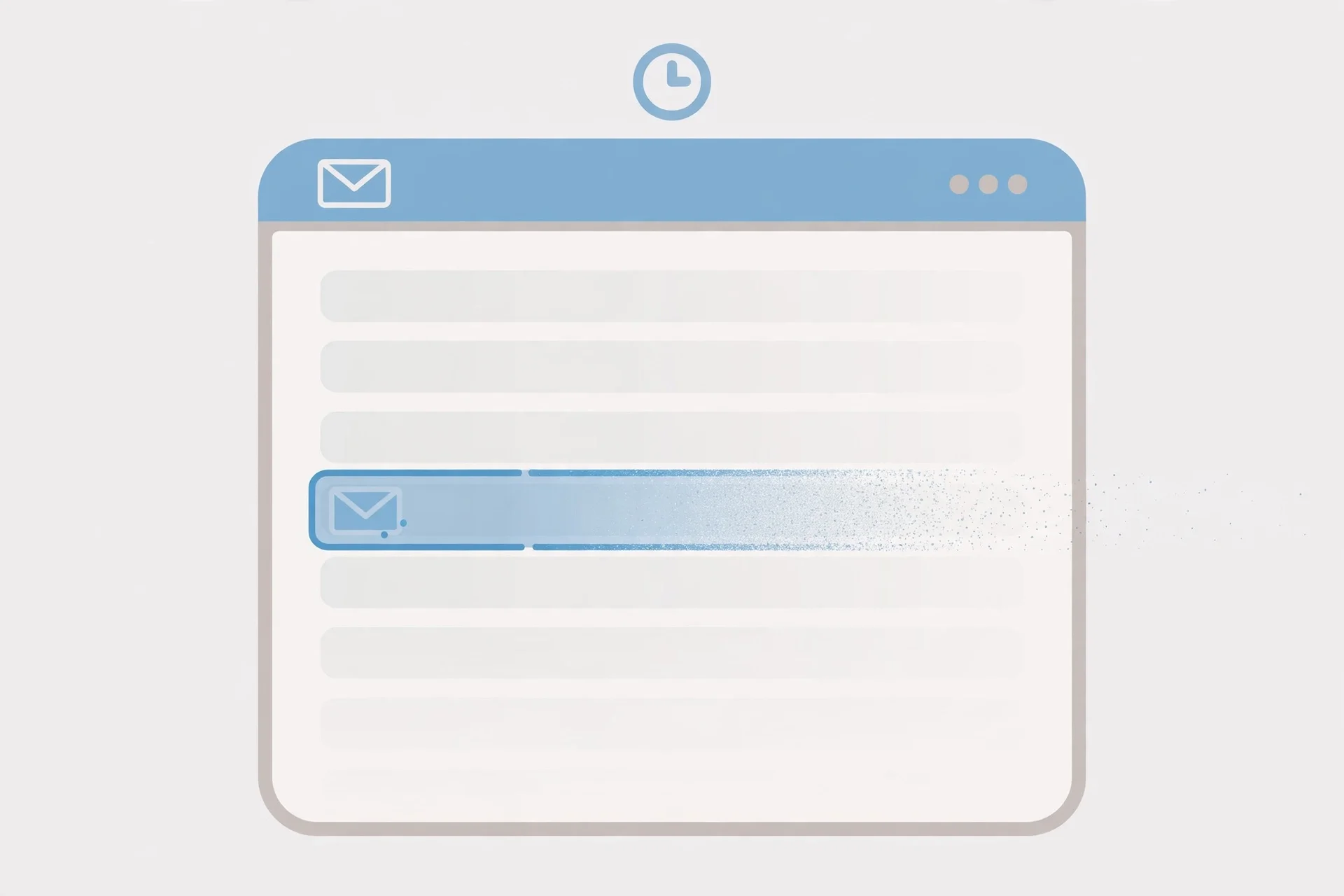
The control is a button labelled Change, with a pencil icon, sitting in the row under the address field next to Refresh, Delete, History, QR Code and Restore. Clicking it does not swap the address on the spot. It opens a "Custom Email Address" dialog — choose an alias, pick a domain — with a pre-filled random alias and a domain dropdown that defaulted to rover.info. There is a Generate button if you want a different random alias, and a black confirm button labelled "Update Email Address".
Two things about that dialog are worth knowing before you use it. First, there is no warning in it. Nothing says "your old address and its messages will be replaced." The only text is the alias rules: lowercase letters, numbers, dots, underscores and hyphens. I clicked "Update Email Address" and the swap happened at once, confirmed only by a green toast: "The Email has been successfully updated."
Second, the new address changed both halves: kb149n5btn@rover.info. New name, new domain. That is what you want when a site rejected your address — but note the new domain is whichever one the dropdown defaulted to. I did not choose rover.info; the dialog did. If you care which domain you land on, pick it before confirming.
What happened to the old address surprised me, in a good way. It was not deleted. It stayed in the parallel-inbox strip at the top of the page, still switchable, still empty, with its own timer still counting down from where it had been. Changing the address added a new inbox alongside the old one rather than destroying it. And the new inbox got a fresh lifespan: its timer read "Pro · 364d 23h 59m 56s left" — effectively a full new term — while the old one kept its original countdown when I switched back to it.
One honest limit on this test: both inboxes were empty, so I could not directly verify what happens to messages sitting in the old inbox when you change. The old inbox itself survives as a switchable inbox, which is strong evidence your mail is not wiped on the spot — but if there is a code in there you have not used yet, do not treat my empty-inbox test as proof. Read it before you click. That is the rule for the rest of this guide.
And getting the old address back is easy here, in three ways. Click its pill in the inbox strip and it becomes active again instantly. Open History and every address you have used is listed with a Choose button — mine showed twelve, newest first. Or use Restore, which keeps a per-inbox recovery key you can use to bring a previous session back on another device. That is generous by the standards of this category, and it is not universal. Hold that thought — it matters in the comparison below.
The 30-second rule: take what you need before you click Change
Here is the only habit this guide really needs you to leave with. Before you touch the Change button, spend thirty seconds collecting everything in the current inbox that you might still need. Verification codes first — they are the thing people lose most often, because a code feels like it will wait for you and it will not. Then password-reset links, download links, order confirmations, and anything a service will only ever send once.
TempMailUSA does not delete your old inbox — but plenty of services do, and your attention will not survive the swap either. The moment the new address is on screen, the old one is out of sight. You will paste the new address into a form, the form will send a code, and you will sit there refreshing the wrong inbox. Copy the code first, then change.
If you are mid-signup anywhere, the rule hardens into a ban. Do not change your address while a service is waiting to send you something. Finish the signup, confirm the account, and only then decide whether you want a fresh address for the next thing. A verification code sent to an address you have already abandoned is not delayed — it is gone, and the signup behind it usually is too.
When a new address helps — and when it backfires
Changing your address is the right move in four situations. The first is the common one: a website rejects your address outright. That is almost always a domain blocklist, and a new address on a fresh domain is the correct fix — this is the one case where accepting the dialog's new domain is exactly what you want. The second is spam: an address that has been passed around will keep receiving junk, and no filter on a disposable inbox is going to fix that as cleanly as a new address will. The third is a typo at signup — you registered somewhere with an address you cannot get back into, and starting over with a new one is cheaper than fighting the recovery flow. The fourth is hygiene: one address per signup keeps your inboxes separate, so a breach or a leak in one place never touches the others.
It backfires in three situations, all the same mistake in different clothes. Do not change while waiting for a code, a confirmation link, or a password reset — anything sent to the old address after the swap goes to an inbox you are no longer watching. Do not change mid-signup: the service will try to verify the address it has on file, and you will have handed it a different one. And do not change to dodge a rejection you do not understand — if a service refuses disposable mail outright, a new disposable address fails exactly the same way. Short-lived addresses make this worse: a 10-minute mail inbox can expire mid-verification. If the signup is slow, use a long-lived address and change it after, not during.
There is also a quieter cost to changing too often. Every new address is a new inbox with its own timer, its own history entry, and its own recovery key to keep track of. After a few swaps you have a strip full of inboxes and no idea which one a given service wrote to. One address per purpose is tidy. Ten addresses for one afternoon is a filing system that files nothing.
Changing the address on an account you already made
So far this guide has been about changing the disposable address itself. The other reading of the phrase is changing the email address on an account — you signed up for something with a temp address, and now you want the account to point at a different one. That is a different operation, and it has its own order of operations that you should not improvise.
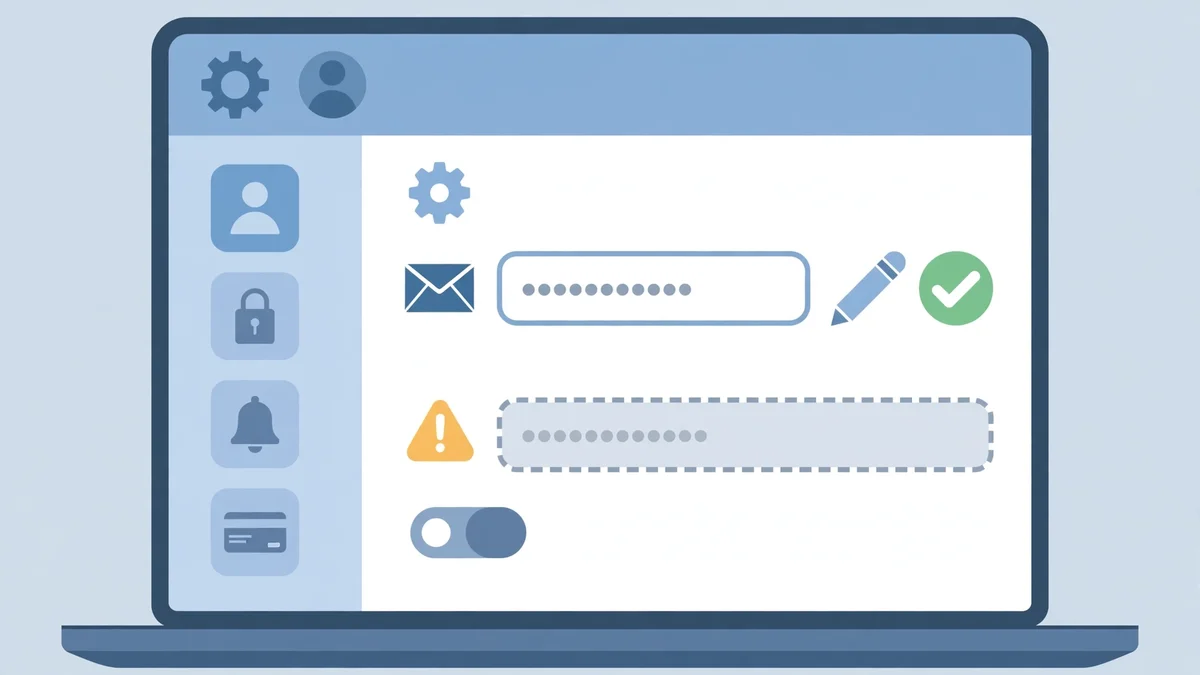
First, make sure the new address works: open it, confirm it receives mail, and keep the tab open. Second, sign in to the account and go to its settings or profile page, find the email field, and enter the new address. Third — and this is the step people skip — the service will almost always send a confirmation code or link to the new address. You need to be watching the new inbox when it arrives, and you need to click it promptly, because those confirmations expire. Fourth, do not abandon the old address until the change is confirmed. Some services also send a warning to the old address ("your email was changed — if this wasn't you, click here"), and if the change goes wrong that message is your only way back in.
The judgement call: if the account matters — money, files, a history you would miss — it should not sit on a disposable address at all. Move important accounts to a permanent address you control, and keep temp mail for signups you will never revisit. A Gmail address cannot be temporary the way a disposable one can, which is exactly why it is the right home for accounts that matter: it is still there next year, with recovery options, when the disposable inbox is long gone.
How other services handle the same click
TempMailUSA is unusually forgiving about this, and you should know that before you assume every service works the same way. AdGuard Mail's own help pages describe a different deal: its dice icon generates a new address and deletes the old one along with its inbox, permanently, with no recovery. Its menu option "Get new address" does the same. There you really do lose everything, and the warning is in the documentation rather than on the button.
TempMail.now sits in the middle. Its Change Email button throws away the current address and gives you a new one, usually on a different domain, and mail sent to the old address after the switch is simply not shown.
The practical takeaway is to learn your own service's rule before you need it, not after. The button is always labelled something friendly — Change, Get new address, the dice icon — and the consequences range from "the old inbox stays, switch back any time" to "deleted forever, no recovery." A thirty-second look at the service's help page before your first change is worth more than any guide, including this one.
If you actually meant the post office
For the other half of the searchers: changing your mailing address with the US Postal Service is a separate, short process. File it online through the official USPS mover's guide — the identity-verification fee is $1.25 — or in person at a Post Office on PS Form 3575. A permanent change forwards First-Class Mail for 12 months; a temporary one runs from 15 days up to a year. Allow 7 to 10 business days after approval for forwarding to start, and know that marketing mail is generally not forwarded. That is the whole process — and it has nothing to do with temp mail.
FAQ
Can I change my temp mail address after signing up somewhere?
Yes — you can generate a new address any time. But the account you signed up for still points at the old one until you change it in that service's settings and confirm the change through the new inbox. Changing the disposable address does not update anyone else's records.
Will I lose my old emails if I change my temp mail address?
It depends on the service. On TempMailUSA, tested this morning, the old inbox stays as a switchable parallel inbox with its own timer — nothing was deleted. On AdGuard Mail, the old address and its inbox are deleted permanently. Never assume; check your service's rule, and copy out anything important before you click.
Can I change just the domain and keep the same name?
On TempMailUSA the Change dialog lets you pick the alias and the domain separately, so yes — type the same alias and choose a different domain. Other services choose for you. If a site rejected your address, changing the domain is the part that matters; the name almost never is.
Can I get my old temp mail address back?
On TempMailUSA, yes: switch back via the inbox strip, pick it in History, or restore it with your recovery key. On most other services, no — once the address is replaced, it is gone, and mail sent to it afterwards is not delivered anywhere you can see.
How often can I change my temp mail address?
No practical limit on TempMailUSA — each change creates a new inbox with a fresh lifespan. The limit is your own organisation: too many parallel inboxes and you lose track of which service wrote to which address.
Does changing my address stop spam?
Yes, for the address you abandon — spam sent to the old address stays in the old inbox. But if the same service or list gets your new address, the cycle starts again. A new address is a reset, not a shield; one address per signup is the habit that actually keeps spam contained.
The bottom line
Changing a temp mail address is a one-click operation with consequences that range from trivial to permanent, and the difference is entirely in which service you are using and what is still sitting in the old inbox. On TempMailUSA the move is forgiving — the old inbox survives, the timer on the new one restarts, and History or a recovery key can bring the old address back. On other services the same click deletes everything with no way back. So the rule is simple and it is the whole guide in one sentence: take what you need out of the old inbox first, never change in the middle of a signup, and learn your service's rule before you press the button instead of after.
Need a disposable temporary email?
Protect your real inbox from spam and promotional clutter instantly and free.
Received a suspicious email, text, or charge alert?
Verify whether the sender domain is disposable, spoofed, or unverified before clicking links.