
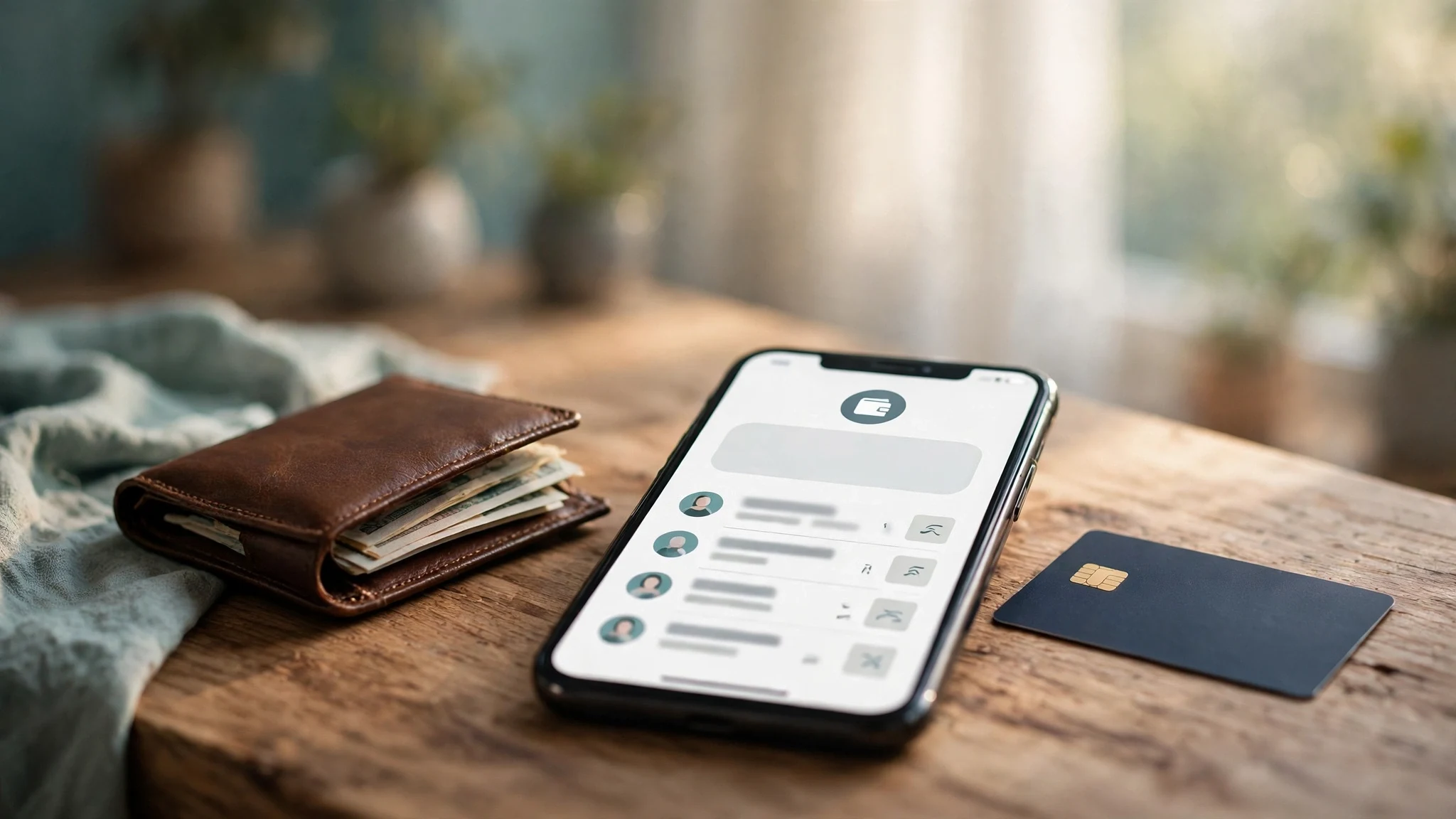
Temp Email for Venmo Signup: The Wallet That Knows Your Name — Why a Disposable Inbox Buys You Nothing Here
Ask whether a temp email works for a Venmo signup and the short answer is yes — the code arrives, the link opens, the account is created. That answer is also useless, because it measures the wrong thing. Venmo is not a social app with a payment feature bolted on. It is a money account that happens to have a social feed, owned by PayPal, and it asks for your real legal identity in the same breath as it asks for your email. A disposable inbox in front of that account buys you nothing you actually want. It does not hide who you are — Venmo already has your name, your birthday, and the last four digits of your Social Security number. What it buys you is a recovery key that stops existing a few days after you create the account, attached to a wallet that can hold real money.
That is the mismatch this post works through. The signup itself is easy. The account you end up with is the worst possible place for a temporary address: fully identified, tied to your bank, and dependent on that one inbox for every password reset, security alert, and tax document it will ever send.
Venmo asks who you are before it asks for your inbox
Most apps treat the email address as the identity. Venmo treats it as a contact detail. The thing it actually builds the account around is you, legally, by name.
Open the app and the signup asks for your full legal first and last name, an email address, a U.S. mobile phone number, and a password. You pick a username — the handle other people use to find and pay you — and the password has to be 8 to 20 characters with at least one number or symbol. You can also sign up with Facebook or Google instead of typing an email, but that only swaps one permanent address for another. There is no anonymous path through this screen. You must be at least 18, physically in the United States, and your phone number must be a U.S. mobile number that can receive texts and is not already linked to another Venmo account.
The name matters more than it looks. Venmo uses your legal name for verification later, and it is the name that shows up when other people pay you or look you up. This is not a username you can change on a whim while the real identity stays hidden. The account is your name from the first screen, and everything after it — the bank link, the debit card, the tax forms — hangs off that name. A temp email pasted into this flow does not make any of it private. It makes one field temporary while the rest of the account is permanently, legally you. If privacy is the reason you reached for a disposable address, you have already lost that fight by the time you type your last name.
The email step is real — a link, not a code
The email field is not decorative. Venmo verifies it, and it verifies your phone separately, so a temp inbox has to survive two checks, not one.
After signup, Venmo sends a verification link to the email address you entered. You tap it, the address is confirmed, and the account moves forward. The phone side works differently: a six-digit code arrives by text, you type it back into the app, and the number is confirmed. Both have to pass. A temp inbox handles the email half without breaking a sweat — the link lands in seconds, same as any permanent mailbox, and we have a separate walkthrough for the cases where a code or link never arrives. Nothing about the delivery is the problem.
The problem is what the verified address becomes. From the moment you tap that link, Venmo treats the address as your permanent contact point. It is where password resets go, where security alerts go, where receipts for every payment go, and where the account sends you a notice if someone signs in from a new device. The check at signup is shallow — can you open a link right now — but the promise the account records is not shallow at all. It records that this inbox is where you can be reached, forever, about money. A temp inbox passes a test designed for a permanent address, and the account never re-checks the answer.
The $299.99 line
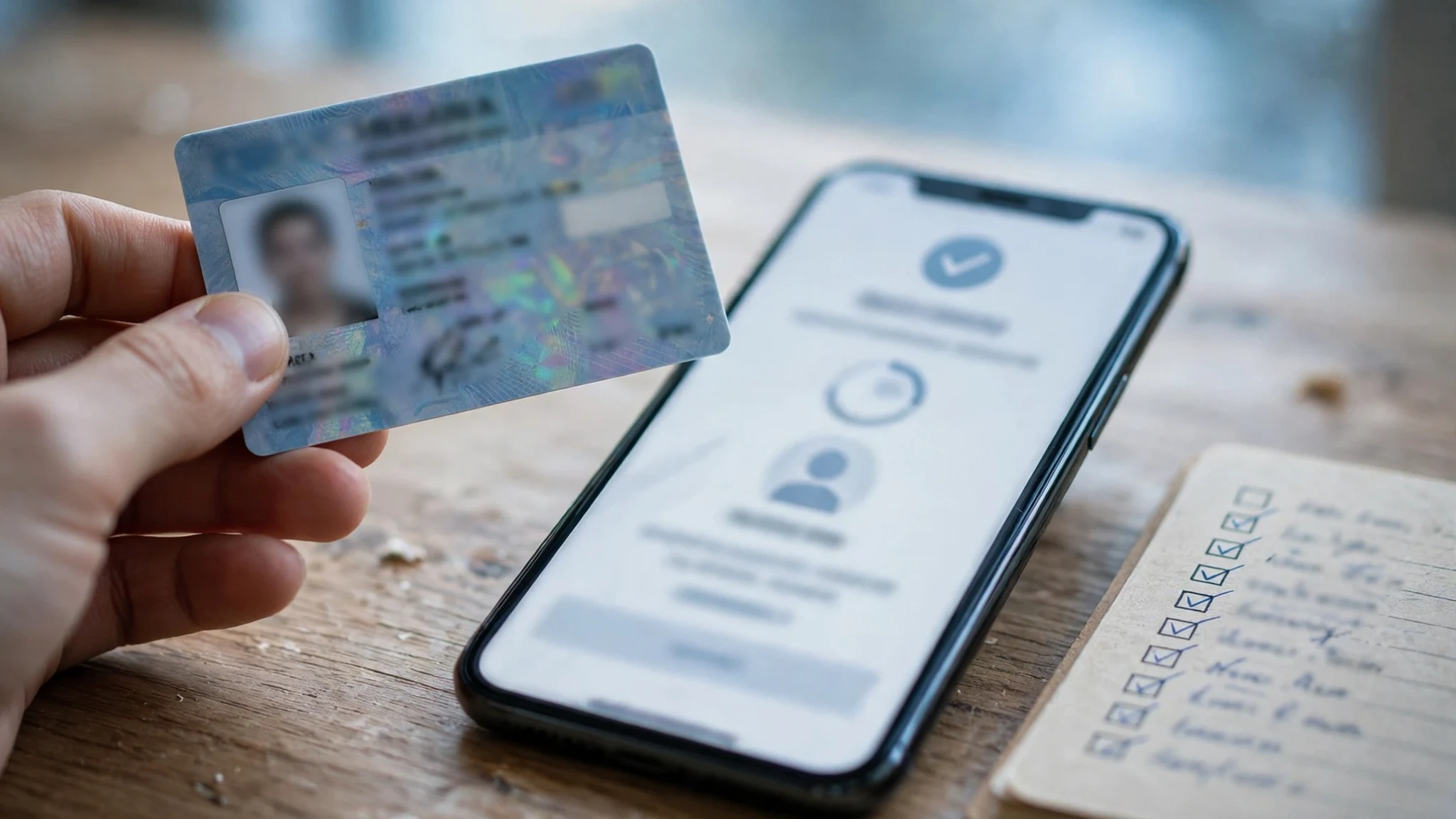
Here is where Venmo stops behaving like an app and starts behaving like a bank. You can send and receive small amounts with just the name, email, phone, and password. But your sending limit without identity verification sits around $299.99 a week, and the moment you want more — a higher limit, access to your Venmo balance, the debit card, crypto — Venmo asks for identity verification. That means your full legal name, date of birth, physical address, and the last four digits of your Social Security number or ITIN. It may also ask for a photo of a government-issued ID.
Think about what that means for the temp email question. The account holds your birthday and a piece of your Social Security number, and you are worried about whether the email address is anonymous. It is not, and it never was — the email is the least private thing about the account. The verification step is also the moment most people discover that financial services treat disposable domains as a risk signal, not a privacy tool. Venmo does not need to block your domain at signup to make the temp inbox a bad idea. It just needs to know exactly who you are, and then keep sending everything important to an address that will not exist next month.
| What Venmo holds | What dies with the inbox |
|---|---|
| Your Venmo balance | Password resets stop arriving |
| Linked bank account and cards | Transfer confirmations and receipts go nowhere |
| Venmo Debit Card | Fraud alerts and card notices stop arriving |
| Crypto holdings | Buy and sell confirmations go nowhere |
| Payment history and friends | Dispute notices and support replies stop arriving |
| Tax documents for qualifying payments | 1099-K forms and tax notices go nowhere |
Every row in that table is a real thing people lose access to. The balance is the obvious one — money sitting in an account whose recovery path has expired. But the quiet losses hurt just as much. A transfer to your bank that needs confirmation. A payment dispute where Venmo emails you asking for a response by a deadline. A tax document for goods-and-services payments that you need in April and only exists as an email attachment. All of it goes to the address you verified on day one.
Where the money actually lives
It helps to be concrete about what "money" means inside Venmo, because people picture a single balance and the reality is four or five places at once.
First is the Venmo balance itself: money other people send you that you have not moved to your bank yet. It sits in the account until you transfer it out, and the standard transfer to a bank takes one to three business days while the instant option carries a fee. Second is the linked bank account or card that funds the payments you send. Third is the Venmo Debit Card, which spends from the balance and is tied to the same account. Fourth is crypto, which Venmo lets you buy, sell, and hold inside the app. Fifth is the payment history — every split dinner, every rent share, every marketplace sale — with receipts attached.
Each of those places sends email. The balance sends transfer confirmations. The bank link sends a notice when a transfer succeeds or fails. The debit card sends fraud alerts. Crypto sends buy and sell confirmations. The history sends receipts for every single payment, and those receipts are the only record you have if a payment is ever disputed. None of this is optional mail you can live without. It is the paper trail of a money account, and it all flows to the inbox you typed at signup.
That is also why the comparison with the PayPal signup is instructive. PayPal is the parent company and the same logic applies there: the money sits in the inbox, and the inbox expires. Venmo adds one extra sting. PayPal is a storefront account most people check deliberately. Venmo is a social app people open casually, and its payment feed is public by default — your friends can see who you paid and when, unless you change the privacy setting. So the account is simultaneously more public than PayPal and just as dependent on a private inbox for recovery. You get the exposure of the feed and the lockout risk of the temp email, and the privacy you wanted from the disposable address never existed in the first place.
The lockout math: four ways the inbox comes back
A temp inbox does not fail at signup. It fails later, in one of four specific moments, and each one is worse than the last because each one arrives when you need access urgently.
The first is the password reset. You forget the password, or you get signed out on a new phone, and the reset link goes to the inbox that expired months ago. There is no reset without that inbox. The second is the new-device sign-in. Venmo notices an unfamiliar device and sends a verification code to your email before it lets you in. If the inbox is gone, the new phone cannot sign in, and the old phone is the one you just replaced. The third is the suspicious-activity hold. Venmo flags something — an unusual login location, a large payment, a pattern it does not like — and freezes the account until you confirm it is you. The confirmation goes to the email on file. While the hold is on, the balance is frozen too.
The fourth is the one people never plan for: changing the email address itself. You cannot swap in a new address without verifying through the old one, and if you cannot access the old inbox you are proving your identity to support instead — legal name, birthday, the rest of it — and waiting. That is the lockout math. One temporary address, four separate moments where it is the only key, and the key is gone. We covered the same pattern in the piece on temp email and two-factor authentication: the second factor dies with the inbox, and here the inbox is the recovery path for everything else too.

The one place a temp inbox actually fits
There is exactly one honest use for a temp email with Venmo, and it is narrow: a test account with zero dollars in it, no bank linked, no card attached, that exists only so you can see the app before deciding whether to use it properly. You create it, you look around, you delete it. Nothing is ever at stake because nothing is ever in it.
Everything else people imagine — receiving a payment from a stranger without sharing your real email, keeping a side account for marketplace sales, hiding a payment habit — falls apart on the same facts. The people paying you see your name and username, not your email, so the temp address hides nothing from them. A marketplace sale needs a payout, and a payout needs a bank, and a bank link needs identity verification. A side account with real money in it is a real account with a fake recovery path, which is the worst combination on this page.
If you are splitting a bill with people you do not know well and you do not want them to have your real email, the temp inbox does not solve that problem either. Venmo never shows your email to the other person in a payment. It shows your name. The privacy you want lives in the payment privacy setting — friends or private instead of public — not in the signup form.
What to use instead
The fix is not a better disposable inbox. It is a permanent address you control that still keeps your real inbox out of the line of fire.
A Gmail plus-address — yourname+venmo@gmail.com — receives mail forever and filters into its own label, and it is a real address Venmo will never flag. An Outlook alias does the same thing under a different name, and you can delete the alias later without touching the account. iCloud Hide My Email generates a random forwarding address that lives as long as you keep it, and it forwards to your real inbox for as long as the account exists. A Proton Mail free account gives you a permanent address with no phone requirement at signup. All four options share the property a temp inbox lacks: the address still exists in five years, so the recovery key still works. We compared these properly in the temp email versus email aliases guide, and the rule from that piece holds here word for word — an alias is a permanent address with a disposable name, which is what you actually wanted, while a temp inbox is a disposable address with a permanent account, which is what you actually got.
Set it up once, verify it, and then write it down somewhere that is not the inbox itself. The single most common Venmo lockout story is not a hacker or a blocklist. It is a person who remembers the username, remembers the password, and cannot remember which email they signed up with.
The verdict in one line
Venmo already knows your name, your birthday, and the last four of your Social Security number, so a temp email cannot make the account anonymous — it can only make it unrecoverable. Use a permanent alias, keep the inbox alive, and save the disposable addresses for the accounts that hold nothing you would miss.
Frequently asked questions
Can you sign up for Venmo with a temp email?
Technically yes. The verification link arrives in a disposable inbox like any other mailbox, and the account is created. The signup is not the problem. The problem is everything after it: password resets, new-device sign-ins, fraud holds, and tax documents all go to that address, and a temp inbox stops existing within days. Use a permanent alias instead.
Does Venmo block disposable email domains?
Venmo does not publish a blocklist, and a fresh disposable domain may pass today and fail tomorrow. Financial services treat disposable domains as a risk signal, and the blocklist is a moving target — the same domain works on one network and fails on another. Do not build a plan around a temp inbox passing. Even when it passes, the recovery problem is unchanged.
Can you change the email address on a Venmo account later?
Yes, but the change is verified through the address currently on file, which means you need access to the old inbox to confirm the new one. If the old inbox is a temp address that has already expired, you cannot complete the change yourself and you will have to prove your identity to Venmo support instead. Change the email while the old inbox still works, or do not let the old inbox expire.
What happens if you lose access to the email on your Venmo account?
Password resets stop arriving, new-device verification codes have nowhere to go, and fraud-hold confirmations cannot reach you. The account and any balance in it are effectively frozen until you prove your identity to support with legal documents. If there is money in the balance, that is money you cannot reach on your own.
Does Venmo require your Social Security number?
Venmo asks for the last four digits of your Social Security number or ITIN, along with your legal name, date of birth, and address, when you complete identity verification. Verification is required for higher sending limits, access to your Venmo balance, and features like the debit card and crypto. Basic payments under the unverified limit of around $299.99 a week do not require it, but the limit arrives fast.
Can you use Venmo without a phone number?
No. A U.S. mobile phone number that can receive texts is mandatory for signup, and Venmo sends a verification code to it during registration. The number must not already be linked to another Venmo account. A temp email cannot substitute for the phone step, and internet phone numbers are not accepted.
Need a disposable temporary email?
Protect your real inbox from spam and promotional clutter instantly and free.
Received a suspicious email, text, or charge alert?
Verify whether the sender domain is disposable, spoofed, or unverified before clicking links.