
Secure Email Protocols: Follow One Email and See Exactly Where It's Protected
Secure Email Protocols: Follow One Email and See Exactly Where It's Protected
Search "secure email protocols" and you get a list. SMTP, TLS, PGP, S/MIME, SPF, DKIM, DMARC — ten acronyms in a row, each with a paragraph, each apparently equal. Read three of those lists and you still cannot answer the only question that matters: when I press send, which parts of my message are actually protected, from whom, and where does the protection stop?
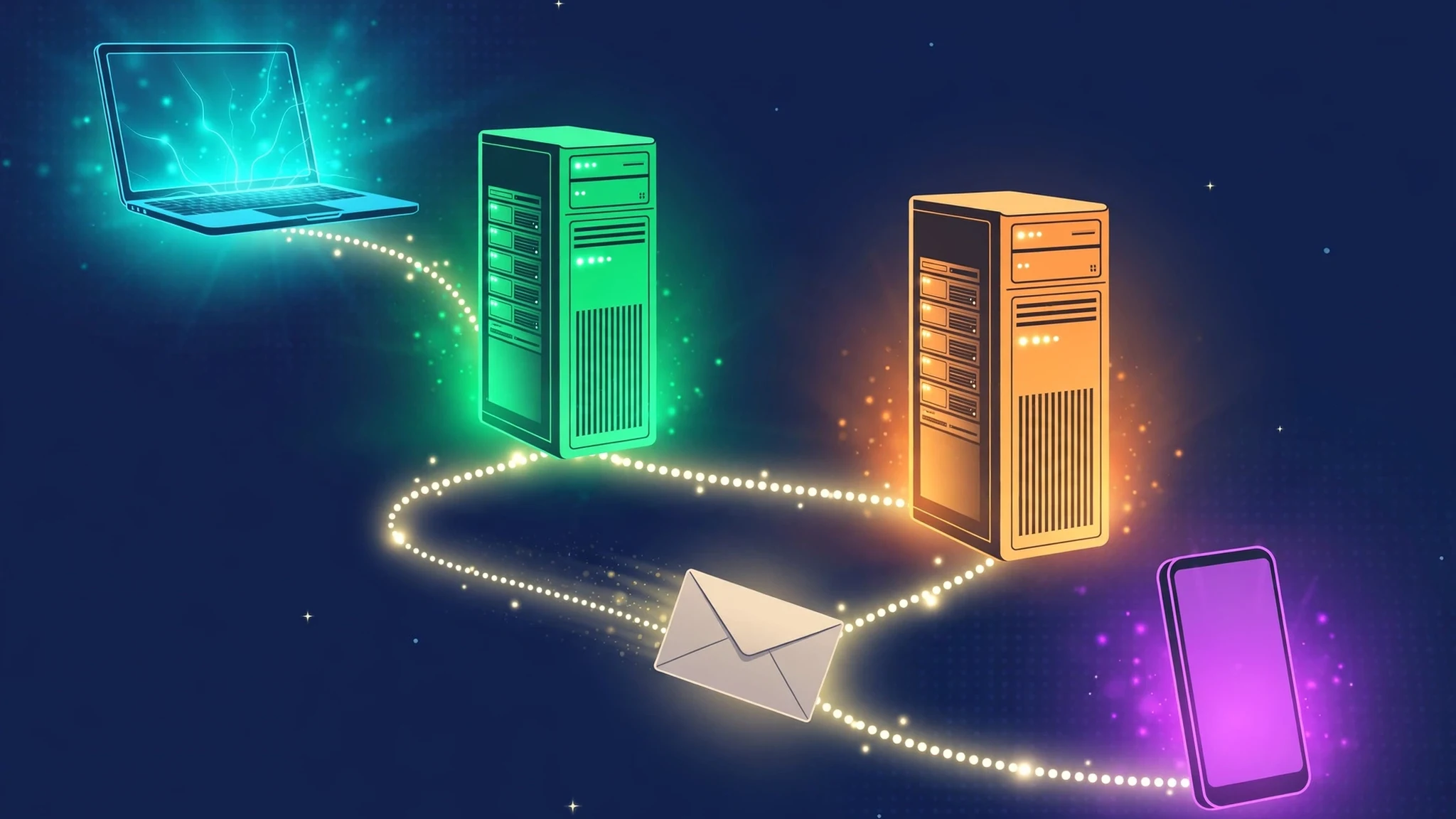
The lists fail because they treat protocols as a catalogue. Email is not a catalogue. It is a journey, and each protocol guards exactly one stretch of it. The honest way to understand them is to follow one message from the moment you press send to the moment it is read, and to watch the protection switch on and off at every hop.
So that is what this article does. The message is a job offer with a salary figure in it — the kind of ordinary email people assume is private and almost never is. We will follow it through five hops. At each one I will name the protocol that works there, what it actually stops, and the gap it leaves open. By the end you will know which protocols you already have for free, which ones are worth setting up, and which promises in the marketing are not true.
The message we are following
It is Tuesday morning. You have just been offered a job, and the offer letter is in your inbox as an attachment, or you are sending it — either way, the same journey applies. The email contains a salary, a start date, and a signature. It will cross at least four computers before it is read: your device, your provider's outgoing server, the recipient's provider's incoming server, and the recipient's device. In practice it crosses more — spam filters, archive systems, and the occasional relay in between.
Every protocol below answers one question about that journey. Keep the question in mind and the acronyms stop blurring together.
Hop one: your device to your server — SMTP submission, and the port that decides everything
The first hop is the shortest and the one most people never think about. Your email app hands the message to your provider's outgoing server. The protocol is SMTP — Simple Mail Transfer Protocol, a mail-transfer standard from 1982 that is still doing this job, forty-four years later, because nothing has replaced it.
The detail that matters is the port, because the port decides whether this hop is encrypted at all:
- Port 587 is the modern submission port. Your mail app connects here, authenticates with your username and password, and the connection is upgraded to TLS with STARTTLS. This is the port you should be using, and if your app is configured correctly, you already are.
- Port 465 is implicit TLS: the encryption starts before a word of SMTP is spoken. It is the safer design, and most providers support it now as an alternative to 587.
- Port 25 is the original SMTP port, meant for server-to-server relay, not for you. If your mail app is somehow configured to send on port 25, change it. It is the port most often left unencrypted, and the one ISPs and cloud providers most often block.
Here is the first uncomfortable truth of this article: the encryption on this hop protects your password and your message from someone on the same network — the coffee-shop Wi-Fi scenario. It does not protect the message from your provider. The moment it arrives at your provider's server, it sits there in readable form. TLS encrypts the road, not the letter. That sentence will come back at every hop, because it is the single most misunderstood fact in email security.
If you use an email API instead of SMTP to send mail from an application — a password reset, a verification code — the first hop changes shape but not the principle: one HTTPS request replaces the SMTP conversation, and the same question applies, who can read the message after it arrives. Our guide to the secure email API walks through that trade in detail, including the five checks that decide whether an API integration deserves the word "secure".
Hop two: server to server — SMTP relay, opportunistic TLS, and the downgrade nobody warns you about
Now the message leaves your provider and crosses the internet to the recipient's provider. Same protocol, SMTP, different job: relay instead of submission. And here the protection gets weaker, not stronger.
The encryption between mail servers is TLS, but it is opportunistic TLS. The two servers try to negotiate an encrypted connection, and if the other side does not support it, most servers fall back to plain text and deliver anyway. That fallback is the design, not a bug: email was built to deliver first and encrypt if convenient. Proton's own guide to email protocols states the risk plainly — if the other side doesn't support STARTTLS, the connection falls back to plain text, which is a potential vulnerability.
How often does the fallback actually happen? Rarely, between the big providers. Google's Transparency Report shows about 97% of outbound Gmail mail is encrypted in transit, and effectively all inbound mail — up from about 73% of outbound mail in 2014, when the report launched. Between Gmail and Outlook, your message almost certainly travels encrypted. Between a small business server running decade-old software and anyone else, the odds are worse, and you have no way of knowing from your inbox which it was.
Two newer protocols exist to close this gap, and they are worth knowing by name even if you never configure them yourself:
- MTA-STS lets a domain publish a policy saying "always use TLS when delivering to me, and refuse to deliver if you can't." It turns opportunistic encryption into mandatory encryption for that domain.
- DANE does the same job with DNSSEC, letting a domain publish its TLS certificate fingerprint in DNS so a server can verify it is talking to the real destination, not an impostor.
Neither is universal. Both are the kind of thing your provider either supports or does not, and the honest test is to ask them — or to check whether your own domain publishes an MTA-STS policy. For an individual, the practical takeaway is simpler: you cannot control this hop. You can only know that it exists, and that "encrypted in transit" is a property of the route, not of your message.
Hop three: the envelope check — SPF, DKIM, and DMARC prove who sent it
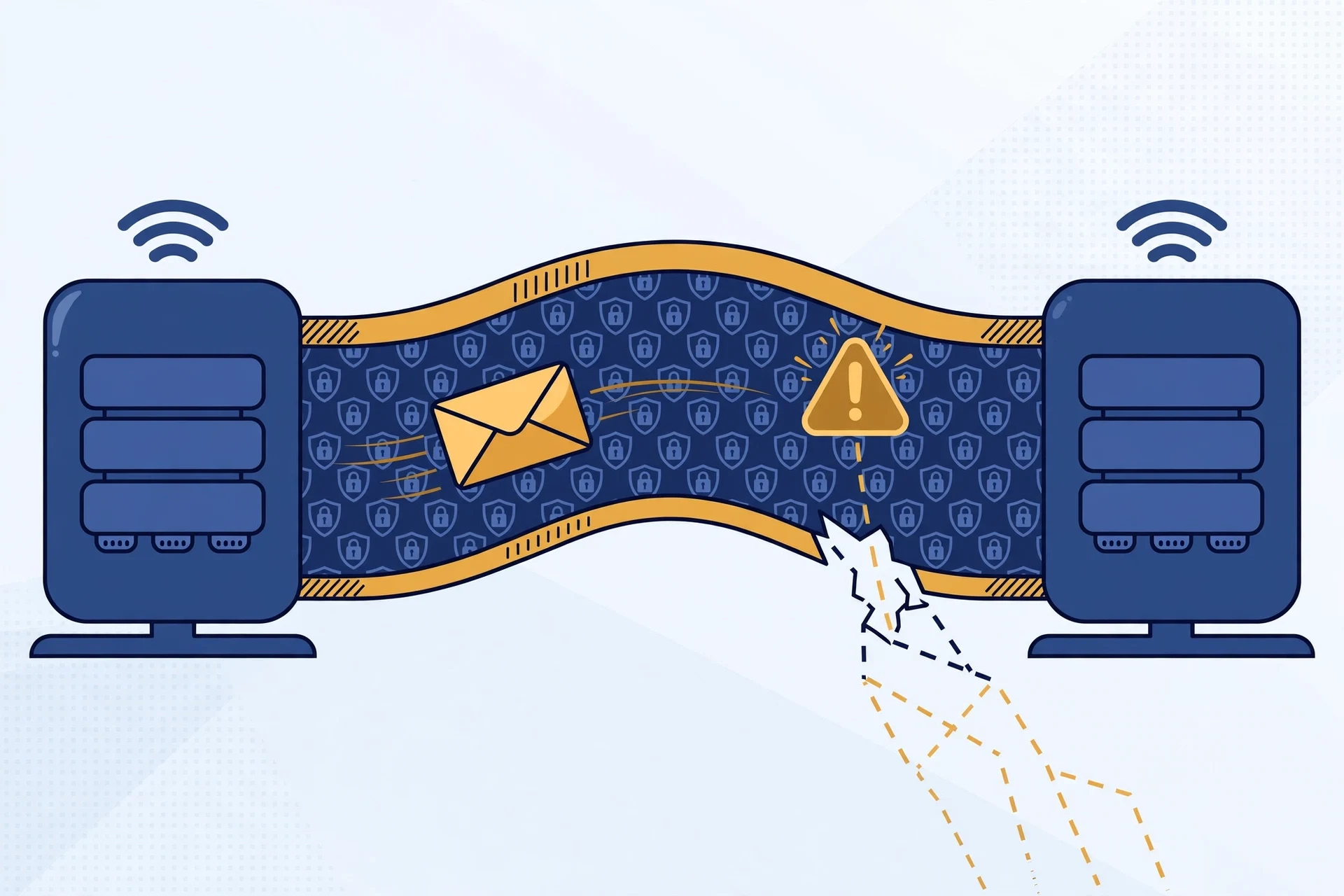
So far every protocol has been about secrecy: scrambling the message while it moves. The next three are about something different — proof. They answer the question the recipient's server asks before it even looks at the content: did this message really come from who it claims to come from?
- SPF (Sender Policy Framework) is a DNS record in which a domain lists the servers allowed to send mail on its behalf. When your message arrives, the receiving server checks whether the server that delivered it is on the list. If not, the message is suspicious. It is the simplest of the three and the easiest to break: forwarding a message breaks SPF, because the forwarder is not on the sender's list.
- DKIM (DomainKeys Identified Mail) fixes that by signing the message itself. The sending server attaches a cryptographic signature to the headers and body; the receiving server verifies it against a public key published in the sender's DNS. A forwarded message keeps its signature, so DKIM survives forwarding where SPF does not. The signature also proves the message was not altered in transit — tamper with the body and the signature stops matching.
- DMARC (Domain-based Message Authentication, Reporting, and Conformance) is the policy layer on top of the other two. It tells the receiving server what to do when SPF and DKIM both fail — deliver it anyway, quarantine it, or reject it — and it sends reports back to the domain owner about who is trying to send as them. A domain with DMARC set to reject is a domain that has decided impersonation attempts should bounce, not land in someone's inbox.
Here is my opinion, after watching these three get confused for years: SPF and DKIM are plumbing, and DMARC is the decision. A domain that publishes SPF and DKIM but no DMARC policy has installed locks and left the door policy blank — the receiving server does the checking and then does whatever it feels like with the result. And none of the three encrypts anything. They prove the sender; they do not hide the contents. A perfectly authenticated phishing email, signed with valid DKIM from a domain the attacker controls, passes all three checks. Authentication is not the same thing as trust, and the inbox treats them as if they were.
If you run a domain that sends mail — a business, a newsletter, a shop — publishing all three is the single highest-value hour you will spend on email security. If you only receive mail, the thing to know is that the absence of these records is why your spam folder exists, and why your bank's genuine emails sometimes land next to the fakes.
Hop four: server to the recipient's device — IMAP, POP3, and the last unencrypted mile
The message has arrived at the recipient's provider. Now it has to reach the recipient's screen, and the protocol changes again. This is the receiving half of the journey, and there are two options with very different consequences:
- IMAP (Internet Message Access Protocol) is the modern standard. Messages stay on the server and your devices sync with them — read on your phone, marked read on your laptop. The connection should be encrypted: IMAPS on port 993, or IMAP with STARTTLS. Every serious provider enforces this now.
- POP3 (Post Office Protocol, version 3) is the older alternative: it downloads messages to one device, usually deleting them from the server. It still exists in old configurations and in some budget setups. POP3 with TLS (port 995) is fine; POP3 without it sends your password and your mail in the clear, and it should not exist in 2026.
The gap here is the same one as hop one, in reverse: TLS on this hop protects the message from someone on the recipient's network. It does not protect it from the recipient's provider, and it does nothing about what happens after the message is read — forwarded, screenshotted, or replied to in plain text. I checked this the concrete way in our encrypted-email guide: open a message in Gmail and the lock icon tells you the transport story, grey for standard TLS, green for S/MIME, blue for client-side encryption. Our plain-English explainer on what an encrypted email actually is works through all three, including the live test that shows a disposable inbox and an encrypted inbox looking identical on screen while differing completely underneath.
The seal inside the envelope: PGP and S/MIME
Everything so far has protected the journey. Nothing so far has protected the message itself. That is the job of the last two protocols, and the distinction between them is the most important choice in this whole article.
PGP (Pretty Good Privacy), and its free implementation GnuPG, encrypts the message body on your device with the recipient's public key. Only the recipient's private key opens it. It has done this since 1991, it has protected journalists and dissidents for thirty years, and it is the strongest privacy email offers. Its price is coordination: both sides need keys, exchanged and verified in advance, and you cannot encrypt a first message to a stranger. It also leaves the subject line and the sender and recipient addresses readable — the envelope stays open even when the letter is sealed. And a single long-lived key encrypts everything sent to you for years, with no forward secrecy: compromise that one key and the whole archive opens at once.
S/MIME (Secure/Multipurpose Internet Mail Extensions) does the same job with certificates instead of key pairs — the same idea as the certificate behind the padlock on a website. It is built into Outlook and Apple Mail, it signs as well as encrypts, and it is the encryption businesses actually use, because IT departments can issue certificates centrally. The catch is the same shape as PGP's: both sides need certificates, and the subject line is still not encrypted. Google's hosted S/MIME, available on Workspace editions like Enterprise Plus and Education Plus, is the version most office workers will meet — and only if their administrator has switched it on.
My judgement: for two people who email each other constantly about genuinely sensitive things — a lawyer and a client, a doctor and a patient, a reporter and a source — S/MIME inside one organisation, or PGP between two committed individuals, is the right answer. For everyone else, the honest answer is that the coordination cost kills it, and the providers that built encryption in by default have quietly won the argument. That is why the interesting question is no longer "PGP or S/MIME?" but "which provider holds my keys, and do I trust that arrangement?" Our provider comparison, most secure email, tests Proton and Tuta live — free signups, no card, no phone — and the answer turns on exactly that question.
If you want the practical steps rather than the theory, our walkthrough of how to send an encrypted email covers the clicks for both routes, including the free-certificate path and the password-protected option for outsiders. And if your question is specifically about Gmail, where the answer depends entirely on which Gmail you have, can you send encrypted email in Gmail splits it by account type and decodes the grey, green, and blue locks.
What I tested live, and what it proved
Reading protocol specifications is one thing; watching them operate is better. This morning I ran two checks of my own.
First, I checked the TLS on this very site. The homepage at tempomailusa.com negotiates TLS 1.3 with the TLS_AES_256_GCM_SHA384 cipher, and the certificate verifies cleanly. That is the current standard, and it is what hop one and hop four look like when they are done right. I also tried to verify the site's own mail server the same way, over SMTP on port 25 — and the check came back inconclusive from this machine, with no TLS session established. I am reporting that rather than smoothing it over, because it is the honest state of the test: port 25 is filtered or blocked on many networks, and a failed check from one vantage point proves nothing about the server. The HTTPS result is solid; the SMTP result is not, and I will not dress it up as one.
Second, I opened a disposable inbox on the TempMailUSA homepage — a fresh address in seconds, no signup, no password. It receives mail and displays it as plain readable text, exactly as a normal inbox does. That is the point worth stating plainly: a disposable address protects your identity, not your messages. The mail that lands in it travelled over TLS between servers, and then sat readable on the provider's servers, like almost all mail does. If the message matters, the address that receives it is the wrong place to look for protection — the protocol that seals the message is.
Three people, three protocol stacks
Protocols are only useful as a stack, matched to a threat. Here is the stack I would actually recommend for three real situations:
The freelancer who signs clients by email. You need the transport layer done right and the authentication layer published. Use a provider that enforces TLS everywhere, publish SPF, DKIM, and DMARC with a reject policy on your domain, and stop there. End-to-end encryption would cost you clients who cannot open your mail. Your risk is impersonation and interception on public networks, and those two layers cover both.
The clinic emailing patient results. Transport encryption is not enough, and neither is authentication — the content itself is regulated. You need S/MIME or a provider with end-to-end encryption built in, plus a policy that sensitive threads are never forwarded and never replied to from a phone. The failure mode here is not a hacker; it is a staff member replying in plain text with the whole chain quoted below, which undoes every protocol at once.
The journalist with a source. You need PGP or a secure messenger, and you need it set up before the story starts, because key exchange cannot happen in a hurry. TLS, SPF, and DKIM are irrelevant to your threat — your adversary is not intercepting the network, they are compelling the provider. Only encryption where the provider does not hold the key helps, and only if the metadata problem is handled separately, because PGP does not hide who you email or when.
One stack for everyone is the mistake the listicles make. The protocols are a menu, and the threat model is the order.
What secure email protocols cannot do
This is the section the lists skip, and it matters more than the list itself. Four limits, none of which any protocol above fixes:
- Metadata stays visible. Encryption scrambles the body, not the envelope. Sender, recipient, time, and usually the subject line travel in the clear. The pattern of who you email, when, and how often is often more revealing than any single message.
- The endpoints are the weak point. An encrypted email is decrypted on the recipient's device. If that device has malware, or the recipient forwards the message, or their account is compromised, the encryption never mattered. Most email breaches are account takeovers, not interceptions.
- It does not stop phishing. An encrypted phishing email is still a phishing email — arguably a more convincing one, because the padlock feels like a guarantee. Encryption proves the message was not altered in transit. It says nothing about whether the sender is who they claim to be. S/MIME signing helps here; TLS does not.
- It does not protect the archive. Everything already sitting in your inbox stays readable by your provider. Encryption protects what you send after you switch, not what you sent before. Moving providers does not encrypt your old mail.
The honest summary of this whole article is one sentence: protocols protect the journey, keys protect the message, and nothing protects the endpoints or the metadata. Choose accordingly.
FAQ
What is the most secure email protocol?
There is no single one, because no single protocol covers the whole journey. TLS protects the message in transit, S/MIME or PGP protects the message itself, and SPF, DKIM, and DMARC prove the sender. The strongest combination for an individual is TLS everywhere plus end-to-end encryption through a provider like Proton or Tuta, where the provider does not hold the keys.
Is SMTP secure?
SMTP on its own is not — the original 1982 design sends mail in plain text. SMTP with TLS (STARTTLS on port 587, or implicit TLS on port 465) is encrypted in transit, but the protection is opportunistic between servers: if the other side does not support TLS, most servers deliver in plain text anyway. MTA-STS and DANE exist to make that encryption mandatory for domains that publish them.
What is the difference between TLS and PGP?
TLS encrypts the connection between mail servers while the message travels; the message sits readable on both providers' servers. PGP encrypts the message body itself on your device, so only the recipient can read it — including the providers in between. TLS is automatic and universal; PGP needs both sides to set up keys in advance.
Do SPF, DKIM, and DMARC encrypt email?
No. They authenticate the sender — they prove a message came from the domain it claims — but they do not hide the contents. A perfectly authenticated email can still be read by anyone who intercepts it, and a perfectly authenticated phishing email from an attacker-controlled domain passes all three checks.
Is IMAP or POP3 more secure?
IMAP, in practice. Both are secure when used with TLS — IMAPS on port 993, POP3S on port 995 — but IMAP keeps mail on the server and syncs across devices, while POP3 downloads to one device and usually deletes the server copy. The real risk is an unencrypted configuration, which still exists in old POP3 setups and should be replaced.
Can I make my email fully secure with protocols alone?
No. Protocols cover the journey and the message, but not the endpoints or the metadata. A complete setup is protocols plus key management plus habits: encrypt the messages that need it, keep sensitive conversations off a single address, and assume the sender, recipient, and subject line are visible to anyone watching.
Need a disposable temporary email?
Protect your real inbox from spam and promotional clutter instantly and free.
Received a suspicious email, text, or charge alert?
Verify whether the sender domain is disposable, spoofed, or unverified before clicking links.