

Secure Email API: The Two Meanings, Tested Live — and Which One You Actually Need
Secure Email API: The Two Meanings, Tested Live — and Which One You Actually Need
Search "secure email api" and the first page answers your question twice, in two different voices, and neither answer warns you the other one exists. One set of results explains how to send email from your code with a single HTTPS request. The other explains how a security tool plugs into Microsoft 365 or Google Workspace and pulls malicious messages out of inboxes after they've already been delivered. Both call themselves a secure email API. They are not the same product, they are not bought by the same person, and they do not solve the same problem.
I read both sets of results before writing this, and the split is the whole story. Most articles about this phrase pick one meaning and pretend the other doesn't exist — which is how a developer ends up on a sales call for an enterprise security platform when all they wanted was a way to send a password reset, and how a security team ends up reading API documentation for a transactional email service when what they needed was post-delivery threat removal. This post keeps the two meanings apart, tests the first one live, and gives you the five checks that decide whether either kind deserves the word "secure".
Meaning one: an API that sends email
This is the meaning a developer has in mind. Your application needs to send an email — a password reset, an order confirmation, a verification code — and instead of running your own mail server, you make one HTTPS request to a provider and the provider does the rest. You authenticate with an API key, you POST a JSON payload describing the message, and you get back a status code. That is the entire interface, and it is deliberately boring, because boring is what you want from infrastructure that runs every time a user clicks "forgot password".
Four fields carry almost every transactional email ever sent: who it's from, who it's to, the subject, and the body. The provider validates the request — is the sending domain verified, is the recipient on a suppression list — then queues the message, signs it, finds the recipient's mail server, and delivers it. All of that happens after your code has already moved on. Your request ends the moment the provider says "got it". Delivery is somebody else's problem from there, and that separation is the point: your application never opens an SMTP connection, never manages a mail queue, never retries a busy server at 3 a.m.
The most common use case, by a wide margin, is the one-time code. A user asks to sign in, your app fires one request, and a six-digit code lands in their inbox seconds later. The email OTP flow on this site exists because that single request is load-bearing for almost every sign-up and login on the internet — and because when it fails, the user blames your product, not your email provider.
I sent a real request, and the response taught me the one thing that matters
Reading about request lifecycles is one thing; watching one happen is better, so I ran a real request and read what came back. I posted a JSON payload shaped exactly like a verification email — from address, to address, subject line, and a body containing a code — to httpbin.org, a public service that echoes back precisely what it received. The response came back 200 with the payload echoed field for field and the Bearer authorization header echoed back with it.
That echo is the whole lesson, stated plainly. The response confirms only that the server received your request and understood it. It says nothing about whether anyone's inbox ever saw the message. Every email API works this way: a 202 Accepted means "queued", not "delivered". The actual delivery — the handoff to the recipient's mail server, the spam filtering, the bounce — happens afterwards, and you only learn about it through a second channel, the webhook events the provider fires to your server: delivered, bounced, opened, complained. An application that treats 202 as "email sent" is an application that believes every email worked, including the ones that bounced off a dead address ten seconds later. That is the single most common bug in email API integrations, and it is a bug in the developer's mental model, not in the provider.
So the test proves two things at once. The request half is trivial — any developer can send one in an afternoon. The receive half is the actual work: a webhook endpoint that listens for delivery events, verifies the signature on each one so a stranger can't forge a bounce into your database, and handles the same event arriving twice, because webhook delivery is at-least-once and a naive handler will double-count a complaint or double-suppress a subscriber. Ship the send path without the receive path and you have built a machine that confidently reports success while mail quietly fails.
What makes it "secure": five checks, not a marketing word
"Secure" in front of "email API" is doing a lot of unexamined work, so here is what it has to mean before I'll trust it. Each of these is checkable, and a provider that fails any of them is selling you a fast way to send email, not a secure one.
1. The key never leaves your server. Your API key is a password with a sending budget attached. It lives in an environment variable or a secrets manager on your server, never in client-side JavaScript, never in a mobile app binary, never in a public code repository. A key found in front-end code is an open relay: whoever finds it can send mail as your domain until you notice and rotate it.
2. The transport is HTTPS, and the message is signed. The request travels over TLS on port 443, which is the one port no corporate network blocks — one of the quiet advantages over SMTP, whose ports get filtered constantly. But transport encryption only protects the request in flight. The message itself is authenticated by the provider signing it with DKIM, and by your domain publishing SPF and DMARC records that tell receivers which servers may send as you. Transport security and message security are different things — a sealed envelope versus a letter with a verifiable signature — and if you want the letter itself to be unreadable to everyone except the recipient, that is a different product entirely, what an encrypted email actually is.
3. The sending domain is verified and yours. A provider that lets you send from any address without proving you own the domain is a spam cannon with a signup form. Verification — usually a DNS record you add — is what stops strangers from sending as your company, and it also protects your domain's reputation when you do send. This is also why disposable addresses have no place on the sending side: you can't verify a domain you don't own.
4. Webhooks are signed, and your handler is idempotent. The provider will tell you when mail bounces or gets complained about — but only if you give it an endpoint, and only if you trust what arrives there. Verify the signature on every incoming event, because an unauthenticated endpoint that mutates your subscriber database is an obvious attack surface. And make the handler safe to run twice, because the same event will occasionally arrive twice, and the second copy must change nothing.
5. Retries can't double-send. Your code posts an OTP send. The provider accepts it, but the response is lost to a network timeout. Your code retries — and the user gets two different codes, one of which is now wrong. The fix is an idempotency key: a unique value you generate per send and pass in a header, which the provider uses to recognise the retry as the same operation it already performed. This is the failure mode that generates support tickets, and it is entirely preventable.
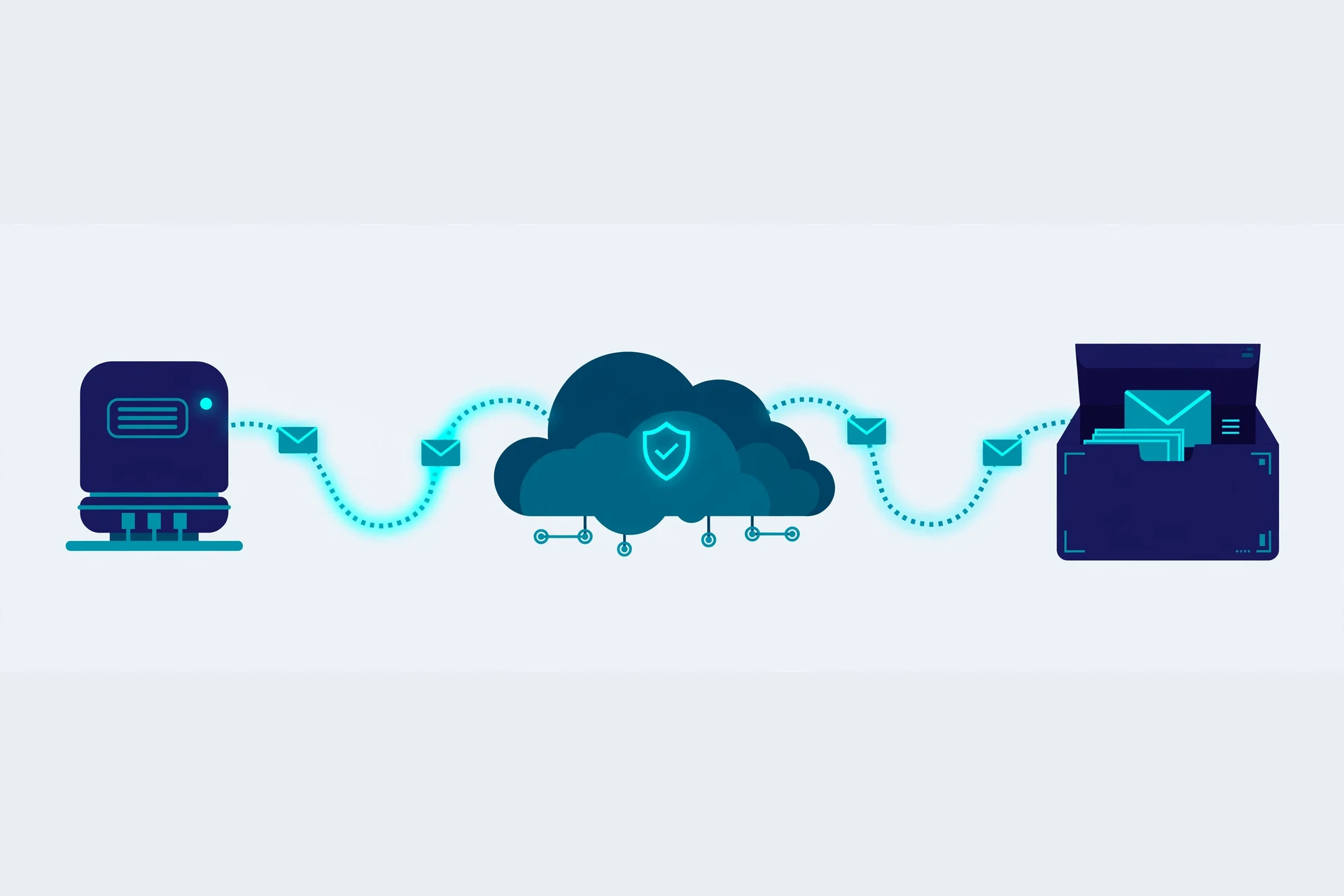
Notice what isn't on that list: the provider's brand, its uptime page, or its pricing tier. Those matter for choosing between providers, but they are not what makes an integration secure. The five checks are about your side of the connection, and your side is where most email API security actually fails.
API vs SMTP: the trade nobody puts in the headline
SMTP is a mail transfer protocol from 1982. It is a stateful conversation: your code opens a TCP connection, greets the server, declares a sender, declares each recipient, transmits the message body, and closes. An email API is one stateless HTTPS request: one round trip, one response, done. The provider does the SMTP conversation with the recipient's server on your behalf, behind the scenes, where you never have to watch it.
The practical differences follow from that one architectural fact. An API gives you immediate structured feedback — a status code, a message ID, a queue confirmation — where SMTP gives you a conversation you have to manage. An API carries idempotency keys and webhook events natively; SMTP gives you neither, so you build both yourself or go without. An API travels over port 443, which nothing blocks; SMTP travels over ports that cloud providers and corporate networks routinely filter to limit spam.
SMTP still has its place, and the articles that declare it dead are overselling. If you already run a mail server, if you send in enormous bulk through your own infrastructure, or if your stack is built around it, SMTP works and will keep working. But for a new application in 2026 — a sign-up flow, a billing system, a password reset — the API is the default choice, and SMTP is the choice you make for a specific reason, not the one you inherit by accident. The question is not which one is better in the abstract. It's which one leaves fewer ways for your integration to fail silently, and on that count the API wins for most teams.
Meaning two: API-based email security
Now the other meaning, the one the security vendors are selling. An API-based email security tool doesn't send your mail at all. It connects to your mailbox platform — Microsoft 365 or Google Workspace — through that platform's API, reads messages that have already arrived, checks them against threat intelligence, and removes the malicious ones after delivery. It works from inside the mailbox rather than in front of it, which is the whole point: a traditional secure email gateway sits in the mail flow and inspects messages as they pass through before they reach anyone, while an API-based tool can reach back into an inbox and pull out a phishing message that slipped through hours ago, even after someone has already opened it.
That post-delivery removal is the capability the gateway can't match, and it's why security teams care about this meaning at all. Phishing campaigns don't arrive all at once; the first wave teaches the filters, and the later messages are the ones that get through. A gateway makes one decision at the door and never revisits it. An API-connected tool keeps watching, and when a message that looked clean at 9 a.m. is recognised as malicious at noon, it can remove it from every inbox it reached.
The two meanings share a word and almost nothing else. The sending API is a developer tool that costs a few dollars a month and is bought with a credit card. The security API is an enterprise platform bought through a sales process, priced per mailbox, and evaluated on detection rates and false positives. Confusing them wastes a week in both directions, and the search results, which mix them freely on one page, are the reason the confusion keeps happening.
Which one do you actually need?
If you've read this far and you're still not sure which meaning you came for, this is the section that decides it. Answer one question: are you trying to send email, or are you trying to protect inboxes that already receive it?
| Your situation | The meaning you need | What to do next |
|---|---|---|
| Your app needs to send password resets, receipts, or verification codes | Sending API | Pick a transactional provider, verify your domain, keep the key server-side, and build the webhook handler before you ship |
| Your users sign up with email and you need the codes to actually arrive | Sending API | Check deliverability first: SPF, DKIM, and DMARC on your domain matter more than which provider you pick |
| Your company runs Microsoft 365 or Google Workspace and phishing keeps getting through | API-based security | Evaluate tools on post-delivery removal and detection rates, not on gateway features you already have |
| You want the contents of a message to be unreadable to everyone except the recipient | Neither — you need encryption | Read how to send an encrypted email before you touch any API |
| You want a more private inbox for yourself, not a tool to build with | Neither — you need a provider | Start with the most secure email providers and pick one that fits how you actually use email |
One row of that table deserves a longer note, because it's the one people get wrong most often. If your job is to make verification codes arrive reliably, the provider choice matters less than the domain configuration. A perfect API call from a domain with no SPF, DKIM, or DMARC is still a message that lands in spam — or never lands at all. The API is the delivery mechanism; the domain records are the credentials that get you through the door. Teams that debug the wrong layer here burn days re-reading provider documentation while the fix is a three-line DNS change.
And if your job is testing — if you're the person who has to check what an application does with an email address before it goes live — the receiving side has its own shortcut. A temporary inbox from the TempMailUSA homepage gives you a working address in seconds with no sign-up, which is exactly what you want when you're verifying that a form sends its code and your real inbox shouldn't be anywhere near the test. That is the receiving end of the same flow this article describes from the sending side: a code sent through an API, landing in an inbox you control.
The four mistakes that turn a secure email API into an open relay
Here is the other side of the same coin: the four mistakes I see most often, in roughly the order of how much damage they do.
1. The key in the front end. This is the big one, and it's the mistake that makes the news. An API key embedded in client-side JavaScript or a mobile app binary is public the moment the code ships. Whoever extracts it can send mail as your domain until you notice, rotate the key, and clean up the reputation damage. Keys belong in environment variables on your server. If a key has ever appeared in a browser, treat it as compromised and rotate it.
2. No webhook handler. The send path works, the codes arrive, everyone is happy — until a provider starts bouncing mail from a dead domain and nobody notices for a month, because nothing was listening. A webhook endpoint that handles hard bounces and complaints, and suppresses those addresses in your own database immediately, is not a nice-to-have. It is the difference between a sending reputation that survives and one that quietly rots until your mail starts landing in spam for everyone.
3. Treating 202 as delivered. Your logs say "email sent". Your user says "I never got it". Both of you are right, because "sent" meant two different things to each of you. Log the message ID, listen for the delivery event, and only call it delivered when the provider says it was.
4. Skipping idempotency on OTP sends. A retried request without an idempotency key sends a second, different code. The user now has two codes, one works, one doesn't, and the support ticket writes itself. Pass a unique idempotency key with every send that has side effects — one key per password-reset request, not one key per user.

None of these mistakes is a provider bug. They're all integration choices, which is the uncomfortable truth of this topic: a "secure email API" is only as secure as the code wrapped around it. The provider hands you the tools — TLS, signed webhooks, idempotency keys — and your job is to use all of them, not just the one that makes the first request succeed.
FAQ
What is a secure email API?
It depends on who is talking. A developer usually means an API that sends email over HTTPS with an API key — a transactional email API. A security team usually means an API-based email security platform that connects to Microsoft 365 or Google Workspace and removes malicious messages after delivery. This article covers both, because the search results mix them and the confusion costs people real time.
Is email sent through an API encrypted?
The request is encrypted in transit with TLS, and the provider signs the message with DKIM. But the message content is not end-to-end encrypted — the provider can read it, and so can the recipient's mail server. If you need the content itself to be unreadable to everyone except the recipient, you need message-level encryption, not just a secure API.
Do I still need SMTP if I use an email API?
No, not on your side. The provider handles the SMTP conversation with the recipient's mail server behind the scenes. You only make HTTPS requests. You still need to understand SMTP concepts — bounces, MX records, SPF and DKIM — because those decide whether your mail arrives, even though you never open an SMTP connection yourself.
Can I use a temporary email address to test an email API?
Yes, and it's one of the best ways to test the receiving side. Generate a temporary address, send a test message to it through your API integration, and watch whether it lands and how fast. Just remember the address expires — TempMailUSA's free addresses last 30 days — so don't use one for anything you need to recover later.
How much does a secure email API cost?
Sending APIs are usually priced by volume: most providers have a free tier covering a few hundred emails a month, and paid plans scale from there. API-based email security platforms are priced per mailbox per month and cost considerably more, because you're buying detection and post-delivery removal, not just delivery. If a quote doesn't say which of the two you're buying, ask.
What is the difference between a secure email API and a secure email gateway?
A gateway sits in the mail flow and inspects messages before they reach the inbox. An API-based security tool connects to the mailbox platform directly and can act after delivery — including removing messages that were already delivered and opened. The gateway is a checkpoint; the API tool is a guard that stays in the building.
The short version
A secure email API is two products sharing a name. If you're a developer, it's a single HTTPS request that sends mail — and the security lives in five checks on your side: a server-side key, HTTPS plus DKIM, a verified domain, signed webhooks, and idempotency keys. If you're protecting a company's inboxes, it's a tool that watches mailboxes from the inside and pulls out threats after delivery. Work out which one you need before you read another word of documentation, build the receive path before you ship the send path, and never mistake a 202 for a delivered email. The API will do exactly what you ask it to. The question is whether you asked for the right thing.
Need a disposable temporary email?
Protect your real inbox from spam and promotional clutter instantly and free.
Received a suspicious email, text, or charge alert?
Verify whether the sender domain is disposable, spoofed, or unverified before clicking links.