
Proton Burner Email: How Hide My Email Actually Works — and Where It Breaks in 2026
Proton Burner Email: How Hide My Email Actually Works — and Where It Breaks in 2026
Search "proton burner email" and you get a strange result: there is no product called that. Proton has never sold a burner email. What people mean — and what the top results are all circling — is the alias feature buried inside Proton Pass, called Hide My Email, powered by SimpleLogin, the alias service Proton bought in 2022. It gives you a random forwarding address for every site you sign up for, so the site never sees your real inbox.
That is a genuinely good idea. It is also not the same thing as a temporary inbox, and the difference decides whether it helps you or quietly locks you out of an account later. This is the piece I wish had existed when I first set one up: how the Proton burner actually works, the exact free limits as Proton lists them today, the places it breaks, and the honest comparison with a disposable inbox — including a live test I ran on the disposable side an hour ago.
The short answer, before the detail
A Proton burner email is a Hide My Email alias: a random address like something@passmail.net that forwards mail to your real inbox. You make it inside Proton Pass, the password manager, not inside Proton Mail. Free accounts get 10 aliases. Paid Pass Plus removes the cap and adds custom domains. The alias lives until you delete it, which makes it right for accounts you plan to keep and wrong for one-off signups you never want to hear from again. For those, a temporary inbox that dies on its own is the better tool — and I will show you the difference with a real inbox I opened today.
There is no "Proton burner email" product — there are three doors into the same feature
This is the first thing the listicles get wrong. They list "Proton Mail" as a burner email tool as if you open Proton Mail and get a throwaway address. You do not. Proton Mail is a mailbox. The burner part lives in two other places, and which door you use changes what you get.
Door one: Proton Pass Hide My Email. This is the one most people want. You install Proton Pass — free, no credit card — and every time a signup form asks for an email, the Pass browser extension offers to generate an alias on the spot. It creates the alias, saves it with the login in your vault, and forwards anything sent to it into your Proton Mail inbox (or another mailbox you choose). One click, one alias per site, and the site never learns your real address. Proton's own pricing page, checked today, 27 November 2026, lists 10 hide-my-email aliases on the free plan and unlimited on Pass Plus.
Door two: SimpleLogin, standalone. SimpleLogin is the engine underneath. You can use it directly at simplelogin.io instead of through Pass, and it is the more powerful of the two: its free plan also gives you 10 aliases and one mailbox, with unlimited bandwidth and — unusually — the ability to reply from an alias even on the free tier. Premium is $36 a year or $4 a month, and it adds unlimited aliases, unlimited custom domains, catch-all, and PGP encryption of forwarded mail. If you want aliases on your own domain, this is the door. Proton Pass Plus also now includes SimpleLogin Premium features, so the two doors converge once you pay.
Door three: the do-it-yourself sieve filter. The oldest result still ranking for this keyword is a 2021 blog post about building burner addresses with a Proton Mail custom domain, a catch-all, and a hand-written sieve filter that discards mail to blocked aliases and files the rest into a folder. It works, and I respect the craft, but it is a weekend project, not a product: you need a paid Proton plan, your own domain, and a willingness to debug filter scripts. For almost everyone reading this, door one or door two is the answer, and the rest of this piece assumes door one.
How to make one: the actual steps
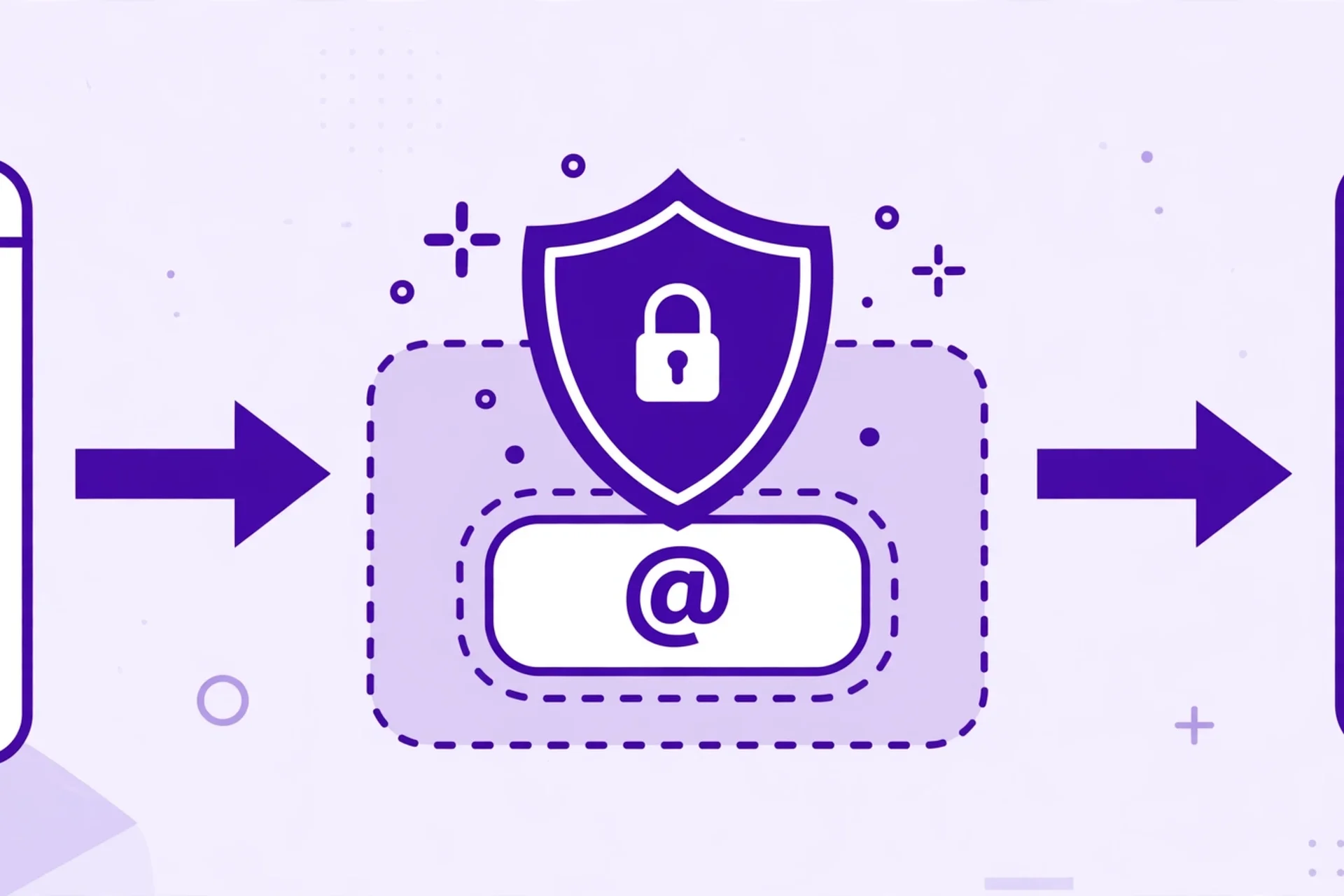
I did not create a Proton account for this piece, so I am not going to pretend I clicked through the flow this morning. The steps below are Proton's own documented flow, checked against their current pages today. They are short, which is part of the point.
- Create a free Proton account and install Proton Pass — browser extension, phone app, or the web app at pass.proton.me. No card is required for the free tier.
- Open any signup form. When your cursor lands in the email field, Proton Pass shows a small icon offering to generate an alias. Click it.
- Pass creates a random alias, fills the form, and saves the alias together with the password in your vault. The alias forwards to the mailbox you set as the destination.
- Mail sent to the alias arrives in your real inbox. The sender sees only the alias. If that alias starts getting spam, you disable or delete it in Pass, and the sender's mail dies with it — your real address never changes.
That is the whole flow, and it is genuinely well designed. The alias and the password live in the same vault entry, so six months later you can still find which alias belongs to which account. That sounds trivial until you have done the alternative — a spreadsheet of throwaway addresses you cannot match to anything — and realised the alias you cannot identify is an alias you cannot safely delete.
The live test: what a disposable inbox actually looks like today

Here is the half I did run myself, an hour before writing this. I opened tempomailusa.com to see what the disposable side of this comparison really gives you in 2026, because "temporary inbox" is doing a lot of work in this article and I wanted fresh eyes on it.
The homepage handed me an address immediately — yuysc98@rover.info — no signup, no click, no waiting. Under it, a live countdown ticked down second by second: "Expires in 29d 22h 31m 20s", with a note that free inboxes last 30 days and Pro inboxes last 365. The page offered the usual controls — Copy, Refresh, Delete, Change, History, QR Code, Restore — plus a custom-name field and a domain selector.
Then the part I did not expect. The inbox that came with my freshly generated address already had four messages in it: a Groupon welcome, a Groupon sign-up discount, a Groupon subscription confirmation, and a RetailMeNot registration code. I did not open any of them. I cannot tell you from the list view whether those were pre-seeded demo messages or mail left over from a recycled address that someone else used before me. But either way, the lesson is the same, and it is the lesson this whole article turns on: a disposable inbox is shared infrastructure. An address that looks fresh to you may have a history you cannot see, and anything sent to it is readable by anyone holding the same address. That is fine for a verification code. It is not fine for anything you would mind a stranger reading. If you want to know whether an address you are about to use has that kind of history, the 60-second check for disposable addresses is the fastest way to find out.
Compare that with the Proton alias. The alias forwards to a mailbox only you control, and nobody else can generate your alias or read its mail. The trade is the mirror image: the disposable inbox asks nothing of you and remembers nothing, while the Proton alias asks for an account and remembers everything — which is exactly what you want for an account you plan to keep.
The limits that decide it: 10 aliases, then a paywall
Free is real here, but it is capped, and the cap is the whole decision for most people. Proton Pass Free gives you 10 hide-my-email aliases. That number is consistent across Proton's own pricing page and every independent check I found dated November 2026. Ten is enough to cover the accounts that matter — banking, shopping, the handful of services you do not trust — and it runs out fast if you are the kind of person who signs up for everything. Once you hit ten, you cannot create another alias until you delete one or pay.
Pass Plus is $1.99 a month for the first year ($23.88) on the current Black Friday pricing, renewing at $35.88 a year, or $4.99 month to month. It removes the alias cap and adds a custom domain for aliases, extra mailboxes, and the ability to start a new email from an alias — that last one matters, because on the free plan you can receive and reply, but initiating a fresh message as the alias is a paid feature.
SimpleLogin's numbers are nearly identical on the free side — 10 aliases, one mailbox — with Premium at $36 a year or $4 a month for unlimited aliases and domains. If you already pay for Proton Unlimited, both are included, which is the cheapest way to get unlimited aliases if you are already inside Proton's ecosystem for mail or VPN.
The honest arithmetic: if you need fewer than ten aliases, Proton's burner costs you nothing and the only price is a Proton account. If you need more, you are paying $24 to $36 a year, and at that point the question stops being "is it free" and becomes "is it worth it compared with a disposable inbox that costs nothing and never runs out."
Where a Proton burner breaks
A burner that works everywhere would not need this section. Here are the failure modes, in the order you are likely to meet them.
Some sites reject alias domains. This is the big one, and the listicles barely mention it. A signup form that checks the domain against a blocklist will refuse an alias the same way it refuses a temp-mail domain — the alias domains are well known, and the services that block disposable mail often block SimpleLogin's domains too. When that happens there is no fix inside Proton: you either use your real address or a different tool. A custom domain on a paid plan is the only real workaround, because a blocklist cannot know your domain is an alias. The same trade-off runs through the whole Proton-versus-disposable question, which is why we compared the two side by side in Temp Mail vs Proton Mail: when a disposable inbox wins.
You can lose the account if you lose the alias. This is the failure mode people discover a year later. You sign up for a service with an alias, then you delete the alias — or you let your Proton account lapse — and the service sends a password reset to an address that no longer forwards anywhere. The reset never arrives. The account is gone, and support will not hand it back on the strength of a story. The rule is simple and absolute: never delete an alias that guards an account you still want. Disabling is safer than deleting, because a disabled alias can be re-enabled; a deleted one cannot.
It is not anonymous. An alias hides your address from the website, not from Proton, and not from anyone watching the rest of the connection. The site still sees your IP address, your browser fingerprint, your payment details, and anything you type into its forms. If your threat model is "I do not want this shop to email me forever," an alias is perfect. If your threat model is "I do not want anyone to know I was here," an alias is not the tool — and neither is a temp inbox.
Ten aliases is a budget, not a lifestyle. People burn through the free ten in a week, then face a choice between paying and deleting an alias they still need. Count before you commit: if you sign up for more than ten services a year that you care about keeping, start on the assumption you will pay.
Recovery and support flows assume a stable address. Some services send security alerts, two-factor codes, and "is this really you" checks to the signup address for years. An alias handles that fine as long as it exists. A temp inbox does not — it expires, and the codes stop. This is the one place where the Proton alias is clearly better than the disposable alternative, and it is worth saying plainly.
Proton burner vs temp inbox: which job gets which tool
They are not competitors. They solve different halves of the same problem, and most people who care about this should use both.
| Job | Use this | Why |
|---|---|---|
| An account you will keep for months or years | Proton alias | It forwards forever, it is tied to your vault, and password resets still arrive |
| A one-off signup, a download gate, a free trial you will cancel | Temp inbox | No account, no cap, and it deletes itself — nothing to remember, nothing to leak later |
| A verification code you need once | Temp inbox | The code arrives in seconds and the address dies on its own |
| A shop or newsletter you expect to spam you | Proton alias | One click disables it, and you can see which alias leaked when the spam starts |
| Anything with money, identity, or recovery attached | Proton alias — or your real address | A temp inbox that expires can lock you out of your own account |
| A signup that rejects alias domains | Temp inbox, or your real address | Alias domains are blocklisted more often than people admit; test before you commit |
The test I ran sharpens the last row of that table in a way I did not expect. The disposable inbox I opened already contained someone else's mail — or demo mail, I cannot tell which — and that is a property of the tool, not a bug in one service. A temp inbox is a public bench. An alias is a locked drawer. Use the bench for the things you would leave on a bench.
What the top result gets wrong
The page that currently ranks first for this keyword is a five-year-old technical post about building burner addresses with sieve filters and a catch-all domain. It is accurate, it is well written, and it answers a question almost nobody is asking in 2026: how to hand-roll aliases with a custom domain and a mail filter. The person typing "proton burner email" today wants to know whether Proton has a burner feature, how much of it is free, and whether it will work on the signup form in front of them. The sieve-filter post answers none of that. Proton has since shipped the answer as a one-click feature inside a free password manager, and the ranking page has not caught up. That gap is this article.
FAQ
Is Proton burner email free? Yes, up to a point. Proton Pass Free includes 10 hide-my-email aliases, no credit card required. Unlimited aliases need Pass Plus, currently $1.99 a month for the first year and $35.88 a year on renewal. SimpleLogin's standalone free plan is also 10 aliases, with Premium at $36 a year.
How many aliases do you get on the free plan? Ten, on both Proton Pass and SimpleLogin. The cap is a hard stop: you cannot create an eleventh alias until you delete one or upgrade.
Can you reply to emails from a Proton alias? Yes. Replies from an alias work even on the free plan, and SimpleLogin documents the same. Starting a brand-new email from an alias, rather than replying, is a paid feature in Proton Pass.
Do you need Proton Mail to use a Proton burner email? No. Hide My Email lives in Proton Pass, and the alias can forward to any mailbox you choose, including Gmail or Outlook. You do need a Proton account, because Pass is a Proton product, but you do not need to use Proton Mail as your inbox. Apple users have their own version of the same idea — Hide My Email on iPhone, Mac, and the web — which works the same way inside Apple's ecosystem.
Will a Proton alias hide my IP address? No. It hides your real email address from the website. Your IP address, browser details, and anything else you hand the site are still visible. Pair it with a VPN if the IP is part of what you are protecting.
What happens if I delete an alias? Mail to it stops forwarding immediately, and the alias is gone. If an account you still use is registered to that alias, its password resets and security emails will never arrive. Disable an alias instead of deleting it whenever you might need the account again.
Can a website tell I am using a Proton alias? Yes, if it checks. The alias domains are public and well known, and some services block them the same way they block temp-mail domains. A custom domain on a paid plan avoids this, because the blocklist cannot recognise your domain.
Is a Proton alias better than a temp mail inbox? For accounts you keep, yes — it lasts, it forwards to a private mailbox, and it ties into your password vault. For one-off signups and single verification codes, no — a temp inbox is faster, needs no account, and deletes itself. Use both, for different jobs.
The short version
Proton's burner email is real, it is called Hide My Email, it lives in Proton Pass, and the free tier gives you ten aliases. That is enough to protect the accounts that matter, and it is the best version of this idea for anything you plan to keep. It is not anonymous, it is not unlimited, and some sites will refuse the alias outright. For everything else — the trial, the download gate, the code you need once — open a temporary inbox, use it, and let it expire. I opened one an hour ago: it took no signup, it gave me an address instantly, and it already had mail in it that was not mine. That last detail is not a flaw in the service. It is the reason the two tools exist side by side.
Need a disposable temporary email?
Protect your real inbox from spam and promotional clutter instantly and free.
Received a suspicious email, text, or charge alert?
Verify whether the sender domain is disposable, spoofed, or unverified before clicking links.