

What Is a Burner Email? The Throwaway Address That Actually Protects Your Real Inbox
A burner email is a throwaway email address you create for one job and then abandon. You use it to sign up, grab the code or the download link, and walk away. The address never touches your real inbox, so the spam, the breach exposure, and the marketing follow-up all land somewhere you will never check again.
That is the whole idea, and it is a good one. But the word "burner" hides a problem: it gets used for at least four different tools, and they do not protect you in the same way. Pick the wrong one and you lose an account you needed, or you hand a site your real identity while believing you hid it. I have watched people make both mistakes, and both are avoidable once you know which tool you are actually holding.
My opinion, stated up front: most people who search "what is a burner email" do not need a burner at all. They need a temp mail inbox for a one-off signup, or an alias for a service they will actually keep using. The burner — a full separate account you run for weeks and then kill — is the right answer less often than the internet suggests. This guide sorts out which one fits your situation, with a real test and the honest limits.
The 30-second answer
A burner email is an email address created for temporary use and discarded when its job is done. It is not tied to your name, your main inbox, or your long-term accounts. The name comes from burner phones: cheap prepaid handsets, used briefly and thrown away. The email version works the same way, except the "phone" is an address and the "throwing away" is letting it expire or deleting it.
What makes it a burner is not the technology. It is the intent. You create the address expecting to abandon it. A Gmail account you opened in 2019 and still use is not a burner, even if you only use it for junk. A temp mail address that dies in 30 days is a burner by design, because abandonment is built in rather than planned.
People use burner emails for the same reason they use burner phones: to keep a layer between themselves and whoever is on the other side. A site that demands an email address before showing a price, a newsletter signup that is really a data harvest, a free trial you have no intention of keeping — all of these are jobs for an address you do not mind losing.
Where the word "burner" comes from — and why it misleads you
The term crossed over from burner phones, and the analogy is mostly accurate but wrong in one important place. A burner phone is anonymous because you paid cash and never registered it. A burner email is only as anonymous as the way you created it. Open a second Gmail account from your normal browser, on your home Wi-Fi, with your real phone number as the recovery option, and Google knows exactly whose burner it is. The address is disposable. You are not.
That gap is where most of the confusion lives. Search results for this question split into two camps that barely talk to each other. One camp, led by NordVPN and Surfshark, treats "burner email" as any temporary or disposable address. The other, led by comparison sites like Tmailor, draws a sharp line: a burner email is a real account on a mainstream provider that you use temporarily, while temp mail is a no-signup, receive-only inbox that self-destructs. Both camps are describing real things. They are just describing different things under the same name.
The Tmailor distinction matters more than it first looks. A real account can send mail, receive mail, and stay alive for weeks or months. A temp mail inbox can usually only receive, and it expires on a timer. If you need to reply to someone, the real account works and the temp inbox does not. If you need the address to vanish on its own so you cannot be tempted to keep using it, the temp inbox wins. Knowing which one you are holding decides whether your plan works.
Four tools hiding under one name
Here is the honest map. Four tools get called "burner email" in everyday conversation, and they differ on the three things that matter: whether you can send, how long they live, and what they know about you.
| Tool | Can send mail? | How long it lives | What it knows about you |
|---|---|---|---|
| Temp mail inbox | No — receive only | Minutes to 30 days, then gone | Nothing — no signup, no name, no phone |
| Burner account (second Gmail/Outlook) | Yes — full account | Until you delete it or the provider kills it for inactivity | Whatever you gave at signup, often a phone number |
| Email alias (Apple Hide My Email, Firefox Relay) | Replies only, through the mask | Until you switch it off | Your real inbox is behind it, by design |
| Secondary real inbox | Yes — full account | Indefinitely | Your name, if you used it |
Read that table once and the decision mostly makes itself. One-off signup, code, download, free trial you will cancel: temp mail. A conversation that lasts a few weeks and needs replies: a burner account. A service you will keep using but do not want knowing your real address: an alias. A permanent second identity for newsletters and shopping: a secondary inbox, which is not a burner at all — it is just a second mailbox, and calling it one is how people talk themselves into treating a permanent address as disposable and then losing access to something they needed.
If you want to compare temp mail services before choosing one, our guide to the best temp email service runs through what actually separates the good ones from the noisy ones. The short version: no signup, a working inbox that shows messages fast, and an expiry you can see coming.
I made a burner address in under a minute — here's what actually happened
I tested this on November 14, 2026, on our own tool, because a guide that tells you something takes seconds should be able to prove it. I opened tempomailusa.com and the address was already there on page load — no form, no signup, no email verification to get an email address, which is the absurd hoop some services make you jump through. The page describes it as a free temporary email that arrives in seconds, and that matched what I saw: the inbox was live the moment the page finished loading.
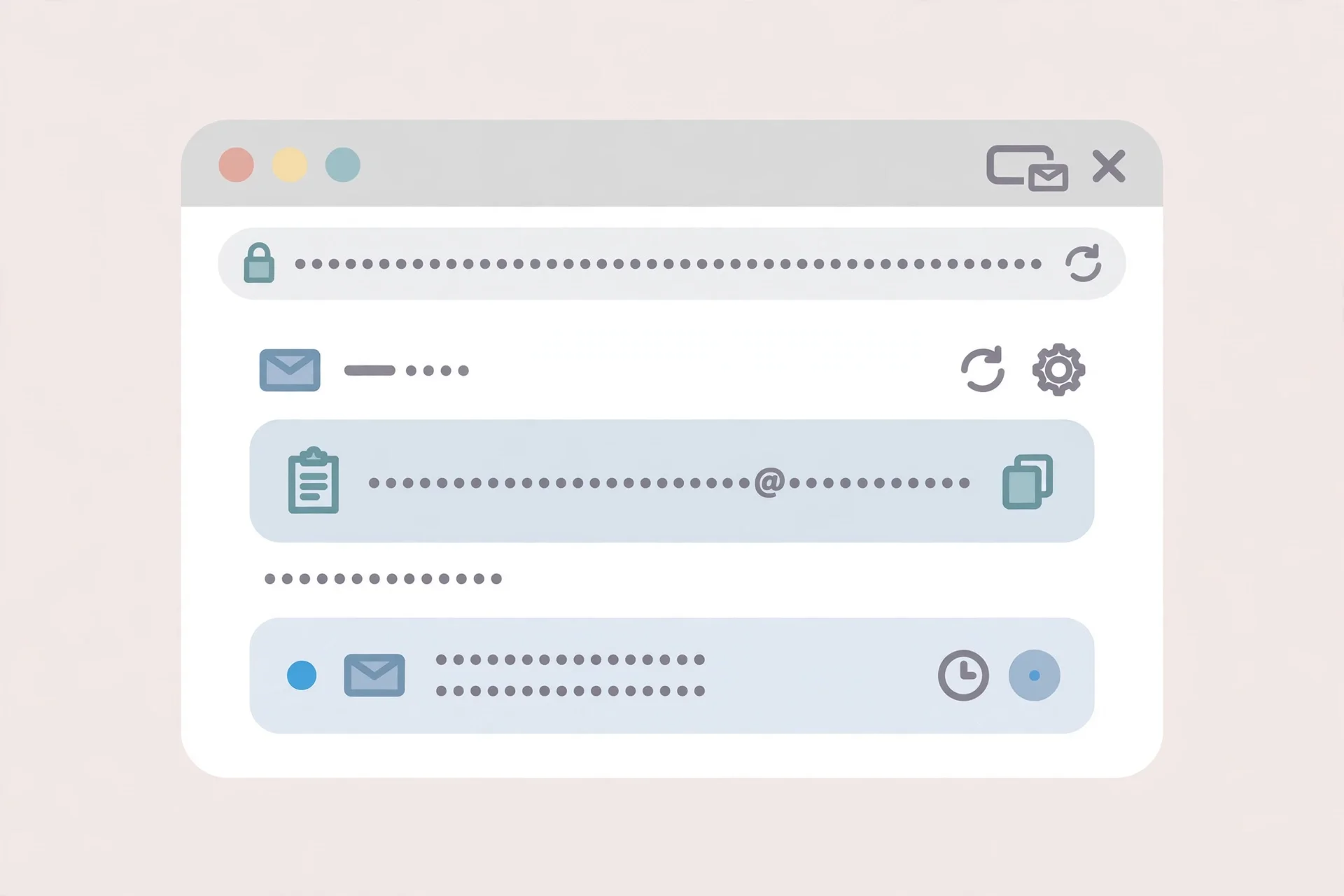
Two details from that test are worth knowing. First, the free inbox lasts 30 days, not 10 minutes — the "10 minute mail" idea is one flavour of temp mail, not the whole category, and a 30-day window covers the verification codes and trial confirmations most people actually need. Second, the inbox is receive-only. There is no compose button and no send. That is the trade you make for zero signup: you get an address nobody can trace to you, and in return you cannot reply from it. For a signup code, that trade is free. For a conversation, it is a dead end — which is exactly why the four-tools table above matters before you pick.
If you want the step-by-step version of the same test, our guide on how to create a temp email address walks through making two addresses in two minutes and names the one choice in the process that costs money.
When a burner email is the right call
A burner email earns its keep in five situations. If your situation is not on this list, you probably want an alias or your real address instead.
Signups you will never return to. A whitepaper download, a wifi portal, a "enter your email to see the price" gate. The site gets an address. You get the file. Nobody hears from anybody again.
Free trials you plan to cancel. The trial confirmation and the cancellation reminder arrive in the burner inbox. If you forget to cancel, the renewal emails chase an address you never check — which is a feature, not a bug, as long as you did not attach a payment method to it. Never attach a card to an address that will not exist when the first charge hits.
Verification codes for low-stakes accounts. Forum accounts, comment sections, app signups where the email is a formality. The code arrives, you type it in, the account exists, and the address can die quietly afterward.
Shopping and shipping quotes. Price-comparison sites and quote forms are some of the worst offenders for selling your address onward. A burner takes the quote spam so your real inbox does not.
Separating a part of your life. Job hunting, dating apps, a side project — anywhere you want a clean boundary between one role and the rest of your life. This is the one case where a burner account (a real second account, not a temp inbox) is the better tool, because the relationship lasts weeks and needs replies.
When a burner email backfires
Burners fail in three predictable ways, and I have seen all three cost people real accounts.
You use it for something you need to keep. This is the number-one mistake. Password reset, account recovery, two-factor backup codes — all of these go to the email on file. If that email expired six months ago, the account is gone, and no support agent can bring it back. The rule is simple and absolute: if losing the email means losing the account, the email is not disposable. Use an alias or your real address.
You try to send mail from a receive-only inbox. Temp mail services do not send. If a signup expects a reply, or a human is waiting for your answer, a temp address leaves you silent. Use a burner account or an alias when the conversation goes both ways.
You assume the site will accept it. Many services now check incoming addresses against disposable-domain blocklists and reject them at the door. Sometimes the rejection is honest — an error message. Sometimes it is silent: the site says "code sent" and nothing ever arrives. Our guide on why websites block temp mail explains the machinery behind those blocks and what, if anything, you can do about them. The practical takeaway: if a code does not arrive within a few minutes, the address was probably filtered, not delayed. Try a different approach instead of requesting the code five times.
Can a burner email be traced?
Yes — and anyone who tells you otherwise is selling something. The question is traced by whom, and through what.

A burner address on its own reveals almost nothing. It has no name attached, no history, no link to your other accounts. But the address is rarely the thing that gives you away. The trail around it does: the IP address you created it from, the phone number you used for verification, the browser fingerprint, the recovery email you attached "just in case," the fact that you logged into the burner and your real account from the same device within the same hour.
The evidence for this is not theoretical. OSINT researchers writing in September 2026 examined court records where burner-style persona addresses were involved, and the addresses themselves were almost never what identified their owners. The identification came from the surrounding records — registrations, linked accounts, and the infrastructure around the address. In their tests, running the persona addresses through a lookup across roughly 175 platforms found no registrations at all. The addresses were clean. The people were not, because people leave trails that addresses do not.
So be honest with yourself about the threat you are actually managing. If the goal is keeping a shopping site from spamming your real inbox, a burner is complete protection. If the goal is keeping your identity from a provider, a burner created from your normal browser on your home connection does not do that — you would need to create and use it behind a VPN or Tor, with no phone number and no recovery address attached. Most people need the first kind of protection, and the burner delivers it. Just do not confuse the two.
If your situation genuinely needs to send mail without revealing who you are, read our guide on how to send an anonymous email before you start — the sending side has its own traps, and the most common one is a reply-to header that quietly names your real address.
How to burn properly: five rules that actually matter
1. Nothing of you in the address. No name, no birth year, no username you use elsewhere. A random-looking local part is not paranoia; it is the entire point. The moment the address contains your name, it stops being a burner and becomes a second inbox with a short lifespan.
2. No phone number, no recovery email. Every recovery option is a link back to you. A burner with your real phone number as the recovery option is a forwarding address with extra steps.
3. One address, one job. Reusing a burner across five signups turns it into a profile. The sites can compare notes — not literally, but a breach at any one of them exposes an address that now unlocks the other four. Have I Been Pwned's public breach list held 1,036 breaches as of September 2026, and 1,029 of them exposed email addresses. A single-use address limits every breach to exactly one account.
4. Decide the lifespan before you create it. Temp mail with a visible 30-day expiry makes this easy. A burner account needs you to decide: when does this die? Put the date in your calendar. An address you meant to kill but kept checking is a second inbox, not a burner.
5. Never attach money or recovery to it. No payment method, no password-reset role, no two-factor backup. The day a burner holds something irreplaceable is the day it stops being disposable, and the expiry timer does not care.
Frequently asked questions
Is a burner email legal?
Yes. Creating a temporary email address is legal in itself. What you do with it is what matters — using it to deceive someone, evade a ban, or commit fraud is illegal for the same reasons it would be illegal with your real address. The tool is neutral; the use is not.
Is a burner email the same as temp mail?
Not quite. Temp mail is one kind of burner: a no-signup, receive-only inbox that expires on a timer. A burner email is the broader idea, and it can also mean a real second account you run temporarily. All temp mail is burner email. Not all burner email is temp mail.
Can I use a burner email for Gmail or Facebook signup?
Sometimes, and less often than it used to be. Large platforms check disposable domains aggressively, and many reject temp mail addresses outright or silently never send the code. A burner account on a mainstream provider has a better chance of passing, but creating one usually requires a phone number, which links it back to you.
Do burner emails expire?
Temp mail inboxes do — ours lasts 30 days on the free tier, and other services range from 10 minutes to a few hours. A burner account on Gmail or Outlook does not expire on a schedule, though Google may delete an account inactive for two years. The expiry is the feature: it is what makes the address disposable without you having to remember to kill it.
What's the difference between a burner email and an alias?
A burner is a separate address you abandon. An alias forwards mail to your real inbox — the sender never sees your address, but you keep receiving until you switch the alias off. Burners cut ties. Aliases stay in control. If you will use the service again, you almost always want the alias.
The bottom line
A burner email is a throwaway address for a single job: sign up, get the code, walk away. It protects your real inbox from spam, breaches, and data resale, and it costs nothing. The two things to get right are picking the correct tool — temp mail for one-off signups, a burner account when you need to reply, an alias when you will return — and never letting a disposable address hold anything you cannot afford to lose.
Most people who think they need a burner actually need a temp mail inbox for ten minutes and an alias for everything else. Start there. Burn only what you can afford to lose.
Need a disposable temporary email?
Protect your real inbox from spam and promotional clutter instantly and free.
Received a suspicious email, text, or charge alert?
Verify whether the sender domain is disposable, spoofed, or unverified before clicking links.