

In July 2026, Microsoft announced that passkeys would become the default sign-in for Microsoft 365 and Entra ID — and that the SMS and voice codes it sends itself would be retired, with the kill date set for February 1, 2027. Around the same time, the FIDO Alliance's 2026 research put five billion passkeys in active use worldwide. Singapore switched on passkey login for Singpass, its national digital identity platform, on July 1, 2026.
If you run a temp mail service, that sequence reads like an obituary. Disposable email lives on the verification code — the OTP that lands in the inbox. Kill the code, kill the use case. Right?
Not quite. And I say that as someone whose business depends on the answer being honest rather than comforting. Here is the part the "passwords are dead" headlines keep skipping: passkeys don't replace your email address. They replace your password and the code you type after it. The email is still the account's foundation — and in several ways, its importance just went up.
The numbers that made me stop dismissing passkeys
I've been skeptical of passkeys the way most people are skeptical of any technology that asks them to change a twenty-year-old habit. Then the numbers stopped looking like early-adopter noise.
The FIDO Alliance's 2026 research: five billion passkeys in active use, 75 percent of surveyed consumers having enabled at least one, 49 percent using them regularly when available. Microsoft's timeline is the one with teeth — passkeys became the default in Entra ID from September 1, 2026, and Microsoft-sent SMS and voice MFA codes stop on February 1, 2027. Organizations that still want text codes after that date have to contract their own telecom provider and pay for it themselves. Singapore's GovTech rolled out passkeys for Singpass — used by more than 5.5 million residents across over 1,400 government and private services — in July.
This is no longer a pilot program. The login screen of 2027 is being decided right now.
So the honest question for the temp-mail world isn't "are passkeys real" — they are. It's "what exactly do they replace, and what survives?"
What a passkey actually is, in one paragraph
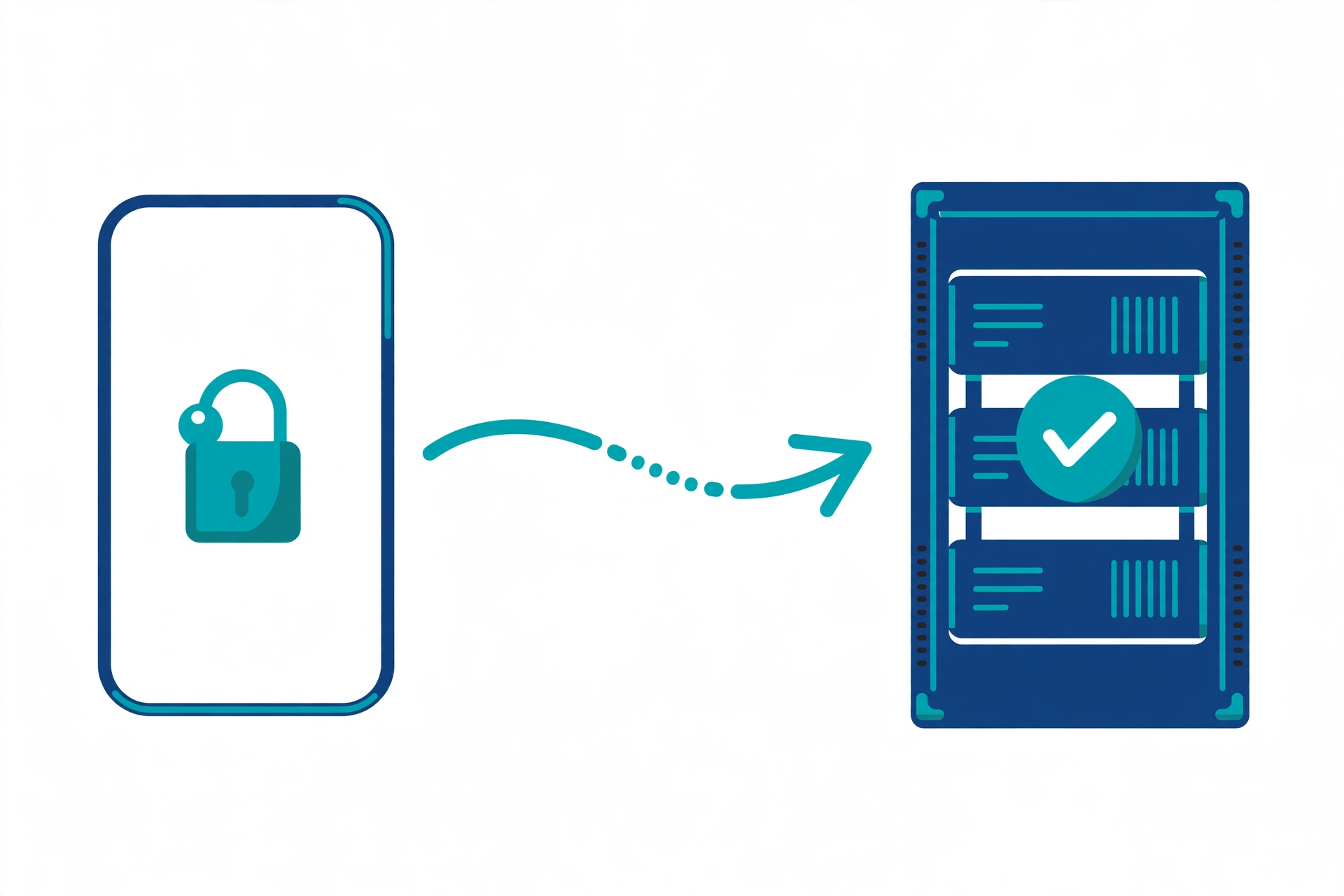
A passkey is a pair of cryptographic keys: a private one that never leaves your device (unlocked by your fingerprint, face, or device PIN) and a public one stored by the website. When you sign in, the site sends a challenge, your device signs it, and the site verifies the signature. No password typed, no code intercepted, nothing phishable — a fake login page can't do anything with it, because the key only works on the real domain. That is the whole trick, and it's a genuinely good one. Passwords leak, SMS codes get intercepted, email OTPs get phished. Passkeys sidestep all three at once.
The inconvenient detail: every passkey still starts with an email address
Now the part the keynotes rush past. A passkey is made up of a username and a display name. And Google's own developer guidance for passkeys says it plainly: it's helpful to use an email address as the username, so that if a user deletes their passkeys or otherwise loses access, the email address can serve as the account recovery method.
Read that twice. The industry's recommended design for the post-password future is your email address, with a cryptographic key stapled to it.
Nearly every account-creation flow that offers passkeys still begins the way accounts have begun for twenty years: type your email, prove you own it (usually with — yes — a code), then create your passkey. The passkey is the lock. The email is the deed to the house. Lose the lock, and the deed is how you get back in. Consumer Reports put it in plain terms: services that support passkeys fall back on traditional account recovery using the email address tied to your account.
The OTP isn't dying because email is dying. The OTP is dying because the sign-in step is being rebuilt. The email survives as the account's root of trust — arguably the single most load-bearing string of characters you own.
The three jobs email still does in a passkey world
Once you see the email as the root of trust, the "passkeys kill email" story falls apart into three jobs that aren't going anywhere:
1. Registration. Somebody has to be the account's identifier, and the entire internet settled on email decades ago. Passkey-first startups still ask for it on step one. The passkey gets created for an identity that email established.
2. Recovery. Lose your phone, wipe your laptop, switch ecosystems — your passkeys may not follow you. What follows you everywhere is your email. Every major service's "lost your passkey?" flow ends at your inbox. This is by design, not by accident.
3. Fallback. Not every device, browser, or shared computer handles passkeys. Sites need a login path for those users, and the universal fallback is email. In 2026, the fallback hierarchy identity engineers recommend is passkey first, then email magic link or email OTP, then social login — with SMS dead last. Email didn't just survive the end of the OTP era. It absorbed SMS's job.
That third point deserves emphasis, because it's the one most people get backwards. SMS is the channel with a scheduled funeral. Email OTPs and magic links are gaining ground as the preferred fallback behind passkeys — they're free, and they're harder to intercept than a text message.
Microsoft is retiring SMS codes — and that's secretly an email story
Look at Microsoft's timeline again: from September 1, 2026, Entra users get prompted to register passkeys; from February 1, 2027, Microsoft stops sending its own SMS and voice MFA codes. Organizations can keep text codes only by bringing their own telecom provider.
What Microsoft is really saying is that SMS as an authentication channel is dead weight — expensive, phishable, SIM-swappable. And when SMS leaves the fallback chain, the slack gets picked up by email and authenticator apps. Enterprise auth patterns always trickle down to consumer sites, so expect the same shape everywhere: passkey at the front door, email at the back door.
For the temp-mail ecosystem, that's a double-edged sword. More email-based verification means more moments where a disposable inbox is useful — but it also means more sites hardening registration against disposable domains, because the email is now the security boundary. Which brings us to the honest part.
Where a disposable address fits — and the one place it will burn you
Let's place temp mail in the passkey world without the marketing varnish.
Where it fits: the throwaway account you still want locked down. There is a genuinely good pattern here — register with a disposable address, verify it, then immediately create a passkey and never set a password at all if the site allows it. You now have an account with phishing-resistant login and no password to leak, tied to an identity that reveals nothing about you. For newsletters, beta signups, one-off tools, and forums you don't trust yet, that's arguably the best of both worlds: strong authentication, weak identity linkage.
Where it burns you: recovery. This is the trap, and I won't soften it. If you lose your passkeys — new phone, wiped device, ecosystem switch — the service recovers you through your email. If that email was a temp inbox that expired three months ago, there is no recovery. The account is bricked, permanently, by design. We've written before about what happens when temp addresses expire mid-account-life, and the passkey era makes that failure mode worse, not better: there's no password to fall back on either. A passkey-only account with a dead email is a vault with no key and no locksmith. (Our breakdown of how long temp mail actually lasts is worth reading before you build anything on a disposable address.)
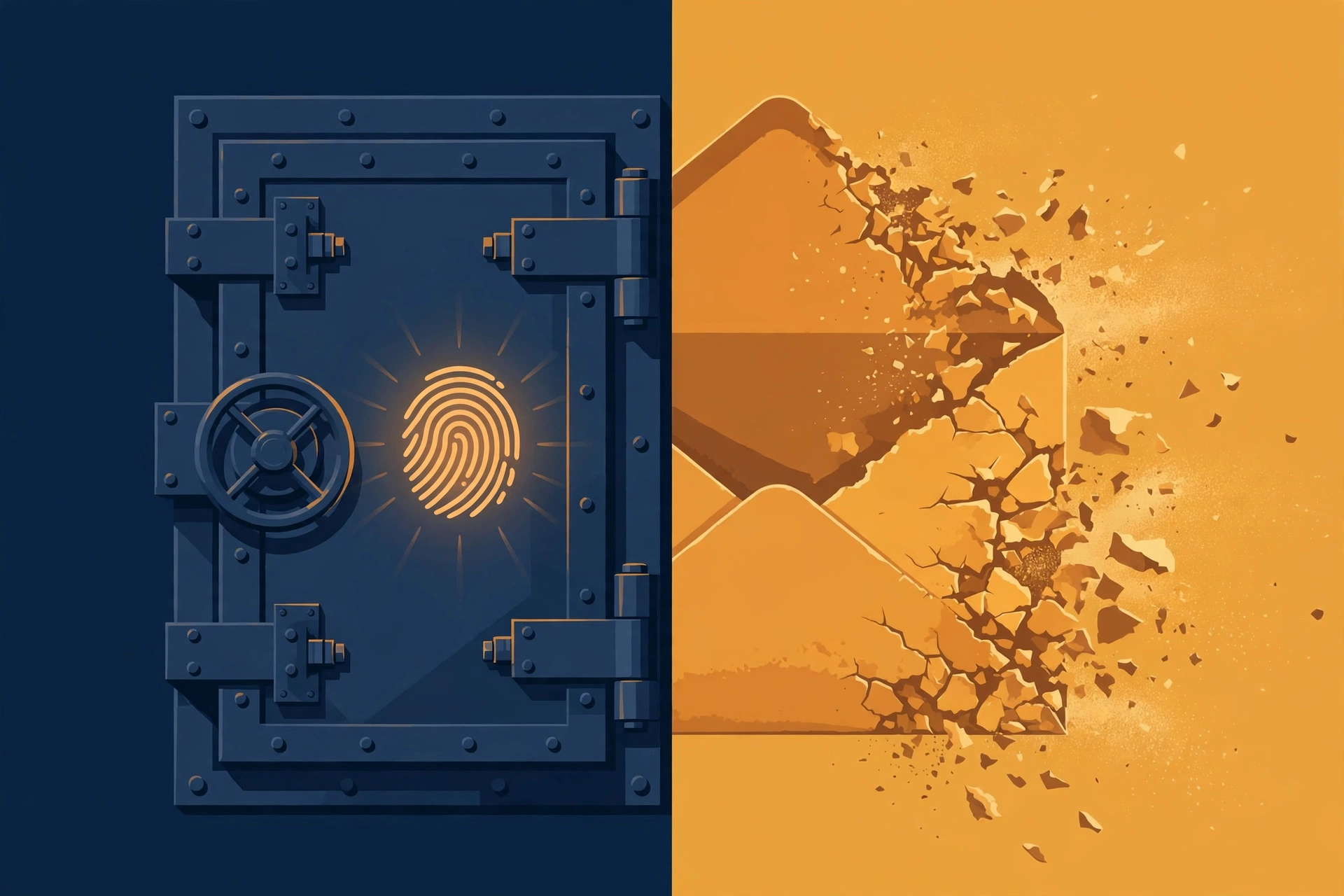
The rule is simple: temp mail plus passkeys is fine for accounts you can afford to lose. For anything you'd be upset about losing, use an address you control — an email alias on a real inbox is the honest middle ground — and treat that inbox like the master key it has now become.
Two practical frictions worth knowing. First, a growing number of sites block disposable domains at registration outright — the email is the security boundary now, so the blocklists have gotten stricter. Second, some sites require the email verified before they'll even offer passkey creation, so the disposable inbox has to actually receive mail at signup time. If the code never arrives, that's usually a delivery problem, not a passkey problem — we have a separate walkthrough for missing OTPs.
The setup I'd actually recommend
If I were creating a low-stakes account in late 2026 — say, a new AI tool I want to try without handing over my identity — here is the exact sequence I'd use:
1. Generate a temp address and register. Verify the email immediately — don't wander off. Codes expire, and some inboxes are short-lived.
2. The moment you're in, create a passkey — on a device whose passkeys sync (iCloud Keychain, Google Password Manager, or a password manager like 1Password or Bitwarden). Synced passkeys survive a lost phone; device-bound ones don't. This choice matters more than anything else on this list.
3. Decide the account's fate honestly. If it's throwaway, accept that losing the passkey means losing the account — write down nothing, worry about nothing. If it might become important later, migrate it to a permanent alias now, while you still have access, not during a 2 a.m. recovery panic.
That's it. No ceremony. The mistake isn't using temp mail in the passkey era — the mistake is using it for an account whose importance you haven't decided yet.
Frequently Asked Questions
Do passkeys mean I won't need my email address anymore?
No — close to the opposite. Google's passkey guidance recommends using your email address as the passkey username precisely so it can double as the recovery method. Registration, recovery, and fallback login all still run through email.
Can I use a temporary email address to create a passkey-protected account?
Usually yes, if the site accepts the disposable domain at signup — the passkey itself doesn't care which email you used. But remember the recovery trap: lose the passkey and an expired temp inbox means the account is unrecoverable. Fine for throwaways, dangerous for keepers.
Are email OTPs really going away?
SMS OTPs are the ones with a scheduled funeral — Microsoft retires its own SMS and voice MFA codes on February 1, 2027. Email OTPs and magic links are actually gaining ground as the preferred fallback behind passkeys, because they're free and harder to intercept than SMS.
What happens if I lose my passkey and my temp email has expired?
In most cases the account is gone. The service's recovery flow needs an inbox you can open, and a passkey can't be "reset" the way a password can. This is the single biggest risk of combining disposable email with passkey-only login.
Should I use temp mail for accounts where I enable passkeys?
For low-stakes accounts you can afford to lose: yes, it's a reasonable privacy setup — strong login, weak identity linkage. For anything important — banking, primary email, work tools, anything with money or identity attached — use a permanent address or an alias you control.
Will sites block temp mail more now that email is the recovery method?
That's the trend we're seeing. As email becomes the security boundary, disposable-domain blocklists get stricter at registration. Expect more friction at signup, not less — and keep a permanent alias ready for the accounts that matter.
The email address is the new master key
The password era is ending, and good riddance — passwords were a terrible idea we tolerated for decades. But the obituaries keep crediting the wrong survivor. It isn't the authenticator app or the hardware key that inherits the password's throne. It's the email address: the identifier, the recovery path, the fallback, the thing everything else hangs off.
Treat it accordingly. Guard the inboxes that guard your life. And use the disposable ones for exactly what they're for — the accounts you'd shrug over losing. The passkey era doesn't kill temp mail. It just finally tells the truth about what email was all along.