

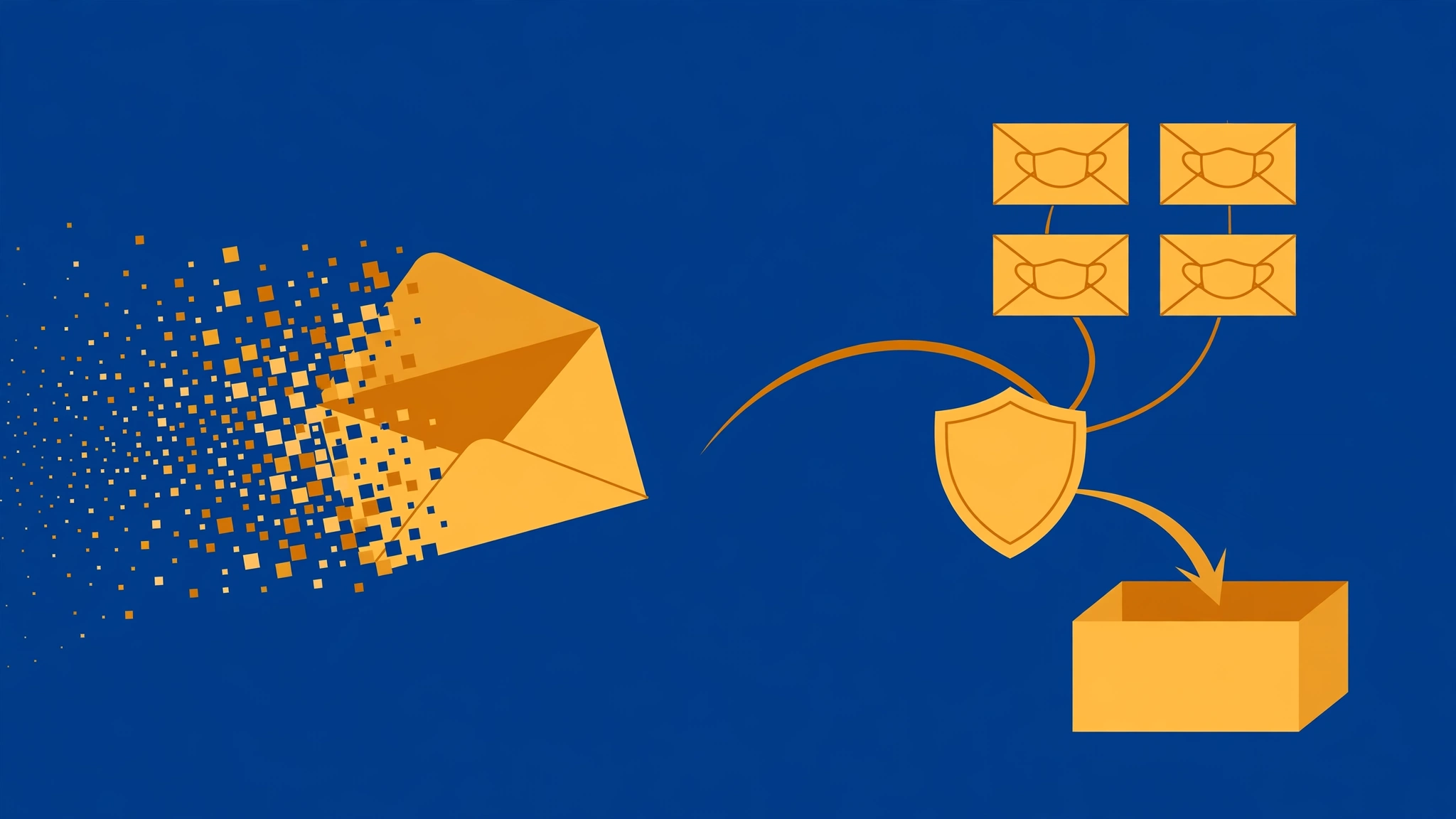
Picture two signups in a single day. In the morning, a whitepaper download demands your email before it will hand over the PDF. In the evening, you join a forum for a hobby you plan to stick with for years. Both ask for the same thing — an address — and your gut says to protect the real one both times.
This is where most advice goes wrong, because it treats "temp mail" and "email aliasing" as two brands of the same product. They are not. One gives you an inbox that was never yours and will not exist tomorrow. The other gives you a mask that always lands in an inbox that is permanently yours. Picking the wrong one does not just feel wrong — it fails in specific, predictable ways, usually months later when the reset email goes somewhere you cannot reach.
I run a temp mail service. That makes me biased, and it also makes me the right person to tell you exactly where temp mail loses to aliasing — because a comparison written by the loser of half the rounds is the only kind worth reading. Here is the full four-way shootout: Apple Hide My Email, Firefox Relay, SimpleLogin, and DuckDuckGo Email Protection, against disposable email, with the failure points included.
Two Different Problems Wearing Similar Clothes
Before the scorecards, the distinction that makes everything else click.
A disposable email is a rented room. You walk in with no ID, use it for an hour, and leave. Nothing ties the room to you, but you cannot come back next month and expect your mail to be there. The service's whole promise is *impermanence*.
An email alias is a forwarding address. Mail sent to the mask lands in your real inbox — the one you have owned for years and will own next year. The promise is *separation without impermanence*: every service gets its own address, and when one starts spamming you, you burn that alias and the rest of your life is untouched.
| Disposable email | Email aliasing | |
|---|---|---|
| Needs an account / identity | No | Yes — a Mozilla, Apple, Proton, or DuckDuckGo identity |
| Address still works in a year | No (by design) | Yes |
| Receives password resets later | No | Yes |
| What you are hiding | Your entire identity | Just the real address |
| How often sites block it | Constantly — most-blocked category | Occasionally — some alias domains land on blocklists too |
That last row surprises people, so I will say it plainly: aliasing is not a magic pass either. GitHub has put Firefox Relay's domains on a burner-email list that other companies reuse, a case TechRadar covered. The blocking pressure is lighter than what disposable domains face — our own guide on why websites block temp mail explains the machinery — but "never blocked" is a fantasy no aliasing vendor should sell you.
The real question was never "which is better." It is "does this account have a future I care about?" If yes, alias. If no, dispose.
Meet the Four Aliasing Services
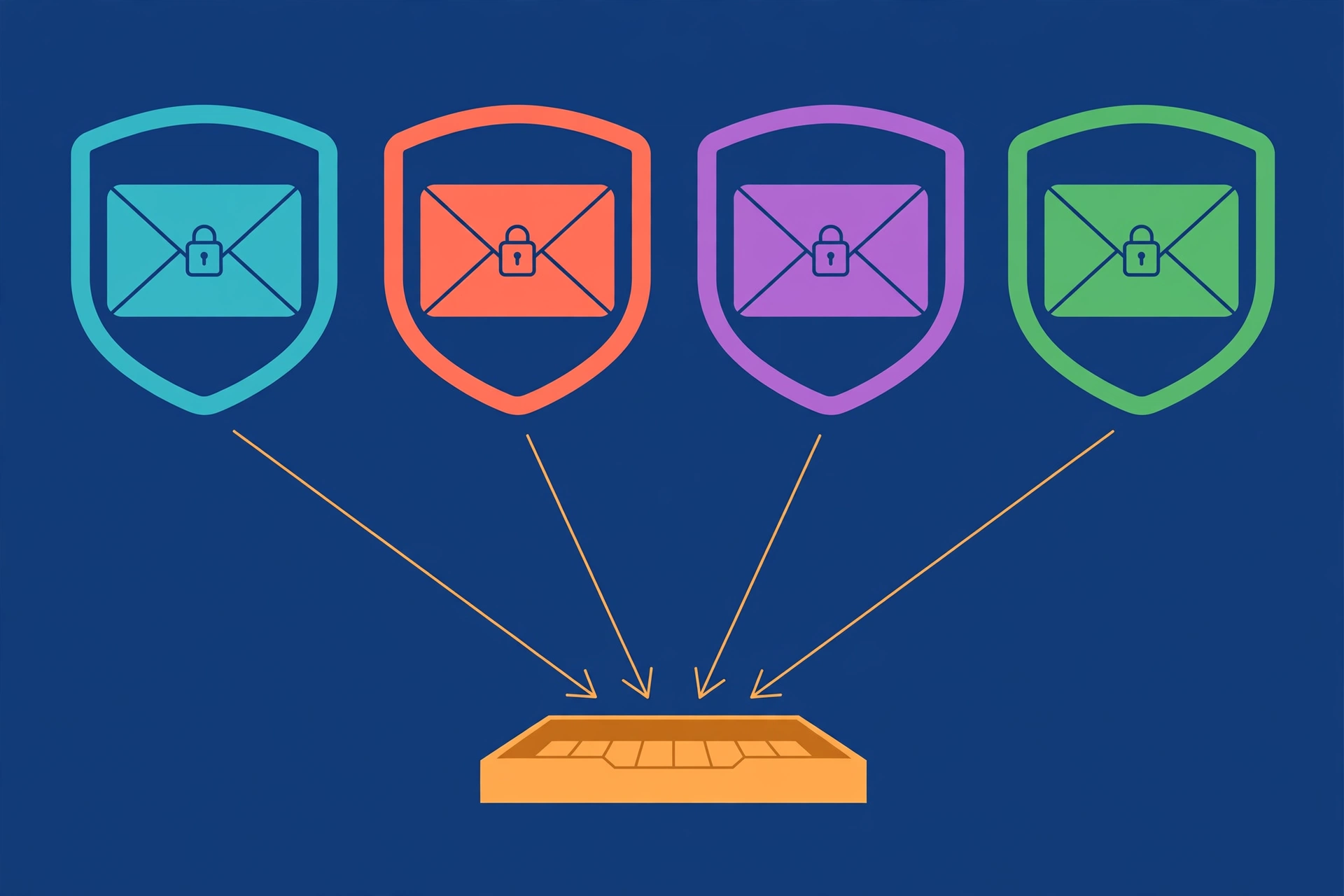
Here are the four serious options as they stand in October 2026, with the catch for each — because every one of them has one, and the comparison posts that skip the catches are advertisements.
Apple Hide My Email. Bundled with iCloud+, which starts at $0.99 a month for the 50GB plan — so there is no free tier, only a cheap one if you are already paying Apple. You get randomly generated aliases through Sign in with Apple, Safari, and Mail settings, and you can reply from them. Apple publishes no official cap on random aliases, but users have reported hitting an "address limit reached" wall somewhere around 500 to 750. Custom-domain addresses were just expanded on September 30, 2026: up to 5 domains with 10 addresses each per user, up from 3 domains. The catch, beyond the ecosystem lock-in: what happens to your aliases if you cancel iCloud+ is genuinely unclear — Apple's own downgrade documentation does not spell it out, which is a strange silence for a feature people build years of accounts on.
Firefox Relay. The free tier now includes 50 email masks, raised from 5 back in May 2026 — most older articles still say 5, so if you read a comparison that quotes the old number, it is stale; Mozilla's own support page is the authority here. Premium is $0.99 a month (about $12 a year) and adds unlimited masks, a custom subdomain like @yourname.mozmail.com, replies from masks, promo-email blocking, and phone-number masking. The catch on free: you cannot reply from a mask at all, which sounds minor until someone emails your alias and you need to answer. There is also a 150KB attachment cap on free (Premium raises it to 10MB) — most OTP codes are tiny, but invoice and boarding-pass PDFs are not always. And as noted above, mozmail.com addresses have landed on shared burner blocklists, so the "accepted everywhere" assumption fails at strict signups.
SimpleLogin. The Proton-owned, open-source option — the only one here you can self-host if you are that kind of person. Free gives you 10 aliases and one destination mailbox, with replies included. Premium is $4 a month or $36 a year: unlimited aliases, custom domains, catch-all, PGP encryption on forwarded mail. The catch: 10 aliases fill up fast — most people burn through them in a month of normal signups, which forces the $36 decision sooner than expected. And every forwarded email passes through SimpleLogin's servers, so sender, recipient, subject, and timestamps are visible metadata. That is not a scandal; it is how forwarding works. But it is worth knowing rather than discovering.
DuckDuckGo Email Protection. The quiet giant of this list: free, unlimited @duck.com addresses — one personal address plus unlimited private on-the-fly ones — with tracker stripping (DuckDuckGo reported that 85% of emails during the beta carried hidden trackers), link-tracking protection, HTTPS upgrades, replies from Duck addresses, and a policy of never storing your messages. Deactivate any alias the moment it turns spammy. The catch: it requires the DuckDuckGo app, extension, or browser — there is no standalone web dashboard like Relay or SimpleLogin offer. All addresses share the single @duck.com domain, so the domain's reputation is one shared asset. And while the brand is privacy-first, the server side is partially closed and US-jurisdiction, which matters to some threat models and not at all to others.
My honest ranking of the catches, by how much they actually hurt: Relay's no-reply free tier hurts daily. SimpleLogin's 10-alias rationing hurts monthly. Apple's cancellation ambiguity hurts once, catastrophically. DuckDuckGo's app requirement barely hurts at all.
The Apple Footnote Nobody Includes in Comparisons

This section exists because I have read a dozen temp-mail-vs-aliasing comparisons and none of them mention it, which tells you something about how comparisons get written.
In June 2025, security researcher Tommy Mysk demonstrated that specially crafted messages sent to a Hide My Email address could trigger responses that revealed the recipient's real destination inbox — the exact thing the feature exists to prevent. He reported it to Apple. Follow-up testing reported in March 2026 found the behavior persisting after Apple's system changes. I am not a cryptographer and I will not overclaim what I cannot independently test; I am reporting the public record from outlets that covered it. But the shape of the story matters more than the technical details: a masking feature had a de-anonymization flaw, the vendor was told, and months later the flaw was still demonstrable.
Why does this belong in a buyer's comparison? Because every aliasing service sells the same core promise — "nobody can ever connect this address to you" — and the Mysk story is the clearest recent proof that the promise is architectural, not absolute. Forwarding is a chain of servers, and every chain has links. SimpleLogin's visible metadata, Relay's Mozilla-routed traffic, DuckDuckGo's closed server side: none of these are flaws in the scandal sense, but they are all reminders that an alias is a *reduction* of exposure, not an elimination of it.
My take, stated as opinion: if you already pay for iCloud+, Hide My Email is the best value in this entire list — you are getting aliasing for a subscription you were buying anyway. Just do not treat it as cryptographic anonymity, and go in with your eyes open about the cancellation question. "What happens to 400 forwarding aliases when I stop paying $0.99 a month" is the kind of question you want answered before you need it, not after.
Where Temp Mail Still Wins — Said by a Temp Mail Company
Credibility time. Disposable email loses the longevity game by design — no honest temp mail operator disputes that. So where does it actually beat four well-built aliasing services?
Speed and zero identity. An alias requires an account: a Mozilla login, an Apple ID with a paid tier, a Proton account, a DuckDuckGo install. A temp inbox requires nothing — three seconds, no signup, no identity handed to anyone. For the whitepaper-download scenario from the opening, that is not a small difference. It is the entire difference. Every account you create is a relationship; sometimes you want a transaction.
True disposability. Aliases are meant to be kept. Temp addresses are meant to die, and there is a category of signup where death is the feature: the coupon popup, the one-time download, the form you will never willingly revisit. A forwarding alias for a site like that is a permanent pipe from a company you distrust into an inbox you care about, guarded only by your discipline in remembering to deactivate it. A temp address needs no discipline. It just ends.
The honest scoreboard on blocking. Here is where I will not flatter my own industry: disposable domains are the most-blocked category on the internet, full stop. Classifier projects and blocklist vendors list the big disposable domains as hard-blocks, while alias domains like mozmail.com, duck.com, and privaterelay.appleid.com are usually allow-listed. If a signup must succeed on the first try, an alias is statistically the safer bet — our post on why websites block temp mail walks through exactly how the blocklists work, and the lifespan comparison shows what happens after you get in.
But notice the asymmetry: aliasing wins "will the signup work," temp mail wins "will I ever hear from them again." Different problems, wearing similar clothes — right back where we started.
Five Scenarios, Five Answers
Enough theory. Here is the decision, scenario by scenario, the way I would give it to a friend who asked over coffee.
1. The one-off download, coupon, or gated PDF. Temp mail. The account has no future, the sender has no future claim on your attention, and the entire interaction is over in ten minutes. Bringing a permanent forwarding alias to this is like giving a telemarketer your home address because you did not want to give your cell number.
2. A newsletter you might actually keep. DuckDuckGo Email Protection or Firefox Relay free. You get unlimited-ish addresses, a per-alias kill switch, and forwarding to your real inbox so you never miss an issue. If the newsletter turns into a daily spam firehose, you burn that one alias and your life continues. This is aliasing's home turf.
3. Anything tied to money, identity, or account recovery. Aliasing with a custom domain (SimpleLogin) or Hide My Email — and never temp mail. This is the scenario our password reset trap postmortem was written about: the inbox expires, the reset link goes to an address that no longer exists, and the account is gone. Banks, brokerages, tax services, and primary email accounts belong on addresses that will exist in five years. A custom domain on SimpleLogin is the strongest version of this, because even if you switch providers, the domain — and every alias on it — moves with you.
4. An AI tool free trial you might convert to paid. Aliasing. Trials convert: the receipt, the "your trial ends Thursday" warning, the invoice, and eventually the password reset all need somewhere permanent to land. For pure tire-kicking — you want to see the tool's output once and never return — temp mail is fine, and our AI tools signup scoreboard tracks which tools even accept disposable domains. The rule: if there is any chance you will pay them money later, give them an alias.
5. A forum or community identity you will keep for years. Relay or SimpleLogin with a custom subdomain, or DuckDuckGo. Communities send password resets, mention notifications, and moderator messages across years. Temp mail's expiry clock is the enemy here — not because anyone is attacking you, but because time itself is. The address needs to outlive your interest dips, your phone upgrades, and your memory of signing up.
The Setup I Would Actually Recommend to a Friend
If you want the whole thing as a system rather than five separate decisions, here is mine:
DuckDuckGo Email Protection for casual signups — it is free, unlimited, strips trackers, and the kill switch is instant. SimpleLogin (or Relay Premium, or Hide My Email if you are in Apple's world) for accounts that matter — anything with money, recovery, or a multi-year horizon. Temp mail for the true one-offs — the downloads, the coupons, the forms you will never revisit. And one real, permanent address reserved for exactly three categories: money, health, and government. Everything else gets a mask or a disposable.
That is four tools, which sounds like a lot until you realize you already juggle more passwords than that. The mental model is one sentence: the more permanent the relationship, the more permanent the address. Match the address's lifespan to the relationship's lifespan and you will almost never get it wrong.
Frequently Asked Questions
Can you receive OTP and verification codes with Firefox Relay? Yes — Relay forwards transactional mail, including OTP codes, to your masks. Two caveats from Mozilla's own guidance: do not use masks where your identity must be verified (banks, government services), and know that some strict sites block alias domains outright. For casual verifications it works; for identity-bound ones, use your real address.
Is Apple Hide My Email better than temp mail? It is not better or worse — it is a different tool. Hide My Email is for accounts you will keep: it forwards receipts and resets for years and gives you a per-alias kill switch. Temp mail is for interactions measured in minutes, where an inbox that vanishes tomorrow is the entire point. If you already pay for iCloud+, Hide My Email costs you nothing extra; temp mail costs nothing at all.
Do email aliasing services work for account recovery? Yes, and this is the single biggest functional difference from temp mail. A forwarded alias receives password-reset and recovery emails indefinitely, because the alias itself does not expire. A temp inbox expires by design, which is why recovery is the number-one way people lose accounts they signed up for with disposable addresses.
What happens to my Hide My Email addresses if I cancel iCloud+? Honestly: Apple's public documentation does not clearly say. You lose access to the Hide My Email feature itself when the subscription lapses, and the fate of existing forwarding aliases — whether they keep forwarding, bounce, or sit in limbo — is not spelled out in the downgrade docs. If you build years of accounts on these aliases, get the answer in writing from Apple support before you cancel, not after.
Do websites block Firefox Relay or Hide My Email addresses? Sometimes. Relay's mozmail.com domains have appeared on shared burner-email blocklists — GitHub's use of one such list was covered by TechRadar — and some sites restrict well-known alias domains generally. The blocking pressure is far lighter than what disposable domains face, but "never blocked" is not a claim any aliasing service can honestly make.
Can you reply from an alias on the free plan? Apple: yes. DuckDuckGo: yes. SimpleLogin: yes. Firefox Relay: no — replies require the $0.99/month Premium tier. If two-way conversation through the mask matters to you (a marketplace seller, a forum moderator), that single row decides between Relay free and everything else.
The One-Line Rule
If the account's future matters, use an alias. If only the next ten minutes matter, use temp mail. Everything in this post — the tables, the catches, the five scenarios — is just that sentence with examples.
And if your next ten minutes need an inbox right now, TempMailUSA hands you one in about three seconds, no account, no identity, nothing to cancel later. For everything with a future, pick your alias and guard it well.