


You know the feeling. You paste the temp address into the signup form, hit send, flip back to the inbox tab — and nothing. Thirty seconds. A minute. You hammer refresh like it'll help. It won't. The code isn't coming, and every guide on the internet gives you the same useless list of twelve possible causes.
Here's the thing nobody tells you: there are really only three reasons a verification code doesn't arrive, and you can figure out which one is yours in about thirty seconds. I handle the support side of a temp mail service, so I've seen this exact failure a few thousand times. Let's triage yours.
Stop Guessing. Answer Three Questions.
Forget the checklists for a moment. Just answer these in order — the first "yes" tells you exactly where to look.
Question 1: Is your inbox still alive?
This is the number-one cause, and it's the one people check last. Timed inboxes die. If you're using a 10-minute mail service and you generated the address, switched tabs to fill out a long signup form, maybe got distracted by a text — congratulations, your inbox may have evaporated before the code was even sent. Some services kill the whole address; others keep the address but purge the mail after an hour.
Quick test: look at your inbox tab right now. Is the same address still displayed? Can you see older messages in it? If the address changed, reset, or the tab shows a fresh empty inbox, your old one is gone — and so is the code that was sent to it.
Question 2: Did the sender actually send it?
Sometimes the problem is on the other end. The signup form said "code sent" but the sending service throttled it, queued it, or silently dropped it because your address tripped their filters. One tell: if the site offers "resend code" and the resend also produces nothing after a couple of minutes, the sender's pipeline — not your inbox — is the prime suspect.
Question 3: Is your domain burned?
Disposable-mail domains have a half-life. The moment a domain gets popular enough to be useful, it gets added to blocklists, and then sites start rejecting it at the form level ("this email address is not allowed") or silently swallowing the mail. If the signup form accepted your address without complaint but nothing arrives, you're probably dealing with a burned domain.
Got your answer? Good. Now go to your branch.
Branch A: The Inbox Died Before the Code Arrived
This is the timed-inbox trap, and it's embarrassingly common. Here's the timeline of a typical failure: you open a 10-minute mail tab at 2:00, paste the address into a signup form at 2:02, the form asks for a password, a username, a captcha, maybe a "tell us about yourself" screen — and by 2:11 the inbox is a pumpkin. The code arrives at 2:12 to an address that no longer exists.

Even services with longer windows can bite you. Guerrilla Mail, for example, keeps the address itself alive but deletes every message one hour after arrival — fine for instant codes, fatal if the sender's queue is slow that day.
The fix: stop using a stopwatch as an inbox. Use an address that doesn't expire mid-signup. A reusable temp inbox — one tied to a recovery key you control — stays put while you take your time, and if the code is delayed, it's still there when you come back. That's the entire pitch of the recovery-key model: the address behaves like a real one except for the part where it collects spam. If you're curious how the two models compare in practice, our TempMailUSA vs 10MinuteMail breakdown walks through exactly where timed inboxes fall apart.
And the next time a signup form has seventeen steps, generate your temp address on a service that won't pull the rug out while you're on step nine.
Branch B: The Code Was Sent but Never Arrived
So the inbox is alive, the sender claims they sent it, and still nothing. This is the annoying middle zone. Here's what's usually happening:
OTP filtering on the sender's side. Some services maintain their own disposable-domain lists and silently drop mail to them — no bounce, no error, just silence. From your side it looks identical to "never sent." There's no way to distinguish this from a queue delay in the first two minutes, which is why patience is step one.
Queue delays. Verification mail doesn't always go out instantly. During peak hours or after the sender's mail provider has a hiccup, codes can take 5–15 minutes. I've seen people burn through three "resend" clicks in ninety seconds and then receive all three codes at once, ten minutes later, each one invalidating the last. If the form says the code expires in 10 minutes, rapid-fire resending is actively working against you.
The fix, in order: 1. Wait a full three minutes without touching anything. Seriously. Make coffee. 2. Hit resend exactly once, then wait another three minutes. 3. If both attempts produce nothing after six total minutes, the problem is almost certainly the domain, not the timing — jump to Branch C.
One more thing worth knowing: some senders throttle resends aggressively. Clicking "resend" five times in a minute can get your address (or IP) rate-limited, which turns a delay into a full block. The patient path is the fast path here, counterintuitive as that feels.
Branch C: The Site Rejected Your Address (Quietly or Loudly)
Two flavors of this. The loud version: the form flashes "please use a valid email address" or "disposable emails are not allowed." At least that's honest — you know where you stand.
The quiet version is worse: the form accepts the address, shows a cheerful "verification code sent!", and nothing ever arrives. The sender's system recognized the domain as disposable and dropped the mail on the floor without telling you. This is extremely common with the big public temp-mail domains — the ones with millions of users are the ones every blocklist knows by name.
The fix: rotate to a cleaner domain. This is the single highest-leverage move in temp mail, and it's why domain rotation exists as a feature. A fresh, low-profile domain that hasn't been added to every blocklist yet will sail through forms that reject the famous ones. On our own service, the free tier runs on a shared public domain while VIP plans rotate across 221+ premium domains — and in practice, the difference in acceptance rates between a burned public domain and a fresh one is the difference between this article existing and not.
If you're doing this regularly — testing signups, QA work, repeated verifications — a rotating domain pool isn't a luxury, it's the whole game. One burned domain is a Tuesday; a pool of two hundred is a strategy.
When It's Not You — It's Them (and It's SMS)
There's a fourth scenario that deserves its own section because no amount of inbox troubleshooting fixes it: the code was never going to come by email at all.
A growing number of services — and nearly all the big AI tools — verify by SMS, not email. ChatGPT's signup, for instance, has historically required phone verification (OpenAI blocks VoIP numbers for it, per multiple signup guides), and Anthropic's Claude requires phone verification on every tier while explicitly rejecting VoIP and virtual numbers. If you're staring at an empty email inbox waiting for a code that was sent to a phone number field, you'll wait forever.
For that, you need the sibling tool: a temporary phone number that can receive SMS codes. We run through how that works — including the honest bit about recycled numbers and which services reject them — in our guide to temp numbers for SMS verification. Rule of thumb: email OTP → temp mail; SMS OTP → temp number. Matching the tool to the channel solves about half of all "never got the code" complaints before they start.
The 90-Second Fix Checklist
For the skimmers (no judgment — I'd skim too):
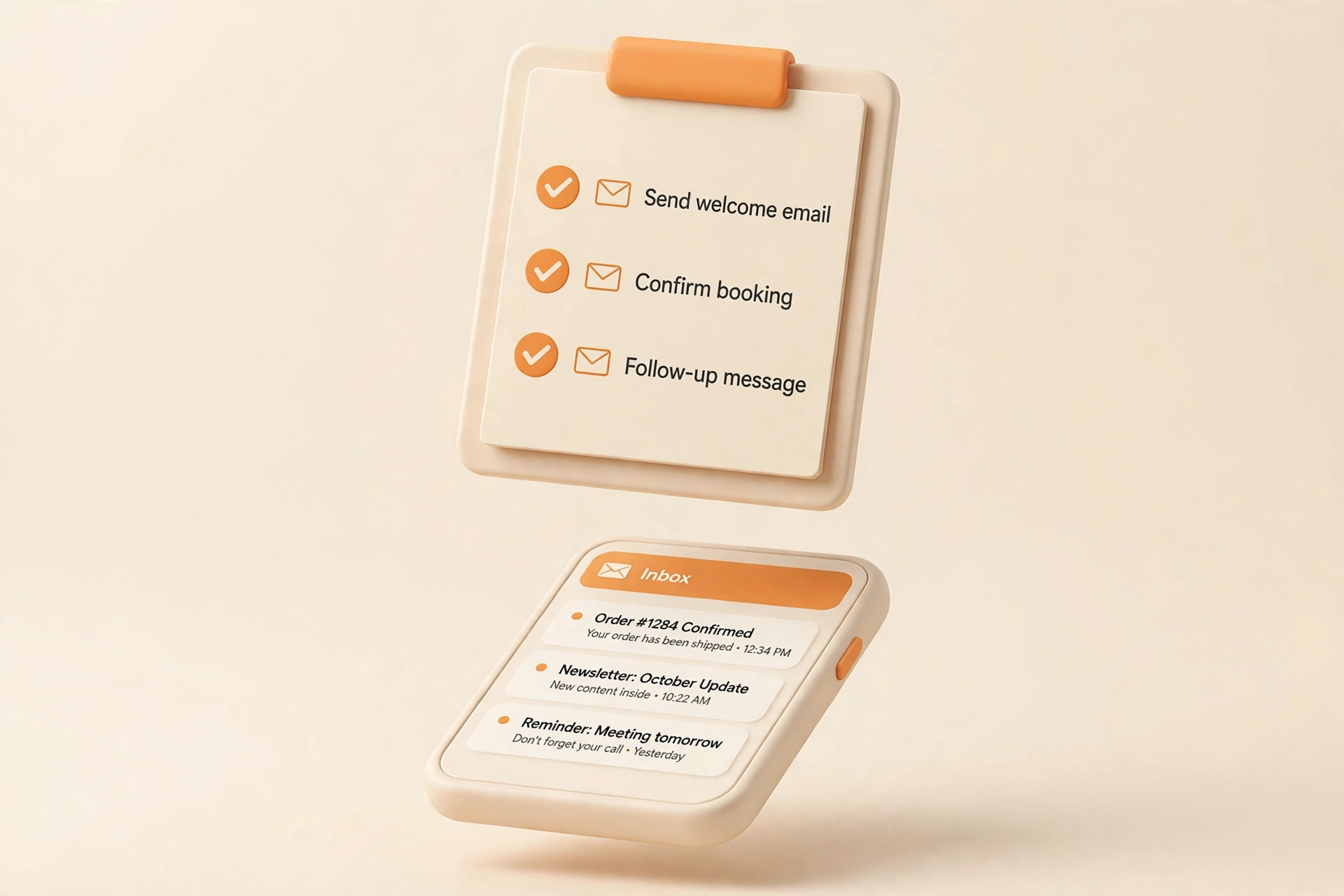
- Check the inbox is the same one you pasted into the form. If it reset, that's your answer — get a reusable address.
- Wait 3 minutes. Don't resend, don't refresh-spam.
- Resend once. Wait 3 more minutes.
- Still nothing? Rotate the domain and try the whole signup again with a fresh address.
- Check whether it's SMS, not email. If the form asked for a phone number, no email inbox on earth will receive that code.
- One resend per few minutes, max. Resend-spamming gets you rate-limited.
That sequence resolves the overwhelming majority of cases. The failures it doesn't resolve are the ones no checklist can fix — which brings us to the honest part.
What Temp Mail Can't Fix (Honest Limitations)
I run a temp mail service, so it would be convenient to tell you temp mail works everywhere. It doesn't, and you should know exactly where the walls are:
- Services that block disposable domains at the form level won't be convinced by a nicer inbox. Banks, payment processors, and an increasing number of social platforms maintain blocklists. A fresh domain sometimes slips through; sometimes it doesn't. That's the arms race, and I'd be lying if I said we always win it.
- Phone-verified signups need a phone number, full stop. Temp mail is an email tool. Don't try to hammer this particular nail with it.
- Account recovery is the real risk. If you verify an account with a temp address and later lose access to that inbox, password resets go nowhere. For anything you'd be upset about losing — primary social accounts, anything tied to money — use a real address or at minimum a reusable temp inbox whose recovery key you've saved somewhere safe.
- Delayed codes vs. short retention. If a service takes 20 minutes to send a code and your inbox purges mail after 10, that's a structural mismatch, not a bug. Match the inbox lifespan to the sender's slowness.
Frequently Asked Questions
Why does my temp mail work for some sites but not others?
Because every site maintains its own defenses. Some check the domain against a public disposable list; some score the domain's reputation; some don't check at all. A domain that's accepted on a small forum today can be blocked on a major platform tomorrow. This variance is normal — it's why domain rotation matters more than any single "best" domain.
How long should I wait for a verification code before giving up?
Six minutes total: three minutes after the first send, one resend, three more minutes. Beyond that, you're not waiting out a delay — you're waiting out a block. Rotate domains and start fresh instead.
Can I reuse the same temp address for multiple signups?
With a reusable inbox (recovery-key model), yes — that's the point. With timed or session-based inboxes, the address may vanish between signups. Either way, don't reuse one temp address across accounts that matter; if the address is ever compromised or the domain burned, every account tied to it becomes a recovery headache.
The form says "code sent" but nothing arrives, even on a fresh domain. Now what?
Check two things: first, whether the verification is actually SMS-based (see above — this fools people constantly). Second, whether the sender is having an outage — check their status page or community forum. If it's a small site, their mail server might just be misconfigured, and no inbox on earth will fix that.
Is it safe to use temp mail for verification codes?
For low-stakes signups, yes — that's what it's for. The code itself is single-use and time-limited, so interception risk is minimal. Don't use temp mail for password resets on important accounts, banking 2FA, or anything where losing access would hurt. And never use a public inbox (one anyone can open by typing the address) for verification codes — that's not privacy, that's a postcard.