

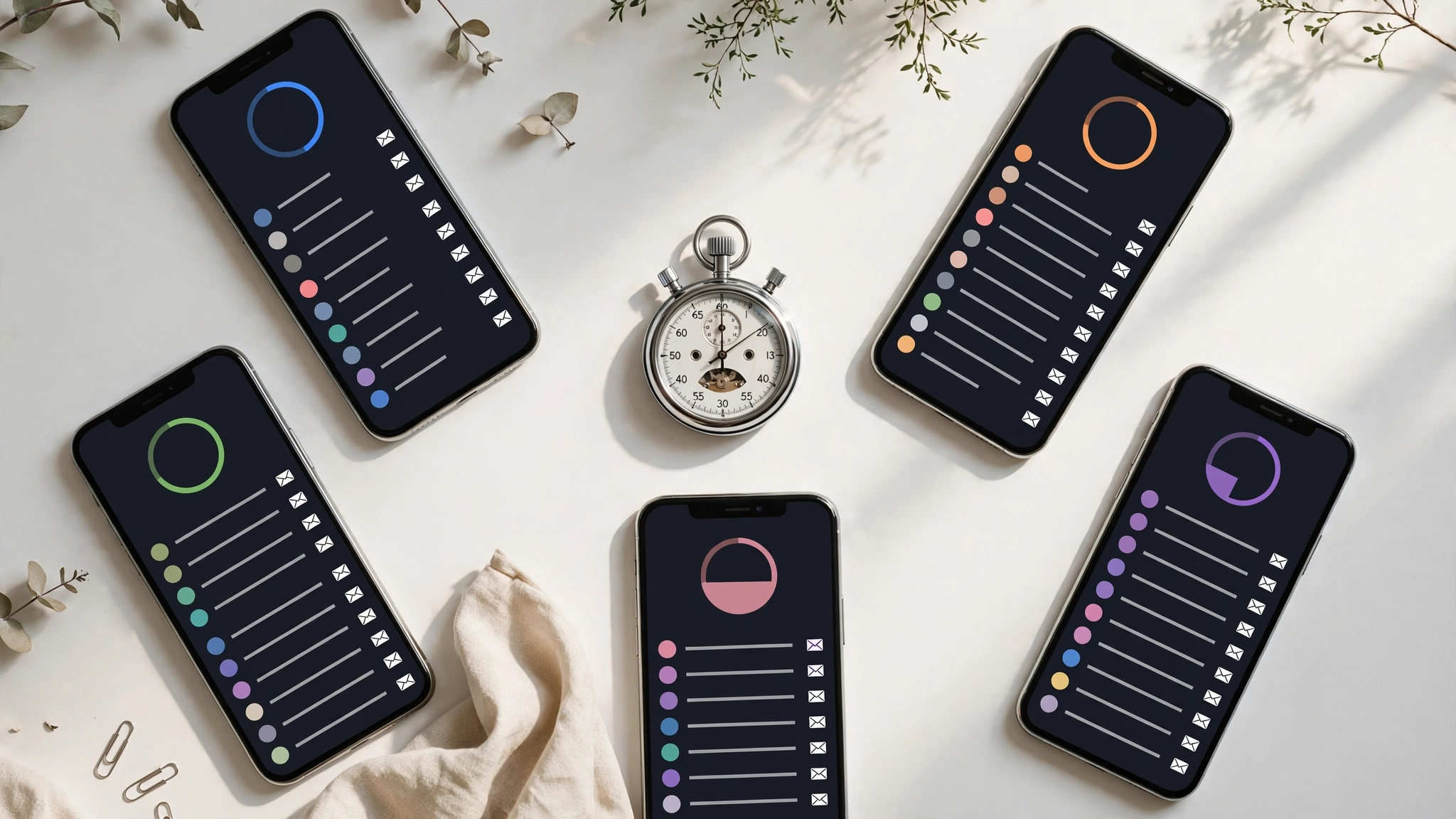
"How long does temp mail last?" sounds like one question. It's actually two, and mixing them up is the source of half the confusion in this space:
- How long does the address last? (Can I come back to it tomorrow?)
- How long do the messages last? (Will that email still be there in an hour?)
These are different clocks, they run independently, and every service sets them differently. A service can give you a permanent address with 10-minute messages, or a 10-minute address with messages that would have lasted an hour if the address hadn't died first. Once you see the two clocks separately, every temp mail service on earth becomes easy to evaluate.
The Short Answer
| Service | Address lifespan | Message retention | Notes |
|---|---|---|---|
| 10MinuteMail | 10 minutes (extendable in 10-min blocks) | Dies with the address | The name is the spec |
| Guerrilla Mail | Indefinite (address never expires) | 1 hour after arrival | Public inbox; sending sometimes suspended |
| YOPmail | Indefinite (inbox name never deleted) | ~8 days | Public inbox; anyone who guesses the name can read it |
| Temp Mail (temp-mail.org) | Browser session | Until session ends or manual delete | Premium ($10/mo) adds storage |
| EmailOnDeck | Browser session | ~24 hours of inactivity | Address recovery via token |
| TempMailUSA (free) | Indefinite with recovery key | Auto-deleted within 12 hours | 1 public domain on free tier |
| Mailinator | Indefinite | Varies (public) | Public inboxes by design — built for devs |
That's the table. Below is what the table doesn't tell you — the footnotes that actually matter.
Service by Service: What "Lasts" Really Means
10MinuteMail — the fuse is the feature. Ten minutes, extendable if you're quick. When we checked, the model was unchanged: this is a single-serving inbox. The honest use case is grabbing a download link or dodging a newsletter popup. Anything involving a second email — a confirmation, a follow-up, a "we've updated our terms" — is outside what this tool is for. Our TempMailUSA vs 10MinuteMail comparison runs both through identical tasks if you want the blow-by-blow.

Guerrilla Mail — the address outlives the mail. This one confuses people because the two clocks point in opposite directions: the address itself never expires (it's been running since 2006), but every message is deleted exactly one hour after arrival, per the service's own documentation and Wikipedia's entry. So you can return to the same address next week — but last week's mail is long gone. Great for repeated quick verifications; useless for anything that arrives late. Also note: the inbox is public (anyone who types the address sees the mail), and outbound sending has been intermittently suspended in recent years.
YOPmail — the marathon runner with no locks on the doors. YOPmail keeps messages for about eight days according to current documentation (older write-ups said five — either way, it's the longest free retention in the mainstream pack), and inbox names are never deleted. The catch is architectural: inboxes have no password. Anyone who enters the same inbox name sees the same mail. Eight days of retention in a public inbox is eight days of exposure. Fine for non-sensitive signups; never for anything private.
Temp Mail (temp-mail.org) — session-based. Your mail lives as long as your browser session. Close the tab, clear cookies, switch devices — it's gone. This is the model most people picture when they hear "temp mail," and it's perfectly fine for immediate verifications. The $10/month premium tier (per TechRadar's review) adds custom domains and longer storage, which tells you what the free tier is optimized for: speed, not persistence.
EmailOnDeck — session plus a day. Addresses work through the browser session and clear after about 24 hours of inactivity, per recent roundups. It also offers a token-based way to recover a closed inbox, which is a halfway step toward the reusable model — a nod to the fact that pure session-based mail frustrates people.
TempMailUSA — address persists, messages rotate. On our own service, the address is yours indefinitely via a recovery key, while messages auto-delete within 12 hours. That split is deliberate: twelve hours covers even slow senders and gives you a comfortable window, while the rotation keeps the inbox from becoming a permanent archive of things you didn't want in the first place. The free tier runs on a shared public domain; VIP plans add 221+ rotating premium domains for the blocklist problem, which is a separate axis from retention.
Why Retention Time Is the Wrong Question
Here's the reframe that makes the table useful: stop asking "how long does it last" and start asking "how long does my task need."
- Grabbing a coupon code: you need 60 seconds. Any service works.
- Verifying a signup with instant OTP: you need 10–30 minutes. Everything except the most aggressive timers works.
- A signup flow with a slow sender: you need hours. Now the 10-minute and 1-hour options are out.
- "Email me the receipt / confirm Thursday's change": you need days. You're down to YOPmail-style retention or a reusable address.
- Account recovery six months from now: no temp mail service is the answer. Use a real address.
Match the tool to the task's timeline, not to some abstract "best." The number-one temp mail mistake isn't picking the wrong service — it's picking a service whose clock doesn't cover your task. When in doubt, go one tier longer than you think you need; the cost of extra retention is zero, and the cost of an expired inbox mid-task is starting over.
How to Verify a Service's Retention Yourself
Tables like the one above are only as good as their sources, and temp mail services are not famous for publishing clear retention policies. Some bury it in a FAQ; some don't state it at all. If you're evaluating a service I didn't cover, here's the 10-minute test I use:

- Generate an address and send yourself an email from another account (or have a friend send one). Note the exact time.
- Close the tab completely. Not minimize — close.
- Come back in one hour. Is the address still there? Is the message?
- Come back in 24 hours. Same questions.
- Check back in a week, if you're thorough.
Log what you find with dates. You'll learn more from this than from any roundup, because retention policies drift — a service that kept mail for 24 hours last year might keep it for 12 now, and nobody announces the change. The services worth trusting are the ones whose behavior matches their claims when you actually test them.
How to Match Retention to Your Task
A practical rule I give people: take the sender's worst case, double it, and pick an inbox that covers that.
If the site says "code expires in 10 minutes," assume the code might take 10 minutes to arrive (queues happen), so you want an inbox alive for at least 20–30 minutes. That rules out nothing except a 10-minute mail used carelessly — but it rules it out right where it matters.
If you're testing a signup flow for work (QA folks, this is you), you want the address to survive the entire test session plus the inevitable "let me re-run that" an hour later. Session-based or reusable inboxes; timed ones will betray you mid-sprint. Our tools section has utilities QA engineers pair with temp mail for exactly this workflow.
And if there's any chance you'll need the address again — trial ending, follow-up email, "verify this change" — get a reusable address with a recovery key and save the key. Future you will be grateful.
Honest Limitations
A comparison table invites a false sense of precision, so let me undermine my own table a little:
- These numbers change. Services adjust retention without announcement. "When we checked" is doing real work in this post — treat every figure as current-as-of-writing, not as a contract.
- Retention ≠ deliverability. An inbox that keeps mail for 8 days is useless if the sender's server refuses to deliver to its domain. The blocklist problem is orthogonal to retention, and for verification use cases it's usually the bigger factor.
- Long retention in a public inbox is a liability, not a feature. YOPmail's 8 days means 8 days during which anyone can read your mail. Retention is only a virtue in a private inbox.
- "Indefinite address" still depends on the service existing. Every temp mail service is one shutdown away from taking your addresses with it. Reusable doesn't mean permanent — it means persistent until further notice. Don't build anything load-bearing on it.
Frequently Asked Questions
Does temp mail expire?
The address and the messages expire on separate schedules, and it depends on the service: anywhere from 10 minutes (10MinuteMail) to effectively indefinite addresses (Guerrilla Mail, YOPmail) with message retention from 1 hour to about 8 days. Check the table above for the specific service you're using.
Can I get back into an expired temp inbox?
With timed or session-based services: no — expiration is the point. With Guerrilla Mail, the address itself never expires, so you can revisit it (though old messages are gone after an hour). With recovery-key services, you can restore the address anytime using your saved key. If you didn't save the key, it's gone.
Which temp mail lasts the longest?
For message retention among mainstream free services, YOPmail at ~8 days is the longest — but its inboxes are public, so weigh that. For address persistence with privacy, recovery-key models (like ours) keep the address indefinitely without tying it to your identity.
Why did my temp inbox disappear?
Three usual causes: the timer ran out (timed services), the browser session ended (session-based services clear on tab close or cookie wipe), or you opened it in a different browser/device without a recovery key. The fix depends on the cause — but the prevention is the same every time: use a reusable address for anything that might take a while.
Is it safe to use a temp address for something I'll need next week?
Only with a reusable (recovery-key) inbox, and even then, only for low-stakes accounts. Messages still age out, services can shut down, and domains can get blocklisted. For anything you'd be upset about losing, use a real email address. Temp mail is a shield, not a vault.