
OTP Security Token: The Little Fob That Makes Your Password Almost Irrelevant — and the Five Ways It Can Still Fail You
OTP Security Token: The Little Fob That Makes Your Password Almost Irrelevant — and the Five Ways It Can Still Fail You
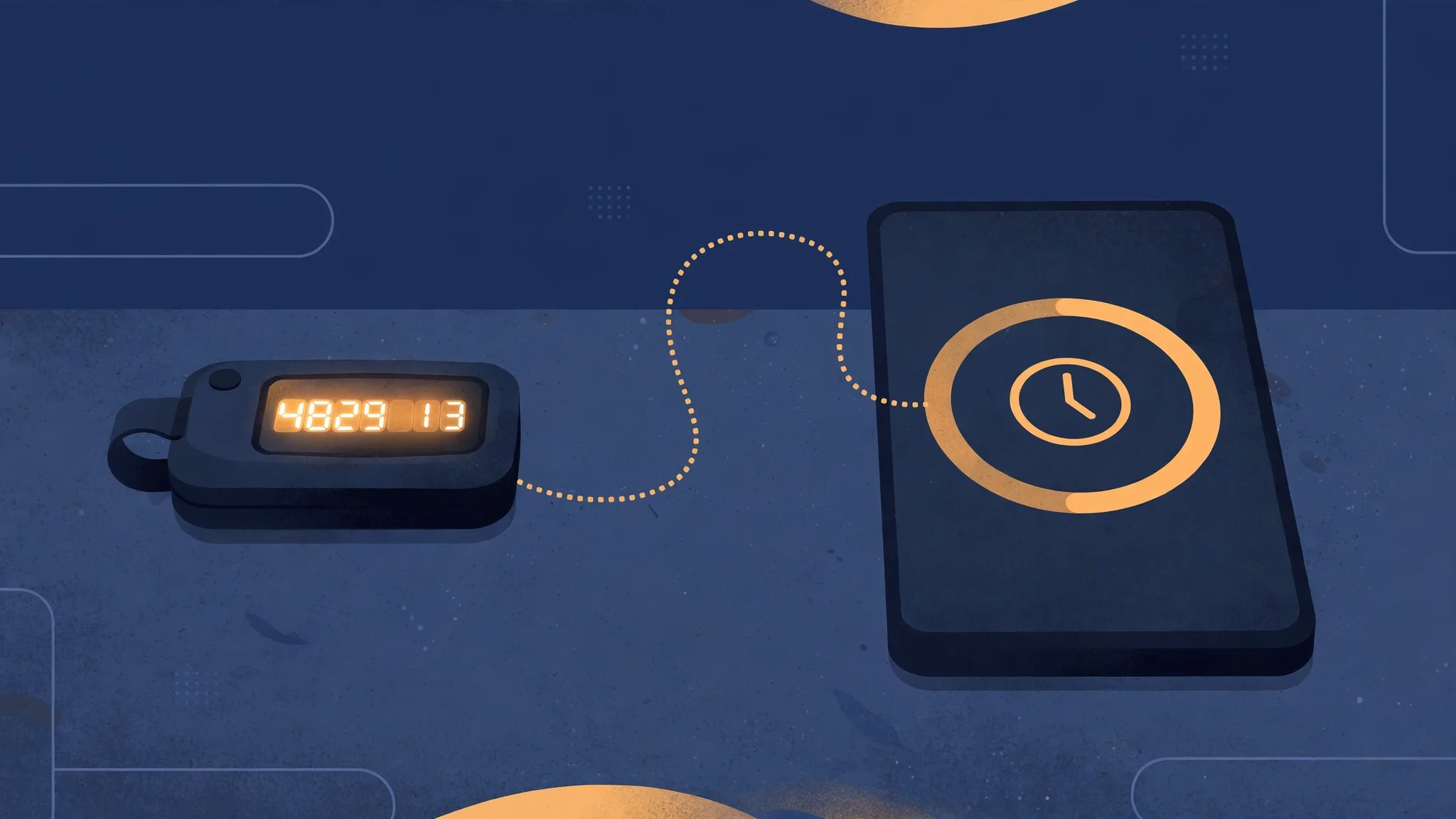
Somewhere in a drawer, or on a keyring next to a car key, millions of people carry a small plastic fob with a grey LCD window and one button. Press the button, a six-digit number appears. Thirty or sixty seconds later it is gone, replaced by another. That fob is an OTP security token, and it is the oldest trick in modern login security — older than the smartphone, older than the authenticator app, and still harder to beat than almost anything that replaced it.
The idea fits in one sentence: instead of a password you memorize and reuse, you carry a device that invents a new password every half-minute, and the server knows how to invent the same one. If someone steals today's code, it is useless tomorrow. If someone steals your password, it still is not enough. Verizon's 2024 Data Breach Investigations Report found that more than 80% of confirmed breaches involved a stolen or reused password. A token attacks exactly that statistic.
But the fob has limits, and most of the guides ranking for this keyword skip them. They define the token, list the types, and stop. I wanted to know what the code actually is, so I ran the algorithm myself. I wanted to know where tokens break, so I chased the failure modes instead of the marketing. Here is the honest version.
The fob on the keyring: what you're actually holding
An OTP security token is a device — hardware or software — that generates a one-time password: a short numeric code, usually six digits, valid for one login or for a few dozen seconds. The word "token" refers to the generator, not the code. The code is the output. The token is the thing that knows how to make it.
The hardware version is the classic: a key fob or a card the size of a credit card, with a display and sometimes a single button. RSA's SecurID, launched in the 1990s, is the famous one — a generation of office workers learned to read a rolling six-digit number off a plastic fob every 60 seconds to get into the company VPN. The software version is the authenticator app on your phone: Google Authenticator, Microsoft Authenticator, Authy, 1Password, Duo. Same job, no separate device. And then there is the third kind, which is not really a token at all but gets lumped in with them: the code a server texts or emails you. That one is generated on somebody else's computer and delivered to you, which matters more than most people realize.
Every token starts the same way: enrollment. When you turn the feature on, the service creates a secret — a random string called a seed — and shares it with your token once, usually as a QR code you scan. From then on, both sides know the secret and never send it again. The token mixes the secret with something that changes — the time, or a counter — runs it through a hash function, and chops the result down to six digits. The server does the same calculation at the same moment. If the two numbers match, you are in.
That is the whole trick. Nothing is transmitted at login except the six digits. There is no code sitting in your inbox waiting to be read, no text message crossing a phone network. The token works in airplane mode, in a basement, in a country where your phone has no signal at all. That offline property is the single biggest reason security teams still hand out hardware tokens in 2026.
I ran the token's math myself — here's what the code really is
Guides love to say tokens use "an algorithm." I wanted to see the algorithm, so I ran it. The standard is TOTP, the time-based one-time password defined in RFC 6238, built on HOTP, the counter-based version in RFC 4226. Both are public standards, and the Python library `pyotp` implements them in a few lines.
First I checked the standard's own test vectors — the known answers published in RFC 6238. Using the published test secret, the code at 59 seconds after the epoch must be 94287082, and at timestamp 1111111109 it must be 07081804. My run produced both exactly. The implementation is correct, which means everything after it is a real result, not a guess.
Then I enrolled a fresh token the way you would: generated a random secret (mine came out as EDS5S6JLNZHUUIQLIT2G4A673PIUZNC4 — yours would be different, and that difference is the entire security model). The codes it produced were 051473, then 410936 thirty seconds later, then 701454 after another thirty. Three windows, three unrelated-looking numbers, each valid only in its own 30-second slice. The server-side check accepted the current code and rejected 000000 outright.
Three things in that little experiment are worth more than a page of definitions. First, the code is not random — it is deterministic. The same secret and the same 30-second window always produce the same six digits, on any device, anywhere. That is why the server can verify you without ever talking to your token. Second, the window is short. A stolen code is a melting ice cube: 30 seconds, sometimes 60, and then it is dead. Compare that with a password, which stays valid for months after it leaks. Third, the secret never travels again after enrollment. The login exchange contains six digits and nothing else. An attacker watching your network traffic learns a number that expires before they can type it.
That is the honest strength of the token. It is also the boundary of what it can do, because everything that goes wrong with tokens goes wrong around the edges: the secret, the clock, or the human holding the fob.
Three tokens, three trust models
People argue about which kind of token is "best" as if they were three brands of the same thing. They are not. They are three different answers to the question of who you trust.
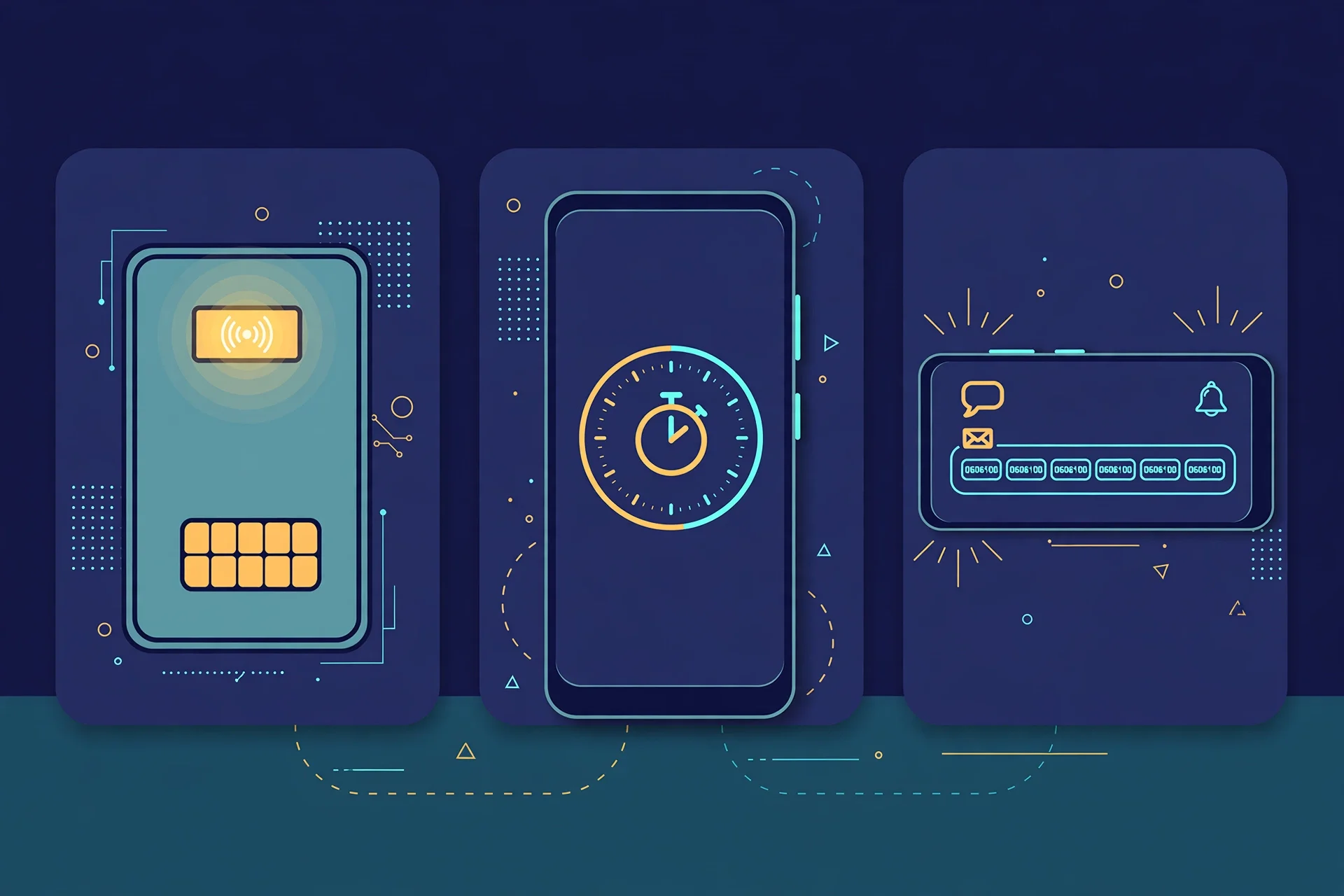
The hardware token — a fob or a card, like the credit-card-sized TOTP devices that carry their own display and battery. It holds the secret in a chip you can touch, it has no operating system to infect, and it cannot be phished by a fake login page in the usual way, because there is no browser involved. Its weakness is physical: lose it, break it, leave it in a hotel room, and you are locked out until the helpdesk resets you. It also costs money, and its battery will die in three to five years whether you use it or not.
The software token — the authenticator app. Free, already in your pocket, and the code is generated the same way, from the same kind of secret. Its weakness is the phone itself. If the phone is compromised, the secret can be too — and if you lose the phone without a backup of the secret, the result is the same as losing a fob. Cloud backup in apps like Authy or 1Password fixes the loss problem and creates a new one: now your second factor depends on a cloud account with its own password.
The server-delivered code — SMS or email. The service generates the code and sends it to you. This is the weakest of the three, and the gap is not small. NIST formally deprecated SMS-only one-time codes as a primary second factor in SP 800-63B back in 2017, and the FBI has issued repeated advisories about SIM-swap fraud since. An email code is only as safe as the inbox it lands in. That is not a reason to never use them — a code sent to an inbox you control is still far better than a password alone — but it is a reason to understand what you are trusting: a phone network, or a mail provider, instead of a device in your hand.
My ranking, after running the math and reading the failure reports: a hardware token for the accounts that would ruin your month if they were taken — email, banking, password manager. An authenticator app for everything else that offers it. SMS or email codes only where nothing better is offered, and never as the sole second factor on an account that holds money or your identity. If you want the deeper tour of the code side of this, our one-time password explainer walks through all four code types and which one your bank actually trusts.
The enrollment minute that decides everything
Here is the part nobody photographs: the sixty seconds when you set the token up decide almost everything about how safe it will be. The enrollment is the one moment the secret moves, and it moves exactly once.
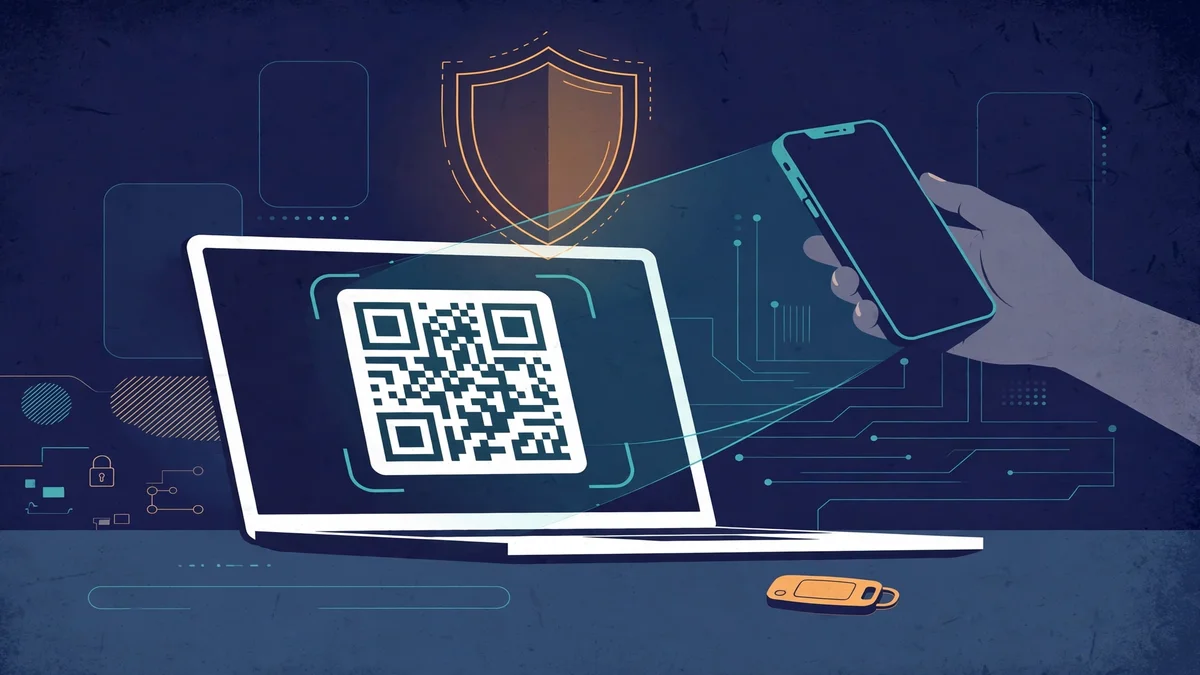
The service shows you a QR code. You scan it with the authenticator app, or the secret is burned into a hardware token at the factory or by an admin. From that moment the secret exists in two places — the server and your token — and the security of the whole arrangement rests on those two copies staying secret.
Do three things in that minute, and most token disasters never happen to you:
- Save the backup codes first. Nearly every service offers one-time recovery codes at enrollment. Print them or store them in your password manager before you do anything else. They are the only way back in if the token dies, and the screen that shows them is the only time you will ever see them.
- Screenshot nothing. A photo of the QR code is a photo of the secret. Anyone who gets that image can clone your token in seconds, and cloud photo backups mean the image may live in more places than you think. If you must keep a copy of the secret, write it on paper and put the paper somewhere a burglar would not look first.
- Test a login before you close the tab. Enroll, log out, log back in with a fresh code. If the clocks disagree — your phone set to manual time is the usual culprit — you will find out now, while the enrollment screen is still open, instead of at 2 a.m. when you actually need the account. Authenticator apps depend on the phone's clock being right; a drift of more than a minute or two and the server's math and your token's math stop agreeing.
That third point deserves a line of its own, because clock drift is the most common "my token stopped working" complaint in the world, and it is not a token failure at all. It is a clock failure. Keep the phone on automatic time, and the problem mostly disappears.
Five ways a token still fails you
Tokens are strong, not magic. Here are the five failures that actually happen, ranked by how often they show up in real reports rather than in theory.
1. You lose the token. The most common failure, by a wide margin. A fob is small, a phone gets stolen, a card goes through the wash. The fix is the backup codes from the enrollment minute, or a second enrolled token kept somewhere safe. Without either, you are filing a support ticket and proving who you are with documents.
2. Real-time phishing. A fake login page asks for your password and your current token code, then relays both to the real site within the 30-second window. The code is single-use, but the attacker uses it once, immediately, and that is all they need. Tokens stop replay attacks; they do not stop a live relay. Hardware keys that verify the site's identity — the FIDO2/WebAuthn kind — do stop this, which is why security teams treat them as the next step up from OTP tokens, not the same thing.
3. The seed leaks. If someone copies the secret — from a photographed QR code, from a breached server, from a careless backup — they can generate every future code your token will ever produce. The token becomes decoration. This is rare for individuals and is the nightmare scenario for enterprises, which is why corporate tokens are provisioned by admins and never shown as a QR code on screen.
4. The clock drifts. TOTP is time, and time must agree. A phone on manual time, or a hardware token whose internal clock has drifted after years in a drawer, and the codes stop matching. The server usually accepts the previous and next window as a grace margin, but a drift beyond that is a lockout.
5. You get locked into one device. The secret lives in one app on one phone, the phone dies, there is no backup, and now every account with that token is a separate recovery process. This is a management failure, not a token failure — but it is the failure that makes people swear off tokens entirely. The cure is dull and unglamorous: enroll a second token or save the secrets somewhere safe when you set each one up.
None of these five means tokens are broken. They mean the token is one part of a system, and the system includes your backup codes, your clock, and your willingness to spend the enrollment minute properly.
Token vs. email OTP: who owns the code?
This is where the temp-mail world and the token world meet, and the distinction is worth stating plainly because the two are constantly confused.
An email OTP is a code the server creates and sends to an inbox. You do not own the code; you rent the inbox it was sent to. If that inbox is a temporary inbox on TempMailUSA that you generated in seconds for a signup, the arrangement is perfect for its purpose: the code arrives, you read it, the account is verified, and the inbox expires. That is what temp mail is for — signups, trials, and downloads where the account itself is disposable. Our OTP test guide shows three ways to test whether a code actually arrives, and the temp-inbox route is the fastest of them.
A token OTP is a code your device creates. Nobody sends it. It cannot be intercepted in transit because there is no transit. It cannot be read out of an inbox because it never enters one. And it outlives any inbox, which is exactly the point: the accounts you protect with a token are the ones you intend to keep.
The rule I use, and the one I would put on a wall: use a temp inbox for accounts you can afford to lose, and a token for accounts you cannot. A newsletter signup gets the temp address. Your primary email, your bank, and your password manager get the token. The verification code guide covers the middle ground — what a code means, and when the code in your inbox is a login step versus a proof that you own the address.
One practical wrinkle: some services let you choose between an authenticator app and an email code at login. Choose the app. An email code is a copy of your second factor sitting in an inbox that may itself be protected by nothing more than a password. If that inbox is ever compromised, every "email code" account falls with it.
Which one should you actually get this week
Enough theory. Here is the decision, in order, for a normal person with a normal set of accounts.
Start with an authenticator app. It costs nothing, it takes five minutes, and it covers the accounts that matter most. Google Authenticator and Microsoft Authenticator are the plain choices; 1Password and Authy add cloud backup, which is worth it if you are the kind of person who has lost a phone before. Turn it on for your email first — your email is the reset address for everything else, so it is the account whose compromise cascades the furthest. Then your password manager, then your bank, then everything else that offers it.
Add a hardware token for the top two or three accounts. A credit-card-sized TOTP card or a fob is the right shape if your bank or your employer supports it — our TOTP card guide looks at the card format specifically, including the ones with their own display and button. If a service offers a FIDO2 security key instead, take that: it stops the real-time phishing that OTP tokens cannot, and the price is a one-time purchase roughly in the $25–$55 range depending on the model. Keep the hardware token on your keyring and the backup codes somewhere else entirely.
Leave SMS and email codes as the fallback, not the plan. If a service only offers codes by text or email, use them — they still beat a password alone by a wide margin. But check first whether the same service offers an authenticator app buried in its security settings; many do, and many do not advertise it. And when a code arrives by email, check how long you have: services that give you ten minutes are forgiving, services that give you sixty seconds are testing whether you can type fast, and if the code never arrives at all, the resend timer on the page may be the problem rather than your inbox.
The whole setup, app plus one hardware token, is an evening's work and then it is done. After that the token does its quiet job every time you log in: a new code, every thirty seconds, generated by a secret nobody has seen since the enrollment minute.
FAQ
What is an OTP security token? A device or app that generates a one-time password — usually a six-digit code that changes every 30 or 60 seconds — used as a second factor at login. Hardware tokens are fobs or cards with a display; software tokens are authenticator apps on your phone. Both work from a secret shared once at enrollment plus the current time or a counter.
Is an OTP token the same as an authenticator app? An authenticator app is one kind of OTP token — the software kind. The other kinds are hardware fobs or cards, and server-delivered codes by SMS or email. They all produce one-time codes, but they differ in who holds the secret and where the code is generated: on your device, or on the server.
Can an OTP security token be hacked? The token's math is not the weak point — the published TOTP standard has survived nearly two decades of scrutiny, and my own run of the RFC 6238 test vectors matched exactly. The realistic attacks are around the token: a stolen or photographed enrollment secret, a real-time phishing page that relays your code within its 30-second window, or a lost device with no backup codes. A FIDO2 security key, which verifies the site's identity, closes the phishing hole that OTP tokens leave open.
What happens if I lose my OTP security token? Use the backup or recovery codes you saved at enrollment — that is what they are for. Without them, you will need the service's account-recovery process, which usually means proving your identity another way and waiting. Enrolling a second token, or storing the secret safely when you set the first one up, turns this from a crisis into a five-minute fix.
Do OTP security tokens need internet? No. Hardware tokens and authenticator apps generate codes offline, from the secret and the clock. That is one of their real advantages over SMS and email codes, which need a network to arrive at all. The phone's clock does need to be accurate, so leave it on automatic time.
Is an OTP token better than an SMS code? Yes, for anything important. SMS codes cross a phone network, can be intercepted or redirected by a SIM swap, and NIST deprecated SMS-only codes as a primary second factor in 2017. A token code is generated on your device and never transmitted. Use SMS codes only where a service offers nothing better.
Need a disposable temporary email?
Protect your real inbox from spam and promotional clutter instantly and free.
Received a suspicious email, text, or charge alert?
Verify whether the sender domain is disposable, spoofed, or unverified before clicking links.