
Resend OTP Timer: I Watched Canva's 60-Second Countdown — Then Found Out It Was Pointless
Resend OTP Timer: I Watched Canva's 60-Second Countdown — Then Found Out It Was Pointless
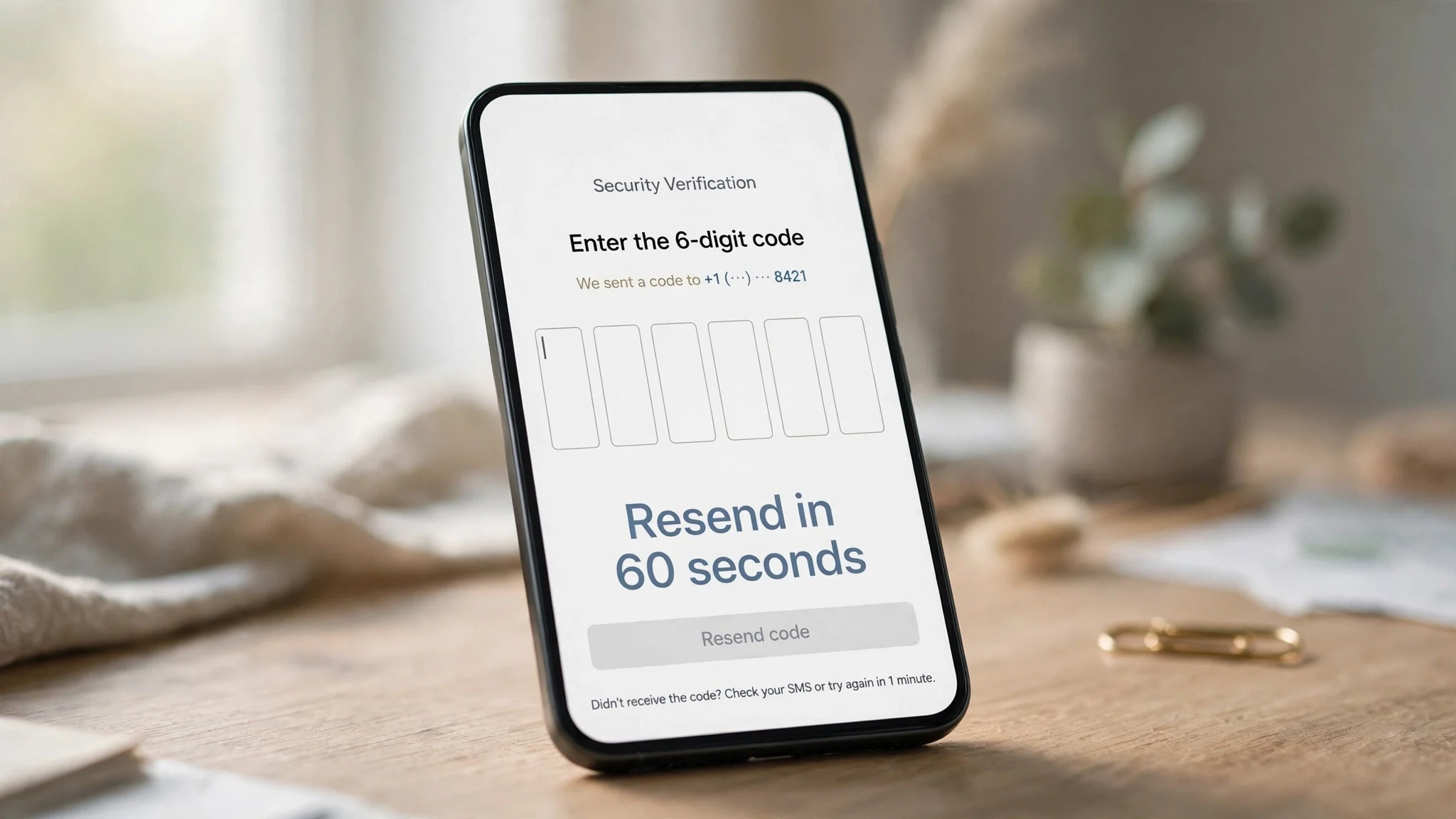
You type your email, hit send, and the code doesn't come. Your thumb hovers over Resend code — except the button isn't there. Instead there's grey text: Resend in 60 seconds. Then 59. Then 58.
That countdown is the resend OTP timer, and almost every site that sends you a one-time code has one. Most advice about it treats the timer as a polite suggestion. It isn't. It's a server-side lock, and how you behave around it decides whether your next code works, whether your first code still works, and whether you get locked out for half an hour.
I tested the timer live instead of summarising other people's docs. I opened a fresh disposable inbox on TempMailUSA, signed up for Canva with it, and watched the countdown tick. What happened next is the reason this article exists: the timer worked perfectly, and no code ever arrived.
The 60 seconds I actually watched
The test ran on the morning of 22 November 2026. The disposable address was pcxog57@rover.info, generated on tempomailusa.com, with the page showing "Expires in 29d 19h 35m 43s" — a free inbox lasts 30 days there, Pro lasts 365.
Canva's signup went: Sign up → Continue with email → enter the address → Create your account (Canva pre-filled the name field as "Pcxog57") → Continue → the verification screen. The heading read "You're almost signed up", with "Enter the code we sent to pcxog57@rover.info to finish signing up." Below the code field sat the timer: "Didn't get the code? Resend in 60 seconds."
Three things about that timer are worth knowing, because they hold on most well-built sites:
- It counted down second by second — I watched it at 59, at 2, and at 1. A real countdown, not a static message.
- While it counted, "Resend" was plain text, not a button. There was nothing to click. The option genuinely did not exist until the timer hit zero.
- When it hit zero, it became a clickable purple "Resend code" link. I clicked it once. A fresh timer started immediately — "Resend in 60 seconds" again, counting down from 59.
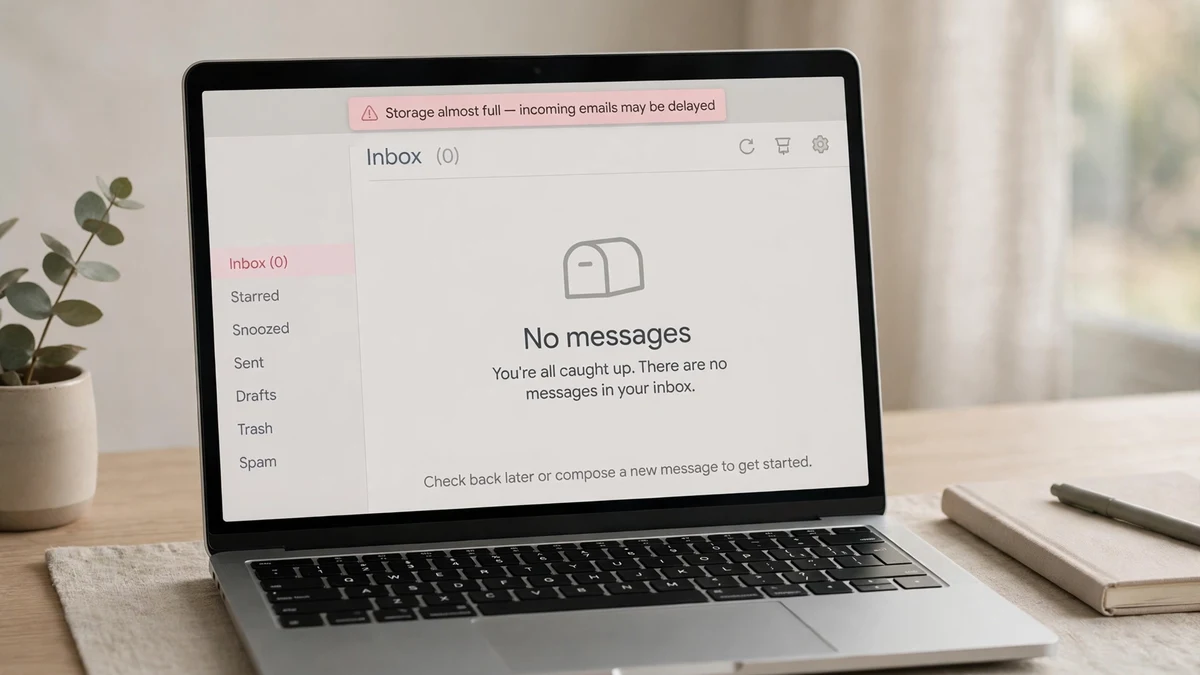
So the timer mechanism worked exactly as designed. And the code email never arrived. I checked the inbox at 01:01, 01:02, 01:03, 01:05 and 01:06 UTC, hitting Refresh each time. Zero messages. The reason was printed on the Canva screen itself, in a pink banner: "Temporary emails can't be used on Canva. Please use a different email or contact us with the error code RRS-a5e401282bd8354f to get help."
Canva's screen said a code had been sent. The inbox said otherwise. The timer was counting down to a resend of a code that was never going to be delivered.
I tried one alternative, Notion. It rejected the same address even earlier — red text under the button: "Invalid email domain". No code screen, no timer, nothing to resend.
That is the honest result, and it shapes the rest of this article: the resend timer is real, it is usually 60 seconds, and it is completely useless when the service has already decided your address isn't welcome.
What the timer is actually counting
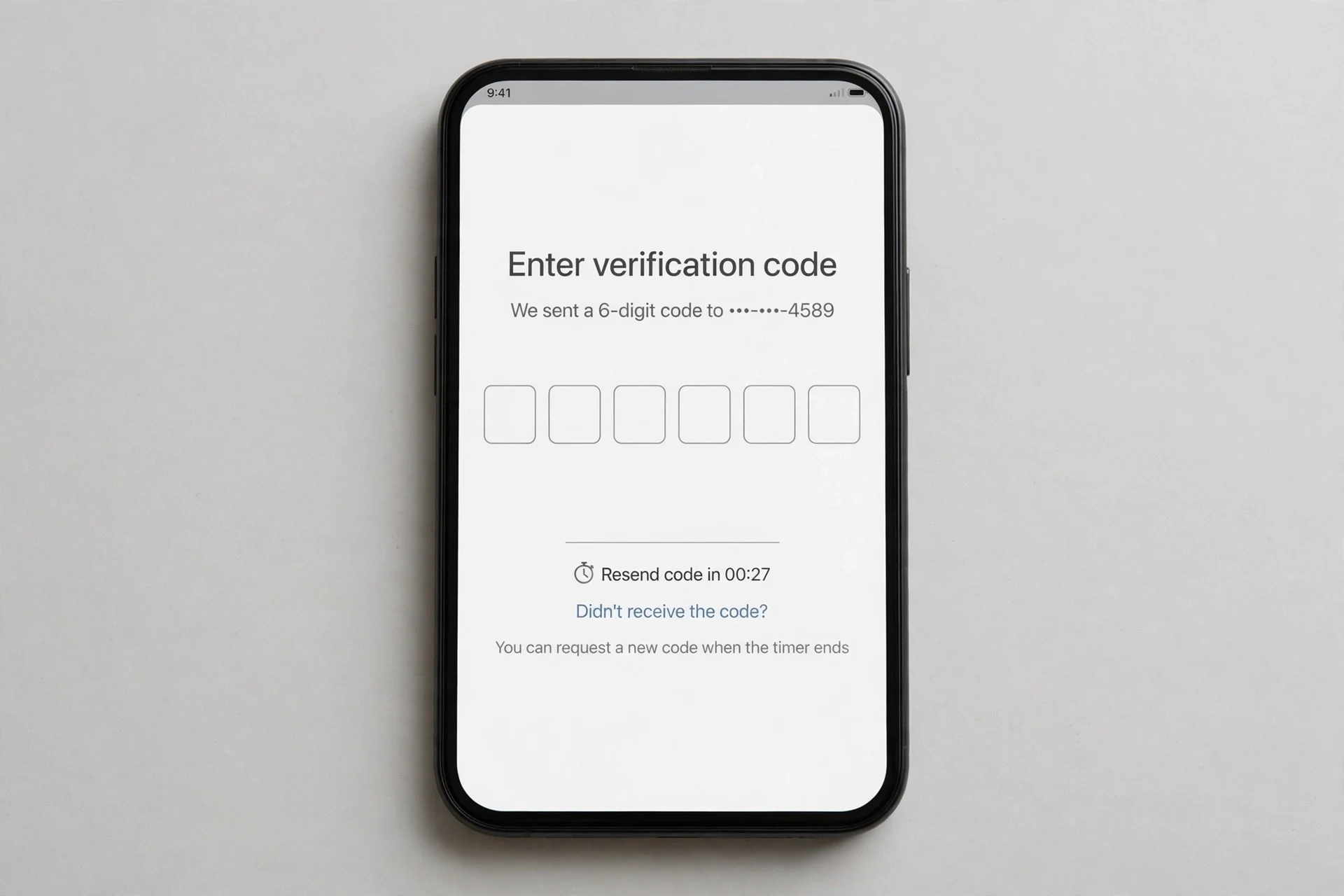
The number on your screen is not a courtesy delay. It is the visible end of a rule enforced on the company's server: this address (or number) may not receive another code until N seconds have passed since the last one.
Every code a company sends costs them money, and every code is also a small attack surface. Without a cooldown, anyone could script a loop that fires a thousand codes at your inbox, draining the company's messaging budget and burying you in spam. The timer is the rate limit, made visible.
That is why the button is greyed out rather than simply slow. On Canva, "Resend in 60 seconds" was plain text while it counted — the frontend wasn't even offering the option, because the backend would have refused it anyway.
The number varies by service, but it clusters tightly: 30 to 60 seconds covers almost everything you will meet as a user. Fast2SMS, one of the biggest OTP providers, defaults its resend wait to 30 seconds. BoldSign, the e-signature service, uses 60 seconds between resends. FormNX uses 60. Canva, as I watched, uses 60.
Resend and "send a new code" are not the same button
Here's the distinction almost no consumer article explains, and it matters more than the timer length.
On most systems, Resend sends you the same code again. It does not generate a fresh one. Fast2SMS documents this explicitly: its Resend endpoint repeats the last OTP with the same OTP ID and the same expiry, so the user can type the code from either message. The expiry clock restarts from the resend, but the digits don't change.
That has two practical consequences. First, if your first code arrives late — after you already pressed resend — both messages contain the same code, so either one works. Second, on some systems the opposite is true: pressing resend invalidates the first code and generates a new one, and the code sitting in your inbox from thirty seconds ago is now dead. You can't tell which kind you're on by looking at the button. The safe rule is simple: after you press resend, use the newest code, and throw the old one away mentally. If the system re-sends the same code, the newest message contains it anyway. If it generates a new one, the old one is worthless.
The other operation — "send a new code", "start over", or going back and re-entering your email — generates a fresh code and, on many systems, a fresh set of limits. It is what you want after the resend window has expired entirely, or after the code itself has expired.
The three clocks hiding behind one button
The countdown you see is only one of three timers running against you. Knowing all three explains nearly every "my code doesn't work" moment:
- The resend cooldown — 30 to 60 seconds. The gap between sends. This is the number on the screen.
- The code's own expiry — usually 5 to 15 minutes. BoldSign's codes are valid for 10 minutes from receipt. Fast2SMS defaults to 15 minutes. FormNX codes work for 10 minutes. A code that arrives after its expiry is dead on arrival, however carefully you type it.
- The lockout — minutes to hours. BoldSign allows three resends at 60-second intervals; on the fourth attempt the Resend button disables for 30 minutes. Fast2SMS caps a single code at 5 sends in 10 minutes, counting the first send. FormNX allows 5 codes per number per hour. These limits are per address or per number, not per browser tab, so opening the page in another tab doesn't reset them.
Most people's worst OTP experience is not the timer at all. It's pressing resend three or four times in a row, hitting the lockout, and then staring at a screen that won't send anything for half an hour — while the support article cheerfully tells them to "just request a new code".
How long the wait really is
I pulled the published numbers from the services that document them, so you can see the pattern instead of taking my word for it:
| Service / screen | Resend wait | Code validity | Resend limit |
|---|---|---|---|
| Canva signup (tested live, 22 Nov 2026) | 60 seconds | Not stated on screen | Not stated on screen |
| BoldSign | 60 seconds | 10 minutes | 3 resends, then 30-minute cooldown |
| Fast2SMS Smart OTP (default settings) | 30 seconds | 15 minutes | 5 sends per code in 10 minutes |
| FormNX SMS verification | 60 seconds | 10 minutes | 5 codes per number per hour |
| OTPX (guidance for users) | Wait 60–90 seconds before resending | Varies by service | 2–3 resends, then stop |
The takeaway is not any single row. It's that 60 seconds is the industry's default answer, that codes live for about ten minutes, and that the third or fourth resend is where the friendly timer turns into a lockout.
When resending makes it worse
Resend feels like the fix for a missing code. Sometimes it is the cause of the next failure. Three ways:
It can kill the code you already have. On systems that generate a fresh code per resend, the code in your inbox right now stops working the moment the new one is sent. If that first code was merely delayed — stuck in a slow mail queue, held by a spam filter — you have just thrown away a working code and started waiting for another one. OTPX's guidance is blunt about this: resending after 10 seconds can invalidate the first code. Their advice is to wait 60 to 90 seconds before touching resend at all.
It can burn your attempts. Every resend counts against the per-code or per-hour cap. Hammering the button four times in two minutes doesn't get you a code four times faster — it gets you to the lockout four times faster, and then nothing will arrive for 30 minutes no matter what you do.
It can trigger the service's abuse systems. Repeated OTP requests to the same address in a short window look exactly like a bot probing the endpoint. Some services respond by silently stopping delivery — no error, no message, just silence. If you have pressed resend three times and nothing has arrived, stop. The fourth press is not the one that fixes it.
My rule after years of watching these screens: one resend, after the full timer, then troubleshoot instead of resending.
The temp-mail trap: when the timer is a lie
Everything above assumes the service is actually trying to deliver your code. Sometimes it isn't, and the timer is the last thing that tells you so.
Canva's pink banner — "Temporary emails can't be used on Canva" — appeared on the same screen as the working 60-second timer. The screen said a code had been sent to pcxog57@rover.info. The inbox stayed at zero messages across five checks in five minutes. Pressing resend after the timer restarted the countdown and changed nothing, because there was never a delivery to repeat. The timer was real; the premise was false. Canva has blocked disposable addresses for a while — I covered what happens when you try temp mail on Canva before, and the block is still firmly in place.
Notion was more honest about it: "Invalid email domain" at the email-entry step, before any code screen existed. No timer, no false promise.
This is the exact situation a verification code guide should warn about, and most don't: a resend timer only helps when delivery is possible. If the service blocks disposable domains, no amount of waiting or resending will produce a code.
Temp mail is excellent for receiving codes from services that accept it — the inbox I tested refreshes in seconds — but "accepts it" is doing real work in that sentence. Canva and Notion don't. Many services do. The timer can't tell you which camp you're in; only the inbox can. If two full timer cycles pass with zero messages, believe the inbox.
What to do instead of hammering Resend
When the code hasn't arrived and the timer has finished, work down this list in order. It takes about two minutes and it resolves nearly every case:
- Wait out one full timer, then press resend exactly once. Use the newest code that arrives, and discard the older one mentally.
- Check the address you typed. One transposed letter and the code is sitting in a stranger's inbox, or in nobody's. Re-enter it carefully if the screen lets you go back.
- Check spam, promotions, and your blocked-senders list. Email codes land in spam more often than anyone admits, and some providers silently filter automated mail from senders you have never contacted.
- Check whether the service accepts your address type. A banner about temporary email, an "invalid domain" error, or two empty timer cycles all point the same way. Switch to a permanent address.
- Try the other channel, if the service offers one. SMS instead of email, or a voice call, or an authenticator app. The timer is per-channel; a fresh channel is a fresh start.
- Stop after three resends. If three attempts across three timer cycles produced nothing, you are either locked out or blocked. Wait 30 minutes, then try once more with a corrected address. Pressing resend a fourth time is how a 60-second delay becomes a 30-minute one.
Frequently asked questions
How long is the resend OTP timer usually? 60 seconds on most consumer services — Canva showed exactly 60 when I tested it live. Some providers default to 30 seconds. Anything between 30 and 60 seconds is normal; longer than two minutes usually means the service has tightened its anti-abuse limits.
Does resending an OTP send the same code or a new one? It depends on the service. Many systems — Fast2SMS is one — resend the same code, so either message works. Others generate a fresh code and invalidate the old one. Since you can't tell from the button, always use the newest code you receive and ignore the older one.
How many times can I resend an OTP? Usually three to five times before a lockout. BoldSign allows three resends at 60-second intervals, then disables resending for 30 minutes. Fast2SMS allows five sends of one code in ten minutes. FormNX allows five codes per number per hour. Treat three resends as your practical limit.
What should I do if the OTP never arrives even after resending? Stop resending after three attempts. Check the address for typos, check spam, and check whether the service blocks your address type — Canva blocked my temporary address outright, and Notion rejected the domain at signup. If two full timer cycles produce nothing, switch to a permanent email address or another verification channel, and wait out any lockout before trying again.
The one rule
The resend OTP timer is a 60-second pause with a job to do: it paces the conversation between you and the server, and it protects you from your own impatience as much as it protects the service from abuse. Respect it once, use the newest code, and stop after three tries. And if the code never comes at all, remember what my Canva test showed — a perfectly working countdown can be counting down to nothing. The timer tells you when you may ask again. Your inbox tells you whether asking again is worth it.
---
Need a disposable temporary email?
Protect your real inbox from spam and promotional clutter instantly and free.
Received a suspicious email, text, or charge alert?
Verify whether the sender domain is disposable, spoofed, or unverified before clicking links.