
TOTP Card: What It Is, How the Wallet-Sized Code Generator Works, and Who Actually Needs One
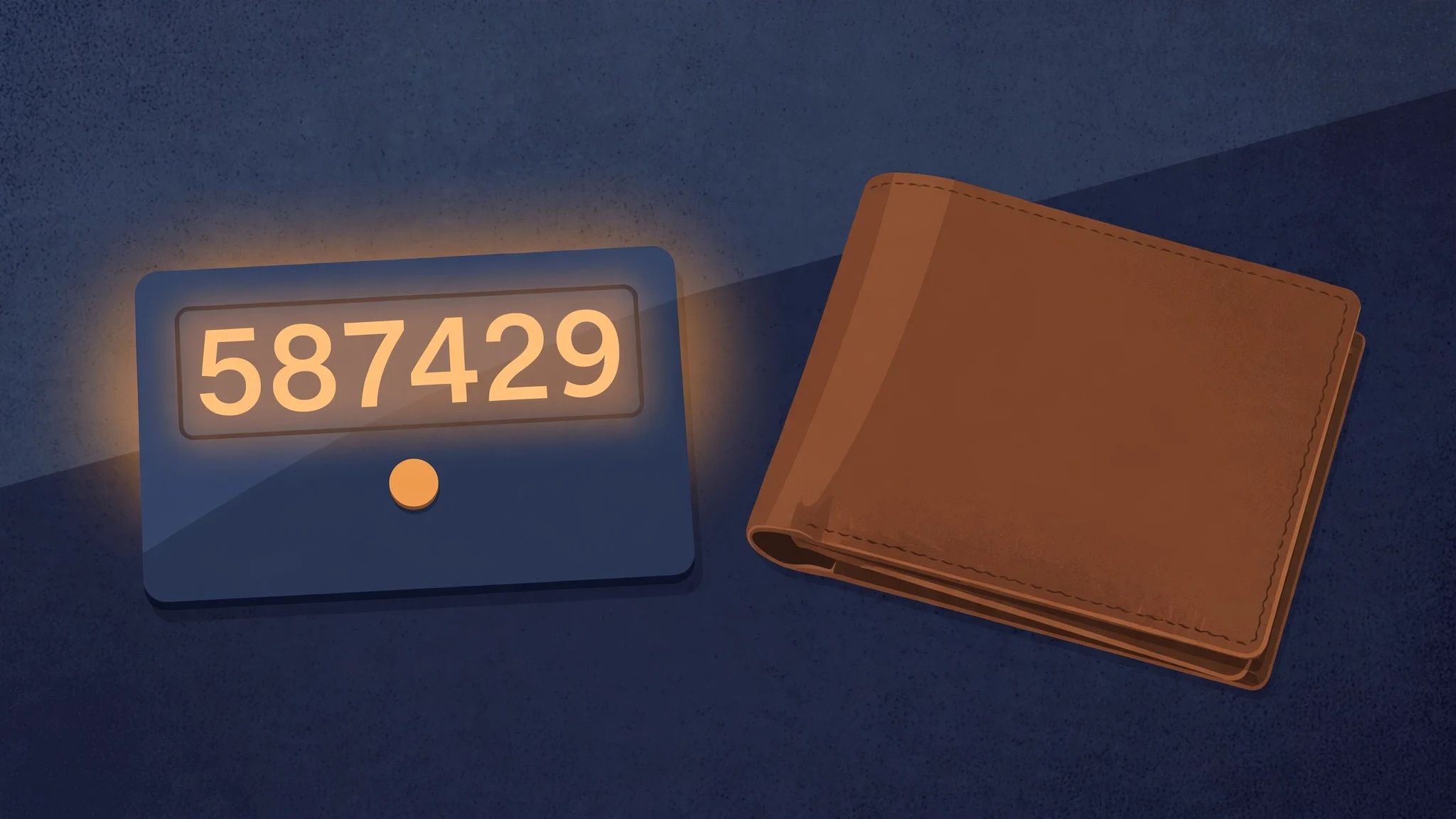
Your phone is dead, your authenticator app is on the other side of that dead battery, and your bank wants a six-digit code right now. That is the entire pitch for a TOTP card, and it is a good pitch. A TOTP card is a piece of plastic the exact size of a credit card that does exactly one job: show you a fresh six-digit code every 30 seconds, with no phone, no app, and no signal. Press a button, read the number, type it in. It lives in your wallet next to your actual cards, and it keeps working when everything else in your pocket has given up.
It is also a product most people should not buy. For a narrow group of people it is the best second factor money can buy; for everyone else it is a solution to a problem they do not have, with a failure mode they have not thought about. This guide covers what the card is, how the code is actually made, how it stacks up against the authenticator app already on your phone, the two-letter difference that decides whether a given card works with your service at all, and the fine print that turns a lost card into a locked account.
What a TOTP Card Actually Is
Strip the marketing away and a TOTP card is four components laminated into a credit-card body. A small e-ink or LCD display, usually showing six digits. One button — press it and the current code appears. A sealed battery that lasts years, not days. And a chip holding a shared secret, the same kind of secret an authenticator app stores on your phone.
The size is the point. FEITIAN's VC-200E, one of the better-known cards, measures 85.6 by 54 by 0.84 millimetres — the same footprint as a payment card, thin enough for a wallet slot. Thales's SafeNet OTP display card is built the same way: one button, one line of high-contrast digits, no PIN to type, no screen to unlock. Token2's OTPC-P2 adds NFC, so the secret can be programmed over NFC while the displayed code itself can never be read out through the NFC interface — the display is the only way to see a code.
Nothing about the card talks to the internet. It does not receive codes from a server, the way an SMS code arrives on your phone. It generates them, locally, from two ingredients: the secret it was programmed with, and the current time. That is why it works in a basement, on a plane, and when your phone is dead — and why losing the card is a bigger deal than losing your phone.
The 30-Second Trick, in Plain English
Here is the whole mechanism. When you set up two-factor authentication, the service generates a secret — a short string of characters, usually in base32 format — and shows it to you as a QR code. Your authenticator app scans it. A TOTP card is programmed with the same string, usually through an NFC app or a USB writer.
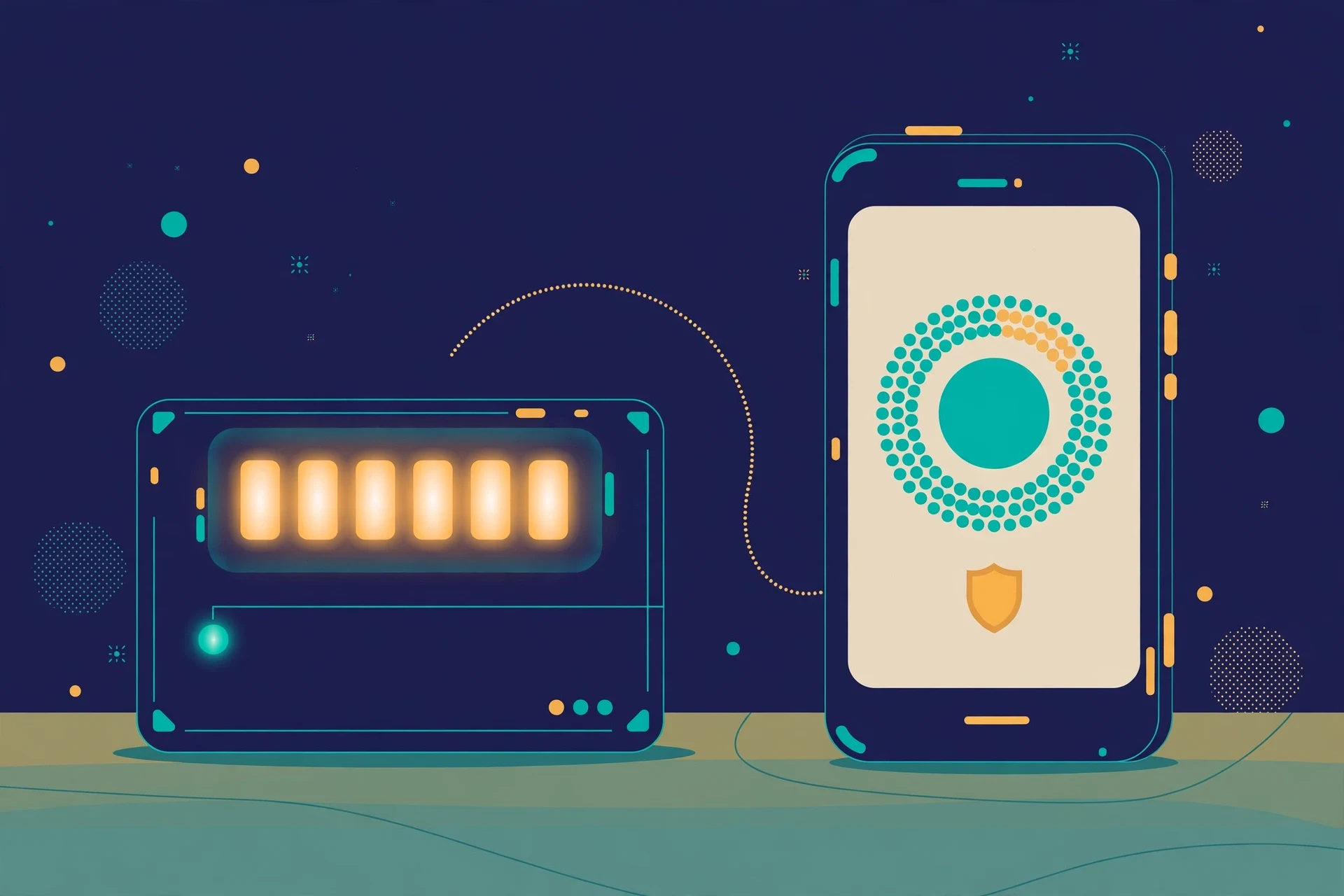
From that moment on, both sides know the same secret and both sides know the time. The card takes the secret, mixes it with the current 30-second window — the number of seconds since 1 January 1970, divided by 30 — runs that through a hash function, and chops the result down to six digits. The server does the identical calculation. If the two numbers match, you are in. Thirty seconds later the window rolls over and the code changes. Nothing is transmitted, nothing is synced, and the card never asks the server anything.
I wanted to be sure that description was more than a paraphrase, so I ran the algorithm myself. RFC 6238, the standard that defines TOTP, publishes test vectors: with the secret "12345678901234567890" at 59 seconds past the epoch, the eight-digit code must be 94287082. My implementation produced exactly 94287082. Then I generated codes from a demo secret for two adjacent 30-second windows: 340711, then 289749. Same secret, same code inside one window, a completely different code the moment the window turned over. That is the entire trick: a shared secret, a clock, and a hash.
Two details in that mechanism explain most of the confusion around these cards. First, the code is usually six digits, but it does not have to be — some systems use eight, including India's mAadhaar app. Second, the card and the server must agree on the time. A card whose clock drifts will start producing codes for the wrong window, and most services accept the current window plus one on either side before they start rejecting you. Clock drift is the quiet reason a card "stops working" after a few years.
TOTP Card vs Authenticator App vs SMS vs Security Key
Every second-factor method is a trade, and the honest way to compare them is by what breaks.
An authenticator app — Google Authenticator, Microsoft Authenticator, or any open alternative — does exactly what a TOTP card does, with the same algorithm, for free, on hardware you already carry. Its weakness is the phone itself: dead battery, broken screen, stolen device, or a phone you left at home, and your codes are gone with it. A TOTP card's entire reason to exist is surviving that scenario. It is also the reason it loses to the app on every other axis: the app backs up to the cloud, holds dozens of accounts, and costs nothing.
SMS codes are the weakest of the four and the most common. The code travels over the mobile network, which means it can be intercepted, delayed, or rerouted entirely when someone convinces your carrier to move your number to their SIM. Our guide to what a verification code is covers why email and SMS codes expire and what to do when one never arrives. A TOTP card has no network to attack — but it also has no delivery fallback: if the card is in your other wallet, there is no resend button.
A security key like a YubiKey is the strongest option and the least similar. It does not show you a code at all — you touch it and it cryptographically proves you hold it, which resists phishing in a way TOTP cannot, because a TOTP code can be typed into a fake login page just as easily as a real one. But a security key only works where the service supports it, and plenty of services still only offer TOTP. That gap is the TOTP card's real home.
My ranking, for most people: an authenticator app first, a security key where it is supported, a TOTP card only if you have a specific reason to distrust your phone. If none of that describes you, the card is a second copy of a thing you already own.
TOTP vs HOTP: The Two Letters That Decide Whether Your Card Works
This is the section that saves people from buying the wrong card, because the product pages bury it. TOTP is time-based: the code changes every 30 or 60 seconds. HOTP is event-based: the code changes every time you press the button, and the server tracks how many times you have pressed it. They look identical on the outside — same card, same display, same button — and they are not interchangeable.
FEITIAN sells both, and the distinction is printed plainly on its own product pages if you know to look. The VC-200E is the time-based card: it works with Microsoft Entra ID, Azure MFA, Okta, and PingID, and it explicitly does not work with Duo Security. For Duo you need the VC-100E, the event-based card. Buy the wrong one and nothing about the setup will tell you why it fails — the code will simply never match, because your card is counting button presses while the server is counting seconds.
Before ordering any card, check whether your service supports hardware TOTP at all, and which flavour it expects. Most consumer services — Google, GitHub, Dropbox, the usual list — accept standard TOTP, and any TOTP card will do. Enterprise setups are where the HOTP trap lives. If your IT department issued the card, they already made this choice for you; if you are buying your own, the service's 2FA settings page is the authority, not the card vendor's compatibility list.
Setting One Up Without the Usual Mistakes
The setup is short, and the mistakes are all in the parts people rush. Enable two-factor authentication on the service and choose the authenticator-app option — TOTP cards register as authenticator apps, because as far as the server is concerned, that is what they are. The service shows a QR code and, usually, the secret in text form. With a programmable card like the Protectimus Slim NFC, you write that secret to the card with the vendor's NFC app; with a pre-seeded card, the vendor programs it before shipping and you enter the card's serial into the service instead. Either way, test the first code before you close the setup page. If the code fails, the usual culprit is the clock — check that the device programming the card has the right time, and try again in the next window.
Then do the step almost everyone skips: save the recovery codes. Every serious service offers backup codes at setup, and they are the only way back in if the card is lost, stolen, or its battery dies. Print them, put them somewhere that is not the same wallet as the card, and do not photograph them into the same phone the card was meant to replace. A TOTP card plus saved recovery codes is a robust setup. A TOTP card with no recovery codes is a lock with one key and no locksmith. Our explainer on OTP scanners covers the three different tools that hide behind that name, including the QR-reading step this setup depends on.
Who Should Actually Buy One
The honest answer is a short list. Buy a TOTP card if you work where phones are restricted or forbidden — certain secure facilities, some trading floors, some field roles — and you still need to log in to services protected by TOTP. Buy one if you hold the keys to a shared admin account, where a lost phone at the wrong hour means a locked-out team. And buy one if you have been burned by phone-based 2FA before — a stolen phone, a factory reset without a backup, a dead battery on a travel day — and you want a second factor that lives in your wallet instead of your pocket.
Do not buy one if your authenticator app works fine and you have never once been locked out of it. Do not buy one as a general "security upgrade" — a security key is the real upgrade, and an authenticator app is the free version of the same protection. And do not buy one for a single low-stakes account: a card that costs around $30 — Protectimus lists its Slim NFC at $29.99 — to protect a forum login is money spent on the wrong layer. Spend it on a password manager instead.
A basic programmable card runs roughly $12 to $30, and the battery is sealed: when it dies in three to five years, you buy a new card. That is the real cost of ownership, and it is the number to compare against free.
The Fine Print Nobody Puts on the Product Page
A TOTP card has five weaknesses, and every one of them is the kind of thing you discover at the worst possible moment.
First, the battery. Sealed, non-replaceable, three to five years on most models. Thales rates its display card for up to 15,000 generated codes. When the battery dies, the card is a piece of plastic, and there is no low-battery warning on most models — the display simply stops responding one day.
Second, loss. A phone can be located, locked, and wiped remotely. A card cannot. Anyone holding your card can generate codes for every account on it, and there is no PIN standing between them and the display on most models. If your wallet is stolen, treat every account on the card as compromised until you have revoked the card's secret and set up a new second factor.
Third, one secret per card, unless you buy programmable. Cheaper fixed-seed cards hold a single secret for a single account. Programmable cards like the Protectimus Slim NFC can be reprogrammed with a new secret as many times as you like — but reprogramming wipes the old secret, so the card still serves one account at a time unless the model explicitly supports several.
Fourth, clock drift. The card's internal clock is not synced to anything. Over years it wanders, and once it wanders far enough outside the window the server accepts, every code fails. If a card that worked for two years suddenly stops, drift is the first thing to suspect, and the fix is a replacement, not a reset.
Fifth, phishing. A TOTP code is a string of digits, and a string of digits can be typed into a fake login page. The card protects you against a stolen password and a SIM swap. It does not protect you against a convincing fake of the site you meant to visit. Only a security key does that.
Where TOTP Cards Meet Email Codes
There is a natural division of labour here, and it maps neatly onto the way people actually use temporary email. A verification code sent to your inbox — by email or SMS — is a code that travels to you. A TOTP code is a code you generate yourself. The first is convenient and fragile; the second is inconvenient and robust. Use each where its nature fits.
A temporary address is the right tool for the throwaway signup: the newsletter you want to read once, the download gate, the trial that will spam you forever. That is what our homepage at tempomailusa.com is for — an address generated the moment the page loads, no signup, no verification hoop of its own. Our guide to what a burner email is draws the same line: use a throwaway address where the email is plumbing, not identity.
A TOTP card belongs on the other side of that line. The bank account, the primary email, the password manager, the admin console — the accounts where losing access costs real money or real time. For those, the second factor should not depend on an inbox that expires, a phone that dies, or a code that has to travel across a network to reach you.
The rule I use: if the account is worth a recovery process, it is worth a TOTP card or a security key. If it is not, a temporary address and an email code are the honest, proportionate answer.
Frequently Asked Questions
What is a TOTP card?
A credit-card-sized hardware token that generates time-based one-time passwords. Press the button, read the six-digit code on the e-ink or LCD display, type it into the login form. It needs no phone, no app, and no internet connection.
How is a TOTP card different from Google Authenticator?
It is not, cryptographically. Both generate codes from the same shared secret and the same 30-second time window, using the same RFC 6238 algorithm. The difference is the hardware: the card works when your phone is dead, lost, or not allowed. The app is free and holds many accounts; the card usually holds one and costs $12 to $30.
How long does a TOTP card battery last?
Three to five years on most models, with a sealed, non-replaceable battery. Thales rates its display card for up to 15,000 generated codes. When the battery dies, the card is dead — keep your recovery codes somewhere safe, because they are the only way back in.
What happens if I lose my TOTP card?
Anyone holding it can generate codes for the accounts on it, and there is no remote wipe. Revoke the card's secret on each service immediately, set up a new second factor, and use your saved recovery codes to get back in. This is the scenario recovery codes exist for — save them at setup, not after a loss.
The Bottom Line
A TOTP card is a good tool that most people do not need. It does one thing, it does it offline, and it does it from your wallet instead of your phone. For the person who cannot carry a phone into work, for the admin whose account the whole team depends on, for anyone who has been locked out by a dead battery at the worst possible hour, it earns its slot and its $30. For everyone else, the authenticator app on the phone you already own is the same cryptography for free, with cloud backup and a dozen accounts in one place.
If you do buy one, buy the right flavour — TOTP, not HOTP, unless your service says otherwise — test the first code before you close the setup page, and save the recovery codes somewhere that is not the wallet the card lives in. The card is the second factor; the recovery codes are the plan for the day the second factor fails.
Need a disposable temporary email?
Protect your real inbox from spam and promotional clutter instantly and free.
Received a suspicious email, text, or charge alert?
Verify whether the sender domain is disposable, spoofed, or unverified before clicking links.