
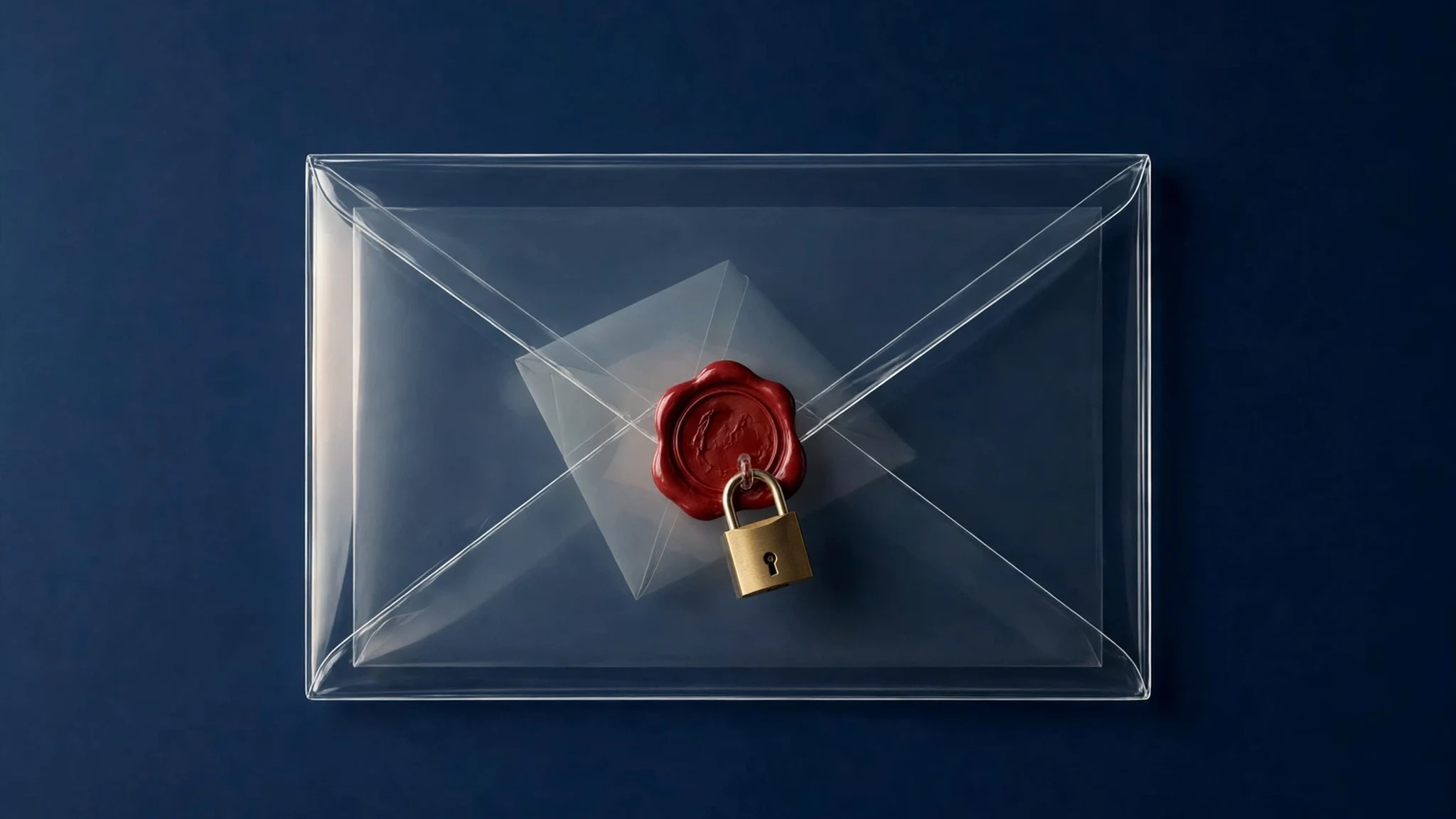
Is Encrypted Email Secure? The Two Answers Nobody Gives You
Is Encrypted Email Secure? The Two Answers Nobody Gives You
Ask ten security people whether encrypted email is secure and you'll get ten confident answers that contradict each other. One will tell you email encryption is bulletproof maths. Another will tell you email was never designed to be private and never will be. Both are right, because they're answering different questions.
The question people actually mean when they type "is encrypted email secure" is simpler: can someone else read my email? And the honest answer is: it depends entirely on who that someone is. A stranger on the same coffee-shop Wi-Fi? No, they can't. Your email provider? Yes, they almost certainly can. The person you sent it to, forwarding it from their phone at midnight? Obviously.
So this isn't a yes-or-no article. It's a map of the three locks on your email, who holds the key to each one, and the five ways the whole thing still gets beaten. I checked the claims I could check myself tonight instead of repeating them — the results are below, with the exact commands, because "trust me" is not a security argument.
The short answer: secure against whom?
If you only remember one paragraph, make it this one. Encrypted email is genuinely, mathematically secure against interception in transit. Nobody sitting between you and your provider, or between your provider and the recipient's provider, can read the contents of a message that travelled over modern TLS. That part is settled, and it's been settled for years.
But "in transit" is a small slice of an email's life. Your message also sits, readable, on servers. It sits on the recipient's phone, in their backups, in their sent folder, in the search index their provider built from it. The encryption that protects the journey does nothing for the destination. That's why the right question isn't "is encrypted email secure" but "secure against whom, and at which point in its life?"
Here's the cheat sheet, and the rest of this article is the evidence behind it:
- Against a network snoop: yes, secure. TLS 1.3 with AES-256 is what your mail actually travels over, and I verified that tonight.
- Against your email provider: no, not with TLS alone. They hold the key. Only end-to-end encryption changes this.
- Against the recipient's provider: same answer. Same problem, second server.
- Against someone with your password: no. Encryption never protected an account whose front door was open.
- Against the recipient forwarding it: no, and nothing can fix that. Encryption protects a message in motion, not a secret once someone has read it.
What I checked tonight: the locks are real, and so are the gaps
Before writing any of this, I ran the checks I could run from my own machine, because most articles on this topic quote each other in a circle. Here's what I actually did, and what came back.
First, I opened an encrypted connection to tempomailusa.com itself: TLS 1.3, cipher suite TLS_AES_256_GCM_SHA384, certificate verification OK. Same for mail.google.com — TLS 1.3, the same AES-256-GCM cipher, verification OK. That's the current standard, and both ends of the biggest mail system on earth are using it.
Second, I looked up the mail-transfer policies Gmail and Outlook publish. Both publish MTA-STS policies — Gmail's reads mode: enforce with its mail servers listed, Outlook's reads mode: enforce too. In plain language: these providers tell the rest of the internet "if you can't do TLS with us, don't bother delivering." That's a policy with teeth, and it means the transit leg of a Gmail-to-Outlook email is encrypted by rule, not by luck.
Third, I tried to test the raw mail-transfer port myself — connecting to Gmail's mail servers on port 25 with STARTTLS. That one failed: the connection never got a STARTTLS response from this machine, and the attempt died. Port 25 is blocked from where I work, which is normal for a residential or cloud connection and is itself a small piece of evidence about how locked-down the mail world has become. I'm telling you this because a writer who only reports the checks that worked is selling you something. The two checks that worked are the ones that matter most: the webmail connection your browser makes, and the published policies the providers enforce.
One more thing the checks showed: tempomailusa.com's own mail is handled by tempomailusa.com itself — its MX record points at the domain, priority zero, no third-party mail host in the path. Fewer hops, fewer readers.
Lock one: TLS, the armoured truck that opens at both ends
TLS — Transport Layer Security — is the encryption almost every email you have ever sent already had. When your mail app talks to Gmail, that connection is TLS. When Gmail hands your message to Outlook's servers, that hop is TLS. It's automatic, invisible, and strong: the cipher I measured tonight, AES-256-GCM over TLS 1.3, is the same class of encryption banks use.
The catch is what TLS actually encrypts: the connection, not the message. Think of it as an armoured truck. Your letter rides inside, safe from anyone watching the road. But the truck stops at two depots — your provider's server and the recipient's provider's server — and at each stop the doors open, the letter comes out, and someone reads the address and files it away. Then it goes into a new truck for the next leg.
So TLS answers exactly one threat: someone intercepting your email while it moves. That threat is real — public Wi-Fi, a compromised router, a hostile network — and TLS kills it dead. What TLS does not answer is the question of who can read your mail once it has arrived. Your provider can. The recipient's provider can. Anyone who compromises either server can. Anyone with a lawful order served on either provider can. If that bothers you, TLS was never going to be enough, and no amount of "but it's encrypted" changes that.
If you want the full picture of what TLS does and doesn't do, our guide to what encrypted email actually is breaks down the definitions without the marketing fog.
Lock two: end-to-end encryption, the sealed envelope
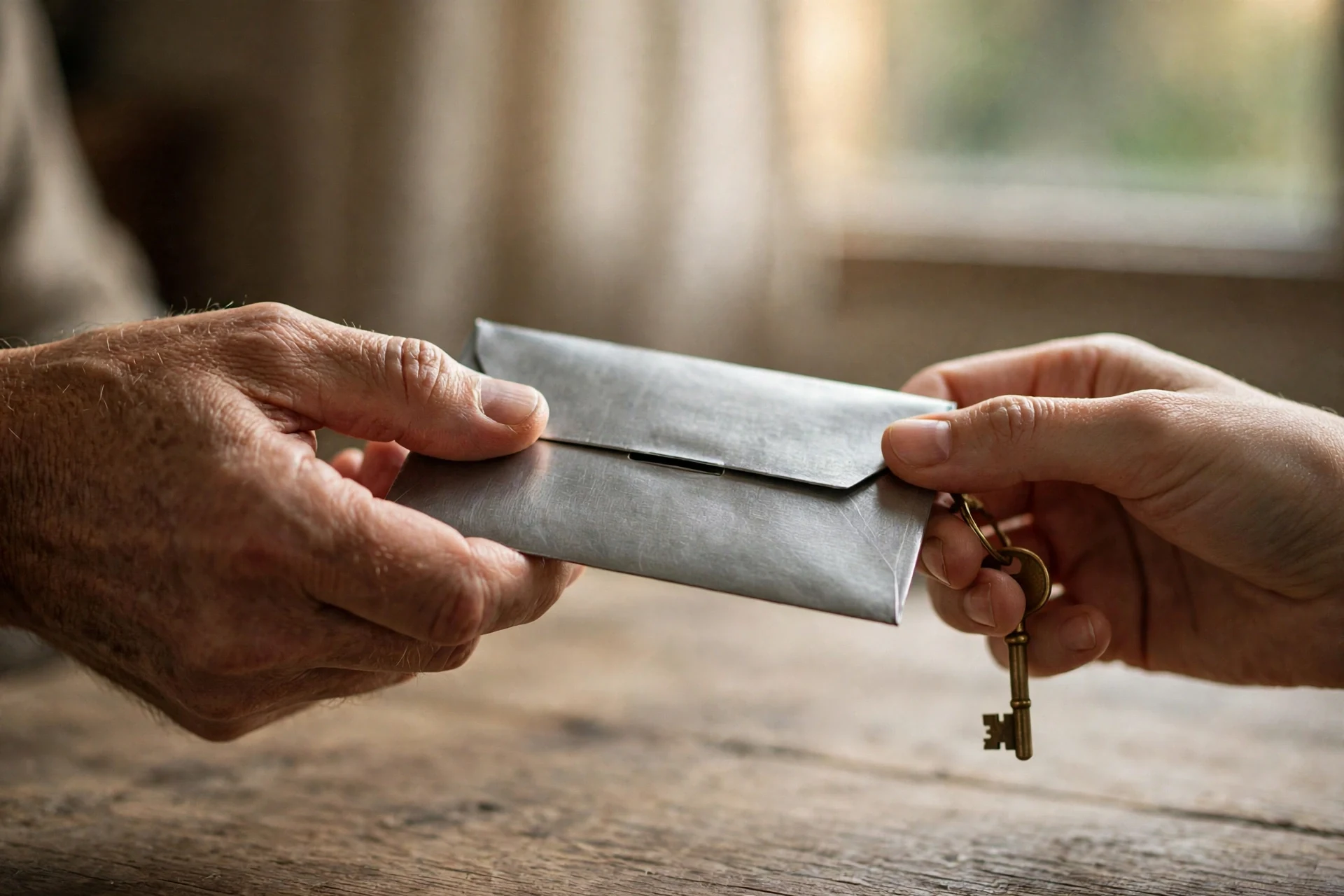
End-to-end encryption — E2EE — is the lock people picture when they hear "encrypted email." The message is scrambled on your device and only unscrambled on the recipient's device. The providers in the middle carry a sealed envelope they cannot open. PGP and S/MIME are the classic ways to do it; Proton Mail, Tutanota and a few others build it in by default; Gmail and Outlook offer it in some business plans, not in the free ones.
This is the only lock that answers the provider question. With genuine E2EE, Google genuinely cannot read your message, because Google never holds the key. That's a real, meaningful difference — it's the difference between "trust us, we won't look" and "we couldn't look if we wanted to."
But E2EE has a price, and the price is why most of the world doesn't use it. Both ends have to be in on it. If you send an end-to-end encrypted message to a Gmail address from a Proton Mail account, the encryption stops at the border: the Gmail side gets a password-protected link or a plain message, depending on the setup, and Google's servers see whatever arrives. E2EE works beautifully inside one system and awkwardly across systems, which is why it has spent thirty years being the right answer that almost nobody uses.
And E2EE has its own weak point, one that surprises people: the key. Lose your private key and your own encrypted mail becomes unreadable forever — to you, too. There is no "forgot password" for a key only you hold. That's not a flaw in the maths; it's the deal. Real security means nobody has a spare key, including the people who'd like to help you.
If you want to actually set it up, our step-by-step guide to sending an encrypted email walks through the options in Gmail, Outlook and the E2EE providers, with the trade-offs stated plainly.
Lock three: encryption at rest, the warehouse with the key under the mat
There's a third lock that providers love to talk about and that means less than it sounds like: encryption at rest. Your stored emails are encrypted on the provider's disks, so if someone steals a hard drive from a data centre, they get scrambled data. Good. Necessary, even.
But the provider holds the key to that encryption, on the same premises, under the same roof. It's a warehouse with a padlock, and the key hangs on a hook by the door. Encryption at rest protects against a stolen disk. It does not protect against the provider itself, a compromised employee account, a breached admin panel, or a legal demand. When a provider's marketing says "your emails are encrypted," this is very often the encryption they mean — and it is the weakest of the three locks for privacy purposes, even though it's the easiest to advertise.
None of this is an argument against encryption at rest. It's an argument against stopping there and calling the job done. A lock is only as good as who holds the key, and for this lock, the answer is: the same company that holds your mail.
The part encryption never touches: your subject line is a postcard
Here is the detail that surprises almost everyone I explain this to, and it's the one I'd put on a billboard if I could. Even with end-to-end encryption, the subject line of your email is usually not encrypted. Neither are the sender and recipient addresses, or the timestamps. These are the envelope details — the routing information — and the mail system needs them in plain text to deliver the message at all.
So a message with the subject "Your test results" or "Offer letter — $145,000" or "Divorce papers attached" leaks its most sensitive fact to every server it passes through, every spam filter that scans it, and anyone who ever sees your inbox list. The body can be locked down tight while the subject shouts the secret from the outside of the envelope.
This is also why "encrypted email" and "anonymous email" are different things that people keep confusing. Encryption hides the contents. It does nothing about who sent what to whom, or when. If the metadata is what worries you, encryption is the wrong tool — what you actually want is to not have your identity attached to the message in the first place, which is a different problem with different tools. Our guide to secure email protocols follows one email from send to inbox and shows exactly which hop sees which piece of information, if you want to see the metadata trail drawn out.
Five ways encrypted email still gets beaten
Encryption, even good encryption, protects a message in motion. Almost every real email disaster happens somewhere else. These are the five that actually show up in breach reports and inboxes, in roughly the order I see them:
1. Phishing. The attacker never touches the encryption. They send you a message that looks like it's from your bank, your boss, or your email provider, and you hand them the password yourself. No cipher in the world survives the legitimate owner typing the key into a fake login page. This is still, by a wide margin, how email accounts get taken over — not by breaking encryption but by walking around it.
2. The password. Weak, reused, or previously leaked passwords turn every lock in this article into decoration. If someone logs into your account, they read your encrypted mail the same way you do: decrypted, on screen, no breaking required. Two-factor authentication matters more to your email's security than which encryption your provider uses, and it's not close.
3. The device. Encryption protects data in transit and at rest on a server. It does not protect data on a phone with no lock screen, a laptop with malware, or a computer someone borrowed for five minutes. Once a message is decrypted for reading, it's readable by anything else running on that device too. Endpoint security is the unglamorous half of email security that encryption articles skip because there's no cipher to admire.
4. The recipient. You can encrypt a message perfectly, and the recipient can screenshot it, forward it, print it, or quote it in a group chat. Encryption controls who can intercept a message. It has never controlled what the intended reader does with it. If you're sending something sensitive, the trust question isn't about the maths — it's about the person.
5. Key loss and key confusion. With PGP-style encryption, losing your private key locks you out of your own archive permanently. With provider-managed encryption, the opposite failure appears: someone convinces the provider they are you, and the provider hands over the keys. Both failures come from the same root — key management is the hard part of encryption, and the cryptography itself is the easy part. Our rundown of encrypted email's drawbacks goes through these costs in full, including the ones providers don't put on the tin.
So when is encrypted email actually enough?
Here's my verdict, scenario by scenario, because a blanket yes or no would be the sloppiest thing in this article:
- Everyday personal email — newsletters, receipts, friends: TLS alone is enough. Your threat is network snooping, and TLS kills it. Don't lose sleep over this.
- Work email with confidential attachments: TLS plus your provider's encryption at rest is the industry default, and it's fine — as long as you know your provider can read it, and your employer can too, because in most setups that's the deal you signed.
- Journalism, legal, medical, or anything where the provider itself is a risk: you need genuine end-to-end encryption, both ends, with keys you control. TLS is not enough here, and anyone who tells you otherwise is selling something.
- Anything where the metadata matters as much as the message: encryption alone never suffices. Use a separate address for the sensitive thing, keep the subject line boring, and consider whether the conversation belongs in email at all. A temporary email address for signups and one-off contacts is the cheapest version of this: the address that receives the verification code is never attached to your name in the first place.
- Anything you wouldn't want forwarded: don't send it by email. No encryption fixes the recipient.
The 90-second upgrade
If this article convinces you of one thing, let it be this: the highest-value email security work takes ninety seconds and has nothing to do with ciphers.
- Turn on two-factor authentication on your email account. Right now. This one change beats every encryption upgrade in this article combined.
- Check whether your password has appeared in a known breach, and change it if it has. A leaked password makes every lock decorative.
- Look at your subject lines for the next week. If any of them would embarrass you on a billboard, stop putting sensitive facts there.
- For signups, trials, and anything that doesn't need your real identity, use a temporary address instead of your main inbox — the message that never reaches your real mailbox can't be used to profile it.
- If you send genuinely sensitive mail, check whether the other person can actually receive end-to-end encrypted mail before assuming they can. Half of E2EE failures are two people using incompatible setups and not knowing it.
FAQ
Is encrypted email 100% secure? No, and nothing is. Strong encryption makes the contents unreadable in transit and, with end-to-end encryption, unreadable to providers too. But phishing, stolen passwords, compromised devices, metadata and the recipient's own behaviour are all outside what encryption covers. "100% secure" is a marketing phrase, not a technical claim.
Can Gmail read my encrypted emails? With standard Gmail, yes. Gmail uses TLS in transit and encrypts stored mail, but Google holds the keys, so it can read your messages — its own help pages say it can access your content when required by law or with your permission. Only Gmail's client-side encryption option, available on some Workspace plans, changes that, and it needs setup on both ends.
Can encrypted email be hacked? The encryption itself is almost never the thing that breaks. Attackers go after the ends instead: your password, a phishing page, malware on your device, or a lost private key. AES-256, the cipher your mail actually travels under, has no practical attack against it. The account around it is the weak point.
Does encryption hide who I emailed? No. The sender, the recipient, the subject line and the timestamps are routing information, and they travel in plain text even when the body is end-to-end encrypted. If hiding the fact of the conversation matters, you need a different tool — a separate address, or a messaging app with sealed-sender protections — not just email encryption.
Is a temporary email address encrypted? A temporary inbox is a separate question from encryption. Your messages to a temp address still travel over TLS, the same as any other mail. What a temp address gives you is separation: signups, verification codes and one-off contacts never touch your real inbox, so a breach or a leak at that service exposes an address you can throw away, not the one your life runs on.
Need a disposable temporary email?
Protect your real inbox from spam and promotional clutter instantly and free.
Received a suspicious email, text, or charge alert?
Verify whether the sender domain is disposable, spoofed, or unverified before clicking links.