
The Internet Died at 11am: What an Offline Morning Reveals About a POS System

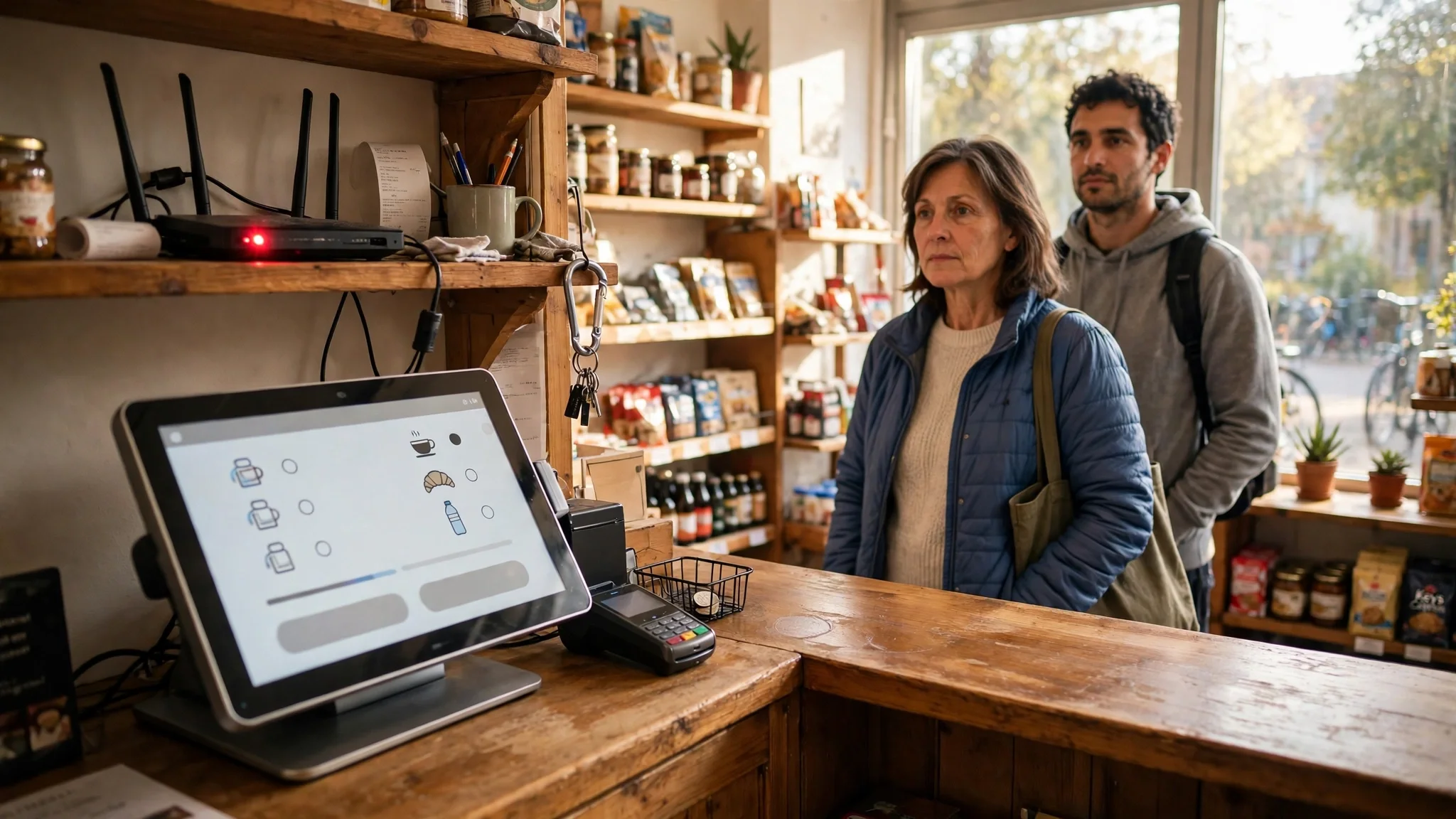
The router light went red at 11:04 on a Tuesday. Not the whole shop — the lights stayed on, the till screen stayed lit, the barcode scanner still beeped. Just the internet, gone, in the middle of a morning that was already busy. The customer at the counter was holding a basket of groceries and looking at me the way customers look at you when the till stops making sense. I had two choices: stop selling until the connection came back, or find out whether the till could sell without it.
This is the test I ran that morning, through ShopPOS, the point-of-sale script for small shops. Before I write a word of it, here is what I verified on the product's own landing page: a $29 one-time launch price with all 90+ features included, a 5-step installer for PHP 8.2 or higher with MySQL, a demo that needs no signup and gives full admin access, and a feature list that names "hold / resume bills, offline queue" as part of the touch POS terminal. Those are the product's own claims, and I will treat them as claims — things to check on the demo — not as facts I have watched happen. Everything below is the test I would run through ShopPOS, or through any other POS script, before letting it own my counter on a day the internet dies.
An offline test is not a feature tour. It is a morning with the clock running, told hour by hour, because the thing you are really testing is not a checkbox labelled "offline mode". It is whether a shop can keep trading while nobody can see it trading, and whether the records that come back afterwards are the records of the morning that actually happened.
11:04 — the queue starts filling
The first sale after the outage is the one that tells you the most, and it tells you in about four seconds. Scan the first item. Does the till accept it, or does it sit there spinning, waiting for a server that is not answering? A till that needs the server to price an item is a till that stops the moment the connection does. A till that prices from its own copy of the catalogue keeps going, and the difference between the two is the difference between a bad morning and a closed shop.
Here is the honest version of what to watch. The sale goes through. The receipt prints — or it does not, and that matters too, because a receipt printer attached to the till should not need the internet either. The money goes in the drawer. And then the question that decides everything else: where did that sale go? It is not on the server, because the server cannot be reached. So it is somewhere local — a queue, a holding list, a file on the machine — waiting. The landing page calls it an offline queue, and the word to hold onto is queue, because a queue has an order and a count. Run three sales and then look for the number. Can the till show you, on screen, that three sales are waiting to sync? Can it show you their totals? If it can, you have a morning you can manage. If it cannot — if the sales simply vanish into the machine with no visible count — you are selling blind, and blind selling is how a drawer ends the day twenty pounds short with nobody able to say which sale it was.
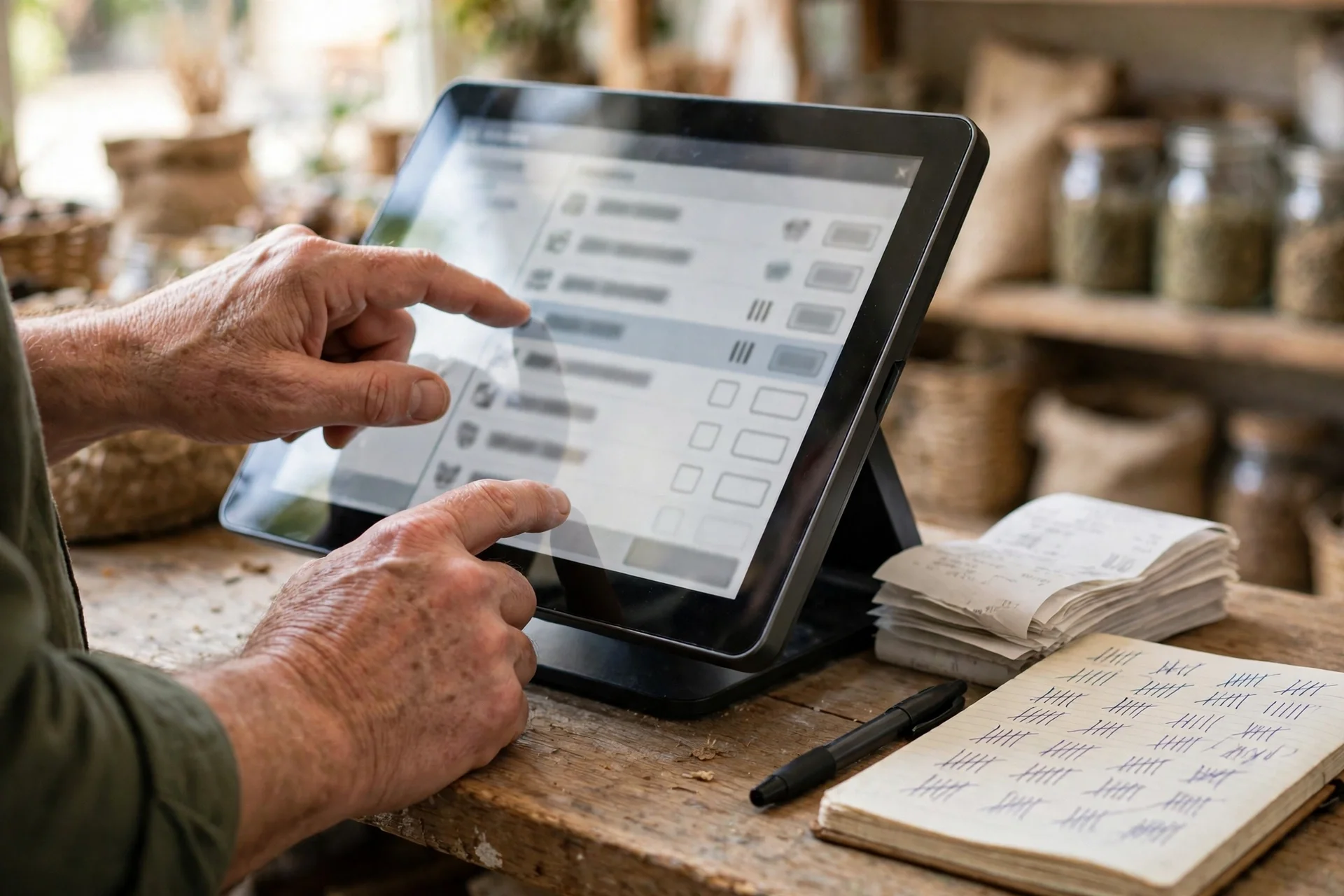
My opinion on this one is blunt: a visible queue count is not a nice extra. It is the whole feature. An offline queue you cannot see is a promise, not a tool. The cashier needs to know, at a glance, how many sales are waiting and what they add up to, because that number is the only thing standing between the morning's takings and a guess at closing time. When you test the demo, kill the connection yourself — unplug the cable, turn off the Wi-Fi — and run five sales. Then look for the count. If the demo cannot show you one, say so in your notes and weigh it accordingly. And keep a paper tally alongside it for the first test, the way I did: a notebook, a pen, one line per sale. The notebook is not the system. It is the check on the system, and a system that disagrees with a notebook written in real time is a system with a problem, not a notebook with a problem.
11:20 — the held bill
Twenty minutes in, a regular comes in with a trolley and a phone call she has to take. She asks me to hold her bill while she steps outside. On an ordinary day this is nothing: hold the bill, serve the next customer, resume it when she comes back. On an offline morning it is a small stress test of a different kind, because a held bill is a sale that is neither finished nor cancelled. It is a half-built record sitting somewhere, and the till has to keep it safe while the connection is down and while other sales go through around it.
The landing page lists hold and resume bills alongside the offline queue, in the same breath, and that pairing is worth noticing. A till that can queue finished sales but loses a held bill when the network drops has solved the easy half of the problem. The test is simple: hold a bill with four items on it, sell to two other customers, then resume the held bill and finish it. Check three things. First, are all four items still there, at the right prices? Second, did the two sales in between land in the queue without disturbing it? Third — and this is the one people forget — does the held bill's total still match the prices on the shelf, or did something re-price while you were not looking?
There is a sharper version of this test, and it is worth running if you have a second person. Hold a bill on one terminal and try to resume it on another, or try to void one item from it while it is held. I am not claiming ShopPOS allows or forbids either — the landing page does not say — I am saying the answer tells you how the till thinks about a held bill: as a record that belongs to the shop, or as a draft that belongs to one screen. A shop with one till will never care. A shop with two tills and a busy Saturday will care a great deal, and the morning the internet dies is exactly the morning two tills stop agreeing with each other unless the design already handles it.
11:40 — the card problem
By late morning the queue is holding a dozen sales and the shop is trading normally, and this is the point where honesty matters more than enthusiasm. Cash sales are easy offline. The money is in the drawer, the sale is in the queue, and when the connection returns the record syncs and the drawer count should match it. Card sales are a different animal, and any honest offline test has to say so plainly.
A card payment is not a local event. The till has to reach the card network to take the money, and no offline queue can change that. What a till can do offline is take the card details and hold the sale for authorisation later — and that is a promise with sharp edges, because a card declined after the customer has left with the goods is a loss, not a delay. So the question to ask on the demo is not "can it take cards offline" but "what does it do when you try". Does it refuse card payments cleanly and say so on screen, so the cashier can ask for cash or hold the goods? Does it offer a store-credit or pay-later path — the landing page lists credit sales in the payment modal — and if it does, does that path work offline, with the debt recorded against the customer? Or does it accept the card, print a receipt, and leave you to discover the failure later?
I have a firm view here: a till that silently accepts a card offline and fails later is worse than a till that refuses cards offline and says so. The first one sells you a morning of takings that do not exist. The second one costs you a few sales and tells you the truth about why. When you run this test, try the card path deliberately and read what the screen says. Then try the credit-sale path if the demo offers it, and check whether the customer's outstanding balance actually rises while offline, because a credit sale that does not record the debt is not a credit sale. It is a gift.
The same hard question applies to gift cards and loyalty, both of which the landing page puts in the same payment flow. A gift card's balance lives on the server. Offline, the till cannot know whether the card still holds twenty pounds or was emptied yesterday at the other branch. Redeeming a gift card offline is therefore a guess, and the till should either refuse it, or cap it, or flag it for review when the connection returns. Loyalty points are the same shape of problem in miniature: the sale earns points, the points are a promise the shop will honour later, and points granted offline for a sale that later fails to sync are a liability created from nothing. I would not call any of this a reason to reject a script. I would call it the part of the offline test where a shopkeeper learns what "offline" actually covers, and the answer is almost always narrower than the brochure suggests. Cash, yes. Held bills, yes. Cards, gift cards and loyalty — check, do not assume.
12:30 — the quiet hour and the stock question
By half past twelve the rush has thinned, the queue holds a morning's worth of sales, and a different question surfaces. It is the stock question, and it is the one that connects this test to the delivery-day test I ran earlier in this series. Every sale that morning took items off the shelf. Did the stock figures move?
On a connected till, a sale reduces stock the moment it completes. Offline, the till has to decide: reduce the local stock figure now and reconcile later, or leave the figures alone until the sync. Either choice can be defended, but they produce different mornings. If the till reduces stock locally, the shelf count stays honest while the internet is down, and a second cashier can see that only two packets of tea are left. If it waits for the sync, the screen will happily sell the same last packet three times, and the third customer leaves empty-handed while the till insists the stock is fine. Run this on the demo with a low-stock item: put three of something on the shelf, sell all three offline, then try to sell a fourth. The answer tells you whether the offline queue is a full copy of the shop or just a list of receipts waiting to be filed.
This is also the hour to check the low-stock alert, if you use one. The landing page claims smart reorder forecasting and stockout-risk alerts, and an alert that cannot fire offline is an alert that sleeps through exactly the morning it is needed. I am not claiming the demo fails this — I am saying it is a five-minute check that separates a forecasting feature from a forecasting claim. Sell the last of a fast-moving line offline, then look at the dashboard. If it still shows a healthy stock figure, the dashboard is reading the server's last known state, not the shop's actual state, and you should know that before you trust it on a busy day.
13:15 — the connection returns
The router light goes green just after one o'clock, and this is the moment the whole test is actually about. Everything before it was preparation. The sync is the verdict.
Watch it the way an owner would, not the way a brochure would. Does the queue drain on its own, or does someone have to press a button? How long does it take — seconds, or minutes while the till is unusable? And most importantly, what does the till show you when it finishes? A sync that reports "12 sales synced, 0 failed" is a sync you can trust. A sync that reports nothing — the queue count simply dropping to zero with no confirmation — is a sync you have to verify by hand, and verification by hand means opening the day's sales report and adding it up against the notebook.

Run the numbers yourself. The notebook says twelve sales, and the till's queue said twelve before the sync. After the sync, the day's sales report should show twelve sales, at the notebook's total, and the stock figures should have moved by exactly the items those twelve sales took. If any number disagrees, you have found the thing this test exists to find. The three failures to look for are specific. A duplicate: the same sale recorded twice, once from the local queue and once from a retry, which inflates the day's takings and deflates the stock by an extra item. A gap: a sale that never arrived, which leaves the drawer heavier than the report and the stock lighter than the screen. And a reorder: sales arriving in the wrong order, which matters less for totals and more for any report that reads the day as a sequence — the loss-prevention report, for instance, which the landing page says monitors voids and refunds by cashier and hour. An hour-by-hour report built from wrongly ordered sales is a report that accuses the wrong hour.
There is one more check, and it is the held bill from 11:20. It was finished offline, after two other sales. Does it appear in the report at its real time, or at the sync time? A bill stamped with the sync time looks like a sale that happened at 13:15, and an owner reading the day later will wonder why the shop sold a full trolley in the minute the internet came back. Timestamps are a small thing until they are the evidence in a dispute, and a till that stamps the sync time instead of the sale time is a till that rewrites the morning.
14:00 — reading the reports after an offline morning
By two o'clock the shop is back to normal, and the last part of the test is the quietest: sit down and read the reports as if you were not in the shop that morning. The landing page's standard is its own — "every number traceable to the transaction behind it" — so hold the demo to it. Open the Z-Report first. It should show the morning's gross sales, the cash in the drawer, and the card totals separately. The card totals should show only the cards that were actually authorised, not the ones the till accepted offline and failed later. Then open the Profit & Loss. The cost of goods sold should reflect the twelve sales, not eleven or thirteen. Then the inventory audit: the stock figures should match the shelf, item for item, for the things that sold that morning.
This is where the earlier tests in this series meet this one. The closing-time reconciliation I ran on this same demo assumed a connected day: cash counted against recorded sales against stock moved. An offline morning is the same test with a gap in the middle — sales that existed locally for two hours before the server knew about them. If the till survived the closing-time test and fails this one, the till is not honest. It is honest only when someone is watching. The Saturday-rush test showed what five customers in a line do to a till; an offline morning is the same pressure from a different direction, because the queue of customers at the counter is matched by a queue of sales inside the machine, and both queues have to drain cleanly. And the returns-day test asked whether the till tells the truth in both directions, money in and money out. A return processed offline is the same question again: does the refund reach the queue, does the item come back into stock, and does the sync carry it home?
What this test cannot tell you
A fair test names its own limits, and this one has four. First, one morning cannot tell you how the offline queue behaves at volume. Twelve sales is a quiet morning; a hundred sales is a Saturday, and a queue of a hundred unsynced sales is a different machine from a queue of twelve. A queue that drains in seconds at twelve may take minutes at a hundred, and minutes with a frozen till on a Saturday is a queue of customers walking out. Second, it cannot tell you what happens when the power goes, not just the internet. A queue stored in memory dies with the machine; a queue written to disk survives it. The test above assumes the till stays on. Run the power test separately if your shop loses power the way mine loses internet. Third, it cannot tell you how two tills reconcile after both have sold offline. One till's queue is a list; two tills' queues are a negotiation, and a shop with a counter till and a back-room terminal needs to know which one wins when both sold the last packet of tea. Fourth, it cannot tell you whether the sync is safe against a bad connection rather than no connection — the connection that drops halfway through a sale, or flickers on and off for an hour. A flapping connection is harder than a dead one, and it is the one that produces duplicates, because the till cannot tell whether the sale it just sent actually arrived.
Who should run this test before buying
The shop that should run it first is the one whose internet is already unreliable: the rural shop, the market-stall shop, the shop in a building with wiring older than its owner, the shop that shares a connection with the flat upstairs. If your connection drops once a month, this test is not optional. It is the test. The second is any shop that cannot afford to close for an hour — the lunch trade, the school-run shop, the pharmacy where a customer cannot wait. For that shop, "stop selling until the internet returns" is not a fallback. It is lost takings. The third is the shop with more than one till, because the offline morning is when two tills stop being one shop and start being two shops that have to be stitched back together. And the fourth is anyone switching from a cloud till that stops dead without a connection. For that shop, this test is not a comparison. It is the first time the counter keeps working when the connection does not, and the working itself is the purchase.
The shop that can skip it is the one with a connection that has never failed, a single till, and a owner who stands at the counter all day and can see every sale happen. That shop should spend its demo time on selling speed instead. Everyone else should run the morning above — kill the connection, sell twelve times, hold a bill, try a card, bring the connection back, and read the reports — before paying. The demo is free, it needs no signup, and the landing page says you get full admin access. There is no cheaper way to find out whether your till keeps trading when the internet does not.
Questions worth asking before you buy
Does ShopPOS work offline? As far as the product's own claims go, yes — the live landing page lists "hold / resume bills, offline queue" as a feature of the touch POS terminal. But a listed feature and a working offline morning are not the same thing, and the only proof is killing the connection on the demo yourself: sell offline, count the queue, bring the connection back, and read the reports before you believe the feature list.
How much does ShopPOS cost, and where is the demo? The price and the demo are both from the product's own live landing page, checked on 2026-11-09: $29 one-time, described as a launch price, with all 90+ features included and a 5-step installer for PHP 8.2 or higher with MySQL. The demo is at shoppos-demo.moverpath.com, and the landing page says no signup is needed and full admin access is included. Launch pricing changes, so check the page on the day you buy rather than trusting this post's date.
Can it take card payments while offline? That is the question to ask, not to assume. A card payment needs the card network, so no till can truly authorise a card with no connection. What matters is what the till does when you try: refuse cleanly, offer a credit-sale path, or accept the card and fail later. Run that exact moment on the demo and read what the screen says before you trust it with a real customer.
What should I check after the connection returns? Three numbers, all against the paper tally you kept while offline: the count of synced sales, their total, and the stock movement for the items sold. Then open the Z-Report and check that the cash, card and total figures match the drawer. If any number disagrees, the sync has a gap or a duplicate, and that is the finding the whole morning exists to produce.
Is an offline queue the same as an offline till? No, and the difference is the test. An offline queue stores finished sales and sends them later. An offline till keeps the whole shop running — pricing, stock, held bills, low-stock alerts — without the server. The landing page claims the queue; the demo is where you find out how much of the till comes with it.
Need a disposable temporary email?
Protect your real inbox from spam and promotional clutter instantly and free.
Received a suspicious email, text, or charge alert?
Verify whether the sender domain is disposable, spoofed, or unverified before clicking links.