
Delivery Day Is the Real POS Test: One Supplier Drop, Forty Items, and What the Till Does With Them

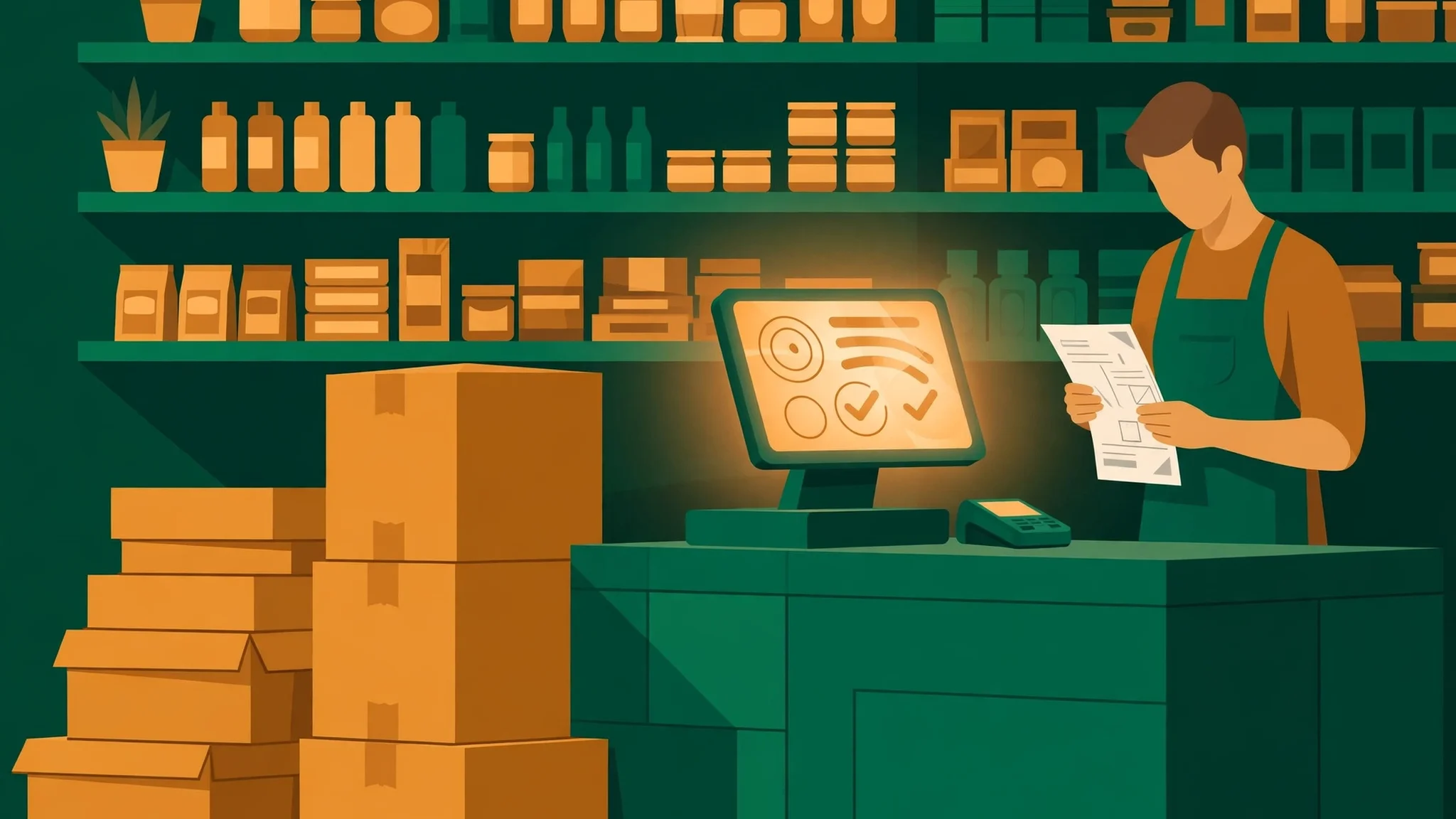
Every POS demo I have ever watched starts in the same place: at the till, with a customer, a barcode, and a receipt. The till is the star of every demo because the till is the part that looks good on camera. What no demo shows you is Tuesday at nine in the morning, when the supplier's van pulls up, the driver unloads six cardboard boxes onto your floor, hands you an invoice, and drives away. Nobody is smiling. Nobody is buying anything. And the next two hours decide whether your stock records are true or fiction for the rest of the week.
That is the test this post runs. One delivery, forty items, read forward from the van to the next morning's shelf count. The script under discussion is ShopPOS, a point-of-sale script for small shops, and I will be straight about what I verified before writing a word of this: its live landing page lists a $29 one-time launch price, a working demo with no signup needed, and a feature list that includes purchase orders with receiving, a stock movements ledger, damage recording, and smart reorder forecasting. Those are the product's own claims, and I will treat them as claims — things to check on the demo — not as facts I have watched happen. Everything below is the test I would run through ShopPOS, or through any other POS script, before letting it own my stock records.
The delivery arrives before the till is ready
Start with the moment the boxes land, because most receiving problems are decided before a single box is opened. The driver is in a hurry. The boxes are on your floor, not on your shelves. Your cashier is also your receiver this morning, because in a small shop the same person does both jobs, and the customers will keep coming while the boxes sit there. A till that treats receiving as a back-office task for quiet evenings has misunderstood small shops. Receiving happens in the middle of trading, between customers, with the door open.
So the first thing to check on any demo is not a feature at all. It is a question of where receiving lives. Can the cashier start a delivery, get interrupted by a customer, serve them, and come back to the half-finished delivery without losing it? Can receiving happen on the same screen the till already uses, or does it demand a separate admin login, a different computer, a quiet room you do not have? If the answer is a separate admin panel that only the owner can open, then in practice your deliveries will be booked in late, from memory, at closing time — which is to say they will be booked in wrong. The gap between "the script can record a delivery" and "the script can record a delivery while the shop is open" is the gap where stock records go to die.
There is a second readiness question, and it is about the order itself. Did you raise a purchase order before the delivery arrived, or did you phone the supplier and say "the usual"? A script with purchase orders — ShopPOS's listing says it has them — lets you receive against something. A script without them leaves you receiving against the boxes, and receiving against the boxes is how a short shipment becomes permanent. If the supplier sent thirty-eight items and billed you for forty, and you check the delivery against the boxes, you will count thirty-eight, shrug, and book in thirty-eight. You will never know about the two missing items, because nothing in the system expected forty. The purchase order is the expectation. Without it, there is nothing to be wrong.
Receive against the order, not against the boxes
Open the delivery with the order on screen and the invoice in your hand, and go line by line. Ordered forty, received thirty-eight, two short. One item substituted — the supplier sent the 500-gram pack instead of the 250-gram one, same product family, different barcode, different price. One item you did not order at all, riding along in the box because the supplier thought you might want it. This is not an unusual delivery. This is a normal one, and a till earns its keep here or nowhere.
What you are testing is whether the script lets you record what actually happened, line by line, without forcing the paperwork to match the boxes. A good receiving screen shows ordered quantity against received quantity for each line, keeps the two short items as an open balance rather than silently closing the order, and lets you accept the substitution as a different product rather than pretending it is the one you ordered. Partial receiving is the specific behaviour to look for: receive thirty-eight now, leave two outstanding, and have the system remember that the supplier still owes you two. If the script only allows all-or-nothing receiving — book the whole order in or book nothing — then every short delivery forces a lie. Either you book forty and your stock is two items richer than your shelves, or you book thirty-eight against a closed order and the supplier's debt vanishes from the record.
My opinion on this one is blunt: a POS script that cannot show an open balance on a purchase order is a billing tool with a stock screen attached, not a stock system. The open balance is the thing that makes the next phone call to the supplier possible. Without it, you are arguing from memory against an invoice, and the invoice will win. Run this test with a deliberately short delivery on the demo — order ten of something, receive eight — and watch what the system does with the two. The answer tells you more about the script's stock thinking than any feature list will.
Barcodes: the forty items and the three that don't exist yet
Thirty-seven of the forty items already exist in the system. They have barcodes, prices, and stock figures, and receiving them should be the boring part: scan, confirm quantity, move on. The three that do not exist yet are the test. They are new lines — a new brand of biscuits, a seasonal item, a product you have never stocked before — and they need to be created before they can be received, priced, or sold.
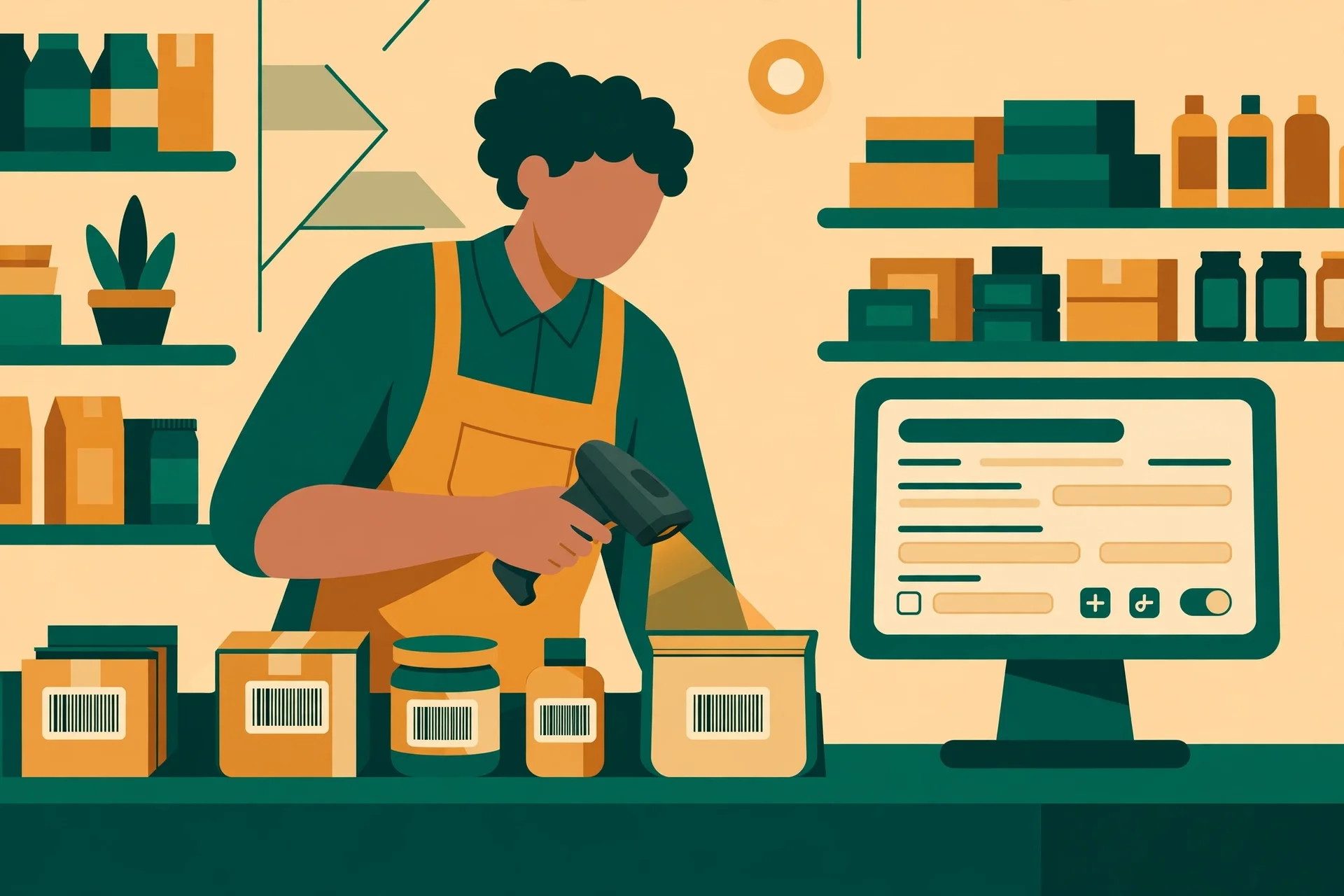
Watch the creation flow the way a cashier would, not the way a brochure would. How many screens does a new product take? How many fields are mandatory before you can save it? Can you duplicate an existing similar product and change the name and barcode, or must every field be typed from scratch? Can you set the purchase price and the sale price in the same place, at the same time, while the invoice is in front of you — or is the purchase price entered in one screen and the sale price somewhere else, so the margin is never visible at the moment you decide it? ShopPOS's listing says products carry SKU, barcode, purchase and sale price, tax rate, and reorder level, and that it prints barcode label sheets. Those are the right fields. The question is whether they sit together on one screen when your hands are full of new stock.
There is a smaller detail worth checking while you are here, and it is the barcode itself. One of your three new items has a barcode the supplier printed badly, or a barcode that belongs to a different size of the same product. Does the script warn you when you enter a barcode that already exists on another product? A duplicate barcode entered in a hurry is a slow poison: two different products sharing one barcode will sell as each other for weeks, and the stock figures for both will be wrong in opposite directions. The receiving screen is where that poison gets in, so the receiving screen is where the warning belongs.
Cost in, price out: the margin the till should show you
Here is the part of delivery day that quietly decides whether your shop makes money, and it happens in a column most shopkeepers never look at: the cost price. Every item in this delivery has two prices — what you paid for it and what you will sell it for — and the gap between them is your margin. The gap is also the first thing a supplier price rise eats, and supplier prices rise without ceremony. The invoice in your hand says the tea you bought at 42 last month now costs 48. Your shelf price is still 60. Your margin just fell from 18 to 12 on every packet, and nothing in the shop has changed except a number on a piece of paper.
A till that shows you cost and margin at receiving is a till that lets you catch that fall on the day it happens. A till that hides cost from the receiving screen — that records the purchase price somewhere in a report you will read at month end, if you read it — is a till that lets margins die quietly for thirty days before anyone notices. When you run this test on a demo, enter the delivery with one deliberate price rise in it, and look at what the screen shows you. Does it show the margin per item as you receive? Does it flag that this item's cost has changed since the last delivery? The honest answer might be that it shows you the numbers and leaves the decision to you, and that is fine. The dishonest answer is a screen that records the cost, files it away, and shows you nothing.
There is a second margin question, and it is about the three new items. A new product has no history, so its first selling price is a guess, and the till should make that guess visible rather than burying it. If you set the sale price while the cost is on the same screen, you are making a decision. If you set it later, from memory, you are guessing twice. I have a firm view here, and it comes from watching small shops absorb supplier rises for months: the receiving screen is the only moment when cost, price, and margin are all in front of the same person at the same time. A script that wastes that moment is not saving you time. It is postponing a reckoning, and postponements in retail always cost more than the original decision would have.
The damaged box: stock that can't be sold
One carton in this delivery is crushed on one corner. Six packets inside are unsellable — torn, dented, one leaking. They arrived, they were paid for, and they cannot be sold. What happens to them in the system decides whether your stock record stays true, whether your supplier claim has evidence, and whether your margin figures mean anything at all.
The wrong answers are all quiet ones. Delete the six packets from stock with no record, and the shelf count is right but the ledger has a hole: six items vanished, nobody knows why, and the supplier claim has no paper behind it. Book them in as normal stock and throw them away later, and your stock figure says you have six packets you do not have, until someone counts the shelf and finds the gap. Leave them out of the receiving entirely, and the purchase order balance says the supplier still owes you six packets they already sent — damaged, but sent.
The right answer is boring, and boring is what you want: a damage recording that takes the six packets out of sellable stock, attaches a reason, attaches the delivery as the reference, and leaves a record the supplier claim can point at. ShopPOS's listing says it records damage, and that its stock movements ledger records every in and out with a reason and a reference. That is the shape to look for on the demo. Run the damaged-box test deliberately: receive the delivery, record six damaged, then check three places — the sellable stock figure, the ledger, and whatever report shows stock value. All three should agree that six packets arrived, six were damaged, and the shop is owed a credit or a replacement. If any of the three disagrees, the damage did not get recorded. It got hidden, and hidden damage has a way of reappearing as a mystery at closing time.
The next morning: shelf versus screen
The delivery is booked in, the new products are created, the margins are read, the damage is recorded. Now stop, and do nothing until tomorrow morning. Then count the shelf. Physically count it, item by item, with a clipboard, before you look at any screen. Then open the till and compare. This is the same blind-count discipline the closing-time test uses for cash, applied to stock, and it matters for the same reason: if you look at the screen first, your count will drift toward the number you just saw.
What you are checking is whether yesterday's receiving actually landed in the stock figures, and whether it landed correctly. The forty items, minus the two short, minus the six damaged, plus the three new lines — the screen should say exactly what the shelf says, and if it does not, the difference should be explainable from the ledger in under a minute. Open the stock movements ledger and read it like a diary: received forty, short two, damaged six, new lines created three. Every movement with a reason and a reference, in order, no gaps. That is what a ledger is for, and it is the difference between a stock figure you can defend and a stock figure you have to take on trust.
Run one deliberate error through this test, because a system that only works when everything goes right has not been tested. Mis-receive one item on purpose — book twelve when ten arrived — and see whether the morning count catches it, and how long the catching takes. If the ledger shows the twelve and the shelf shows ten, and the discrepancy is visible without hunting, the system works. If the twelve has quietly become the truth and the shelf count has to fight the screen to be believed, then the receiving screen is writing cheques the shelf cannot cash.

What delivery day can't tell you
A delivery-day test is strong, but it has edges, and naming them is part of using it honestly. It tells you whether the till records stock truthfully. It does not tell you whether the till bills quickly when five customers are waiting — that is the Saturday-rush test this site ran for ShopPOS before, and the two tests are partners, not rivals. It does not tell you whether the day's cash, sales, and stock agree at closing time — that is the closing-time test, the first ShopPOS post in this series. Run all three on the same trial data if you can, so a failure in one explains a mystery in another: a receiving error found on delivery day is often the same error the closing-time reconciliation chases at night.
Delivery day also cannot tell you, on its own, whether the script will still be maintained in a year, whether its updates will break your data, or whether you can export your products, customers, and sales history if you decide to leave. Those are questions for the seller's history and for the script's export and backup behaviour, not for the till. Ask them separately, and do not let a till that received a delivery cleanly talk you out of asking them. Good receiving is a virtue, but it is not a warranty.
Who should run this test before buying
Not every shop needs to optimise for delivery day, and buying for a receiving problem you do not have is a real way to waste money. If you sell a handful of items a day from a single table and your supplier delivers once a month, a notebook and a calculator will receive your stock faster than any script. If you hold no stock at all — every sale is ordered in, made to order, or drop-shipped — then a till built for stock control is the wrong tool, and what you actually need is order tracking, not a stock ledger.
The shop that should buy on this test is the one whose deliveries already hurt: a weekly supplier drop, dozens of lines to check, new products arriving regularly, a price rise that nobody noticed until month end, a damaged box that became an argument with the supplier because nobody wrote it down. For that shop, the delivery-day test is not a nice-to-have. It is the whole purchase, because the stock record is where the shop's money actually lives — not in the till drawer, which you count every night, but in the shelves, which you count far less often and trust far more blindly. Buy the till that makes the shelves tell the truth, and judge every demo by the morning after the delivery rather than the afternoon of the sale.
Frequently asked questions
How long should a delivery-day test take on a demo?
About an hour, and most of it is the morning count. The receiving itself — forty invented items, one short shipment, three new products, one damaged box — takes twenty minutes on a demo you have never used before. The overnight wait is the point, not the delay: the test is only finished when the shelf and the screen agree the next morning.
Do I need a real supplier delivery to run it?
No. Invent one. Write a purchase order for forty invented items, receive thirty-eight, create three new products, damage six packets on paper. A trial install with invented data tests the script exactly as well as a real delivery does, because the script cannot tell the difference, and neither can the ledger. What matters is that the numbers are deliberately awkward — short, substituted, damaged — not that they came from a real van.
What if the script has no purchase-order feature?
Then say so plainly and weigh it honestly. A script without purchase orders can still be a good till, but its receiving will always be checked against the boxes rather than against an expectation, and short shipments will be invisible. If your supplier is reliable and your orders are small, that may be an acceptable gap. If your supplier shorts you twice a year, it is not.
Can I test receiving without barcode hardware?
Yes, and you should test it both ways. A USB scanner is just a keyboard that types fast, so typed entry tests the same screens. But do test the typed fallback deliberately, because on delivery day the scanner will fail on exactly the item you are in a hurry to book in — the crumpled barcode, the new product with no label yet. If typing a few letters of a product name does not find it at the top of the list, receiving forty items becomes a slow hunt.
Is $29 the real price, and where is the demo?
The price and the demo are both from the product's own live landing page, checked on 2026-11-06: $29 one-time, described as a launch price, with all 90+ features included and a 5-step installer for PHP 8.2 or higher with MySQL. The demo is at shoppos-demo.moverpath.com, and the landing page says no signup is needed and full admin access is included. Try the demo first and run this delivery through it. A price is only a bargain if the till survives the morning after the delivery, and that is a question no landing page can answer for you.
More from this series
This test follows the same habit this site's earlier script posts use: read the thing as a buyer would before trusting it. The closing-time test reads one trading day backwards from the drawer to the first sale, and the Saturday-rush test reads five customers in line, each exposing a different till failure. Both, like this one, are tests you can run on a demo in an afternoon. You can find the rest of the series on the blog, and if you use the temp-mail tool itself, the pricing page explains the plans. Run all three ShopPOS tests on the same trial data, and let the morning count settle the argument.
Need a disposable temporary email?
Protect your real inbox from spam and promotional clutter instantly and free.
Received a suspicious email, text, or charge alert?
Verify whether the sender domain is disposable, spoofed, or unverified before clicking links.