

The Customer Brought It Back. Now the Till Has to Tell the Truth.

Every point-of-sale demo I have ever watched starts the same way: a smiling customer, a barcode that scans on the first try, a receipt that prints cleanly. The till is the hero of every demo because selling is the part that photographs well. What no demo shows you is the customer who walks back in the next day holding the thing she bought, saying it does not fit, it does not work, or she changed her mind. That is the moment a till earns its keep or quietly starts lying to you, and it happens in every shop that stays open long enough.
I ran that day through ShopPOS, the point-of-sale script for small shops, because returns are the one counter moment where three different records have to agree at once: the stock on the shelf, the cash in the drawer, and the sales total on the report. A till can get any one of those right and still fail the day. Before I write a word of the test, here is what I verified on the product's own landing page: a $29 one-time launch price with all 90+ features included, a 5-step installer for PHP 8.2 or higher with MySQL, a demo that needs no signup and gives full admin access, and a feature marquee that lists SALES RETURNS right alongside gift cards, multi-store and smart reorder. The landing page also claims void and refund monitoring by cashier and hour, and 15+ built-in reports including a Z-Report where every number is traceable to the transaction behind it. Those are the product's own claims, and I will treat them as claims — things to check on the demo — not as facts I have watched happen. Everything below is the test I would run through ShopPOS, or through any other POS script, before letting it own my till.
The test has three moments, and each one breaks a different record if the till handles it badly. A return, an exchange, and a refund for something damaged. One day, one till, three chances for the numbers to drift apart.
The return: money out, stock back, and a receipt that has to match both
She bought a kettle on Tuesday. On Wednesday she brings it back, unused, box intact, receipt in hand. This is the easiest return a shop will ever see, and it is still a four-way transaction: money leaves the drawer, the kettle goes back on the shelf, the day's sales total drops by the kettle's price, and the customer leaves holding proof that the return happened. If any one of those four does not happen, the shop is wrong somewhere, and the wrongness will surface later as a shelf count that does not match the screen, a drawer that does not match the report, or a customer who comes back a second time because the first return left no trace.
Start with the finding. Can the cashier pull up the original sale from the receipt number, or does she have to rebuild it by hand — retyping the item, retyping the price, hoping she picks the same kettle from a catalogue that holds three? A till that finds the sale by receipt number is a till that returns exactly what was sold, at exactly the price it was sold at. A till that makes her re-enter it is a till that will, sooner or later, refund the wrong price, because the kettle's price changed since Tuesday and the screen now shows today's price, not Tuesday's.
Then the money. She paid by card on Tuesday. Does the refund go back to the card, or does the till hand her cash and leave the card payment sitting in the day's totals as if it never left? This is the detail most demos never reach, and it is the one that quietly corrupts the drawer. A cash refund for a card sale means the drawer is short by the kettle's price at closing, and the owner spends the evening deciding whether someone stole it. A card refund done properly means the drawer never sees the money at all, and the report shows a card sale and a card refund that cancel each other. When you run this on the demo, refund a card sale and then look at the drawer count and the card totals separately. If the till cannot show you both, it cannot prove the day balanced.
Then the stock. The kettle goes back on the shelf, so the stock figure should rise by one the moment the return is processed — not after someone remembers to adjust it, not at the next stocktake, now. Watch for the till that processes the refund and leaves the stock alone, because that till will sell the kettle twice on paper: once on Tuesday, and never again, while the physical kettle sits on the shelf invisible to the system until the next count finds one extra. And watch for the opposite failure too: a till whose only refund path restocks automatically, with no way to say "do not restock this one." That matters in the third moment of this test, and it matters a lot.
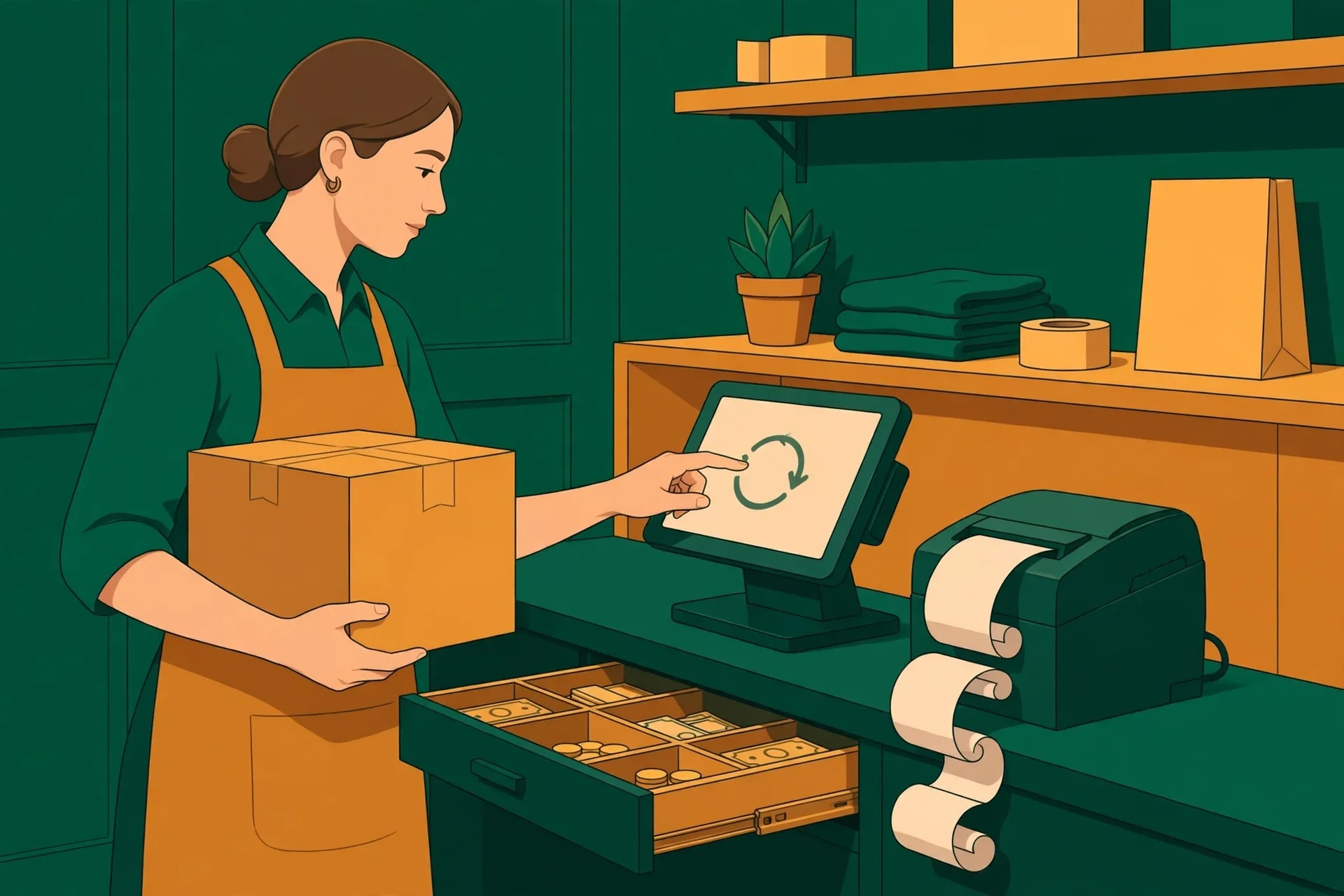
Here is the opinion I will not soften: a return that needs a manager's override every single time will not be processed as a return. It will be processed as a void. Cashiers under pressure take the path with the fewest steps, and voiding the original sale is fewer steps than a proper return — it also erases the sale, fails to restock the item, and leaves no return record at all. That is exactly why the landing page's claim matters here: "void and refund monitoring by cashier and hour." Monitoring only helps if staff use the returns flow instead of the void button, and staff only use the returns flow if it is as fast as voiding. When you test the demo, count the taps. If a return takes eight screens and a void takes two, the monitoring report will show you a shop full of voids and almost no returns, and the report will be telling the truth about a workflow failure, not about theft.
The exchange: two sales, one customer, and a record that must not double-count
The second customer does not want her money back. She wants the other size. The medium did not fit; the large will. On the surface this is a friendlier transaction than a return — the shop keeps the sale, the customer keeps shopping — but underneath it is the hardest one of the three to record honestly, because it is two sales pretending to be one moment.
The till has to do three things at once. Take the medium back into stock. Sell the large out of stock. And settle the price difference, which can run in either direction: the large costs more, so she owes the difference, or the large costs less, so the shop owes her. A till that records this as a full return plus a full new sale will show two transactions in the day's gross sales — the medium sold, then the large sold — and the gross will be inflated by a sale that was really a swap. A till that records it as one exchange will show the net: one sale, one customer, the difference settled. Neither is wrong in itself. What is wrong is a till that cannot tell you which one it just did. Run the exchange on the demo, then open the day's sales report and read it like an owner. Can you see that this was an exchange? Can you see the medium came back? Or does the report show two happy sales and a day that looks better than it was?
The price difference is where the drawer gets involved again. She owes the difference on the large, and she pays it in cash. The drawer should rise by exactly that difference, no more. If the till treats the exchange as a return of the full medium price in cash plus a fresh sale of the full large price, the drawer will have swung by two large amounts to settle one small one, and any mistake in the middle — a miscounted note, a wrong coin — hides inside the swing. The smaller the net movement, the easier the drawer is to verify. That is a design choice, not a law of nature, and it is worth judging a till by.
There is a smaller detail worth checking while you are here, and it is the loyalty points. The landing page claims a promotions engine with tiered loyalty, Bronze, Silver and Gold. The first sale earned her points. The exchange took the first item back. Do the points follow the item out of the shop, or does she keep points for a medium she no longer owns? Points are a promise the shop will have to honour later, as a discount or a free item, so points that survive a return are a liability the shop created for nothing. I would not call this a deal-breaker on its own. I would call it a window into whether the till thinks of a sale as one event or as a chain of events that can be unwound. A till that unwinds cleanly is a till whose records you can trust after a bad day. A till that cannot unwind a loyalty balance will struggle to unwind anything else either.
The refund with nothing to restock: the broken item and the supplier's problem
The third customer brings back a jar with a cracked lid and a kettle that trips the power the moment it is switched on. She wants her money back, and she is right to want it. But nothing here goes back on the shelf. The jar is broken. The kettle is faulty. Both are going in the bin, or back to the supplier, and the till has to allow a refund that does not restock — because a refund that restocks automatically has just put a cracked jar and a faulty kettle back into your sellable stock, where the next customer will buy them and bring them back again.
This is the moment that separates a returns feature from a returns afterthought. On the demo, process a refund for a damaged item and watch what the stock figure does. Does the screen ask you, at the moment of the refund, whether the item is resellable? Does it offer a reason — damaged, faulty, wrong item, changed mind — and record it against the transaction? A reason recorded at the counter is a report you can read at month end: how many returns were damage, how many were the customer's mind changing, how many were the same product failing again and again. A refund with no reason is a number with no story, and a shop that cannot tell damage from indecision cannot tell its supplier anything useful either.
Because the faulty kettle is not only the customer's problem. It is the supplier's problem too, and this is where the till's other half comes in. The product's marketplace listing claims purchase orders with receiving, supplier balances and purchase returns — the buying side of the same story. The delivery-day test I ran earlier in this series checked damage recording when stock arrives; the question here is whether damage discovered by a customer connects to the same record. Can the damaged kettle be written off against the supplier it came from, with the refund to the customer and the claim against the supplier sitting in the same system? Or is the supplier claim a notebook job, kept on paper while the till insists the stock is fine? I am not claiming ShopPOS connects the two — the landing page does not say that in so many words. I am saying this is the test that would tell you, and that a till which connects them is worth more than a till which refunds politely and forgets the supplier exists.
My firm view, after watching small shops absorb this cost for years: damaged-goods refunds are where shops lose money they never see. A good item returned is a nuisance. A damaged item refunded and restocked is a second sale of a broken thing, a second refund, and a customer who will not come back a third time. The till's job is to make the first failure visible so the second one never happens.
Closing time: the drawer, the Z-report, and the cashier who refunds too often
By closing time the till has done three refunds, one exchange, and a day of ordinary sales, and the drawer has to prove it. Count the cash. The card refunds never touched the drawer. The cash refund left it. The exchange's price difference entered it. The ordinary sales filled it. The Z-report — the landing page lists it among the 15+ built-in reports — should show the net: gross sales minus returns minus refunds, with each refund traceable to the transaction behind it. If it shows gross sales only, with refunds buried in a footnote or a separate screen, the owner reads a good day that was not a good day, and orders stock against a number that was never real.

Read the report the way an owner who was not in the shop would read it. Can you see, from the report alone, that three customers came back today? Can you see which cashier processed them, and at what hour? The landing page's claim is specific — "void and refund monitoring by cashier and hour" — so test it the way the claim invites you to: process the returns as two different cashiers on the demo, then open the loss-prevention report and look for the split. A cashier refunding three times the shop average is either the kindest person on the staff or the one you need to watch, and the report cannot tell you which. What it can do is tell you to look, and a report that lumps every refund under "the shop" cannot even do that. I have a blunt opinion here: refund monitoring is not surveillance, it is the only way an owner who is not standing at the till can tell a generous returns policy from a till being emptied one refund at a time. A shop with one cashier does not need it. A shop with three does, and the day it needs it is the day after the money is already gone.
This is also where the earlier tests in this series meet this one. The closing-time reconciliation I ran on this same demo — cash counted against recorded sales against stock moved — assumed a day of sales. Returns day is the same test with the sign flipped: money moving out instead of in, stock moving back instead of out. If the till survived the closing-time test and fails this one, the till is not honest. It is honest only about the easy direction.
What a returns day cannot tell you
A fair test names its own limits, and this one has four. First, one day of returns cannot tell you how returns behave at volume — a sale week, a faulty batch of kettles, a Christmas of unwanted gifts. A flow that works for three returns may fall apart at thirty, when the returns queue is longer than the sales queue and the cashier starts skipping steps. The Saturday-rush test showed what five customers in a line do to a till; thirty returns in a queue would be the same pressure from the other direction. Second, it cannot test the supplier claim end to end. The damaged kettle's journey from the customer's hands back to the supplier's credit note takes days, and a one-day test only sees the first step. Third, it cannot tell you whether the till's returns policy is one your customers will abuse. A till that refunds anything, any time, with no questions, is a till that will be used by the small number of people who return things they used for a week and then brought back. Policy is the owner's job, not the software's — but the software should let the owner set the rules, and this test does not check that. Fourth, it cannot tell you whether a return at one branch works when the item was bought at another. The landing page claims multi-store management, and a chain that cannot return across branches will learn that from its customers, loudly. Run that as its own test if you run more than one shop.
There is one more limit, and it is the one that applies to every feature-count claim, including this script's "90+ features." A count is the vendor's, not a checklist of yours. Ninety features you do not need are worth less than the five you do, and the only honest way to read a feature list is to tick the ones your shop actually uses and ignore the rest. Returns handling is on my list for any shop. It may not be on yours. The test is the same either way: run your day through the demo before you pay.
Who should run this test before buying
The shop that should run it first is the one where returns are already a weekly event: clothing, where sizes are guesses; electronics, where faults show up on day two; anything fragile, anything seasonal, anything a customer buys as a gift and brings back in January. The second is any shop with more than one cashier, because the moment two people can refund, the owner needs the report to tell them apart. The third is the shop whose owner does not stand at the till all day — the owner who reads the day in the report, not in the drawer, and needs the report to show returns as clearly as it shows sales. And the fourth is anyone switching from a paper book or a till that cannot do returns at all. For that shop, this test is not a comparison. It is the first time returns have a record, and the record itself is the purchase.
The shop that can skip it is the one that sells a single consumable with no returns, ever — a coffee stall, a bakery, a shop where the product is eaten or used on the spot. If nothing ever comes back, the returns flow is a feature you will never touch, and you should spend your demo time on the till's selling speed instead. Everyone else should run the three moments above and read the closing report before paying. The demo is free, it needs no signup, and the landing page says you get full admin access. There is no cheaper way to find out whether your till tells the truth in both directions.
Questions worth asking before you buy
Does ShopPOS handle returns at all? Yes, as far as the product's own claims go — SALES RETURNS appears in the feature marquee on the live landing page, and the loss-prevention section describes void and refund monitoring by cashier and hour. But a listed feature and a working flow are not the same thing, and the only proof is running a return yourself on the demo: sell something, return it, and read the stock figure, the drawer and the report before you believe the marquee.
How much does ShopPOS cost, and where is the demo? The price and the demo are both from the product's own live landing page, checked on 2026-11-07: $29 one-time, described as a launch price, with all 90+ features included and a 5-step installer for PHP 8.2 or higher with MySQL. The demo is at shoppos-demo.moverpath.com, and the landing page says no signup is needed and full admin access is included. Launch pricing changes, so check the page on the day you buy rather than trusting this post's date.
What should the closing report show after a returns day? Gross sales minus returns minus refunds, with each refund traceable to the transaction behind it. That is the landing page's own standard — "every number traceable to the transaction behind it" — so hold the demo to it. If the report shows gross sales only and hides refunds on another screen, your daily totals will flatter you, and you will order stock against a day that never happened.
Can one cashier's refunds be told apart from another's? The landing page claims void and refund monitoring by cashier and hour, with cashier scorecards. Test it on the demo with two cashier accounts: process returns as each of them, then open the loss-prevention report and look for the split. If the report cannot separate them, the claim is decoration.
Does a return put the item back on the shelf automatically? That is the question to ask, not to assume. A return should restock a good item and should not restock a damaged one, and the demo is where you find out whether the till asks you which kind of return it is. If the only refund path restocks everything, damaged goods will be sold twice. If no refund path restocks anything, your shelf counts will drift the other way. Either failure is invisible until the stocktake.
A till that sells well is common. A till that takes things back honestly is rarer, and it is the one worth buying, because the customer who brings something back and is treated fairly is the customer who comes back to buy something else. The till that fumbles the return loses both the sale and the customer, and it does it quietly, in numbers the owner will not notice until the month-end report. Run the three moments on the demo — the return, the exchange, the damaged refund — and read the closing report. If the till tells the truth about the day a customer brought something back, it will tell the truth about every other day too. More tests in this series are on the blog index, including the closing-time reconciliation and the delivery-day stock-in test for this same script.
Need a disposable temporary email?
Protect your real inbox from spam and promotional clutter instantly and free.
Received a suspicious email, text, or charge alert?
Verify whether the sender domain is disposable, spoofed, or unverified before clicking links.