
Closing Time Tells the Truth: Run a POS Script Through One Day's Till Before You Trust It

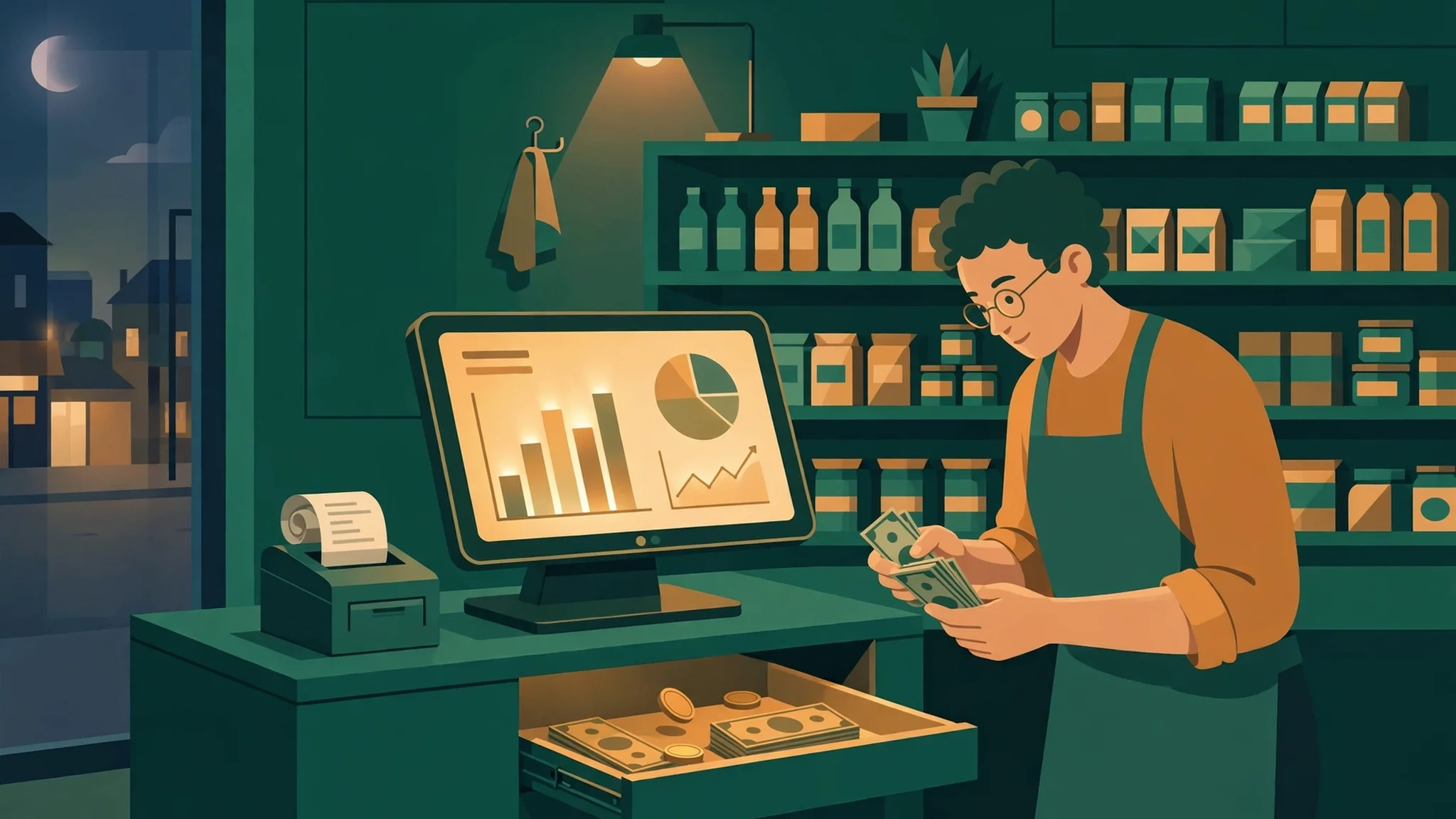
Every shopkeeper knows the moment this post is about. It is not the morning rush, and it is not the first sale. It is the last ten minutes, when the shutter is half down, the lights are still on, and one person stands at the counter with a cash drawer open, a screen showing a day's total, and a shelf that should — but might not — match both. That is when a point-of-sale script stops being a demo and starts being a witness. All day it recorded what you told it. Now it has to agree with what is actually in the drawer and what is actually missing from the shelves.
Most POS buying advice starts at the wrong end. It starts with the billing screen, because the billing screen is what the demo shows first: scan, tap, print, smile. The billing screen matters, but it is the easiest part to get right, and it is the part you will use while customers are watching. Closing time is the part you will use when nobody is watching, and it is where a weak script quietly costs you money for months. A script can bill beautifully at noon and still fail you at night, because billing is about speed and closing is about agreement. This post is about the second thing. It takes one ordinary trading day and reads it backwards, from the drawer to the first sale, and asks at each step whether the script earned your trust.
The script under discussion is ShopPOS, a point-of-sale script for small shops, examined here in this series' usual way: as a thing a buyer should test, not as a thing a brochure describes. I am not going to tell you its price or point you at a demo page in this post, because neither was on the shop's front page when I checked, and inventing either would be worse than leaving them out. What follows is the test itself — the one I would run on ShopPOS or on any other POS script before letting it near a real counter.
Start with the cash, not the dashboard
Close the way a careful shopkeeper closes: count the cash first, before you look at any total on any screen. Write the counted figure on paper. Then, and only then, open the script's day report. This order matters more than it sounds. If you look at the screen first, your count will drift toward the number you just saw. Humans do this without meaning to. Count blind, then compare.
The comparison you want is not "close enough." A drawer that is out by a small amount every day is not a rounding problem; it is a leak with a schedule. Some days the leak is a genuine mistake — change given wrong, a bill taken twice, a card payment recorded as cash. Some days it is theft, and I use that word plainly because shopkeepers lose more to quiet, repeated small shortages than to any single dramatic incident. A good script makes both cases findable. It should show you, for the day, every sale by payment type, so cash sales can be separated from card sales without arithmetic. It should show the opening cash you started with, because a day total that forgets the float is a total that cannot be checked. And it should let you record the counted figure and the difference, in the open, rather than forcing you to keep the shortage in a notebook the script never sees.
Here is my first opinion, stated without softening: if a POS script cannot produce a shift close — opening cash, sales by payment type, expected cash, counted cash, difference, and the name of the person who closed — then it is a billing toy, not a shop system. The billing screen is a convenience. The shift close is the control. A shop with two staff members and no shift close is a shop where nobody can ever be asked, politely and with evidence, why Tuesday was short. That conversation is uncomfortable, and that is exactly why the script must make it possible.
Three numbers have to agree before you go home
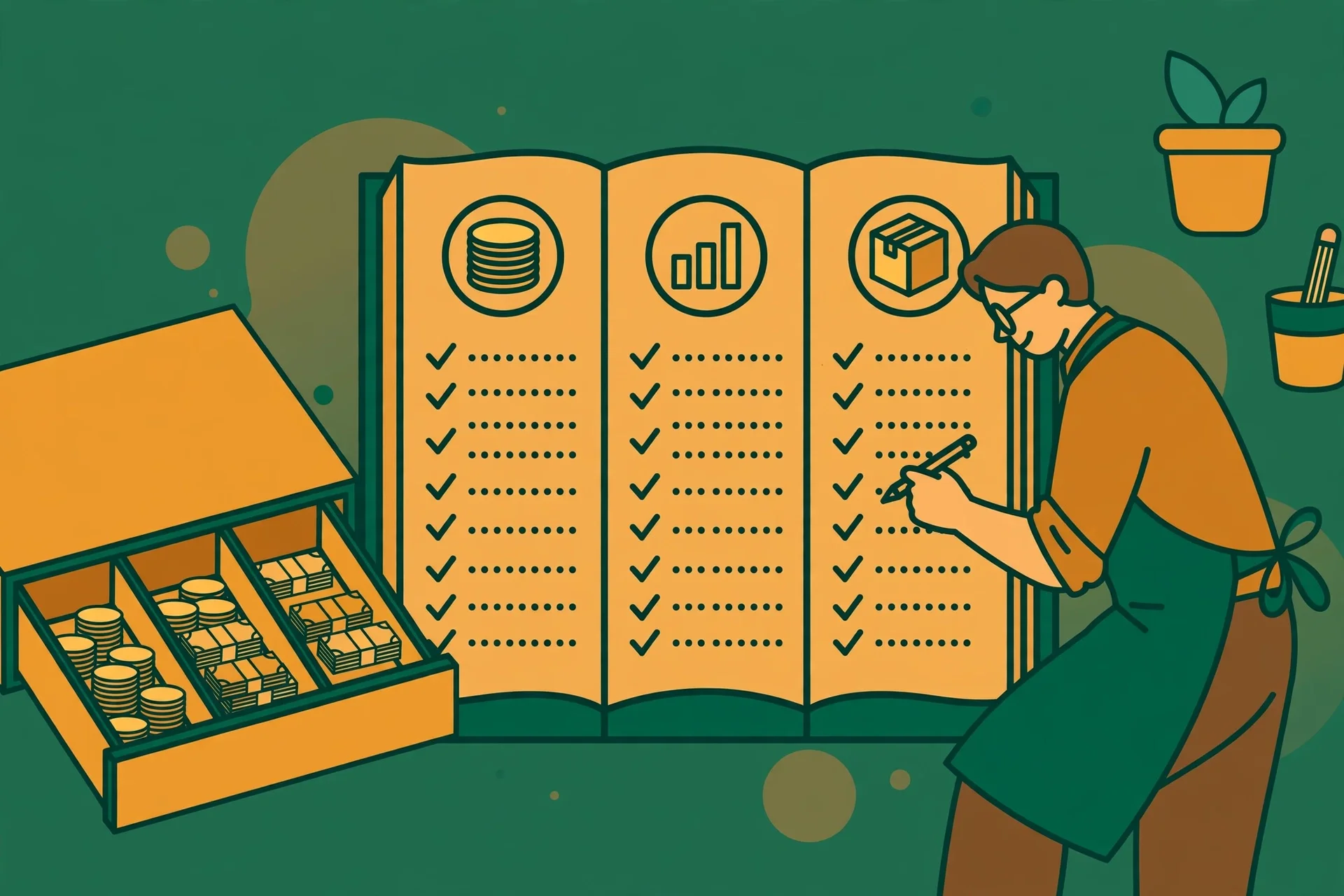
Cash is only the first of three numbers. The second is the sales record: what the script says you sold today, item by item. The third is the stock: what left the shelves. At closing time, all three should tell the same story in different units. Cash plus card should equal recorded sales. Recorded sales, item by item, should equal stock moved. If any one of the three disagrees with the other two, something happened that the script either did not record or recorded wrong — and your job at closing time is to find which one, while the day is still fresh enough to remember.
Walk it with a concrete example, because abstract agreement is easy to claim and hard to check. Suppose the script says you sold forty packets of a particular tea today. Your shelf count says thirty-eight left the shelf, and the drawer holds cash for forty. Two packets are unaccounted for in stock terms. Maybe two were given as samples and never rung up — in which case the script should have a way to record a sample, a gift, or a staff purchase, so the stock movement has a reason attached. Maybe two were stolen. Maybe the shelf count is wrong because a delivery was put away without being booked in. Each explanation points to a different fix, and the script's job is to narrow the list, not to shrug. A stock ledger that records every movement with a reason — sale, purchase, return, damage, adjustment — turns this from a mystery into a short list of entries to check. A stock figure that can simply be edited, with no record of who changed it or why, turns it into a mystery again, because the first person to notice a gap can quietly fix the number instead of fixing the cause.
This is also where a common demo trick falls apart. Demos love to show a dashboard with today's sales in large type. Large type is not evidence. Evidence is the ability to go from that large total down to the individual bills, and from each bill down to the stock it moved, without leaving the script and without a spreadsheet in between. If you have to export to a spreadsheet to reconcile a day, the script has not finished the job; it has handed you homework. Test this on a demo with a deliberately messy day — a refund, a void, a part-payment, a product sold loose rather than by packet — and watch whether the totals still reconcile. Clean demo days reconcile themselves. Messy days are the test.
Voids, returns, and the manager's key
Nothing at closing time deserves more suspicion than a void. A void is a sale that was started and then erased, and erasing is exactly what a dishonest till operator wants to be easy. A return is similar but more legitimate: a customer brings something back, money goes out, stock comes back in. Both are normal. Both are also the two places where a day's figures are most often bent. So the test here is blunt: can any cashier void any bill, at any time, with no trace? If the answer is yes, the script has handed every cashier a quiet way to pocket cash and erase the evidence. If voids require a manager approval — a PIN, a second login, a reason typed in — and every void stays visible in the day's record with who approved it, then the script is doing its job as a control, not just as a till.
Returns deserve the same treatment in the other direction. A return should put the stock back, record the reason, and show in the day's money as money out, not as a negative sale that quietly shrinks the day's total without explanation. Watch what happens to the stock on a return in any demo you try: if the item does not come back into stock, your shelf counts will drift from the first week, and you will spend every closing time chasing a gap the script created. If a return can be made without the original bill, ask how the script stops the same item being returned twice. These are not exotic fraud scenarios. They are Tuesday afternoon in a real shop, and a script that has not thought about them will make you pay for the oversight in small, regular amounts.
There is a human point underneath the controls, and it is worth saying directly. Controls are not accusations. A cashier who knows voids are logged and visible is protected by that visibility just as much as the owner is. When a shortage appears, a logged system lets an honest cashier point at the record and say, here is what I did, and here is who approved it. An unlogged system leaves everyone under suspicion, including the honest people. Buy the script that protects your staff's reputation as well as your cash, because you will need both groups on your side for a long time.
The sale that happened while the internet was down

Sooner or later, the internet will fail during trading hours. It might be the router, the provider, or a cable someone tripped over. The question is not whether your script survives that hour. The question is what it does with the sales made during it. There are only three honest answers, and two of them are bad. The first bad answer is that billing stops: the counter freezes, customers wait, and you go back to a paper book for the afternoon. The second bad answer is worse, because it looks like success: billing continues, but the sales live only on that one counter, and if the machine is restarted or the browser is closed before the connection returns, they are gone. The good answer is that sales queue locally and sync when the connection returns, each with its original time, and the sync can be checked — how many queued, how many synced, whether any failed.
Test this the way you would test anything else that claims to be reliable: break it on purpose. On a demo or a trial install, disconnect, make three sales, reconnect, and then reconcile. Do all three appear in the day's total? Do the stock figures move for all three? Does the receipt numbering stay in order, or do you get gaps and duplicates that will confuse a customer who comes back with a receipt? If the script cannot show you its queue — if offline sales are a promise rather than a visible list — treat that promise the way you would treat any other promise from a seller: politely, and without paying for it yet.
Offline behaviour also exposes a quieter design choice: whether the script is built for one counter or for a shop. A single counter that syncs to itself is easy. A shop with two counters, where both sold the last packet of something during the same outage, is harder, and the honest script will tell you what it does about the conflict instead of silently letting both sales through and leaving the stock negative. Negative stock is not a crime, but unexplained negative stock at closing time is a gap you will chase again tomorrow. Ask what the script does, and prefer the answer that admits a limit over the one that pretends there is none.
The receipt the customer takes home
Receipts are the part of a POS script that customers actually see, and they are worth judging as a customer would. A good receipt answers, at a glance, four questions: what was bought, how much each item cost, what was paid and by which method, and where to come back if something is wrong. That last one matters more than sellers admit. A receipt with no shop name, no date and time, and no bill number is a receipt that cannot be used for a return, a complaint, or a warranty claim — which means it is a receipt that creates arguments instead of settling them. If the script lets you put your own shop name, address, and contact details on the receipt, and prints cleanly on the small thermal paper most small shops actually use, that is not decoration. It is the difference between a sale that ends well and a sale that comes back as a dispute with no paper trail.
Watch also for the small dishonesties receipts can hide. A receipt that shows only a total, with no item lines, hides overcharging and hides mistakes equally. A receipt that shows a discount as a single lump, with no line showing what was discounted, makes a return impossible to price fairly. And a receipt that cannot be reprinted — because the sale is gone from the script once the paper is out — will fail you on the first day a printer jams mid-bill. Reprinting is not a luxury feature. It is what you need when hardware does what hardware does, which is fail at the worst moment.
What closing time cannot tell you
A closing-time test is strong, but it has limits, and naming them is part of using it honestly. Closing time tells you whether the day's records agree. It does not tell you whether the prices were right, whether the products were well chosen, or whether customers left happy. A shop can reconcile perfectly and still be slowly failing, because it stocks the wrong things at the wrong prices for the wrong street. No POS script fixes that, and any seller who implies otherwise is selling you a story, not a system.
Closing time also cannot tell you, on its own, whether the script will still be maintained in a year, whether its updates will break your data, or whether you can get your data out if you decide to leave. Those are questions for the seller's history and for the script's export and backup behaviour, not for the till. Run the closing test, and then ask the second set of questions separately: can you export your products, customers, and sales history in a form another system can read? Can you back up the whole shop and restore it? If the answers are vague, the closing test passing is necessary but not sufficient, and you should say so before you pay.
Who should skip this kind of script
Not every small shop needs a full POS script, and buying one out of ambition rather than need is a real way to waste money. If you sell a handful of items a day from a single table, a notebook and a calculator will reconcile faster than any script, and the script's setup time will cost you more than its controls save you. If your sales are almost entirely online, with no counter and no cash, a POS script built for a till is the wrong tool for a job an online store already does. And if you run a business where every sale is a custom quote — a workshop, a consultancy, a repair bench — the till's speed is irrelevant, and what you actually need is invoicing and job tracking, not barcode billing.
The shop that should buy is the one whose closing time already hurts: more than one person on the till, cash and card mixed through the day, stock that never quite matches the money, and a weekly hour lost to reconciling by hand. For that shop, the script is not a gadget. It is the thing that turns closing time from an argument into a routine. Buy it for that reason, test it by that standard, and judge every demo by the last ten minutes of the day rather than the first ten seconds of the billing screen.
More from this series
This test follows the same habit this site's earlier script posts use: read the thing as a buyer would before trusting it. The salary-first job board test reads one listing line by line before applying, and the doctor-booking test reads a booking backwards from the waiting room. Both, like this one, are published on the tempomailusa.com blog, alongside the temporary inbox tool itself and its VIP plans.
FAQ
**How long should closing take with a good POS script?** For a single counter with a normal day, the count and the comparison should take minutes, not an hour. If closing regularly takes an hour, something is wrong — usually stock that is never reconciled during the day, or a script that makes you hunt for figures it should put side by side. Do not accept a long close as normal; it is the symptom, not the job.
**What is an acceptable daily cash difference?** Honestly: zero is the target, and small, explained differences are the reality. A difference with a written reason — a miscounted coin roll, a card payment recorded against the wrong tender — is manageable. An unexplained difference that repeats, even a small one, is not acceptable, because repetition is what turns a mistake into a pattern. Track differences by day and by cashier, and act on the pattern, not on any single day.
**Should a small shop worry about voids if it trusts its staff?** Yes, but not because trust is absent. Voids should be logged precisely because you trust your staff: the log is what protects an honest cashier when a shortage appears. A script with no void control does not express trust. It removes the evidence that would let trust survive a bad day.
**Does offline billing matter if my internet rarely fails?** It matters in proportion to how much a failed hour costs you, not how often it happens. One busy Saturday afternoon lost to a dead connection can cost more than a year of rare outages combined. If your shop cannot afford to stop billing for an hour, offline queuing with a visible sync list is worth testing, not just worth having on a feature list.
**Can I test a POS script without a real shop?** Yes, and you should. Set up a trial with a small set of invented products, run a messy invented day — cash, card, a void, a return, one sale while disconnected — and reconcile it the way this post describes. A script that survives an invented messy day has earned a look at your real one. A script that only survives clean demo days has told you everything you need to know.
**Is a POS script a replacement for an accountant?** No. A POS script records sales, stock, and cash. An accountant turns those records into tax filings, accounts, and advice about the business. The script's job is to give the accountant clean, reconcilable figures. If a seller tells you the script replaces professional advice, treat the rest of their claims with the same caution.
Closing time is the only honest demo a POS script ever gives you, because it is the one moment when the script, the drawer, and the shelves are all asked the same question at the same time. Run that test before you buy, run it again in the first week after you install, and keep running it every night after that. A script that passes it is not necessarily the best script on the market. It is something better than that: it is a script you can check. And a shop, like an inbox, should never be handed to a system you cannot check.
Need a disposable temporary email?
Protect your real inbox from spam and promotional clutter instantly and free.
Received a suspicious email, text, or charge alert?
Verify whether the sender domain is disposable, spoofed, or unverified before clicking links.