

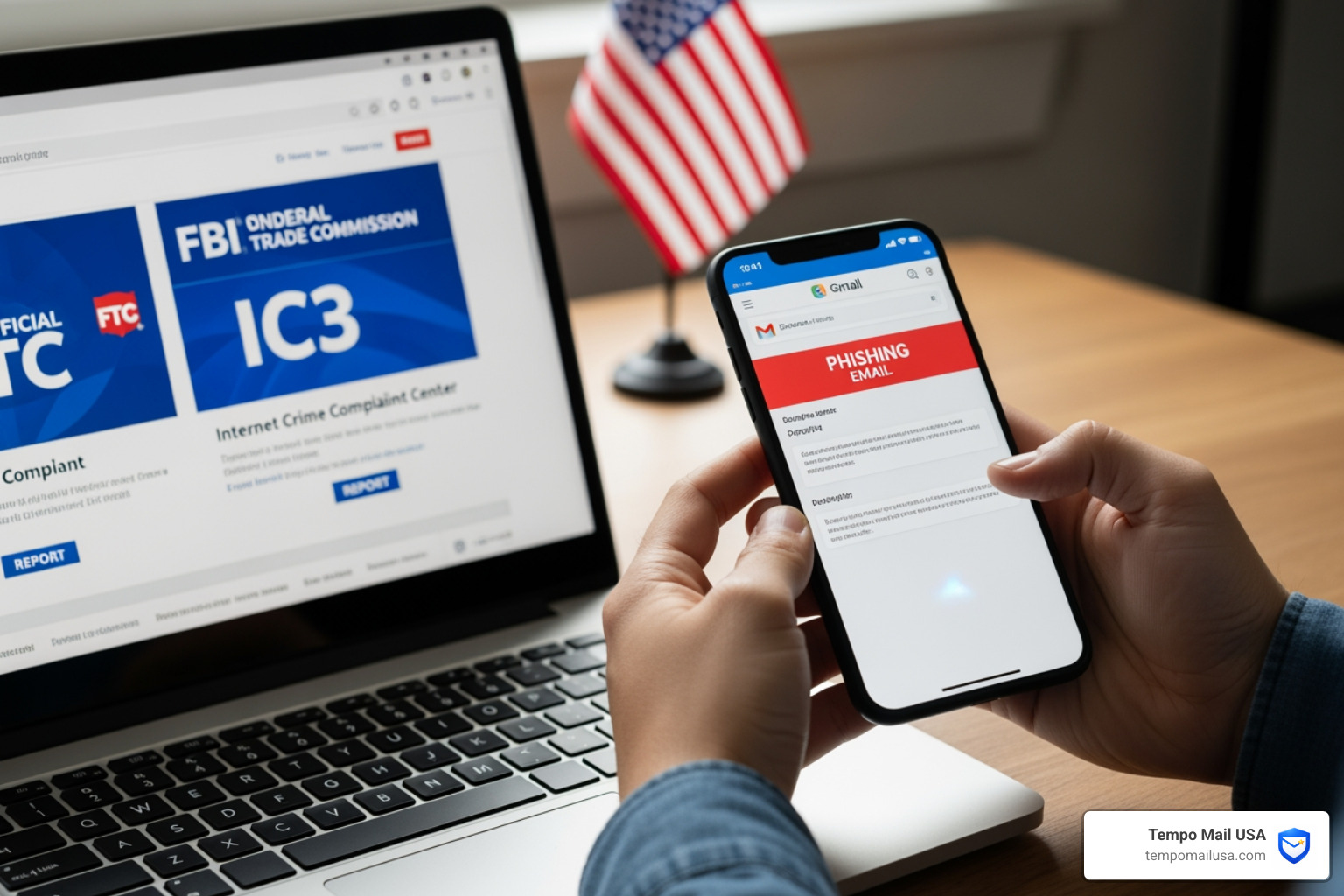

How to Report Phishing Email in USA: Quick Answer
Knowing how to report phishing email in USA is the first step to protecting your identity. Here is the quick answer:
- FTC — Visit ReportFraud.ftc.gov to submit a report.
- FBI (IC3) — File a complaint at ic3.gov for cybercrime.
- CISA — Report the attack to cisa.gov.
- Email Provider — Use the "Report Phishing" button in Gmail, Outlook, or your mail app.
- US-CERT — Forward the suspicious email to phishing@us-cert.gov.
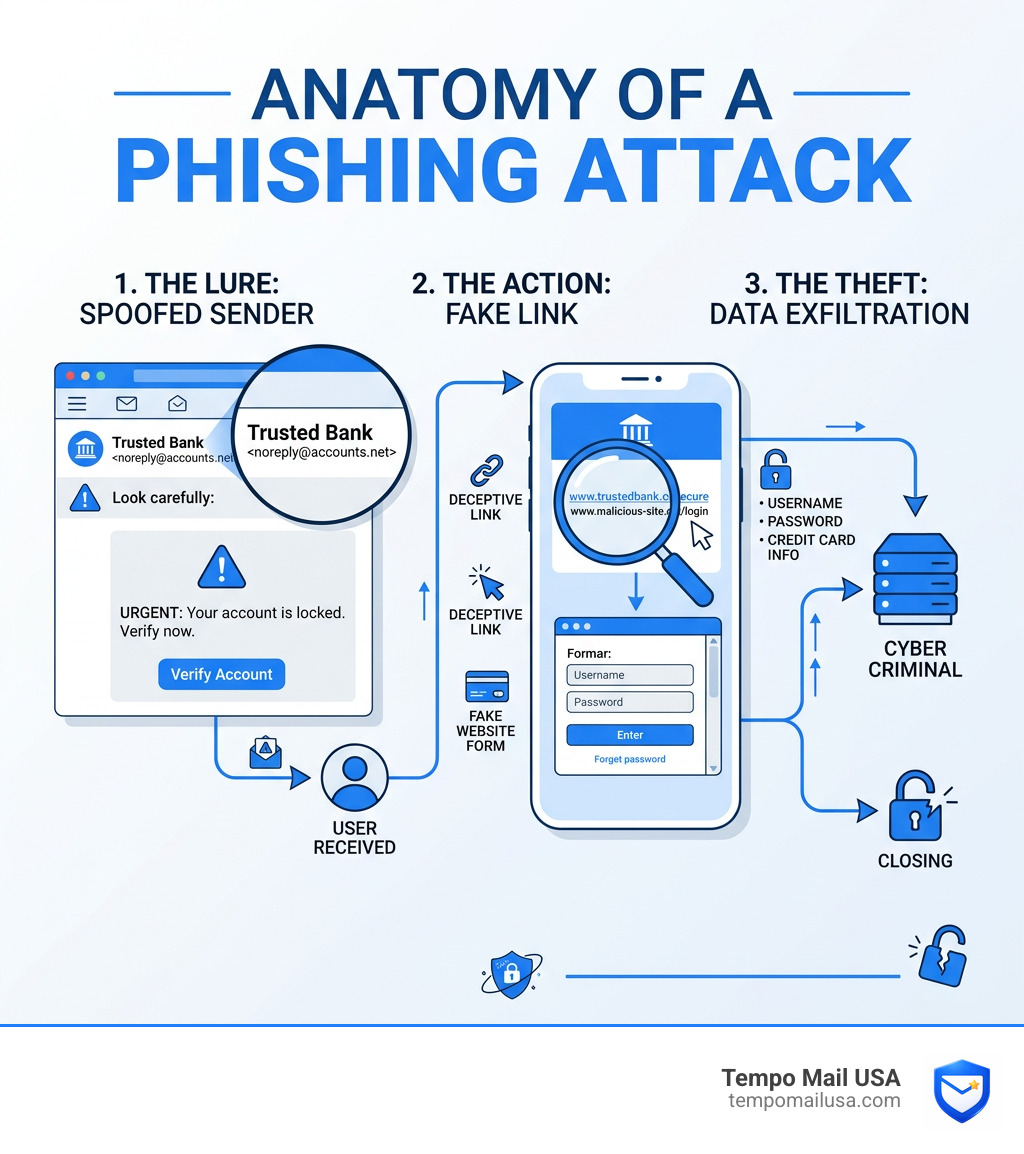
Phishing is a fraudulent attempt to steal personal data by impersonating trusted entities like banks or government agencies. According to the FBI, phishing scams cost Americans over $1.4 billion annually. Reporting these emails helps law enforcement track scammers and protects the community.
Official Channels for How to Report Phishing Email in USA
When you receive a suspicious message, reporting it to official agencies helps stop the scammer from targeting others. In the United States, use these primary channels:
Federal Trade Commission (FTC)
The FTC handles consumer fraud and identity theft. Your report is shared with law enforcers across the country via the Consumer Sentinel Network.
- Report here: ReportFraud.ftc.gov
- Guide: how to report fraud to ftc the right way
FBI’s Internet Crime Complaint Center (IC3)
The IC3 is the FBI's hub for cybercrime. Use this if you have lost money or if the phishing is part of a major scam.
- Report here: Welcome to the Internet Crime Complaint Center
- Evidence: Keep the original email and any transaction records.
CISA (Cybersecurity and Infrastructure Security Agency)
CISA tracks phishing trends to secure national infrastructure and provides resources for public safety.
- Report here: cisa.gov
For more on outsmarting attackers, see how to report phishing attack your guide to outsmarting.
How to Report Phishing Email in USA to Specific Organizations
Scammers love to play dress-up. They often pretend to be organizations we trust or fear, like the IRS, Google, or our personal bank. Because these organizations are used as "bait," they have developed their own specialized reporting pipelines to protect their reputation and their users.
Reporting IRS and Tax-Related Scams
The IRS is perhaps the most impersonated government agency. Here is a hard rule: The IRS does not initiate contact with taxpayers by email, text messages, or social media channels to request personal or financial information.
If you get an email claiming to be from the IRS or the Treasury:
- Do not click. Don't open any attachments (they often contain malware).
- Forward it. Send the email to phishing@irs.gov.
- Use the right subject line. If it's about the IRS, use "IRS." If it's about the Treasury, use "Treasury." If it's a business-related scam trying to steal employee W-2 forms, use "W-2 scam."
For more details on the different types of tax scams, including social media fakes and phone calls, visit the official page to Report fake IRS, Treasury or tax-related emails and messages.
Reporting Phishing to Google and Gmail
Gmail is actually quite good at catching phishing before it hits your inbox, but scammers are constantly evolving. If a suspicious email sneaks through, Google wants to know about it so they can update their filters for everyone else.
In Gmail, the process is simple:
- Open the message on your computer.
- Next to the "Reply" button, click the "More" (three vertical dots) icon.
- Select "Report phishing."
If you are worried that you might have accidentally interacted with a fake Google email, you should immediately Check your Google Account security activity. This page will show you if any new devices have logged in or if sensitive settings were changed.
To learn more about the specific steps for different providers, read how to report phishing emails in 5 easy steps.
Technical Best Practices for Reporting and Verification
Knowing how to report phishing email in usa is half the battle; the other half is providing the right kind of information. Many people simply "Forward" a phishing email to the authorities. While this is better than nothing, it's not the best way.
Forwarding vs. Attaching
When you forward an email, your email software often "cleans up" the message. It might strip away the technical headers that tell investigators where the email actually came from. It's much better to "Forward as Attachment" or save the email as a file (.eml or .msg) and attach it to a new message.
| Action | Result | Why it matters |
|---|---|---|
| Forwarding | Strips technical headers | Investigators lose the "trail" of the scammer's server. |
| Attaching (.eml) | Preserves all metadata | Provides the full IP address and routing info of the attacker. |
| Screenshotting | Visual only | Good for evidence, but doesn't help with technical tracking. |
Understanding Email Headers
Email headers are like the "passport" of an email. They show every server the message passed through before reaching you. If an email claims to be from "paypal.com" but the headers show it originated from a random server in a different country, you've found your proof.
You can learn how to Get the email header to include in your reports. This is the "gold standard" of evidence for agencies like the FBI or CISA. For more tips on handling these safely, see how to report bogus emails safely gmail outlook.
How to Report Phishing Email in USA via Text or Phone
Phishing isn't just for emails anymore. We see it in texts (smishing) and phone calls (vishing).
- For Texts: If you get a "smishing" text, do not click the link. Instead, forward the message to 7726 (which spells SPAM on most keypads). This goes to your wireless provider so they can block the sender across their network. You should also Forward the text to 7726 and then report it to the FTC.
- For Phone Calls: Hang up. Don't press any buttons to "opt-out," as this just confirms your number is active. Report the number to donotcall.gov.
What to Do If You Clicked a Phishing Link: Immediate Steps
If you accidentally clicked a link or entered information on a suspicious site, take these actions immediately:
- Disconnect Your Device: Turn off Wi-Fi or unplug your internet to stop malware from communicating with the attacker.
- Change Your Passwords: Update credentials for the compromised account immediately. Use passwords.google.com/checkup/start to identify other unsafe passwords.
- Enable Multi-Factor Authentication (MFA): MFA is a critical defense that prevents over 99% of account compromise attacks.
- Run a Malware Scan: Use reputable antivirus software to check for hidden threats on your device.
- Monitor Your Accounts: Check for unauthorized activity on your bank, email, and social media accounts.
To learn how to identify these threats early, read master how to spot phishing emails.
Frequently Asked Questions about Phishing Reports
What happens after I submit a phishing report?
When you report to the FTC or IC3, don't expect a personal call back. These agencies receive thousands of reports daily. Instead, your report is used as part of aggregate data. Investigators look for patterns. If 500 people report the same "IRS" email originating from the same IP address, that's when the FBI or FTC launches a full-scale investigation. While there is no individual resolution for most reports, your contribution is vital for the "big picture" of law enforcement.
Can I report phishing anonymously?
The FTC allows you to submit reports with varying levels of detail, but the FBI's IC3 generally requires certain contact information to validate the complaint. Always check the specific agency's privacy policy to see how your personal information is handled. Most official sites use SSL encryption to keep your data secure during transmission.
How do I know if an email is authenticated or spoofed?
Look for "authentication" markers. Tech-savvy users look for SPF, DKIM, and DMARC passes in the email headers. For the rest of us:
- Check the sender's address: Hover your mouse over the "From" name. Does it match the official domain? (e.g., is it "support@paypal.com" or "support@pay-pal-security-check.net"?)
- The "via" tag: In Outlook and Gmail, you might see a "via" tag if the sending domain doesn't match the "From" address. This is a major red flag.
- The "?" icon: Outlook often shows a question mark in the sender's image if it can't verify the identity.
Conclusion
Understanding how to report phishing email in usa is an essential skill in our digital age. By reporting these attempts to the FTC, FBI, and specific organizations, you're helping to dismantle the infrastructure that scammers rely on.
However, reporting is a reactive step. At Tempo Mail USA, we believe in being proactive.
The reason phishing works is that scammers have your real email address. They find it in data breaches, on social media, or through "plus-trick" aliases that are easy to reverse-engineer. Once they have your real PII (Personally Identifiable Information), you become a target.
Our solution? Email aliases.
Think of a Tempo Mail USA alias as a privacy firewall. Instead of giving your real email to every shop, newsletter, or service you sign up for, you give them a proxy identity. If that service gets hacked or starts sending you phishing bait, you can simply "turn off" that specific alias. Your real inbox stays hidden, your identity stays protected, and the scammers are left knocking on a door that no longer exists.
Stay safe out there, keep your MFA turned on, and remember: if an email feels wrong, it probably is. For a quick refresher, you can always revisit our guide on how to report phishing emails in 5 easy steps.