


Why Reporting Bogus Emails Protects Everyone Online
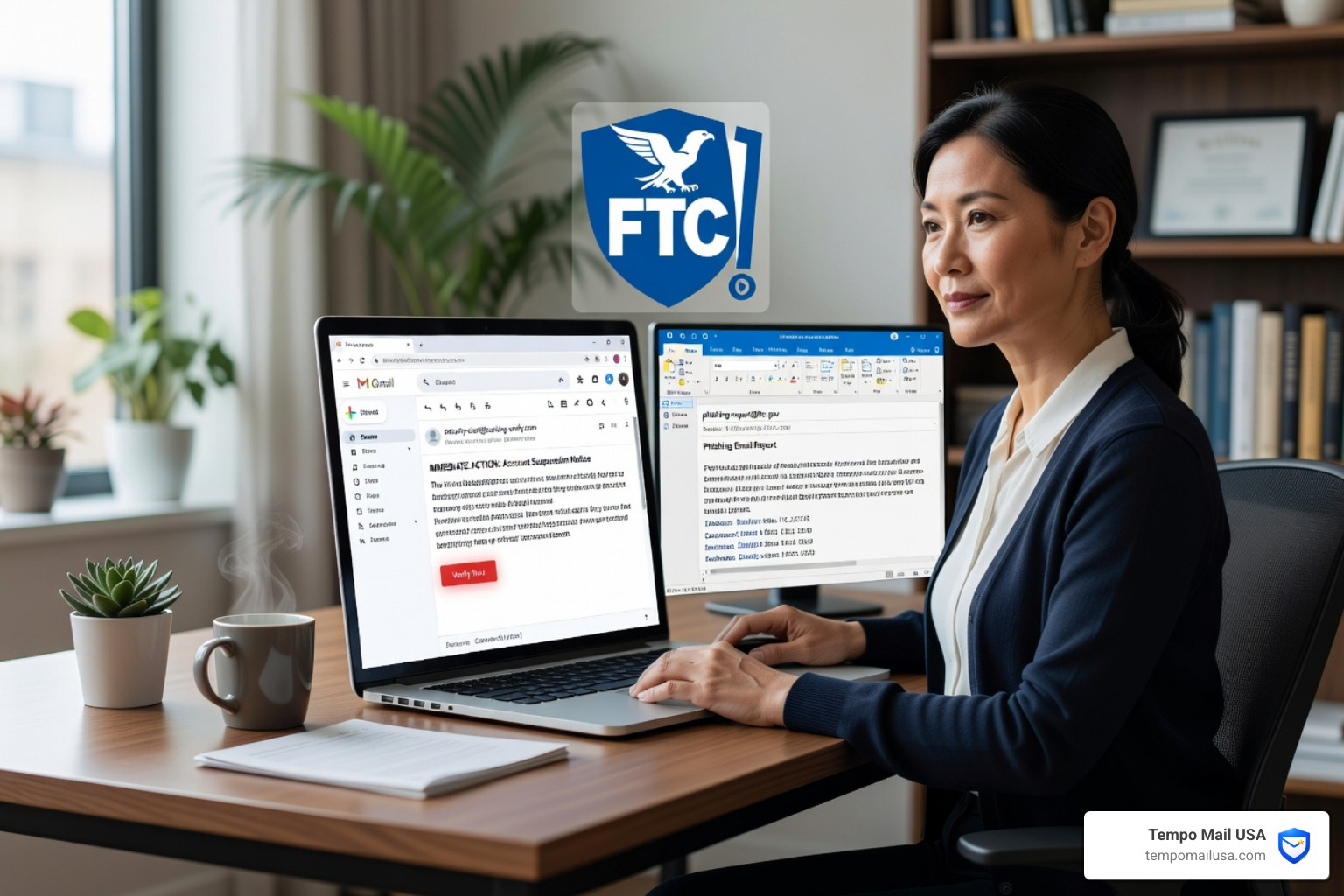
How do you report bogus emails? To report bogus emails, use the built-in \"Report Phishing\" tool in your email client (Gmail/Outlook) or forward the message to national authorities like the FTC (US), SERS (UK), or CAFC (Canada). Reporting helps law enforcement identify patterns and dismantle criminal fraud networks.
Quick Guide: How to Report Bogus Emails by Platform
- Gmail: Open email > click three dots > select Report phishing
- Outlook: Open email > click Report > select Phishing
- US (FTC): Forward to reportphishing@apwg.org or visit reportfraud.ftc.gov
- US (IRS scams): Forward as attachment to phishing@irs.gov
- UK: Forward to report@phishing.gov.uk or visit actionfraud.police.uk
- Canada: Report online at reportcyberandfraud.canada.ca or call 1-888-495-8501
- Global: Forward as attachment to reportphishing@apwg.org
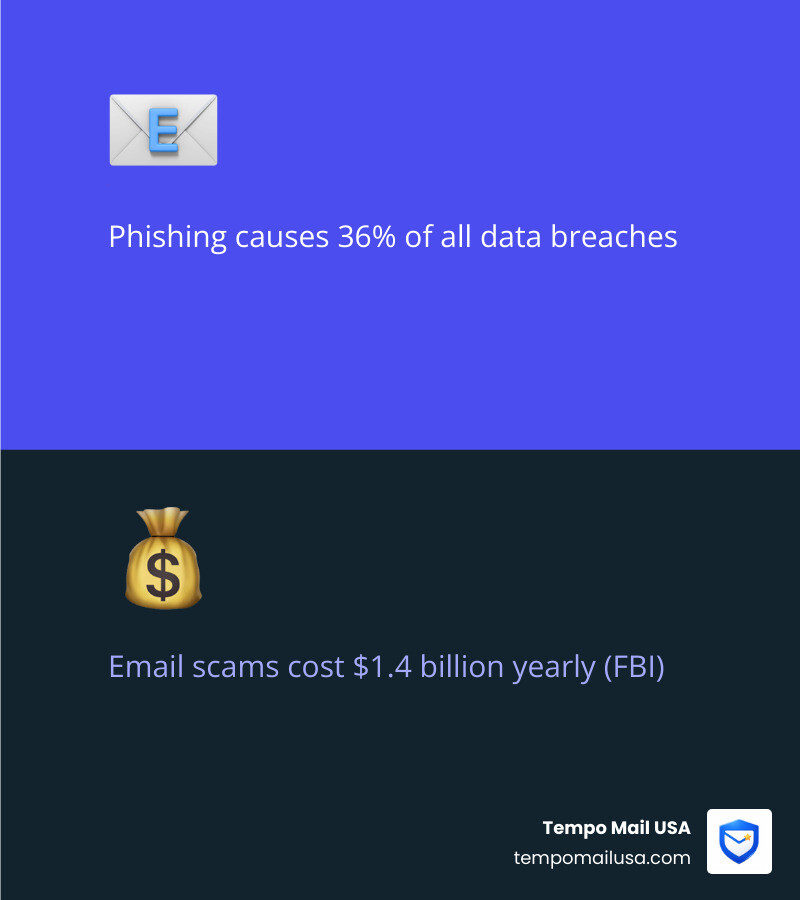
Phishing emails aren't just annoying — they're dangerous. According to FBI data, phishing and email scams cost Americans alone over $1.4 billion in a single year. And research from Verizon shows that phishing is responsible for more than 36% of all data breaches.
These aren't rare events. 83% of organizations faced at least one phishing attack last year. Scammers are sending enormous volumes of fake emails every single day — spam alone accounts for an estimated 90% of all email traffic.
The good news? Reporting suspicious emails is one of the most powerful tools available to you. Every report you submit helps authorities identify patterns, shut down fraud networks, and protect other people from falling victim.
This guide walks you through exactly how to do it — safely, quickly, and in the right place.
Spotting the Red Flags Before You Click
What are the main signs of a bogus email? The primary red flags of a bogus email include artificial urgency, mismatched sender domains, generic greetings, and suspicious links. Modern scammers often use AI to eliminate spelling errors, making these technical indicators even more critical for detection.
- Urgency and Fear Tactics: Scammers use phrases like \"Account suspended,\" \"Urgent action required,\" or \"Unpaid invoice\" to trigger a panic response.
- Mismatched Domains: Always look past the \"Display Name.\" If you hover over the address and it shows something like
support@paypall-security-check.cominstead of the official domain, it is a scam. - Generic Greetings: If a \"bank\" or \"government agency\" addresses you as \"Dear Customer\" instead of your actual name, be highly suspicious.
- The \"Via\" Tag: In Outlook and Gmail, this indicates the email was sent from a different domain than what is listed in the \"From\" field—a classic sign of spoofing.
- Suspicious Links and Attachments: Never click a link directly. Hover your mouse over it to see the actual destination URL. If it doesn't match the official website, it's a trap.
To dive deeper into these tactics, we recommend you Master How To Spot Phishing Emails to stay one step ahead of the bad guys.
Legitimate vs. Bogus Sender Comparison
| Feature | Legitimate Email | Bogus/Phishing Email |
|---|---|---|
| Sender Address | Matches official domain (e.g., @irs.gov) | Subtle misspellings (e.g., @irs-gov.org) |
| Links | Leads to official, encrypted sites | Leads to IP addresses or shortened URLs |
| Tone | Professional and informative | Urgent, threatening, or \"too good to be true\" |
| Personalization | Uses your full name or account snippet | Generic greetings or no name at all |
How to Safely Report Bogus Emails to Global Authorities
Reporting bogus emails feeds intelligence to law enforcement agencies that work to dismantle criminal networks. Use these specific channels based on your region or the scam type:
How to Report Bogus Emails in the United States
- General Fraud: Submit reports to the Federal Trade Commission (FTC) at reportfraud.ftc.gov.
- Cybercrime: If the email involves a significant financial loss, contact the Internet Crime Complaint Center (IC3) at ic3.gov.
- IRS Scams: Report suspicious IRS and tax-related messages directly to
phishing@irs.gov. - Payment Scams: Learn how to Stop PayPal Spam: How To Effectively Report Email Scams.
How to Report Bogus Emails in the UK and Canada
- United Kingdom: Forward scams to the Suspicious Email Reporting Service (SERS) at
report@phishing.gov.uk. For financial loss, contact Action Fraud UK at actionfraud.police.uk. - Canada: Report via the Canadian Anti-Fraud Centre (CAFC) online portal.
How to Report Bogus Emails in Gmail and Outlook
- Gmail: Click the \"More\" (three vertical dots) icon and select Report phishing.
- Outlook: Click the Report button in the top ribbon and select Phishing.
For a more detailed walkthrough, check out our guide on How To Report Phishing Emails In 5 Easy Steps.
Global Reporting to the APWG
Forward suspicious emails to the Anti-Phishing Working Group (APWG) at reportphishing@apwg.org.
Pro-Tip: Always \"Forward as Attachment\" to preserve email headers. You can Get the email header for forensic tracing to help Forward phishing emails to APWG for analysis."
Damage Control: What to Do if You’ve Already Interacted
If you have interacted with a bogus email, follow these 5 immediate steps to mitigate the damage:
- Disconnect Immediately: Turn off Wi-Fi or unplug your ethernet cable to prevent malware from communicating with the attacker's server or spreading to other devices.
- Change Your Passwords: Using a clean, uncompromised device, change the passwords for any accounts that may have been exposed, starting with your primary email and banking.
- Audit Your Security: Use tools to Find and change unsafe passwords in your Google Account to identify if your credentials have been leaked.
- Scan for Malware: Run a full system scan using reputable anti-malware software before reconnecting to the internet.
- Enable MFA: Turn on Multi-Factor Authentication (MFA). Microsoft research shows that MFA can prevent over 99% of account compromise attacks.
For long-term protection, we recommend reading up on Email Hacking Prevention: Safeguard Valuable Assets to bulletproof your digital life.
Proactive Protection: Building a Firewall for Your Inbox
The best way to report bogus emails is to prevent them from reaching your primary inbox in the first place. We believe in a "defense-in-depth" strategy that uses multiple layers of security.
Use Email Aliases
This is our specialty at TempoMailUSA. Instead of giving your real, primary email address to every website you visit, use a secure email alias. An alias acts as a digital proxy—a firewall between the public internet and your private data. If an alias starts receiving bogus emails because a site was breached, you can simply delete the alias without ever exposing your real identity.
Implement Advanced Filters
Most modern email clients allow you to set up custom filters. You can Discover The Best Spam Filters For Ultimate Online Privacy to automatically quarantine messages that contain suspicious keywords or come from high-risk top-level domains.
Identity Shielding
By shielding your Personally Identifiable Information (PII), you reduce your "attack surface." Scammers can't target you if they don't have your real address. Combining aliases with other Stop Phishing: Effective Strategies To Prevent Attacks creates a robust barrier that keeps your inbox clean and your identity safe.
Frequently Asked Questions about Bogus Emails
Can I report bogus emails anonymously?
Yes! Most major reporting portals understand that privacy is a concern. For example, reportcyberandfraud.canada.ca allows anonymous reporting for witnesses and victims. While providing your contact info can help investigators if they need more details, submitting an anonymous report still provides valuable intelligence to law enforcement.
What happens to my report after I submit it?
Your report is aggregated with thousands of others. This allows agencies like the NCSC and FBI to perform intelligence gathering. They use this data to identify "hotspots" of criminal activity, link seemingly unrelated crimes together, and take actions like blocking malicious IP addresses or seizing fraudulent domains. Your single report could be the "missing link" that helps shut down an entire fraud network.
Does the IRS ever initiate contact via email or text?
No. The IRS will never initiate contact with taxpayers by email, text messages, or social media channels to request personal or financial information. This includes requests for PIN numbers, passwords, or similar access information for credit cards, banks, or other financial accounts. If you receive a text claiming to be from the IRS, it is a scam. To learn more about these specific tactics, watch this video on How to avoid IRS text message scams.
Conclusion
In an age where 90% of email traffic is junk and phishing attacks are rising by 31% year-over-year, staying passive isn't an option. When you take the time to report bogus emails, you are contributing to a safer internet for everyone. You are moving from being a potential victim to being an active participant in global cyber resilience.
At TempoMailUSA, we are committed to helping you stay secure. We provide the ultimate identity firewall by using secure email aliases to keep your real PII off the radar of scammers. By masking your true identity, you stop the problem before it even starts.
Ready to take control of your digital security? Start protecting your inbox with our 5-step reporting guide and see how simple it is to fight back against scammers. Stay vigilant, report often, and keep your data where it belongs—with you.