
Email OTP Free Service API: What Actually Sends a Code for $0 — Tested Live
Email OTP Free Service API: What Actually Sends a Code for $0 — Tested Live
Search "email otp free service api" and the results promise the same thing in different words: verification codes for $0, no credit card, five minutes to your first send. I believed about half of that before this morning. Then I spent the morning actually trying to sign up for the free tiers, with a fresh temporary inbox as my test address, and the gap between the marketing page and the signup form turned out to be the whole story.
Here is the honest version. There are two completely different products hiding inside this one search phrase, and mixing them up is how developers waste an afternoon. One kind sends OTP codes to your users. The other receives OTP codes into a test inbox and pulls the digits out for you. The free tier that works brilliantly for one job is useless for the other. I tested both kinds live on November 20, 2026: two send-side signups failed in front of me, and one receive-side API created a working mailbox in under five seconds with no account at all.
Two different APIs are hiding inside one search
The phrase "email otp free service api" is ambiguous in a way that costs real time. When someone types it, they usually mean one of two things, and the top results serve both without saying so.
The first meaning is the send side: your app needs to email a six-digit code to a user who is signing in or resetting a password, and you want an API that does the sending without charging you. Resend, SadaSend, Brevo, Mailjet, and the dedicated OTP service idling.app all live here. You generate the code, they deliver the email, and the free tier is measured in emails per month.
The second meaning is the receive side: you need a disposable inbox with an API, so your tests can read incoming mail and extract the OTP code automatically. mail123.click lives here. Its API creates a temporary mailbox, polls it for messages, and returns an otp_code field with the digits already pulled out of the message body. No sending involved at all.
If you are building login for your own product, you want the first kind. If you are testing someone else's login flow, you want the second — and a temporary inbox is the fastest test receiver you can get. The code is only as good as the channel that carries it, and the channel is what these APIs sell, so it helps to know what a verification code actually is before you pick one.
The free tiers, on paper
Before testing anything, I read the pricing pages. On paper, the free tiers look generous enough that paying for OTP email feels optional for a small project.
Resend's free plan, read live from its pricing page on November 20, 2026, is $0 a month for 3,000 emails a month with a 100-email-a-day cap, three domains, and three inboxes. The page calls it a free-forever plan, not a trial, and the FAQ says there is no free trial because the free plan is the trial. That is the most-cited free tier in the results ranking for this keyword, and on paper it is the obvious pick: 100 codes a day covers most side projects and early products outright.
SadaSend advertises 6,000 free emails a month, no credit card required, and a default $0.00 overage ceiling, which is a genuinely thoughtful detail — a ceiling of zero means the account physically cannot run up a bill. I read that on its signup page, not inside a dashboard, because I never got into the dashboard. More on that below.
The dedicated OTP service idling.app offers a free tier of 1,000 OTP requests a month, with nine-digit codes that expire after ten minutes, a five-attempt limit per code, and a free rate limit of three requests an hour. It is open source and self-hostable, which matters, because the hosted free tier's hourly cap is tight enough to break a real login flow the first time a few users retry at once.
And then there is Twilio Verify, the service most tutorials compare everything against. It has no free tier: $0.05 per successful verification plus the channel fee, about $0.0083 per SMS in the US. The same comparison page that quoted those prices put the cost of 1,000 SMS logins through Twilio at roughly $58. That number is the reason the free email APIs exist. Email delivery is nearly free at small scale, so a provider can afford to give it away; SMS cannot.
My opinion, after reading all four: the paper comparison is almost useless. Every one of these pages says "free" in large type. The real questions are whether you can create the account, whether the free tier survives contact with your actual use case, and whether the code lands in the inbox instead of the spam folder. Paper cannot answer any of those. So I tested.
Live test 1: the signup wall
The first test was Resend. I opened tempomailusa.com, which generated the temporary address testfix123@tempomailusa.com — an inbox with zero messages and about 29 days left before expiry — and used it to sign up at resend.com/signup at 08:30 IST on November 20. The form asked only for an email and a password of at least 12 characters with letters, numbers, and symbols. Both fields showed as satisfied. I clicked "Create account" and got this, verbatim:
Something went wrong while processing your request. Please try again later.
I retried once with the same email and password. The identical message appeared, and the page stayed on the signup form. No payment method was requested, no CAPTCHA appeared, and no verification email ever arrived in the temp inbox — which makes sense, because the account was never created. Resend gave no reason, so I cannot confirm whether the disposable domain was specifically rejected or whether this was a transient server error. The message was generic on both attempts, and generic is all I have. But the practical result is unambiguous: a temp-mail address could not create a Resend account that morning.
The second test was SadaSend, and it failed differently. On sadasend.com/signup I entered the same temp address, ticked the terms checkbox, and clicked "Email me a link". The form returned, verbatim:
Security verification required. Please complete the captcha.
There was no captcha. No widget, no checkbox, no image challenge, no badge, no frame — nothing in the page content or the screenshot, before or after the error, and nothing below the form when scrolled. The bot-check specialist working the page tried reloading, waiting 30 seconds for an invisible token to generate, and scrolling for a hidden widget: same error. The tab was moved to a fresh browser, the form was filled again, and the same error came back. A second attempt in the fresh browser, with a 25-second wait, produced the same error a third time. No verification email was ever sent, because the form never submitted. No account was created, and no card was ever requested.
Two providers, two different walls, same morning, same email address. I am not going to pretend I know exactly why either one failed — the honest read is that disposable domains are exactly the kind of address an anti-abuse system is built to distrust, and both systems distrusted this one without explaining themselves. If your plan is to build an OTP sender on a free tier, use a real email address you control, on a domain you control if you have one. The free tier is real. The door to it is narrower than the landing page suggests.
Live test 2: the API that needed nothing
The receive side was a different morning entirely. mail123.click publishes a free temporary-mail REST API, and I tested it with a single curl command — no account, no key, no signup form, no captcha. The request was GET https://mail123.fr/api/v1/mailbox/new. The response came back in seconds:
{"address":"grand-dragon-m2wxb9@mail123.fr","available_domains":["mail123.fr","mail456.fr","mail789.fr","mail1mail.com","mail123.click","mail123.com.br","mail123.beer","mail123box.tech","mail123.pro","mail123.site","mail123.online","mail123.tech","mail123.website"],"box":"grand-dragon-m2wxb9","domain":"mail123.fr","expires_in_days":7,"expires_in_hours":168,"success":true}
A working mailbox, thirteen domains to choose from, seven days before it expires, and zero friction. The API's own documentation page confirms the parts I did not exercise live: every returned message includes an otp_code field that extracts numeric codes of four to eight digits, plus alphanumeric and separated formats like XX-XX, and the extractor boosts its confidence when the message contains words like "code" or "verification". The free tier is rate-limited per IP — five mailbox creations a minute, fifty an hour, ten message reads a minute — and messages are deleted seven days after arrival. That is a complete, honest free tier: the limits are printed on the page, the API enforces them, and nothing about the experience contradicts the documentation.
This is the API I would actually recommend first for the testing half of this keyword. If you need to receive OTPs, not send them, you do not need an account, a card, or a domain. You need one GET request and a polling loop. And if you want to understand what the code-extraction half of the job looks like from the inbox side, the OTP scanner write-up covers how codes are pulled out of message text.
The 30-line OTP sender
Whatever provider you choose, the code you write barely changes, and that is the point the top-ranking tutorial gets right: the hard part of OTP is delivery, not logic. The send-and-verify flow is about thirty lines, and it looks like this in practice:
- Generate the code on your server, never in the browser: six digits from a cryptographic random source, not Math.random and not a timestamp.
- Store only a hash of the code, with the user's identifier, an expiry timestamp ten minutes out, and an attempt counter starting at zero.
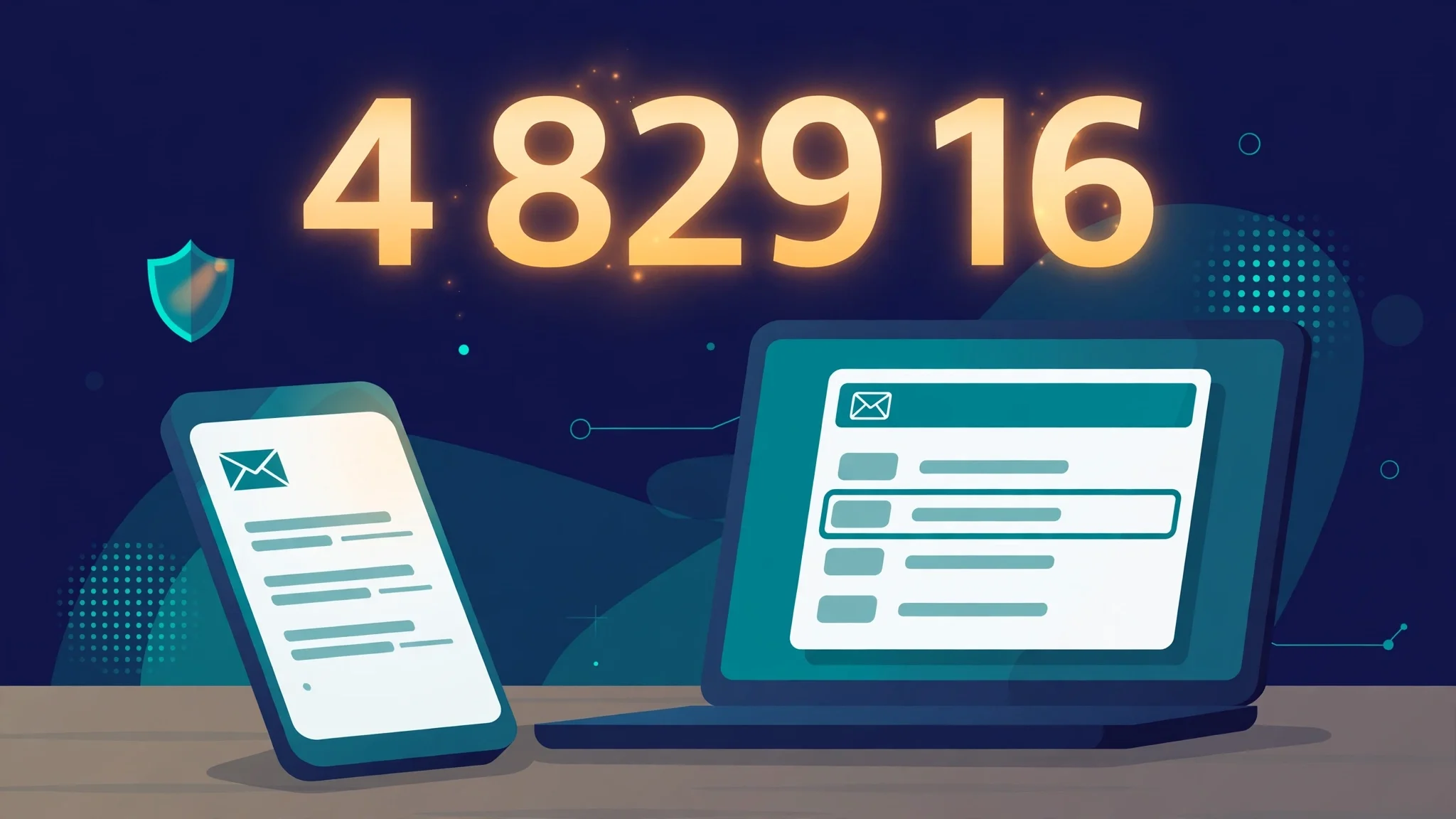
- Send the code with one API call to your email provider, from a domain you have verified with SPF and DKIM, with a plain subject line like "Your sign-in code is 482916" and no marketing footer.
- On verify, compare the hash, reject the code if it is expired or the attempt counter has hit five, and delete the code the moment it succeeds — a used code must never work twice.
- Rate-limit requests per email address and per IP, and put a visible cooldown on the "resend" button, because the cheapest abuse of a free OTP API is someone else spending your quota.
- Log the send result and the delivery status separately, so when a user says "no code arrived" you can tell whether your API call failed or the inbox filtered it.
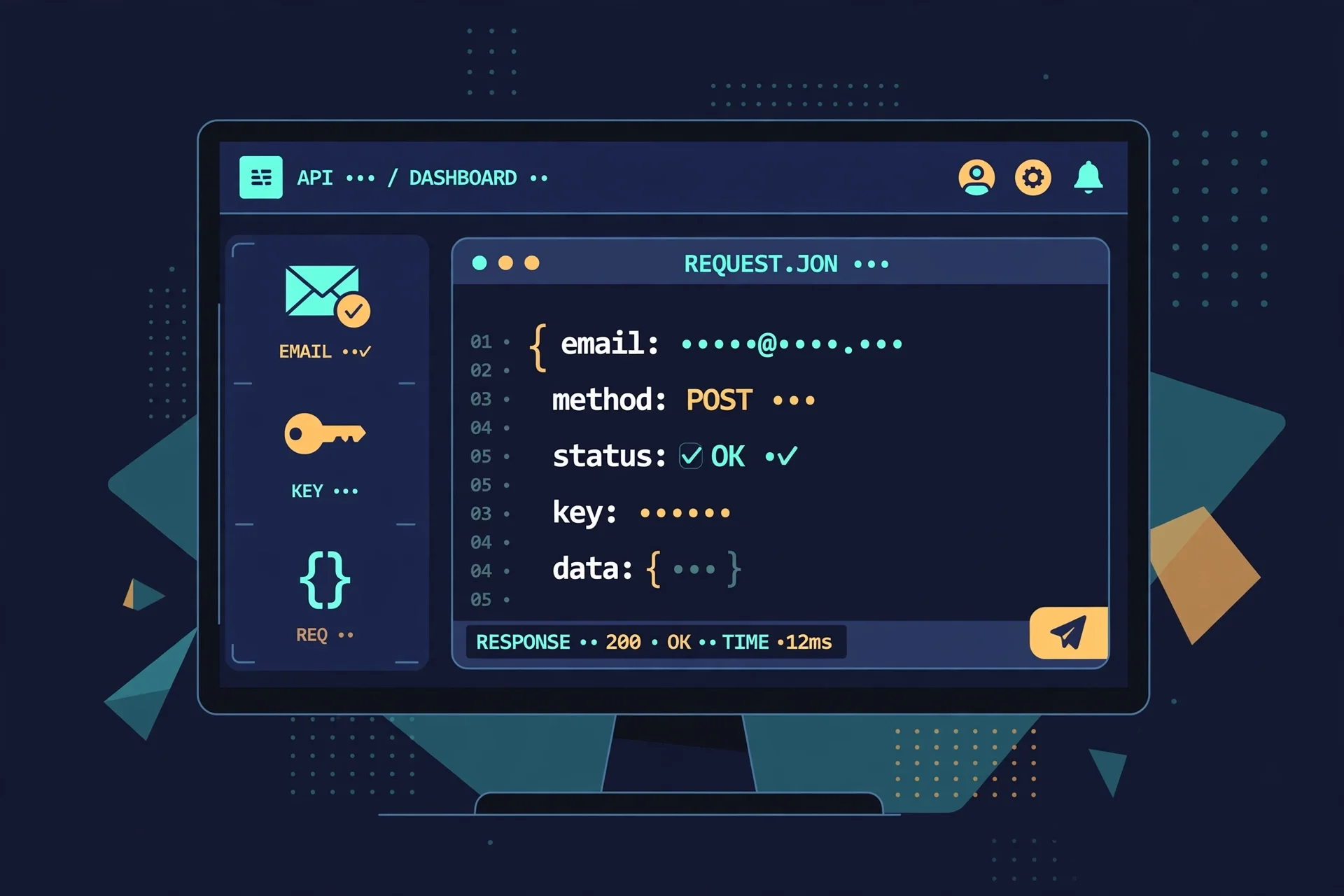
That last step is where most free-tier setups quietly fall over. An API returning 202 Accepted means your provider took the message, not that the user received it. Delivery is a separate event, and on a free tier you usually get it through webhooks or a dashboard, not in the API response. If you are building this for real users, wire the webhook in on day one. If you are only testing, skip the provider entirely and use a disposable inbox as the receiver — which is the next section.
Using a temp inbox as your OTP test receiver
Here is the fastest honest test of any OTP flow, and it costs nothing: open a temporary inbox, trigger the code from your app, and watch the inbox. I did a version of this all morning. The temp address testfix123@tempomailusa.com sat open in a browser tab while two different services tried — and failed — to send to it, and the empty inbox told me the truth both times: nothing arrived, because nothing was sent. An empty inbox is information, not a bug.
For a working OTP sender, the same setup answers the questions that matter: does the code arrive, how fast, and where does it land — inbox, spam, or nowhere? A temp inbox is ideal for this because it is isolated: no filters, no folders, no promotions tab, no prior reputation. If the code does not arrive in a clean temp inbox, the problem is on the sender's side, and no amount of asking the user to "check spam" will fix it. I have a longer write-up of the full method in OTP Test: how to test a one-time code three ways, and the short version is: trigger, wait sixty seconds, check the inbox, check the sender's logs, then change one thing and repeat.
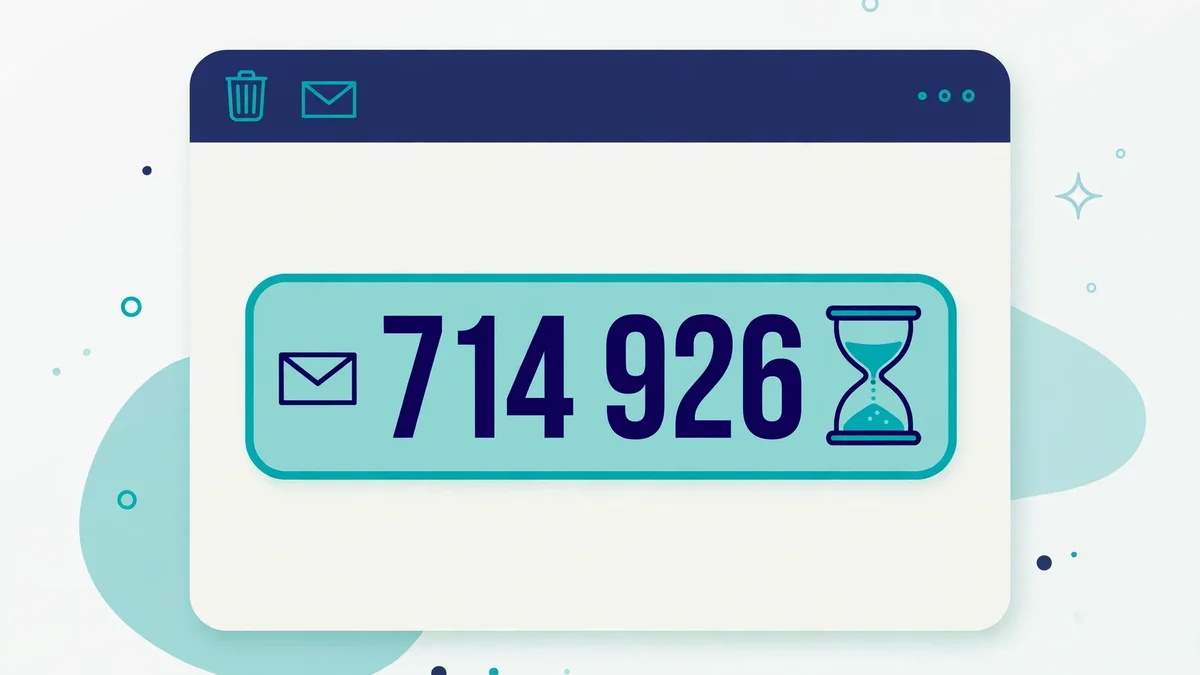
Two warnings, both earned. First, many services refuse to send verification codes to disposable addresses at all — Resend's signup form would not even create an account for one, and plenty of apps apply the same blocklist to their OTP flows. A temp inbox tests delivery, not acceptance; if your users sign up with disposable addresses, your OTP will fail for them at the front door, and that is a product decision, not a deliverability bug. Second, never test with an inbox you need later. A disposable address expires, and a password reset sent to a dead inbox is a locked account. What disposable email actually is — and is not covers the boundary: use it for tests and throwaway signups, never for anything you must recover.
What "free" quietly costs
Free OTP email is not free of trade-offs, and the trade-offs are boring in exactly the way that bites six months later.
Deliverability is the first. Free tiers send from shared IPs and shared domains unless you verify your own, and shared infrastructure carries other people's reputation. Your code can pass every check on your side and still land in spam, because the IP it left from sent a thousand other people's mail that day. Verifying your own domain with SPF, DKIM, and DMARC is the single highest-value step after choosing a provider, and it is free on every tier I looked at. If your codes are landing in spam, test that before you blame the API: test spam mail is the twenty-minute check that separates a sender problem from a filter problem.
Rate limits are the second. Resend's 100-a-day cap, idling.app's three-requests-an-hour free limit, mail123's fifty-requests-an-hour per IP — these are generous for a side project and a wall for a product with real users. The failure mode is silent: the API starts returning 429s, your login flow starts failing for the users who need it most, and your error logs fill with a limit you agreed to months ago. Read the number before you build on it, and set an alert at eighty percent of it.
The third cost is support and guarantees. There is no SLA on a free tier, no phone number, and usually no human who will answer a deliverability question the same day. That is a fair price for $0, as long as you chose it knowingly. And the fourth is the quietest: free tiers change. The pricing page I read this morning is the pricing page of this morning. If your login flow depends on a free tier, re-read that page every quarter, because the day the limit drops from 3,000 to 300 is the day your users find out before you do.
The verdict: which free API for which job
There is no single best free email OTP API, because the keyword covers two jobs and the honest answer depends on which one you have.
If you are sending codes to your own users, Resend's free tier is still the strongest paper pick — 3,000 emails a month, 100 a day, no card — but go in with a real email address and a verified domain, because the signup form is the first test and it is pickier than the landing page. SadaSend's 6,000 a month and $0.00 overage ceiling are the most generous numbers I found, but I could not get past its signup captcha to confirm a single one of them inside a dashboard, so treat them as advertised, not verified. For a dedicated OTP service with a narrow free tier, idling.app's 1,000 requests a month works if your volume is tiny and you can live with three requests an hour. And if your volume is real — thousands of logins a month — stop hunting for free and budget for Twilio Verify or a paid transactional tier, because $0.05 a verification is cheaper than a login flow that fails.
If you are receiving codes — testing an OTP flow, automating signups, or building a scanner — skip the send-side providers entirely. The mail123 API created a working mailbox with OTP extraction in one request, no account, no card, no captcha, and its limits are printed in the open. Pair it with a temp inbox when you want a human-readable view of the same messages, and you have the whole testing loop for nothing.
The morning's real lesson is simpler than any comparison table: "free" is a claim about price, not about access. The APIs that let you in without friction were the ones built for testing. The ones built for production made me prove I was a real developer first — and then, in one case, would not even show me the test I was supposed to pass. Test the signup before you test the API. It is the part nobody puts in the tutorial, and it is the part that decides whether the free tier exists for you at all.
Frequently asked questions
Is there a genuinely free email OTP API?
Yes, with the distinction this article is built on. For sending codes, Resend's free tier is $0 for 3,000 emails a month and 100 a day, verified live from its pricing page on November 20, 2026. For receiving and extracting codes, mail123's API is free with no signup at all — I created a mailbox with one request that morning. Both are genuinely free; neither is unlimited.
Can I send OTP codes with Resend's free tier?
Yes, if you can create the account. The free tier allows 100 transactional emails a day, which covers most small projects. My attempt to sign up with a temporary email address failed twice with a generic error and no verification email arrived, so use a real address and verify your sending domain with SPF and DKIM before you rely on it.
Why did Resend reject my signup?
I do not know for certain, and neither did the page — the error was a generic "Something went wrong while processing your request. Please try again later." on both attempts. The most likely cause is the disposable domain, since anti-abuse systems commonly distrust temp-mail addresses, but Resend did not say so. Retrying with a permanent address is the practical next step.
What is the mail123 OTP API?
It is a free temporary-mail REST API that creates disposable mailboxes and returns an otp_code field with the verification code already extracted from each message. I tested it live: one GET request returned a working address on mail123.fr with seven days before expiry, thirteen domains to choose from, and no account or API key. Free use is limited per IP to five mailbox creations a minute and fifty an hour.
How many free OTP emails can I send per day?
On Resend's free tier, 100 a day within 3,000 a month. SadaSend advertises 6,000 a month with no daily cap stated, but I could not verify that inside a dashboard. Idling.app's free tier allows three OTP requests an hour. If you need more than about a hundred codes a day, you are past the free tiers and should budget for a paid plan.
Can I test OTP delivery with a temp email?
Yes, and it is the fastest way to do it: generate a disposable inbox, trigger the code from your app, and watch for arrival within sixty seconds. If nothing arrives in a clean inbox, the fault is on the sender's side. Remember that many services refuse to send codes to disposable addresses, so a temp inbox tests delivery, not whether a given service accepts the address — and never use a disposable inbox for an account you may need to recover.
Need a disposable temporary email?
Protect your real inbox from spam and promotional clutter instantly and free.
Received a suspicious email, text, or charge alert?
Verify whether the sender domain is disposable, spoofed, or unverified before clicking links.