

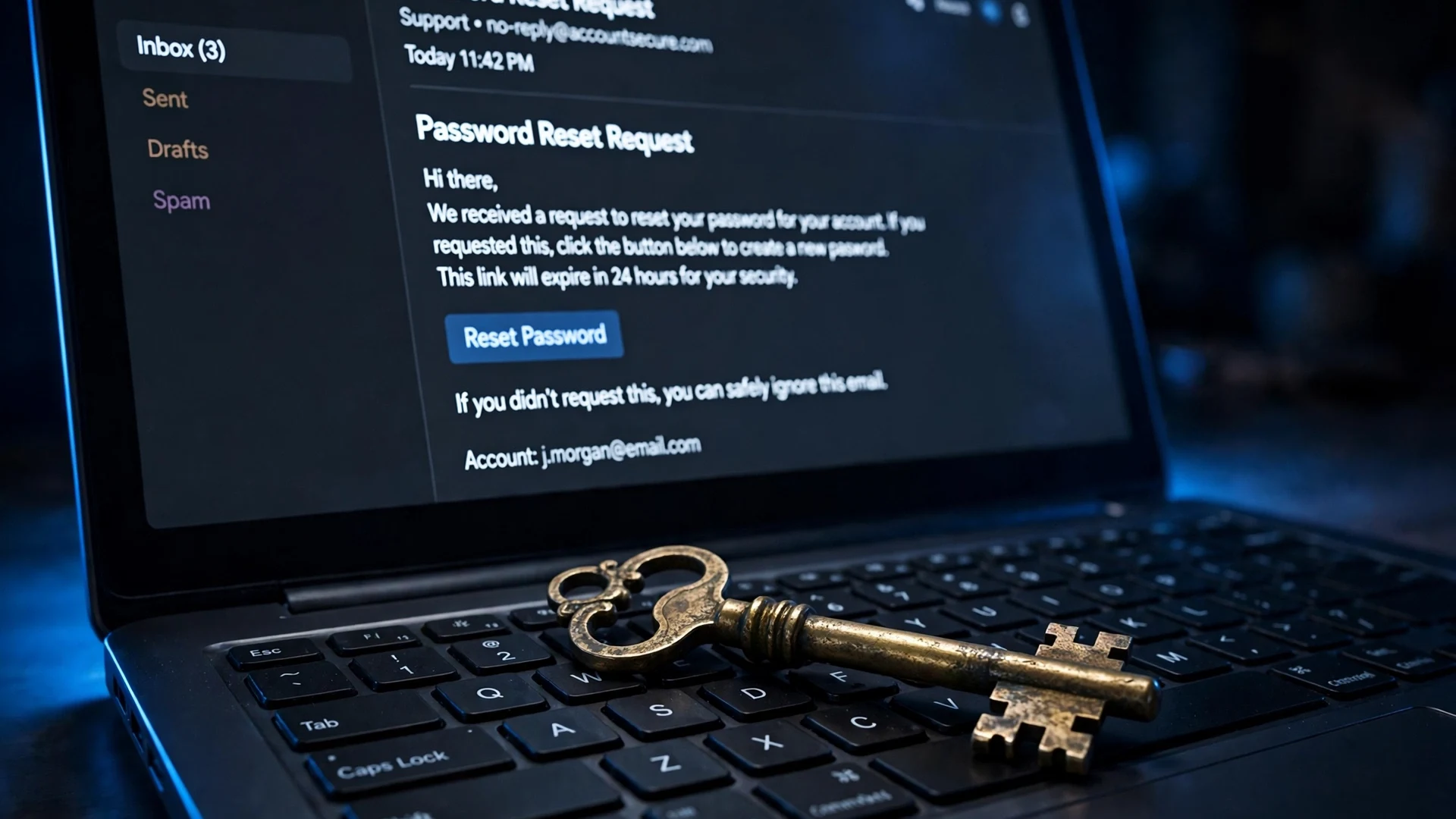
Nobody bothers picking the lock on your bank anymore. That is not because banks got so good at locks. It is because there is a back door, and it is labeled "Forgot password?", and it leads straight into your email inbox.
Think about the last time you actually typed a password into a website. Now think about how many of your accounts you could get back into if you lost that password: your email login, a few security questions, a text message. The whole security architecture of the modern internet quietly assumes that whoever controls your email is you. That assumption is what attackers work with now. They do not crack the safe. They go for the person holding the master key.
Your email is the master key
Every major account you own — your bank, your cloud storage, your social profiles, your shopping history, your password manager — has a "reset via email" option. That is by design. The email address is the root of the identity tree. Compromise the email, and everything downstream can be harvested with a few minutes of patient reset requests.
This is not a theory. Look at what the people who measure this stuff keep finding. Verizon's 2025 Data Breach Investigations Report, which analyzed over 22,000 security incidents, found the human element present in 60% of breaches. Stolen credentials were the entry point in nearly a third of them. Email was the attack vector in 27% of breach cases. And in a finding that should make everyone uncomfortable, Verizon's analysis of single sign-on logs found that credential stuffing — attackers automatically replaying leaked username-and-password pairs — accounted for 19% of all daily login attempts in the median case. Only 49% of a median user's passwords were unique, which means a leak from one forgettable forum becomes a live test against their bank.
Nobody in those numbers was "hacking" in the cinematic sense. They were reusing passwords, clicking links, and answering the door that was already built into the system.
How a password reset really works
Here is the actual attack, step by step, because understanding it is more useful than fearing it.
First, the attacker needs your email address. Not your password — just the address. That is the easy part. Email addresses leak constantly: in breach dumps, on business cards, in forum posts, in the "To" fields of forwarded jokes. Many people use the same address for everything, which makes this step trivial.
Second, they find out which services you use. This can be as simple as trying your address in the "forgot password" box of major banks, exchanges, and cloud providers and seeing which ones say "we sent you a reset link" instead of "no account found." Several services helpfully confirm whether an account exists. That confirmation is the first information leak, and it is built into the product.
Third — and this is the hinge — they go after the inbox itself. The inbox is where every reset link lands. If they can get into your email, the rest is paperwork. They request a reset on the bank, click the link in the email, set a new password, and they are in. The bank's security did exactly what it was told to do: it trusted the email.
This is why, among all your accounts, your primary email deserves the strongest protection you have. Not your bank. Your email. If your bank account is a room in a building, your email is the master key box in the lobby.

The numbers behind the chain
There is a landmark piece of research that every discussion of this should start from. In May 2019, Google published the results of a year-long study conducted with researchers from New York University and UC San Diego. The team examined more than 350,000 real hijacking attempts across a sample of 1.2 million Google users to measure how well basic account hygiene actually worked.
The headline result: simply adding a recovery phone number to a Google account blocked 100% of automated bot attacks, 96% of bulk phishing attacks, and 66% of targeted attacks. When the challenge was an SMS code sent to that recovery number, it stopped 100% of bots, 96% of bulk phishing, and 76% of targeted attacks. On-device prompts — the tap-to-confirm approvals on your phone — did even better: 100% of bots, 99% of bulk phishing, 90% of targeted attacks.
Read that again and notice what it implies. The recovery contact — the thing bolted onto the side of the account — was doing most of the defensive work. The password was not the hero of this story. The recovery chain was. And note the corollary Google itself flagged: users with no recovery number at all fell back on knowledge-based challenges like "where did you last sign in," whose effectiveness dropped to as low as 10% against phishing. A weak recovery chain is barely better than none.
One more data point from the same era, via Verizon's DBIR credential-stuffing analysis: half of the passwords in the wild are reused. So the chain starts with a password that is already for sale somewhere, and ends with an inbox that was protected by nothing but that same password. That is not a security architecture. That is a hope.
The four weak links in most people's chain
Most people do not have a strong email and weak everything else. They have a weak email and strong everything else, which is worse, because it hides the vulnerability. Here are the four patterns I see over and over.
1. The recovery email is protected worse than the account it guards. People set their old Yahoo or college address as the recovery contact for their Gmail, and that old address has no two-factor authentication, a password from 2014, and a recovery question like "mother's maiden name" that is answerable from public records. The chain is only as strong as its weakest link, and the weakest link is usually the backup, not the main account. Audit the recovery address, not just the primary.
2. The recovery address is a dead letter box. The recovery email on file is an account you cannot actually get into anymore — the college mailbox that got deprovisioned, the old ISP address, the job email from two employers ago. In a real attack this is bad, but in a real lockout it is worse: you can be permanently locked out of your own account because the rescue path points at a house that was demolished. I check my recovery addresses once a year, the way some people check smoke detectors.
3. SMS-only as the second factor. Google's numbers show SMS codes stop the vast majority of automated and bulk attacks, so SMS is genuinely better than nothing — a point worth stating plainly, because purists sometimes talk people out of it. But SMS is the factor that fails against targeted attacks, thanks to SIM swapping: an attacker convinces your carrier to port your number to their SIM, and your texted codes arrive on their phone. Against bulk bots, SMS is fine. Against someone who has picked you specifically, it is a door with a glass pane. App-based or on-device prompts close that gap (99% of bulk phishing, 90% of targeted in Google's study).
4. A disposable address holding an account that matters. This is the one people get exactly backwards. Temporary email is a superb tool for the throwaway signup — the coupon form, the newsletter, the download that demands an address. But some people use a temp address for an account they actually care about, or their temp inbox expires while the account still lives. Then the recovery chain is not weak; it is a self-destruct button. When you need to prove you own the account, the mailbox you proved it with is gone, and nobody can bring it back. I have written about the details of this trap before — read the breakdown of what happens when you lose access to your recovery inbox if you want the full mechanics.

Where temporary email fits — and where it does not
I want to be precise here, because the advice "protect your email at all costs" seems to contradict the existence of disposable email, and it does not. They serve different jobs.
Your primary email — the one tied to your bank, your Apple or Google ID, your cloud storage, anything with money or identity attached — should be a fortress: unique password, hardware or app-based second factor, a living recovery address you control, and alerts on sign-ins from new devices. This address should never be typed into a coupon form.
Your disposable email is for the opposite end of the spectrum: low-stakes signups where the site's privacy terms make you uneasy, trial accounts, one-time downloads, and any form that feels like it exists to harvest addresses. There, disposability is the feature. If the address dies, nothing of value dies with it — because you never attached anything of value to it. The rule is simple and absolute: no account that needs password recovery should live on an address that might not exist next month. My guide to how long temp mail inboxes actually last is worth reading before you decide which bucket an address belongs in.
The mistake is mixing the two buckets — fortress credentials on a throwaway address, or a throwaway attitude toward the fortress inbox. Both directions lose.
What a hardened chain looks like
Theory is nice, but this is the part you can do in twenty minutes on a Saturday.
First, open your primary email's security settings and confirm three things: a recovery phone number that currently works, a recovery email address you can actually log into today (log into it, do not just trust your memory), and a second factor that is not SMS — an authenticator app, on-device prompts, or a security key. If SMS is the only option a service offers, take it; the Google data says it still blocks the overwhelming majority of automated attacks. But prefer the app or the prompt wherever both exist.
Second, inventory what your email is the recovery path for. Most password managers and browsers will show you where your address is registered. The accounts that matter are the ones that can move money or identity: banks, brokerages, tax services, cloud storage with your documents, and your phone carrier account itself (because of the SIM-swap angle, the carrier account is part of the chain).
Third, give your inbox a unique password. The DBIR finding that only half of passwords are unique is the whole ballgame: if your email password matches anything that has ever leaked, the master key is already for sale. A password manager solves this in one afternoon.
Fourth, turn on sign-in alerts and actually read them. Google, Microsoft, and Apple all offer them. An alert about a login from a city you have never visited is the recovery chain doing its job — telling you someone is rattling the doors.
And finally, keep the throwaway bucket throwaway. If you signed up for something with a disposable address and it turned out to matter, migrate it to a real address now, while you still have the inbox. Waiting until the reset email has nowhere to land is how people discover the trap. If your email has already been compromised, start with the recovery steps for a hacked inbox before doing anything else.
The bottom line
The security industry spent a decade telling you to make better passwords. The data says the attackers moved on: they reset passwords instead of cracking them, they reuse your own leaked credentials at industrial scale, and they aim for the one account that can unlock all the others. Your email is not just an account. It is the root certificate for your digital life.
So treat it like one. Fortify the fortress address, keep a real recovery path, put the second factor on the inbox before you put it anywhere else, and let disposable addresses stay disposable. The chain only holds if you know where it is — and most people have never actually looked at theirs.
FAQ
Can someone really take over my bank account just by hacking my email? In many cases, yes. If the bank's password-reset flow sends a link to your email, then whoever reads that email can set a new password. This is the standard "forgot password" design across the industry — it assumes the inbox is secure. Some banks add extra checks (security questions, device recognition, phone callbacks), but the inbox is the first and often decisive door.
Is SMS two-factor authentication enough for my email? It is far better than nothing. Google's 2019 study of 350,000+ real hijacking attempts found SMS codes blocked 100% of automated bot attacks and 96% of bulk phishing. But SMS fails against targeted SIM-swap attacks, so for your most important accounts — email included — app-based codes, on-device prompts, or a security key are the stronger choice.
What if my recovery email is an old address I can't access? Update it immediately. A recovery address you cannot log into provides zero protection against attackers and zero help during your own lockouts. Sign into your email's security settings, replace it with an address you control today, and verify it.
Should I use my main email for every signup? No — that is what disposable addresses are for. Use temp mail for low-stakes signups, free trials, and downloads. Just never attach an account you need to recover to an address that might expire. If an account starts to matter, move it to a permanent address while you still control the inbox.
How do I know if my email password is already leaked? Check it against a breach database like Have I Been Pwned, and assume any password you have reused across sites is compromised. If there is any doubt, change it to something unique. This is also a good moment to check whether your inbox was ever caught in a breach and review why some sites refuse disposable addresses outright.