


It's a Tuesday morning and you've forgotten a password. Nothing dramatic — it's the account for that project management tool your team used for three months last spring. You click "Forgot password," the site promises a reset link is on its way, and then you remember: you signed up with a temp address. The inbox expired in April. The reset link is flying, right now, to an address that no longer exists.
This is the password reset trap, and it is the single most expensive mistake temp mail users make — not because it happens often, but because when it happens, it happens to exactly the account you can't afford to lose. The throwaway accounts die quietly. The one that mattered is the one that locks you out.
This post is a postmortem. We'll take the trap apart, look at what breaks and in what order, rank every rescue option honestly, and finish with the one rule that keeps you out of the trap forever.
The Anatomy of the Trap
The trap has three parts, and all three have to be true for it to snap shut. Remove any one and you're fine.
Part one: the address is dead. Timed inboxes die on a timer. Session-based inboxes die when the tab closes. Even persistent models don't keep mail forever — on our own service, TempMailUSA, messages auto-delete within 12 hours; Guerrilla Mail wipes messages one hour after arrival even though the address itself never expires. The address you signed up with in March is a ghost by June. Not broken. Gone.
Part two: the reset goes to email, and only email. Most services still treat the email address as the root of account identity. Password reset, email-change confirmation, "we noticed a new login" alerts — they all flow to the address on file. Some services let you add a phone number as a backup, but email is the default and often the only recovery path. When that address is dead, the reset link has nowhere to land.
Part three: you can't prove you're you. This is the part people underestimate. Support teams don't hand accounts to whoever asks nicely. Without access to the original email, you have to prove ownership some other way — and "I made this account with a disposable address I no longer have" is, from a support agent's perspective, indistinguishable from "I'm trying to steal this account." The system is working as designed. You're just on the wrong side of it.
The cruel detail: none of this feels risky at signup. The trap is time-delayed. You create the account in January when it doesn't matter, and you need the reset in October when it suddenly does. Our comparison of how long temp mail actually lasts covers the two separate clocks — address lifespan and message retention — that make this timeline so easy to misjudge.
The Damage Report

Not all lockouts are equal. Here's the honest taxonomy of what "the reset went to a dead inbox" actually costs, from annoying to catastrophic.
Level 1: The nuisance. You lose a forum account, a newsletter subscription, a free tier of some tool. The damage is measured in minutes — you make a new account and move on. This is where the trap fires most often, and it barely registers. Ironically, this is also why people keep doing it: the consequences have always been small, so the habit feels safe.
Level 2: The money. This is where it gets expensive. A domain registrar account. A freelance marketplace profile with your ratings and payout history. A crypto exchange where you parked a small balance "just to try it." A subscription you can't cancel because you can't log in — so it keeps billing the card on file while the cancellation link sits in a dead inbox. I've seen support threads where people are paying $15–50 a month for services they stopped using, unable to cancel because the account is email-locked. The money isn't dramatic in any single case. It's a slow leak you can't plug.
Level 3: The identity. The worst case isn't money — it's access. A portfolio site with three years of your work. A developer account tied to apps in an app store. An account that holds the only copy of something: photos, documents, a project archive. Or the inverted version: someone else realizes the address is dead and claims it. On services with public inboxes, an expired-and-recycled address can mean your reset link lands in someone else's hands entirely. That's not a lockout — that's a handover.
Here's my opinion, stated plainly: most temp mail guides rank the risks wrong. They treat "some sites block disposable domains" as the big danger because it's the visible one — you see the rejection immediately. The password reset trap is the bigger danger precisely because it's invisible until it's too late. A blocked signup costs you thirty seconds. A locked account costs you the account.
The Rescue Ladder, Ranked Honestly
So you're in the trap. The reset link is gone. What now? Here are your options, in the order I'd actually try them, with no sugarcoating.
Rung 1: The recovery key (if you have one). If you signed up using a reusable temp inbox — one tied to a recovery key or access token — restore the address first, then request the reset again. This is the only rescue that's fast, reliable, and entirely in your control. It's also the one almost nobody has, because the key only helps if you saved it at signup, back when you didn't think you'd need it. Our piece on the reusable inbox model explains how this works and why the 10-minute model is dying — but the short version is: a recovery key turns the trap from a lockout into a five-minute errand.
Rung 2: The phone number on file. If you added a phone number to the account — for 2FA, for SMS alerts, for anything — many services will let you verify by SMS instead of email. This is your best shot if Rung 1 isn't available. The catch: it only works if you added the number before you lost access. Adding it now requires logging in, which requires the reset, which requires the email. Check whether you did this back when the account still worked.
Rung 3: The support ticket. Contact the service's support and explain the situation honestly: you used a temporary address, it's gone, here's every other proof of ownership you have. What counts as proof varies — billing records, the approximate signup date, usernames of contacts, device IDs, transaction history. Be thorough; you're building a case. Be honest about the temp address; support teams have seen this a thousand times and lying about it kills your credibility. Success rate? For paid accounts with billing history: decent. For free accounts with no payment trail: low. Support teams are correctly paranoid about social engineering, and "lost my email" is one of the oldest attack scripts in the book.
Rung 4: The linked account. Some services let you log in via Google, Apple, GitHub, or another connected identity. If you linked one — even as a secondary login method — use it. Once you're in, change the email address on file immediately, before anything else. This rung exists only if past-you was careful. Most people discover this option about thirty seconds after it's too late.
Rung 5: Accept the loss. Sometimes the account is gone. Free tier, no phone, no linked login, support won't budge. This is the honest bottom of the ladder, and I'd rather say it than sell you false hope. The correct move here isn't to keep hammering support — it's to do the postmortem (you're reading one), decide what the account was actually worth, and rebuild with the rule from the last section so it doesn't happen twice.
One thing that does not work: generating a new temp address at the same service and hoping the reset arrives there. The reset goes to the address on file — the specific dead one — not to "whatever inbox you're holding now." And if the old address has been recycled to a new user, requesting resets against it is somewhere between useless and a security incident. Don't.
The 60-Second Rule: Which Signups Deserve a Real Address
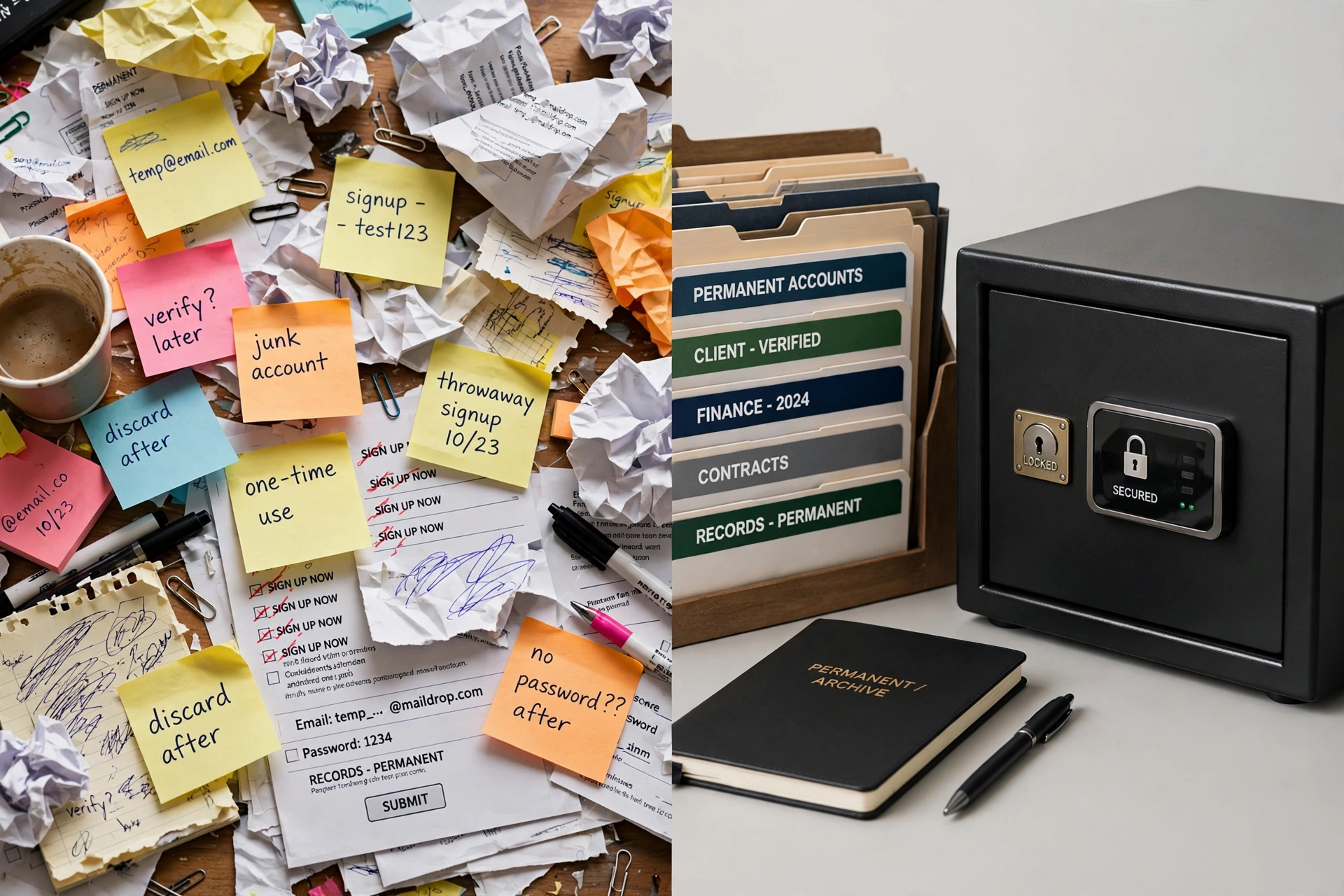
The fix for the trap isn't "never use temp mail." That's like fixing a paper cut by never using paper. The fix is a decision you make at signup, in about sixty seconds, before the trap can arm itself.
Ask yourself three questions:
1. Will I need this account in six months? Not "might I" — will I. Newsletters, one-time downloads, a coupon: no. Anything with a project, a balance, a reputation, a history: yes.
2. Would losing it cost me money or work? If the account holds anything you'd pay to recover — earnings, files, a client relationship, an audience — it gets a real address. Full stop. The test isn't whether the account matters now; it's whether it could matter later.
3. Can I re-verify it if asked? Some services re-verify email periodically, or demand re-verification when you change a password, add a payment method, or log in from a new country. If the account might ever ask "is this still your email?", the answer has to be yes — which means the inbox has to still exist.
If any answer is yes, use a real address — or at minimum, a reusable temp inbox whose recovery key you've stored somewhere you'll actually find. A password manager is ideal; a note in your phone works; a sticky note on your monitor works right up until it doesn't. The storage method matters less than the fact of storage. An unsaved recovery key is a rumor, not a backup.
My rule of thumb, after years of watching people learn this the hard way: temp mail is for accounts you could delete today without flinching. If deleting the account would make you flinch, the email on file should be one you control.
The Accounts That Betray You
There's a special category worth its own section, because it breaks the 60-second rule above: accounts that were worthless when you made them and valuable later.
The gaming account you created "just to try it" and then put 200 hours into. The side-project repo under a throwaway login that suddenly has users. The free portfolio site that became your actual portfolio. The crypto wallet you opened with $20 of curiosity money during a bull run. The domain you registered on a whim that's now your business name.
Nobody runs the 60-second test correctly on these, because at signup the honest answers are all "no." The betrayal is baked in: you can't predict which throwaway becomes load-bearing.
The defense is boring but effective: every six months, audit your temp-mail accounts. Think back over what you've signed up for. Anything that grew teeth since you made it — migrate it to a real address now, while you still can log in. Migration takes five minutes when you have access. It's impossible when you don't. This is the cheapest insurance in the entire temp mail playbook, and almost nobody does it until the first lockout teaches them.
There's a second defense for the truly paranoid, and I mean this as a compliment: keep a private log of which temp address you used where. Not the inbox — the mapping. When the "forgot password" moment comes, you'll at least know which dead address the reset is flying to, which tells you whether a recovery key exists and whether the address might be restorable. Our guide on what to do when codes never arrive covers the live-fire version of this — debugging a missing verification in real time — and the same discipline applies retroactively.
Frequently Asked Questions
Can I reset a password if my temp mail expired?
Only if you can get back into the address. With a reusable inbox and a saved recovery key: yes, restore it and request the reset again. With a timed or session-based inbox that's fully expired: no — the reset link has nowhere to go. Your remaining options are a phone number on file, a linked login (Google/Apple/GitHub), or the service's support team.
What happens to password reset emails sent to a deleted temp address?
They're undeliverable. Depending on the temp mail service, the sending server gets a bounce, or the mail is silently dropped. Either way, you never see it. Nobody else sees it either — unless the address was recycled to a new user, in which case the reset link may land in a stranger's inbox. This is one more reason never to use public inboxes for anything sensitive.
Can support recover my account without the original email?
Sometimes. Paid accounts with billing history have the best odds — the payment trail is strong proof of ownership. Free accounts are harder; you'll need every other identifier you can produce (signup date, usernames, connected devices, linked accounts). Be honest about having used a temporary address. Success is never guaranteed, and for high-security services (banks, brokerages) the answer is usually no.
Should I use temp mail for accounts with two-factor authentication?
Only if the second factor isn't email-based. If your 2FA is an authenticator app or a hardware key, the email matters less for daily logins — but it still matters for recovery, because losing the authenticator usually triggers an email-based recovery flow. The trap doesn't care which factor failed. Our temp number guide covers the SMS side of this honestly, including which services reject virtual numbers.
Is it safe to keep using a temp address I can still access?
Safer than a dead one, but audit it. Ask: is the domain at risk of being blocklisted? Is the inbox public? Are messages auto-deleting on a timer that could eat a slow-arriving reset? An accessible temp address is a manageable risk; a dead one is a locked door. The difference between them is just time.
What's the single best prevention?
Use a reusable temp inbox with a recovery key for anything in the gray zone — accounts that don't deserve your real address but might deserve a future. Save the key in your password manager at signup, not later. Later never comes.
The One Rule
If this post had to compress to a single sentence taped to your monitor, it would be this: never let an account outlive its email address.
Every lockout story is the same story: the account grew up, the address didn't. The signup took thirty seconds and the consequences took six months to arrive. Temp mail is a superb tool — I run a temp mail service, I use temp mail daily — but it's a tool with a built-in expiry date, and accounts don't come with one.
So use it freely for the throwaway stuff. That's what it's for. But the moment an account starts mattering — the moment deleting it would make you flinch — give it an email address that will still be there when the "forgot password" moment comes. Future you, staring at a login screen on some Tuesday morning, will be grateful.