

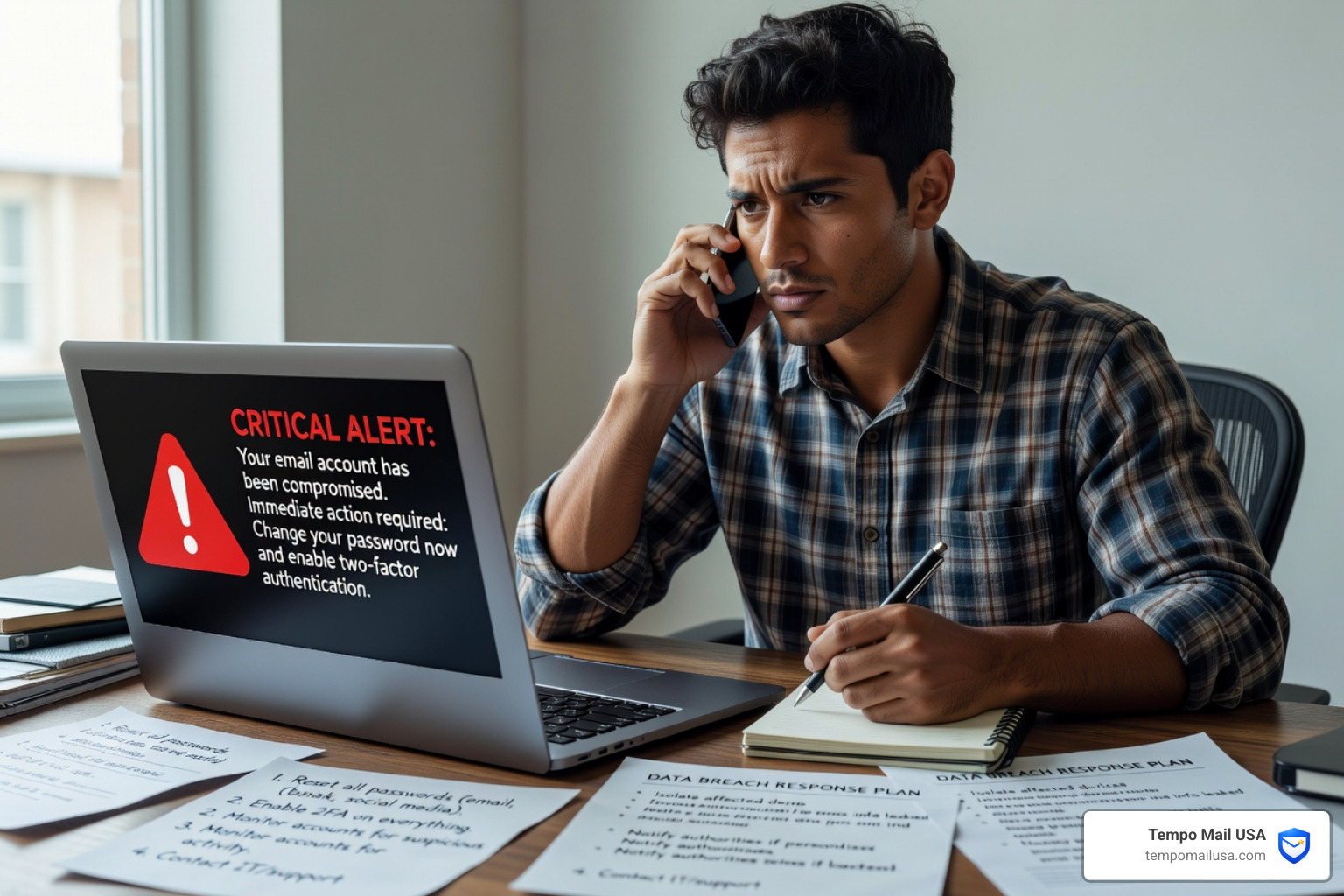

What to Do After Email Hack: Immediate Recovery Steps
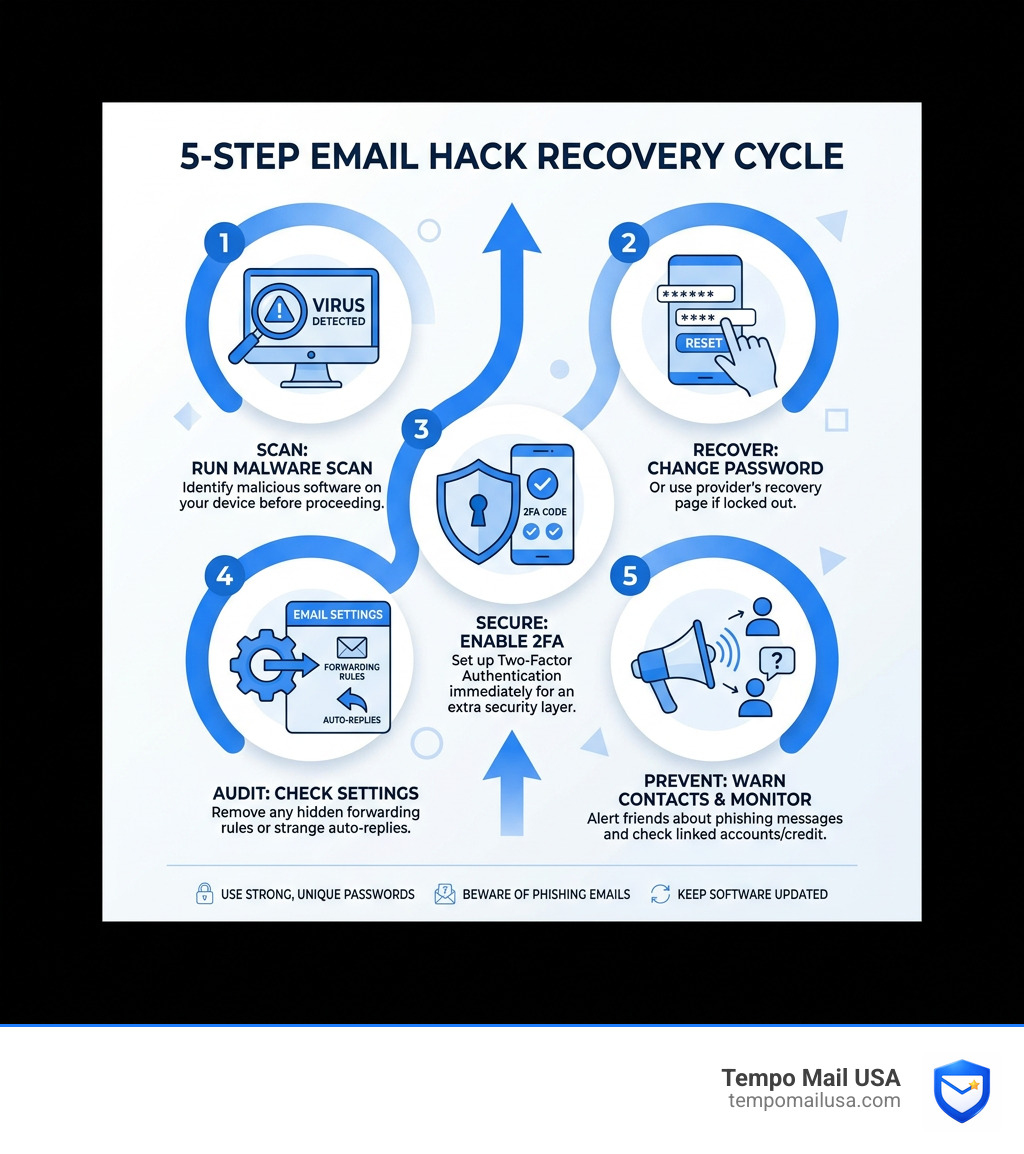
If your email is hacked, you must immediately run a malware scan, reset your password, enable two-factor authentication (2FA), audit your account settings for unauthorized changes, and notify your contacts.
Acting on what to do after email hack is something you need to do right now — not tomorrow. Here is the essential checklist:
- Run a malware scan on your device before touching your password
- Change your password — or use your provider's recovery page if you're locked out
- Enable two-factor authentication (2FA) immediately after regaining access
- Check your email settings for hidden forwarding rules or auto-replies
- Warn your contacts so they don't fall for phishing messages
- Check linked accounts — especially banking and social media
- Monitor your credit for signs of identity theft
Your email account is the master key to your digital life. Whoever controls your inbox can reset passwords on almost everything else you own online. Business email compromise caused $2.4 billion in losses in 2021, making immediate action vital.
Step 1: Isolate the Threat and Identify the Breach
To identify if your email is hacked, look for unrecognized login alerts, sent messages you didn't write, or sudden password rejection. Before you change your locks, you must ensure the thief isn't still in the room. If your computer is infected with malware, a hacker can see your new password as you type it.
According to the FTC's guide to hacked email accounts, you should perform a deep system scan before attempting a password reset.
If you are using a PC, utilize Windows Defender to perform a "Full Scan." This ensures no Trojans or spyware are lurking in the background.
How to recognize an email breach
Common red flags include:
- Unrecognized Logins: Alerts about logins from unknown locations.
- Sent Folder Anomalies: Messages you didn't write containing scammy links.
- Password Rejection: Your correct password no longer works.
- Friend Reports: Contacts asking about suspicious links you sent.
Notifying your circle and financial institutions
Hackers often send a scammy OneDrive file to your contacts. Warn them immediately. If your email contains financial info, visit IdentityTheft.gov and check AnnualCreditReport.com to protect your credit.
Step 2: How to Recover Your Account and Regain Access
To recover a hacked email account, use the provider's official recovery page to verify your identity through backup emails, phone numbers, or security questions. If you are locked out, you must prove ownership to the provider.
Most major providers have a dedicated account recovery page. You may be asked for previous passwords, account creation dates, or security answers (avoid common answers like "Pizza," which nearly 20% of American users use).
Hardening your account after recovery
Once back in, change your password to something 15+ characters long. Check your recovery phone and alternate email to ensure the hacker hasn't replaced them. If you forget your ID, try recovering your username or reset your password through verified channels.
What to do if recovery fails
If you cannot verify your identity, you must abandon the account:
- Create a new, secure account.
- Migrate your contacts and notify them.
- Update login info on all linked sites (banks, social media).
- Report the incident to authorities like Report Fraud or the IC3.
Step 3: Perform a Security Audit and Enable MFA
After regaining access, you must audit your settings for 'backdoors' like unauthorized mail forwarding, malicious third-party app permissions, and changed recovery info. Regaining access is only half the battle; you must ensure the hacker cannot return.
Check your connected accounts and forwarding settings. Hackers often forward your mail to themselves to intercept password resets for other sites. Also, disable any automatic replies set up to scam your contacts.
Reviewing third-party app permissions
Check the Apps with access to your account section and revoke access for any apps you don't recognize. These permissions can sometimes bypass password changes.
Enabling Multi-Factor Authentication (MFA)
Turn on 2-Step Verification immediately. MFA adds a second layer of defense, requiring a code from your phone or a security key. We recommend using authenticator apps over SMS. Review your 2-Step Verification methods and store backup codes safely.
Step 4: Long-Term Prevention and Identity Protection
The most effective way to prevent future email hacks is to use email aliases and password managers to minimize your digital footprint. Recovering from a hack is exhausting; prevention is much easier.
At TempoMailUSA, we recommend using Email Aliases. By using an alias, you provide a proxy identity to services. If a service is breached, you simply delete the alias, keeping your real inbox invisible. Learn more in our guide on protect-yourself-why-email-privacy-matters and why-use-temporary-email-protect-yourself-from-spam.
Obscuring your digital footprint
To prevent future compromises:
- Use a password manager to avoid password reuse.
- Remove your data from broker sites.
- Use true aliases rather than simple plus-sign subaddressing.
Check our guide on how-to-bulletproof-your-email-account-from-hackers for more. For advanced security, consider Pretty Good Privacy (PGP) encryption using tools like Mailvelope.
Common Questions: What to Do After Email Hack
Should I change passwords for other accounts?
Yes. If you reuse passwords, you are at risk of "credential stuffing." Check your passwords or view saved passwords to identify compromised accounts.
How do hackers target my email address?
Hacking attempts are increasing more and more often through data breaches, phishing, and malicious QR codes. Check if your data has been leaked at haveibeenpwned.com.
What financial steps should I monitor?
Monitor Google Pay and bank statements closely. If you see suspicious activity, report unauthorized charges immediately.
Summary: Staying Secure After an Email Hack
To stay secure after an email hack, act quickly to recover your account, audit your settings for backdoors, and implement long-term protections like MFA and email aliases.
An email hack is a violation of privacy, but fast action can stop a hacker in their tracks. Moving forward, focus on digital resilience. Don't give out your master key to every website. If you encounter a suspicious message, refer to our guide on how-to-report-phishing-emails-in-5-easy-steps.
Stay safe, stay private, and keep your data where it belongs: with you.