

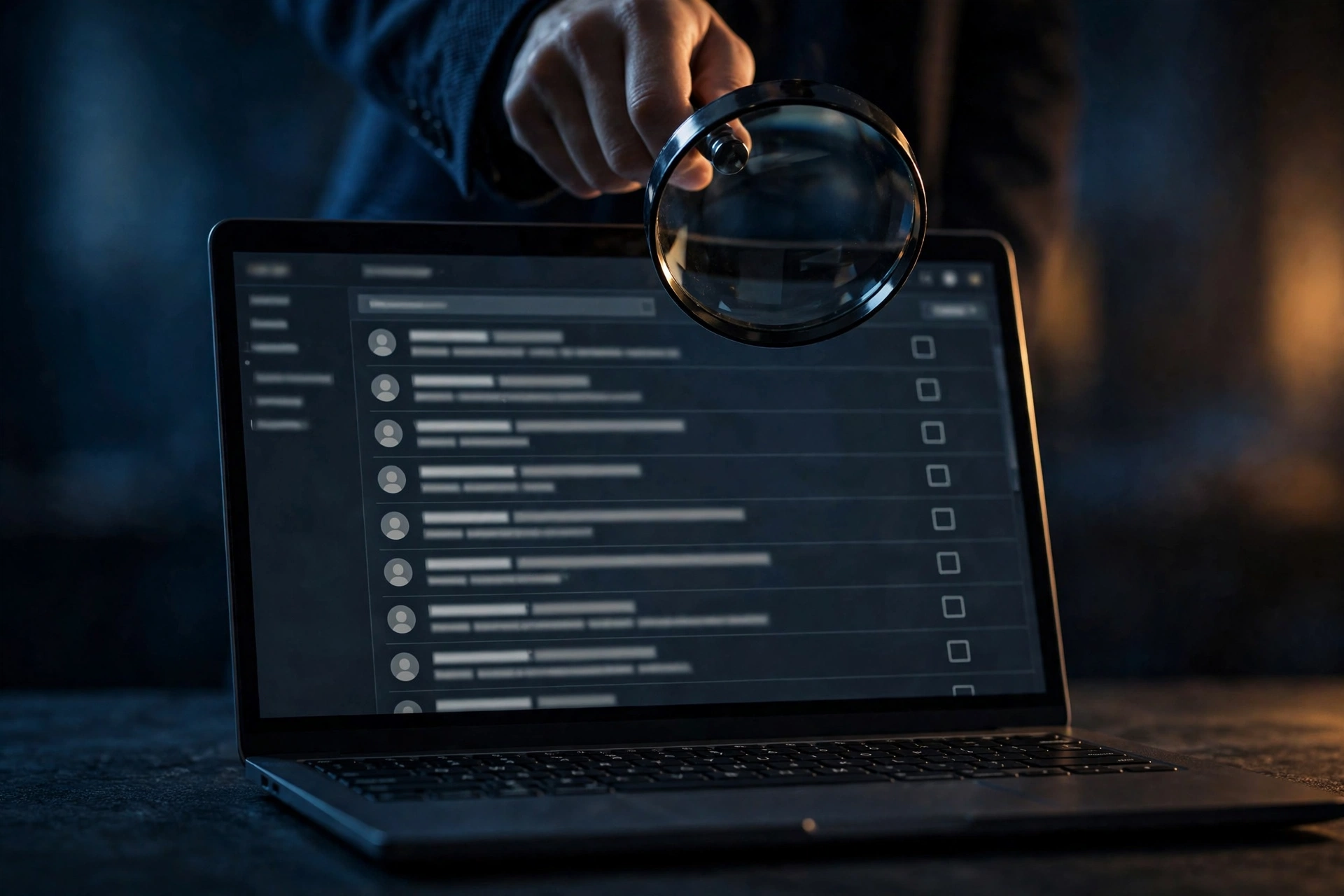
Most people open a temporary inbox with the same mental picture: a private little mailbox, sealed shut, that only they can peek into. It self-destructs on schedule, takes no personal details, asks for no password. Private, right?
Mostly wrong — and the part that's wrong is the part that matters. On a large share of disposable-email services, there is no lock on the inbox at all. No password, no login, no two-factor check. Whoever knows the address — or guesses it — can open the same inbox and read the same mail. The address is the key, and the address is usually not hard to get.
I run a temp mail service. I want you to use temp email well, which means I am not going to sell you the comfortable version of this story. Here is what a public inbox really is, what the providers actually admit about it, what can genuinely go wrong, and the one rule that keeps you safe.
The short answer, minus the marketing gloss
Yes — on many temp mail services, a stranger can read your temp inbox. That is not a bug or a hack. It is the design. These services deliberately skip accounts, passwords, and logins so you can grab an address in two seconds without handing over anything personal. The tradeoff is that there is nothing stopping anyone else from doing the same thing with your address.
Not every service works this way, and the differences matter. A one-hour private inbox with a random address behaves very differently from a named public inbox that anyone can type into a URL. But the default assumption — the one that will keep you out of trouble — is this: a temp inbox is readable by strangers until proven otherwise.
How a public inbox actually works

Picture the physical version: an open tray on a public desk, your mail sitting in it face-up. Anyone who walks past can pick it up and read it. That is almost word-for-word how FakeEmail.net describes its own service — their blog calls these inboxes "an open tray on a public desk," and adds that anyone who knows or accurately guesses the address can inspect the messages inside. They are not confessing a flaw. They are describing the product.
The mechanics are simple. You visit the site, and it hands you a random address — say, something like qxk29@fakemail.net. There is no account behind it, so there is nothing to log into. If a stranger visits the same site and enters that same address, the site shows them the same inbox. Some services even let you choose the name part of the address, which makes the inbox easier to find on purpose — great for testing, terrible for privacy.
Two details make this worse than it sounds. First, addresses get reused. Common names, words, and short strings end up claimed, abandoned, and claimed again by strangers. Second, the mail itself is usually unencrypted — not in transit protections you control, not at rest. Atomicmail's breakdown of 10-minute-mail services puts it bluntly: most of these services do not encrypt anything, so any verification link, code, or personal detail sitting in the inbox can, in principle, be intercepted. "Temporary" was never a synonym for "encrypted."
Provider by provider: what I actually found
Claims vary wildly between services, so I checked what the providers themselves say. Here is the honest map, from most exposed to most guarded.
FakeEmail.net — openly public. No accounts, no passwords. Open the site and you get a random address; use their "Change" tool to pick a specific username instead. Their own words: anyone who knows or accurately guesses that address can navigate to the page and inspect the messages. One-time passcodes and password-reset links are called out explicitly as the risky payloads. Receive-only, which at least means your inbox cannot be used to send spam in your name.
Guerrilla Mail — public, with a scramble hatch. Guerrilla Mail's inbox model is public by default: no password, no two-factor, no account binding. Anyone who knows your Inbox ID can open the inbox. That is exactly why the service offers a "scrambled address" option — a random, unguessable variant of your address that is much harder for a stranger to land on. Mails are deleted after 60 minutes, and there is a "Forget Me" button that wipes the inbox immediately. My read: the scramble feature is an honest attempt, but notice what it does — it makes the address harder to guess, not the inbox harder to open. The door still has no lock; you just hid the doormat.
Tmailor — semi-public, token ≠ lock. Tmailor's documentation says the standard inbox is semi-public: anyone who knows or guesses the address can open it. Their "Access Token" is described, in their own FAQ, as a recovery key rather than a lock — it lets you reopen the same address later, but it does not make the inbox private. Messages are stored for about 24 hours, and their FAQ is unusually blunt about the rest: temp mail does not hide your IP, and it is not designed to defeat lawful investigation. I respect that honesty. Most services imply the opposite.
NoMo Mail — public by design, longer memory. NoMo's FAQ says the quiet part out loud: temp inboxes are public and password-free by design, and anyone who knows the address can access it. Their framing is that this is intentional — maximum privacy by requiring zero personal information at signup. Emails auto-delete after 8 days on their service, which is generous by temp-mail standards and exactly why you should never let anything sensitive sit there. Eight days is a long time for a stranger to stumble across your mail.
InboxDrop / 10 Minute Mail — the private end of the spectrum. Not everything is an open tray. InboxDrop's comparison guide notes that its own 1-hour inboxes (extendable once) are private with randomly generated addresses, while naming Mailinator and YOPmail as the public-inbox examples. Timed services like 10 Minute Mail win on speed for one-off tasks precisely because the window is tiny. The pattern: the shorter the lifespan and the more random the address, the smaller the exposure window.
Three ways a stranger lands in your inbox
Knowing the inbox is public is one thing. Understanding how someone actually gets there is what makes the risk concrete.
1. Guessing. Human-chosen addresses are guessable. john2024@, test123@, a company name plus "trial" — strangers type these into public-inbox services the way they type URLs. Even random addresses are not safe forever; they get indexed, shared in forums, and scraped. If you picked a readable name because it was convenient, assume it is convenient for everyone.
2. Reuse. Addresses get recycled. You abandon summer-deals@, someone else claims it weeks later, and now your leftover mail — the delayed shipping notice, the "your trial is ending" reminder — lands in front of a stranger. Or the reverse: you claim an address someone else used, and their mail greets you. The window where this hurts most is the overlap: the service still holds your mail after you stopped watching it.
3. The signup form itself. Here is the one people miss. You paste your temp address into a website's signup form. That website now knows the address. So does every tracker, analytics script, and ad pixel on the page. So does anyone who later buys, leaks, or breaches that site's user database. The address you treated as a secret was handed to a third party the moment you used it. Treat every temp address you have ever typed into a form as publicly known from that second onward.
What can go wrong, ranked by actual damage
Not all exposure is equal. Here is the damage ladder, worst first — and I am ranking by what I have actually seen go wrong for people, not by theory.
1. The magic-link takeover. This is the big one. Some services log you in with a link instead of a password — click the link in your email and you are in. If that link lands in a public temp inbox during the hour it is valid, a stranger who opens the inbox in the same window can click it first and take the account. One Guerrilla Mail guide I read names account-recovery flows sending magic links to public inboxes as the single largest category of failure people run into with the service. It is not hypothetical. It is the documented top failure mode.
2. The recovery-email trap. This one is slower and crueler. You use a temp address as the recovery email on a real account — a Google, Apple, or Microsoft account, say — thinking you will switch it later. Months pass. You forget your primary password. The recovery code goes to a public inbox that expired six months ago, or worse, one a stranger now controls. Your real account is unrecoverable, and support cannot help you because you cannot prove ownership through an address you never owned. Never — not even temporarily — put a disposable address on an account you intend to keep. I wrote about the inbox-as-master-key problem in detail before: your email is the master key to everything behind it, and a public inbox is a master key left on the desk.
3. OTP and verification-code interception. A one-time code sitting in a public inbox is readable by anyone watching that address at that moment. The practical damage is usually low — codes expire in minutes and most are single-use — but the failure mode is real: you never receive the code because someone else's session consumed it, or you get locked out of a signup flow by phantom attempts. If your codes keep vanishing, the six-gate diagnosis will tell you exactly where they die.
4. The slow profile build. Individually harmless mails — a newsletter here, a trial confirmation there — accumulate into a profile of your interests and habits. Any one message means nothing; a stranger reading the full tray over days learns plenty. This is the risk nobody feels, because it never announces itself.
The access-token myth
Several services offer something that sounds like a lock: a token, a key, a recovery code. Tmailor's Access Token is the clearest example, and their own documentation draws the line carefully: it is a recovery key, not a lock. It proves you are the person who created the address, so you can reopen it later. It does not stop anyone else from opening it too.
This distinction matters because the token creates a feeling of ownership that the technology does not back up. You saved the token, so the inbox feels like yours. But the stranger who typed your address never needed your token — the door was open the whole time. My opinion, stated plainly: tokens and scrambled addresses are genuine improvements, but they solve guessing, not access. Do not let them change your behavior. The notice-board rule still applies.
The notice-board rule: one test for every temp address
Tempmail.now's safety guide phrases it better than I could: "If you would not put a message on a public notice board, do not send it to a temp address." Their gut check is three questions, and I have adopted it as my own:
- Is this just a signup, a code, or a download? Temp mail fits.
- Would it hurt if a stranger read this mail? Then do not use temp mail.
- Will you need this message next week? Use your real email instead.
To make it concrete, here is my never-list — the account types that should never touch a disposable address, no matter how convenient it feels: banking and payment accounts, anything with stored money or crypto, government and tax services, health records, your primary app-store and cloud accounts (the ones everything else recovers through), and work email. For the longer reasoning on where the legal and practical lines sit, the honest answer on temp mail legality covers it without the usual hand-waving.
On the expiry side, remember that "temporary" also means your mail has a shelf life whether strangers read it or not. What happens to your data when a temp service shuts down walks through the deletion timelines — 60 minutes here, 24 hours there, 8 days at the generous end.
When you actually need a private inbox
Sometimes the answer is not "use temp mail more carefully" but "use a different tool." If the signup matters — an account you will keep, a service tied to money, anything with a recovery chain — you want an inbox with a password gate, not an open tray.
That is what authenticated email aliases are for. Apple's Hide My Email, Firefox Relay, and SimpleLogin all sit behind your real account login: the alias forwards to your inbox, but reading the alias's mail requires your credentials. Long retention plus a password gate — the combination public temp inboxes deliberately skip.
For everything else — the newsletter you will read once, the download gate, the forum signup, the free-tier trial you will abandon by Friday — a temp inbox is still the right tool. It is faster than an alias and keeps your real address out of a marketing database forever. Just keep the notice-board rule taped to the monitor.
One practical note for the trial-hoppers: some platforms now detect disposable domains at signup and block or ban the account, sometimes with your work still inside it. Which AI tools actually accept temp email is a field-tested breakdown of where burners survive and where they get you banned — the same detection logic applies well beyond AI tools.
FAQ
Can someone else read my temporary email?
On many services, yes. Temp inboxes are public and password-free by design on providers like FakeEmail.net, Guerrilla Mail, Mailinator, and YOPmail — anyone who knows or guesses the address can open the inbox. Use a random address and never put sensitive information in a temp inbox.
Is temp mail anonymous?
Not fully. It hides your real address from the site you sign up on, but providers may log IPs and device details, and the inbox itself can be public. Treat it as a privacy layer for your real inbox, not invisibility.
What is the difference between a public and private temp inbox?
A public inbox can be opened by anyone who knows the address — no password required. A private inbox uses a random address strangers cannot open by typing it in. Short-lived, random-address services sit at the private end; named, reusable inboxes at the public end.
Can I use temp mail for password resets?
Do not. If the address expires or a stranger claims it, you lose the reset flow permanently — and on a public inbox, a stranger could use the reset link first. Use your real email for any account you might need to recover.
Does an access token make my temp inbox private?
No. On services like Tmailor, the access token is a recovery key for reopening your address later — it does not lock strangers out. It solves address recovery, not access control.
Is it legal to use a temporary email?
In most places, yes — legality depends on what you do with it. A newsletter signup is fine; fraud or violating a site's terms is misuse. Sites that reject disposable addresses are enforcing their own terms of service.
The bottom line
A temp inbox is a brilliant tool for exactly one job: keeping your real address out of places that do not deserve it. It was never a vault, and the sooner you stop treating it like one, the better it works for you. Assume the tray is open, keep sensitive mail off the notice board, and save the locked drawers — the password-gated aliases — for the accounts that actually matter.
---