


Spam Calls Are Out of Control — Here's What Actually Works
The best way to stop spam calls combines several layers of defense: enable your phone's built-in spam filter, activate your carrier's free blocking tool, register on the National Do Not Call Registry, and never answer unknown numbers.
Quick answer — top methods ranked by effectiveness:
- Enable built-in spam protection (Android Caller ID & Spam / iOS Silence Unknown Callers)
- Activate your carrier's free blocker (AT&T ActiveArmor, Verizon Call Filter, or T-Mobile Scam Shield)
- Register at donotcall.gov to stop compliant telemarketers
- Install a third-party app like RoboKiller, Hiya, or Truecaller for extra filtering
- Stop sharing your real phone number online — use a burner number instead
- Report spam calls to the FTC and FCC so carriers can update their block lists
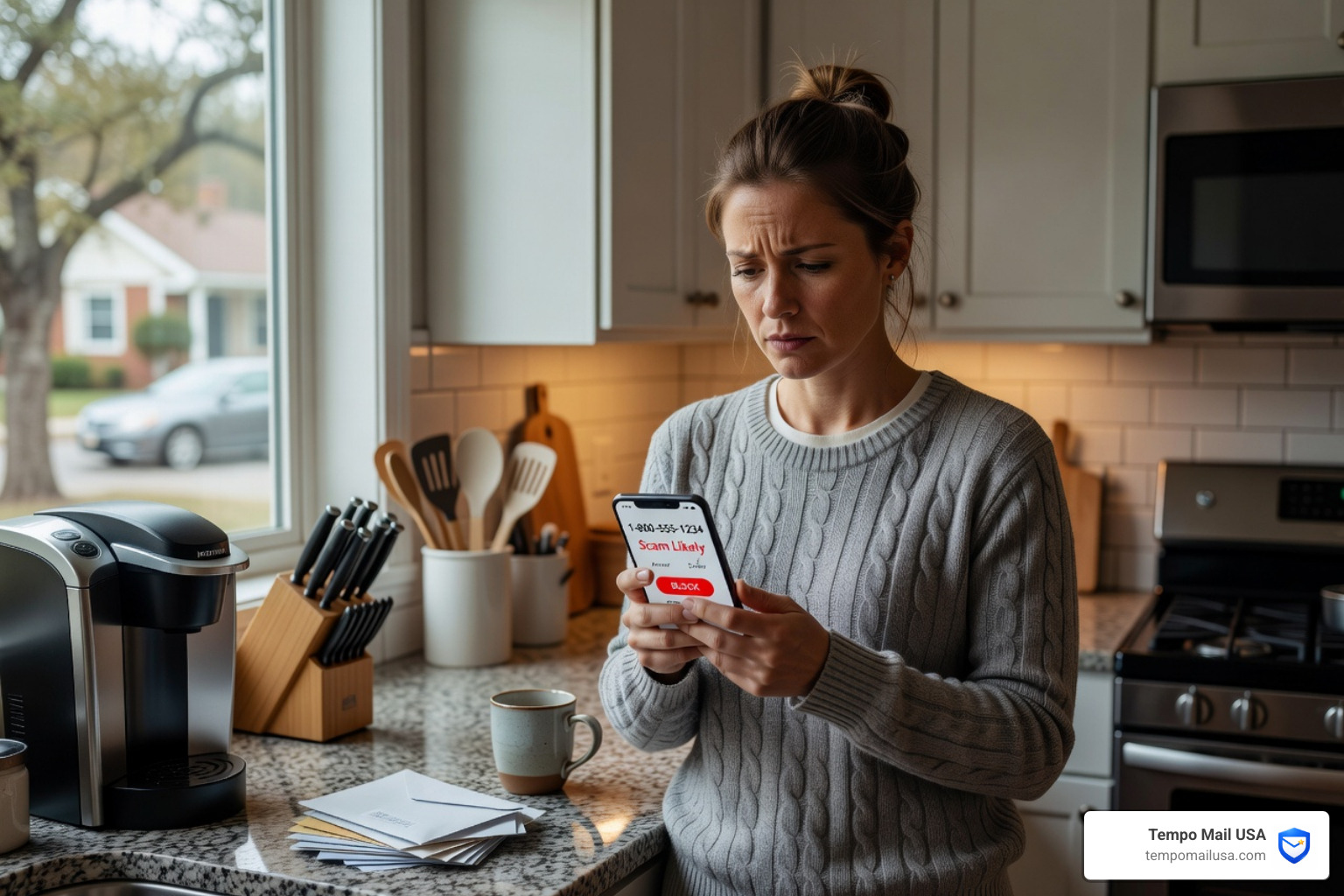
If you've ever glanced at your phone and seen "Scam Likely" flash across the screen — or worse, answered a call that turned out to be a robotic voice pitching an extended car warranty — you're far from alone.
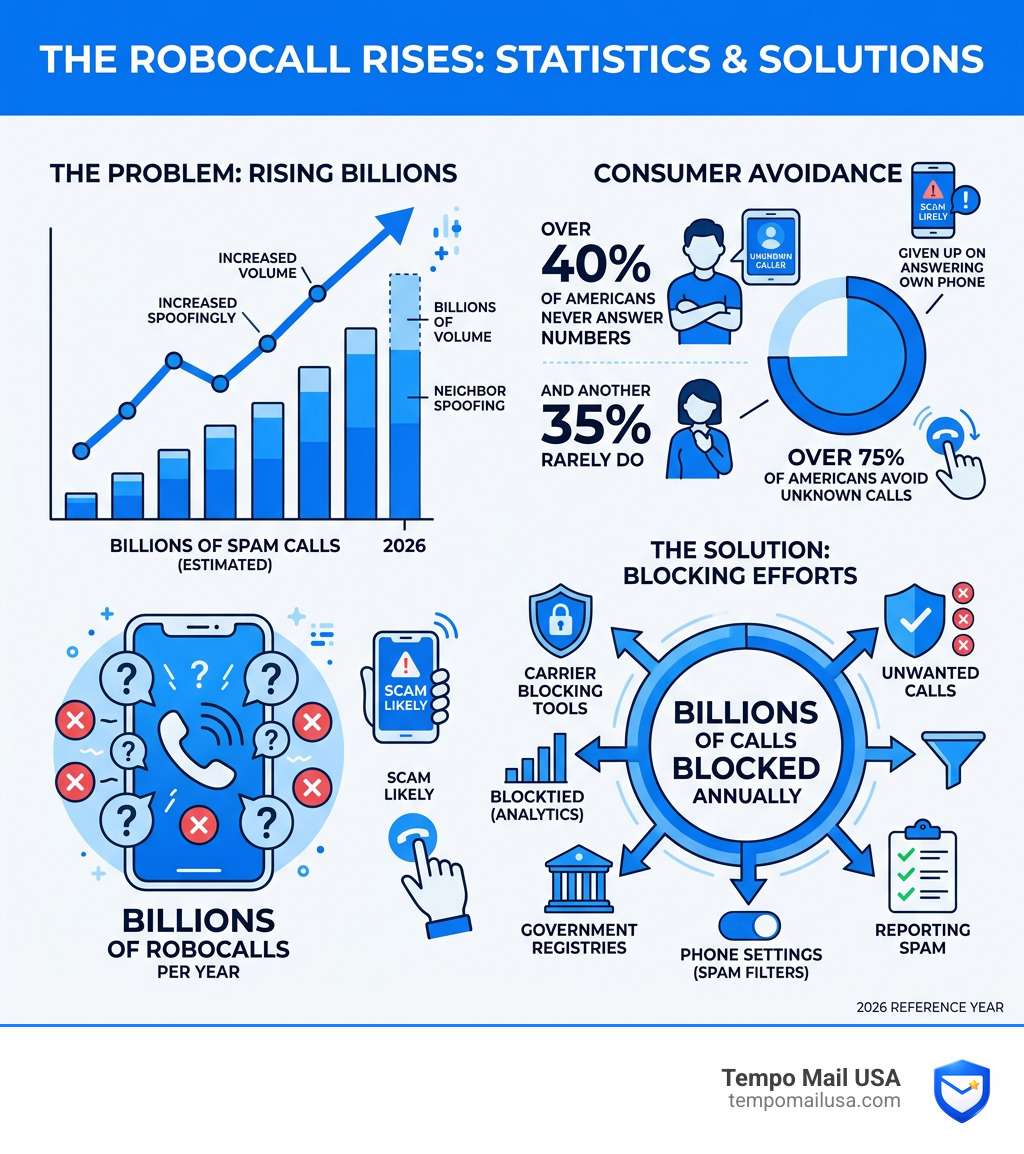
A YouGov survey found that more than 40% of Americans never answer calls from unknown numbers, and another 35% rarely do. Think about that. Most people have essentially given up on answering their own phone.
And it's not paranoia. It's a rational response to a very real problem.
Spam calls have become so cheap and easy to launch that scammers operate them from anywhere in the world, cycling through thousands of phone numbers and using tricks like neighbor spoofing — making their call appear to come from a local number — to trick you into picking up.
The good news? Phone carriers now block billions of unwanted calls every year using analytics and caller ID authentication systems. Your own phone likely has tools built right in that most people never turn on.
This guide walks you through every layer of protection, from free built-in settings to paid apps, government registries, and smart habits that keep your number off spam lists in the first place.
Leveraging Built-in Smartphone Features: The Best Way to Stop Spam Calls
We often treat our smartphones like magic wands for entertainment, but they are also powerful shields. Whether you are on Team Android or Team iPhone, your device has sophisticated technology designed specifically to identify and neutralize telemarketers before your ringtone even starts.
For many of us, the best way to stop spam calls starts with the software already in our pockets. These features are often disabled by default to ensure you don't accidentally miss a call from a new doctor's office or a long-lost friend, but in the age of persistent robocalls, it's time to tighten the hatches.
On Android, Google uses its massive database of business listings and reported spam numbers to identify callers. This feature identifies business callers and potential spam based on data sent to Google, but your contacts aren’t shared. To set this up, simply access the Phone app settings, find the “Caller ID & Spam” option, and turn on “See caller ID” and “Filter spam calls.”
If you find yourself asking Why Am I Getting So Many Spam Calls, it’s often because your number has ended up on a "lead list" sold between marketers. Built-in features are your first line of defense against these lists.
Using Google Call Screen as the Best Way to Stop Spam Calls
If you own a Google Pixel or use the Phone by Google app, you have access to what we consider one of the coolest features in modern tech: Call Screen. This isn't just a block list; it’s a digital assistant that answers the phone for you.
When an unknown number calls, you can tap "Screen Call." Your phone will then ask the caller who they are and why they are calling. The best part? You get a real-time transcription of what they’re saying on your screen. If it’s a legitimate person, you can pick up. If it’s a bot or a scammer, you can hit "Report as Spam" or simply hang up.
You can even automate this. By going to the Phone app > More > Settings > Spam and Call Screen, you can select your protection level. You can set it to automatically screen robocalls and decline known spam while letting your contacts through silently. It’s a fantastic way to Stop Spam Now - Effective Tips to Prevent Spam without ever having to speak to a stranger.
iOS Silence Unknown Callers: A Native Best Way to Stop Spam Calls
Apple users have a slightly different but equally effective approach called Silence Unknown Callers. This feature is a "scorched earth" policy for anyone not in your contacts, and for many, it is the best way to stop spam calls on an iPhone.
When enabled, any call from a number not in your Contacts, Mail, or Messages is instantly silenced and sent to voicemail. Your phone won't ring, but you'll see the call in your Recents list. This relies on Siri Intelligence to scan your previous interactions to ensure that if you recently emailed someone, their call still gets through.
To turn this on, go to Settings > Phone > Silence Unknown Callers. It’s a peace-of-mind game changer. If the call is important, they will leave a message. If it’s a robocall, they usually won't. This is a primary recommendation in our guide on Stop Spam Now - Effective Tips to Prevent Spam.
Carrier-Specific Tools and Third-Party Apps
While your phone's operating system does a lot of heavy lifting, your cellular service provider (the "carrier") has a unique vantage point. They see the billions of calls moving through the network and can spot patterns—like a single number making 5,000 calls in ten minutes—that indicate a scammer.
Most major carriers now offer dedicated apps that provide a deeper level of protection. Here is a breakdown of the big three:
| Carrier | Tool Name | Key Features | Cost |
|---|---|---|---|
| AT&T | ActiveArmor | Auto-fraud blocking, nuisance labeling, identity monitoring. | Free (Basic) / $3.99/mo (Advanced) |
| Verizon | Call Filter | Spam detection, neighborhood filter, white-listing. | Free (Basic) / $3.99/mo (Plus) |
| T-Mobile | Scam Shield | Scam ID & Block, "Verified" tags, proxy number. | Free (Basic) / $4.00/mo (Premium) |
Beyond carriers, third-party apps have built massive "crowdsourced" databases. Apps like Truecaller, Hiya, and RoboKiller are incredibly popular. RoboKiller, for instance, is famous for its "Answer Bots" that answer spam calls with pre-recorded nonsense to waste the scammer's time. It’s a bit of digital vigilante justice that also happens to be a very effective best way to stop spam calls.
If you are a Spectrum customer, you might face specific challenges with their VoIP systems. We recommend checking out our specific guide on How to Stop Spectrum Spam Calls - 5 Methods for carrier-specific tweaks.
Government Protections and Reporting Procedures
We’ve all heard of the National Do Not Call Registry, but does it actually work? The answer is: mostly.
Legitimate telemarketers—companies that actually follow the law—consult this list every 31 days to remove registered numbers from their calling lists. However, scammers who are already planning to steal your money don't care about a government list. Even so, registering is a vital step because it helps you distinguish between a "pushy salesman" and a "criminal scammer." If you're on the list and you still get a sales call, you know immediately it's a scam.
How to Register and Report
You can register your landline and mobile numbers at donotcall.gov or by calling 1-888-382-1222. It’s free and your registration never expires.
If you do receive a spam call, reporting it is the best way to stop spam calls for everyone else. When you file a complaint with the FCC, you are providing data that allows the government to issue fines (sometimes up to $10,000 per violation!) and helps carriers update their global block lists.
For specific scams, use these specialized reporting tools:
- General Fraud: ReportFraud.ftc.gov
- IRS Scams: Report to the Treasury Inspector General for Tax Administration (TIGTA) at www.tigta.gov.
- Identity Theft: If you accidentally gave out info, head to IdentityTheft.gov immediately.
Advanced Strategies for Landlines and Spoofing Defense
While mobile phones have fancy apps, landlines are often the most vulnerable to attack. If you still have a home phone, you might feel like you're under siege.
The best way to stop spam calls on a traditional landline is often a hardware solution. You can purchase standalone call-blocking devices that plug in between your wall jack and your phone. These devices often come with a "big red button" that allows you to blacklist a number instantly. Some even require callers to press a random digit (like "Press 7 to connect") which instantly kills 99% of automated robocalls.
Defeating the "Neighbor Spoofing" Trick
Have you ever received a call from a number that looks almost exactly like yours? Maybe the same area code and the first three digits? This is neighbor spoofing. Scammers do this because you are statistically more likely to answer a local number.
The industry is fighting back with the STIR/SHAKEN protocol. No, it’s not a James Bond drink; it’s a set of technical standards that allow carriers to "verify" that the number on your caller ID is actually where the call is coming from. If a call is verified, you’ll often see a checkmark or the word "Verified" on your screen. If you don't see that, be wary!
For those using internet-based calling, check out our tips on How to Get Rid of Google Voice Spam Calls Forever.
Proactive Habits to Prevent Future Spam
Prevention is always better than a cure. The reason most of us get spam is that our phone numbers have become "public" through data breaches, social media profiles, or signing up for "free" rewards programs at the grocery store.
Here are our top "pro-privacy" habits to keep your number off the dark web:
- Use a Burner Number: For online marketplaces (like Craigslist) or loyalty programs, use a secondary number from an app like Google Voice or Hushed. Never give your primary "real" number to a business unless absolutely necessary.
- The "Silent Answer": If you must answer an unknown call, try the "silent answer" technique. Answer the phone but don't say anything. Most auto-dialers are waiting for a human voice to "trip" the system and connect you to a live agent. If they hear silence for 10 seconds, the system often marks your number as "dead" or "inactive" and removes it from the list.
- Mute-and-Wait: Similar to the silent answer, if you realize it's a bot, just hit mute and set the phone down. Wasting their "line time" costs the scammers money.
- Protect your PII (Personally Identifiable Information): Your phone number is a key to your identity. Treat it with the same secrecy as your Social Security number.
For a bit of fun while you're at it, check out these Known Facts About Funny Ways to Answer Spam Calls.
Frequently Asked Questions about Stopping Spam Calls
How long does it take to see a reduction in spam calls?
If you register on the National Do Not Call Registry, it typically takes 31 days for the calls from legitimate telemarketers to stop. However, when using apps and built-in filters, you should see an almost immediate reduction in the number of times your phone actually rings. Over time, as you "silently answer" or block numbers, your number becomes less valuable to scammers, and the volume will continue to drop. For those dealing with specific tax-related spam, we have a guide on Stop US Tax Consultants Spam Calls - Effective Solutions.
Is it safe to answer and then immediately hang up?
It’s generally safe, but not recommended. Answering at all confirms to the auto-dialer that your number is "live" and that a human is on the other end. This can actually lead to more calls because your number is then moved to a "high-value" list. The best way to stop spam calls is to let them go to voicemail or use a screening service. If you're being targeted by specific groups, learn more in our article about United Client Solutions Spam Calls - How to Protect Yourself.
What is the difference between call blocking and call labeling?
Call blocking stops the call from ever reaching you. Your phone won't ring, and the caller might get a busy signal or be sent straight to voicemail. Call labeling is when the call still comes through, but your carrier adds a warning like "Scam Likely," "Telemarketer," or "Potential Fraud" to the caller ID. Labeling gives you the choice to answer, while blocking makes the choice for you. This is a common tactic used to manage Ridgegate Financial Spam Calls Scam - How to Stop Them.
Conclusion
Stopping spam calls isn't about one single "magic button"—it's about building a digital fortress. By layering your phone's built-in settings with carrier tools and government registries, you can reclaim your peace of mind.
At Tempo Mail USA, we believe that privacy is a right, not a luxury. While this guide focuses on your phone, your phone number and email address are often linked in marketing databases. When you sign up for websites using your real email, you're often inadvertently sharing your phone number too through data-sharing agreements.
Our temporary email aliases act as a PII firewall, shielding your real identity from services that might leak your data to telemarketers. By using a secure alias to proxy your identity, you keep your personal information off the lists that scammers use. Stay safe, stay private, and let's put an end to the ringing!