



Spam fills your inbox, buries the messages you actually need, and can expose you to scams and malware. This guide walks you through simple, effective steps to cut spam down — now and for the long term. You’ll learn what spam looks like, quick actions you can take, how email providers help filter junk, where disposable addresses like TempMailUSA fit in, and routines that keep spam away. Follow these tactics and your inbox will be cleaner and safer.
What Is Email Spam and Why Does It Flood Your Inbox?
Spam is any unsolicited bulk email—usually promotional or deceptive—that lands in your inbox without your permission. Billions of these messages are sent every day, which is why most people see a steady stream of unwanted mail. Spam ranges from harmless promotions to dangerous phishing and malware-laden messages. Knowing how spam operates is the first step to stopping it.
How Do Spam, Phishing, and Malware Emails Differ?
Spam is typically unwanted advertising sent in bulk. Phishing tries to trick you into revealing passwords, payment info, or other sensitive data. Malware emails carry attachments or links that install harmful software on your device. Spotting the difference helps you prioritize what to delete, report, or investigate further.
What Risks Does Spam Pose to Your Privacy and Security?
Spam can lead to data leaks, identity theft, and device infections. Clicking links or opening attachments from unknown senders can expose personal details or let attackers into your accounts. Understanding these risks helps you take sensible precautions and avoid costly mistakes.
Spam is part of a wider security picture. Physical breaches like tailgating can also put your digital accounts at risk, so it’s useful to think about security holistically.
What Are the Best Ways to Prevent Spam Emails Immediately?
- Unsubscribe from Unwanted Emails: Legitimate services include an unsubscribe link. Use it to reduce promotional clutter quickly.
- Use Spam Filters Effectively: Turn on and tune your email client’s spam filter so suspicious messages land in Spam or Junk instead of your main inbox.
- Report Spam Emails: Marking messages as spam teaches providers’ filters and helps protect other users.
How Can You Use Unsubscribe, Block, and Report Features Effectively?
Click the unsubscribe link for newsletters you no longer want. Block persistent senders through your email settings to stop future messages. And when something looks clearly malicious, use the “Report” or “Mark as spam” option — that feedback improves filtering for everyone.
Which Email Spam Filter Settings Should You Configure?
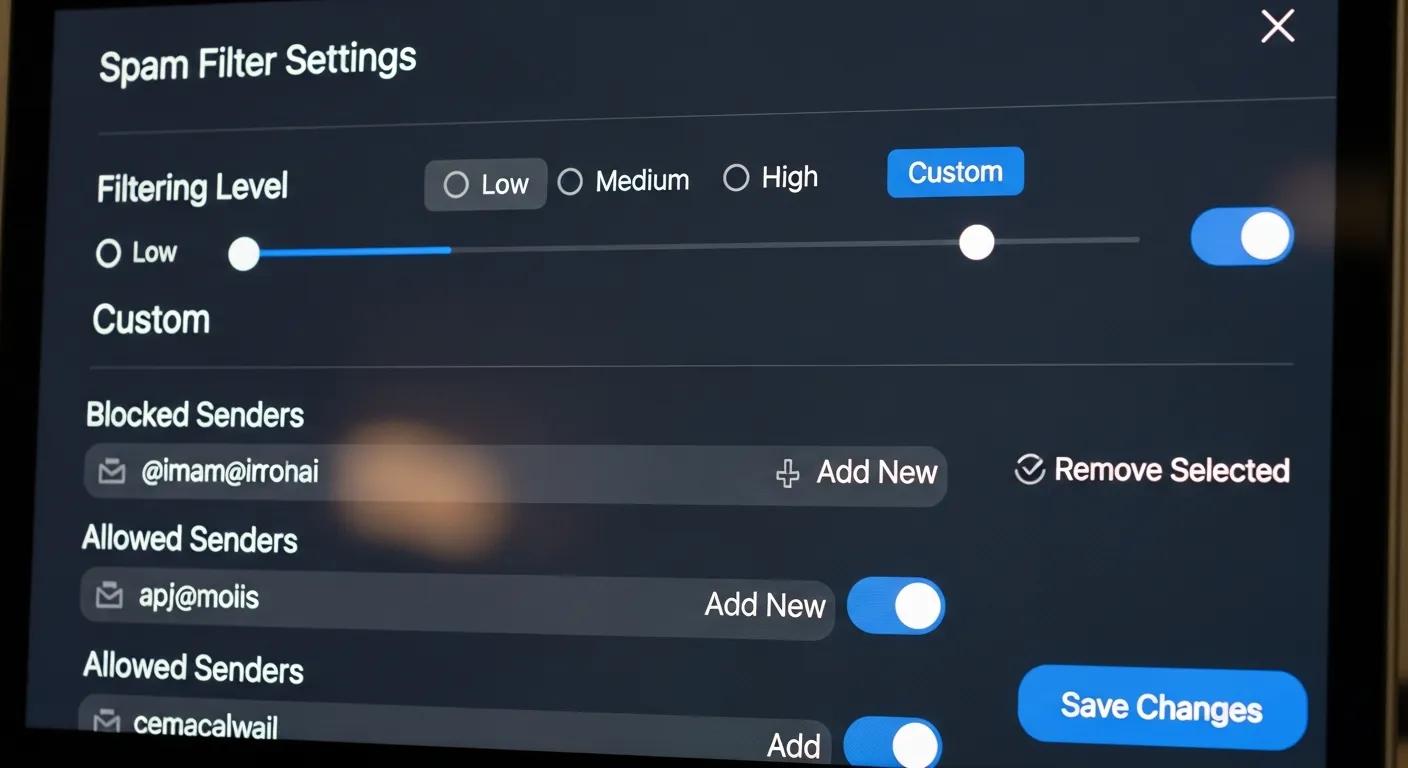
Key settings to check: enable automatic filtering to your spam folder, review and manage blocked sender lists, and set auto-deletion for old spam if your client supports it. Review these periodically so legitimate messages aren’t lost and junk gets cleared.
How Do Email Clients Like Gmail and Outlook Help Block Unwanted Emails?
What Are the Key Spam Filter Settings in Gmail?
In Gmail, open Settings to create custom filters for addresses and keywords, and check your Spam folder regularly to rescue any false positives. Gmail largely handles spam detection automatically, but filters and rules let you tailor behavior for specific senders or subjects.
How to Adjust Junk Mail Settings in Outlook and Yahoo Mail?
In Outlook, use the Home tab → Junk to block senders and pick a protection level that fits you. Yahoo Mail provides similar controls to block addresses and manage filters. Tweak these controls so your inbox stays useful without hiding important emails.
How Can Temporary Email Services Like TempMailUSA Reduce Junk Mail?
What Are the Benefits of Using Disposable Email Addresses?
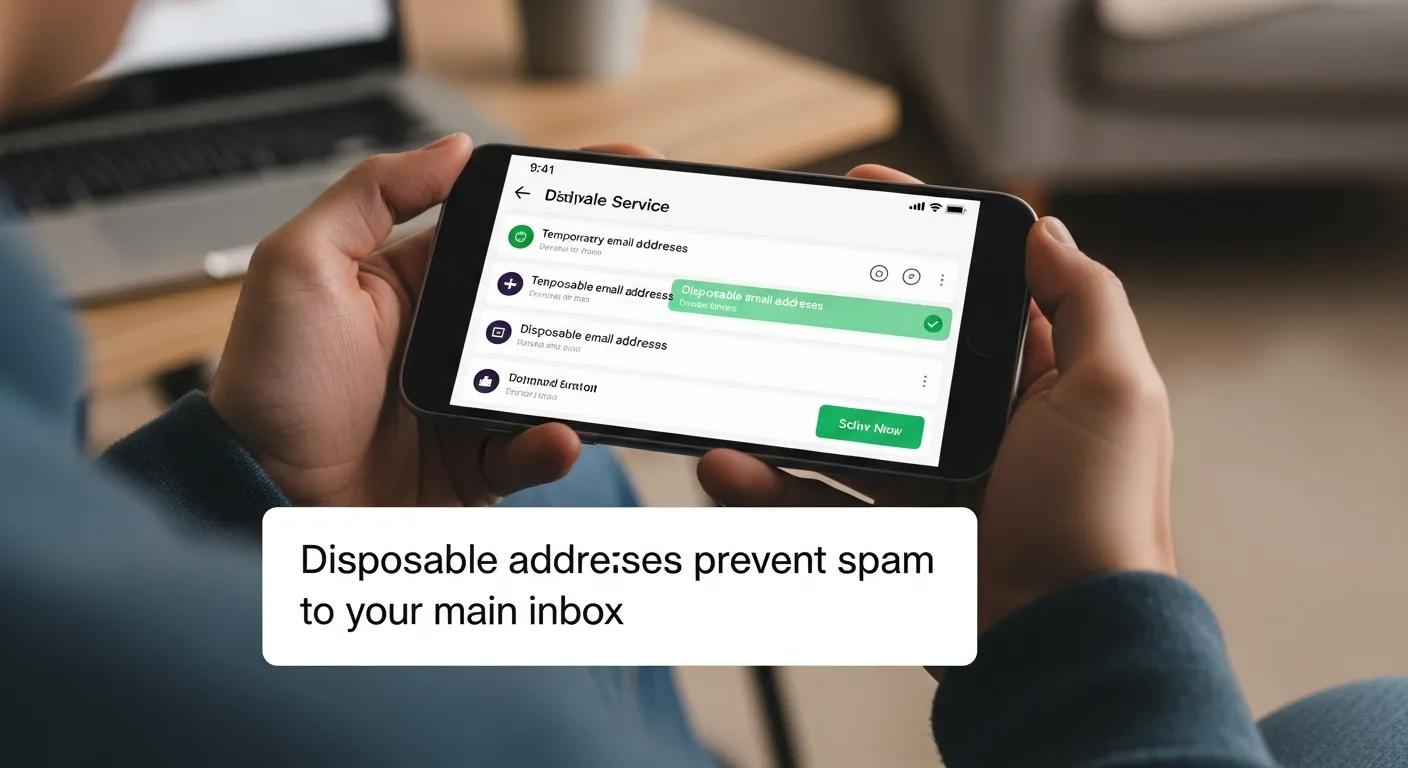
Disposable addresses let you sign up for sites or trials without sharing your primary email. That reduces how often promo lists and data brokers get your real address, lowers spam, and keeps your main inbox focused on personal and important mails.
How Does TempMailUSA Protect Your Digital Footprint and Prevent Spam?
TempMailUSA creates instant disposable addresses with no registration required. That means less personal exposure when you sign up for services, fewer unwanted emails to your main account, and a simple way to isolate temporary communications.
What Long-Term Strategies Maintain a Spam-Free Inbox?
- Regularly Review Privacy Settings: Check account privacy and email preferences periodically to limit who can contact you.
- Practice Email Hygiene: Unsubscribe from newsletters you don’t read and delete old accounts and messages to reduce clutter.
- Be Cautious with Online Sign-Ups: Use disposable emails for one-off services and keep your primary address for people and services you trust.
How Does Regular Email Hygiene and Privacy Settings Review Help?
Routine reviews help you spot where your address is exposed and stop unwanted lists before they grow. Staying proactive prevents spam accumulation and reduces the chance of privacy leaks.
What Online Behaviors Reduce Exposure to Spam and Phishing?
Don’t click suspicious links or download attachments from unknown senders. Use HTTPS sites, verify sender addresses, and learn common phishing signs. Simple habits like these cut your risk dramatically.
| Strategy | How It Works | Why It Helps |
|---|---|---|
| Unsubscribe | Removes you from a sender’s list | Immediately cuts promotional emails |
| Block | Stops future messages from a sender | Keeps repeat offenders out of your inbox |
| Report | Flags malicious or unwanted email to the provider | Improves automated filtering for everyone |
This quick reference shows common anti-spam actions and what they do.
| Email Service | Key Tool | Main Benefit |
|---|---|---|
| Gmail | Spam filtering and custom filters | Automatically isolates most junk |
| Outlook | Junk mail controls | Adjustable protection for your inbox |
| Yahoo Mail | Block and filter options | Prevents repeated unwanted senders |
Use these features together with disposable addresses like TempMailUSA to sharply reduce the volume of spam you see. A consistent approach delivers a cleaner, safer inbox over time.
Frequently Asked Questions
What should I do if spam emails keep coming back after I unsubscribe?
If unsubscribing doesn’t stop the mail, the sender may ignore unsubscribe requests or your address may have been shared. Mark these messages as spam and block the sender. If that fails, switch to a stronger filter or use a disposable address for new sign-ups.
Can spam emails harm my computer or device?
Yes. Some spam carries malicious attachments or links that install malware, ransomware, or viruses. Those can steal data, lock files, or give attackers control. Never open attachments or follow links from unknown senders.
How can I educate myself about phishing tactics?
Start with reputable cybersecurity blogs and guides that explain spoofing, fake login pages, and social-engineering tricks. Follow updates from security organizations and consider short online courses or awareness articles to stay current.
Are there any tools or software that can help reduce spam?
Yes. Built-in spam filters in email services are a good first line. Third-party tools like SpamTitan, MailWasher, and Clean Email offer extra filtering, bulk cleaning, and management features to keep inboxes tidy.
What are the signs of a phishing email?
Watch for generic greetings, poor grammar, urgent demands, strange sender addresses, and links that don’t match the displayed domain. Legitimate companies rarely ask for passwords or payment info via email.
How often should I review my email privacy settings?
Check your privacy and email settings every few months or any time you notice more spam than usual. Also review settings after creating new accounts or changing email addresses to keep protections current. You can reduce spam emails fast.
Conclusion
Spam doesn’t have to own your inbox. Use a mix of quick fixes (unsubscribe, block, report), smart defaults (spam filters), and privacy tools (disposable addresses) to reduce unwanted mail. Keep up simple habits like reviewing settings and avoiding suspicious links, and you’ll enjoy a clearer, safer email experience. Start applying these steps today and reclaim your inbox.