
Temp Email for Twitch Signup: Watching Is Free — Chatting Is the Test
Twitch is the rare platform where the signup is not the product. Watching is free, anonymous, and unlimited: open the site, pick a stream, and you are watching within seconds, no account at all. The account exists for everything around the video — chatting, following, subscribing, cheering with Bits, and eventually streaming yourself. That split is the whole story of this post, because a temp email interacts with the two halves completely differently. It signs you up in about a minute. Whether the account it creates can actually do the things you made it for is decided later, one channel setting at a time.
My position, stated up front: a temp email is fine for a Twitch account you use to lurk and occasionally chat in open rooms. It is a poor foundation for the account that holds your follows, your subscriptions, your channel points, or any ambition to stream. The test is never the signup form. The test is the first chat that will not take your message, the first phone prompt, and the first password reset sent to an inbox that expired months ago.
The signup asks for almost nothing
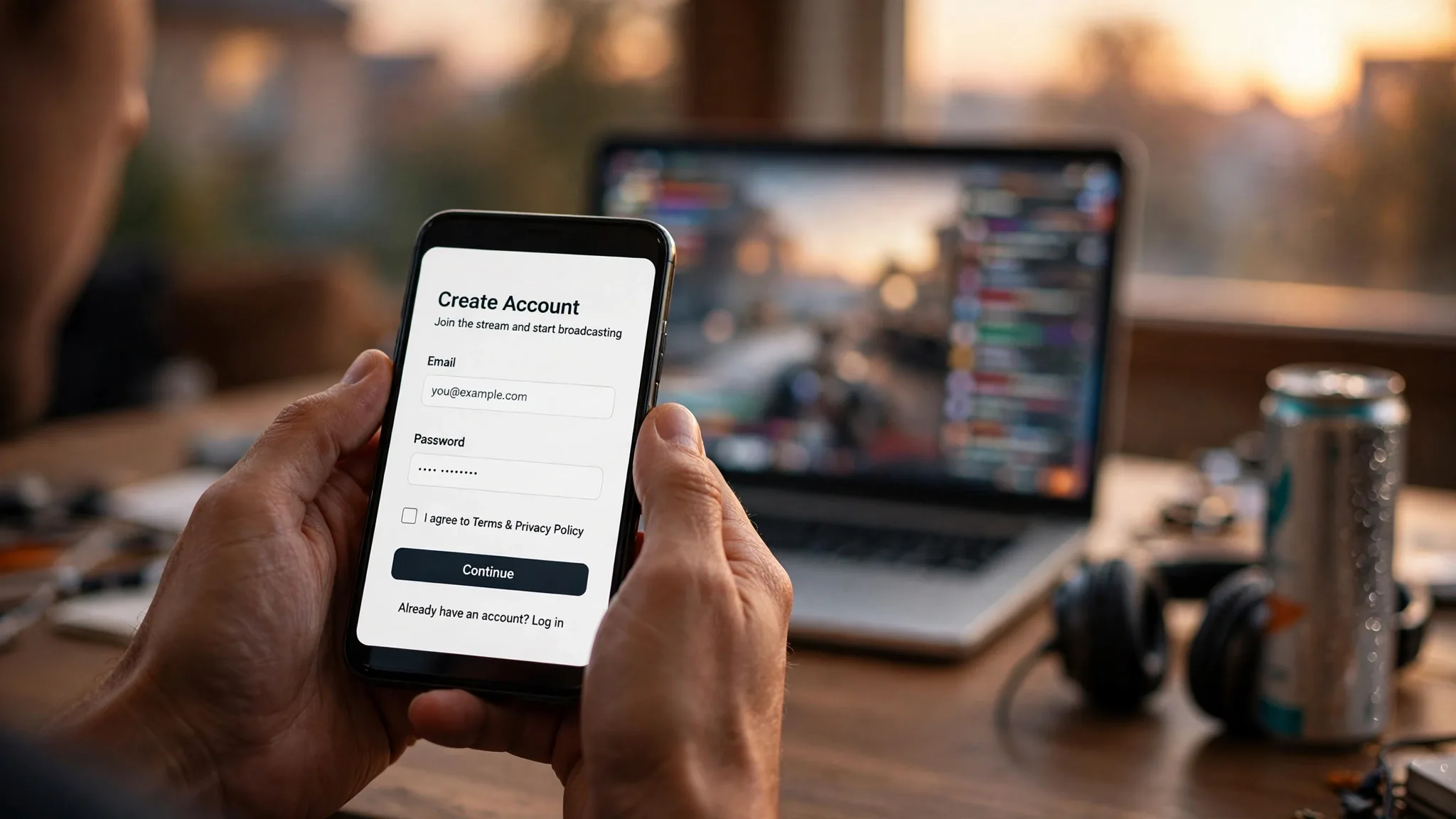
Twitch registration asks for four things: a username, a password, an email address, and a date of birth. There is no phone field on the form. After you submit, Twitch sends a six-digit verification code to the address you gave, and entering it marks the email verified. The whole flow takes about a minute, and a temp inbox handles it exactly like a permanent one, because the check proves only one thing: somebody controls the inbox at the moment the code arrives.
Compare that with the platforms we have already covered in this series. Facebook lets some temp emails through and then runs identity checks for days afterward — our piece on temp email for Facebook signup covers that checkpoint ladder in detail. Amazon refuses many disposable domains at the email field itself. Twitch sits at the open end of the spectrum with Spotify, where the form is a formality and the account starts working immediately. Our piece on temp email for Spotify signup describes the same shape: an easy door, and a cost that arrives later, attached to whatever accumulates inside the account.
There is one quiet detail worth knowing before you start. Twitch ties one account to one email address, and if the address you generated is already attached to an account — which can happen with shared temp-mail pools where addresses get recycled — you will get an "email already in use" message. That is not a block on disposable domains. It is a collision, and generating a fresh address solves it in seconds.
Watching is free. Belonging is not.
Here is the part of Twitch that surprises people who judge the platform by its signup, because the account's real limits are set by individual streamers, not by Twitch. Every channel runs its own chat rules, and those rules decide whether your account can speak. The common gates are:
- **Email-verified chat:** the streamer requires every chatter to have a verified email on the account. A temp email clears this, because the account is verified. - **Follower-only chat:** only accounts that have followed the channel — sometimes for a minimum time, like ten minutes or a day — can send messages. - **Slow mode:** messages are rate-limited, sometimes to one per several minutes, which punishes brand-new accounts that try to talk fast. - **Subscriber-only chat:** only paying subscribers can speak, which no email address of any kind can bypass. - **Phone-verified chat:** the streamer requires a verified phone number on the account before you can send a message.
Read that list as a ladder. The first three rungs are time and patience, not identity — a temp email clears them all. The last two are money and a phone number, and no email address clears either. The big channels — the ones with tens of thousands of concurrent viewers, the ones most people actually want to chat in — are exactly the channels most likely to run the stricter settings, because those settings are their cheapest defense against spam bots, hate raids, and ban evasion. The small stream with forty viewers runs open chat, and the temp email never notices the difference.

This is where the signup-reality guides split. The ones that tested a fresh account in a small channel report that everything works. The ones that tested in a large community report that the account can watch but cannot speak. Both are right. The account works exactly as far as the channel's chat settings allow, and those settings are invisible until you hit them. There is no warning at signup that the stream you actually wanted has its chat set to phone-verified.
There is a second, quieter gate worth mentioning. Twitch watches behavior around the account, not just the address. An account created minutes ago that immediately fires off messages in several channels, follows dozens of streamers in a burst, or logs in from an IP address associated with abuse draws extra scrutiny regardless of which email you used. A single account created normally, used to watch first and chat second, is the lowest-risk shape a signup can take, and it is the shape most likely to pass without ever meeting a phone prompt.
The domain lottery, Twitch edition
If the signup is so open, why do people report that Twitch rejected their temp email? The answer is the domain lottery, and it is the same machinery our piece on how websites detect disposable domains walks through in detail: blocklists, reputation scores, and behavior signals that decide your fate before a human ever looks at the account.
Twitch maintains a list of known disposable domains, and it updates that list as abuse patterns shift. A domain that sailed through last month can be on the list this month because a wave of bot accounts used it, and a domain that failed yesterday can work tomorrow after the list is pruned. Nobody outside Twitch can see the list, and Twitch has never published a policy saying disposable addresses are accepted or banned. Independent testing guides report that Twitch accepts temp mail for email verification — one vendor's hands-on table lists Twitch verification email delivery at around ten seconds — while other guides warn that custom and disposable domains often fail delivery and recommend a mainstream provider. Both reports are real experiences from different days on different domains.
This is why the practical advice in this series never changes: a provider running many domains gives you somewhere to go when the first one fails, while a provider with one domain gives you a coin flip. If Twitch declines your first address, generate a new one on a different domain and try again before concluding the platform blocks temp mail entirely. And if it accepts the first one, do not mistake that for a guarantee that the same domain will work for your next account. The lottery redraws constantly.
The phone check, and why it arrives in chat, not at signup
Phone verification is the wall that ends the temp-email story on Twitch, and it is worth describing plainly because it arrives without warning and in a place nobody expects: the chat box. Twitch does not require a phone number at signup. It asks for one later, when something about the account or its behavior trips a threshold. The common triggers are trying to chat in a channel that requires phone-verified accounts, logging in from a new device or location, or activity that looks automated. Twitch's own help pages frame verification as a safety system: it protects the login, recovers the account, unlocks restricted chats, and enables two-factor authentication.
The phone-verified chat setting deserves emphasis because it is the single most common way a temp-email account discovers its limits. A streamer enables it to stop ban evasion — a banned user cannot simply create a fresh account and walk back in, because the fresh account has no phone attached. For a legitimate viewer with a temp email, the result is the same wall: the chat box is there, the message is typed, and sending it returns a prompt for a number. There is no appeal to the streamer and no setting on your side that changes it. The channel decided, and the channel does not know or care what kind of email you used.
Virtual and temporary phone numbers are the obvious workaround, and the honest answer is mixed. Twitch's phone checks are primarily anti-abuse rather than identity verification, and some virtual-number guides report that Twitch is more permissive than platforms like banks or Overwatch here — but the same guides report that reused numbers get flagged, that numbers already attached to several accounts are rejected, and that Twitch blocks numbers associated with abuse. A real SIM number usually passes. A public temporary number that hundreds of people have already used for Twitch verification usually does not. And once the prompt appears, the account sits in a half-working state: you can still watch every stream, but you cannot speak in the rooms that require verification, and waiting does not dismiss the prompt.
This is the honest place to say what temp mail can and cannot do. It handles the email side of Twitch completely. It does not handle, replace, or bypass the phone side, and no email product can, because the two checks are separate controls by design. If you need the account to chat in phone-verified rooms, the account needs a phone. There is no cleverer version of that sentence.
The follow list is the asset
Suppose the signup works, the channels you care about run open or email-verified chat, and no phone prompt ever appears. The account works. Months pass. This is when the temp email collects its real price: the account quietly becomes worth keeping, and the email is the only way back into it.
A Twitch account accumulates faster than people expect. The follow list is the obvious asset — the streamers you follow, the notifications tuned to their schedules, the communities that recognize your username. Then come the subscriptions, paid monthly through the account, and the Bits cheered in chat, and the channel points earned by watching, which unlock emotes and rewards that are meaningless anywhere else and surprisingly sticky inside the channel. Public trackers put Twitch's average concurrent viewership above two million, and on a big night — a major tournament final, a record-breaking stream — that number climbs several times over. The platform is built for habit: the same streamers, the same chat regulars, the same inside jokes, night after night. An account that has lived in that loop for a year is not a throwaway. It is a small social life with a username on it.
The cost scales further if you ever stream. Twitch requires two-factor authentication before you can broadcast, and its two-factor setup runs through Authy, which involves a phone number during setup even when you switch to an authenticator app afterward. Going Affiliate or Partner — the point where the account starts earning — requires tax information and a payout method under your real identity. A temp email can create the account that starts the journey, but every step that makes the account worth money demands a real identity attached to it. Compare that with temp email for ChatGPT signup, where the account's value is the conversation history; on Twitch the value is the community, and a community cannot be exported.
The recovery trap: the code goes to an inbox that expired
Discord's version of this trap got its own post in this series, and Twitch's is the same shape with a faster fuse. Twitch has no phone number on the account unless you added one, and no second recovery path. A forgotten password is reset by email. A suspicious-login lockout is cleared by a code sent to the email on file. If you enable two-factor authentication and lose the authenticator, the fallback is, again, email. Every road back to the account runs through the inbox that created it, and a temp inbox that expired in an afternoon cannot receive a password reset in month six. There is no support form that overrides that, because from Twitch's side the request is indistinguishable from someone trying to take over an account they do not own.

The same structural problem is described from the security side in our piece on temp email and two-factor authentication: the recovery channel is the account, and a disposable recovery channel is a countdown, not a safety net. On Twitch the countdown matters more than on most platforms, because the account's value is social — the follows, the chat history, the channel points, the name people know — and none of it transfers to a new account. Losing the login does not just lock you out. It erases the identity you built in those rooms.
One more thing worth saying plainly, because it comes up in every Twitch-adjacent guide: using temp mail to create multiple accounts to evade a channel ban, dodge a phone-verification requirement, or run spam or harassment is against Twitch's terms of service, and it is also the behavior that gets disposable domains flagged for everyone else. A single test account for a genuine purpose is one thing. Cycling addresses to bypass enforcement is what turns a working domain into a blocked one. The lottery only stays winnable while the players stay honest.
When it works, and when it strands you
The decision is not whether temp mail works for Twitch. It does, at the signup, most of the time. The decision is what the account is for, and this table is the fastest way to make it honestly.
| Use case | Temp email verdict |
|---|---|
| Watching streams without an account, or with a throwaway login | Works. Watching needs no account at all. |
| Chatting in small or open channels for an evening | Works. Email-verified chat is the only gate, and a temp email clears it. |
| Following a few streamers for a one-off event or tournament | Works, if you can walk away from the follow list afterward. |
| Your main account with follows, subs, Bits, and channel points | Do not. The first password reset ends it. |
| Chatting in large channels with phone-verified chat | Cannot. That setting demands a phone number, full stop. |
| Streaming, Affiliate, or Partner — any account that earns | Do not. 2FA and payouts both demand a real identity. |
| An account you want back after losing the password | Cannot, once the inbox has expired. There is no alternate recovery path. |
The rule underneath the table is simple: a temp email is a good tool for an account you can walk away from, and a bad foundation for an account you cannot. If losing the login tomorrow would cost you anything — a follow list, a subscription, a chat community, a streaming setup — the account deserves an email you control. That is not a warning about Twitch specifically. It is the price of using a disposable address for a durable thing, and Twitch is simply the platform where the durability sneaks up on you, because watching is free and the account feels free with it, right up until the night you need it back.
FAQ
Can I use a temp email for Twitch signup?
Yes, in most cases. Twitch signup needs only a username, password, email address, and date of birth, and the email step is a six-digit code sent to the inbox. A temp inbox receives that code exactly like a permanent one. There is no published policy banning disposable addresses, but Twitch does block specific disposable domains, so a rejected address usually means that domain, not the category.
Why did Twitch reject my temp email?
Almost always domain reputation. Twitch maintains a blocklist of known disposable domains that shifts as abuse patterns change. Generate a fresh address on a different domain and try again before concluding Twitch blocks temp mail. An "email already in use" message is a different problem — the address was recycled from a shared pool — and a fresh address fixes that too.
Does Twitch require a phone number to sign up?
No, not at basic signup. A phone number is only requested later: when you try to chat in a channel that requires phone-verified accounts, when you log in from a new device or location, or when you enable two-factor authentication. Most single accounts used normally for watching and chatting in open rooms never see the phone prompt.
Can temp mail bypass Twitch phone verification?
No. Email and phone verification are separate controls, and completing one does not satisfy the other. Virtual and temporary phone numbers have mixed results on Twitch — reused public numbers are often flagged — so the phone check needs a real number that has not already verified several accounts.
Why can I watch but not chat on Twitch?
Because the channel sets its own chat rules. The streamer may require a verified email, a minimum follow time, or a verified phone number before your messages go through. Email-verified chat is cleared by a temp email; phone-verified chat is not cleared by any email address. Subscriber-only chat requires a paid subscription.
Can I stream on Twitch with a temp email account?
You can create the account, but streaming requires two-factor authentication, and Twitch's two-factor setup runs through Authy with a phone number involved in setup. Going Affiliate or Partner additionally requires tax information and a payout method under your real identity. A temp email can start the account, but it cannot carry it to earning.
Can I recover a Twitch account created with a temp email?
Only while the inbox still exists. Password resets, lockout recovery, and two-factor fallbacks all go to the email on file. Once the temp inbox expires, there is no alternate recovery path and no support override. Save the password in a manager and treat the account as unrecoverable from the day the inbox dies.
The bottom line
Twitch's signup is the easiest door in this series and the least informative one. A temp email passes it in sixty seconds, and that pass tells you almost nothing about whether the account will work tomorrow. The channel's chat settings decide whether you can speak, the phone check decides whether you can stay, and the dead inbox decides whether you can ever come back. Use a temp email for the Twitch account you can afford to lose. For the one you cannot, use an email you will still own in a year — because the account you build there will outlive the afternoon you built it in.
Need a disposable temporary email?
Protect your real inbox from spam and promotional clutter instantly and free.
Received a suspicious email, text, or charge alert?
Verify whether the sender domain is disposable, spoofed, or unverified before clicking links.